QVNBTD4BTD4
Euro Communication Equipement SAS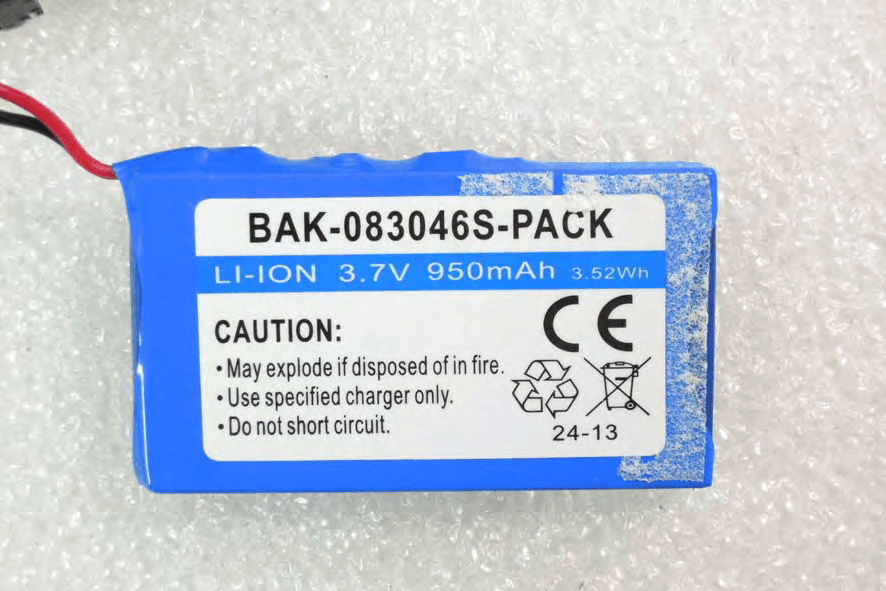
Click to zoom
Application Details
- Equipment Class
- DSS - Part 15 Spread Spectrum Transmitter
- Date of Grant
- Jan 26, 2014
- Application Purpose
- Original Equipment
- Date of Application
- Jan 22, 2014
- Equipment Note
- BTD4
- Frequency Range
- 2402.00000000 - 2480.00000000
- Country
- France
Documents & Files
Document Text
Text extracted from the exhibit documents filed with the FCC. Open a document above to read the original.
Users Manual
SuperTooth BTD4 SuperTooth BTD4 SuperTooth BTD4 is a portable, powerful wireless speaker featuring NFC technology. Users can stream music wirelessly from any cell phone, tablet, computer, laptop or Mp3 player supporting Bluetooth A2DP*. The SuperTooth BTD4 comes with 3.5 mm stereo jack cable for devices that do not support Bluetooth A2DP. Product Overview Charging the SUPERTOOTH BTD4 1.Connect the charger’s plug into the Charger Port of the SuperTooth BTD4. Connect the charger to an external power source or to your computer USB. 2.The Charge Indicator will light red while charging. Turning the SUPERTOOTH BTD4 On and Off Power On:Press and hold the MFB button for 3 seconds. A power on beep will be heard on the speaker. Note: At first time use, turning on the SuperTooth BTD4 will automatically go to pairing mode (ready to be pair). Power Off:Press and hold the MFB button for 3 seconds. A power off beep will be heard on the speaker. * A2DP (Advanced Audio Distribution Profile) is a technology enabling to stream stereo sound from an audio source (phone, computer or laptop) to a stereo speaker or headset via Bluetooth. To do so both devices must support this profile. 2 MFB Button LED Indicator Charger Port tPlug Line-in Port Back View Front View Speaker Pairing the SuperTooth BTD4 with your Bluetooth A2DP phone Pair the SuperTooth BTD4 to your phone to create the link or audio connection between the two. Pairing should be done at first connection to a phone. NFC Pairing: 1.Turn “ON” the SuperTooth BTD4. 2.Place your NFC supported phone on top of the speaker (see image above). 3.The speaker will go to pairing mode (a pairing beep will be heard on the speaker and the LED indicator will turn red/blue alternately) and your phone will prompt for pairing connection. 4.Follow the pairing prompts on your phone until pairing is finished. 5.Pairing is successful if the LED indicator blinks blue every 3 seconds. 6.The SuperTooth BTD4 is now ready to use with your phone. Pairing from Off: 1.From Off, Press and hold the MFB button for 8 seconds until the LED indicator flashes red/blue alternately. This indicates that the SuperTooth BTD4 is ready to be paired. 2.While the SuperTooth BTD4 is in pairing mode, access the Bluetooth menu of your phone. Turn on its Bluetooth function then execute a Bluetooth search to find the SuperTooth BTD4. (See your phone’s manual). 3.When the phone displays the list of Bluetooth devices, select ST DISCO4. 4.If the phone asks for the password/pin code, enter 0000 and press OK. 5.Pairing is successful if the LED indicator blinks blue every 3 seconds. 6.The SuperTooth BTD4 is now ready to use with your phone/device. Pairing from On: 1.From On, Press and hold the MFB button for 5 seconds until the LED indicator flashes red/blue alternately. This indicates that the SuperTooth BTD4 is ready to be paired. Note: if the button is released at 3 seconds, it will just turn off the speaker. 2.Follow the step no. 2 up to 5 of “Pairing from Off”. 3.The SuperTooth BTD4 is now ready to use with your phone/device. 3 Using the SUPERTOOTH BTD4 with your Bluetooth A2DP phone IMPORTANT: The SuperTooth BTD4 needs to be “paired” with your phone first. Please refer to Pairing the SuperTooth BTD4 with your Phone. Streaming Music from an A2DP Phone 1.Go to your phone’s music player and play a track by pressing “Play” on your player or short press the MFB button on the speaker. If the SuperTooth BTD4 is connected, the music will be heard directly in the speaker. See your phone’s manual if needed. 2.Audio is now on the SuperTooth BTD4. At this point, the LED indicator blink blue slowly every 3 seconds indicating that phone is streaming with the SuperTooth BTD4. SUPERTOOTH BTD4 Button Functions (for Bluetooth connections only) The SuperTooth BTD4 can play and pause through MFB Button. To play a track, short press the MFB Button on the speaker. To pause a track, short press the MFB Button on the speaker. Other control functions can be done through your phone (like: volume adjustment, go to next or previous song, rewind or fast forward of music). See your phone’s manual if needed. Reconnecting the SUPERTOOTH BTD4 with a Bluetooth A2DP phone 1.Turning ON the SuperTooth BTD4 will automatically reconnect to the last use device. 2.When you leave the Bluetooth operating range while the SuperTooth BTD4 is ON, it will disconnect from your phone (the speaker LED indicator will be blinking green). To reconnect, you have 2 options: a.short press the MFB Button of the speaker to reconnect on your phone or b.simply place your NFC featured phone on top of the speaker. A connected beep will be heard and the speaker LED indicator will turn to blinking blue. 4 Using the SUPERTOOTH BTD4 with a Non-Bluetooth Mp3 Player You can connect directly a MP3 player via Stereo Line Input at the back of the SuperTooth BTD4. 1.Plug the audio cable into the Stereo Line Input found at the back of the SuperTooth BTD4 and the other end to the output of your music player. 2.Press play on your music player to stream music directly to the SuperTooth BTD4. 3.Please use the buttons of your music player directly to control your music. Clear pairing list To clear the pairing list of the speaker Turn the speaker to pairing mode (LED indicator flashes red/blue alternately) then double press the MFB button. A beep will be heard and the LED indicator will blink violet shortly then will flash red/blue alternately again. The pairing List is now erased. Correct Disposal of This Product (Waste Electrical & Electronic Equipment) (Applicable in the European Union and other European countries with separate collection systems). This marking shown on the product or its literature, indicates that it should not be disposed with other household wastes at the end of its working life. To prevent possible harm to the environment or human health from uncontrolled waste disposal, please separate this from other types of wastes and recycle it responsibly to promote…
Text truncated - open the document above for the full version.
Cover Letter(s)
RF_160, Issue 02 Declaration of Authorization We Name: Euro Communication Equipements SAS Address: Route de Foix 11500 Nebias, Quillan, France City:Quillan Country:France Declare that: Name Representative of agent:Willis Chen............. (1) Agent Company name:SGS Taiwan Ltd. Address:134, Wu Kung Rd., Wuku Industrial Zone City:New Taipei City CountryTaiwan is authorized to apply for Certification of the following product(s): Product description:BTD4 Type designation:BTD4 Trademark:SUPERTOOTH on our behalf. Date:2014/01/08 City:Quillan Name: Michel Marchant Function: President Signature: Notes: (1): Required for FCC application (2): For FCC it must be the Grantee Code “owner” or the authorized agent.
Cover Letter(s)
Printed PCB Antenna Design for 2.4 Ghz Model : BTD4 Features: • Compact and easy design • Cost effective • Omni-directional pattern • Mixed polarisation • Wide bandwidth Application: • WLAN • Bluetooth • Other 2.4 Ghz pcb-integrated antenna Specifications: Frequency range 2.4 – 2.5 GHz Peak gain 2.5 dBi VSVR 2 max Impedance 50 Ohms Return loss S11 - 24 dB 1 / 2 Gain patterns: X-Z cut gain pattern Y-Z cut gain pattern X-Y cut gain pattern 2 / 2
Cover Letter(s)
FCC, Request for non-disclosureDate: 16-Jul-10 RF_501, Issue 6Page 1 of 1 Company Name:Euro Communication Equipements SAS Address:Route De Foix Nebias, F-11500 City:Quillan Country:France To:Telefication B.V., Dept. FCC TCB Edisonstraat 12A 6902 PK ZEVENAAR The Netherlands Subject: Request for confidentiality FCC ID: QVNBTD Reference number: ###### Dear FCC TCB, 1. Long-Term Confidentiality Pursuant to 47 CFR Section 0.459(a) & (b), we hereby requests non-disclosure and confidential treatment of the following materials submitted in support of FCC certification application: Bill(s) of Material Block Diagrams Operational Description Schematic Diagrams Tune-up Procedure Above materials contain secrets, proprietary and technical information, which would customarily be guarded from competitors under 47 CFR, section 0.457(d)(2). Disclosure or publication or any portion of this company confidential material to other parties could cause substantial competitive harm and provide unjustified benefits for competitors. 2. Short-Term Confidentiality (STC) Pursuant to Public Notice DA 04-1705 of the Commission’s policy, in order to comply with the marketing regulations in 47 CFR §2.803 and the importation rules in 47 CFR §2.1204, applicant hereby requests Short-Term Confidential treatment of the following materials (note 1): Internal Photos User’s Manual Test Set-up Photos External Photos Justification: Planned Release Date STC: (notes 2, 3, 4, 5) Date: Jan 15, 2014Name and signature of applicant: Michel Marchant President Notes: 1) A document or type of document can only have ONE type of confidentiality! 2) Short-Term confidentiality is in principle for 45 days from date of grant; it can be extended max 3 times (total time 180 days max.)! 3) FCC must be informed when marketing begins earlier. 4) Release takes place automatically thus extension must be requested in time. Telefication does not remind you of this! 5) Request for extension or for release must be received by Telefication at least 7 days before date of actual marketing or before expiration of the STC period
External Photos
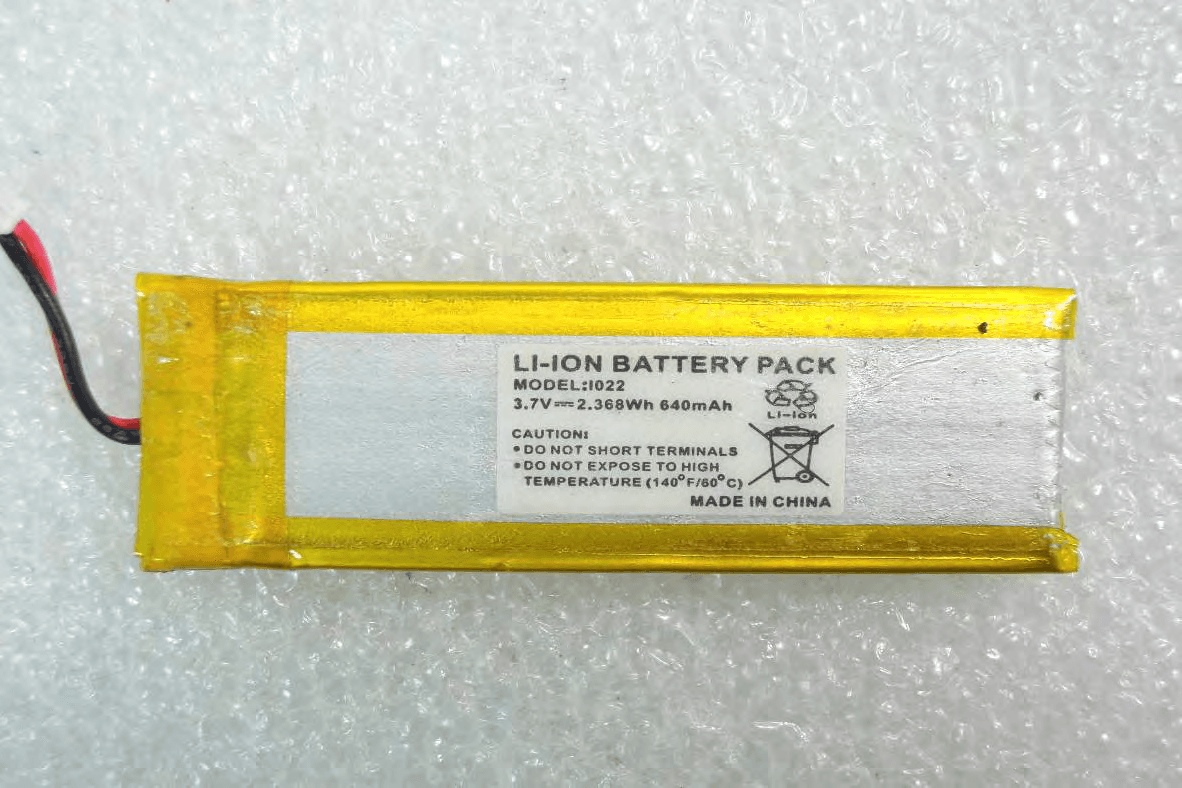
Front View of EUT Back View of EUT Side View of EUT – 1 Side View of EUT – 2 Side View of EUT – 3 Side View of EUT – 4 Battery
ID Label/Location Info
FCC ID: QVNBTD4 IC: 7717A-BTD4 Model BTD4 SERIAL NO. BARCODE DISCO 4 LABEL CE / FCC Label (60 x 20 mm) 60 mm 20 mm LABEL POSITION FCC ID: QVNBTD4 IC: 7717A-BTD4 Model BTD4 SERIAL NO. BARCODE
Internal Photos
Open View of EUT-1 Open View of EUT-2 Open View of EUT-3 Open View of EUT-4 Internal View of EUT-1 Internal View of EUT-2 Internal View of EUT-3 BT Antenna NFC Antenna
RF Exposure Info
RF EXPOSURE S TANDARD APPLICABLE: According to §1.1307(b)(1), systems operating under the provisions of this section shall be operated in a manner that ensure that the public is not exposed to radio frequency energy level in excess of the Commission’s guideline. This is a Portable device with its physical nature to be used nearby, the distance between radiating structure and human is less than 20cm. As per KDB 447498 D01 $4.3.1, The 1-g and 10-g SAR test exclusion thresholds for 100 MHz to 6 GHz at test separation distances ≤ 50 mm are determined by: [(max. power of channel, including tune-up tolerance, mW)/(min. test separation distance, mm)] · [√f(GHz)] ≤ 3.0 for 1-g SAR and ≤ 7.5 for 10-g extremity SAR, where f (GHz) is the RF channel transmit frequency in GHz Power and distance are rounded to the nearest mW and mm before calculation M EASUREMENT RESULT: Step 1: (<50mW) This is a portable device and the Max peak output power is (4.93mW) lower than the threshold given and derived as formula given above, where =4.93 (mW)/5 (mm)*√2.480 (GHz) = 1.5533< 3.0 Frequency Power ( in dBm) Power ( mw) Distance (mm) Threshold (<50mm) 24806.934.9317380451.553301766 Frequency (MHz) Reading Power (dBm) Output Power (W) Limit (W) 2480 6.93 0.00493 1 Watt = 30 dBm As the result of calculation result indicates, the RF exposure generating from given transmitter (transmitter employed digital modulation) can be excluded from SAR measurement, and is deemed compliant with RF exposure as per FCC. The table of quick reference in terms of power threshold Note that the table present above is the table of quick reference, indexing the level of power threshold with respect to the corresponding frequency. The value of the index may be deviated, and therefore, the derivation of exemption based on KDB447498 D01 is used in this test report, relevantly.
Test Setup Photos
BT2.1 Radiated Emission Setup Photos Conducted Setup Photo (Measurement at Antenna Port) BT4.0 Radiated Emission Set up Photos (E2 PLAN) Conducted Set up Photos (Measurement at Antenna Port)
Contact Information
Applicant
Michel E Marchant(President)
Technical Contact
SGS Taiwan Ltd.Wills Chen
886222993279
Taiwan
Non-Technical Contact
SGS Taiwan Ltd.Wills Chen
886222993279
Test Firm
SGS Taiwan Ltd.Ryan Wang
Technical Specifications
| # | Rule Parts | Frequency Range | Power Output |
|---|---|---|---|
| 1 | 15C | 2.40 GHz - 2.48 GHz | 4.90 mW |
Other Applications from Euro Communication Equipement SAS
QVNBTFMC
Jan 14, 2014BTFMC
Equipment Class
DSS - Part 15 Spread Spectrum Transmitter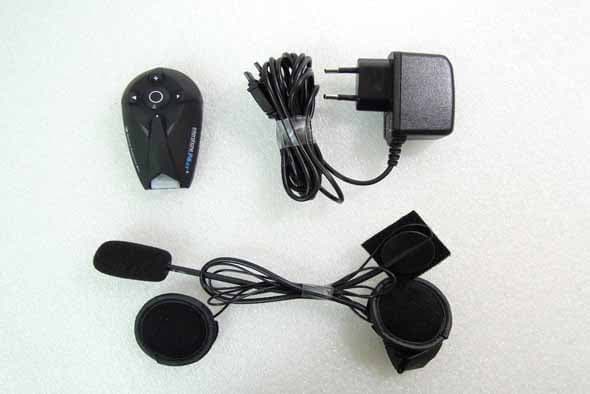
QVNBTF4XT
Jul 06, 2013BTF4XT
Equipment Class
DSS - Part 15 Spread Spectrum Transmitter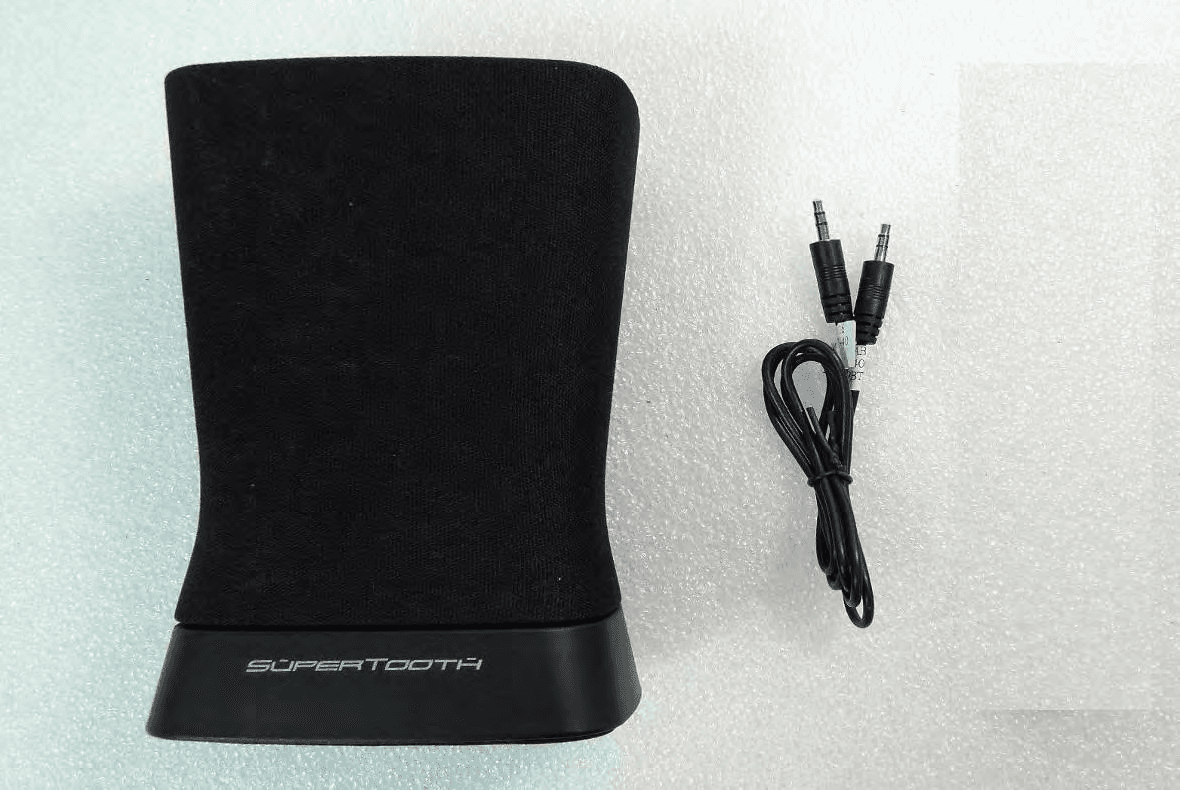
QVNBTD3
May 28, 2013BTD3
Equipment Class
DSS - Part 15 Spread Spectrum Transmitter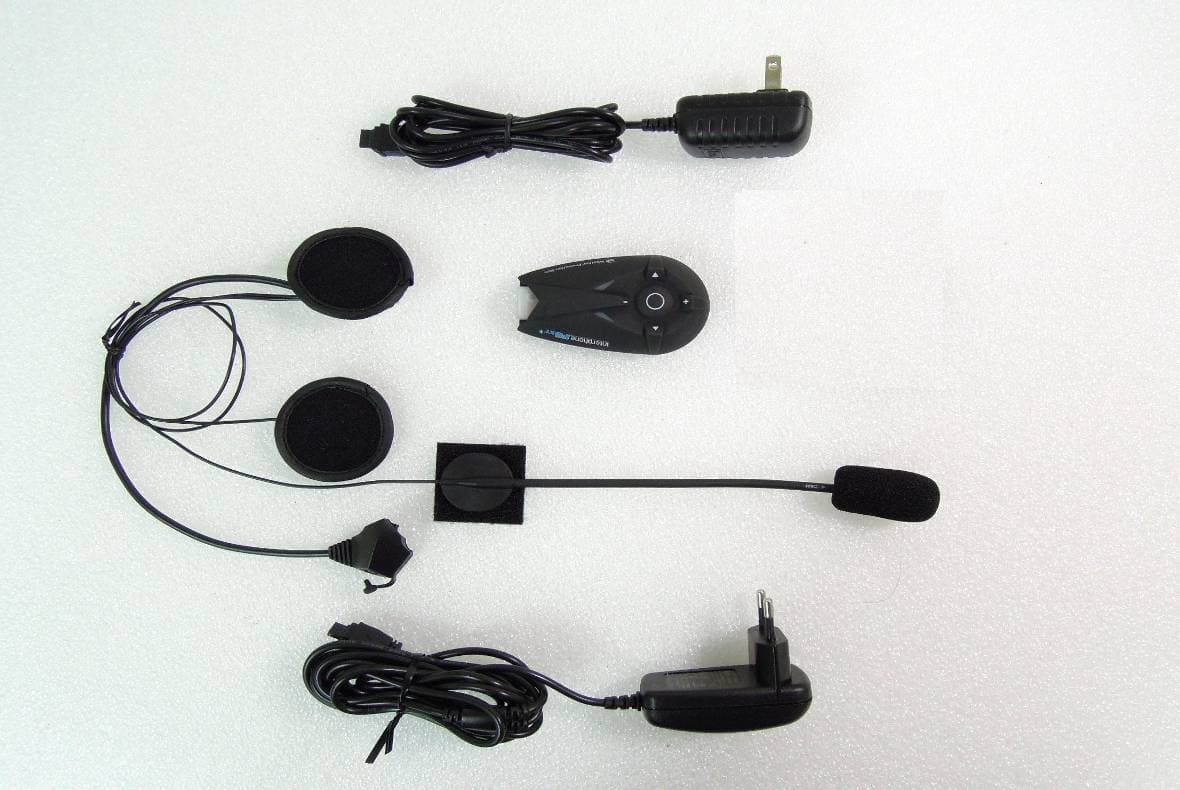
QVNBTF5XT
Mar 03, 2013BTF5XT
Equipment Class
DSS - Part 15 Spread Spectrum Transmitter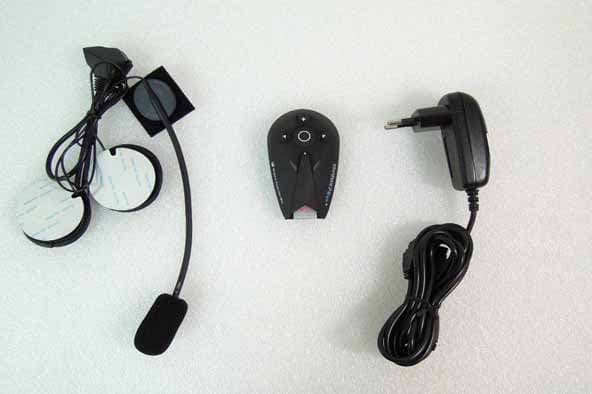
QVNBTF3XT
Feb 18, 2013BTF3XT
Equipment Class
DSS - Part 15 Spread Spectrum Transmitter