QZMHCD001Bluetooth Keyboard
Shenzhen Bluekey Technology Co., Ltd
Click to zoom
Application Details
- Equipment Class
- DSS - Part 15 Spread Spectrum Transmitter
- Date of Grant
- Mar 19, 2014
- Application Purpose
- Original Equipment
- Date of Application
- Mar 19, 2014
- Equipment Note
- Bluetooth Keyboard
- Frequency Range
- 2402.00000000 - 2480.00000000
- Country
- China
Documents & Files
Document Text
Text extracted from the exhibit documents filed with the FCC. Open a document above to read the original.
Users Manual
iPad super slim bluetooth keyboard manual(For iPad User) Folding Leather Protective Case With Bluetooth Keyboard Caution: To make you use it properly, please read this manual carefully before you start to use the keyboard. Welcome to select our super slim iPad Folding Leather Protective Case with Bluetooth Keyboard! This product is special designed for iPad to protect your iPad from scratches, and at the same time equip your iPad with standard layout keyboard and special iPad function keys. It is built by silicone green material, its wireless connection will bring the total fresh experience to you, just enjoy the fun of wireless connection! Packing Contents: 1. PU Leather Case with Bluetooth Keyboard 2. Wireless Charging Cable 3. User manual Product Features: 1. Built-in wireless Bluetooth 3.0 silicone keyboard 2. Stylish protective PU leather case designed for iPad. 3. iPad display stand for easy viewing. 4. Built-in Rechargeable lithium battery 5. Special [home] screen key for one touch from variety of application. 6. Light weight, quiet keystrokes. waterproof and dust-proof design 7. Energy saving keyboard sleep mode Keyboard Specification 1. Bluetooth 3.0 interface standard 2. Operating Distance range to 10 meters 3. Operating Voltage: 3.0-5.0V 4. Working Current: <3.5mA 5. Standby Current: 1.0mA 6. Sleeping Current: <12μA 7. Charging Current: <155mA 8. Standby Time: 80 days 9. Charging Time: 3-4hours 10. Lithium Battery Capacity:200mA 11. Continuous Working Time: About 60 hours12. Lithium Battery Life: 3 years 12. Key Strength: 55±5g 13. Key Life: 5 million strokes 14. Operation Temperature: -10 — 65 Bluetooth Keyboard Pairing Step 1: Turn on the power switch. The [power] and [Bluetooth] light will keep lighting 5 seconds, then it will be off. Step 2: Press on the [connect] button, the [Bluetooth] indicator light will be flashing ,and the [power] Indicator will be on. The keyboard now is ready for connecting to iPad Step 3: Click the iPad [setting] icon, in the settings menu, select item [General] to access [Bluetooth] settings Step 4:Click on [Bluetooth] to turn on the connection. iPad will automatically search Bluetooth devices Step 5: Bluetooth Keyboard found. Click on the device to connect Power Switch Bluetooth Indicator Light Charging Indicator Light Bluetooth Pairing Step 6: Enter the password code as displayed On screen Step 7: Password accepted and Bluetooth keyboard connected Successfully. [power] indicator light will stay on until the keyboard is switched off Special Note: The bluetooth keyboard can be connected to iPAD2,iPAD3.iphone3G, 3GS, 4G and ipad Touch that had installed iOS 4.0 or later version. For other Bluetooth enabled device, please verify the Bluetooth standard & compatibility before you attempt to connect to the keyboard. Charging When the battery power is low, the blue indicator light will keep flashing , It is time to charge the keyboard. Step 1: Put the charge induction sensors with magnet on the induction zone, charge induction sensors will adsor b on the keyboard. Step 2: Connect the interface of charge induction sensors to USB power adapter interface or computer's USB int erface Step 3:The [charge] red indicator light will stay on when the keyboard is charging. Once it finished charging, the [charge] Indicator light will turn off. It indicates the battery is fully charged, and the indicator light will become yel low flash. Troubleshooting (A) Unable to connect 1. Make sure the power switch is turned on 2. Make sure the keyboard is within the operating distance 3. Make sure the battery is charged 4. Make sure iPad Bluetooth setting is at on status 5. Make sure wireless keyboard is connected to iPad 6. Make sure the wireless keyboard has been paired with the iPad (B) Unable to charge keyboard Make sure the USB power cable is connected properly to the keyboard and the power source FCC Statement Changes or modifications not expressly approved by the party responsible for compliance could void the user's authority to operate the equipment. This equipment has been tested and found to comply with the limits for a Class B digital device, pursuant to Part 15 of the FCC Rules. These limits are designed to provide reasonable protection against harmful interference in a residential installation. This equipment generates uses and can radiate radio frequency energy and, if not installed and used in accordance with the instructions, may cause harmful interference to radio communications. However, there is no guarantee that interference will not occur in a particular installation. If this equipment does cause harmful interference to radio or television reception, which can be determined by turning the equipment off and on, the user is encouraged to try to correct the interference by one or more of the following measures: -- Reorient or relocate the receiving antenna. -- Increase the separation between the equipment and receiver. -- Connect the equipment into an outlet on a circuit different from that to which the receiver is connected. -- Consult the dealer or an experienced radio/TV technician for help This device complies with part 15 of the FCC rules. Operation is subject to the following two conditions (1)this device may not cause harmful interference, and (2) this device must accept any interference received, including interference that may cause undesired operation
Cover Letter(s)
Shenzhen Bluekey Technology Co.,Ltd Authority to Act as an Agent We declare that the following representative (agent) Name Jack kang Position EMC Manager Company Name Shenzhen TCT Testing Technology Co., Ltd. Address 1F, Building 1, Yibaolai Industrial Park, Qiaotou Village, Fuyong Town, Baoan District, Shenzhen, China Tel / Fax +86-0755-27673339/+86-0755-27673332 E-Mail [email protected] to act on our behalf on all matters concerning the application and documents submitted to PHOENIX TEST-LAB for product certification below Product Name Bluetooth Keyboard Model Name HCD001 Brand Name N.A. Yours sincerely, Signatory Mar. 11, 2014 Name John Liao Position manager Company Name Shenzhen Bluekey Technology Co.,Ltd Address 16B, Yongfu, Guoqi Building, Shangbu South Road, Futian District, Shenzhen, China. Tel / Fax 0755-22303034/07455-82150362 E-Mail [email protected] In case of FCC, we certify that we are not subject to a denial of Federal benefits, that include FCC benefits, pursuant to Section 5301 of the Anti-Drug Abuse Act of 1988, 21 U.S.C. §862 because of a conviction for possession or distribution of a controlled substance.
Cover Letter(s)
Federal Communications Commission Equipment Authorization Branch 7435 Oakland Mills Road Columbia, MD 21046 Request for Confidentiality Company name: Shenzhen Bluekey Technology Co.,Ltd FCC ID: QZMHCD001 FCC Part 15 Certification Gentlemen, Pursuant to 47 CFR 0.457(d)(1)(ii) and 0.459 we hereby requests permanent confidentiality of the following documents for the subject application: Exhibit Type Description ☒ Schematics All circuitry of devices and component values ☒ Block Diagrams Details of device showing the frequency of all oscillators ☒ Operational Description Description of the circuit functions Note: Exhibit types that are commonly held confidential are: (1) Schematics, (2) Block Diagrams, (3) Bill Of Materials, (4) Operational Descriptions. Any exhibit NOT granted confidentiality is viewable on the FCC website as soon as a grant is issued. These documents contain detailed system and equipment description and related information about the product which we considers to be proprietary, confidential and a custom design and otherwise would not release to the general public. Since the design is a basis from which future technological products will evolve, we consider that this information would be of benefit to its competitors and that the disclosure of the information in these documents would give competitors an unfair advantage in the market. Yours sincerely, Signatory Mar. 11, 2014 Name John Liao Position manager Company Name Shenzhen Bluekey Technology Co.,Ltd Address 16B, Yongfu, Guoqi Building, Shangbu South Road, Futian District, Shenzhen, China. Tel / Fax 0755-22303034/07455-82150362 E-Mail [email protected]
External Photos
External photo
ID Label/Location Info
FCC ID Label Sample for Label size: L*W=40*30mm Proposed FCC ID Label Location FCC ID: QZMHCD001 This device complies with part 15 of the FCC rules. Operation is subject to the following two conditions (1)this device may not cause harmful interference, and (2) this device must accept any interference received, including interference that may cause undesired operation
Internal Photos
Inside View of the EUT
Test Report
FCC ID TEST REPORT for Bluetooth Keyboard Model: HCD001 FCC ID: QZMHCD001 Prepared for: Shenzhen Bluekey Technology Co.,Ltd 16B, Yongfu, Guoqi Building, Shangbu South Road, Futian District, Shenzhen, China. Prepared by: Shenzhen TCT Testing Technology Co.,Ltd 1F, Building 1, Yibaolai Industrial Park, Qiaotou Village, Fuyong Town, Baoan District, Shenzhen, Guangdong, China TEL: +86-0755-27673339 FAX: +86-0755-27673332 Report Number:TCT140311001F2-1 Date of Test: Mar. 12-Mar. 17, 2014 Date of Report: Mar. 17, 2014 The results detailed in this test report relate only to the specific sample(s) tested. It is the Application’s responsibility to ensure that all production units are manufactured with equivalent EMC characteristics. This report is not to be reproduced except in full, without written approval from TCT Testing Technology. FCC ID: QZMHCD001 Report Number: TCT140311001F2-1 Page 2 of 40 Table of Contents 1.0 General Details................................................................................................................................................... 4 1.1 Test Lab Details ........................................................................................................................................... 4 1.2 Applicant Details ......................................................................................................................................... 4 1.3 Description of EUT...................................................................................................................................... 5 1.4 Test Engineer ............................................................................................................................................... 5 2.0 Test equipments and Associated Equipment used during the test................................................................. 6 2.1 Test Equipments........................................................................................................................................... 6 2.2 AE used during the test ................................................................................................................................ 6 3.0 Technical Details................................................................................................................................................ 7 3.1 Summary of test results ............................................................................................................................... 7 3.2 Test Standards .............................................................................................................................................. 7 4.0 EUT Modification.............................................................................................................................................. 7 5.0 Measurement Uncertainty(95% confidence levels, k=2) ............................................................................... 7 6.0 Power Line Conducted Emission Test.............................................................................................................. 8 6.1 Schematics of the test .................................................................................................................................. 8 6.2 Test Method and test Procedure ................................................................................................................... 8 6.3 EUT Operating Condition............................................................................................................................ 8 6.4 Test Equipment ............................................................................................................................................ 8 6.5 Conducted Emission Limit .......................................................................................................................... 9 6.6 Photo documentation of the test set-up........................................................................................................ 9 6.7 Test specification ......................................................................................................................................... 9 6.8 Test result..................................................................................................................................................... 9 7.0 20dB Bandwidth Measurement...................................................................................................................... 12 7.1 Test Equipment .......................................................................................................................................... 12 7.2 Test Specification:...................................................................................................................................... 12 7.3 Limit .......................................................................................................................................................... 12 7.4 Test Result: ................................................................................................................................................ 12 8.0 Maximum Peak Output Power....................................................................................................................... 15 8.1 Test Equipment .......................................................................................................................................... 15 8.2 Test specification ....................................................................................................................................... 15 8.3 Test Procedure ........................................................................................................................................... 15 8.4 Limits.....................................................................................................................................................…
Text truncated - open the document above for the full version.
Test Setup Photos
1 Conducted Emission test view 2 Radiated Emission test view
Contact Information
Applicant
John Liao
Test Firm
Shenzhen Tongce Testing LabJoe Zhou
[email protected]860755-36638142
Technical Specifications
| # | Rule Parts | Frequency Range | Power Output |
|---|---|---|---|
| 1 | 15C | 2.40 GHz - 2.48 GHz | 1.00 mW |
Other Applications from Shenzhen Bluekey Technology Co., Ltd
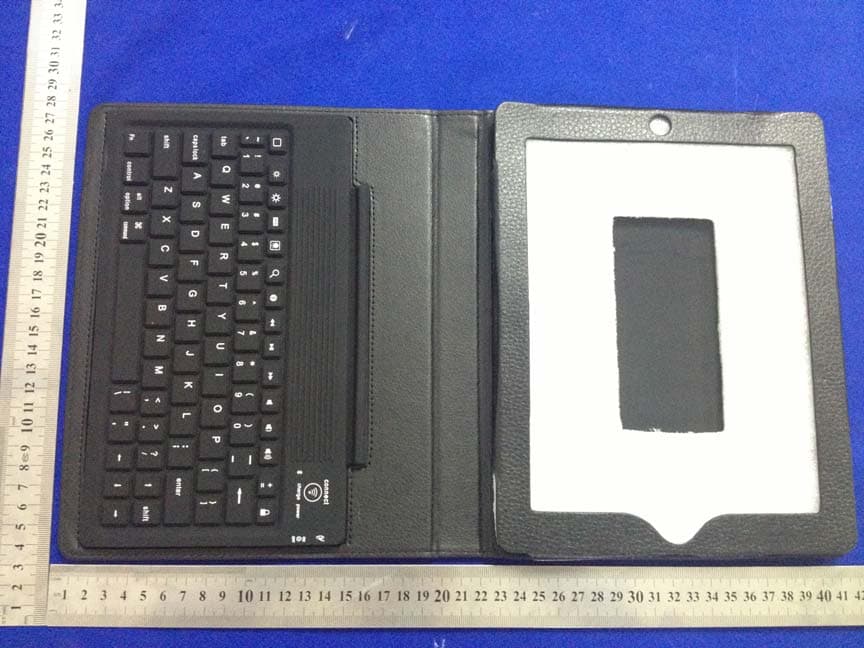
QZMBL10212
Apr 07, 2013silicone bluetooth keyboard
Equipment Class
DSS - Part 15 Spread Spectrum Transmitter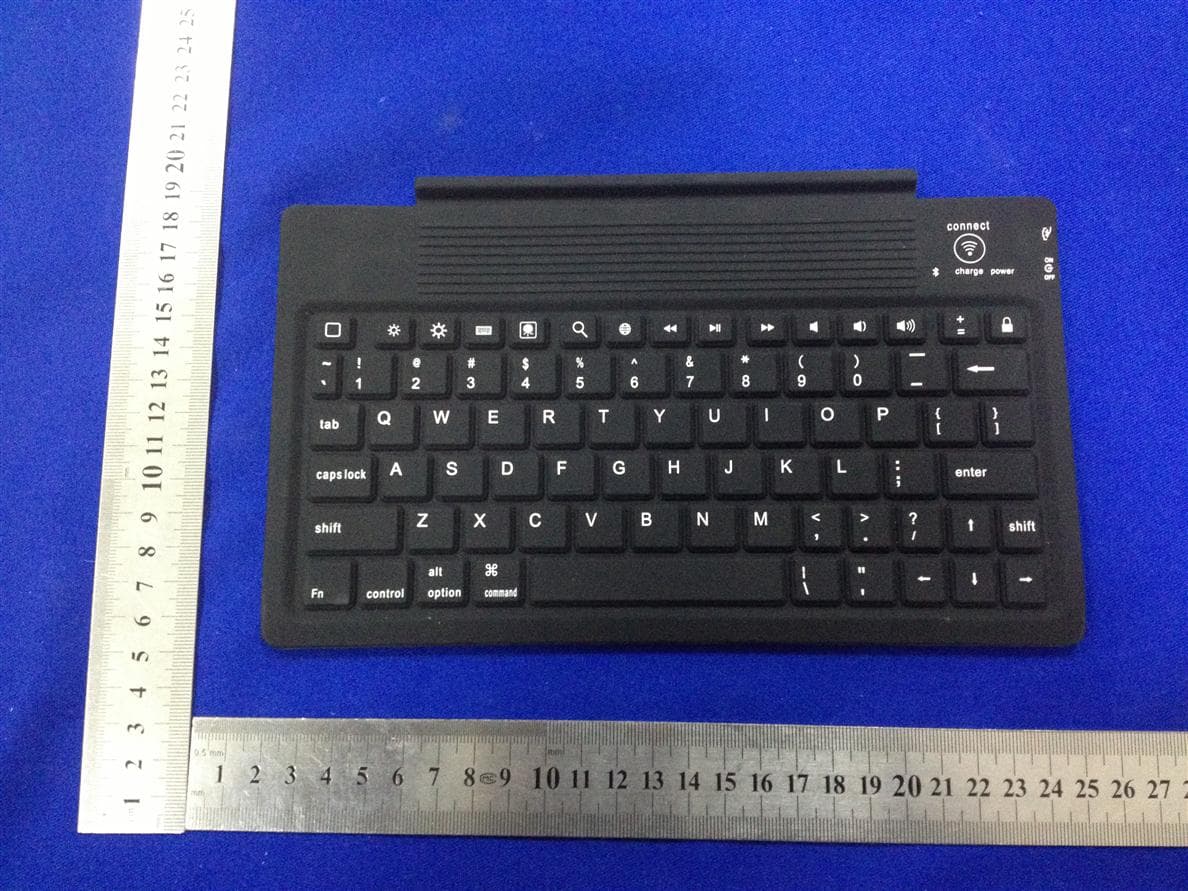
QZMBL1021
Jan 29, 2013silicone bluetooth keyboard
Equipment Class
DSS - Part 15 Spread Spectrum Transmitter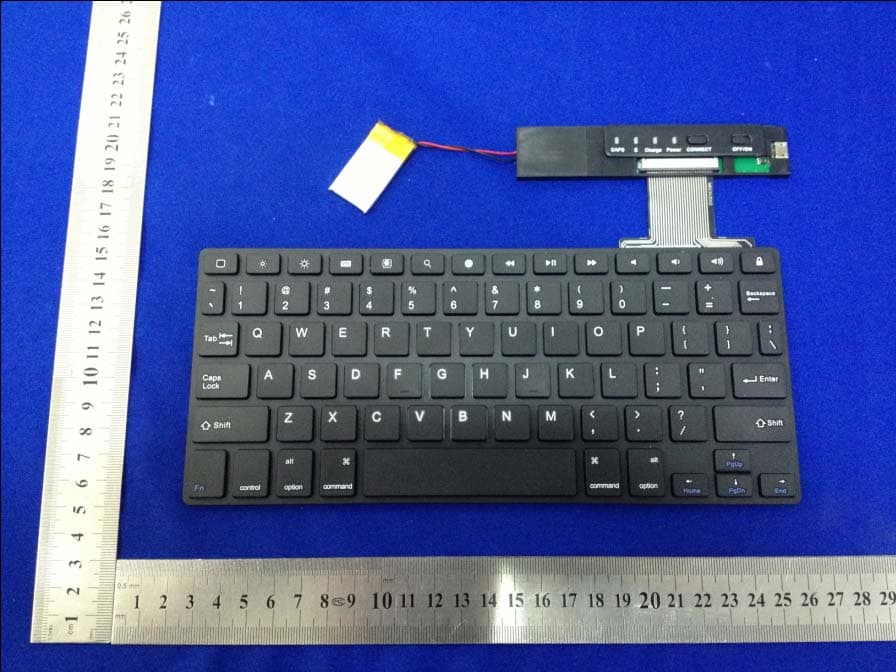
QZMHB023A
Jan 23, 2013Scissors feet ABS Bluetooth Keyboard
Equipment Class
DSS - Part 15 Spread Spectrum Transmitter