R2W-LCGEN3RCJunior remote control
Philips Consumer luminaires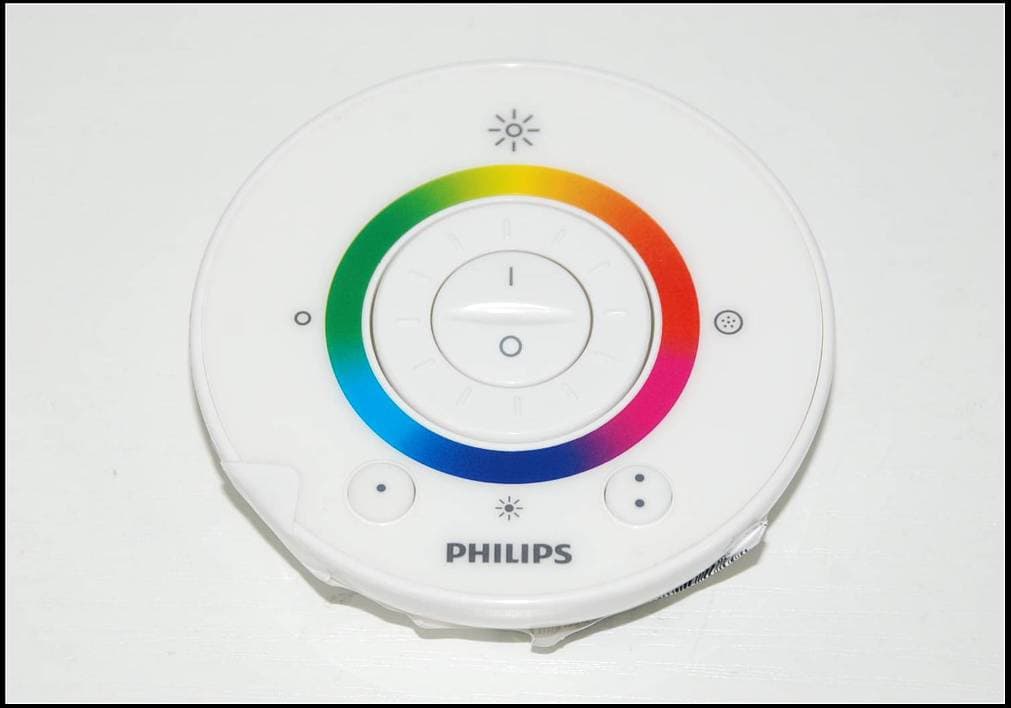
Click to zoom
Application Details
- Equipment Class
- DXX - Part 15 Low Power Communication Device Transmitter
- Date of Grant
- Dec 23, 2012
- Application Purpose
- Original Equipment
- Date of Application
- Dec 19, 2012
- Equipment Note
- Junior remote control
- Frequency Range
- 2405.00000000 - 2475.00000000
- Company
- Philips Consumer luminaires
- Country
- Belgium
Documents & Files
Document Text
Text extracted from the exhibit documents filed with the FCC. Open a document above to read the original.
Users Manual
4404.018.38521 Last update: 10/30/12 440401838521.indd 111/6/2012 11:06:07 AM LivingColors Generation 3 Bloom Led lamp 440401838521.indd 211/6/2012 11:06:07 AM Content EN ................2 FR .................4 ES .................7 440401838521.indd 311/6/2012 11:06:08 AM 1 b A AA A AA AAA a c f 10sec d e 440401838521.indd 111/6/2012 11:06:09 AM 2 Button ( or ) that you have pressed. Whenever you want to go back to your favorite color, just press one of the Favorite Buttons. The LivingColors will now show your favorite color. You can also store a particular Automatic Color Change Mode in this way. 3. Linking LivingColors lamps 1. You can operate multiple LivingColors with one remote control. The LivingColors lamps will then project the same color (or will change colors simultaneously). In order to link several LivingColors to one remote control, bring the remote close to the Philips logo on the top of the lamp and press on “I” (“On”). LivingColors will flash 3 times, and then quickly flash green. You can release the button now. The linked lamps will turn to the last setting of the remote control. - Repeat this operation for each LivingColors lamp that you want to link with the others. - To use the LivingColors separately again, link it to another remote control in the same way as described above. 2. It is also possible to control one LivingColors lamp with several remote controls. In order to do so, first reset one of the remotes. Then hold two remote controls close to each other and press the “I” button on both for 10 seconds. You can now link the new remote control to the LivingColors in the same way as described above. - LivingColors that are linked to two (or more) remote controls can be controlled by either remote control. - To unlink a remote control from a LivingColors, hold the remote control close to the LivingColors and press “0” for three seconds. The LivingColors will flash 3 times. Hold the “0” button a little longer and it will slowly fade to off. The remote control and the LivingColors are now unlinked. 4.Compatibility with timers You can use LivingColors with a timer (not included). When switched on with a timer, the LivingColors will show your last setting (static color or automatic color-changing mode) Cleaning and maintenance: Remove the plug from the wall socket. To avoid scratching, the LivingColors lamp, remote control and adapter should only be cleaned with a soft dry cloth. Do not use cleaning agents. Safety instructions: Keep the plug and LivingColors away from liquids and humidity. - LivingColors is for indoor use only. Do not use in wet locations, e.g. bathrooms or outdoors. - LivingColors is not a toy designed to be played with by children. - Do not place on hot surfaces - For safety reasons and under the terms of the warranty, the LivingColors and plug must not be opened. - Only use the adapter supplied: using a different adapter can damage your LivingColors. Environment: If you need to discard the appliance, dispose of it in accordance with instructions from the local authority. Remove the batteries when you discard the remote control. Do not throw the batteries away with normal household waste. They must be handed in at an official collection point, both of which will dispose of the batteries in an environmentally friendly way. EN Instruction for Use Thank you for buying Philips LivingColors! LivingColors has been especially designed to create your own ambiance at home, through color and light. If using LivingColors for the first time, please read these instructions carefully and save them for future reference. By following our guidelines, you will enjoy the full functionality of Philips LivingColors. Important: -Carefully remove the parts from the packaging. -Check whether all parts are available. Getting started: 1. Open the battery compartment of the remote control by sliding the button at the back. Insert 2 AAA batteries (+ and – as indicated) (drawing a). 2. Place LivingColors at a selected location on a flat and stable surface. Direct LivingColors towards the wall (the optimal distance is 20 inch), Plug your LivingColors into the power system (drawing b). 3. Switch on LivingColors by briefly pressing the "I" (on) on the on/off button placed on the remote control. 4. Create your own ambiance by: -Rotating the color wheel. You can move your finger over the color wheel to refine the color (drawing c). -Changing the color saturation (adding more white to the current color). Press on ( ) for a deep color or on () for a more pastel color (drawing d). Ultimately you will reach the white color. -Dimming. Increase ( ) or decrease ( ) the light intensity via the dimming buttons (drawing e). 5. Switch off LivingColors by pressing the "0" (off) button briefly. LivingColors will remember your last color setting for your next usage. Do more with LivingColors: 1. Automatic color-changing mode Sweep your finger around the color wheel (one full circle) and briefly press on "I" ("On"); LivingColors will then turn into the automatic color-changing mode: the lamp will start changing colors automatically. You can adjust the speed with which colors change. Speed can be adjusted clockwise, from fast (dark blue color on the color wheel) to slow (purple) (drawing f). You can rotate anywhere on the color wheel. While in the automatic color changing mode, you can also adjust the saturation and brightness of the colors. To switch back to static color mode, sweep around the color wheel again, then press "0". Alternatively, you can switch LivingColors off "0" and on "I" again. 2. Favorite Buttons: With your LivingColors you can store your two favorite colors for easy recall. To store your favorite color, first select it using the color wheel (and dimming/color intensity) on the remote control. Then press and hold one of the Favorite Buttons until the LED indicator (hidden underneath the intensity up symbol) blinks (this will take +/- 5 seconds). Your favorite color is now stored …
Text truncated - open the document above for the full version.
External Photos
External Photos
ID Label/Location Info
Label & Location Batteries will not be installed when marketing, end users should place batteries by themselves.
Internal Photos
Internal Photos
Test Report
SGS-CSTC Standards Technical Services Co., Ltd. 198 Kezhu Road, Scientech Park, Guangzhou Economic & Technological Development District, Guangzhou, China 510663 Telephone: +86 (0) 20 82155555 Fax: +86 (0) 20 82075059 Email: [email protected] Report No.: GZEM121000432301 Page: 1 of 28 FCC ID: R2W-LCGEN3RC Strong Yao Manager The manufacturer should ensure that all products in series production are in conformity with the product sample detailed in this report. If the product in this report is used in any configuration other than that detailed in the report, the manufacturer must ensure the new system complies with all relevant standards. The report must not be used by the client to claim product certification, approval, or endorsement by NVLAP, NIST, or any agency of the federal government. All test results in this report can be traceable to National or International Standards. This document is issued by the Company subject to its General Conditions of Service printed overleaf, available on request or accessible at www.sgs.com/terms_and_conditions.htm and, for electronic format documents, subject to Terms and Conditions for Electronic Documents at www.sgs.com/terms_e-document.htm. Attention is drawn to the limitation of liability, indemnification and jurisdiction issues defined therein. Any holder of this document is advised that information contained hereon reflects the Company’s findings at the time of its intervention only and within the limits of Client’s instructions, if any. The Company’s sole responsibility is to its Client and this document does not exonerate parties to a transaction from exercising all their rights and obligations under the transaction documents. This document cannot be reproduced except in full, without prior written approval of the Company. Any unauthorized alteration, forgery or falsification of the content or appearance of this document is unlawful and offenders may be prosecuted to the fullest extent of the law. Unless otherwise stated the results shown in this test report refer only to the sample(s) tested and such sample(s) are retained for 90 days only 1 Cover Page TEST REPORT Application No.: GZEM1210004323RF Applicant: Philips Consumer Luminaires FCC ID: R2W-LCGEN3RC Product Name: Junior remote control Product Description: Wireless remote control with 2.4 GHz as carrier. Model No.: HRC0303 Standards: 47 CFR PART 15 Subpart C: 2011 section 15.249 Date of Receipt: 2012-10-18 Date of Test: 2012-10-19 to 2012-10-29 Date of Issue: 2012-11-12 Test Result : Pass* * In the configuration tested, the EUT complied with the standards specified above. SGS-CSTC Standards Technical Services Co., Ltd. Report No.: GZEM121000432301 Page: 2 of 28 FCC ID: R2W-LCGEN3RC This document is issued by the Company subject to its General Conditions of Service printed overleaf, available on request or accessible at www.sgs.com/terms_and_conditions.htm and, for electronic format documents, subject to Terms and Conditions for Electronic Documents at www.sgs.com/terms_e-document.htm. Attention is drawn to the limitation of liability, indemnification and jurisdiction issues defined therein. Any holder of this document is advised that information contained hereon reflects the Company’s findings at the time of its intervention only and within the limits of Client’s instructions, if any. The Company’s sole responsibility is to its Client and this document does not exonerate parties to a transaction from exercising all their rights and obligations under the transaction documents. This document cannot be reproduced except in full, without prior written approval of the Company. Any unauthorized alteration, forgery or falsification of the content or appearance of this document is unlawful and offenders may be prosecuted to the fullest extent of the law. Unless otherwise stated the results shown in this test report refer only to the sample(s) tested and such sample(s) are retained for 90 days only. 2 Version Revision Record Version Chapter Date Modifier Remark 00 2012-11-12 Original Authorized for issue by: Tested By 2012-10-19 to 2012-10-29 (Ryan Yang) / Project Engineer Date Prepared By 2012-10-30 (Ryan Yang) / Project Engineer Date Checked By 2012-11-12 Strong Yao/ Reviewer Date SGS-CSTC Standards Technical Services Co., Ltd. Report No.: GZEM121000432301 Page: 3 of 28 FCC ID: R2W-LCGEN3RC This document is issued by the Company subject to its General Conditions of Service printed overleaf, available on request or accessible at www.sgs.com/terms_and_conditions.htm and, for electronic format documents, subject to Terms and Conditions for Electronic Documents at www.sgs.com/terms_e-document.htm. Attention is drawn to the limitation of liability, indemnification and jurisdiction issues defined therein. Any holder of this document is advised that information contained hereon reflects the Company’s findings at the time of its intervention only and within the limits of Client’s instructions, if any. The Company’s sole responsibility is to its Client and this document does not exonerate parties to a transaction from exercising all their rights and obligations under the transaction documents. This document cannot be reproduced except in full, without prior written approval of the Company. Any unauthorized alteration, forgery or falsification of the content or appearance of this document is unlawful and offenders may be prosecuted to the fullest extent of the law. Unless otherwise stated the results shown in this test report refer only to the sample(s) tested and such sample(s) are retained for 90 days only. 3 Test Summary TEST TEST REQUIREMENT TEST METHOD RESULT Field Strength of Fundamental FCC PART 15 C section 15.249 (a) ANSI C63.10: Clause 6.6 PASS Field Strength of Unwanted Emissions FCC PART 15 C section 15.249 (a) section 15.249 (d) ANSI C63.10: Clause 6.4, 6.6 and 6.7 PASS Band Edges FCC PART 15 C section 15.249 (d) ANSI C63.10: Clause 6.9.2 PASS Occupied Bandwidth FCC PART 15 C section 15.21…
Text truncated - open the document above for the full version.
Test Setup Photos
Test Setup Photos Radiated Emission Test Setup Below 1G Above 1G
Contact Information
Applicant
Tjeerd Dijkstra(Quality project lead)
Technical Contact
SGS-CSTC Standards Technical Services Co., Ltd.Ryan Yang
[email protected]+86-20-82155330
198 KEZHU Road, Scientech Park · Guangzhou · China
Non-Technical Contact
SGS-CSTC Standards Technical Services Co., Ltd.Millie Li
[email protected]+86-20-82155332
Test Firm
SGS-CSTC Standards Technical Services Co., LtdJerry Chan
Technical Specifications
| # | Rule Parts | Frequency Range | Power Output |
|---|---|---|---|
| 1 | 15C | 2.40 GHz - 2.48 GHz | - |
Other Applications from Philips Consumer luminaires
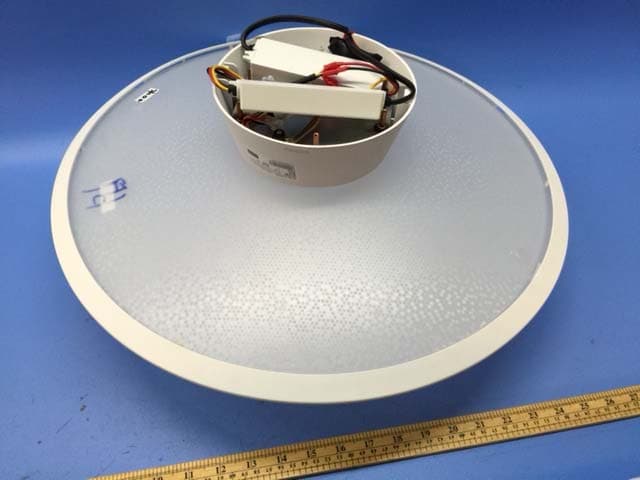
R2WMMGEN131151
May 18, 2015Ceiling Light
Equipment Class
DXX - Part 15 Low Power Communication Device Transmitter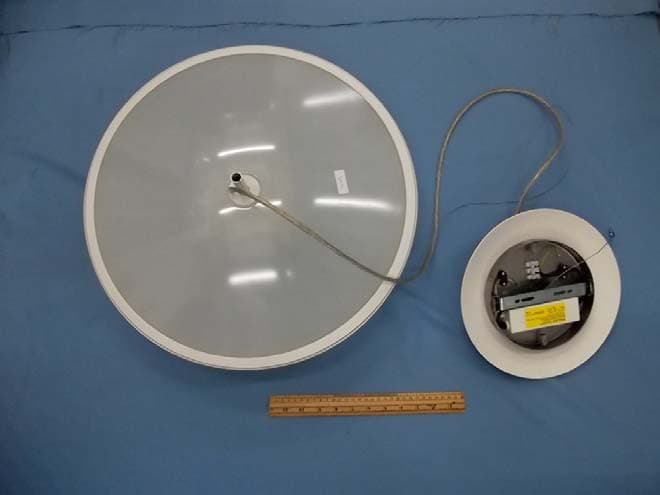
R2WMMGEN131152
Apr 12, 2015Pendant Light
Equipment Class
DXX - Part 15 Low Power Communication Device Transmitter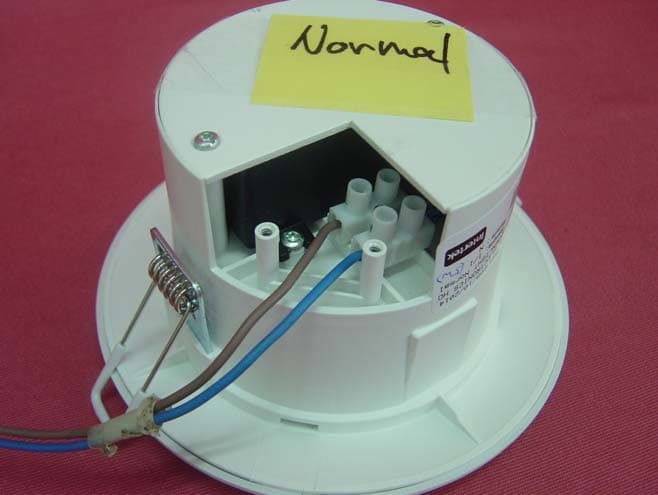
R2WMMGEN131155
Mar 26, 2015Down Light-5W
Equipment Class
DXX - Part 15 Low Power Communication Device Transmitter
R2WLCGEN3FOH
Mar 02, 2014Living Color Gen III ZLL
Equipment Class
DXX - Part 15 Low Power Communication Device Transmitter
R2WLSGEN1FOH
Nov 06, 2013LightStrips Connected
Equipment Class
DXX - Part 15 Low Power Communication Device Transmitter