R38YLCP12USmart Phone
Yulong Computer Telecommunication Scientific (Shenzhen) Co. LTD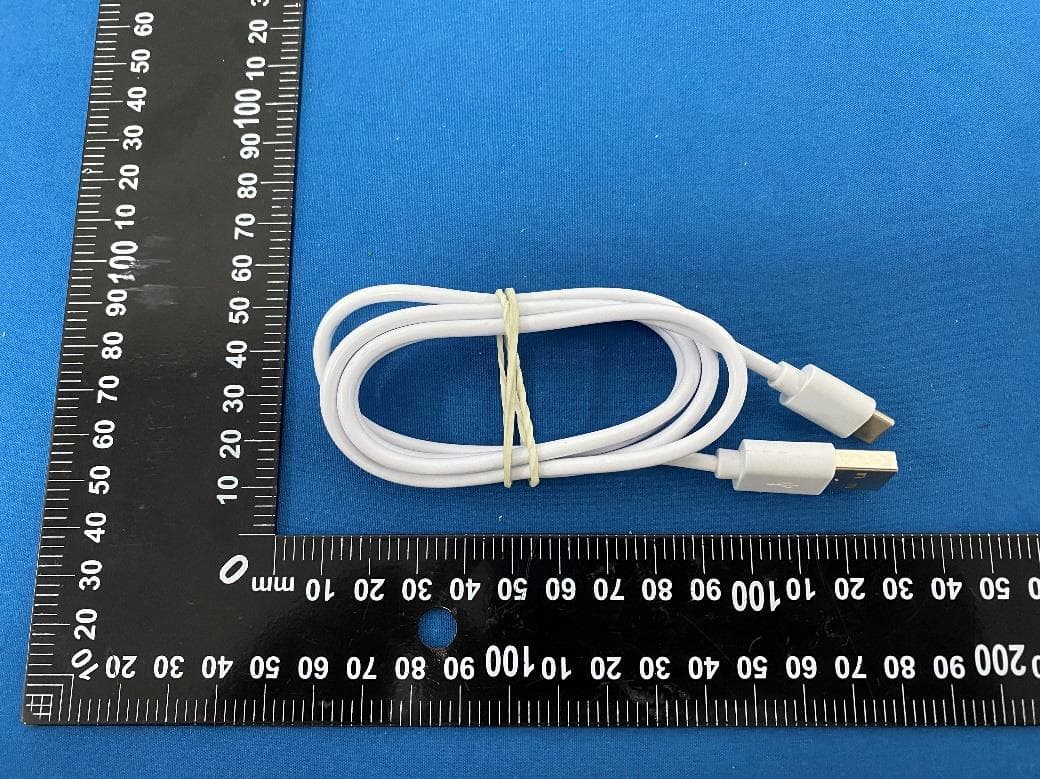
Click to zoom
Application Details
- Equipment Class
- JBP - Part 15 Class B Computing Device Peripheral
- Date of Grant
- Apr 25, 2024
- Application Purpose
- Original Equipment
- Date of Application
- Apr 25, 2024
- Equipment Note
- Smart Phone
- Country
- China
Documents & Files
Document Text
Text extracted from the exhibit documents filed with the FCC. Open a document above to read the original.
Users Manual
1 User's Guide Contents Getting Started ......................................................... 3 Overview ........................................................................ 3 Key Explainrd ................................................................. 4 Starting up ..................................................................... 4 Switching Your Phone On/Off......................................... 6 Getting Around Your Phone ........................................... 7 Phone Calls .............................................................. 8 Calling from the Phone ................................................... 8 Calling from Your Contacts ............................................ 8 Calling from a Text Message .......................................... 9 Receiving Calls .............................................................. 9 Contacts ................................................................... 9 Messaging .............................................................. 10 The Message Box ........................................................ 10 Sending an Message ................................................... 10 Message Settings ........................................................ 11 Touch Input Settings .................................................... 11 2 Getting Connected to the Internet ........................ 11 Adding a New Network Connection ..................... 11 Turning On Wi-Fi ......................................................... 12 Connecting to a Wi-Fi Network .................................... 12 Checking the Wi-Fi Network Status ............................. 12 USB tethering & portable hotspot................................. 12 Browsing the Internet ............................................ 14 Making the Most of Multimedia ............................. 14 Camera ....................................................................... 14 FM ............................................................................... 14 Playing Music .............................................................. 14 Gallery ......................................................................... 15 Sund Recorder ............................................................ 15 Sorting out Your Phone Settings .......................... 15 Bluetooth ..................................................................... 15 Setting Date and Time ................................................. 16 Display Settings ........................................................... 16 Sound Settings ............................................................ 16 Language Settings ....................................................... 16 Security Settings.......................................................... 17 Managing Your Device Memory ................................... 17 Reset to Factory Settings ............................................ 17 Google......................................................................... 18 Clock ........................................................................... 18 Calculator .................................................................... 18 3 Screen record .............................................................. 18 For Your Safety ...................................................... 19 General Safety ............................................................. 19 Distraction .................................................................... 20 Product Handling ......................................................... 20 Electrical Safety ........................................................... 23 Interference .................................................................. 24 Explosive Environments ............................................... 25 System update ............................................................. 26 Common fault diagnosis ............................................... 26 Getting Started Overview 客户补充外观图 4 Key Explainrd Key Function Power Key • Press to turn on or off • Press to restart your phone • Press to Screenshot • Press to Emergency Home Key • Press to return to the Home Screen from any application or screen. Menu Key Hold to see recently used applications. Back Key Press to go to the previous screen. Volume Keys Press or hold to turn the volume up or down. Starting up Status and Notification lcons Your phone will tell you exactly what’s going on by showing you simple icons. Here’s what they mean 5 USB connected Missed call Airplane mode Signal strength Battery charge New message Meeting mode Wi-Fi network Alarm set Earphone insert Silent mode New Wi-Fi network detected Bluetooth icon USB debugging connected Installing the SIM/SD Switch off your phone before installing or replacing the battery, SIM, or memory card. 1.Remove the back cover 2.Hold the SIM card with the cut corner oriented as shown and slip it into the card holder. 3.Insert the memory card into the card slot with the metal contacts facing down until it inserts to the right position. 4.Press the cover gently back into place until you hear a click. Charging the Battery When you first get your new phone you’ll need to charge the battery. Connect the adapter to the charger jack. Ensure that the adapter is inserted 6 with the correct orientation. Do not force the connector into the charger jack. Connect the charger to a standard AC wall outlet. Disconnect the charger when the battery is fully charged. Switching Your Phone On/Off Make sure the SIM card is in your device and the battery is charged. 1. Hold Power Key to switch on your phone. 2. To switch it off, hold Power Key to get the phone options. Select Power off, and then tap OK. Setting Up Your Phone for the First Time When you first power on your phone after you purchase it or reset it to factory settings (see chapter Sorting out Your Phone Settings – Privacy: Reset to Factory Settings), you need to do some setti…
Text truncated - open the document above for the full version.
Attestation Statements
Yulong Computer Telecommunication Scientific (Shenzhen) Co., Ltd 2024-04-18 Eurofins Electrical and Electronic Testing NA, Inc. 914 West Patapsco Avenue Baltimore, MD 21230 RE: Attestation Statements Part 2.911(d)(5)(i) request for (FCC ID: R38YLCP12U) Yulong Computer Telecommunication Scientific (Shenzhen) Co., Ltd (“the applicant”) certifies that the equipment for which authorization is sought is not “covered” equipment prohibited from receiving an equipment authorization pursuant to section 2.903 of the FCC rules. Sincerely, Signature: DeYu Li Yulong Computer Telecommunication Scientific (Shenzhen) Co., Ltd 2024-04-18 Eurofins Electrical and Electronic Testing NA, Inc. 914 West Patapsco Avenue Baltimore, MD 21230 RE: Attestation Statements Part 2.911(d)(5)(i) request for (FCC ID: R38YLCP12U) Yulong Computer Telecommunication Scientific (Shenzhen) Co., Ltd (“the applicant”) certifies that, as of the date of the filing of the application, the applicant is not identified on the Covered List as an entity producing “covered” equipment. Sincerely, Signature: DeYu Li
External Photos
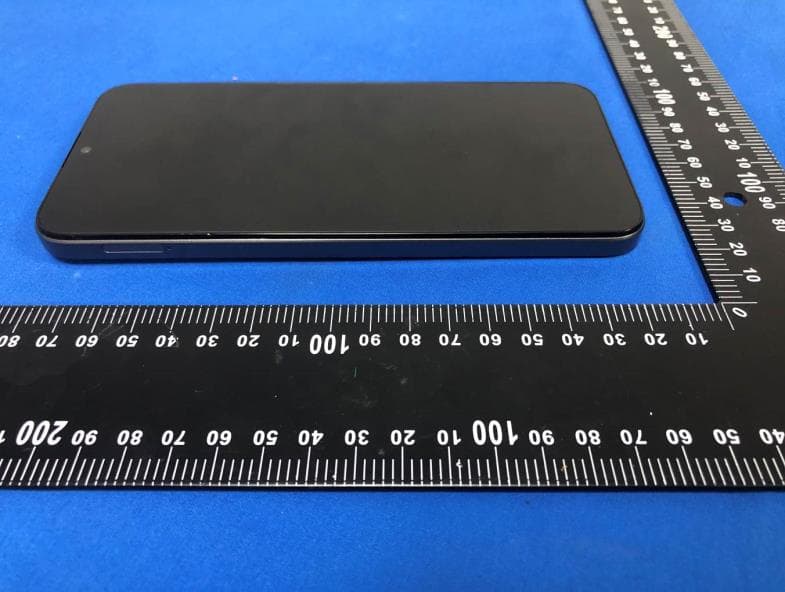
Page 1 of 6 Report No.: LGT24C125 Appendix - External Photographs of EUT Constructional Details Model: CP12-U0 Photo 1 Photo 2 Page 2 of 6 Report No.: LGT24C125 Photo 3 Photo 4 Page 3 of 6 Report No.: LGT24C125 Photo 5 Photo 6 Page 4 of 6 Report No.: LGT24C125 Photo 7 Photo 8 Page 5 of 6 Report No.: LGT24C125 Photo 9 Photo 10 Page 6 of 6 Report No.: LGT24C125 Photo 11
ID Label/Location Info
FCC ID: R38YLCP12U
Internal Photos
Page 1 of 6 Report No.: LGT24C125 Appendix - Internal Photographs of EUT Constructional Details Model: CP12-U0 Photo 1 Photo 2 Page 2 of 6 Report No.: LGT24C125 Photo 3 Photo 4 Page 3 of 6 Report No.: LGT24C125 Photo 5 Photo 6 Page 4 of 6 Report No.: LGT24C125 Photo 7 Photo 8 Page 5 of 6 Report No.: LGT24C125 Photo 9 Photo 10 Page 6 of 6 Report No.: LGT24C125 Photo 11 Photo 12 BT/Wi-Fi ANT LTE DIV ANT GSM/WCDMA/LTE MAIN ANT
Test Report
The test report is effective only with both signature and specialized stamp. This report shall not be reproduced except in full without the written approval of the Laboratory. The results in this report only apply to the tested sample. Shenzhen LGT Test Service Co., Ltd. Tel: 0755-89668180 E-mail:[email protected] Web: www.lgt-cert.com Room 205, Building 13, Zone B, Zhenxiong Industrial Park, No.177, Renmin West Road, Jinsha, Kengzi Street, Pingshan District, Shenzhen, Guangdong, China EMC TEST REPORT Product Name: Smart Phone Model Name: CP12 FCC ID: R38YLCP12U Issued For : Yulong Computer Telecommunication Scientific (Shenzhen) Co., Ltd Floor 20, Block C, Coolpad Building North High-TechIndustrial Park, Nanshan District, Shenzhen, China Issued By : Shenzhen LGT Test Service Co., Ltd. Room 205, Building 13, Zone B, Zhenxiong Industrial Park, No.177, Renmin West Road, Jinsha, Kengzi Street, Pingshan District, Shenzhen, Guangdong, China Report Number: LGT24C125EM01 Sample Received Date: Mar. 25, 2024 Date of Test: Mar. 25, 2024 – Apr. 17, 2024 Date of Issue: Apr. 17, 2024 Report No.: LGT24C125EM01 Page 2 of 20 TEST REPORT CERTIFICATION Applicant: Yulong Computer Telecommunication Scientific (Shenzhen) Co., Ltd Address: Floor 20, Block C, Coolpad Building North High-TechIndustrial Park, Nanshan District, Shenzhen, China Manufacturer: Yulong Computer Telecommunication Scientific (Shenzhen) Co., Ltd Address: Floor 20, Block C, Coolpad Building North High-TechIndustrial Park, Nanshan District, Shenzhen, China Product Name: Smart Phone Trademark: coolpad Model Name: CP12 Sample Status: Normal APPLICABLE STANDARDS STANDARD TEST RESULTS FCC 47 CFR Part 15 Subpart B ANSI C63.4-2014 PASS Prepared by: Approved by: Terry Zhao Vita Li Engineer Technical Director Report No.: LGT24C125EM01 Page 3 of 20 Table of Contents 1. TEST SUMMARY 5 1.1 TEST LABORATORY 6 1.2 MEASUREMENT UNCERTAINTY 6 2. GENERAL INFORMATION 7 2.1 GENERAL DESCRIPTION OF THE EUT 7 2.2 DESCRIPTION OF THE TEST MODES 8 2.3 DESCRIPTION OF THE SUPPORT UNITS 8 2.4 MEASUREMENT INSTRUMENTS LIST 9 3. EMC EMISSION TEST 10 3.1 CONDUCTED EMISSION MEASUREMENT 10 3.2 RADIATED EMISSION MEASUREMENT 14 APPENDIX I - TEST SETUP 19 Report No.: LGT24C125EM01 Page 4 of 20 Revision History Rev. Issue Date Revisions 00 Apr. 17, 2024 Initial Issue Report No.: LGT24C125EM01 Page 5 of 20 1. TEST SUMMARY EMC Emission Standard Test Item Limit Judgement Remark FCC 47 CFR Part 15 Subpart B ANSI C63.4-2014 Conducted Emissions Class B PASS Radiated Emissions Below 1GHz Class B PASS Radiated Emissions Above 1GHz Class B PASS Note 1 Note 2 Note: 1 “N/A” denotes test is not applicable in this Test Report 2 If the highest frequency of the internal sources of the EUT is less than 108 MHz, the measurement shall only be made up to 1 GHz. If the highest frequency of the internal sources of the EUT is between 108 MHz and 500 MHz, the measurement shall only be made up to 2 GHz. If the highest frequency of the internal sources of the EUT is between 500 MHz and 1 GHz, measurement shall only be made up to 5 GHz. If the highest frequency of the internal sources of the EUT is above 1 GHz, the measurement shall be made up to 5 times the highest frequency or 40 GHz, whichever is less. Report No.: LGT24C125EM01 Page 6 of 20 1.1 TEST LABORATORY Company Name: Shenzhen LGT Test Service Co., Ltd. Address: Room 205, Building 13, Zone B, Zhenxiong Industrial Park, No.177, Renmin West Road, Jinsha, Kengzi Street, Pingshan District, Shenzhen, Guangdong, China Accreditation Certificate A2LA Certificate No.: 6727.01 FCC Registration No.: 746540 CAB ID: CN0136 1.2 MEASUREMENT UNCERTAINTY Test Item Measurement Frequency Range MHz Uncertainty dB Conducted Emissions at AC mains power port 0.009 ~ 30 2.80 Radiated Emissions 0.009 ~ 30 2.16 Radiated Emissions 30 ~ 1000 4.40 Radiated Emissions 1000 ~ 18000 5.49 Note: 1. This uncertainty represents an expanded uncertainty expressed at approximately the 95% confidence level using a coverage factor of k=2. 2. The measurement uncertainty is not included in the test result. Report No.: LGT24C125EM01 Page 7 of 20 2. GENERAL INFORMATION 2.1 GENERAL DESCRIPTION OF THE EUT Product Name: Smart Phone Trademark: coolpad Model Name: CP12 Series Model: N/A Model Difference: N/A Adapter: Input: 100-240V, 50-60Hz, 0.3A Output: 5V, 2A Battery: Capacity: 4500mAh Rated Voltage: 3.85V Test Voltage: AC 120V/60Hz Battery: 3.85V Hardware Version: V1.0 Software Version: CP12.231219.0S.SE Note: For a more detailed features description, please refer to the manufacturer’s specifications or the User's Manual. Report No.: LGT24C125EM01 Page 8 of 20 2.2 DESCRIPTION OF THE TEST MODES To investigate the maximum EMI emission characteristics generates from EUT, the test system was pre-scanning tested base on the consideration of following EUT operation mode or test configuration mode which possibly have effect on EMI emission level. Each of these EUT operating mode(s) or test configuration mode(s) mentioned above was evaluated respectively. Test Mode Description Mode 1 Charging+GSM link+BT+Wi-Fi+GPS+Camera recording Mode 2 Charging+WCDMA link+BT+Wi-Fi+GPS+Camera recording Mode 3 Charging+LTE link+BT+Wi-Fi+GPS+Camera recording Mode 4 USB Data Transmission Note: Only the data of worst-case mode 1 was recorded in this report. 2.3 DESCRIPTION OF THE SUPPORT UNITS The EUT has been tested as an independent unit together with other necessary accessories or support units. The following support units or accessories were used to form a representative test configuration during the tests. Accessories Equipment Description Manufacturer Model S/N Rating Adapter SHENZHEN LINHAO ELECTRONICS CO., LTD. YCX~010A N/A Input: 100-240V ~ 50/60Hz 0.3A Output: 5V, 2A USB-A to USB-C Cable N/A N/A N/A 1m Auxiliary Equipment Description Manufacturer Model S/N Rating Laptop Lenovo HKF-16 N/A N/A USB-A to USB-C Cable Xiaomi N/A N/A 1m, shielded, without ferrite core Note: (1) For detachable type I/O cable should b…
Text truncated - open the document above for the full version.
Test Setup Photos
Page 1 of 2 Report No.: LGT24C125 Set-up for Conducted Emission on AC Mains (CE) Set-up for Radiated Emission (RE), Below 1GHz Page 2 of 2 Report No.: LGT24C125 Set-up for Radiated Emission (RE), Above 1GHz
Contact Information
Applicant
Wenyuan Lin(Certification Engineer)
Test Firm
Shenzhen LGT Test Service Co., Ltd.Wen Wen
[email protected]0755-89668180
Technical Specifications
| # | Rule Parts | Frequency Range | Power Output |
|---|---|---|---|
| 1 | 15B | - | - |
Other Applications from Yulong Computer Telecommunication Scientific (Shenzhen) Co. LTD
R38YLCPK21
Dec 04, 2025Smart Phone
Equipment Class
DSS - Part 15 Spread Spectrum Transmitter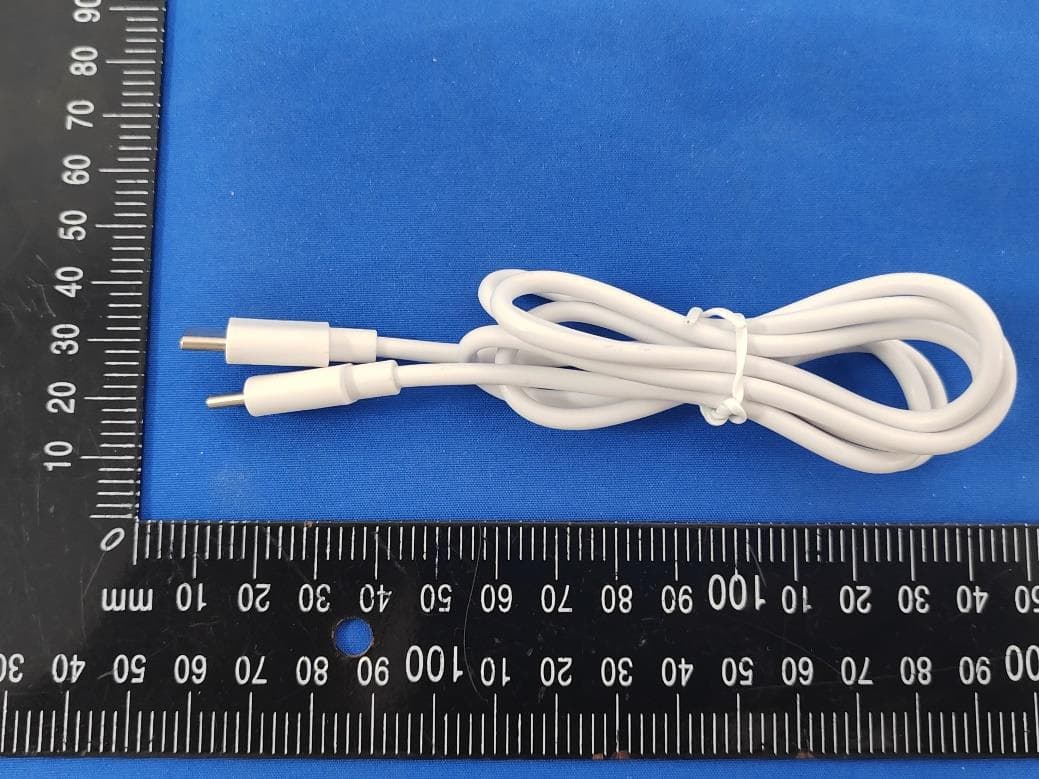
R38YLCP36T
Aug 28, 2024Smart Phone
Equipment Class
DSS - Part 15 Spread Spectrum Transmitter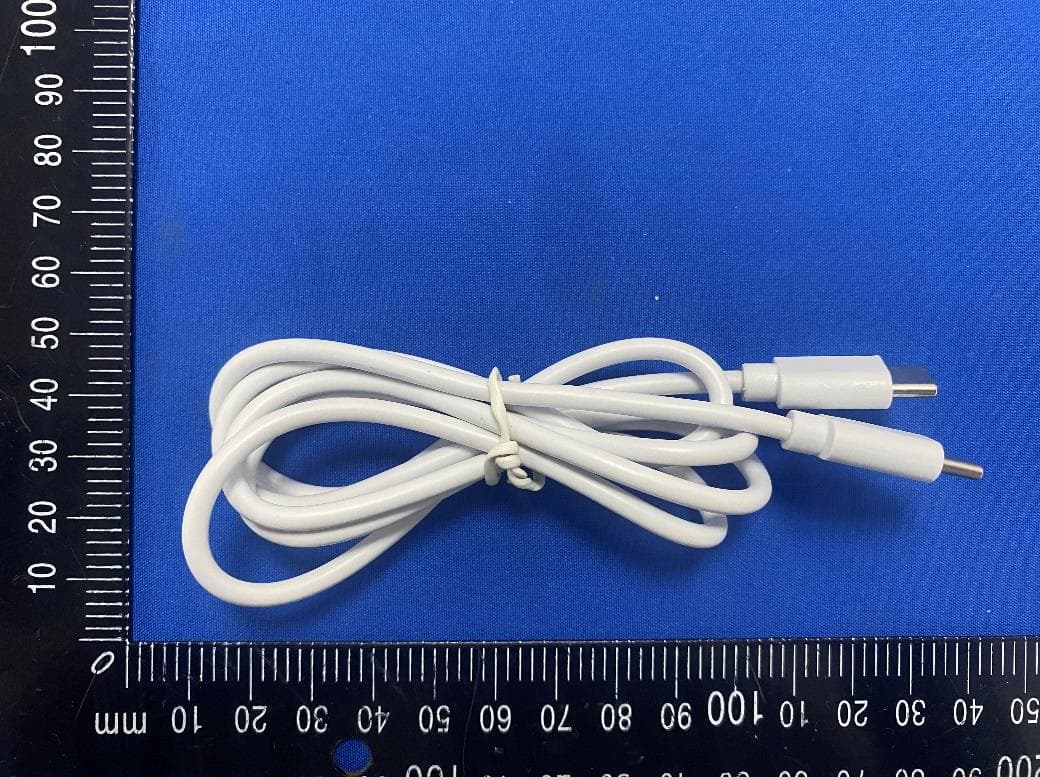
R38YLCP32A
Jul 22, 2024Smart Phone
Equipment Class
DXX - Part 15 Low Power Communication Device Transmitter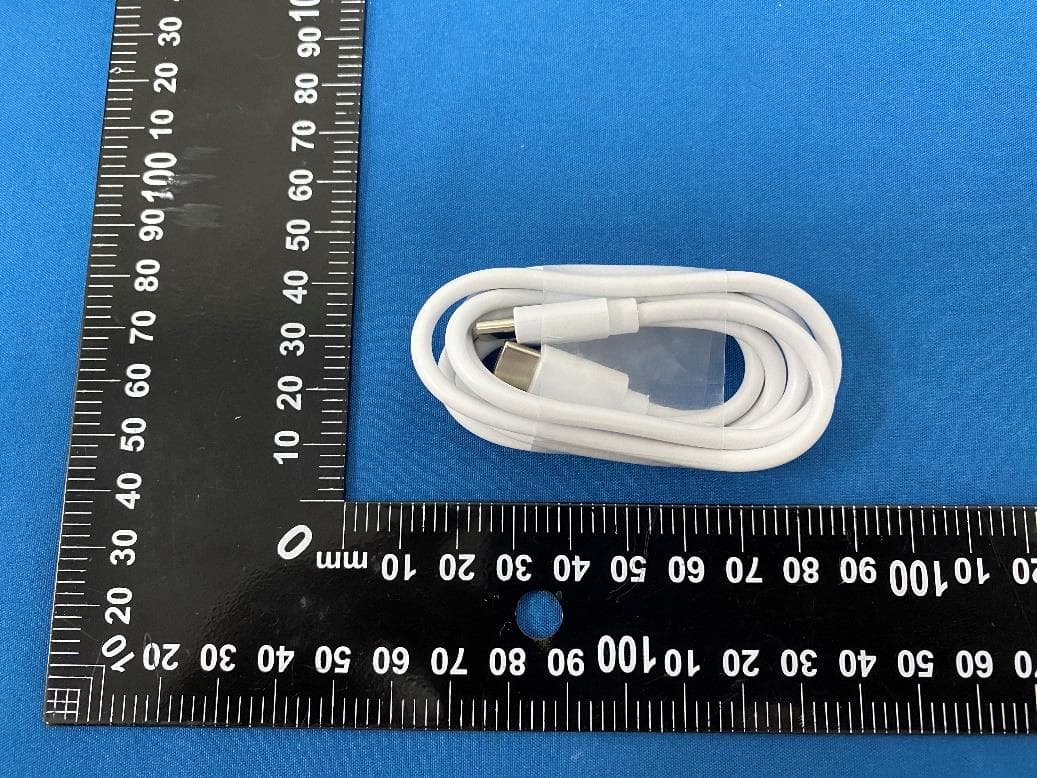
R38YLCP12S
Apr 02, 2024Smart Phone
Equipment Class
PCE - PCS Licensed Transmitter held to ear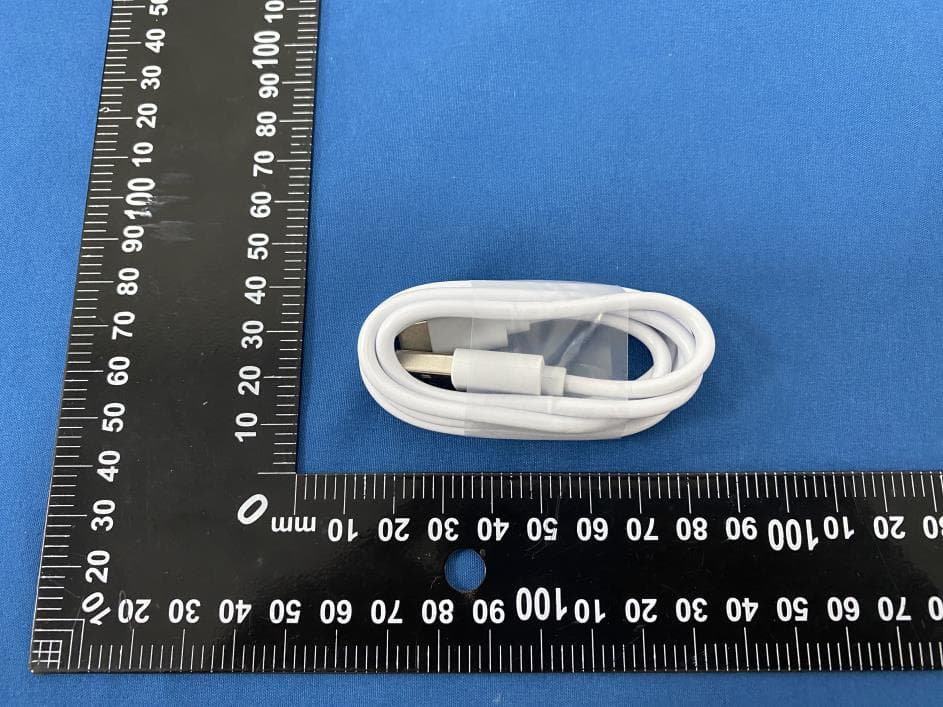
R38YLCP12Q
Apr 01, 2024Smart Phone
Equipment Class
DTS - Digital Transmission System