R3Y-STH-ETH011The SmartThings Hub is a ZigBee/Z-Wave home automation gateway
SmartThings, Inc.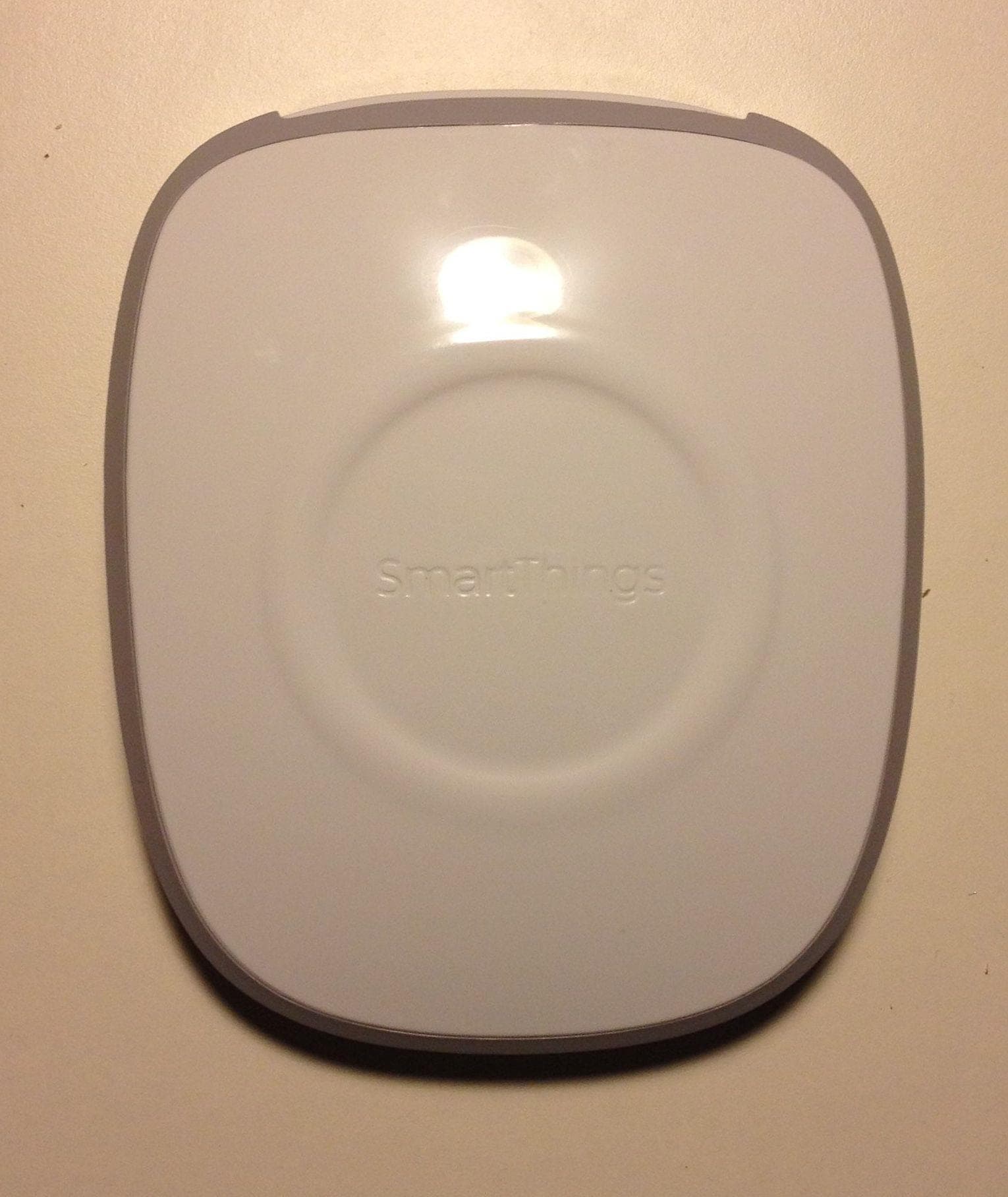
Click to zoom
Application Details
- Equipment Class
- DTS - Digital Transmission System
- Date of Grant
- Dec 07, 2014
- Application Purpose
- Original Equipment
- Date of Application
- Dec 07, 2014
- Equipment Note
- The SmartThings Hub is a ZigBee/Z-Wave home automation gateway
- Frequency Range
- 2405.00000000 - 2470.00000000
- Company
- SmartThings, Inc.
- Country
- United States
Documents & Files
Document Text
Text extracted from the exhibit documents filed with the FCC. Open a document above to read the original.
Users Manual
Rhein Tech Laboratories, Inc. Client: SmartThings, Inc. 360 Herndon Parkway Model #: PGC422-C Suite 1400 IDs: R3Y-STH-ETH011/10734A-STHETH011 Herndon, VA 20170 Standard: FCC 15.247/IC RSS-210 http://www.rheintech.com Report #: 2014175 Page 46 of 58 Appendix K: Manual Please refer to the following pages. Welcome Are you ready to have a safer, smarter home in the palm of your hand? If this is your first time with SmartThings, please follow these instructions and review the “Let’s Get Started” card that came with your SmartThings Hub. Go to www.smartthings.com/start Download the SmartThings Mobile app for your mobile device Follow the on-screen instructions Have questions or need help? Chat with us live in the SmartThings Mobile app, go to support.smartthings.com to search our knowledge base, or email us at [email protected]. 1 2 3 Meet Your SmartThings™ Hub The SmartThings Hub wirelessly connects all of your different sensors so that you can receive messages about what is going on and use your smartphone to remotely control different things in your home or office. Here's how: It's Open The SmartThings Hub speaks many different languages. In addition to sending commands between the many SmartThings devices, the Hub can also communicate with ZigBee, Z-Wave, IP, and other wireless protocols. It Connects to the Internet Plug the enclosed Ethernet cable into the Hub, and then connect it to your Internet router. This creates a secure connection between the Internet and the SmartThings Cloud. It Communicates Information and Commands When one of your connected SmartThings or compatible sensors has a message to relay (for instance, if motion is detected or if a door opens), the SmartThings Hub will receive that message from the sensor and send it to your phone. It also allows you to send commands back to these devices, and lets the sensors talk to each other (for instance, telling a light to turn on if motion is detected). Getting Around The good news is that your SmartThings Hub does all the heavy lifting for you, and it’s pretty simple. No buttons to worry about. A B C Welcome Code There is an important code on the “Let’s Get Started” card that came in the box with your SmartThings Hub. You’ll need your code for registration, and it looks like the sample below. You can find your Welcome Code on the “Let’s Get Started” Card in your SmartThings Hub. Lost your Welcome Code? Contact [email protected] and we’ll recover it for you. ABC123 ëABCDEFJî SAMPLE A. Power Port Power port to be used with included power adapter and cable. B. Ethernet Jack Provides connectivity to the Internet using the included Ethernet cable. C. Status Light Lights to indicate the Hub’s status. Installation The SmartThings Hub works best if installed in a central location to where your SmartThings will be connected. The recommended separation distance from the user for this equipment is 7.6 inches (20 cm). Please follow the instructions provided in the SmartThings Mobile App when installing your SmartThings Hub, or go to support.smartthings.com if you have any questions. WARNING: No user-serviceable parts inside. Refer all servicing to qualified service personnel. Warnung: Keine Wartung einzelner Teile durch den Nutzer. Wenden Sie sich nur an qualifiziertes Servicepersonal für Wartungen Attention: l’équipement SmartThings ne doit être en aucun cas ouvert par l’utilisateur luimême. Pour l’entretien et/ou la maintenance, contacter le personnel qualifié. Avoid installing the SmartThings Hub near or inside sources of metal, radio or electromagnetic interference. Vermeiden Sie die Installation des SmartThings Hubs in oder in der Nähe von Metall, Funkantennen oder anderen elektromagnetischen Störsendern Éviter l'installation du Hub SmartThings a à proximité ou a à l’intérieur d’objets métalliques ou de sources d’interférences radioélectriques ou électromagnétiques. Three Critical Steps to Install Once you’re up and running, adding SmartThings to your world is easy. Enjoy! 1 2 3 Connect your SmartThings Hub to your Internet router using the included Ethernet cable. Connect your SmartThings Hub to power using the provided power supply. Register your SmartThings Hub to your account using our mobile app. Hi! Certifications Certified under FCC Part 15. Certified in Canada by IC to RSS-210. This Class B digital apparatus complies with Canadian ICES-003. Cet appareil numérique de la classe B est conforme à la norme NMB-003 du Canada. SmartThings Hub FCC ID: R3Y-STH-ETH011, M/N: PGC422-C Contains FCC ID: D87-ZM5304-U, M/N: ZM5304AU CE version contains M/N: ZICM357SP0-1. FCC Statement This device complies with Part 15 of the FCC rules. Operation is subject to the following two conditions: 1. This device may not cause harmful interference, and 2. This device must accept any interference received, including interference that may cause undesired operation. Canada Statement This device complies with Industry Canada license-exempt RSS standard(s). Operation is subject to the following two conditions: (1) this device may not cause interference, and (2) this device must accept any interference, including interference that may cause undesired operation of the device. Le présent appareil est conforme aux CNR d'Industrie Canada applicables aux appareils radio exempts de licence. L'exploitation est autorisée aux deux conditions suivantes : (1) l'appareil ne doit pas produire de brouillage, et (2) l'utilisateur de l'appareil doit accepter tout brouillage radioélectrique subi, même si le brouillage est susceptible d'en compromettre le fonctionnement. Information to the User Changes or modifications not expressly approved by SmartThings, Inc. could void your authority to operate the equipment. This equipment has been tested and found to comply with the limits for a Class B digital device, pursuant to Part 15 of the FCC Rules. These limits are designed to provide reasonable protection against harmful interference in a residential installation. T…
Text truncated - open the document above for the full version.
Cover Letter(s)
Rhein Tech Laboratories, Inc. Client: SmartThings, Inc. 360 Herndon Parkway Model #: PGC422-C Suite 1400 IDs: R3Y-STH-ETH011/10734A-STHETH011 Herndon, VA 20170 Standard: FCC 15.247/IC RSS-210 http://www.rheintech.com Report #: 2014175 Page 37 of 58 Appendix B: Agency Authorization Letter Please refer to the following page.
Cover Letter(s)
Rhein Tech Laboratories, Inc. Client: SmartThings, Inc. 360 Herndon Parkway Model #: PGC422-C Suite 1400 IDs: R3Y-STH-ETH011/10734A-STHETH011 Herndon, VA 20170 Standard: FCC 15.247/IC RSS-210 http://www.rheintech.com Report #: 2014175 Page 38 of 58 Appendix C: FCC Confidentiality Request Letter Please refer to the following page.
External Photos
Rhein Tech Laboratories, Inc. Client: SmartThings, Inc. 360 Herndon Parkway Model #: PGC422-C Suite 1400 IDs: R3Y-STH-ETH011/10734A-STHETH011 Herndon, VA 20170 Standard: FCC 15.247/IC RSS-210 http://www.rheintech.com Report #: 2014175 Page 51 of 58 Appendix M: External Photographs Photograph 5: Top Rhein Tech Laboratories, Inc. Client: SmartThings, Inc. 360 Herndon Parkway Model #: PGC422-C Suite 1400 IDs: R3Y-STH-ETH011/10734A-STHETH011 Herndon, VA 20170 Standard: FCC 15.247/IC RSS-210 http://www.rheintech.com Report #: 2014175 Page 52 of 58 Photograph 6: Bottom Label Area Rhein Tech Laboratories, Inc. Client: SmartThings, Inc. 360 Herndon Parkway Model #: PGC422-C Suite 1400 IDs: R3Y-STH-ETH011/10734A-STHETH011 Herndon, VA 20170 Standard: FCC 15.247/IC RSS-210 http://www.rheintech.com Report #: 2014175 Page 53 of 58 Photograph 7: Side 1 Rhein Tech Laboratories, Inc. Client: SmartThings, Inc. 360 Herndon Parkway Model #: PGC422-C Suite 1400 IDs: R3Y-STH-ETH011/10734A-STHETH011 Herndon, VA 20170 Standard: FCC 15.247/IC RSS-210 http://www.rheintech.com Report #: 2014175 Page 54 of 58 Photograph 8: Side 2 Rhein Tech Laboratories, Inc. Client: SmartThings, Inc. 360 Herndon Parkway Model #: PGC422-C Suite 1400 IDs: R3Y-STH-ETH011/10734A-STHETH011 Herndon, VA 20170 Standard: FCC 15.247/IC RSS-210 http://www.rheintech.com Report #: 2014175 Page 55 of 58 Photograph 9: End
ID Label/Location Info
Rhein Tech Laboratories, Inc. Client: SmartThings, Inc. 360 Herndon Parkway Model #: PGC422-C Suite 1400 IDs: R3Y-STH-ETH011/10734A-STHETH011 Herndon, VA 20170 Standard: FCC 15.247/IC RSS-210 http://www.rheintech.com Report #: 2014175 Page 42 of 58 Appendix G: ID Label and Label Location Please refer to the following page. SmartThings TM Hub 1.1 PROPRIETARY AND CONFIDENTIAL THE INFORMATION CONTAINED IN THIS DRAWING IS THE SOLE PROPER OF SMARTTHINGS. ANY REPRODUCTION IN PART OR AS A WHOLE WITHOUT THE WRITTEN PERMISSION OF SMARTTHINGS IS PROHIBITED. For USA distribution only. PM parts only. Drawing Revised to match die x value of 1.86”. 1.48 in 1.86 in Tested to Comply With FCC Standards FOR HOME OR OFFICE USE Model: PGC422-C FCC ID: R3Y-STH-ETH011 IC: 10734A-STHETH011 Contains FCC ID: D87-ZM5304-U M/N: ZM5304AU smartThings - smartHub V1.1 Sheet 1 0f 1 DOC NAME REV NOTES SCALE Oct. 1, 2014 SmartHub1.1_bottomLabel_US.ai 3M 7871 2 MIL WHITE POLYESTER Satin Waterproof Finish WA DAT E DESIGNERMATERIAL FINISH 1:1 TWO PLACE DECIMAL .01 THREE PLACE DECIMAL .005 DIMENSIONS ARE IN INCHES DO NOT SCALE DRAWING (5V ) (500mA) 0.375 in 1.5 in AbCD3 Die Line
Internal Photos
Rhein Tech Laboratories, Inc. Client: SmartThings, Inc. 360 Herndon Parkway Model #: PGC422-C Suite 1400 IDs: R3Y-STH-ETH011/10734A-STHETH011 Herndon, VA 20170 Standard: FCC 15.247/IC RSS-210 http://www.rheintech.com Report #: 2014175 Page 56 of 58 Appendix N: Internal Photographs Photograph 10: PCB in Chassis Rhein Tech Laboratories, Inc. Client: SmartThings, Inc. 360 Herndon Parkway Model #: PGC422-C Suite 1400 IDs: R3Y-STH-ETH011/10734A-STHETH011 Herndon, VA 20170 Standard: FCC 15.247/IC RSS-210 http://www.rheintech.com Report #: 2014175 Page 57 of 58 Photograph 11: PCB Top Rhein Tech Laboratories, Inc. Client: SmartThings, Inc. 360 Herndon Parkway Model #: PGC422-C Suite 1400 IDs: R3Y-STH-ETH011/10734A-STHETH011 Herndon, VA 20170 Standard: FCC 15.247/IC RSS-210 http://www.rheintech.com Report #: 2014175 Page 58 of 58 Photograph 12: PCB Bottom
RF Exposure Info
Rhein Tech Laboratories, Inc. Client: SmartThings, Inc. 360 Herndon Parkway Model #: PGC422-C Suite 1400 IDs: R3Y-STH-ETH011/10734A-STHETH011 Herndon, VA 20170 Standard: FCC 15.247/IC RSS-210 http://www.rheintech.com Report #: 2014175 Page 36 of 58 Appendix A: FCC Part 1.1307, 1.1310, 2.1091, 2.1093; IC RSS-Gen: RF Exposure Using FCC 1.1310 Table 1B as guidance, the maximum permissible RF exposure for an uncontrolled environment is 1 mW/cm 2 for the frequencies used in this device (2405 to 2470 MHz). This power for the band of operation is used for the calculation below. The actual power density for the EUT calculated as shown below. ) 4 /( ) ( 2 d G P S where: S = power density P = transmitter conducted power in (mW) G = antenna numeric gain d = distance to radiation center ( 20 cm) Frequency (MHz) Antenna Gain (dBi) Conducted Power (W) Separation Distance (cm) Power Density (mW/cm 2 ) 2405-2470 3.3 0.107 4.2 0.045 NOTICE: Radiation Exposure Statement The calculated separation distance is well below 20 cm. The recommended separation distance for this equipment is 20 cm.
Test Setup Photos
Rhein Tech Laboratories, Inc. Client: SmartThings, Inc. 360 Herndon Parkway Model #: PGC422-C Suite 1400 IDs: R3Y-STH-ETH011/10734A-STHETH011 Herndon, VA 20170 Standard: FCC 15.247/IC RSS-210 http://www.rheintech.com Report #: 2014175 Page 47 of 58 Appendix L: Test Photographs Photograph 1: Radiated Testing – Front View Rhein Tech Laboratories, Inc. Client: SmartThings, Inc. 360 Herndon Parkway Model #: PGC422-C Suite 1400 IDs: R3Y-STH-ETH011/10734A-STHETH011 Herndon, VA 20170 Standard: FCC 15.247/IC RSS-210 http://www.rheintech.com Report #: 2014175 Page 48 of 58 Photograph 2: Radiated Testing – Back View Rhein Tech Laboratories, Inc. Client: SmartThings, Inc. 360 Herndon Parkway Model #: PGC422-C Suite 1400 IDs: R3Y-STH-ETH011/10734A-STHETH011 Herndon, VA 20170 Standard: FCC 15.247/IC RSS-210 http://www.rheintech.com Report #: 2014175 Page 49 of 58 Photograph 3: AC Conducted Emissions Testing – Front View Rhein Tech Laboratories, Inc. Client: SmartThings, Inc. 360 Herndon Parkway Model #: PGC422-C Suite 1400 IDs: R3Y-STH-ETH011/10734A-STHETH011 Herndon, VA 20170 Standard: FCC 15.247/IC RSS-210 http://www.rheintech.com Report #: 2014175 Page 50 of 58 Photograph 4: AC Conducted Emissions Testing – Back View Rhein Tech Laboratories, Inc. Client: SmartThings, Inc. 360 Herndon Parkway Model #: PGC422-C Suite 1400 IDs: R3Y-STH-ETH011/10734A-STHETH011 Herndon, VA 20170 Standard: FCC 15.247/IC RSS-210 http://www.rheintech.com Report #: 2014175 Page 51 of 58 Appendix M: External Photographs Photograph 5: Top
Contact Information
Applicant
Andrew Brooks(Chief Operating Officer)
Technical Contact
Rhein Tech Laboratories, Inc.Rick McMurry
[email protected]7036890268
360 Herndon Parkway · Herndon · United States
Test Firm
Rhein Tech Laboratories, Inc.Richard McMurray
Technical Specifications
| # | Rule Parts | Frequency Range | Power Output |
|---|---|---|---|
| 1 | 15C | 2.40 GHz - 2.47 GHz | 107.00 mW |
Other Applications from SmartThings, Inc.
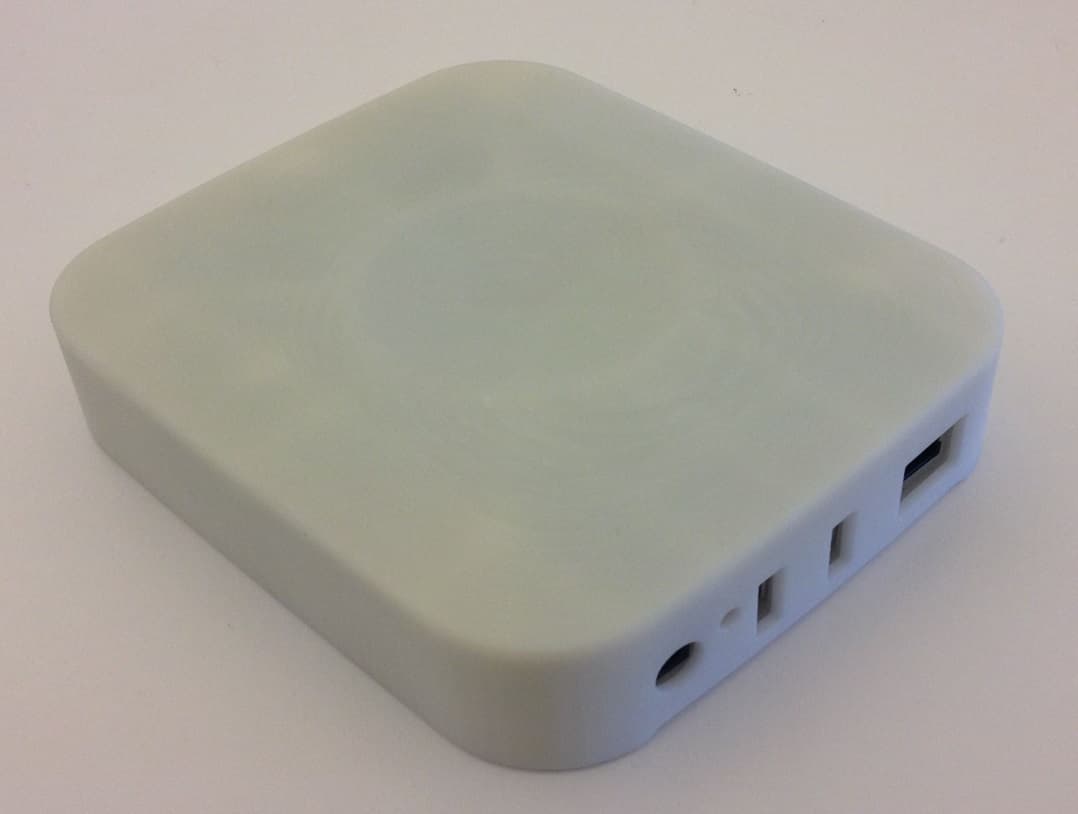
R3Y-STH-ETH200
Mar 29, 2015Home Automation Gateway
Equipment Class
DTS - Digital Transmission System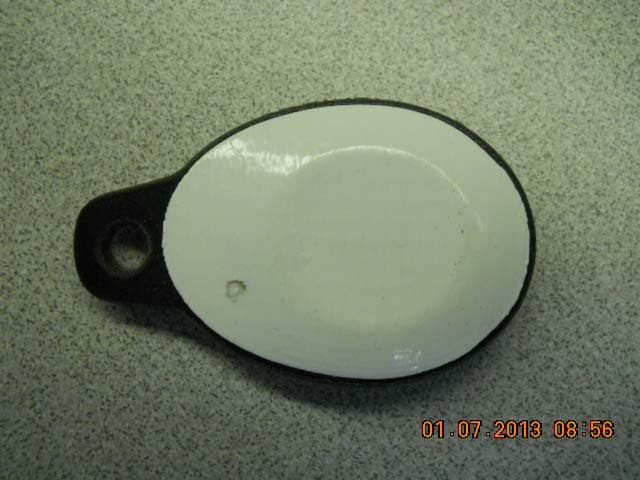
R3Y-STSS-ST001
Jan 27, 2013SmartTag with Presence, Temperature and Accelerometer
Equipment Class
DTS - Digital Transmission System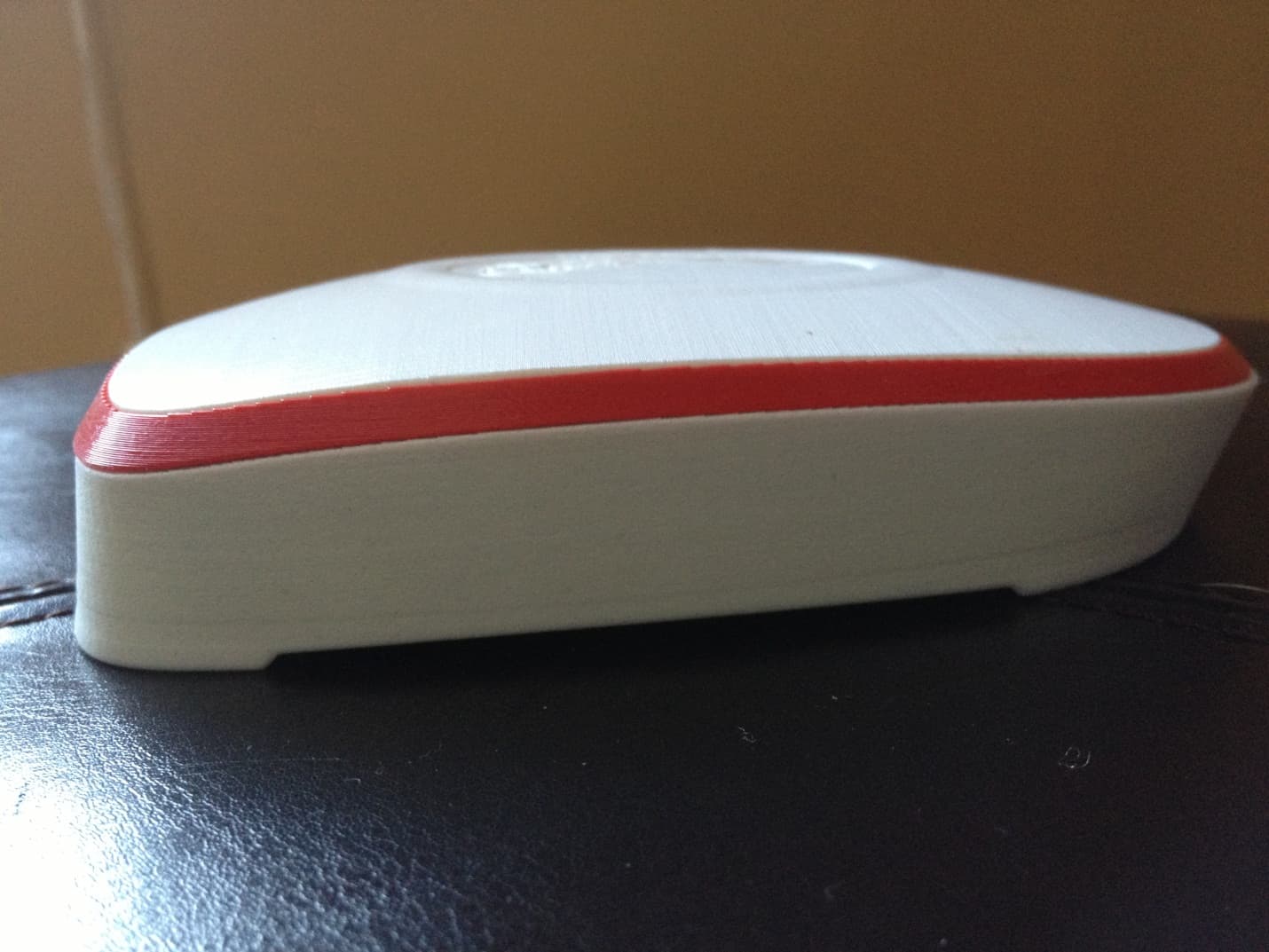
R3Y-STH-ETH001
Jan 27, 2013SmartThings Hub
Equipment Class
DXX - Part 15 Low Power Communication Device Transmitter