RKIC51-A05035-XXBluetooth Car Handsfree Adapter
i.Tech Dynamic Limited
Click to zoom
Application Details
- Equipment Class
- DSS - Part 15 Spread Spectrum Transmitter
- Date of Grant
- Oct 04, 2005
- Application Purpose
- Original Equipment
- Date of Application
- Oct 04, 2005
- Equipment Note
- Bluetooth Car Handsfree Adapter
- Frequency Range
- 2402.00000000 - 2480.00000000
- Company
- i.Tech Dynamic Limited
- Country
- Hong Kong
Documents & Files
Document Text
Text extracted from the exhibit documents filed with the FCC. Open a document above to read the original.
Users Manual
Cover Page Version 3 BlueSPEAK Page 0 The Stylish i.Tech BlueSPEAK Car Kit - Keep your eyes on the road and your hands on the wheel Thank you for purchasing the i.Tech BlueSPEAK –The Bluetooth Car Handsfree Adaptor that pairs with your Bluetooth enabled phone to make incoming or outgoing voice calls via the speaker and features high quality audio sound. Table of Contents i.Tech BlueSPEAK Overview 2 Getting Started 3 Remove the BlueSPEAK 3 Extendable microphone 4 Turning your BlueSPEAK on and off Turning On Turning Off 5 5 5 Pairing Your BlueSPEAK 6 Using Your BlueSPEAK Answering a Call Ending a Call Rejecting a Call Dialing from Your Mobile Phone 8 8 8 8 8 Care and Maintenance 9 Safety Information 10 Troubleshooting 11 Declaration of Conformity (DOC) 12 Product Specifications 13 <Page 2> i.Tech BlueSPEAK Overview Fig. 1 Fig. 2 Fig. 3 Multi-Function Button (MFB) LED Status indicator Speaker Microphone Socket Cigarette Charger Plug Microphone Multi-Function Button (MFB) Extension Microphone Plug Volume Button <Page 3> Getting Started To use your i.Tech BlueSPEAK, please follow these simple steps: Start your car’s engine and plug the BlueSPEAK into the cigarette lighter port on the dashboard (Fig. 4). The BlueSPEAK LED status indicator will automatically light up Pair your BlueSPEAK with your Bluetooth-enabled mobile phone which has headset or handsfree profiles Fig. 4 NOTE: The BlueSPEAK fits to MOST car models. If it does not fit to your car model, please DO NOT plug it into the cigarette lighter port by force. Remove the BlueSPEAK Reverse Fig.4 above to remove the BlueSPEAK from your car’s cigarette lighter port. **** Please insert the plug in product by using BlueSPEAK <Page 4> Extendable microphone Fig. 5 Plug the extendable microphone jack into the BlueSPEAK microphone socket (Fig. 2) Extend the microphone to minimize the noise and answer calls clearer and easier. Fig. 6 – Interior connection and arrangement for the extendable microphone cable *** Use line art only <Page 5> Turning your BlueSPEAK on and off Turning On Press and hold the Multi-function button (MFB) for approximately 2 seconds until you see the LED flash Blue. Turning Off Press and hold the MFB for approximately 3 seconds until you see the LED indicator flash RED. <Page 6> Pairing Your BlueSPEAK Prior to using your BlueSPEAK for the first time, you must pair it with a Bluetooth-enabled mobile phone. The information on the next page describes pairing instructions for typical Bluetooth-enabled mobile phone. The BlueSPEAK pairing procedure is subject to different models of mobile phones. <Page 7> Pairing Your Adaptor 1. Place the adaptor and the mobile phone where they are easily viewable and no more than 1 meter apart. 2. Ensure the BlueSPEAK is OFF. 3. Press and hold the MFB until the BlueSPEAK LED alternately flashes blue and red. 4. Activate your mobile phone’s Bluetooth function by referring to your mobile phone user guide for details. 5. Set the mobile phone to search for Bluetooth devices within a 1 meter range as instructed in the mobile phone user guide and select “i.Tech BlueSPEAK” from the list. 6. Enter the preprogrammed passkey “0000” and press “OK” to pair your BlueSPEAK and mobile phone. When the pairing is complete, the BlueSEPAK LED will flash blue rapidly for 5 times followed by a long beep. 7. Go back to your mobile phone’s main menu. For certain mobile phone models, a headset icon will be shown on the screen. You should now be able to make and receive calls using your headset. IMPORTANT z If the pairing cannot be completed within 2 minutes while the pairing mode is activated, the adaptor LED flashes purple red with 3 beeps and the headset is turned off. Please repeat Steps 2 to 7 to pair the adaptor and the mobile phone again. z Once a successful pairing has been completed, the BlueSPEAK will connect to your mobile phone automatically when you plug it into the car’s cigarette lighter port.,If no connection is established, please re-activate it from your mobile phone. z Press the MFB again each time you turn on the BlueSPEAK to reactivate the pairing so that the connection between the BlueSPEAKr and headset is resumed. <Page 8> Using Your BlueSPEAK Answering a Call When there is an incoming call, you will hear ringing through the BlueSPEAK speaker. Press the MFB (Fig.1 on the product or Fig.3 on the extendable microphone) to accept the call or answer the call via your mobile phone in the normal way. Ending a Call Press the MFB to end your call or end the call via your mobile phone in the normal way. Rejecting a Call To reject an incoming call from the BlueSPEAK, press and hold the Volume Key for 2 seconds until you hear 2 beeps. Dialing from Your Mobile Phone Simply make calls on your mobile phone in the normal way. <Page 9> Care and Maintenance z Consider turning your BlueSPEAK off before remove it from your car’s cigarette lighter port. z Do not expose the BlueSPEAK to liquid, moisture or humidity as it is not waterproof. z Do not use abrasive cleaning solvents to clean the BlueSPEAK. z Do not expose the BlueSPEAK to extremely high or low temperatures. z Do not dispose of the BlueSPEAK in a fire as it will result in explosion. z Do not expose your BlueSPEAK to contact with sharp objects as this will cause scratches and damage. z Do not stick anything inside the BlueSPEAK as this may damage internal components. z Do not attempt to disassemble the BlueSPEAK as it does not contain serviceable components. z If you do not use the BlueSPEAK for long periods, be sure to store it in a dry place, free from extreme temperatures and dust. <Page 10> Safety Information z Check local laws regarding use of a mobile phone and adaptor while driving. If you use the BlueSPEAK while driving, ensure your attention and focus remain on the road and you drive in a responsible and safe manner. z Never allow children to play with the BlueSPEAK – small parts may be a choking hazard. z Observe all signs that require an electr…
Text truncated - open the document above for the full version.
Cover Letter(s)
American Telecommunications Certification Body Inc. 6731 Whittier Ave, McLean, VA 22101 October 4, 2005 RE: Tech Dynamic Limited FCC ID: RKIC51-A05035-XX ATCB#: ATCB002829 I have a few comments on this Application. 1. The label must have a colon at the end of FCC ID: and then the number. You have left the colon out on the label sample. Please revise label. The label should read: FCC ID: RKIC51-A05035-XX 2. In the test report on page 30 the data for 300.63 MHz vertical position is failing by 13.72 dB. Please retest the EUT for spurious emission and explain how failure was corrected. Thank you, Douglas E. Noble Examining Engineer mailto: [email protected] The items indicated above must be submitted before processing can continue on the above referenced application. Failure to provide the requested information may result in application termination. Correspondence should be considered part of the permanent submission and may be viewed from the Internet after a Grant of Equipment Authorization is issued. Please do not respond to this correspondence using the email reply button. In order for your response to be processed expeditiously, you must submit your documents through the AmericanTCB.com website. Also, please note that partial responses increase processing time and should not be submitted. Any questions about the content of this correspondence should be directed to the sender.
External Photos
Report No: EF/2005/90010 ID: RKIC51-A05035-XX Issue Date: Sep. 27, 2005 The results shown in this test report refer only to the sample(s) tested unless otherwise stated. This test report cannot be reproduced, except in full, without prior written permission of the Company. SGS Taiwan Ltd. No. 134, Wu Kung Rd., Wuku Industrial Zone, Taipei Country, Taiwan. / 台北縣五股工業區五工路134號 台灣檢驗科技股份有限公司 t (886-2) 2299-3939 f (886-2) 2298-2698 www.sgs.com.tw APPENDIX 2 EXTERNAL PHOTOGRPHS OF EUT Report No: EF/2005/90010 ID: RKIC51-A05035-XX Issue Date: Sep. 27, 2005 The results shown in this test report refer only to the sample(s) tested unless otherwise stated. This test report cannot be reproduced, except in full, without prior written permission of the Company. SGS Taiwan Ltd. No. 134, Wu Kung Rd., Wuku Industrial Zone, Taipei Country, Taiwan. / 台北縣五股工業區五工路134號 台灣檢驗科技股份有限公司 t (886-2) 2299-3939 f (886-2) 2298-2698 www.sgs.com.tw Front View of EUT Back View of EUT Report No: EF/2005/90010 ID: RKIC51-A05035-XX Issue Date: Sep. 27, 2005 The results shown in this test report refer only to the sample(s) tested unless otherwise stated. This test report cannot be reproduced, except in full, without prior written permission of the Company. SGS Taiwan Ltd. No. 134, Wu Kung Rd., Wuku Industrial Zone, Taipei Country, Taiwan. / 台北縣五股工業區五工路134號 台灣檢驗科技股份有限公司 t (886-2) 2299-3939 f (886-2) 2298-2698 www.sgs.com.tw Top View of EUT
ID Label/Location Info
FCC ID LABEL FORMAT AND LOCATION Applicant: i.Tech Dynamic Limited FCC ID: RKIC51-A05035-XX
Internal Photos
Report No: EF/2005/90010 ID: RKIC51-A05035-XX Issue Date: Sep. 27, 2005 The results shown in this test report refer only to the sample(s) tested unless otherwise stated. This test report cannot be reproduced, except in full, without prior written permission of the Company. SGS Taiwan Ltd. No. 134, Wu Kung Rd., Wuku Industrial Zone, Taipei Country, Taiwan. / 台北縣五股工業區五工路134號 台灣檢驗科技股份有限公司 t (886-2) 2299-3939 f (886-2) 2298-2698 www.sgs.com.tw APPENDIX 3 INTERNAL PHOTOGRPHS OF EUT Report No: EF/2005/90010 ID: RKIC51-A05035-XX Issue Date: Sep. 27, 2005 The results shown in this test report refer only to the sample(s) tested unless otherwise stated. This test report cannot be reproduced, except in full, without prior written permission of the Company. SGS Taiwan Ltd. No. 134, Wu Kung Rd., Wuku Industrial Zone, Taipei Country, Taiwan. / 台北縣五股工業區五工路134號 台灣檢驗科技股份有限公司 t (886-2) 2299-3939 f (886-2) 2298-2698 www.sgs.com.tw Open View of EUT Internal View of EUT – 1 Report No: EF/2005/90010 ID: RKIC51-A05035-XX Issue Date: Sep. 27, 2005 The results shown in this test report refer only to the sample(s) tested unless otherwise stated. This test report cannot be reproduced, except in full, without prior written permission of the Company. SGS Taiwan Ltd. No. 134, Wu Kung Rd., Wuku Industrial Zone, Taipei Country, Taiwan. / 台北縣五股工業區五工路134號 台灣檢驗科技股份有限公司 t (886-2) 2299-3939 f (886-2) 2298-2698 www.sgs.com.tw Internal View of EUT – 2
Test Report
Report No: EF/2005/90010 ID: RKIC51-A05035-XX Issue Date: Oct. 05, 2005 Page: 1 of 56 The results shown in this test report refer only to the sample(s) tested unless otherwise stated. This test report cannot be reproduced, except in full, without prior written permission of the Company. SGS Taiwan Ltd. No. 134, Wu Kung Rd., Wuku Industrial Zone, Taipei Country, Taiwan. / 台北縣五股工業區五工路134號 台灣檢驗科技股份有限公司 t (886-2) 2299-3939 f (886-2) 2298-2698 www.sgs.com.tw ELECTROMAGNETIC EMISSIONS COMPLIANCE REPORT INTENTIONAL RADIATOR CERTIFICATION TO FCC PART 15 SUBPART C REQUIREMENT OF Product Name: BlueSPEAK Brand Name: i.Tech Model Name: C51-A05035-XX FCC ID: RKIC51-A05035-XX Report No.: EF/2005/90010 Issue Date: Sep. 27, 2005 FCC Rule Part: §15.247 Prepared for i.Tech Dynamic Limited Room 1112, Metroplaza, Tower 2, 223 Hing Fong Road, Kwai Chung, N.T Hong Kong Prepared by SGS Taiwan Ltd. No. 134, Wu Kung Rd., Wuku Industrial Zone, Taipei County, Taiwan. Note: This report shall not be reproduced except in full, without the written approval of SGS Taiwan Ltd. This document may be altered or revised by SGS Taiwan Ltd. personnel only, and shall be noted in the revision section of the document. Report No: EF/2005/90010 ID: RKIC51-A05035-XX Issue Date: Oct. 05, 2005 Page: 2 The results shown in this test report refer only to the sample(s) tested unless otherwise stated. This test report cannot be reproduced, except in full, without prior written permission of the Company. SGS Taiwan Ltd. No. 134, Wu Kung Rd., Wuku Industrial Zone, Taipei Country, Taiwan. / 台北縣五股工業區五工路134號 台灣檢驗科技股份有限公司 t (886-2) 2299-3939 f (886-2) 2298-2698 www.sgs.com.tw VERIFICATION OF COMPLIANCE Applicant: i.Tech Dynamic Limited Room 1112, Metroplaza, Tower 2, 223 Hing Fong Road, Kwai Chung, N.T Hong Kong Equipment Under Test: BlueSPEAK Brand Name: i.Tech FCC ID Number: RKIC51-A05035-XX Model No.: C51-A05035-XX Model Difference: N/A File Number: EF/2005/90010 Date of test: Sep. 05, 2005 ~ Sep. 26, 2005 Date of EUT Received: Sep. 02, 2005 We hereby certify that: The above equipment was tested by SGS Taiwan Ltd. The test data, data evaluation, test proce- dures, and equipment configurations shown in this report were made in accordance with the procedures given in ANSI C63.4 (2003) and the energy emitted by the sample EUT tested as described in this report is in compliance with conducted and radiated emission limits of FCC Rules Part 15.247 The test results of this report relate only to the tested sample identified in this report. Test By: Date Sep. 27, 2005 Sky Wang Prepared By: Date Sep. 27, 2005 Eva Kao Approved By: Date Sep. 27, 2005 Vincent Su Report No: EF/2005/90010 ID: RKIC51-A05035-XX Issue Date: Oct. 05, 2005 Page: 3 The results shown in this test report refer only to the sample(s) tested unless otherwise stated. This test report cannot be reproduced, except in full, without prior written permission of the Company. SGS Taiwan Ltd. No. 134, Wu Kung Rd., Wuku Industrial Zone, Taipei Country, Taiwan. / 台北縣五股工業區五工路134號 台灣檢驗科技股份有限公司 t (886-2) 2299-3939 f (886-2) 2298-2698 www.sgs.com.tw Version Version No. Date 00 Sep. 27, 2005 01 Oct. 05, 2005 Report No: EF/2005/90010 ID: RKIC51-A05035-XX Issue Date: Oct. 05, 2005 Page: 4 The results shown in this test report refer only to the sample(s) tested unless otherwise stated. This test report cannot be reproduced, except in full, without prior written permission of the Company. SGS Taiwan Ltd. No. 134, Wu Kung Rd., Wuku Industrial Zone, Taipei Country, Taiwan. / 台北縣五股工業區五工路134號 台灣檢驗科技股份有限公司 t (886-2) 2299-3939 f (886-2) 2298-2698 www.sgs.com.tw Table of Contents 1. GENERAL INFORMATION .........................................................................................................7 1.1. Product Description ............................................................................................................................7 1.2. Related Submittal(s) / Grant (s) ..........................................................................................................7 1.3. Test Methodology ...............................................................................................................................7 1.4. Test Facility.........................................................................................................................................7 1.5. Special Accessories .............................................................................................................................7 1.6. Equipment Modifications....................................................................................................................7 2. SYSTEM TEST CONFIGURATION ............................................................................................8 2.1. EUT Configuration .............................................................................................................................8 2.2. EUT Exercise ......................................................................................................................................8 2.3. Test Procedure.....................................................................................................................................8 2.4. Configuration of Tested System..........................................................................................................9 3. SUMMARY OF TEST RESULTS ...............................................................................................10 4. DESCRIPTION OF TEST MODES ............................................................................................10 5. CONDUCTED EMISSION TEST................................................................................................11 5.1. Standard Applicable ..........................................................................................................................11 5.2. EUT Setup................................................................................…
Text truncated - open the document above for the full version.
Test Setup Photos
Report No: EF/2005/90010 ID: RKIC51-A05035-XX Issue Date: Sep. 27, 2005 The results shown in this test report refer only to the sample(s) tested unless otherwise stated. This test report cannot be reproduced, except in full, without prior written permission of the Company. SGS Taiwan Ltd. No. 134, Wu Kung Rd., Wuku Industrial Zone, Taipei Country, Taiwan. / 台北縣五股工業區五工路134號 台灣檢驗科技股份有限公司 t (886-2) 2299-3939 f (886-2) 2298-2698 www.sgs.com.tw APPENDIX 1 PHOTOGRPHS OF SET UP Report No: EF/2005/90010 ID: RKIC51-A05035-XX Issue Date: Sep. 27, 2005 The results shown in this test report refer only to the sample(s) tested unless otherwise stated. This test report cannot be reproduced, except in full, without prior written permission of the Company. SGS Taiwan Ltd. No. 134, Wu Kung Rd., Wuku Industrial Zone, Taipei Country, Taiwan. / 台北縣五股工業區五工路134號 台灣檢驗科技股份有限公司 t (886-2) 2299-3939 f (886-2) 2298-2698 www.sgs.com.tw Radiated Emission Set up Photos
Contact Information
Applicant
Raymond Liu(General Manager)
Technical Contact
SGS Taiwan Ltd.Vincent Su
[email protected]+886-2-22993279
134 Wu Kung Road, Wuku Industrial Zone · Taipei County · Taiwan
Test Firm
SGS Taiwan Ltd.Jason Lin
Technical Specifications
| # | Rule Parts | Frequency Range | Power Output |
|---|---|---|---|
| 1 | 15C | 2.40 GHz - 2.48 GHz | 1.00 mW |
Other Applications from i.Tech Dynamic Limited
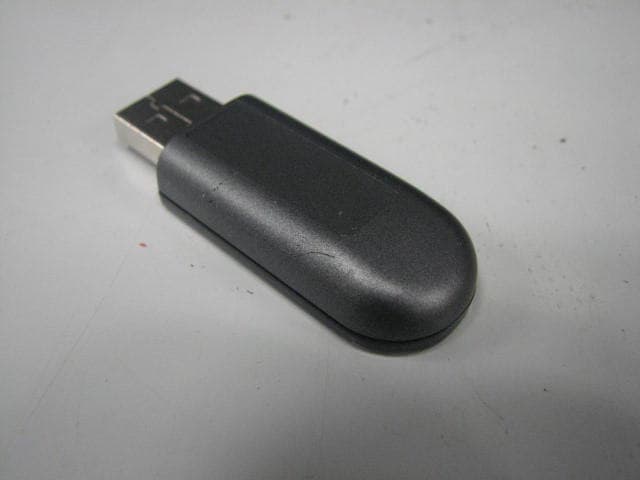
RKIC51-B115-XX
Oct 28, 2010Bluetooth Dongle
Equipment Class
DSS - Part 15 Spread Spectrum Transmitter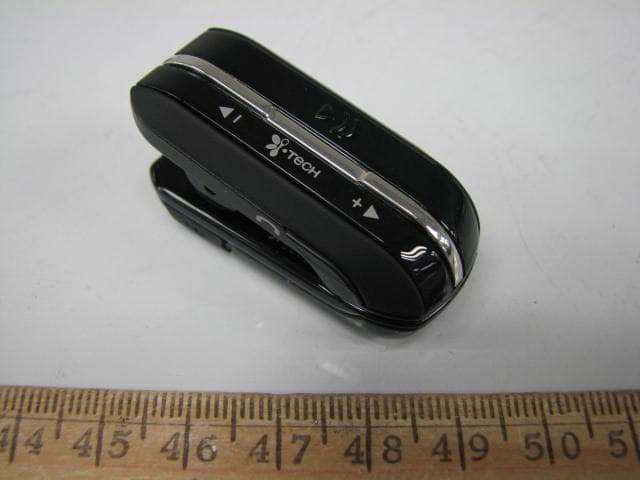
RKIC51-B806-XX
Aug 29, 2010Bluetooth Headset
Equipment Class
DSS - Part 15 Spread Spectrum Transmitter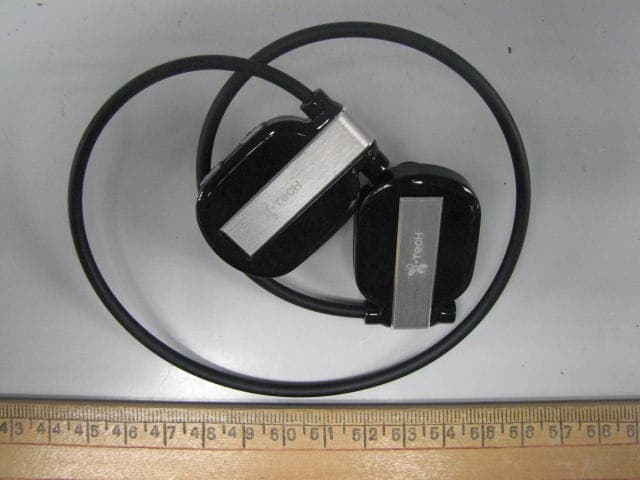
RKIC51-B807-XX
Jun 29, 2010Bluetooth Headset
Equipment Class
DSS - Part 15 Spread Spectrum Transmitter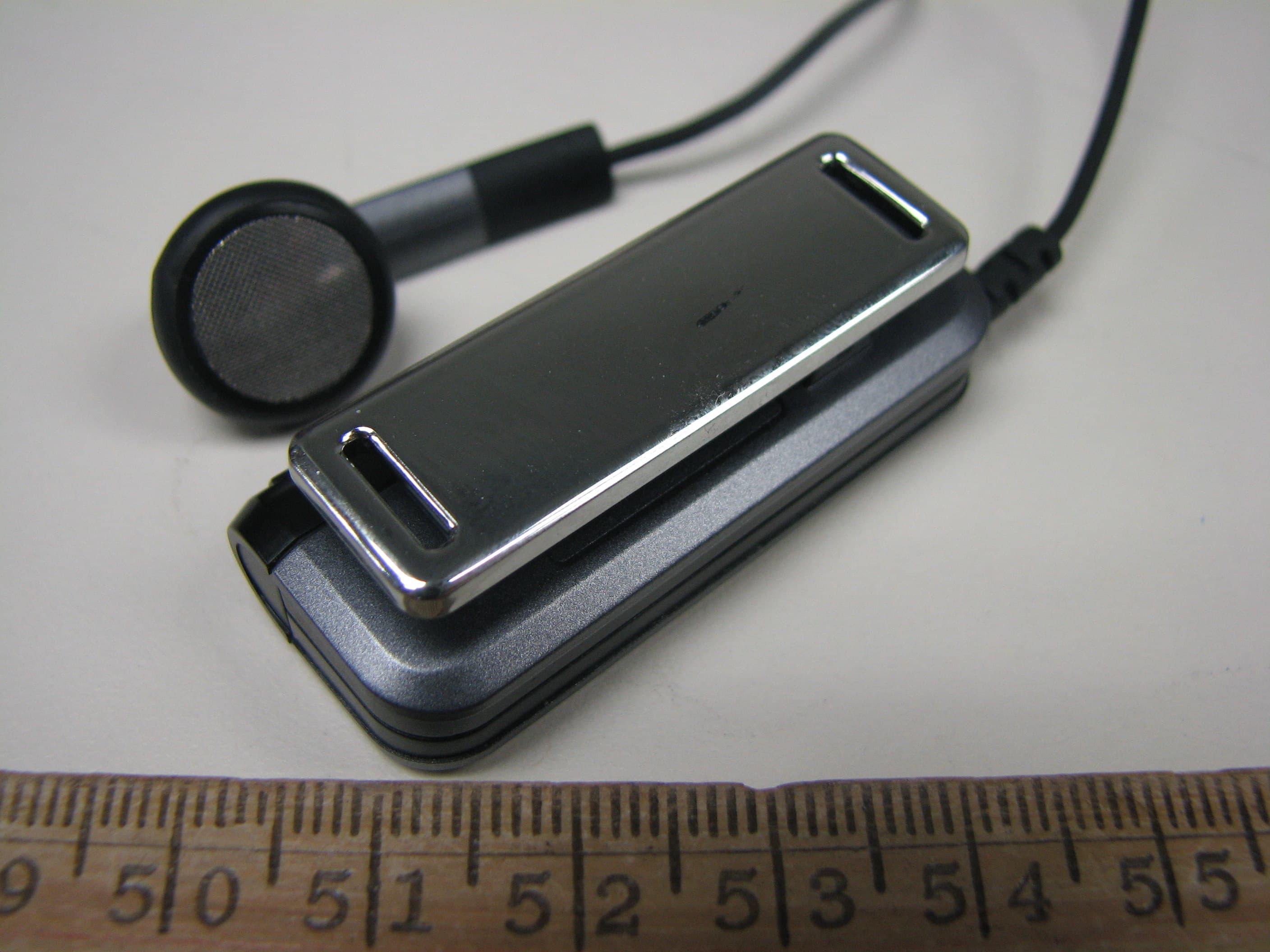
RKIC51-B604-XX
May 16, 2010Bluetooth Headset
Equipment Class
DSS - Part 15 Spread Spectrum Transmitter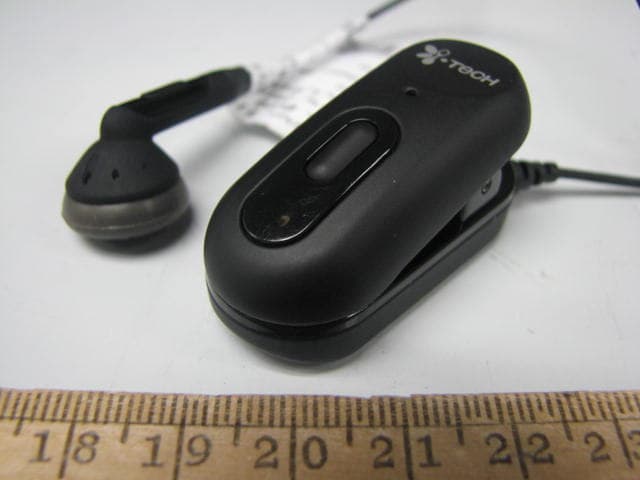
RKIC51-B606-XX
Apr 07, 2010Bluetooth Headset
Equipment Class
DSS - Part 15 Spread Spectrum Transmitter