RKIC51-B303-XXBLUETOOTH HEADSET
i.Tech Dynamic Limited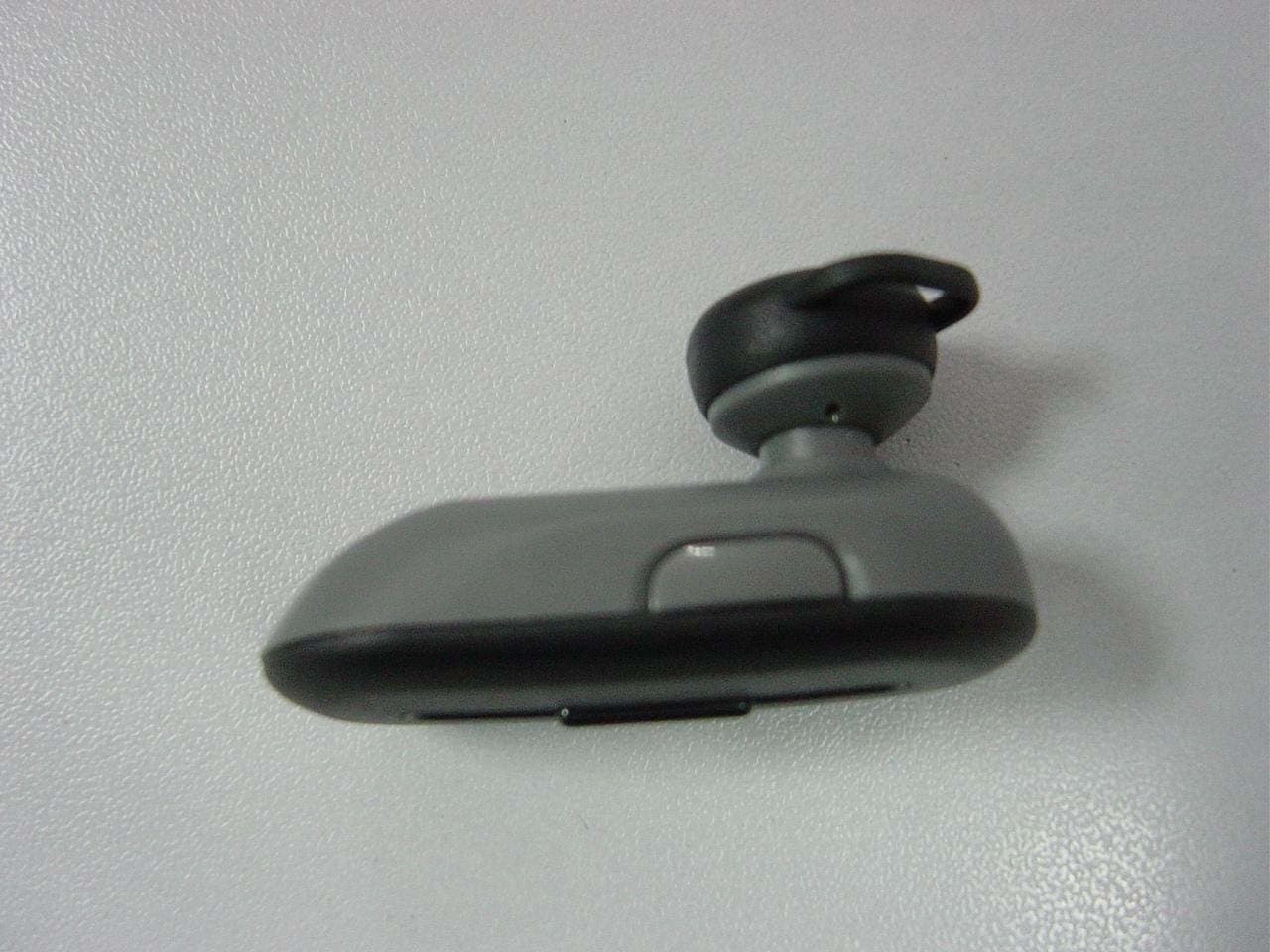
Click to zoom
Application Details
- Equipment Class
- DSS - Part 15 Spread Spectrum Transmitter
- Date of Grant
- Mar 19, 2009
- Application Purpose
- Original Equipment
- Date of Application
- Mar 18, 2009
- Equipment Note
- BLUETOOTH HEADSET
- Frequency Range
- 2402.00000000 - 2480.00000000
- Company
- i.Tech Dynamic Limited
- Country
- Hong Kong
Documents & Files
Document Text
Text extracted from the exhibit documents filed with the FCC. Open a document above to read the original.
Users Manual
Fig.1 ULC 303 Bluetooth Headset User Guide Contents Product Specifications----------------------- ULC 303 Overview----------------------- Getting Started----------------------- Charging Your Headset---------------------- Indicator Light---------------------- Pairing Your Headset with a Bluetooth Mobile Phone---------------------- Using Your Headset---------------------- Factory Reset---------------------- Troubleshooting---------------------- Safety Information---------------------- Care and Maintenance---------------------- Declaration of Conformity---------------------- Product Specifications Bluetooth Specification: v2.0 Class 2 + EDR Bluetooth Profiles Supported: Headset and Handsfree Range of Frequency: 2.4GHz spectrum Nominal Charging Time: Within 3 hours Talk Time*: Up to 4.5 hours Standby Time*: Up to 90 hours Dimensions: 44 (L) x 20.5 (W) x 11.3 (H) mm Weight: 8.9 grams * may vary due to the user’s habit, different modes of operation, and mobile phone settings. ULC 303 Overview 1. Multi-function Button (MFB) • Power On / Off • Pair with mobile phone • Answer / End a call • Last number redial • Voice dialing 1 2 3 4 5 6 7 2. Volume Key • Adjust volume • Reject / Transfer a call 3. Status Indicator 4. Built-in Rechargeable Battery 5. Microphone 6. Charging Socket 7. Speaker Getting Started To use your ULC 303 Bluetooth headset (“headset”), please follow the steps below: 1. Ensure your headset is fully charged. 2. Pair your charged headset with a Bluetooth-enabled mobile phone. Charging Your Headset The headset comes with a built-in rechargeable battery. Prior to using the headset for the first time, it is recommended to fully charge the battery. Insert the charger’s plug into the headset’s USB charging socket (see fig.2) and plug the mains charger to an AC wall outlet or plug to the PC/notebook. Use only the supplied charger / USB charging cable to charge the headset. Indicator Light Headset Status Status Indicator Light (fig.1) Charging (OFF MODE) Fully charged (OFF MODE) Low battery Out of battery Out of Range Long Green Off The light turns off Flash 4 Green every 15 sec until headset reconnect and timeout after 10 mins ? Charging indication will be delayed for a few seconds if the headset has not been used for a long time or the battery is drained. ? 3 hours are required to fully charge the headset. Talk and Standby Time A fully charged battery can offer up to 4.5 hours of talk time and up to 90 hours of standby time. The headset remains in standby mode after being turned on. Pairing Your Headset with a Bluetooth Mobile Phone 1) Ensure the headset is off. 2) To activate the pairing mode, press and hold the headset’s MFB for 8 seconds without releasing your finger until its status indicator flashes green and red light alternately. 3) Activate your mobile phone’s Bluetooth, search Bluetooth devices, select “ULC 303” and enter the passcode “0000”. When the pairing is completed, the headset’s status indicator will flash green light rapidly five times. If the pairing cannot be completed within two minutes after the pairing mode has been activated, the headset’s status indicator will stay green five seconds and then turns to standby mode. Repeat steps 1 to 3 to pair both devices again. Using Your Headset Function Button Audio Status indictor POWER ON Press and hold the MFB for 2 seconds a short beep Flash green light 3 times When you turn on your headset for the first time, the headset proceeds into pairing mode, i.e. the status indicator flashes green, so that you can immediately pair it with your mobile phone. POWER OFF Press and hold the MFB for 2 seconds a long beep Green light for two seconds and then the light goes off Answer a call Press the MFB once Flashing green light End a call Press the MFB once Flashing green light Adjust Volume Press the Volume Key once to increase/decrease by 1 step (Total 6 level) Short beep at max Flashing green light Voice Dialing* Press the MFB once a short beep Flashing green light Say the voice tag as soon as you hear the short beep and you must have recorded the voice tag into your mobile phone. Last no. Redial* Double click the MFB Flashing green light Reject a call* Press and hold the Volume Key for 2 seconds a short beep Flashing green light Call Transfer (headset to mobile phone)* While speaking, press and hold the volume Key for 2 seconds Flashing green light Call Transfer While speaking, press MFB Flashing green light (mobile phone to headset)* once * Subject to mobile support Factory Reset You may reset the headset to its default settings. Resetting will also remove the pairing history of your headset with the mobile phone. 1. Hold the volume key and plug charging cable into the charging socket. The status indicator will flash Green 3 times. 2. Release the volume key. 3. The status indicator will stay Green again and the headset is reset. i.Tech Bluetooth headset is designed to work with Bluetooth devices. Due to large variability between different Bluetooth devices from different manufacturers, interoperability between the headset and all Bluetooth-enabled products is not guaranteed. Troubleshooting I can hear crackling noise. To receive the best audio quality, it is recommended to wear your headset on the same side of the body as your mobile phone. I can't hear anything in my headset. Ensure the headset is turned on and is properly charged. Ensure the headset is properly paired with the mobile phone. Make sure that the mobile phone is connected with the headset – if it does not connect, either refer to the mobile phone's Bluetooth menu or by pressing the MFB once (see “Turning On the Headset” and “Pairing Your Headset with a Mobile Phone”). I can't connect my headset with mobile phone. Ensure your headset is turned off and is properly charged. Ensure the headset is properly paired with your mobile phone. Ensure your mobile phone’s Bluetooth feature is activated. Please refer to your mobile phone user guide for specific instruction. Ensu…
Text truncated - open the document above for the full version.
External Photos
External Photos 1. Front View of EUT 2. Side View of EUT
ID Label/Location Info
Label Label Location
Internal Photos
Internal Photos
Test Report
Report No.: SZ08120034E03 TABLE OF CONTENTS 1.TEST CERTIFICATION ...........................................................................................................4 2.GENERAL INFORMATION ....................................................................................................5 2.1EUT Description .........................................................................................................................5 2.2Test Standards and Results ........................................................................................................6 2.3Facilities and Accreditations ......................................................................................................7 2.3.1Facilities ....................................................................................................................................7 2.3.2Test Environment Conditions....................................................................................................7 3.47 CFR PART 15C REQUIREMENTS ....................................................................................8 3.1Number of Hopping Frequency.................................................................................................8 3.1.1Requirement ..............................................................................................................................8 3.1.2Test Description ........................................................................................................................8 3.1.3Test Result .................................................................................................................................8 3.2Peak Output Power ..................................................................................................................10 3.2.1Requirement ............................................................................................................................10 3.2.2Test Description ......................................................................................................................10 3.2.3Test Result ...............................................................................................................................10 3.320dB Bandwidth .......................................................................................................................12 3.3.1Definition ................................................................................................................................12 3.3.2Test Description ......................................................................................................................12 3.3.3Test Result ...............................................................................................................................12 3.4Carried Frequency Separation ................................................................................................14 3.4.1Definition ................................................................................................................................14 3.4.2Test Description ......................................................................................................................14 3.4.3Test Result ...............................................................................................................................14 3.5Time of Occupancy (Dwell time) .............................................................................................15 3.5.1Requirement ............................................................................................................................15 3.5.2Test Description ......................................................................................................................15 3.5.3Test Result ...............................................................................................................................15 3.6Conducted Spurious Emissions ...............................................................................................18 3.6.1Requirement ............................................................................................................................18 Page 2 of 36 Report No.: SZ08120034E03 3.6.2Test Description ......................................................................................................................18 3.6.3Test Result ...............................................................................................................................18 3.7Band Edge .................................................................................................................................22 3.7.1Requirement ............................................................................................................................22 3.7.2Test Description ......................................................................................................................22 3.7.3Test Result ...............................................................................................................................23 3.8Conducted Emission .................................................................................................................26 3.8.1Requirement ............................................................................................................................26 3.8.2Test Description ......................................................................................................................26 3.8.3Test Result ...............................................................................................................................27 3.9Radiated Emission ....................................................................................................................29 3.9.1Requirement ............................................................................................................................29 3…
Text truncated - open the document above for the full version.
Test Setup Photos
Test Setup Photos 1. CSE 2. RE 3. CE
Contact Information
Applicant
Raymond Liu(General Manager)
Test Firm
Shenzhen Morlab Communications Technology Co.,LtdShu Luan
Technical Specifications
| # | Rule Parts | Frequency Range | Power Output |
|---|---|---|---|
| 1 | 15C | 2.40 GHz - 2.48 GHz | 2.40 mW |
Other Applications from i.Tech Dynamic Limited
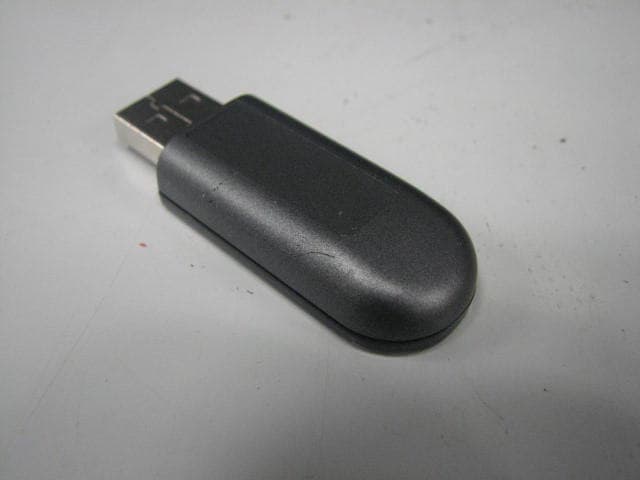
RKIC51-B115-XX
Oct 28, 2010Bluetooth Dongle
Equipment Class
DSS - Part 15 Spread Spectrum Transmitter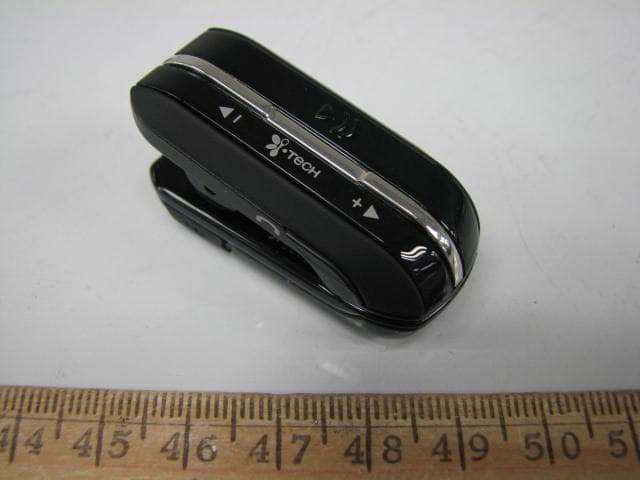
RKIC51-B806-XX
Aug 29, 2010Bluetooth Headset
Equipment Class
DSS - Part 15 Spread Spectrum Transmitter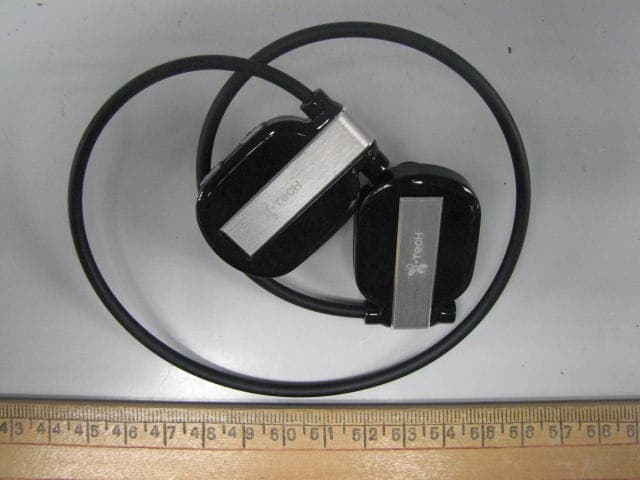
RKIC51-B807-XX
Jun 29, 2010Bluetooth Headset
Equipment Class
DSS - Part 15 Spread Spectrum Transmitter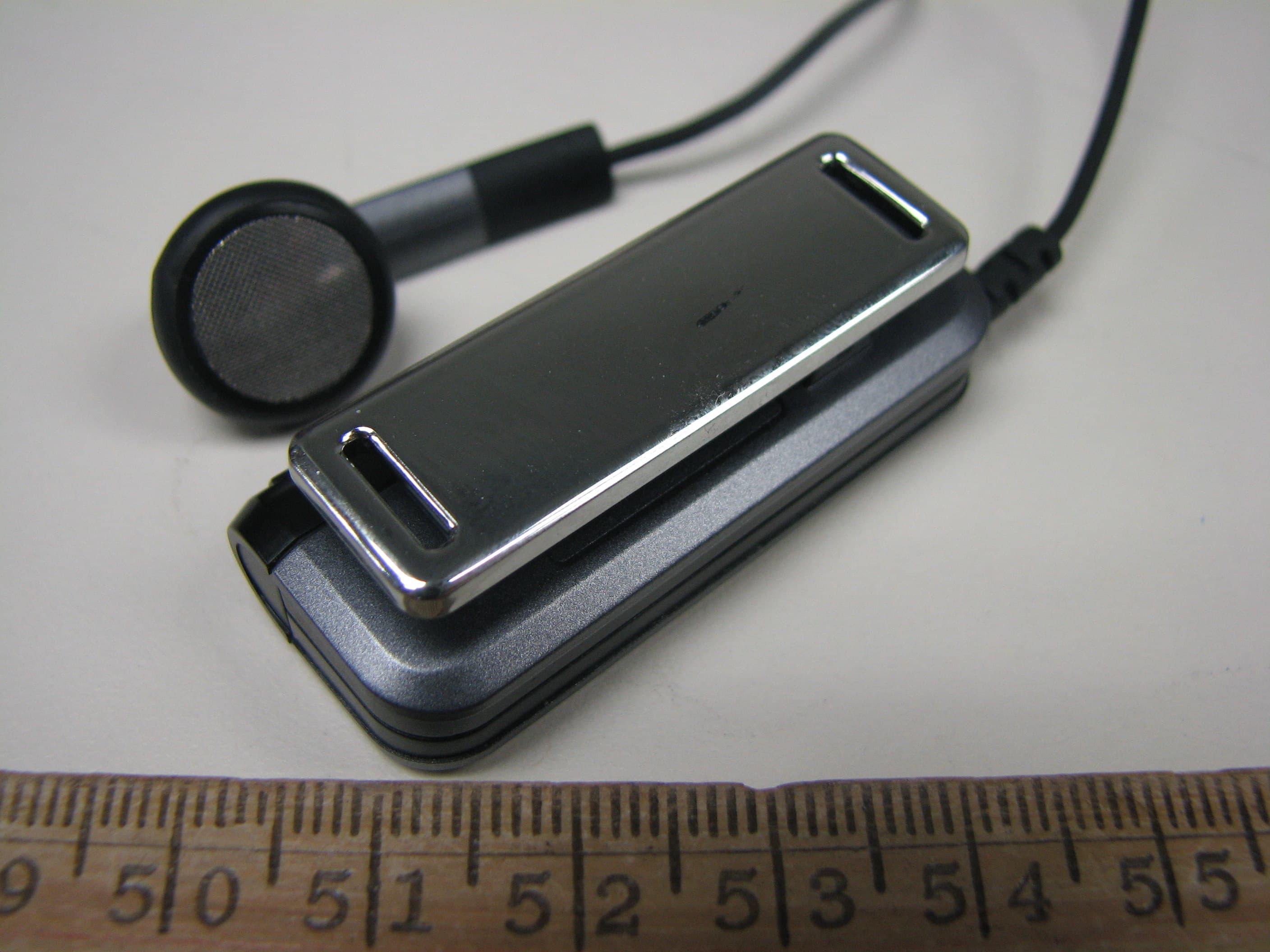
RKIC51-B604-XX
May 16, 2010Bluetooth Headset
Equipment Class
DSS - Part 15 Spread Spectrum Transmitter
RKIC51-B606-XX
Apr 07, 2010Bluetooth Headset
Equipment Class
DSS - Part 15 Spread Spectrum Transmitter