RVBXPM170Y-BTX-POINTER
Chois Technology Co., Ltd.
Click to zoom
Application Details
- Equipment Class
- DTS - Digital Transmission System
- Date of Grant
- Jun 29, 2021
- Application Purpose
- Original Equipment
- Date of Application
- Jun 29, 2021
- Equipment Note
- X-POINTER
- Frequency Range
- 2402.00000000 - 2480.00000000
- Company
- Chois Technology Co., Ltd.
- Country
- South Korea
Documents & Files
Document Text
Text extracted from the exhibit documents filed with the FCC. Open a document above to read the original.
Users Manual
ChoisTechnologyIMAGE POINTER XPM170Y 1 New Concept Wireless Presenter ChoisTechnology IMAGE POINTERXPM170Y ChoisTechnologyIMAGE POINTER XPM170Y Table of Contents 1. Components3 2. Installation4 3. Button Function5 4. LED status light6 5. PowerpointUse7 6. Explanation about ImagePointermode8 7. Battery replacement 9 8. Installing and running the ImagePointersoftware 10 9. Solutions11 10. Specification 12 11. Cautions 14 12. Certification 15 13. AS & Warranty 16 ................................................................ ...................................................................... ......................................................... ............................................................ ............................................................ .................. ................................................ ... ...................................................................... ............................................................ .......................................................... ............................................................. ..................................................... ChoisTechnologyIMAGE POINTER XPM170Y 2 Components TransmitterReceiverBatteryManualBox ChoisTechnologyIMAGE POINTER XPM170Y 3 Product Installation 1. After turning on the computer and inserting receiver into USB port, please wait until the LED on the receiver blinks at regular intervals. 2. When the receiver LED is blinking, the product is recognized. 3. If mouse cursor moves by touching your finger on button ③, it is connected 4. If mouse cursor moves by touching your finger on button ③, it is connected 5. If LED stopped flickering, it is completed to ready to use. 6. 6. If the function is not working, you can try to insert the receiver again. 수신기 수신기 ① 송신기 ② ③ ChoisTechnologyIMAGE POINTER XPM170Y 4 ImagePointerButton Function ① ② ③ ④ ① LED LED color change by status Shows wheterit is connected or whether button is workingShows whether battery is charging (Blinks red for 5 seconds when battery is low) ② BACK If you click once, it goes to previous page ESC (Finish Show) function on long click ③ MODE Quick transition to ImagePointermode on one click If you click and hold it, it can perform mouse right-click ④ TOUCH When touch the button, it functions like a mouse Drag and drop when moving while keeping the button clicked When click it during the presentation, it moves to next page When click once, it performs like mouse left-click button ChoisTechnologyIMAGE POINTER XPM170Y 6 ImagePointerLED Status Light When touching or clicking the button GREEN LED on and flickering When the battery is less than 15% and the button is clicked RED LED blinks for 5 seconds During calibration GREEN LED blinks quickly for 2~3 seconds ChoisTechnologyIMAGE POINTER XPM170Y Use ImagePointerin PowerPoint 1. Run the PowerPoint presentation file and start the slideshow. 2. Present your presentation while moving the pages by using ②Back/④Touch buttons. 3. When you touch the ④Touch button, ①Green LED lights on and it performs air-mouse function. (When you run ImagePointersoftware) 4. After selecting the line drawing menu on the slide, click the ③Mode button long to execute ESC function, and then click the ④Touch button to move to the next slide. 5. If you click the ③Mode button, you can change the mode. (There are five modes.) (In software settings, you can choose and activate modes : Basic pointer, highlight, magnifier, ImagePointer, zoom pointer) ① ② ③ ④ 7 ChoisTechnologyIMAGE POINTER XPM170Y Magnifier function : The pointing part can be agnified up to 3 times. User can use as a magnifying glass. Zoom pointer function : User can magnify a specific part up to 4 times and draw lines and figures Highlight function : User can point the part which the user wants to focus on ImagePointerfunction : User can use an image as a mouse pointer. User can use a moving image(PNG,GIF) Circle pointer function : User can customize size, thickness and transparency of the circle Free Drawing function : User can draw lines, figures and highlighter during the presentation 8 Explanation of ImagePointerMode ChoisTechnologyIMAGE POINTER XPM170Y 1. When the red LED lights up in the LED section, the battery needs to be replaced. 2. Open the rear case and put the two AAA batteries with the correct orientation. 3. When the battery exchange is complete, the green LED is turned on. 9 Battery Replacement ChoisTechnologyIMAGE POINTER XPM170Y Image pointing function can be used with additional software program. Please check how to download and use the program by accessing the address below. ① After logging on to the website and signing up as a member, please download the program. (www.x-pointer.com -> Customer Support -> Download -> [XPM170Y]ImagePointer software download ② If you download and run the attachment in the post, the ImagePointersoftware will be installed and the program will run when you click the shortcut icon on the desktop. ③ Please insert the receiver into USB port to check the connection status. ((p4) Refer to "Product Installation") ④ If there is no problem with the connection of the receiver, please use the image mouse function with your hand touching the Touch button. ⑤ To change the mode, click the Mode button. ⑥ To set various settings, click the Tray icon on the bottom right of the window. ※ The program supports Windows, Mac OS. ※ If the software does not work or you have any other inquiries, please contact the "Product AS and Warranty". 10 Installing and running the ImagePointerprogram ImagePointerprogram download : ImagePointerprogram user guide : ChoisTechnologyIMAGE POINTER XPM170Y 1. When the mouse pointer moves automatically or continuously flows in a specific direction without moving the transmitter after connecting the receiver a) Please put the product down on the flat place like the desk or ground and Please press button ②& ④ at the same time for 3 seconds or more then green LED…
Text truncated - open the document above for the full version.
Cover Letter(s)
S-1404, 32, Songdogwahak-ro, Yeonsu-gu, Incheon, South Korea, 21984 June 25, 2021 Federal Communications Commission Authorization and Evaluation Division 7435 Oakland Mills Road, Columbia, MD 21046 To Whom It May Concern: I, the undersigned, hereby authorize SGS Korea Co., Ltd. to act on our behalf in all manners relating to application for equipment authorization, including signing of all documents relating to these matters. Any and all acts carried out by SGS Korea Co., Ltd. on our behalf shall have the same effect as acts of our own. I, the undersigned, hereby certify that we are not subject to a denial of federal benefits, that includes FCC benefits, pursuant to Section 5301 of the Anti-Drug Abuse Act of 1988, 21 U.S.C. 853(a). In authorizing SGS Korea as our agent, we still recognize that we are responsible to: a) comply with the relevant provisions of the certification program; b) make all necessary arrangements for the conduct of the evaluation, including provision for examining documentation and access to all areas, records (including internal audit reports) and personnel for the purposes of evaluation (e.g. testing, inspection, assessment, surveillance, reassessment) and resolution of complaints; c) make claims regarding certification only in respect of the scope for which certification has been granted; d) do not use our product certification in such a manner as to bring the Certification Division into disrepute and not make any statement regarding our product certification which the Certification Division may consider misleading or unauthorized; S-1404, 32, Songdogwahak-ro, Yeonsu-gu, Incheon, South Korea, 21984 e) upon suspension or cancellation of certification, discontinue use of all advertising matter that contains any reference thereto and return any certification documents as required by the Certification Division; f) use certification only to indicate the products are certified as being in conformity with specified standards; g) endeavor to ensure that no certificate or report nor any part thereof is used in a misleading manner; h) ensure that any reference to our product certification in communication media such as documents, brochures or advertising, complies with the requirements of the Certification Division; i) keep a record of all complaints made known to the us relating to the product’s compliance with requirements of the relevant standard and to make these records available to the Certification Division when requested; j) take appropriate action with respect to such complaints and any deficiencies found in products or services that affect compliance with the requirements for certification; k) document the actions taken. This authorization is valid until further written notice from the applicant. Sincerely yours, Name/Title : JangKu LEE / Deputy General Manager Company Name : Chois Technology Co., Ltd.
Cover Letter(s)
Applicant Declaration Applicant Declaration Rev:0.0 SGS North America Inc. 620 Old Peachtree Road SUITE 100 Suwanee, Georgia 30024 United States Applic ant Legal Business Name Chois Technology Co., Ltd. Address S-1404, 32, Songdogwahak-ro, Yeonsu-gu, Incheon, South Korea Grantee Code RVB FCC ID RVBXPM170Y-BT Authorized Contact Name JangKu LEE Contact Email [email protected] Contact Phone 82-70-5121-2135 I, the undersigned, certify that I am an authorized signatory for the Applicant and therefore declare; a) in accordance with 47CFR2.911(d), all of the statements herein and the exhibits attached hereto are true and correct to the best of my knowl edge and beli ef. b) in accepting a Grant of Equipment Authorization issued by a TCB, under the authority of the FCC, as a result of the representations ma de in this appli cation, the Applic ant is responsible for: (1) labeling the equipment with the exact FCC ID as specified in this application, (2) compliance statement labeling pursuant to the applicable rules, (3) compliance of the equipment with the applicable technical rules, c) if the Applicant is not the actual manufacturer of the equipment, appropriate arrangements have been made with the manufacturer to en sure that production u nits of this equipment will continue to comply with the FCC’s tec hnical requirements. d) in accordance with 47 CFR 2.909 and KDB394321, the Applicant has read, understood and agrees to accept that they are the re sponsible party and ag ree to abide by their responsibilities as specified under 47 CFR 2.909 and KDB394321. e) in accordance with ISO17065, FCC KDB641163, FCC KDB610077, KDB394321 and RSP-100, the Applicant has read, understood, accep ts and agrees to a bide by the post market surveillance requirement s. (1 ) the Applicant understands, accepts and agrees that a sample may be requested for surveillance testing. (2) the Applicant shall make provisions to always have a production sample available upon request by SGS, FCC and/or ISED. (3) the Applicant shall, upon request by SGS, at the Applicant’s expense, provide a production sample of the requested product to SGS, FCC and/or ISED as instructed. The sample shall include all support devices, cables, software, accessories or other hardware or software required for evaluation, review, certification and audit surveillance of products certified by SGS. f) neither the Applicant nor any party to the application is subject to a denial of Federal benefits, that includes FCC benefits, pursuant to Section 5301 of the Anti- Drug Abuse Act of 1988, 21 U.S.C. §862 because of a conviction for possession or distribution of a controlled substance. S ee 47CFR 1.2002(b) for the definition of a “party” for these purposes. g) the Applicant has read, understood, accepts and agrees to abide by the SGS North America, Inc.(TCB) terms and con ditions. L ink to CFRs: https://www.fcc.gov/wireless/bureau-divisions/technologies-systems-and-innovation-division/rules-regulations-title-47 Link to KDBs: https://apps.fcc.gov/oetcf/kdb/index.cfm Link to RSP-100: https://www.ic.gc.ca/eic/site/smt-gst.nsf/eng/sf01130.html Applic ant Signature: Date: June 2 5, 2021 Print Name: JangKu LEE Title: Deputy General Manager *NOTE: This declaration cannot be signed by an Agent, it shall be signed by an authorized person listed in the FCC database
Cover Letter(s)
S-1404, 32, Songdogwahak-ro, Yeonsu-gu, Incheon, South Korea, 21984 June 25, 2021 Federal Communications Commission Authorization and Evaluation Division 7435 Oakland Mills Road, Columbia, MD 21046 Request of Confidentiality for FCC ID : RVBXPM170Y-BT To Whom It May Concern: Pursuant to Sections 0.457 and 0.459 of the Commission’s Rules (CFR 47), and Section 552 (b) (4) of the Freedom of Information Act, Chois Technology Co., Ltd. hereby requests confidentiality and treatment of certain information accompanying this application. The materials contain trade secrets and proprietary information not customarily released to the public. The public disclosure of these matters might be harmful to the Applicant and provide unjustified benefits to its competitors. We are also hereby request Short-Term Confidentiality for 180 days after the grant as outlined in Public Notice DA 04-1705. This provision will give Chois Technology Co., Ltd. temporary confidentiality of commercially sensitive information prior to product release. The requested Permanent and Temporary Confidential exhibits are listed as follows: CONFIDENTIAL LIST Permanent 1 Block Diagram 2 Operational Descriptions 3 Schematics 4 - Short-Term 5 External Photos 6 Internal Photos 7 Test-Setup Photos 8 User’s Manual S-1404, 32, Songdogwahak-ro, Yeonsu-gu, Incheon, South Korea, 21984 The Applicant understands that pursuant to Rule 0.457, disclosure of this application and all accompanying documentations, where applicable, will not be made public before the date of the Grant for this application. Sincerely yours, Name/Title : JangKu LEE / Deputy General Manager Company Name : Chois Technology Co., Ltd.
External Photos
External photos of EUT Top view of EUT Bottom view of EUT Side view of EUT
ID Label/Location Info
5mm ChoisTechnology Co., Ltd. FCC ID: RVBXPM170Y-BT MODEL : XPM170Y R-C-WCT-XPM170Y MADE IN KOREA ChoisTechnology Co., Ltd. FCC ID: RVBXPM170Y-BT MODEL : XPM170Y R-C-WCT-XPM170Y MADE IN KOREA ChoisTechnology Co., Ltd. FCC ID: RVBXPM170Y-BT MODEL : XPM170Y R-C-WCT-XPM170Y MADE IN KOREA XPM170Y Label Information
Internal Photos
Internal photos of EUT Internal view of EUT Top view of Main PCB Bottom view of Main PCB View of Antenna & Module PCB Pattern Antenna Bluetooth Low Energy Module
RF Exposure Info
FCC ID: RVBXPM170Y-BT According to KDB 447498 D01 General RF Exposure Guidance At 100 ㎒ to 6 ㎓ and for test separation distances ≤ 50 ㎜, the SAR test exclusion threshold is determined according to the following [(max. power of channel, including tune-up tolerance, ㎽) / (min. test separation distance, ㎜)] x [√f(㎓)] ≤ 3.0 1. SAR test exclusion threshold Frequency: 2 480 ㎒ (min. separation distances = 0 ㎜) SAR test exclusion thresholds(5 ㎜) = 3 x 5 / (√ 2.480 ) = 9.525 ㎽ Max. tune-up tolerance (㎽) SAR Test Exclusion Thresholds (5 ㎜) (㎽) 7.943 9.525 Calculation value: 7.943 (㎽) / 5 (㎜) x √ 2.480 = 2.502 So, Calculation value ≤ 3.0 Remark; - Max. conducted power (㎽): maximum tolerance power of EUT (9 ㏈m) - Max. conducted power 7.943 (㎽) - When the minimum test separation distance is < 5 ㎜, a distance of 5 ㎜ is applied to determine SAR test exclusion. 2. Conclusion: No SAR is required.
Test Report
SGS Korea Co., Ltd. 4, LS-ro 182beon-gil, Gunpo-si, Gyeonggi-do, Korea, 15807 Tel. +82 31 428 5700 / Fax. +82 31 427 2370 http://www.sgsgroup.kr Report Number: F690501-RF-RTL002337 Page: 2 of 30 RTT7081-02(2020.10.05)(0) A4(210 mmx297 mm) INDEX Table of contents 1. General Information ------------------------------------------------------------------------------ -------- 3 2. Transmitter Radiated Spurious Emissions and Conducted Spurious Emission ---------- 8 3. 6 ㏈ Bandwidth ------------------------------------------------------------------------------------------- 23 4. Maximum Peak Conducted Output Power --- ------------------------------------------------------ 25 5. Power Spectral Density --------------------------------------------------------------------------------- 27 6. Antenna Requirement ----------------------------------------------------------------------------------- 30 SGS Korea Co., Ltd. 4, LS-ro 182beon-gil, Gunpo-si, Gyeonggi-do, Korea, 15807 Tel. +82 31 428 5700 / Fax. +82 31 427 2370 http://www.sgsgroup.kr Report Number: F690501-RF-RTL002337 Page: 3 of 30 RTT7081-02(2020.10.05)(0) A4(210 mmx297 mm) 1. General Information 1.1. Testing Laboratory SGS Korea Co., Ltd. (Gunpo Laboratory) - 10-2, LS-ro 182beon-gil, Gunpo-si, Gyeonggi-do, Korea, 15807 - 4, LS-ro 182beon-gil , Gunpo-si, Gyeonggi-do, Korea, 15807 - Designation number: KR0150 All SGS services are rendered in accordance with the applicable SGS conditions of service available on request and accessible at http://www.sgs.com/en/Terms-and-Conditions.aspx. Phone No. : +82 31 688 0901 Fax No. : +82 31 688 0921 1.2. Details of Applicant Applicant : Chois Technology Co., Ltd. Address : S-1404, 32, Songdogwahak-ro, Yeonsu-gu, Incheon, South Korea, 21984 Contact Person : Lee, Jang-ku Phone No. : +82 70 5121 2135 1.3. Details of Manufacturer Company : Same as Applicant Address : Same as Applicant 1.4. Description of EUT Kind of Product X-POINTER Model Name XPM170Y Serial Number Conducted: 001, Radiated: 002 Power Supply DC 3.0 V Frequency Range 2 402 ㎒ ~ 2 480 ㎒ (Bluetooth Low Energy) Modulation Technique GFSK Number of Channels 40 channels (Bluetooth Low Energy) Antenna Type PCB Pattern Antenna Antenna Gain 1.22 ㏈i H/W Version REV1.00 S/W Version REV1.00 SGS Korea Co., Ltd. 4, LS-ro 182beon-gil, Gunpo-si, Gyeonggi-do, Korea, 15807 Tel. +82 31 428 5700 / Fax. +82 31 427 2370 http://www.sgsgroup.kr Report Number: F690501-RF-RTL002337 Page: 4 of 30 RTT7081-02(2020.10.05)(0) A4(210 mmx297 mm) 1.5. Test Equipment List Equipment Manufacturer Model S/N Cal. Date Cal. Interval Cal. Due Signal Generator R&S SMR40 100272 Ju n. 16, 2021 Annual Ju n. 16, 2022 Signal Generator R&S SMBV100A 255834 May 31, 2021 Annual May 31, 2022 Spectrum Analyzer R&S FSV30 103210 Dec. 07, 2020 Annual Dec. 07, 2021 Spectrum Analyzer Agilent N9020A MY53421758 Sep. 04, 2020 Annual Sep. 04, 2021 Attenuator AEROFLEX / INMET 26A-10dB 3 Mar. 24, 2021 Annual Mar. 24, 2022 High Pass Filter Wainwright Instrument GmbH WHK3.0/18G-10SS 344 May 17, 2021 Annual May 17, 2022 High Pass Filter Wainwright Instrument GmbH WHNX7.5/26.5G-6SS 15 May 31, 2021 Annual May 31, 2022 Low Pass Filter Mini-Circuits NLP-1200+ V 9500401023-2 May 31, 2021 Annual May 31, 2022 Power Sensor R&S NRP-Z81 100669 May 07, 2021 Annual May 07, 2022 DC Power Supply Agilent U8002A MY49030063 Feb. 02, 2021 Annual Feb. 02, 2022 Preamplifier H . P. 8447F 2944A03909 Aug. 06, 2020 Annual Aug. 06, 2021 Signal Conditioning Unit R&S SCU-18 10117 Jun. 09, 2021 Annual Jun. 09, 2022 Preamplifier TESTEK TK-PA1840H 130016 Jan. 07, 2021 Annual Jan. 07, 2022 Loop Antenna Schwarzbeck Mess-Elektronik FMZB 1519 1519-039 Aug. 22, 2019 Biennial Aug. 22, 2021 Bilog Antenna Schwarzbeck Mess-Elektronik VULB 9163 01126 Dec. 22, 2020 Biennial Dec. 22, 2022 Horn Antenna R&S HF906 100326 Feb. 04, 2021 Annual Feb. 04, 2022 Horn Antenna Schwarzbeck Mess-Elektronik BBHA 9170 BBHA9170223 Sep. 16, 2020 Annual Sep. 16, 2021 Test Receiver R&S ESU26 100109 Feb. 19, 2021 Annual Feb. 19, 2022 Turn Table Innco systems GmbH DS 1200 S N/A N.C.R. N/A N.C.R. Controller Innco systems GmbH CONTROLLER CO3000-4P CO3000/963/383 30516/L N.C.R. N/A N.C.R. Antenna Mast Innco systems GmbH MA4640-XP-ET MA4640/536/383 30516/L N.C.R. N/A N.C.R. Anechoic Chamber SY Corporation L × W × H (9.6 m × 6.4 m × 6.6 m) N/A N.C.R. N/A N.C.R. Coaxial Cable RFONE MWX221-NMSNMS (4 m) J1023142 May 27, 2021 Semi- annual Dec. 27, 2021 Coaxial Cable RFONE PL520-NMNM-10M (10 m) 20200324001 May 27, 2021 Semi- annual Dec. 27, 2021 Coaxial Cable RFONE PL360P-292M292M-1.5M- A 20200324002 Feb. 19, 2021 Semi- annual Aug. 19, 2021 Note; - For equipment listed above that has a calibration date or calibration due date that falls within the test date range, care was taken to ensure that this equipment was used after the calibration date and before the calibraition due date. SGS Korea Co., Ltd. 4, LS-ro 182beon-gil, Gunpo-si, Gyeonggi-do, Korea, 15807 Tel. +82 31 428 5700 / Fax. +82 31 427 2370 http://www.sgsgroup.kr Report Number: F690501-RF-RTL002337 Page: 5 of 30 RTT7081-02(2020.10.05)(0) A4(210 mmx297 mm) 1.6. Summary of Test Results The EUT has been tested according to the following specifications: APPLIED STANDARD: FCC Part 15 Subpart C Section(s) Test Item(s) Result 15.205(a) 15.209 15.247(d) Transmitter Radiated Spurious Emissions and Conducted Spurious Emission Complied 15.247(a)(2) 6 ㏈ Bandwidth Complied 15.247(b)(3) Maximum Peak Conducted Output Power Complied 15.247(e) Power Spectral Density Complied 15.207 AC Power Line Conducted Emission N/A 1) Note; 1) The AC power line test was not performed because the EUT use battery power for operation and which do not operate from the AC power lines. 1.7. Test Procedure(s) The measurement procedures described in the American National Standard of Procedure for Compliance Testing of unlicensed Wireless Devices (ANSI C63.10-2013) and the guidance provided in KDB 558074 D01 15.247 Meas Guidance v05r02 were used in the measuremen…
Text truncated - open the document above for the full version.
Test Setup Photos
Test setup photos of EUT 1. Orthogonal plane of EUT - The testing was set in the three orthogonal planes and measured for each position (X, Y, Z). X-axis Y-axis Z-axis 2. Photos of Radiated Spurious Emission Test (Below 1㎓) 3. Photo of Radiated Spurious Emission Test (Above 1㎓) 4. Photo of Conducted test
Contact Information
Applicant
Daeheung Son(Director)
Technical Contact
SGS Korea Co., LtdJinhyoung Cho
[email protected]82-31-688-0901
4, LS-ro, 182 beon-gil · Gunpo-si, Gyeonggi-do · South Korea
Non-Technical Contact
SGS Korea Co., LtdHyojung Nam
[email protected]82-31-428-5891
Test Firm
SGS Korea Co., LtdHwang Gihee
Technical Specifications
| # | Rule Parts | Frequency Range | Power Output |
|---|---|---|---|
| 1 | 15C | 2.40 GHz - 2.48 GHz | 8.00 mW |
Other Applications from Chois Technology Co., Ltd.
RVBXST600
Jun 09, 2026Thermosafer
Equipment Class
DTS - Digital Transmission SystemRVBXPM180Y
Mar 25, 2026X-pointer
Equipment Class
DTS - Digital Transmission System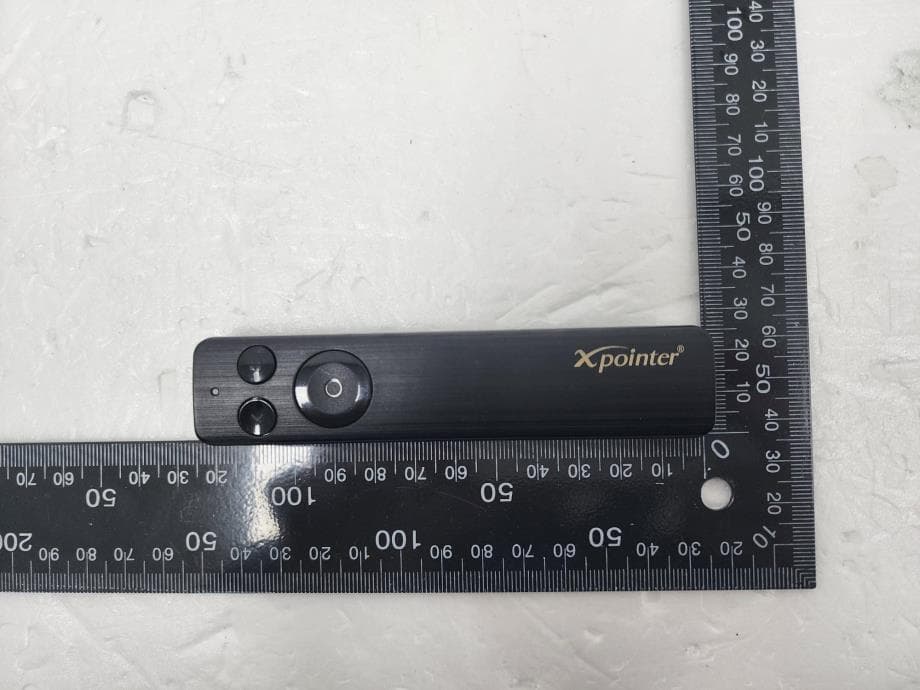
RVBXPM170YN
Jan 07, 2023X-POINTER
Equipment Class
DXX - Part 15 Low Power Communication Device Transmitter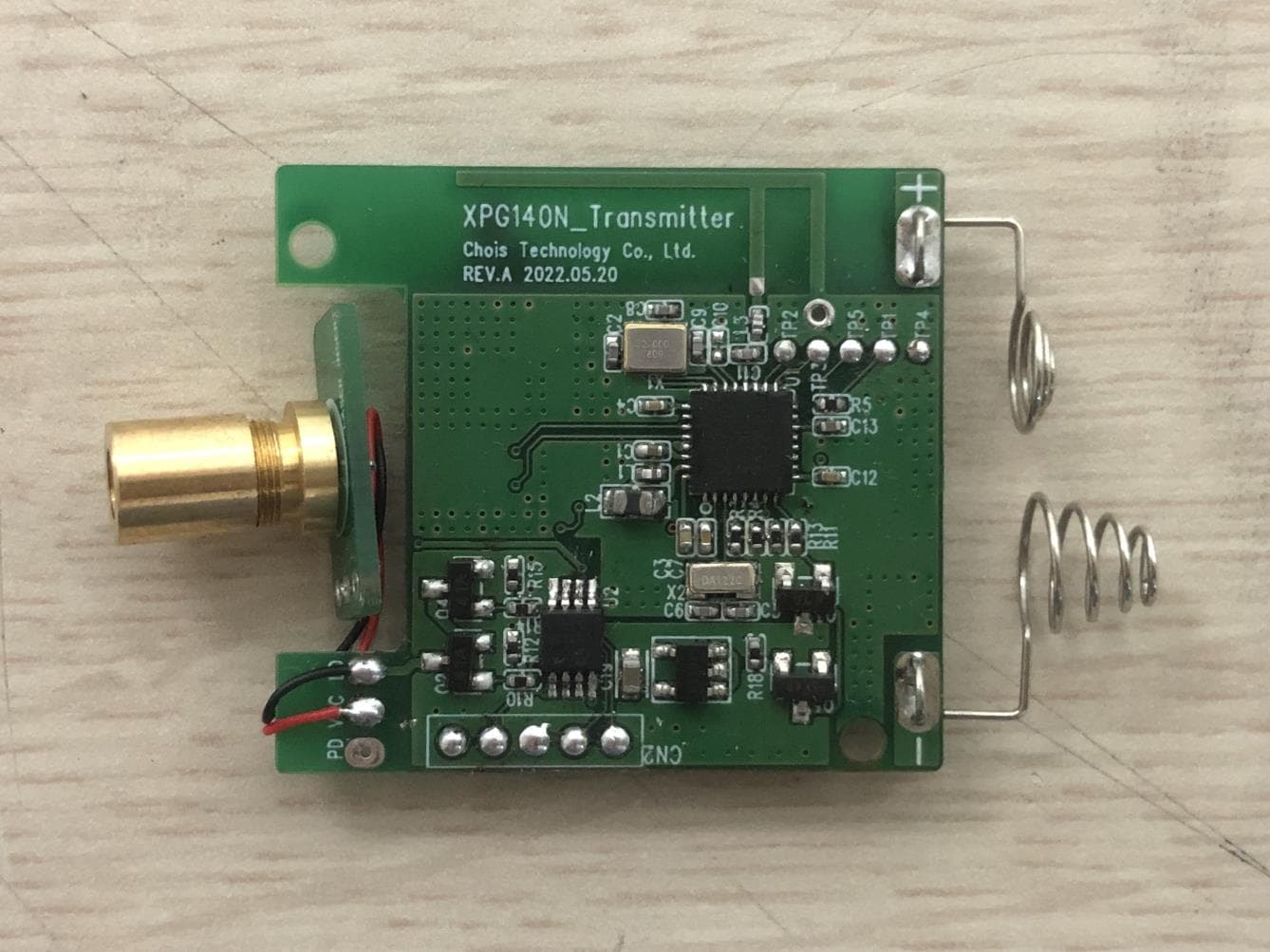
RVBXPG140N
Nov 21, 2022X-POINTER
Equipment Class
DTS - Digital Transmission System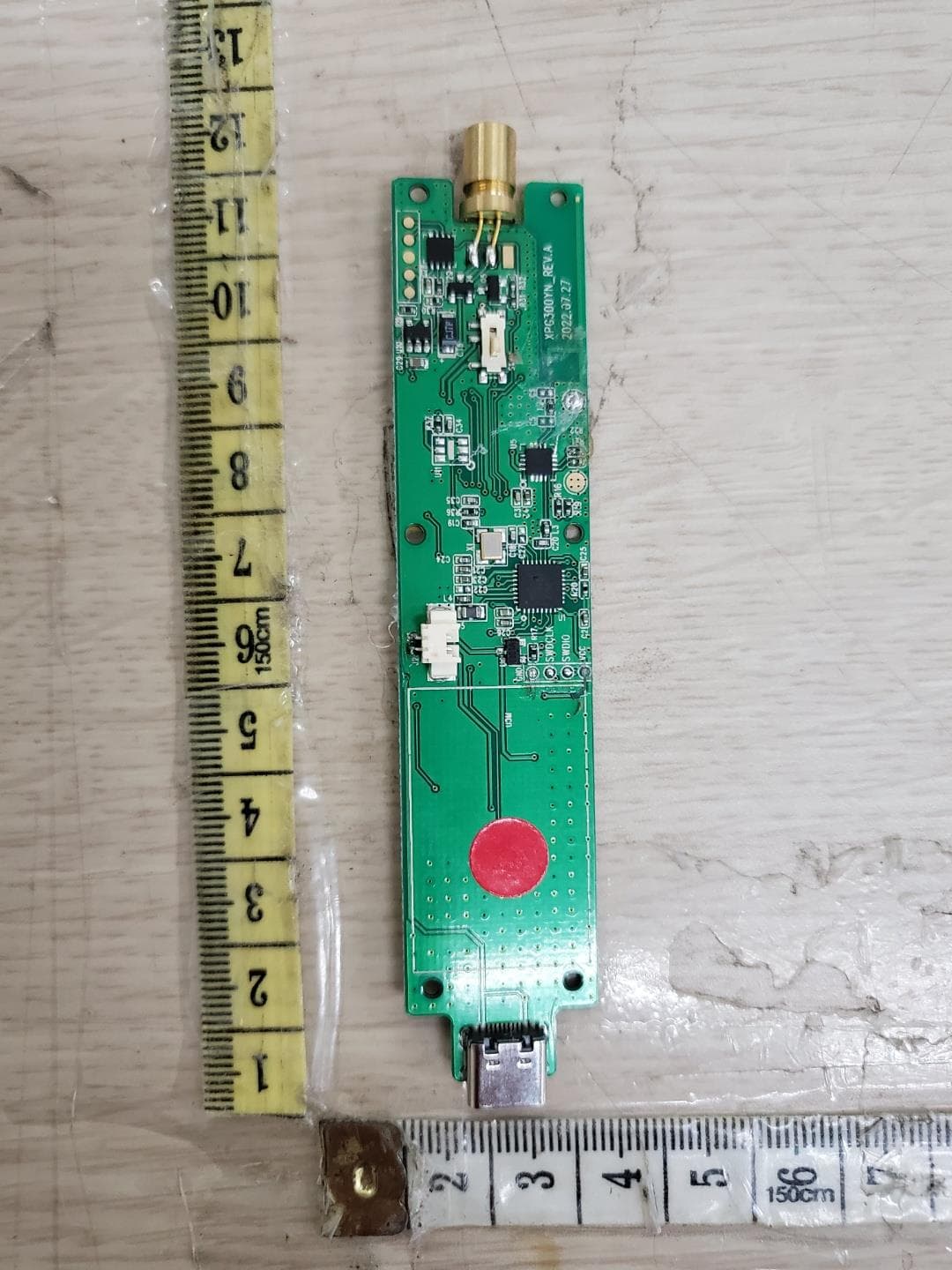
RVBXPG300YN
Nov 21, 2022X-POINTER
Equipment Class
DTS - Digital Transmission System