RY8EFL1902XLCD Monitor
Effinet Systems, Inc.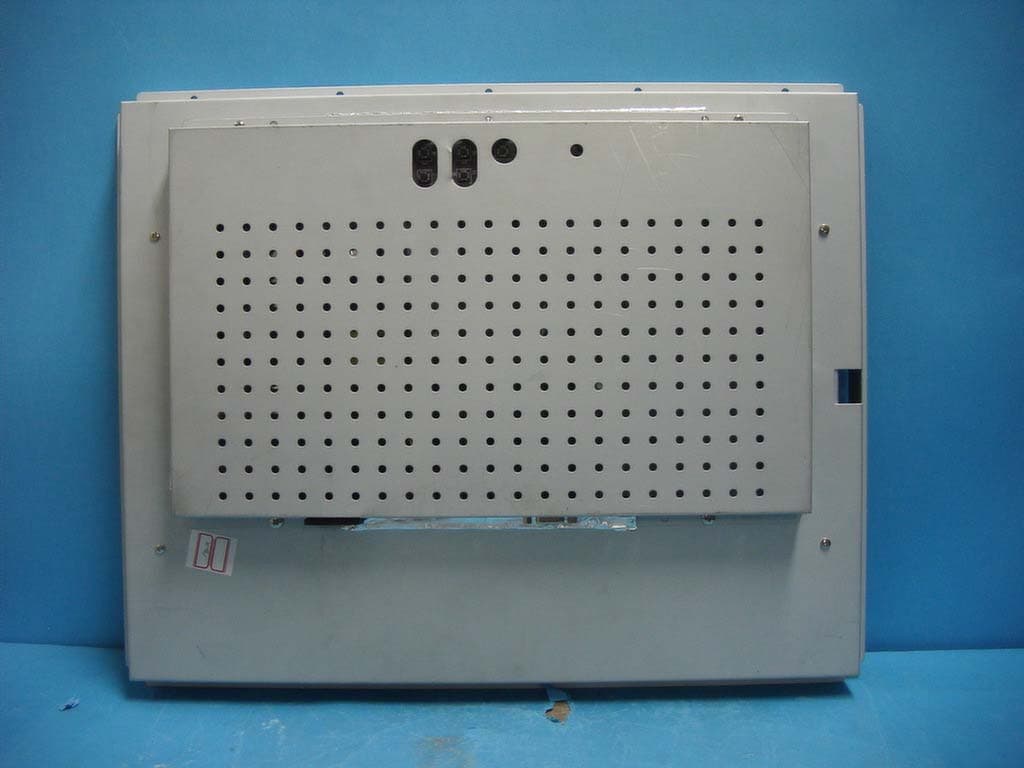
Click to zoom
Application Details
- Equipment Class
- JBP - Part 15 Class B Computing Device Peripheral
- Date of Grant
- May 21, 2004
- Application Purpose
- Original Equipment
- Date of Application
- May 21, 2004
- Equipment Note
- LCD Monitor
- Company
- Effinet Systems, Inc.
- Country
- South Korea
Documents & Files
Document Text
Text extracted from the exhibit documents filed with the FCC. Open a document above to read the original.
Users Manual
INSTRUCTION MANUAL COLOR MONITOR Model No. : EFL-1902X www.effinet.co.kr INSTRUCTION MANUAL EFL-1902X 2 Table of Contents IMPORTANT SAFEGUARDS ..................................................... 3 QUICK REFERENCE TABLE OF CHARACTERISTICS.......... 4 KEY & OSD CONTROL................................................................. 5 KEY & OSD CONTROL................................................................. 6 . STANDARD DISPLAY MODE ................................................. 8 INSTRUCTION MANUAL EFL-1902X 3 IMPORTANT SAFEGUARDS 1. Read all of these instructions. 2. Save these instructions for later use. 3. Unplug this monitor from the wall outlet before cleaning. Do not use liquid cleaners or aerosol cleaners. Use a damp cloth for cleaning. 4. Do not use attachments not recommended by the monitor manufacturer as they may cause hazards. 5. Do not use this monitor near water, e.g., near a bathtub, washbowl, kitchen sink, or laundry tub, in a wet basement, or near a swimming pool, etc. 6. Do not place this monitor on an unstable cart, stand, or table. The monitor may fall, causing serious injury to a child or adult, and serious damage to the appliance. 7. This monitor should be operated only from the type of power source indicated on the marking label. If you are not sure of the power supplied to your home, consult your monitor dealer or local power company. 8. For added protection for this monitor during a lightning storm, or when it is left unattended and unused for long periods of time, unplug it from the wall outlet. This will prevent damage to the monitor and/or the computer due to lightning and power line surges. 9. Do not overload wall outlets and extension cords as this can result in fire or electric shock. 10. Never push objects of any kind into this monitor through cabinet openings, as they may touch dangerous voltage points or short out parts that could result in a fire or electric shock. Never spill liquid of any kind on the monitor. 11. Do not attempt to service this monitor yourself, as opening or removing covers may expose you to dangerous voltages or other hazards. Refer all servicing to qualified service personnel. 12. Unplug this monitor from the wall outlet and refer servicing to qualified service personnel under the following conditions: a. When the power cord or plug is damaged or frayed. b. If liquid has been spilled into the monitor. c. If the monitor has been exposed to rain or water. d. If the monitor does not operate normally by following the operating instructions. Adjust only those controls that are covered by the operating instructions, as improper adjustment of other controls may result in damage and will often require extensive work by a qualified technician to restore normal operation. e. If the monitor has been dropped or the cabinet has been damaged. f. When the monitor exhibits a distinct change in performance, this indicates a need for service. 13. When replacement parts are required be sure the service technician has used replacement parts specified by the manufacturer that have the same characteristics as the original part. Unauthorized substitutions may result in fire, electric shock, or other hazards. 14. Upon completion of any service or repairs to this monitor, ask the service technician to perform routine safety checks to determine that the monitor is safe to operate. INSTRUCTION MANUAL EFL-1902X 4 QUICK REFERENCE TABLE OF CHARACTERISTICS EFL-1902X Size 19” Diagonal Active Display Area 376.32 x 301.56 mm Type No. Samsung , LTM190E1-L01 LG-Philips, LM190E1 Number of Pixels 1280 (H) x 1024 (V) Pixel Pitch 0.294 mm x 0.294 mm Color Depth 16.7M True Color Surface Treatments Hard Coating (3H), Haze 44% Viewing Angle (degrees) Horizontal θL : 85 / θR 85 Vertical ΦH : 85 / ΦL 85 Contrast Ratio Typ. 500 : 1 Response Time(Typ.) Rise time(tr) : 15ms / Fall time(tf) : 10ms Average Brightness Typ. 250 cd/ m 2 Panel Dimension (WHD) 404.2 x 330.0 x 20.0 mm Panel CCFT 4 Lamps(2 Dual) Horizontal 30 ~ 80KHz Vertical 50 ~ 75Hz Scanning Frequency Standard 720x400 @70 Hz, 640x480 @60/67/72/75 Hz 800x600 @56/60/72/75 Hz , 832x624 @75 Hz 1024x768 @60/70/75 Hz 1280x1024 @60/75 Hz AC Input AC 90 ~ 265V @60/50Hz, Universal Power Max. Power Dissipation 35Watts Power DC Adaptor Rating DC 12V 5A Operating Temperature : 10 to 50ºC / Humidity : 8 to 80% Environmental Conditions Storage Temperature : -20 to 70ºC / Humidity : 5 to 90% White Color Temperature 9300°K : CIE x=0.281±0.015 / y=0.311±0.015 6500°K : CIE x=0.313±0.015 / y=0.329±0.015 Demonstrated MTBF More than 20,000 hours Regulation CUL(UL+CSA), CE, FCC Touch Screen Optional INSTRUCTION MANUAL EFL-1902X 5 KEY & OSD CONTROL MENU : Launch OSD (On-Screen Display) MENU window and select the Menu Page SEL : Move the cursor in the PICTURE / UTILITY mode. (AUTO) Auto Tracking (pressing “SEL” key for 2 seconds) UP : Increase the value of the selected function. DOWN : Decrease the value of the selected function. UTILITY PICTURE brightness - 100 + contrast - 80 + sharpness 4 h position - 50 + v position - 50 + phase - 18 + frequency - 1056 + mode normal fill to aspect ratio 1 2 3 4 5 SELECT MENU Cable Connect LED SEL (AUTO) MENU UP DOWN UTILITY PICTURE color temp 6500 7300 9300 user language english german factory press <up> to reset power on time 10 hr information 800 x 600 / 60Hz INSTRUCTION MANUAL EFL-1902X 6 KEY & OSD CONTROL OSD Control Functions Control Function Auto Tracking Automatic screen adjustment process. If there is any noise on the screen or screen shift, just press “ SEL” button for more than two(2) seconds. Since this monitor is equipped with “Auto Tracking” function, it will automatically configure the monitor setting. Brightness Adjust the brightness level of the Display. Contrast Adjust the contrast level of the Display. Sharpness Adjust the sharpness level of the Display H position Adjust the position of the display horizontally. V position Adjust the position of the display vertically. Phase…
Text truncated - open the document above for the full version.
Block Diagram
Block Diagram LCD Panel 19 ” InterfaceCable Scaler Chip PW131A-20Q LVDS Chip ED385 AC IN SMPS KA3843 +5V/+12V/ +3.3V AD Board 15 PinD-Sub R/G/B Signal H/V Sync Signal Cable H/V Sync MCU 110MHz 110MHz 135MHz
Cover Letter(s)
1 Mike Kuo From: H.C.Kim [[email protected]] Sent: May182004Tuesday 7:07 AM To: Mike Kuo Subject: Re: Effinet Systems, Inc., FCC ID:RY8EFL1902X, AN04T3807 EFL-1902X ID Label Sample Loca... EFL-1902X Test Report.pdf Dear Mr. Kuo I attache the revised test report and the Label sample. Please check and give me information if any problem. Best regards. H.C.Kim/Project Manager ----- Original Message ----- From: "Mike Kuo" <[email protected]> To: "Mike Kuo" <[email protected]>; "'H. C. Kim (E-mail)'" <[email protected]> Cc: "'Seung Jun Oh'" <[email protected]> Sent: Tuesday, May 18, 2004 3:42 PM Subject: RE: Effinet Systems, Inc., FCC ID:RY8EFL1902X, AN04T3807 > Please let me know the status. > > M.Kuo > > -----Original Message----- > From: Mike Kuo > Sent: Wednesday, May 12, 2004 11:47 AM > To: H. C. Kim (E-mail) > Cc: 'Seung Jun Oh' > Subject: FW: Effinet Systems, Inc., FCC ID:RY8EFL1902X, AN04T3807 > > > Hi Mr. Kim : > > I have not received your reply to this application, please let me know the > status. > > Best Regards > > Mike Kuo > > -----Original Message----- > From: Mike Kuo > Sent: Friday, March 26, 2004 5:11 PM > To: '[email protected]' > Subject: FW: Effinet Systems, Inc., FCC ID:RY8EFL1902X, AN04T3807 > > > > > -----Original Message----- > From: CERTADM > Sent: Friday, March 26, 2004 5:10 PM > To: Mike Kuo 2 > Subject: Effinet Systems, Inc., FCC ID:RY8EFL1902X, AN04T3807 > > > Notice_content > ------------- > Question #1: Based upon the description in the functional block diagram, the > highest frequency used or generated by this device is 135MHz. Per section > 15.33(b)(1), this device should be investigated up to 2000MHz. Please > provide additional radiated emission data from 1000MHz to 2000 MHz. > > Question #2: Please provide revised FCC ID label format with grantee code > listed. > > Question #3: Per the test report, only 1280 x 1024 resolution was > investigated. Since this LCD monitor has multiple resolutions which can be > selected by the end user, during the preliminary tests, at least three > resolutions shall be investigated ( lowest, middle and highest resolution ). > In the final test report, only the worst emission test data are required. > > Best Regards > > Mike Kuo > The items indicated above must be submitted before processing can continue > on the above referenced application. Failure to provide the requested > information within 30 days of the original e-mail date may result in > application dismissal and forfeiture of the filing fee. Also, please note > that partial responses increase processing time and should not be submitted. > Any questions about the content of this correspondence should be directed to > the e-mail address listed below the name of the sender.
ID Label/Location Info
ID Label Sample & Location Information
Test Report
File No. 04-IST- 0050 IST EMC LAB. Page 1 of 1 IST EMC Lab. San 21-8 Goan-Ri, Baekam-Myun, Yongin-Si, Kyunggi-Do, KOREA International - Tel : 82-31 - 333 - 4093. Fax : 82-31 - 333 - 4094. Domestic - Tel : 031 - 333 - 4093. Fax : 031 - 333 - 4094. IST EMC LAB. EMISSION TEST REPORT Test report file No. : 04-IST-0050 Date of issue : Mar. 20. 2004 Model / Type No. : EFL-1902X ■ Basic □ Alternate Kind of product Brand name Applicant Manufacturer License holder Address : LCD Monitor : Effinet Systems, INC. : Effinet Systems, INC. : Effinet Systems, INC. : Effinet Systems, INC. : 6F Moden Venture Town, 1673 Shingil-Dong, Youngdungpo-Ku, Seoul, 150-057, Korea Test result according to the regulation(s) ■ Positive □ Negative at page 3. This test report with appendix consists of 30 pages. The test result only responds to the tested sample. It is not allowed to copy this report even partly without the allowance of the Test Laboratory. This equipment is complied with the applicable technical standards as indicated in the measurement report and was tested in accordance with the measurement procedures specified in ANSI C63.4-2001. File No. 04-IST- 0050 IST EMC LAB. Page 2 of 2 IST EMC Lab. San 21-8 Goan-Ri, Baekam-Myun, Yongin-Si, Kyunggi-Do, KOREA International - Tel : 82-31 - 333 - 4093. Fax : 82-31 - 333 - 4094. Domestic - Tel : 031 - 333 - 4093. Fax : 031 - 333 - 4094. DIRECTORY A) Documentation. Page Directory Test regulations Information of Test Regulation Equipment under Test Test Conditions Test Result Measurement Uncertainty Test-setup Summary 2 3 3 4 5 ~ 6 7 8 9 ~ 11 18 B) Test Data. Conducted emissions (Mains) Radiated emissions : 150 kHz - 30 MHz : 30 MHz – 2 GHz 12 ~ 14 15 ~ 17 C) Appendix : Test data of multiple resolutions. A. Conducted emissions : 150 kHz – 30MHz 19 ~ 27 B. Radiated emissions : 30 MHz – 1 GHz 28 ~ 30 File No. 04-IST- 0050 IST EMC LAB. Page 3 of 3 IST EMC Lab. San 21-8 Goan-Ri, Baekam-Myun, Yongin-Si, Kyunggi-Do, KOREA International - Tel : 82-31 - 333 - 4093. Fax : 82-31 - 333 - 4094. Domestic - Tel : 031 - 333 - 4093. Fax : 031 - 333 - 4094. TEST REGULATIONS The tests were performed according to the following regulations ; ■ - FCC Part 15, Subpart B (Unintentional Radiators, Class B) Information of Test Laboratory IST EMC Lab. San 21-8 Goan-Ri, Baekam-Myun, Yongin-Si, Kyunggi-Do, Korea International - Tel : 82-31 - 333 - 4093. Fax : 82-31 - 333 - 4094. Domestic - Tel : 031 - 333 - 4093. Fax : 031 - 333 - 4094. File No. 04-IST- 0050 IST EMC LAB. Page 4 of 4 IST EMC Lab. San 21-8 Goan-Ri, Baekam-Myun, Yongin-Si, Kyunggi-Do, KOREA International - Tel : 82-31 - 333 - 4093. Fax : 82-31 - 333 - 4094. Domestic - Tel : 031 - 333 - 4093. Fax : 031 - 333 - 4094. EQUIPMENT UNDER TEST Equipment Description : LCD Pannel : Type : Samsung LTM190E1-L01 Size : 19” Diagonal Panel Dimension 404.2(W) x 330.0(H) x 20.0(D) mm Color Depth 16.7M True color Contrast Ratio Typ. 500 : 1 Average Brightness Typ. 250 cd/ m 2 Number of Pixels 1280 (H) x 1024 (V) Pixel Pitch 0.294 mm x 0.294 mm Power Consumpton : 35W Max Power 100 ~ 240Vac 50/60 Hz 0.7~0.4A EUT Type : Table-Top. Floor-Standing. Table-Top and Floor-Standing(Combination). Operation – mode of the E.U.T. : The equipment under test was operated during the measurement under following conditions : Standby. Operational Condition : Scrolling “H” characters under MS Windows, at test mode of 1280 X 1024, 75 Hz Configuration of the equipment under test : Following peripheral devices and interface cables were connected during the measurement : Equipment Type Brand Serial No. PC Vectra VL420MT HP SG23101784 Keyboard SK-2502C HP M020321066 PS/2 Mouse M-S48A HP LZC20602926 Serial Mouse M-S428 Logitech LCA53305547 Printer A0302384 Northern Telecom 26633S60168 Connecting Interface Cables : - Unshielded AC power cable : 1.8 m - Shielded monitor’s signal cable(with two ferrite core) : 1.5 m - Shielded printer’s signal cable (with two ferrite core): 1.8 m File No. 04-IST- 0050 IST EMC LAB. Page 5 of 5 IST EMC Lab. San 21-8 Goan-Ri, Baekam-Myun, Yongin-Si, Kyunggi-Do, KOREA International - Tel : 82-31 - 333 - 4093. Fax : 82-31 - 333 - 4094. Domestic - Tel : 031 - 333 - 4093. Fax : 031 - 333 - 4094. TEST CONDITIONS The measurement of the conducted emissions (Interference voltage) was performed in the shielded room. Test location : Shielded room. No.1 Compact chamber 2 Used testing instruments : Name Type Manufacturer Calibration. Date Serial Number ESH 3 Test Receiver Rohde & Schwarz Jul. 22, 2003 892108/018 3725/2 LISN EMCO Jul. 23, 2003 9101-2068 KNW-407 LISN Hyup-Rip Jul. 23, 2003 8-883-10 ESH 3-Z2 Pulse Limiter Rohde & Schwarz Jul. 23, 2003 357.8810.52 Test - accessories : Type Manufacturer Aneroid Barometer Sato Hygrometer Sato Measurement Procedures : Conducted emissions measurments were made in accordance with ANSI C-63.4-2001, “Method of Measurement of Radio-Noise Emissions from Low-Voltage Electrical and Electronic Equipment in the Range of 9 kHz to 40 GHz”. The measurement were performed over the frequency range of 0.15MHz to 30MHz using a 50 Ω /50uH LISN as the input transducer to an EMI/Field Intensity Meter. The measurements were made with the detector set for “Peak” amplitude within an IF bandwidth of 10kHz or for “quasi-peak” within a bandwidth of 9kHz. All used test-instruments as well as the test-accessories are calibrated regularly. Test engineer : B.S. Shim / Research engineer IST EMC Lab. File No. 04-IST- 0050 IST EMC LAB. Page 6 of 6 IST EMC Lab. San 21-8 Goan-Ri, Baekam-Myun, Yongin-Si, Kyunggi-Do, KOREA International - Tel : 82-31 - 333 - 4093. Fax : 82-31 - 333 - 4094. Domestic - Tel : 031 - 333 - 4093. Fax : 031 - 333 - 4094. The measurement of the radiated emissions (Electric field) in the frequency range from 30 MHz to 1GHz was performed in horizontal and vertical antenna polarization at a open-site which meet the site attenuation requirement of ANSI C63.4-2001 and a test distance of : Location : Open Site No. 1 Open Site No. 2 O…
Text truncated - open the document above for the full version.
Contact Information
Applicant
Hyun-Kook Shin(Director)
Test Firm
IST Co., LtdBong Kyoon Bae
Technical Specifications
| # | Rule Parts | Frequency Range | Power Output |
|---|---|---|---|
| 1 | 15B | - | - |
Other Applications from Effinet Systems, Inc.
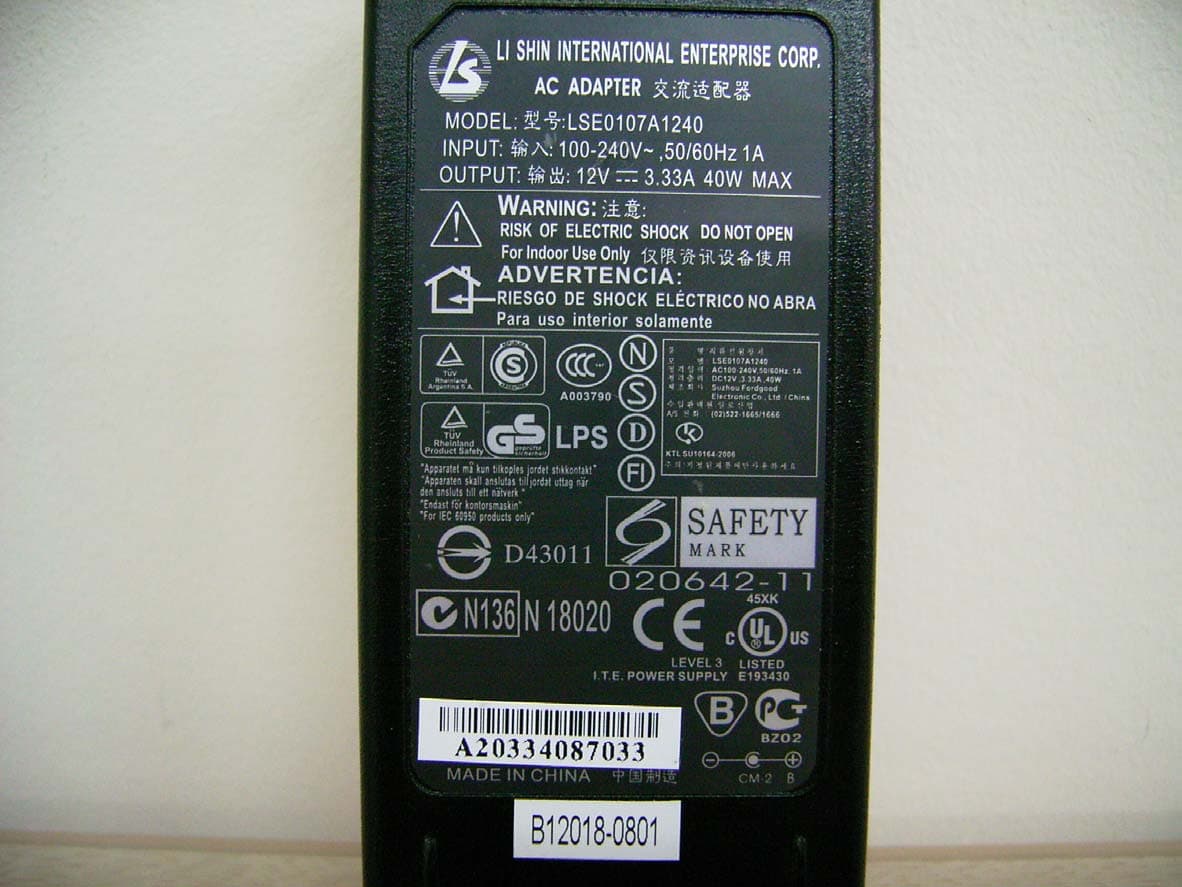
RY8EFL0632X
Jul 17, 2006Gaming LCD Monitor
Equipment Class
JBP - Part 15 Class B Computing Device Peripheral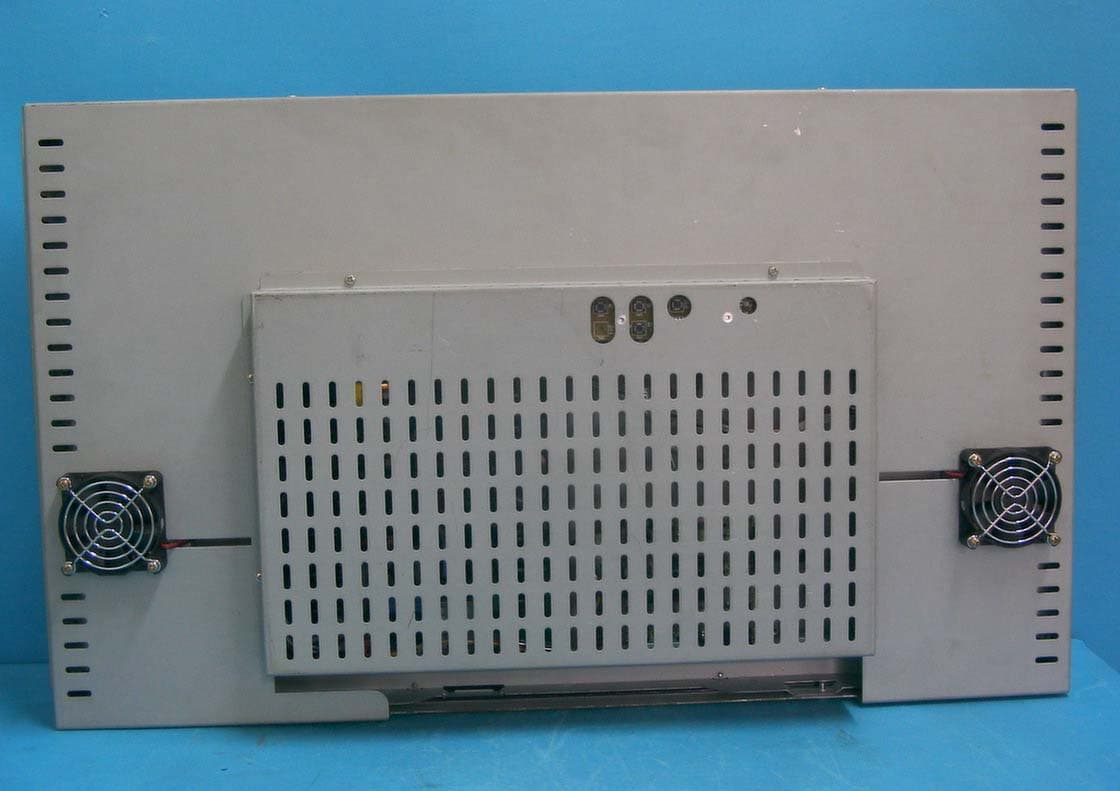
RY8EFL2602WL
Nov 13, 2005LCD Monitor
Equipment Class
JBP - Part 15 Class B Computing Device PeripheralRY8EFL2602W
Oct 04, 2005LCD Monitor for Gaming
Equipment Class
JBP - Part 15 Class B Computing Device Peripheral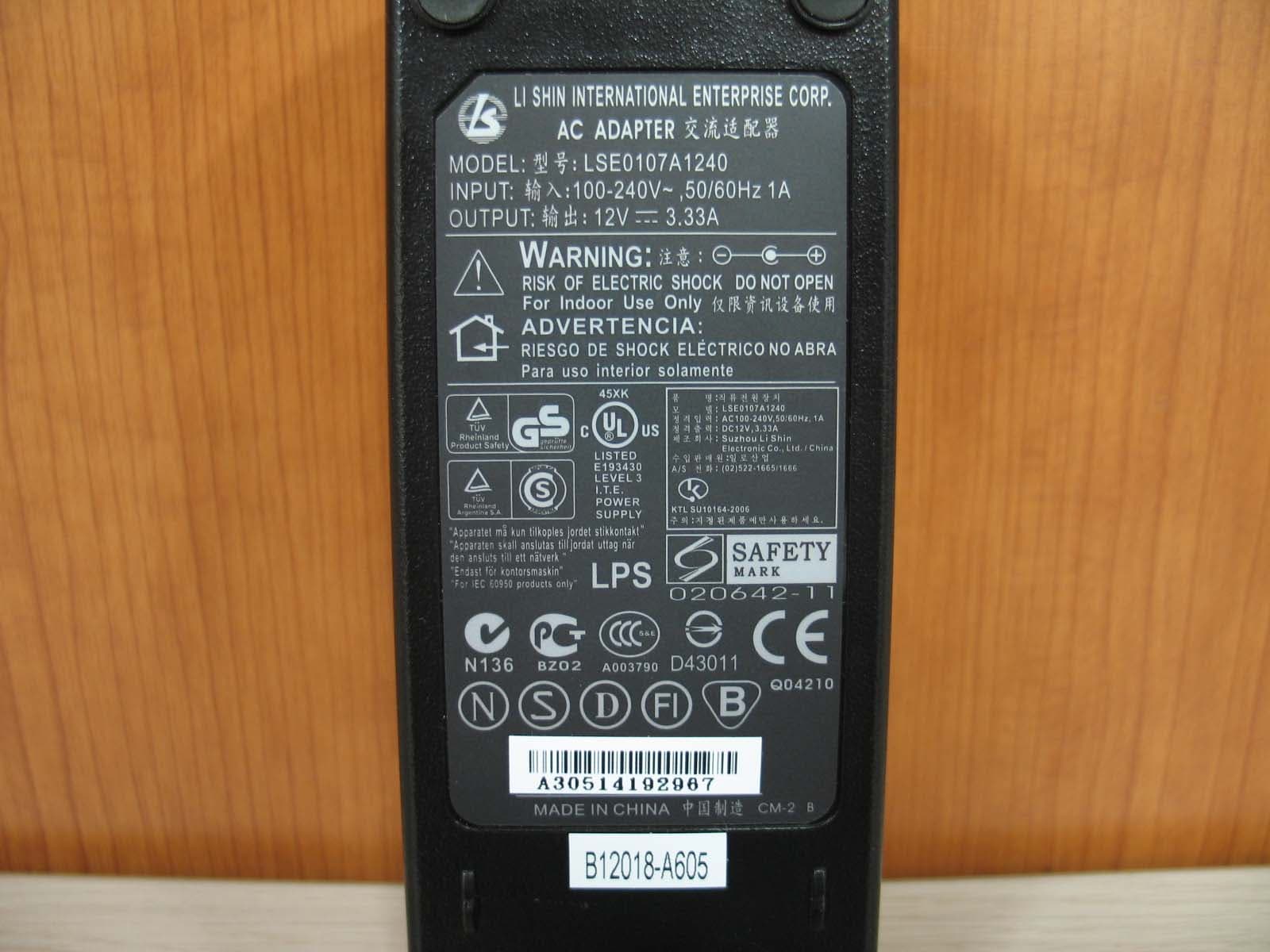
RY8EFL0622WHT
Sep 28, 20056.2inches VGA LCD Monitor
Equipment Class
JBP - Part 15 Class B Computing Device Peripheral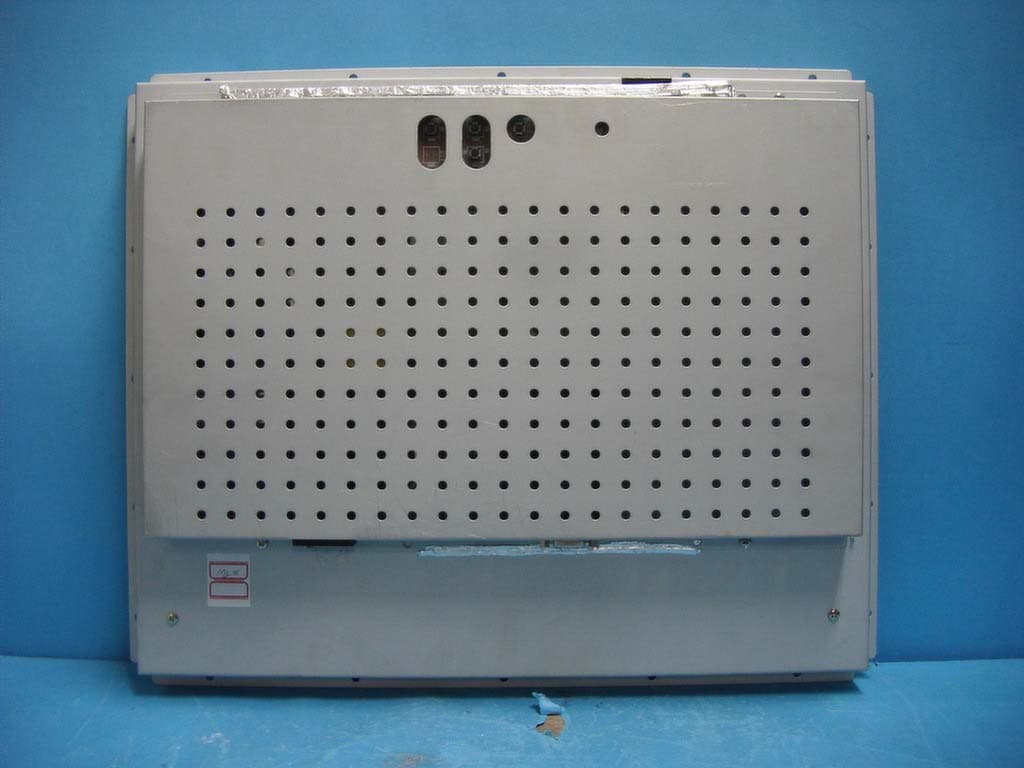
RY8EFL1702X
May 21, 2004LCD Monitor
Equipment Class
JBP - Part 15 Class B Computing Device Peripheral