SGPIU01W01WIFI iData
Shenzhen Delux Industry Co., Ltd.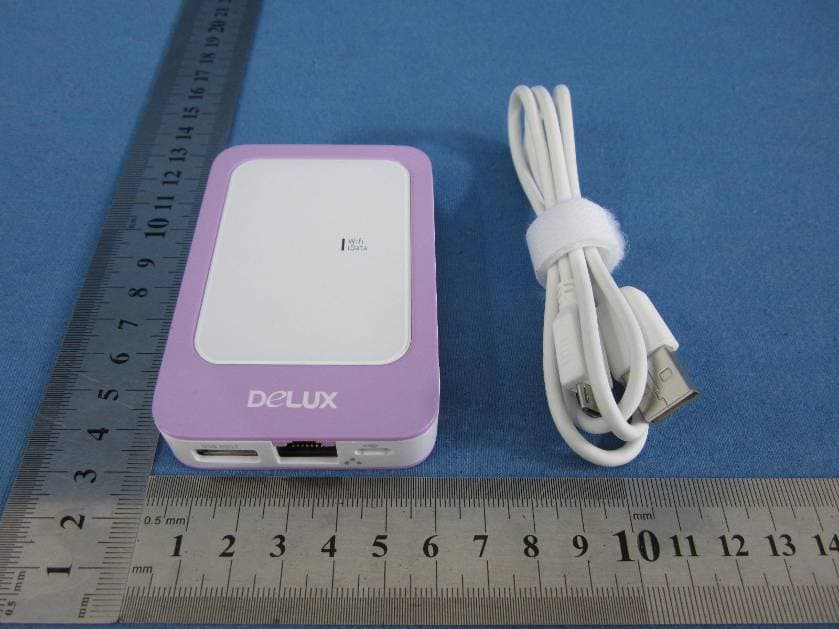
Click to zoom
Application Details
- Equipment Class
- JBP - Part 15 Class B Computing Device Peripheral
- Date of Grant
- Jun 02, 2013
- Application Purpose
- Original Equipment
- Date of Application
- Jun 02, 2013
- Equipment Note
- WIFI iData
- Country
- China
Documents & Files
Document Text
Text extracted from the exhibit documents filed with the FCC. Open a document above to read the original.
Users Manual
WiFiiData使用说明书 WiFi iData Operation Instruction 一、 配件清单 感谢您购买WiFi iData,请确认您的包装中包含以下配件: 一台WiFi iData; 一条USB-Micro USB线; 一份使用说明书; 一份保修卡。 1. Accessories list Thank you for your purchasing our WiFi iData, please confirm your packing including the following accessories: One WiFi iData One USB-Micro USB wire One operation instruction One warranty card 二、WiFiiData总览 2. WiFi iData Pandect 2. 开关机、充电及恢复出厂设置 On-Off, Charging, Restore Factory Settings 执行的操作 Action 详细说明 Detail despription 开机 Power On 在关机状态下,按下开关1秒,绿灯亮,已开机; In shutdown mode, press the switch for 1 second. Micro SD接口 Micro SD connector USB接口 USB Port RJ45接口 RJ45 Port Micro USB接口 Micro USB Port 状态灯 Status light 开关 switch The device is ON when the status light turns green. 关机 Power Off 在开机状态下,按下开关1秒,绿灯熄灭,已关机; In the working state, press the switch for 1 second, The device is OFF when the status light is off. 电量不足 Power in Low Level 红灯闪烁,最后自动关闭产品; The status light turns twinkling red, the device will auto off at the end 充电 Charging 充电时,红灯常亮,充满电,绿灯亮; When it is charging, the status light keeps red, when the battery become full, the status light turns green. 恢复出厂设置 Restore Factory Setting 连续按开关10秒 Keep press the switch for 10 seconds. 四、基本规格参数 型号 Model iU-01W 尺寸 Size 88*58.6*15MM 重量 Weight 70±1g 颜色 Color 蓝色/红色/紫色/绿色/黑色/白色/银色 Blue/ Red/Purple/green/Black/White/Silver 存储容量 Storage Capacity 支持8G/16G/32G Micro SD卡和U盘 Support 8G/16G/32G Micro SD card and USB flash disk 电池规格 Battery Specific 锂电池3.7V 1000mAh lithium battery 3.7V 1000mAh 支持的操作系统 Operating Systems ios5.0以上版本、Android 2.3以上版本、 Windows XP、Win7、Win8等 Above ios5.0/Android 2.3 version, Windows XP, Win7, Win8, etc. 五、主要功能介绍 5. Main Function Introduction 使用前准备工作: Preparation before Work a. 在APP Store 中下载此款产品的软件WiFiiData; A) Download the software of WiFi iData from APP Store b. 按下WiFiiData电源开关,状态灯绿色为开机; B) Press the switch for 1 second to open the device. The device is ON when the status light turns green. c. 使用移动设备如iPhone,iPad的设置中打开WiFi开关找到WLAN,选择用户命为WiFiiDataXXXX(为了 保证产品的唯一性,XXXX是动态产品标识,每个产品可能不一样),输入密码(默认密码12345678),然 后点击连接; C) Open WiFi in the mobile devices such as iPhone, iPad, search the WLAN from settings, choose WiFi iData XXXX (To assure product’s uniqueness. XXXX is Dynamic product identification and every product has different one), key in the passwords, then click the connecting.(Default Passwords is 12345678) d. 第一次使用连接成功后,再次使用时,打开WiFi即可自动连接到WiFiiData; (若同时有多个无线信号可 能需要重新连接)。 D) After connecting the WiFi iData once, you can connect again just by turn on the WiFi. (you may need connect again if you find several wireless singles.) 1. 无线存储 Wireless storage (1) 文件夹的直接打开、浏览、运行功能,即通过无线连接iPhone,iPad,可读取U盘,Micro SD中的数据; It can read the data from USB flash disk and Micro SD card after connecting the iPhone or iPad. a. 将Micro SD或U盘插到WiFiiData相应接口; Insert the Micro SD or USB flash disk to the corresponding interface of WiFi iData. b. 点击此款产品的APP图标,进入首页界面后,点击iData存储区,再点击“文档”即可在线读取U盘或Micro SD里面的文件 ; Click the APP mark of this product, enter the home page, click the iData storage, then click “file”, you can read the files of U disk or Micro SD online. c. APP会自动识别U盘或Micro SD中的文件、照片、视频及音乐,即如果您想直接读取里面的照片,进入 iData存储区界面后,直接点击“照片”即可看到U盘或Micro SD中相关的照片文件。 APP will automatic identify the file, picture, vedio and music in the USB flash disk or Micro SD card. That means if you want read the picture directly, just need enter the WiFi iData storage then click "pict ure". 按照以下关键字命名建立的文件夹,APP可在文件、照片、视频及音乐中自动识别,为了使用方便,用户可在 U盘或Micro SD中建立对应名称的文件夹 please build folders named as the following keywords, App can automatic identifies the file, picture, vedio and music. 文件类:DCIM / office File class: DCIM/office 照片类: photo/ picture/ print/照片 Picture class: photo/picture/print 视频类:video/摄像/电影/影片/视频 Video class: video/camera shooting/movie 音乐类:MP3 /music /音乐/歌曲 Music class: MP3/music/song 备注: Remark: *主界面的视频、音乐、照片、文件夹默认的是本地存储区的。 Video, music, picture, file in user interface is acquiescent to be stored in local storage area 建议采用CLASS6以上速度的MICRO SD 卡,否则播放WIFI IDATA中的视频时,可能会出现播放不连续的 现象。 Please use the Micro SD card with Class 6 speed or higher, otherwise the vedio in the WiFi idata will be discontinuous while playing. (2) 文件拷贝、数据传输、文件管理功能,可将U盘或Micro SD里面的内容拷贝至本地存储区(如iPhone,iPad 内置存储区); Copy the content from USB flash disk or Micro SD card to local storage area. (such as iPhone, iPad build-in storage area) a. 进入iData存储区后,点击右上角的“编辑”,选择要复制的文件,点击左边的“复制”(如果为全选,即点击 左边的“全选”); Enter the iData storage, click “edit” on the top right corner, choose the file which need to be copied/selected, then click “copy”/”select (if want to copy/select all, please click“all” on the left). b. 此时,界面会自动跳到本地存储区,选择要存储的位置,然后点击“粘帖”即可。 Meanwhile, the interface will turn to the local storage area. Then click “paste” 备注: *不能将U盘里面的文件复制到Micro SD中,也不能将Micro SD的文件复制到U盘中。只能复制到本地存储区。 *目前此版本只能复制文件,不能复制文件夹。 *WIFI IDAT电量不足时,请及时充电,否则将会影响数据传输和使用效率。 Remark: 1. cannot copy the files from USB flash disk to Micro SD card or from Micro SD card to USB flash disk. APP主界面 2. This version only can copy the file, not folder currently. 3. Please charging the WiFi iData in time, otherwise the transmission speed and work efficiency will be affected. 图1 图2 (选择要复制的文件)(已复制到本地存储区) 2. 通讯录的备份与恢复 Contacts back up and recover a. 进入主界面后,点击“通讯录备份”图标,进入二级界面后,点击“备份”,即可备份iPhone,iPad中的通讯录至 Micro SD中; Enter the main interface, click “contacts back up”, then enter the secondary interface, click ”backup”, the contacts will be copied from iPad or iPad to the Micro SD card. b. 点击“恢复”,则界面会跳出最近4次备份的通讯录,点击您要恢复的通讯录即可,可以将备份的通讯录恢复至 连接到WIFI iData的移动设备中。 Click “recover”, the interface will show the latest 4 times backup contacts, click the contacts you need to recover, the contacts will be recover to the mobile device which is connected with WiFi iData. 备注: *通讯录备份,此软件默认备份至Micro SD卡,若您要进行通讯录备份时,请确保已插入Micro SD卡。 *系统保留的是最近4次的备份记录,如继续备份,将覆盖前面备份的数据。 *如您需要进行通讯录备份时,请注意检查WIFI IDATA FTP页面设置中的“写入文件”是否已经设置为启动(软 件默认设置为启动,如您已经手动更改为停用的话,需要重新设置,否则将无法进行通讯录备份) Remark: 1. The contacts are acquiescent to be copied to Micro …
Text truncated - open the document above for the full version.
Test Report
Shenzhen EBO Technology Co., Ltd . 1-4F, Huafeng Science Park, Xin’an Sixth Road, 82 th District, Bao’an, Shenzhen, China. Telephone: +86-755-29451282, Fax: +86-755-22639141 Report No.: FCC13-RTE052902 Page 1 of 19 Authorized Signature: Kavin Yu Laboratory Manager This report details the results of the testing carried out on one sample. The results contained in this test report do not relate to other samples of the same product and does not permit the use of the EBO product certification mark. The manufacturer should ensure that all products in series production are in conformity with the product sample detailed in this report. This report may only be reproduced and distributed in full. If the product in this report is used in any configuration other than that detailed in the report, the manufacturer must ensure the new system complies with all relevant standards. Any mention of EBO International Electrical Approvals or testing done by EBO International Electrical Approvals in connection with, distribution or use of the product described in this report must be approved by EBO International Electrical Approvals in writing. This document cannot be reproduced except in full, without prior written approval of the Company. Any unauthorized alteration, forgery or falsification of the content or appearance of this document is unlawful and offenders may be prosecuted to the fullest extent of the law. Unless otherwise stated the results shown in this test report refer only to the sample(s) tested and such sample(s) are retained for 90 days only.” TEST REPORT Applicant: Shenzhen Delux Industry Co., Ltd. Address of Applicant: Delux Industry Park, Lanzhu Street New Pingshan District, Shenzhen City, Guangdong Province, China Equipment Under Test (EUT) Product Name: WIFI iData Model No.: iU-01W Trade mark: DELUX FCC ID: SGPIU01W01 Applicable standards: FCC CFR Title 47 Part 15 Subpart B:2012 Date of sample receipt: May 17, 2013 Date of Test: May 17-28, 2013 Date of report issued: May 29, 2013 Test Result : PASS * * In the configuration tested, the EUT complied with the standards specified above. Shenzhen EBO Technology Co., Ltd . Report No.: FCC13-RTE052902 Page 2 of 19 “This document is issued by the Company subject to its General Conditions of Service printed overleaf, available on request or accessible at http://www.ebotek.cn and, for electronic format documents, subject to Terms and Conditions for Electronic Documents at http://www.ebotek.cn . Attention is drawn to the limitation of liability, indemnification and jurisdiction issues defined therein. Any holder of this document is advised that information contained hereon reflects the Company’s findings at the time of its intervention only and within the limits of Client’s instructions, if any. The Company’s sole responsibility is to its Client and this document does not exonerate parties to a transaction from exercising all their rights and obligations under the transaction documents. This document cannot be reproduced except in full, without prior written approval of the Company. Any unauthorized alteration, forgery or falsification of the content or appearance of this document is unlawful and offenders may be prosecuted to the fullest extent of the law. Unless otherwise stated the results shown in this test report refer only to the sample(s) tested and such sample(s) are retained for 90 days only.” 2 Version Version No. Date Description 00 May 29, 2013 Original Prepared by: Date: May 29, 2013 Project Engineer Reviewed by: Date: May 29, 2013 Reviewer Shenzhen EBO Technology Co., Ltd . Report No.: FCC13-RTE052902 Page 3 of 19 “This document is issued by the Company subject to its General Conditions of Service printed overleaf, available on request or accessible at http://www.ebotek.cn and, for electronic format documents, subject to Terms and Conditions for Electronic Documents at http://www.ebotek.cn . Attention is drawn to the limitation of liability, indemnification and jurisdiction issues defined therein. Any holder of this document is advised that information contained hereon reflects the Company’s findings at the time of its intervention only and within the limits of Client’s instructions, if any. The Company’s sole responsibility is to its Client and this document does not exonerate parties to a transaction from exercising all their rights and obligations under the transaction documents. This document cannot be reproduced except in full, without prior written approval of the Company. Any unauthorized alteration, forgery or falsification of the content or appearance of this document is unlawful and offenders may be prosecuted to the fullest extent of the law. Unless otherwise stated the results shown in this test report refer only to the sample(s) tested and such sample(s) are retained for 90 days only.” 3 Contents Page 1 COVER PAGE ...........................................................................................................................................1 2 VERSION .................................................................................................................................................. 2 3 CONTENTS .............................................................................................................................................. 3 4 TEST SUMMARY ..................................................................................................................................... 4 5 GENERAL INFORMATION ...................................................................................................................... 5 5.1 CLIENT INFORMATION.......................................................................................................................... 5 5.2 GENERAL DESCRIPTION OF EUT ......................................................................................................... 5 5.3 TEST MODE AND VOLTAGE.....................................................................…
Text truncated - open the document above for the full version.
Test Setup Photos
Radiated Emission Conducted Emission
Contact Information
Applicant
Feiyun Zhang(Manager Assistant)
Test Firm
Global United Technology Service Co., LtdRobinson Lo
Technical Specifications
| # | Rule Parts | Frequency Range | Power Output |
|---|---|---|---|
| 1 | 15B | - | - |
Other Applications from Shenzhen Delux Industry Co., Ltd.
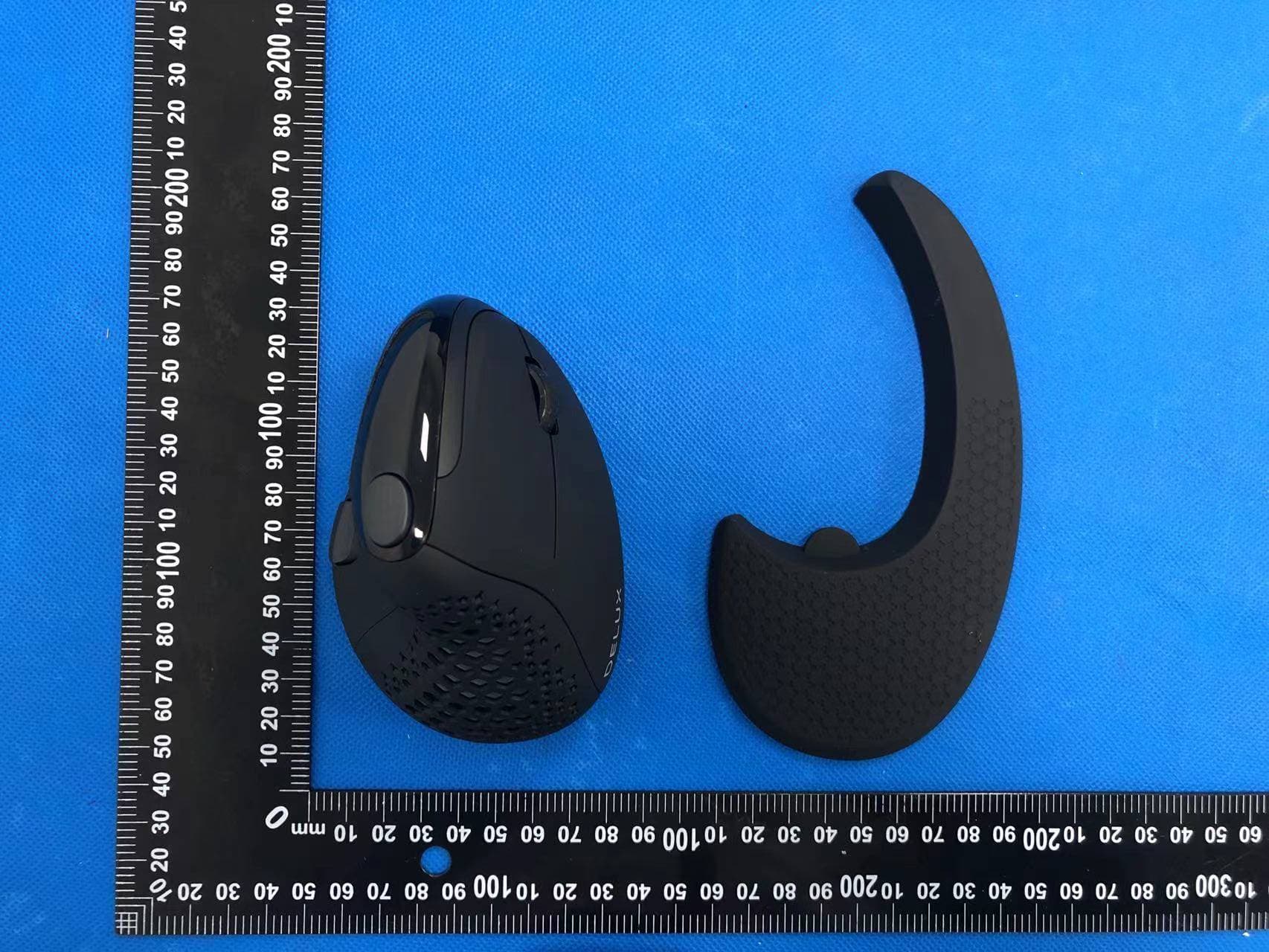
SGP-M618XSD
Apr 13, 2022Wireless mouse
Equipment Class
DTS - Digital Transmission System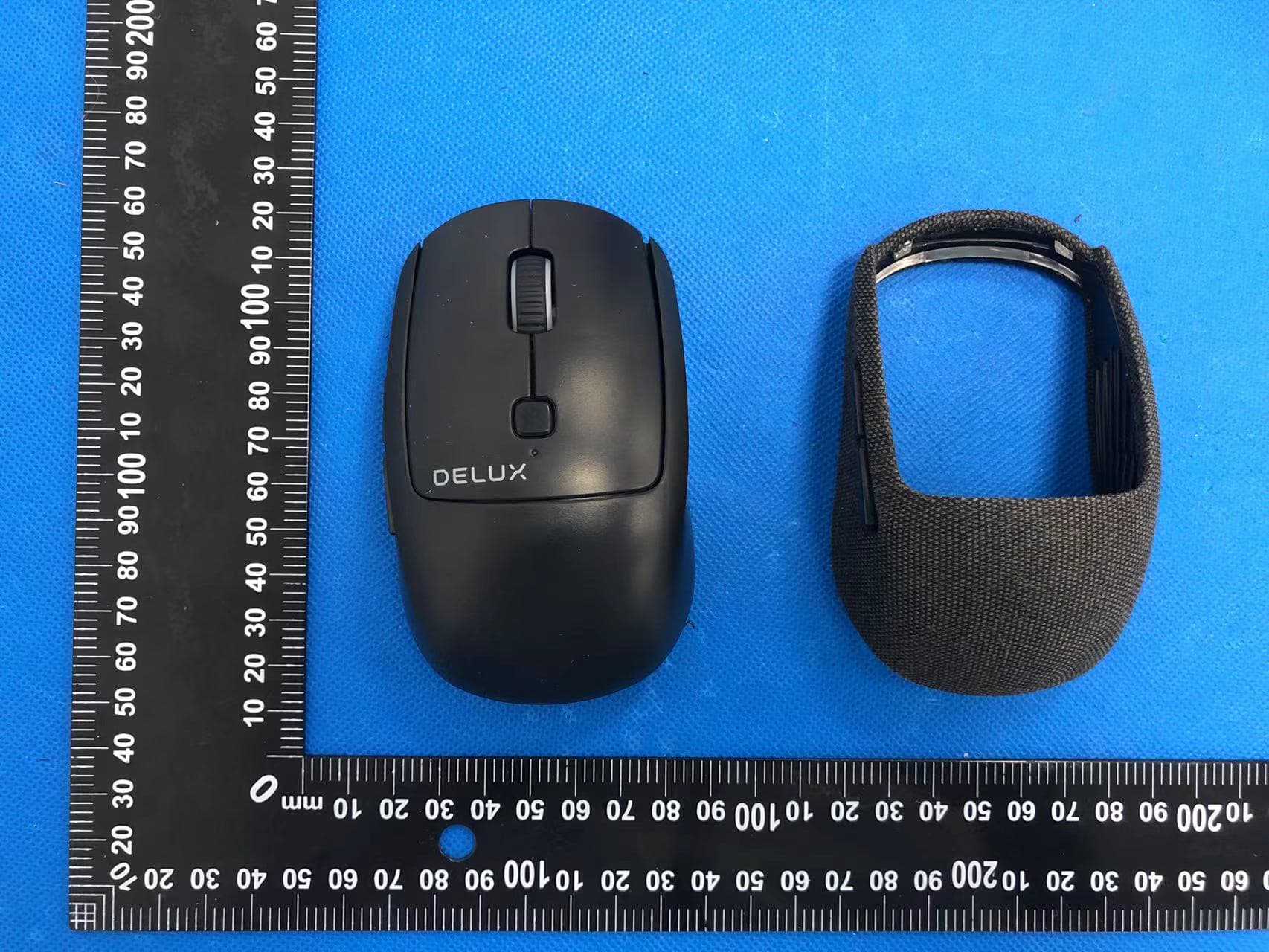
SGP-M520DB
Apr 13, 2022Wireless mouse
Equipment Class
DTS - Digital Transmission System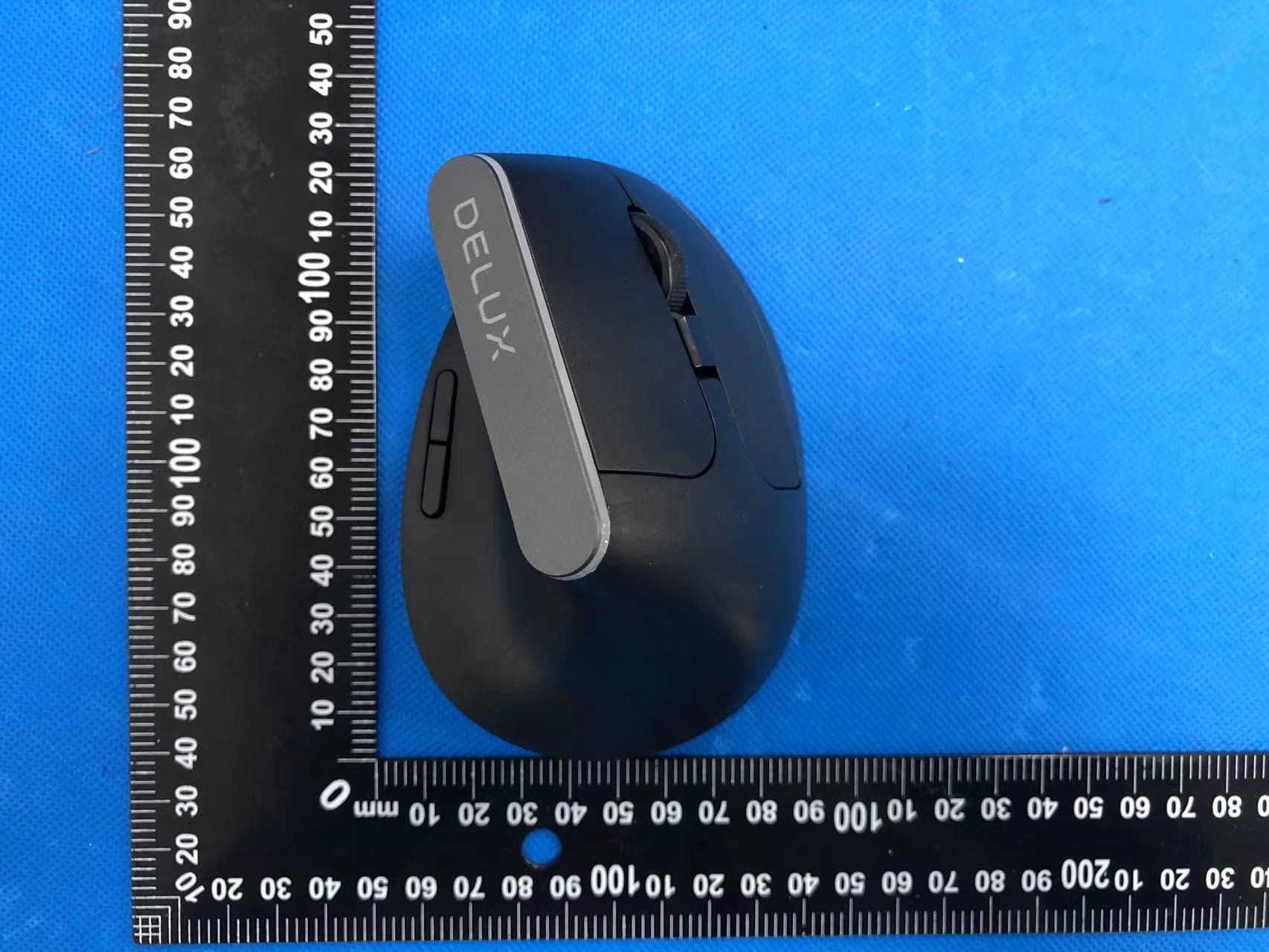
SGP-M618C
Apr 11, 2022Wireless mouse
Equipment Class
DTS - Digital Transmission System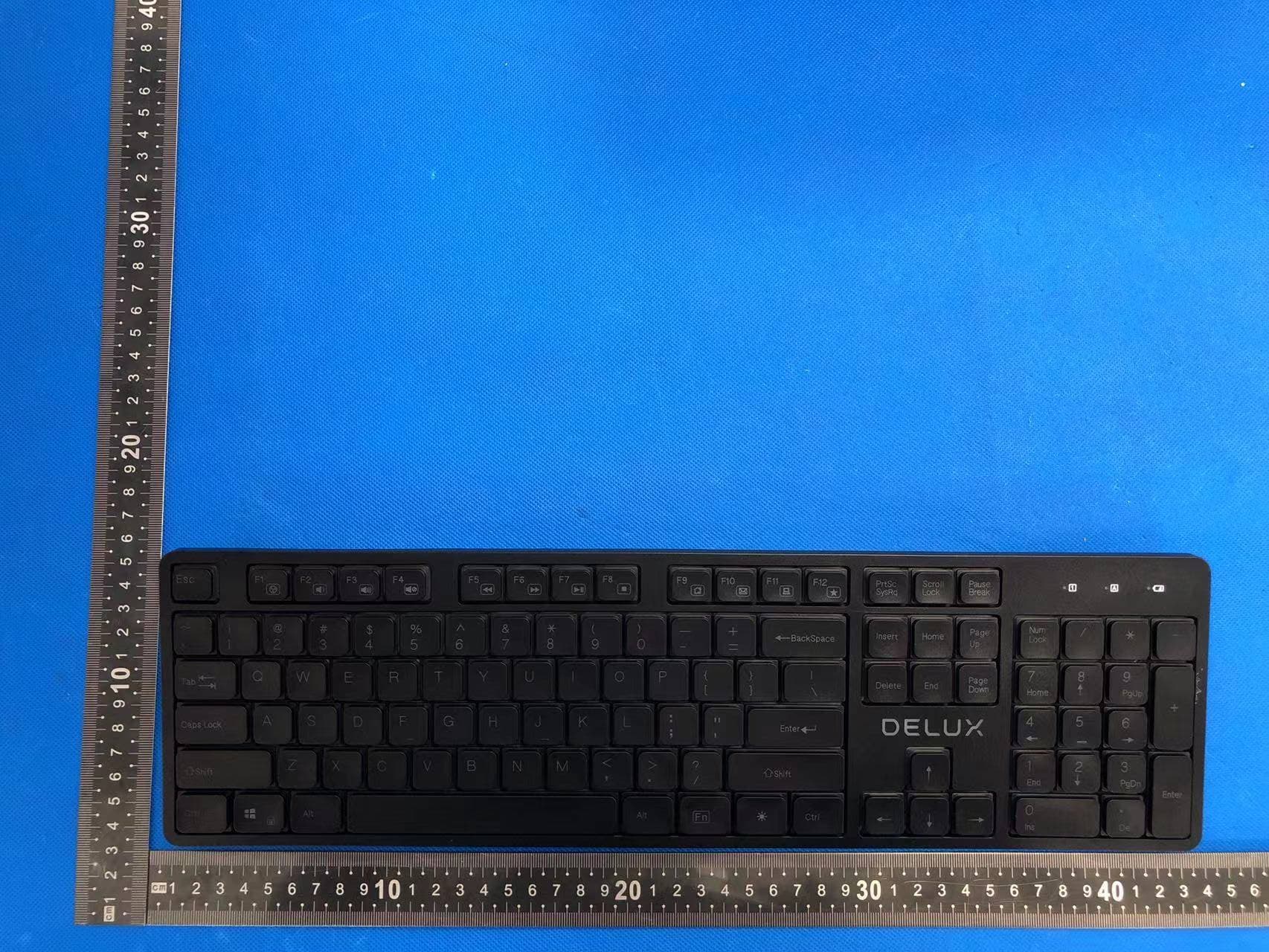
SGP-SK800
Apr 11, 2022Wireless keyboard
Equipment Class
DTS - Digital Transmission System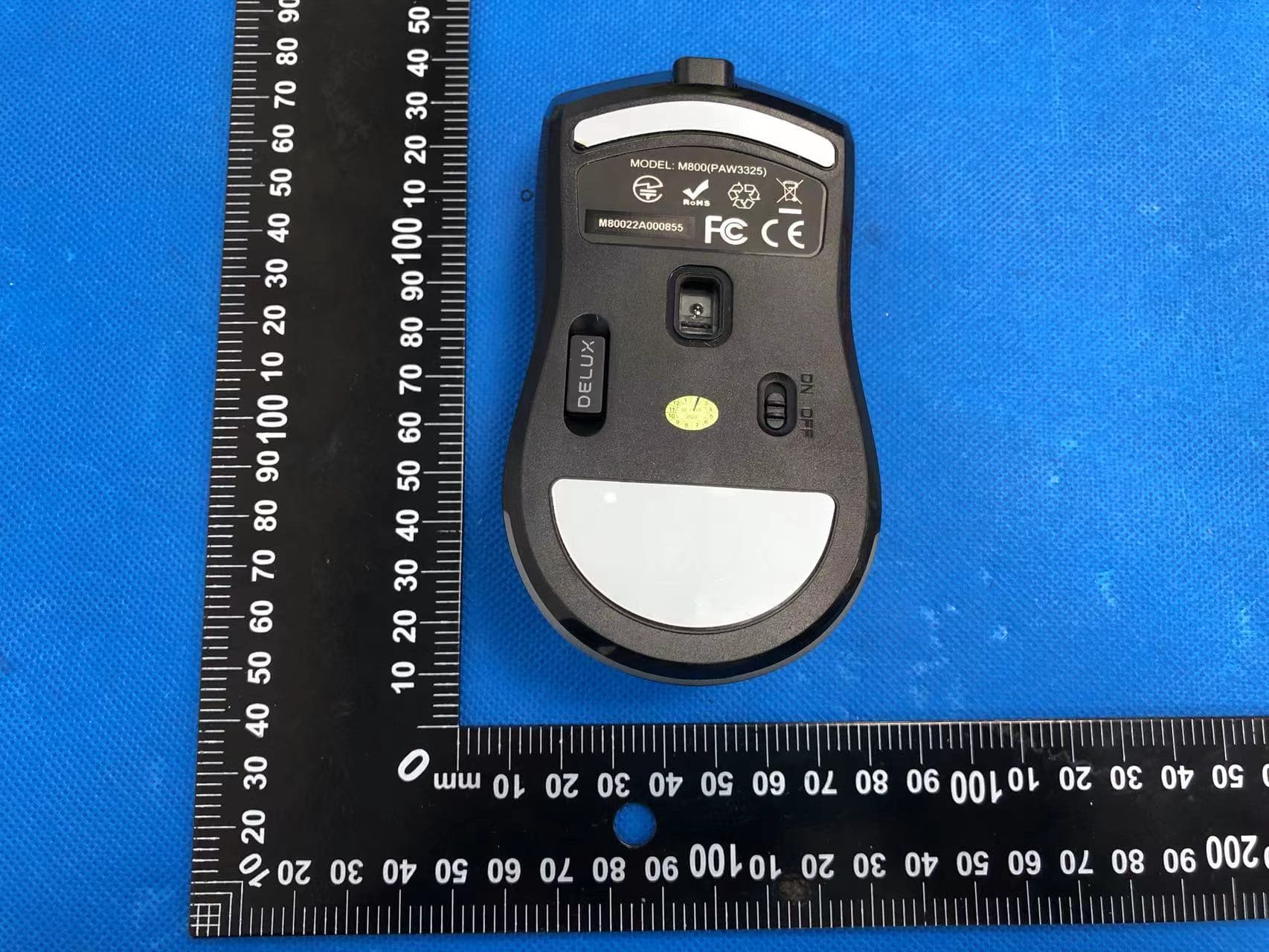
SGP-M800DB
Apr 11, 2022Wireless mouse
Equipment Class
DTS - Digital Transmission System