SGPM37703Wireless Mouse
Shenzhen Delux Industry Co., Ltd.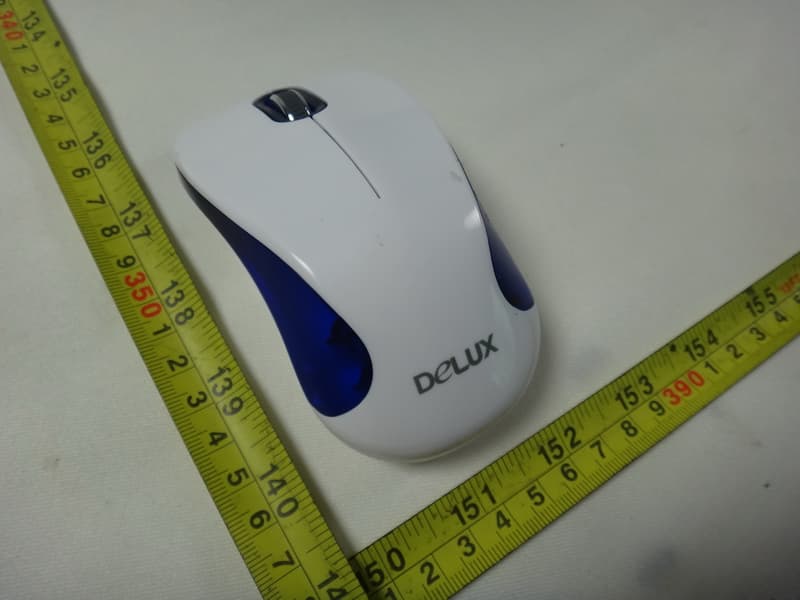
Click to zoom
Application Details
- Equipment Class
- DXX - Part 15 Low Power Communication Device Transmitter
- Date of Grant
- Sep 23, 2012
- Application Purpose
- Original Equipment
- Date of Application
- Sep 19, 2012
- Equipment Note
- Wireless Mouse
- Frequency Range
- 2405.00000000 - 2472.00000000
- Country
- China
Documents & Files
Document Text
Text extracted from the exhibit documents filed with the FCC. Open a document above to read the original.
Users Manual
10M Effective Distance Battery installation 1. Open the battery cover Working Environment Debugging tips ■ ■ Features 2.4G Wireless Mouse TO CREATE VALUE FOR OUR CUSTOMERS User Manual ■ ■ Tips: Please take out the batteries if you do not use the wireless mouse for long time, and keep them in a cool and dry place. Please do not use the battery if leaking, discoloration, distortion or other abnormity happens. ■ ■ 2. Put battery in correct direction 3. Cover the battery cover In order to achieve the best economical effect, the intelligent power saving technology is adopted. When your mouse stops moving, it will switch to the power- saving mode automatically,and as the time pass, it will use less and less power. Tips: 1.Keep the ON/ OFF switch on OFF mode if you do not use the mouse for a long time. 2. It will save more power to use the mouse on light color media than the dark one. Connection of the receiver Connecting the receiver to the PC by the USB port, for desktop, USB extending port or front-set USB port is better. When the receiver is plugged into USB port, computer will detect the device automatically. Mouse could works normally with ON mode If the mouse can't work normally, you should build up connections between the mouse and receiver Pull out the receiver from the USB port, press the left, right and middle buttons then press the power ON/OFF switch to ON. One second later, release the key and connect the receiver to the USB port. The distance between mouse and receiver is about 20 cm. If the mouse can work, the connection is successfully built. If not, repeat the above steps. Building up connection between the mouse and receiver The radio signal can penetrate lignin, glass and other the non-metallic objects, realizing 360 degree free transmit, however, it can not penetrate the metal materials.So please not put the mouse, keyboard and the receiver onto the metallic tabletop. The ideal distance is above 20 CM. Please be sure there is no big metal between the mouse and receiver, otherwise the connection will be affected; for desktop, USB extending port or front-set USB port is better. The receiver should be far away from the monitor, outside disc driver or other electronic products. 20 CM distance is suggested in order to prevent the radio disturbance produced by other electronic products. Optical mouse is suitable for operating media wooden,paper or cloth, but not for the lens cover, such as glass and smooth rubber. A mouse pad is needed in such environment. The standardized receiving distance we offered is under certain radio disturbance environment, the normal environment are better, the actual receiving distance is higher than standardized, but if mix-machine, motor, electric drill and other strong electronic equipments operating nearby, which may lead to slowly receiving or other abnormity. Reduce the distance of the receiver and the mouse Put the “on-off” button to “On” Make sure the battery is correctly installed. 2.4G wireless technology, 16 channel intelligent frequency Advanced and precise optical positioning technology, fast and flexible cursor With ON/OFF switch, OFF mode would save power if the mouse doesn't work for a long time Intelligent power-saving mode, able to prolong the battery using time Re-establish the mouse and the receiver communication channel. Check whether the battery capacity is enough Check the receiver again, and make sure it is connected to the USB port. M377GX+G07UF FCC Statement This equipment has been tested and found to comply with the limits for a Class B digital device, pursuant to part 15 of the FCC Rules. These limits are designed to provide reasonable protection against harmful interference in a residential installation. This equipment generates, uses and can radiate radio frequency energy and, if not installed and used in accordance with the instructions, may cause harmful interference to radio communications. However, there is no guarantee that interference will not occur in a particular installation. If this equipment does cause harmful interference to radio or television reception, which can be determined by turning the equipment off and on, the user is encouraged to try to correct the interference by one or more of the following measures: —Reorient or relocate the receiving antenna. —Increase the separation between the equipment and receiver. —Connect the equipment into an outlet on a circuit different from that to which the receiver is connected. —Consult the dealer or an experienced radio/TV technician for help. This device must not be co-located or operating in conjunction with any other antenna or transmitter. Operation is subject to the following two conditions: (1) this device may not cause harmful interference, and (2) this device must accept any interference received, including interference that may cause undesired operation. Caution! The manufacturer is not responsible for any radio or TV interference caused by unauthorized modifications to this equipment. Such modifications could void the user authority to operate the equipment.
External Photos
Neutron Engineering Inc. Project No.: 1208C175 Page 2 of 8 1208C175 1208C175
Internal Photos
Neutron Engineering Inc. Project No.: 1208C175 Page 3 of 8 1208C175 1208C175 Neutron Engineering Inc. Project No.: 1208C175 Page 4 of 8 1208C175 1208C175 Neutron Engineering Inc. Project No.: 1208C175 Page 5 of 8 1208C175 1208C175 Neutron Engineering Inc. Project No.: 1208C175 Page 6 of 8 1208C175 1208C175 Neutron Engineering Inc. Project No.: 1208C175 Page 7 of 8 1208C175 1208C175 Neutron Engineering Inc. Project No.: 1208C175 Page 8 of 8 1208C175 1208C175 1208C175 1208C175
Test Report
Neutron Engineering Inc. Report No.: NEI-FCCP-1-1208C175 Page 1 of 47 FCC Radio Test Report FCC ID: SGPM37703 This report concerns (check one): Original Grant Class II Change Tested by: Neutron Engineering Inc. EMC Laboratory Date of Receipt: Aug. 21, 2012 Date of Test: Aug. 21, 2012 ~ Aug. 28, 2012 Testing Engineer : (David Mao) Technical Manager : (Leo Hung) Authorized Signatory : (Steven Lu) Neutron Engineering Inc. No.3,Jinshagang 1st Road, ShiXia, Dalang Town, Dong Guan, China. TEL : (0769) 8318-3000 FAX : (0769) 8319-6000 Issued Date : Aug. 29, 2012 Project No. : 1208C175 Equipment : Wireless Mouse Model Name : M377GX Applicant : Shenzhen Delux Industry Co., Ltd. Address : Delux Industrial Park, Lanzhu Street, New Pingshan District, Shenzhen City, China Neutron Engineering Inc. Report No.: NEI-FCCP-1-1208C175 Page 2 of 47 Declaration Neutron represents to the client that testing is done in accordance with standard procedures as applicable and that test instruments used has been calibrated with the standards traceable to National Measurement Laboratory (NML) of R.O.C., or National Institute of Standards and Technology (NIST) of U.S.A. Neutron's reports apply only to the specific samples tested under conditions. It is manufacture’s responsibility to ensure that additional production units of this model are manufactured with the identical electrical and mechanical components. Neutron shall have no liability for any declarations, inferences o r generalizations drawn by the client or others from Neutron issued reports. Neutron’s reports must not be used by the client to claim product endorsement by the authorities or any agency of the Government. This report is the confidential property of the client. As a mutual protection to the clients, the public and Neutron-self, extracts from the test report shall not be reproduced except in full with Neutron’s authorized written approval. Neutron’s laboratory quality assurance procedures are in compliance with the ISO Guide 17025 requirements, and accredited by the conformity assessment authorities listed in this test report. Limitation For the use of the authority's logo is limited unless the Test Standard(s)/Scope(s)/Item(s) mentioned in this test report is (are) included in the conformity assessment authorities acceptance respective. Neutron Engineering Inc. Report No.: NEI-FCCP-1-1208C175 Page 3 of 47 Table of Contents Page 1 . CERTIFICATION 5 2 . SUMMARY OF TEST RESULTS 6 2.1 TEST FACILITY 7 2.2 MEASUREMENT UNCERTAINTY 7 3 . GENERAL INFORMATION 8 3.1 GENERAL DESCRIPTION OF EUT 8 3.2 DESCRIPTION OF TEST MODES 10 3.3 BLOCK DIAGRAM SHOWING THE CONFIGURATION OF SYSTEM TESTED 11 3.4 DESCRIPTION OF SUPPORT UNITS 12 4 . EMC EMISSION TEST 13 4.1 CONDUCTED EMISSION MEASUREMENT 13 4.1.1 POWER LINE CONDUCTED EMISSION LIMITS 13 4.1.2 MEASUREMENT INSTRUMENTS LIST 13 4.1.3 TEST PROCEDURE 14 4.1.4 DEVIATION FROM TEST STANDARD 14 4.1.5 TEST SETUP 14 4.1.6 EUT OPERATING CONDITIONS 14 4.1.7 TEST RESULTS 15 4.2 RADIATED EMISSION MEASUREMENT 16 4.2.1 RADIATED EMISSION LIMITS 16 4.2.2 MEASUREMENT INSTRUMENTS LIST 17 4.2.3 TEST PROCEDURE 21 4.2.4 DEVIATION FROM TEST STANDARD 21 4.2.5 TEST SETUP 22 4.2.6 EUT OPERATING CONDITIONS 23 4.2.7 TEST RESULTS (BETWEEN 30 – 1000 MHz) 24 4.2.8 TEST RESULTS (ABOVE 1000 MHz) 26 5 . BANDWIDTH TEST 38 5.1 MEASUREMENT INSTRUMENTS LIST 38 5.2 TEST PROCEDURE 38 5.3 DEVIATION FROM STANDARD 38 5.4 TEST SETUP 38 5.5 EUT OPERATION CONDITIONS 38 5.6 TEST RESULTS 39 6 . ANTENNA CONDUCTED SPURIOUS EMISSION 41 6.1 APPLIED PROCEDURES / LIMIT 41 6.1.1 MEASUREMENT INSTRUMENTS LIST 41 Neutron Engineering Inc. Report No.: NEI-FCCP-1-1208C175 Page 4 of 47 Table of Contents Page 6.1.2 TEST PROCEDURE 41 6.1.3 DEVIATION FROM STANDARD 41 6.1.4 TEST SETUP 41 6.1.5 EUT OPERATION CONDITIONS 41 6.1.6 TEST RESULTS 42 7 . EUT TEST PHOTO 47 Neutron Engineering Inc. Report No.: NEI-FCCP-1-1208C175 Page 5 of 47 1. CERTIFICATION Equipment : Wireless Mouse Brand Name : DELUX Model Name : M377GX Applicant : Shenzhen Delux Industry Co., Ltd. Factory : Shenzhen Delux Industry Co., Ltd. Address : Delux Industrial Park, Lanzhu Street, New Pingshan District, Shenzhen City, China Date of Test : Aug. 21, 2012 ~ Aug. 28, 2012 Test Sample : Engineering Sample Standards : FCC Part15, Subpart C(15.249)/ ANSI C63.4 : 2009 The above equipment has been tested and found compliance with the requirement of the relative standards by Neutron Engineering Inc. EMC Laboratory. The test data, data evaluation, and equipment configuration contained in our test report (Ref No. NEI-FCCP-1-1208C175) were obtained utilizing the test procedures, test instruments, test sites that has been accredited by the Authority of NVLAP and TAF according to the ISO-17025 quality assessment standard and technical standard(s). Neutron Engineering Inc. Report No.: NEI-FCCP-1-1208C175 Page 6 of 47 2. SUMMARY OF TEST RESULTS Test procedures according to the technical standards: FCC Part15, Subpart C (15.249) StandardSection FCC Test Item Judgment Remark 15.207 Conducted Emission - N/A 15.209 Radiated Emission PASS 15.249 Radiated Spurious Emission PASS NOTE: (1)”N/A” denotes test is not applicable in this test report. (2)The EUT used new battery. Neutron Engineering Inc. Report No.: NEI-FCCP-1-1208C175 Page 7 of 47 2.1 TEST FACILITY The test facilities used to collect the test data in this report is DG-C01/DG-CB03 at the location of No.3,Jinshagang 1st Road, ShiXia, Dalang Town,Dong Guan, China.523792 Neutron's test firm number for FCC 319330 2.2 MEASUREMENT UNCERTAINTY Where relevant, the following measurement uncertainty levels have been estimated for tests performed on the EUT as specified in CISPR 16-4-2: The reported uncertainty of measurement y ± U,where expended uncertainty U is based on a standard uncertainty multiplied by a coverage factor of k=2,providing a level of confidence of approximately 95 %. A. Conducted Measurement : Test Site Method Measurement Frequency Range U,(dB) NOTE DG-C01 CISPR 150…
Text truncated - open the document above for the full version.
Test Setup Photos
Neutron Engineering Inc. Report No.: NEI-FCCP-1-1208C175 Page 47 of 47 7. EUT TEST PHOTO Radiated Measurement Photos
Contact Information
Applicant
Feiyun Zhang(Manager Assistant)
Technical Contact
Test Firm
BTL Inc.Daisy Dai
Technical Specifications
| # | Rule Parts | Frequency Range | Power Output |
|---|---|---|---|
| 1 | 15C | 2.40 GHz - 2.47 GHz | - |
Other Applications from Shenzhen Delux Industry Co., Ltd.
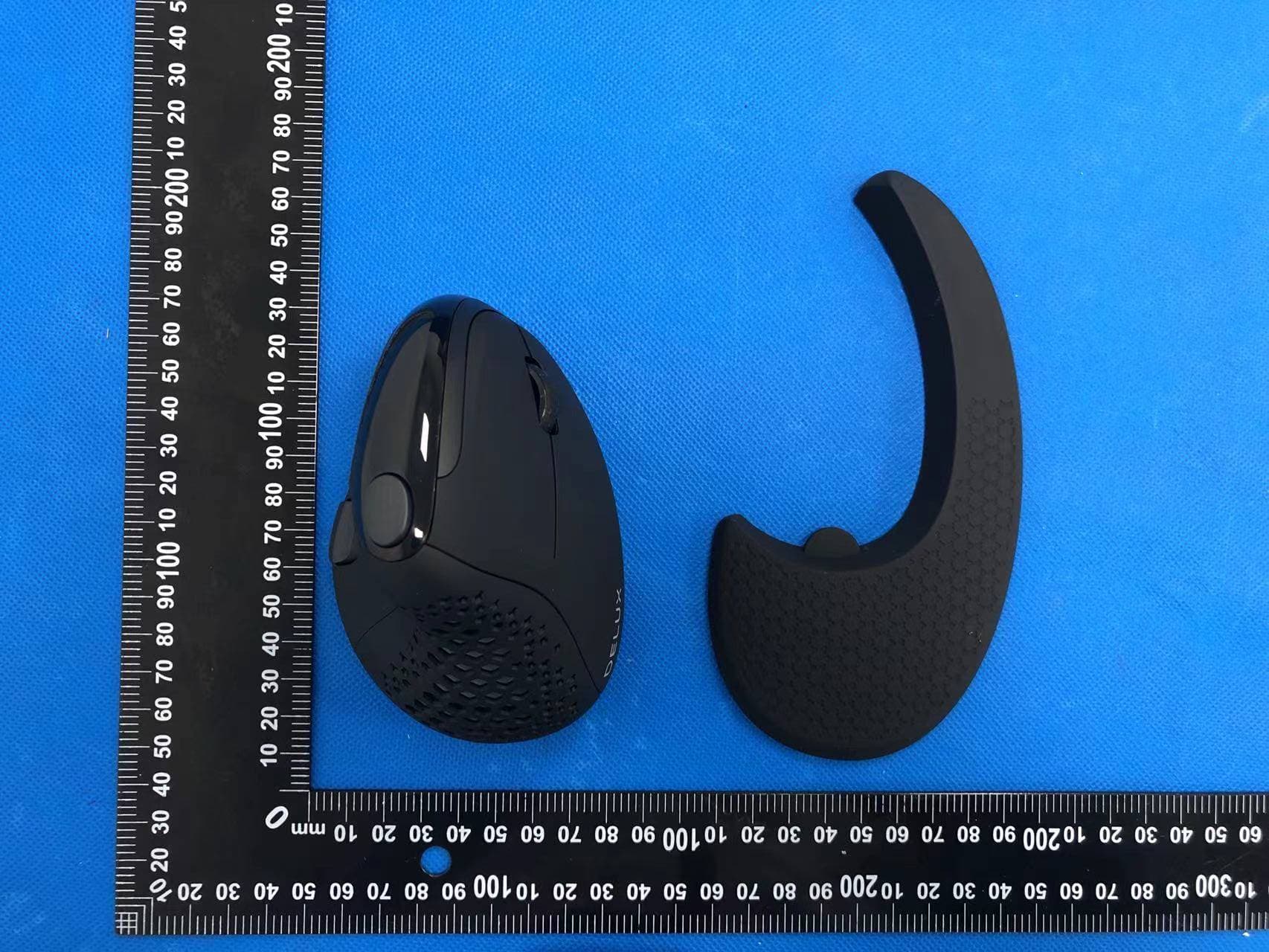
SGP-M618XSD
Apr 13, 2022Wireless mouse
Equipment Class
DTS - Digital Transmission System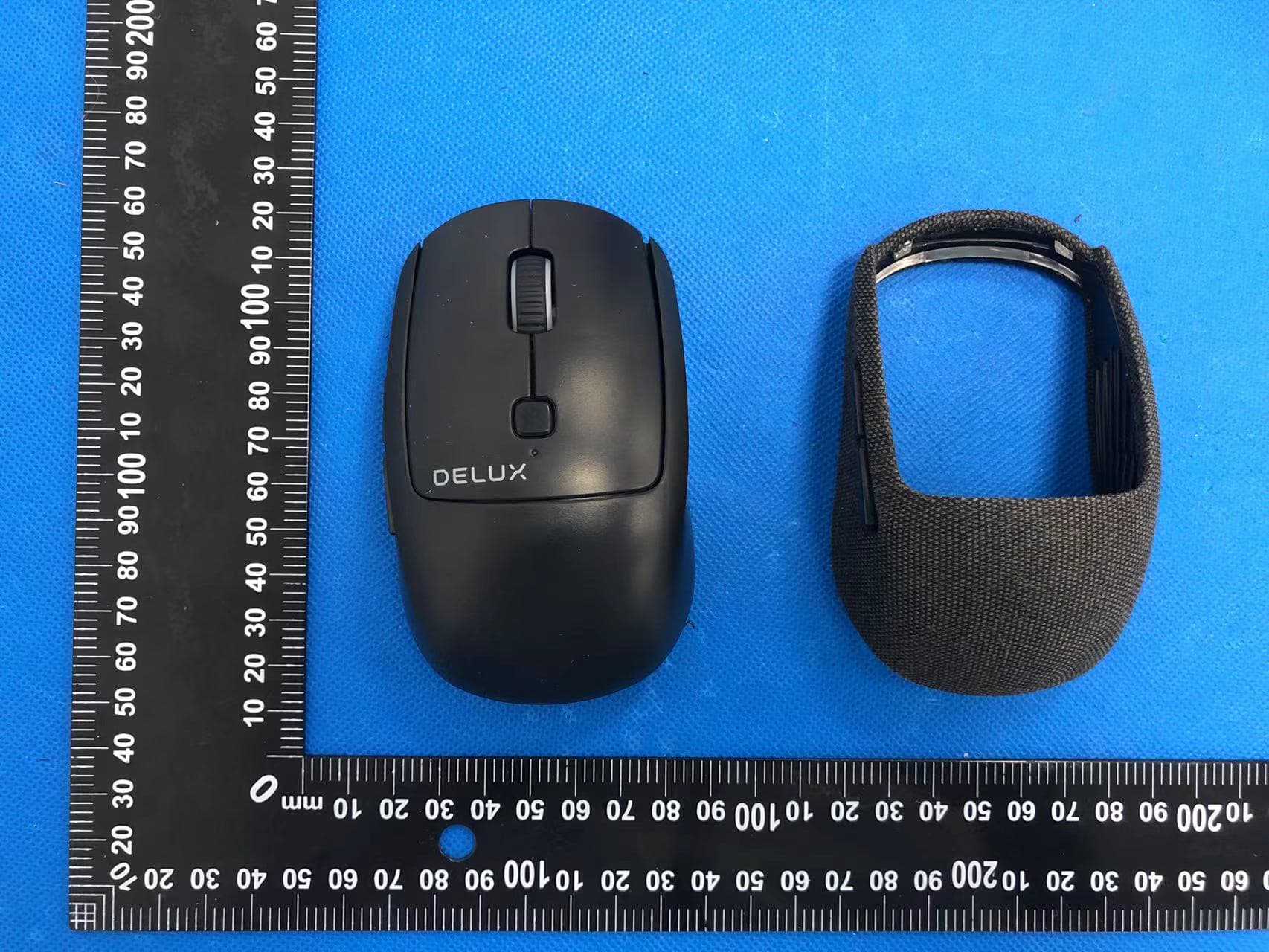
SGP-M520DB
Apr 13, 2022Wireless mouse
Equipment Class
DTS - Digital Transmission System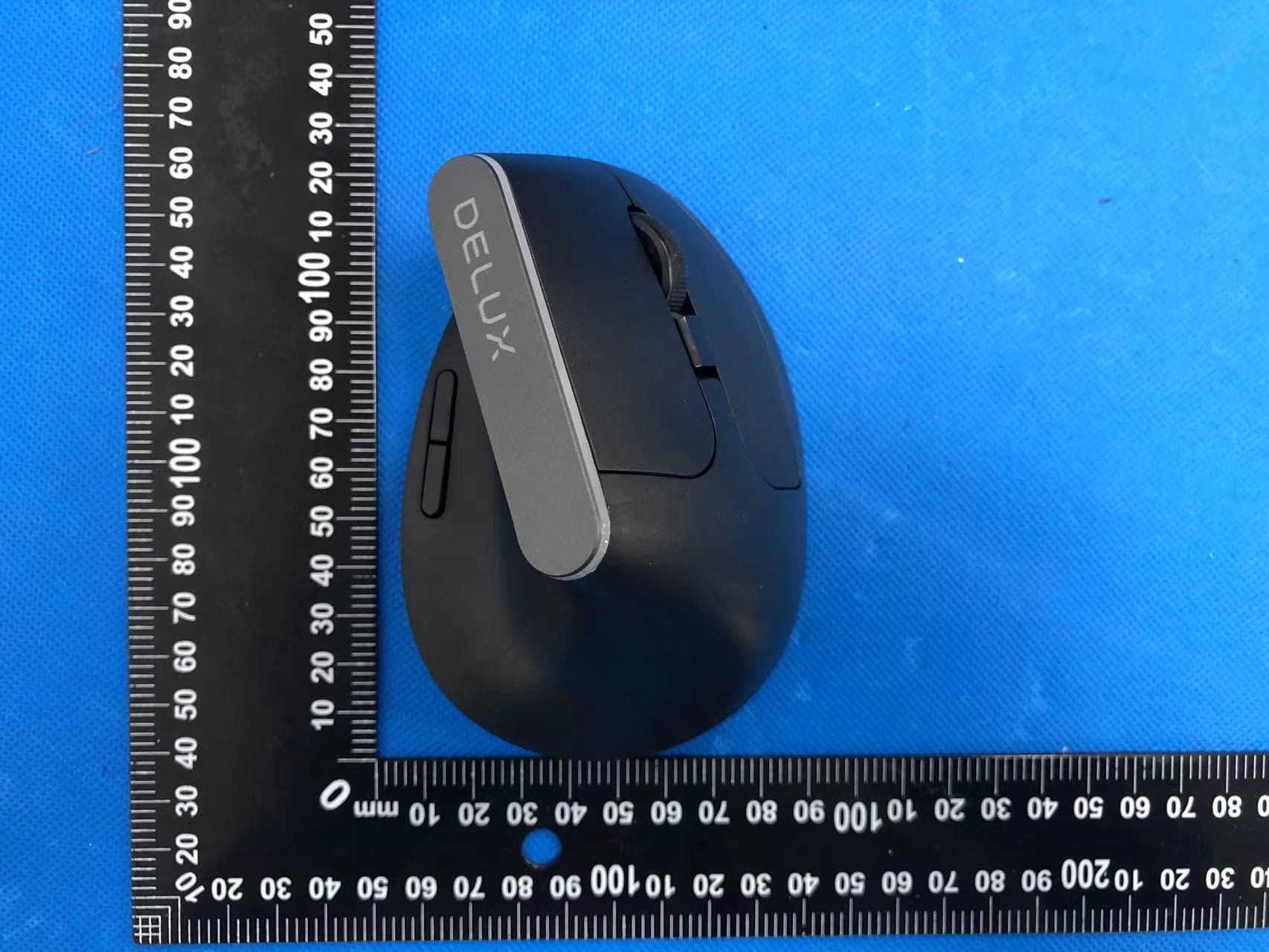
SGP-M618C
Apr 11, 2022Wireless mouse
Equipment Class
DTS - Digital Transmission System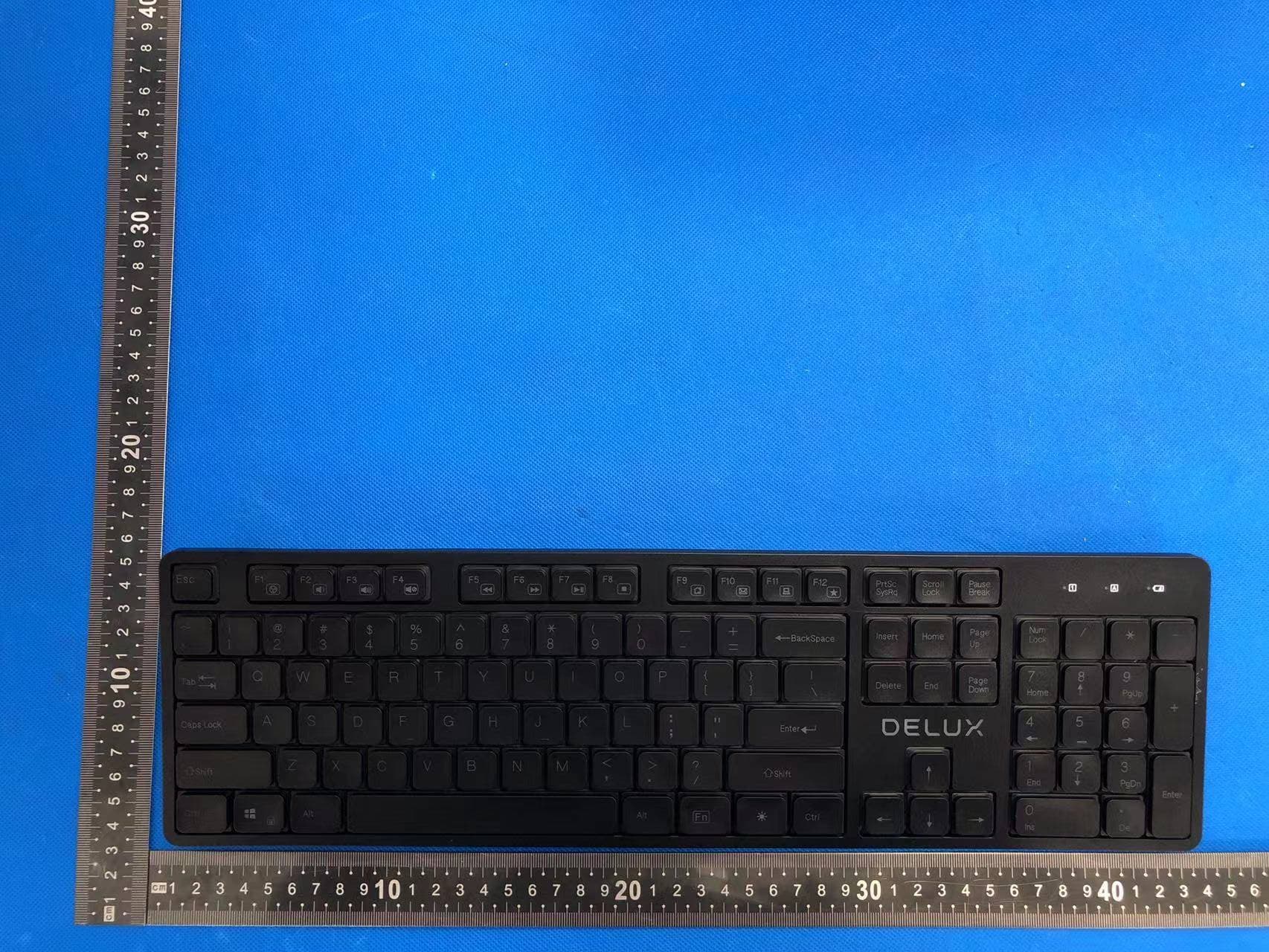
SGP-SK800
Apr 11, 2022Wireless keyboard
Equipment Class
DTS - Digital Transmission System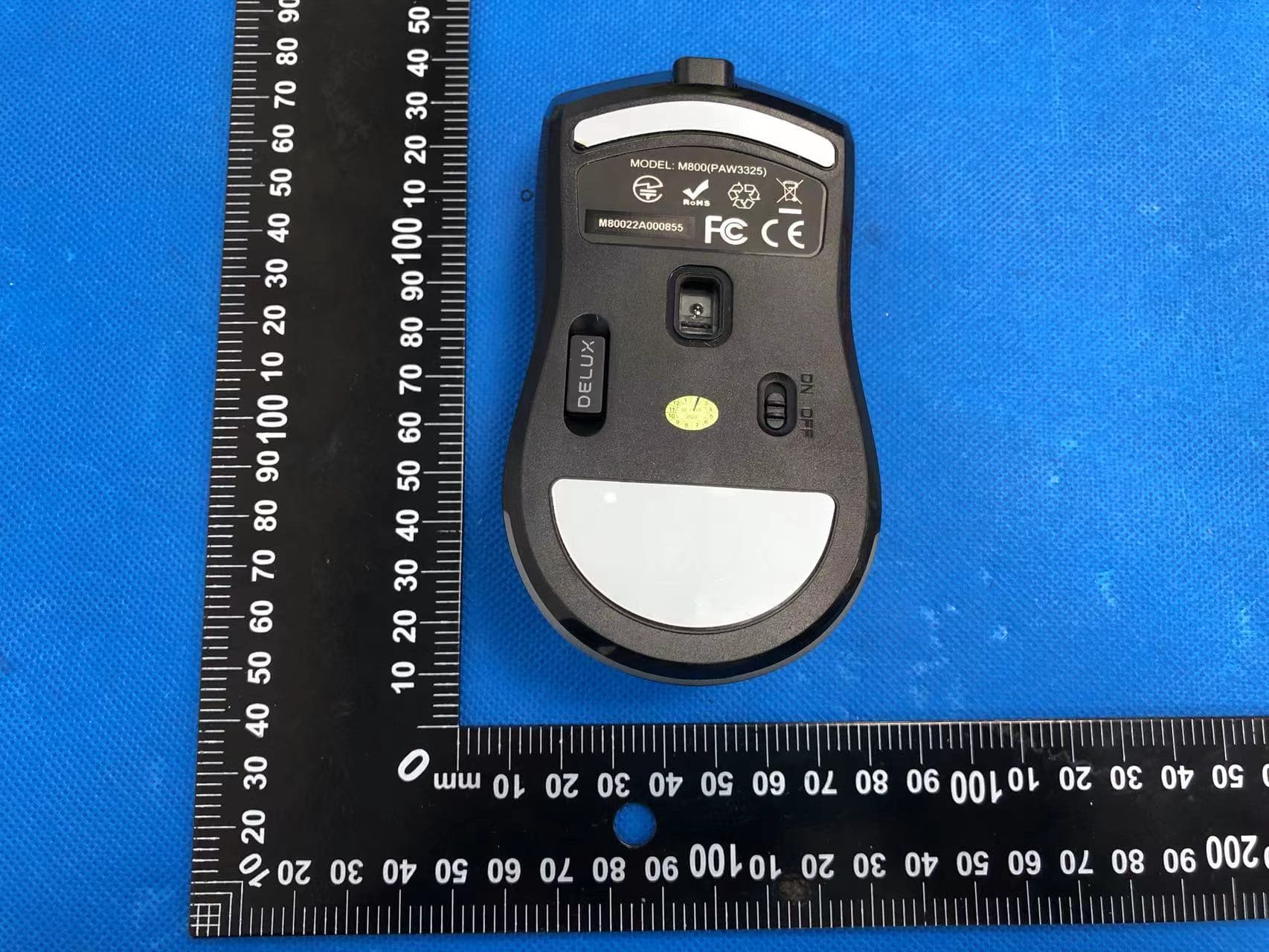
SGP-M800DB
Apr 11, 2022Wireless mouse
Equipment Class
DTS - Digital Transmission System