TBEOMV30Video Sunglasses
GOLDEN TECHNOLOGY CO., LTD.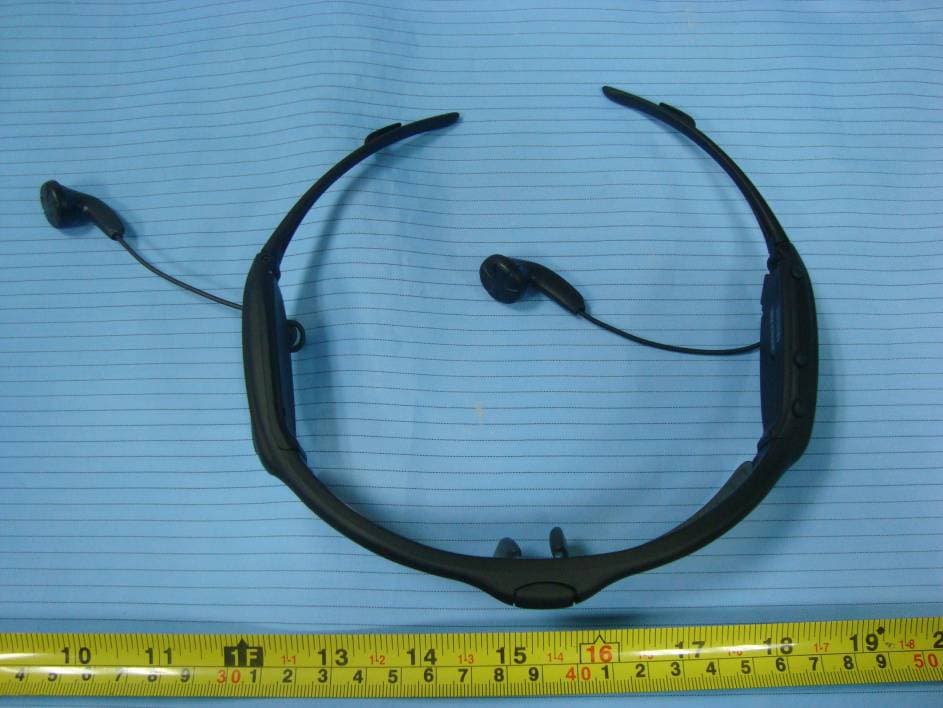
Click to zoom
Application Details
- Equipment Class
- JBP - Part 15 Class B Computing Device Peripheral
- Date of Grant
- Jul 26, 2011
- Application Purpose
- Original Equipment
- Date of Application
- Jul 26, 2011
- Equipment Note
- Video Sunglasses
- Company
- GOLDEN TECHNOLOGY CO., LTD.
- Country
- China
Documents & Files
Document Text
Text extracted from the exhibit documents filed with the FCC. Open a document above to read the original.
Users Manual
Video Sunglasses Remote Control Instruction Manual USB cable S1 S1 S1 S1 S2 S2 S2 S2 S0 S0 S0 S0 S3 S3 S3 S3 S4 S4 S4 S4 (CAPTURE/VOL+/NEXT) (VIDEO/VOL-/PREV) (ON/OFF/PLAY/PAUSE) (CAPTURE) (PLAY/PAUSE) VIDEO SUNGLASSES INSTRUCTION MANUAL S1 S2 S0 402R174R TABLE OF CONTENT I GENERAL DESCRIPTIONS................................................. Basic Function........................................................................ Accessories........................................................................... Steps on how to change lenses................................................ II OPERATION....................................................................... Power on / power off.............................................................. Capture............................................................................... Capture by remote control...................................................... Record video........................................................................ Play music............................................................................ Play music by remote control.................................................. PC connection...................................................................... PC camera........................................................................... Set time............................................................................... Low battery indicator............................................................ Recharge............................................................................. Pair with remote-control......................................................... Reset................................................................................... III CAUTIONS...................................................................... IV TROUBLE-SHOOTING...................................................... V SPECIFICATIONS............................................................. I GENERAL DESCRIPTIONS Basic Function 1. Video Recorder + Digital Camera + PC camera + Music Player + Flash Memory Storage (USB 2.0 high speed) 2. Video resolution: 800×600@25fps, in AVI format 3. Camera resolution: 3.2 mega pixels (2048×1536) 4. RTC (Real Time Clock) to track capture time of videos and photos 5. Support music formats: MP3 & WMA 6. Playing function: sequence, pause, resume 7. Stereo earphones 8. Available memory sizes: 2GB / 4GB / 8GB / 16GB 9. Remote-control photo-shooting and music-playing 10. Automatically detect battery voltage and power indicator 11. Power saving function: automatically power off, when no operation in 10 minutes under pause status 12. Battery: rechargeable Li-ion battery (3.7V) 13. 3 LED lights: Red LED (POWER/CHARGE): light up / power on; flash once every 2 seconds / recharging;flash once every second / 20% or lower battery left; light off / power off Yellow LED (MUSIC): light up / music mode; flash once every 2 seconds / playing music Blue LED (CAMERA): flash once every second / recording video; light up / recording finished; light off / video stored in memory Blue and yellow LEDs flash together every 2 seconds / no music Blue and yellow LEDs flash alternatively once every second / pairing with remote control 14. 3 buttons on sunglasses frame: S0 (ON/OFF/PLAY/STOP): long press the button to turn on or turn off the sunglasses, short press to play or pause S1 (CAPTURE/VOL+/Next): when playing music, long press the button to increase volume, short press to skip to next track; Under standby or video-recording mode, short press the button to take photos S2 (VIDEO/VOL-/Prev): when playing music, long press the button to decrease volume, short press to turn to previous track; Under standby mode, long press the button to start video recording, and long press again to stop recording. 15.2 buttons on remote control S3 (Capture): Top button. Short press to take photos S4 (Play/Stop): Side button. Short press to play or pause music Note: short press means press the button once; long press means press and hold the button till operation finished. Accessories Below are the accessories in the packing, please check if they are complete. II OPERATION Power on / power off Power on: long press button S0 , red LED lights up; after you hear a “beep” sound, please release the button. Few seconds later, a “welcome” will sound through earphones, the sunglasses is successfully power on. Power off: long press button S0 again, until you hear a "beep" sound, please release the button. Several seconds later, red LED flashes 5 times and lights off, same time “goodbye” from earphones, now power is off. Under standby mode, if there is no operation in 10 minutes, the sunglasses will be automatically power off. To check if the sunglasses is on or off, please short press button S2. If it is on and under IDLE mode, a “ready” will sound through earphones; if it is recording video, a beep will sound; if no sound, it means the sunglasses is off. Capture Please power on the video sunglasses first. To capture, short press S1, and you will hear a sound feedback from earphones after capture is finished (same time, blue LED flashes once and then lights off). Capture is only available when music is paused. When the disk is full, there is a sound feedback “No space” when S1 is pressed. Capture by remote control Please power on the video sunglasses first. To capture by remote control, short press S3 button on the remote-control, and you will hear a sound feedbacks from earphones after capture is finished (same time, blue LED flashes once and then lights off). Please keep you head still during capture, otherwise, the photo will be blurry. After power on, capture by remote is available under any mode, even when playing music or recording video. When the disk is full, there is a sound feedback “No space” when S3 is pressed. At this time, please release some memory by transferring some…
Text truncated - open the document above for the full version.
Block Diagram
Block Diagram Sensor FLASH MEMORY LEDS BUTTONS EARPHONE CRYSTAL(12MHz) Li-ion RECHARGEBLE BATTERY USB PORT PMU RF RTC MCU RF BUTTONS CRYSTAL(433.92MHz) Li-ion BATTERY REMOTE CONTROL
External Photos
EXHIBIT B - EUT EXTERNAL PHOTOGRAPHS EUT – Front View EUT – Rear View EUT – Top View EUT – Bottom View
ID Label/Location Info
EXHIBIT A - FCC ID LABELING AND LOCATION FCC ID Label FCC ID Label Location The label shown shall be permanently affixed at a conspicuous location on the device and be readily visible to the user at the time purchase (Labeling requirements per 2.925)
Internal Photos
EXHIBIT C - EUT INTERNAL PHOTOGRAPHS EUT – Cover off View EUT – Main Board Top View EUT – Main Board Top Shielding off View 1 EUT – Main Board Top Shielding off View 2 EUT – Main Board Bottom View EUT – Main Board Bottom Shielding off View RX Antenna EUT – Key Board Top View EUT – Key Board Bottom View EUT – Battery Top View EUT – Battery Bottom View
Test Report
Note: This test report is prepared for the customer shown above and for the equipment described herein. It may not be duplicated or used in part without prior written consent from Bay Area Compliance Laboratories Corp. This report must not be used by the customer to claim product certification, approval, or endorsement by NVLAP*, or any agency of the Federal Government. * This report contains data that are not covered by the NVLAP accreditation and are marked with an asterisk “★” (Rev.2) TEST REPORT For Golden Technology Co., Ltd. NO. 1232, JIUZHOU ROAD EAST, ZHUHAI CITY, GUANGDONG, P.R. OF CHINA FCC PART 15B FCC ID: TBEOMV30 Report Type: Original Report Product Type: Video Sunglasses Test Engineer: JimmyXiao Report Number: RSZ11031602 Report Date: 2011-06-23 Reviewed By: Merry Zhao EMC Engineer Test Laboratory: Bay Area Compliance Laboratories Corp. (Shenzhen) 6/F, the 3rd Phase of WanLi Industrial Building, ShiHua Road, FuTian Free Trade Zone Shenzhen, Guangdong, China Tel: +86-755-33320018 Fax: +86-755-33320008 www.baclcorp.com.cn Bay Area Compliance Laboratories Corp. (Shenzhen) FCC ID: TBEOMV30 Report No.: RSZ11031602 Page 2 of 17 FCC Part 15B Test Report TABLE OF CONTENTS GENERAL INFORMATION.......................................................................................................................................3 PRODUCT DESCRIPTION FOR EQUIPMENT UNDER TEST (EUT) .....................................................................................3 OBJECTIVE...................................................................................................................................................................3 RELATED SUBMITTAL(S)/GRANT(S).............................................................................................................................3 TEST FACILITY.............................................................................................................................................................3 SYSTEM TEST CONFIGURATION ..........................................................................................................................4 JUSTIFICATION.............................................................................................................................................................4 EUT EXERCISE SOFTWARE..........................................................................................................................................4 EQUIPMENT MODIFICATIONS.......................................................................................................................................4 HOST SYSTEM CONFIGURATION LIST AND DETAILS....................................................................................................4 LOCAL SUPPORT EQUIPMENT LIST AND DETAILS........................................................................................................4 EXTERNAL I/O CABLE..................................................................................................................................................5 CONFIGURATION OF TEST SETUP.................................................................................................................................5 BLOCK DIAGRAM OF TEST SETUP................................................................................................................................6 SUMMARY OF TEST RESULTS ...............................................................................................................................7 FCC §15.107 – AC LINE CONDUCTED EMISSIONS .............................................................................................8 MEASUREMENT UNCERTAINTY....................................................................................................................................8 EUT SETUP..................................................................................................................................................................8 EMI TEST RECEIVER SETUP.........................................................................................................................................9 TEST EQUIPMENT LIST AND DETAILS...........................................................................................................................9 TEST PROCEDURE........................................................................................................................................................9 TEST RESULTS SUMMARY............................................................................................................................................9 TEST DATA..................................................................................................................................................................9 FCC §15.109 - RADIATED SPURIOUS EMISSIONS ............................................................................................12 MEASUREMENT UNCERTAINTY..................................................................................................................................12 EUT SETUP................................................................................................................................................................12 EMI TEST RECEIVER SETUP.......................................................................................................................................12 TEST EQUIPMENT LIST AND DETAILS.........................................................................................................................13 TEST PROCEDURE......................................................................................................................................................13 CORRECTED AMPLITUDE & MARGIN CALCULATION.................................................................................................13 TEST RESULTS SUMMARY............................................…
Text truncated - open the document above for the full version.
Test Setup Photos
EXHIBIT D - TEST SETUP PHOTOGRAPHS AC Line Conducted Emissions - Front View AC Line Conducted Emissions - Side View Radiated Emissions - Front View (Downloading) Radiated Emissions - Rear View (Downloading) Radiated Emissions - Front View (Playing & Recording) Radiated Emissions - Rear View (Playing & Recording) Above 1 GHz: Radiated Emissions - Front View (Downloading) Above 1 GHz: Radiated Emissions - Rear View (Downloading)
Contact Information
Applicant
SUSAN LUO(SALES EXECUTIVE)
Test Firm
Bay Area Compliance Laboratory Corp. (Shenzhen)John Chan
Technical Specifications
| # | Rule Parts | Frequency Range | Power Output |
|---|---|---|---|
| 1 | 15B | - | - |
Other Applications from GOLDEN TECHNOLOGY CO., LTD.
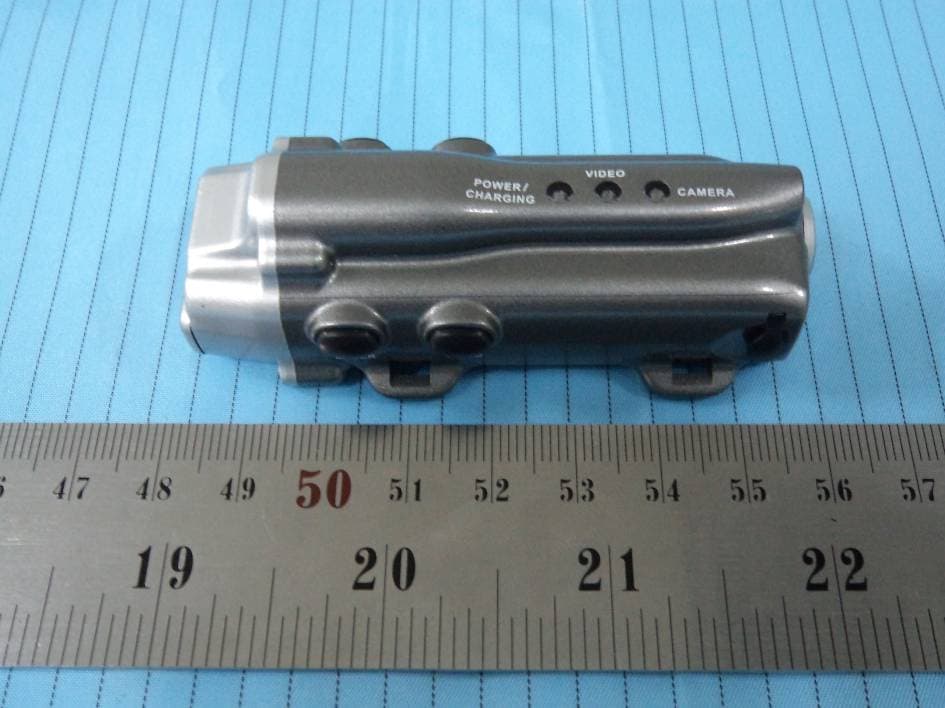
TBEPAV
Feb 06, 2012Mini Camcorder
Equipment Class
JBP - Part 15 Class B Computing Device Peripheral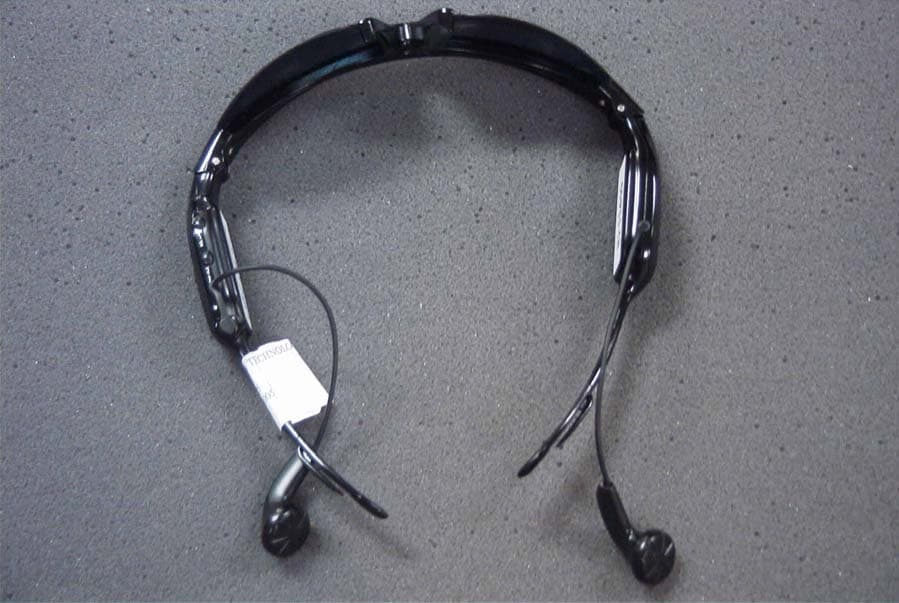
TBEOMMP3
May 24, 2005DC OPERATED MP3 SUNGLASSES
Equipment Class
JBP - Part 15 Class B Computing Device Peripheral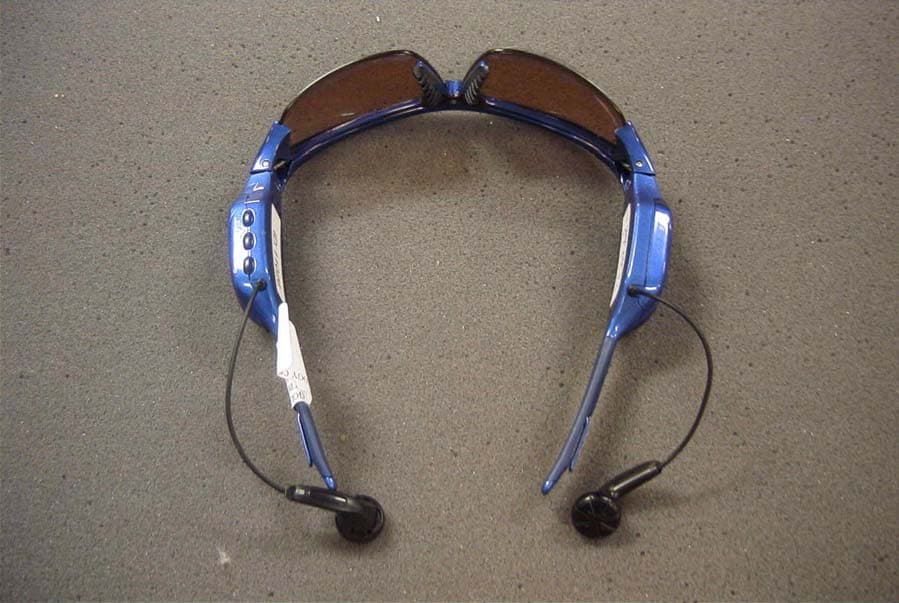
TBERMMP3
May 24, 2005DC OPERATED MP3 SUNGLASSES
Equipment Class
JBP - Part 15 Class B Computing Device Peripheral