TUW-FIR1Asset management and tracking system
Loc8tor Ltd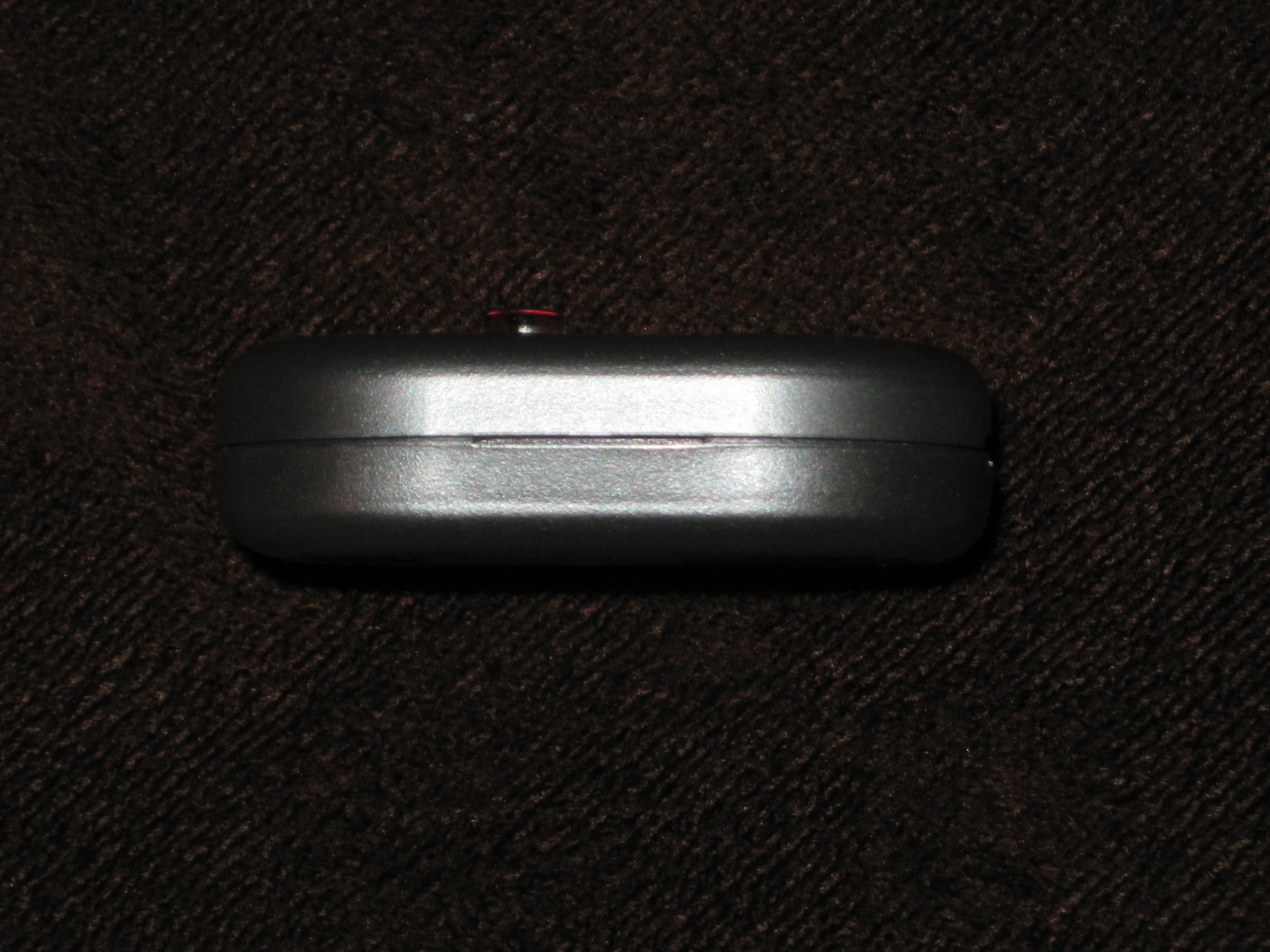
Click to zoom
Application Details
- Equipment Class
- DTS - Digital Transmission System
- Date of Grant
- Mar 06, 2008
- Application Purpose
- Original Equipment
- Date of Application
- Mar 06, 2008
- Equipment Note
- Asset management and tracking system
- Frequency Range
- 2445.00000000 - 2445.00000000
- Company
- Loc8tor Ltd
- Country
- United Kingdom
Documents & Files
Document Text
Text extracted from the exhibit documents filed with the FCC. Open a document above to read the original.
Users Manual
User Guide Manual del Usuario, Mode d’Emploi Bedienungsanleitung Page English 2 Español 13 Français 25 Deutsch 36 Pack Contents: 1x Loc8tor Lite, 2x Mini Homing Tags 1x Mounting Bracket, Tag ID Sticker Key Ring Loop, Adhesive Strips Loc8tor Lite INTRODUCTION Thank you for purchasing a Loc8tor Lite, the great new product that guides you to your mislaid valuables even in those hard to find places. The Loc8tor Lite has been designed to be versatile and easy to use, whether at home, out and about or in business. Please take a few minutes to read through this User Guide to help you get the most out of your Loc8tor. Loc8tor has been manufactured to quality standards to run trouble free and comes supplied with a manufacturers two year warranty. For additional product information, contact details and frequently asked questions please visit our website at www.loc8tor.com. We’d love to hear from you, what you like about Loc8tor or any suggestions you have to improve it. E-mail [email protected]. We hope you enjoy your new purchase and can now rest at ease, avoiding those frustrating moments of mislaying your important items. www.loc8tor.co.uk www.loc8tor.com 2 Anthony Richards Managing Director CONTENTS Page Button Guide 3 Getting Started 4 Switching ON / OFF 5 Volume 5 Locating – Find a mislaid item 6 Range Guidelines 7 Unregister / Deleting a Tag 8 Mounting Bracket 9 Batteries 9 General Care 10 Please note 11 Warranty 11 On / Off (hold in for 2 seconds) Volume Register and Locate up to four Tags Directional lightsStatus Light Button Guide 3 GETTING STARTED Your Loc8tor could not be easier to setup or use. Follow these steps and you’ll be tracking down your tagged valuables in no time at all. 1. ACTIVATE BATTERIES Pull out the strip on the back of the Loc8tor to activate battery. It will beep and all the lights will flash – It is now ON. * * After approx. 45 seconds left idle your Loc8tor will turn itself off. 2. REGISTER A TAG • Pull out the strip on the Tag to activate batteries. • Tag beeps twice and the red light flashes twice . • Place Tag you wish to register next to Loc8tor making sure all other Tags have been moved more than an arms length away. • Make sure the Loc8tor Lite is switched on (red status light will flash when ON). • Select one of the buttons on the front of the Loc8tor to assign the Tag to. Hold the button down for 3 seconds. The Loc8tor will beep. • Release button – Loc8tor will beep to confirm start of registration and status light will flash rapidly. Tag will complete registration process. • Once registered Tag and Loc8tor will beep and flash once. Repeat process for up to 4 Tags, assigning each Tag to a different button. Each of the four Tags when being located will beep differently to help identification. 3. ATTACH TAG Adhesive strips: Best used when attaching to a clean, dry, hard, flat surface. Peel off backing to attach. Sticky tabs are not permanent but increase their bond with time. Ideally leave for a minimum of 10 minutes. Strongest bond after 24 hours. To remove insert flat tool under Tag and gently twist to prise off. Key ring loop: Use to attach Tag to items such as key ring, bags, mobile phones etc. Push loop through the Tag hole and then pull ring through the loop. 4 SWITCHING ON / OFF ON • Hold in the right hand side button (see Button Guide) for 2 seconds. The Loc8tor will bleep and all the lights flash. • Small status light will flash whilst on. • The Loc8tor will automatically power down after 45 seconds if left idle. OFF • Hold in the right hand side button for 2 seconds. Loc8tor will beep and turn off. VOLUME Press in the left hand side button to select from three volume settings; off, low and high. An audio beep will sound when pressed indicating the current volume level. TIPS • Write on the sticky label provided which button is allocated to each Tag / item. • If a locate button is pressed with no Tag assigned to it an error tone will sound and the status lights will blink rapidly. To register a Tag to this button, complete the steps ‘REGISTER A TAG’. 5 LOCATING – FIND A MISLAID ITEM LOST • Press and hold down the ON button until the Loc8tor beeps and lights flash. • Press the button that your item / Tag is allocated to. • Loc8tor will beep and status light will flash rapidly as it’s searching for the Tag. • When a Tag is detected the locating lights will light up and the audio will start. • With the Loc8tor in your hand turn around slowly completing a full circle. • As you point in the right direction and then move nearer to item, the audio pitch and frequency of beeps will increase, and lights on the Loc8tor change from red to amber to green. • Once a circle has been completed, face the direction of the strongest audio and visual signal and walk in this direction. • When you see three green lights the Tag is very close by. • To guide you right in, the Loc8tor now changes to ‘zooming in’ mode (pictured). As you get closer amber then red lights illuminate and the audio pitch increases. FOUND To stop a search press ON/OFF button or the locate button your Tag is allocated to. 6 LOCATING TIPS • Place the Tag on a surface and practice locating a few times to get a feel for how it works. • If you are ever unsure which direction to go in slowly repeat full 360° circle and then go in the direction with the strongest signal strength. • Strongest signal is displayed when the Loc8tor is pointing directly at Tag. Try moving Loc8tor up and down as the Tag could be upstairs or downstairs. • If you are close to a wall whilst getting a strong signal check the room next door. • Try pressing the volume button on the Loc8tor when you are close in order to mute and listen out for Tag beeps. • If no signal is displayed try moving position to a different area and repeat process. 7 RANGE GUIDELINES Range will vary greatly depending on where the Tag is used and what it’s attached to. If higher up and clear line of sight, items can be found in excess of 122m/400feet. The char…
Text truncated - open the document above for the full version.
Cover Letter(s)
19 th February 2008 BABT FCB Balfour House, Churchfield Road, Walton-on-Thames, Surrey, KT12 2TD Dear Sir or Madam, We, Loc8tor Ltd, 404 – 406 Finchley Road, London, NW2 2HZ, UK, hereby authorize, Stephen Braithwaite and Stephen Williams from ASH Communications Ltd, 5 Shaftesbury Avenue, Southampton, SO17 1SB, UK, to act as our agents in all matters relating to applications for equipment authorization, including the signing of all documents relating to these matters. I further certify that the applicant nor any party to the application is subject to a denial of Federal benefits, that includes FCC benefits, pursuant to Section 5301 of the Anti-Drug Abuse Act of 1988, 21 U.S.C. Section 862. This authorization expires on 31 st December 2008 Yours sincerely, A Richards, Managing Director Company Officer:Managing Director Telephone Number:0207 4311111 Email:[email protected] Loc8tor Ltd, Devonshire House, 404-406 Finchley Road, London NW2 2HZ UK Phone: 020 7431 1111 Fax: 020 7435 2111 Web: www.myloc8tor.co.uk e-mail: [email protected] VAT Registration No. 843 7922 03 Registered in England No. 05199185
Cover Letter(s)
20 th November 2007 BABT FCB Balfour House, Churchfield Road, Walton-on-Thames, Surrey, KT12 2TD Confidentiality Request Pursuant to Sections 0.457(d)(1)(ii) and 0.459 of the Commission’s Rules, Loc8tor Ltd, hereby requests permanent confidential treatment of information accompanying this application as outlined below: Schematics Bill of Materials Theory of Operation Block diagram Internal Photographs The above materials contain trade secrets and proprietary information not customarily released to the public. The public disclosure of these matters might be harmful to the Applicant and provide unjustified benefits to its competitors. The Applicant understands that pursuant to Rule 0.457(d)(1)(ii), disclosure of this Application and all accompanying materials will not be made before the date of the Grant for this Application. Yours sincerely, SJ Braithwaite ASH Communications on behalf of Loc8tor Ltd. Company Officer:Consultant Telephone Number:023 80551044 Email:[email protected] Loc8tor Ltd, Devonshire House, 404-406 Finchley Road, London NW2 2HZ UK Phone: 020 7431 1111 Fax: 020 7435 2111 Web: www.myloc8tor.co.uk e-mail: [email protected] VAT Registration No. 843 7922 03 Registered in England No. 05199185
External Photos
Loc8tor Ltd Commercial in Confidence Loc8tor Tag External Photographs Date: 27 th February 2008 Issue: B LOG OF REVISIONS RevDateDescriptionApproved A20 th Nov 2007Initial ReleaseSJB B27 th February 2008 Added photographsSJB Page 1 of 4 Commercial in Confidence Loc8tor Ltd Commercial in Confidence Case Front Case Back Page 2 of 4 Commercial in Confidence Loc8tor Ltd Commercial in Confidence Case Top Case Bottom Page 3 of 4 Commercial in Confidence Loc8tor Ltd Commercial in Confidence Case Side Left Case Side Right Page 4 of 4 Commercial in Confidence
ID Label/Location Info
Loc8tor Ltd Commercial in Confidence Loc8tor Tag Label Location Date: 27 th February 2008 Issue: A LOG OF REVISIONS RevDateDescriptionApproved A20 th Nov 2007Initial ReleaseSJB A27 th Feb 2008Updated informationSJB Page 1 of 2 Commercial in Confidence Loc8tor Ltd Commercial in Confidence The location of the label is on the back of the product and the location is shown in the photograph below. Page 2 of 2 Commercial in Confidence Label permanently fixed in this location
Test Report
Document 75902529 Report 07 Issue 5 February 2008 Report On EMC Testing of the Loc8tor Ltd Loc8tor Tag COMMERCIAL-IN-CONFIDENCE FCC ID: TUW-FIR1 IC ID: 6444A-FIR1 TUV Product Service Ltd, Octagon House, Concorde Way, Segensworth North, Fareham, Hampshire, United Kingdom, PO15 5RL Tel: +44 (0) 1489 558100. Website: www.tuvps.co.uk COMMERCIAL-IN-CONFIDENCE Document 75902529 Report 07 Issue 5 Page 1 of 27 COMMERCIAL-IN-CONFIDENCE REPORT ON EMC Testing of the Loc8tor Ltd Loc8tor Tag Document 75902529 Report 07 Issue 5 February 2008 PREPARED FOR Ash Communications Ltd 5 Shaftesbury Avenue Southampton SO17 1SB PREPARED BY J Plummer Technical Author APPROVED BY J Adams Authorised Signatory M J Hardy Authorised Signatory DATED 27 February 2008 27 February 2008 This report has been up-issued to Issue 5 to include the manufacturer and emission designator details. COMMERCIAL-IN-CONFIDENCE Document 75902529 Report 07 Issue 5 Page 2 of 27 COMMERCIAL-IN-CONFIDENCE CONTENTS Section Page No REPORT SUMMARY ................................................................................................................... 3 1.1 Introduction ................................................................................................................................... 4 1.2 Brief Summary of Results ............................................................................................................. 5 1.3 Declaration of Build Status ........................................................................................................... 6 1.4 Product Information ...................................................................................................................... 7 1.5 Test Conditions ............................................................................................................................. 9 1.6 Deviations From the Standard ...................................................................................................... 9 1.7 Modification Record ...................................................................................................................... 9 TEST DETAILS .......................................................................................................................... 10 2.1 Radiated Emissions (Enclosure Port) ......................................................................................... 11 2.2 Measurement at the Band Edge ................................................................................................. 13 2.3 6dB Bandwidth ............................................................................................................................ 15 2.4 Maximum Peak Output Power (Radiated Method) EIRP ........................................................... 17 2.5 Radiated Emissions (Enclosure Port) ......................................................................................... 18 2.6 Peak Power Spectral Density ..................................................................................................... 20 TEST EQUIPMENT USED ......................................................................................................... 22 3.1 Test Equipment Used ................................................................................................................. 23 3.2 Measurement Uncertainty .......................................................................................................... 25 ACCREDITATION, DISCLAIMERS AND COPYRIGHT ............................................................ 26 4.1 Accreditation, Disclaimers and Copyright ................................................................................... 27 COMMERCIAL-IN-CONFIDENCE Document 75902529 Report 07 Issue 5 Page 3 of 27 COMMERCIAL-IN-CONFIDENCE SECTION 1 REPORT SUMMARY EMC Testing of the Loc8tor Ltd Loc8tor Tag COMMERCIAL-IN-CONFIDENCE Document 75902529 Report 07 Issue 5 Page 4 of 27 COMMERCIAL-IN-CONFIDENCE 1.1 INTRODUCTION The information contained in this report is intended to show verification of the Loc8tor Ltd Loc8tor Tag to the requirements of FCC Part 15B: 2006, FCC Part 15C: 2006, RSS-Gen: 2005 and RSS-210: 2005. Objective To perform Electromagnetic Compatibility (EMC) Qualification Approval Testing to determine the Equipment Under Test's (EUT’s) compliance with the Test Specification, for the series of tests carried out. Manufacturer Kingtronics Ltd Kingtronics Science & Industrial Park North Section of Hu-Bin East Road Kingtronics Road Xiamen, Fijian CHINA Model Number(s) Loc8tor Tag Serial Number(s) F14 Receiver F11 Transmitter Software Version V0.9 Hardware Version Emission Designator Iss A 5M0G1D Number of Samples Tested Two Test Specification/Issue/Date FCC Part 15B: 2006 FCC Part 15C: 2006 RSS-Gen: Issue 1: 2005 RSS-210: Issue 6: 2005 Incoming Release Date Not Formally Released 16 November 2007 Disposal Reference Number Date Held Pending Disposal Not Applicable Not Applicable Order Number Date ASH088 08 November 2007 Start of Test 18 November 2007 Finish of Test 30 November 2007 Name of Engineer(s) S C Hartley G Lawler J Holcombe Related Document(s) ANSI C63.4: 2001 RSS-212, Issue 1: 1999 SRSP-503, Issue 6: 2003 SRSP-510, Issue 3: 2003 COMMERCIAL-IN-CONFIDENCE Document 75902529 Report 07 Issue 5 Page 5 of 27 COMMERCIAL-IN-CONFIDENCE 1.2 BRIEF SUMMARY OF RESULTS A brief summary of results for each configuration, in accordance with FCC Part 15B and 15C 2006, is shown below. Section Spec Clause FCC Spec Clause Industry Canada Test Description Mode Result 2.1 15.109 (a) RSS-Gen, 6 Radiated Emissions (Enclosure Port) Receive Pass 2.2 15.205 RSS-Gen, A8.5 Measurements at Band Edge Transmit Pass 2.3 15.247 (a)(2) RSS-210 A8.2 (1) 6dB Bandwidth Transmit Pass 2.4 15.247 (b)(3) RSS-Gen A8.4(1) Maximum Peak Output Power (Radiated) Transmit Pass 2.5 15.209, 15.247(d), 15.205 RSS-Gen A8.5 Radiated Emissions (Enclosure Port) Transmit Pass 2.6 15.247(e) RSS-210 A8.2 (2) Peak Power Spect…
Text truncated - open the document above for the full version.
Contact Information
Applicant
Anthony Richards(Managing Director)
Technical Contact
ASH Communications LtdStephen Braithwaite
[email protected]+44 23 80551044
5 Shaftesbury Avenue · Southampton · United Kingdom
Non-Technical Contact
ASH Communications LtdStephen Braithwaite
[email protected]+44 23 80551044
Test Firm
TUV SUD Product ServiceJensen Adams
Technical Specifications
| # | Rule Parts | Frequency Range | Power Output | Emission | Tolerance |
|---|---|---|---|---|---|
| 1 | 15C | 2.44 GHz - 2.44 GHz | 200.00 µW | 5M0G1D | 10.0000000000 ppm |
Other Applications from Loc8tor Ltd
TUW-SYC1
Mar 06, 2008Asset tracking and management device
Equipment Class
DTS - Digital Transmission System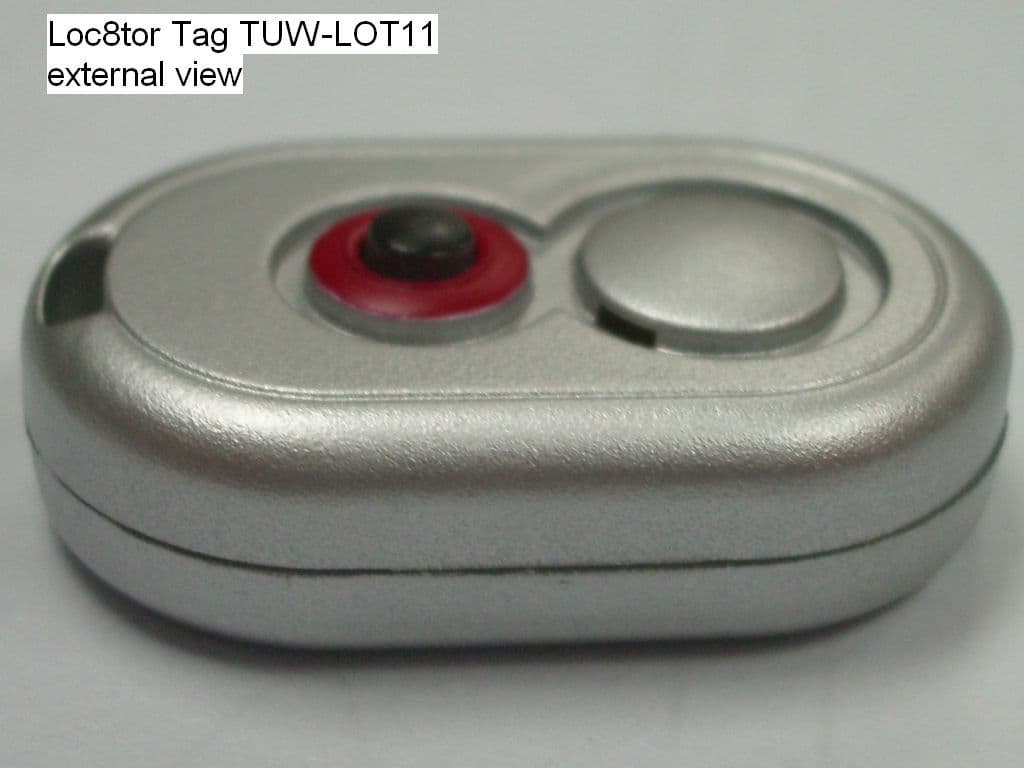
TUW-LOT11
May 24, 2006Asset tracking and management device
Equipment Class
DTS - Digital Transmission System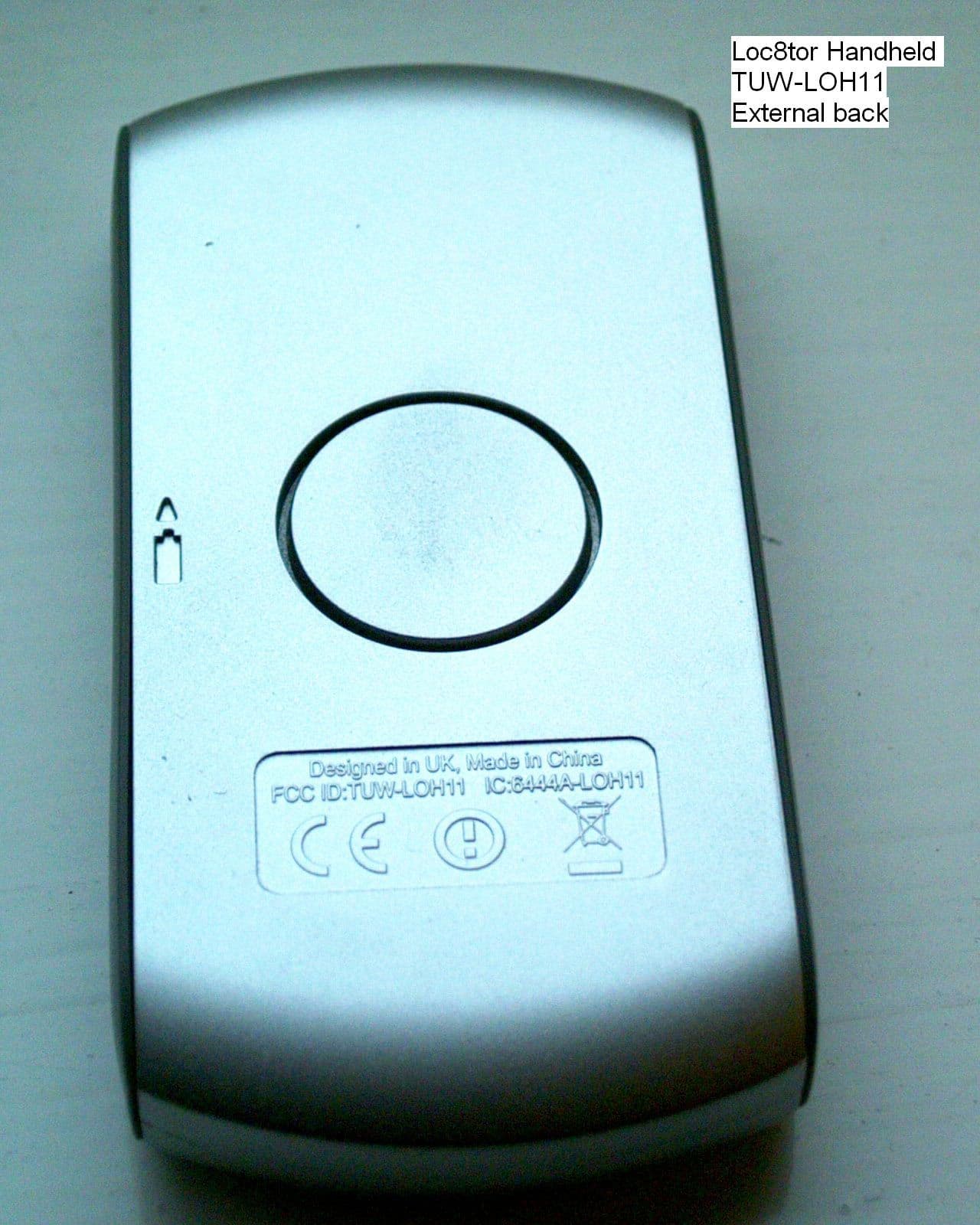
TUW-LOH11
May 24, 2006Asset tracking and management device
Equipment Class
DTS - Digital Transmission System