UIX0712FDLO TransDock Classic FM Transmitter
Netalog, Inc. d/b/a Digital Lifestyle Outfitters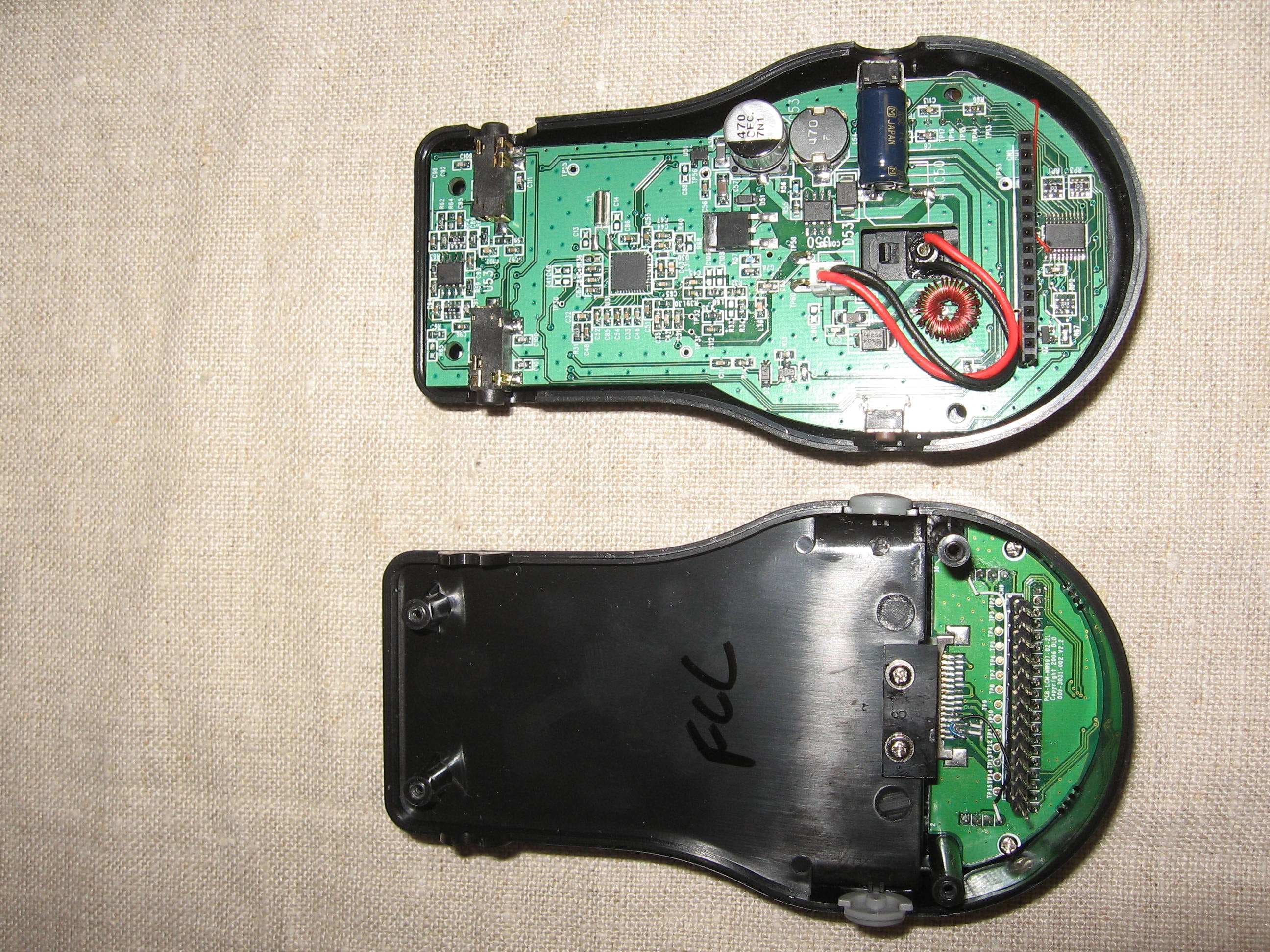
Click to zoom
Application Details
- Equipment Class
- DXX - Part 15 Low Power Communication Device Transmitter
- Date of Grant
- Mar 13, 2008
- Application Purpose
- Original Equipment
- Date of Application
- Mar 13, 2008
- Equipment Note
- DLO TransDock Classic FM Transmitter
- Frequency Range
- 88.10000000 - 107.90000000
- Country
- United States
Documents & Files
Document Text
Text extracted from the exhibit documents filed with the FCC. Open a document above to read the original.
Users Manual
© 2008 Digital Lifestyle Outfitters The DLO logo, Digital Lifestyle Outfitters & TransDock Classic are trademarks of Digital Lifestyle Outfitters. iPod is a trademark of Apple Inc., registered in the U.S. and other countries. All Rights Reserved Printed in China M93033-XXXXXX-A *** Quick Start 4 Using Your TransDock Classic 6 About the DLO TransDock Classic 6 Setting Up Your TransDock Classic 6 Finding Empty Radio Frequencies 8 Tuning Your TransDock Classic 9 Features + Settings 10 Setting Preset Stations 10 Controlling the OLED Backlight 10 TransDock Classic Intelligent Power Control 11 Getting the Best Sound Quality 11 Using a Cassette Adapter or Your Car’s Auxiliary Input 12 Using Other MP3 Players or Devices 12 Tips + Troubleshooting 13 Tech Specs 15 Warranty 16 FCC Statement 17 Quick Start Thank you for purchasing the DLO TransDock Classic, the best selling all-in-one iPod car accessory on the market. We’ll get you up and running in four easy steps: 1. Connect the Charger Arm to TransDock Classic. 2. Adjust TransDock Classic’s Charger Arm to fit into your car’s power outlet and plug it in. 3. Tune your car stereo to 88.5 FM. 4. Slide your iPod into TransDock Classic and press Play. You can now enjoy your iPod audio on your car stereo while your iPod is charging and securely cradled. For detailed instructions and tips, please read Setting Up Your TransDock Classic [pg 6]. About the DLO TransDock Classic TransDock Classic is basically a radio station that broadcasts your iPod audio to the FM radio in your car, truck, boat – anything that has a 12v auto power outlet and FM radio. TransDock Classic also charges and cradles your iPod, providing easy access to your iPod in your car. TransDock Classic has two triangular buttons on either side of the OLED screen for easy tuning. Other features include four programmable presets, controllable OLED backlight, Aux-In jack, Line-Out port, and power control. Setting Up Your TransDock Classic 1. Connect the Charger Arm to TransDock Classic. Insert the flat side of the Charger Arm into the back of TransDock Classic and turn it 90 degrees clockwise to lock the Charger Arm into place. Do not use the included Extension Arm until you have determined that you’ll need it to fit TransDock Classic into your car. TransDock Classic fits in most cars with just the shorter Charger Arm. 2. Adjust TransDock Classic to fit your car’s power outlet and plug it in. Loosen the Charger Arm knobs to adjust the angle of TransDock Classic for the best placement and access to your iPod. Adjusting the arm angles is easier when TransDock Classic is not plugged into your car’s power outlet. When you’ve found a good fit, tighten the knobs again and then plug TransDock Classic into your car’s power outlet. If you have trouble finding a comfortable position for TransDock Classic, or it happens to block controls in your car, use the Extension Arm to achieve the optimum position. 3. Tune your car stereo to 88.5 FM. 88.5 FM is the default broadcast frequency for TransDock Classic. If your TransDock Classic is already plugged in, there should be silence. If 88.5 is not an empty frequency in your area (i.e. there is music or talk already on that station), you may hear static. Try finding another station in your area with less interference. For help doing this, please read Finding Empty Radio Frequencies [pg 8] or vist dlo.com/openfm to find the best frequency in your area. 4. Slide your iPod into TransDock Classic and press Play. • For a thinner iPod (80GB iPod classic for example), remove any insert and attach the included Fit Pad for a perfect fit. Then, slide in your iPod. • For a larger iPod (160GB iPod classic) - remove any insert, then slide in your iPod. • For 3G iPod nano owners - use the included 3G nano Insert to securely fit your 3G iPod nano into TransDock Classic. • For 2G iPod nano owners - use the included 2G nano Insert to securely fit your 2G iPod nano into TransDock Classic. You can now enjoy your iPod audio played on your car stereo, while your iPod is charging and securely cradled in your car. To control your iPod audio, use the iPod click wheel, just as you normally would. To adjust the volume of your iPod audio, use your car stereo’s volume control, not the volume on your iPod. Your TransDock Classic is using the superior line-out audio from the bottom of your iPod, which is not controlled by your iPod click wheel. Finding Empty Radio Frequencies An empty frequency is one where there is only static, and not even a faint radio station can be heard. If you live in a big city with a lot of radio stations, finding an empty FM frequency can be tricky. Visit www.dlo.com/openfm to find the best frequencies in your area. Here are some tips for finding an empty frequency: • Be sure to search the entire spectrum of FM frequencies, from 88.1 to 107.9. Don’t just look to the low end of the dial, because there are often empty FM stations in the 100’s that will work great. • When using the scan/seek function on your car stereo, if your tuner stops on 101 and then jumps to 103, look in the 102 range of frequencies for an empty frequency. • Try scanning to a strong station, then backing down two frequencies - for example 103.5 to 103.1. You can often find empty frequencies this way. If that frequency is taken, scan to the next station and try again. • Save a station as a preset on your radio when you find a frequency that works well in your area, and also set that frequency as a preset on your TransDock Classic. To learn how to set a preset, please read Setting Preset Stations [pg. 10]. Tuning Your TransDock Classic To tune your TransDock Classic, use the triangular Tuning Buttons on either side of the OLED display on the front of TransDock Classic. Use the right button for tuning up, left button for tuning down. TransDock Classic has four preset stations. The default frequencies for these presets are 88.1, 94.9, 100.9, and 107.9. To cycle through these presets, press the Pres…
Text truncated - open the document above for the full version.
Cover Letter(s)
From: David Schramm Intertek Sent: Thursday, March 13, 2008 1:34 PM To: Roland Gubisch Intertek Cc: Terre Wolak Intertek Subject: RE: Netalog FCC ID UIX0712D, E, F Roland, During testing, the iPod was docked to the modulator. In this mode, the audio is directed through the special connector at the bottom of the iPod and not through the audio ports. In the docked mode, volume control of the iPod has no affect on the FM signal. Additional testing was done to determine worst-case mode between docked mode and audio input mode. The docked mode was worse-case. When tested in the audio input mode, the volume of the iPod was set to maximum. Please let me know if additional information is needed. Best regards, David _____________________________________________ From: Roland Gubisch Intertek Sent: Thursday, March 13, 2008 12:10 PM To: David Schramm Intertek Cc: Terre Wolak Intertek Subject: Netalog FCC ID UIX0712D, E, F; Philips FCC ID OYMDLA9xxxx Importance: High David, Review of these applications for FM modulators operating under 15.239 rules is under way. The test report configuration diagrams show the audio ports to be terminated in passive loads, but an iPOD is listed as support equipment. The FCC requires data with a typical audio file from a typical device with the typical device set to maximum audio input. The volume controls of the typical device should be set to maximum audio. Please describe how the testing for these devices complies with FCC requirements above. Thank you, Roland Roland W. Gubisch Chief Engineer, EMC and Telecom Phone: +1 978-635-8500 (direct) Intertek 70 Codman Hill Road Boxborough, MA 01719 Fax: +1 978-263-7086 E-mail: [email protected] www.intertek-etlsemko.com
Test Report
Client: Product Designation: Transdock Classic Report Number: 3144275ATL-002 All services undertaken are subject to the following general policy: This report is for the exclusive use of Intertek's Client and is provided pursuant to the agreement between Intertek and its Client. Intertek's responsibility and liability are limited to the terms and conditions of the agreement. Intertek assumes no liability to any party, other than to the Client in accordance with the agreement, for any loss, expense or damage occasioned by the use of this report. Only the Client is authorized to copy or distribute this report and then only in its entirety. Any use of the Intertek name or one of its marks for the sale or advertisement of the tested material, product or service must first be approved in writing by Intertek. The observations and test results in this report are relevant only to the sample tested. This report by itself does not imply that the material, product, or service is or has ever been under an Intertek certification program. This report must not be used to claim product endorsement by A2LA, NIST, or any agency of the US Government. Tested by: Tests performed by:Report reviewed by: Standard: Richard C. Bianco EMC Project Engineer David J. Schramm EMC Department Manager Netalog Inc 3871 South Alston Avenue Forest Hills, NC 27713 Contact: Garey De Angelis Phone: 815.577.7067 Fax: 928.447.4973 TEST REPORT March 14, 2008 Intertek Testing Services NA Inc. 1950 Evergreen Blvd., Suite 100 Duluth, GA 30096 FCC Part 15, Subpart C, Intentional Radiators (15.239) RSS-210, Issue 7 (Annex A2.8) Page 1 of 22 EMC Report for Netalog Inc on the Transdock Classic 03/14/2008Report Number: 3144275ATL-002Issued: Intertek 2.0 Test Summary 2.0 Test Summary2.0 Test Summary 2.0 Test Summary 1.0 Introduction and Conclusion 1.0 Introduction and Conclusion1.0 Introduction and Conclusion 1.0 Introduction and Conclusion Test DateTest Full NameResultSection System setup including cable interconnection details, support equipment and simplified block diagram. (System Setup)4.0 02/25/2008Transmitter Information for equipment operating under Parts 11, 15 and 18 of the rules (Transmitter Info - Unlicensed)5.0 02/21/2008Occupied Bandwidth - FCC (FCC 15C - 15.239 (a))PASS6.0 02/21/2008Occupied Bandwidth - Industry Canada (RSS-210 A2.8 OBW)PASS7.0 02/21/2008§ 15.239(b) / (c) Field strength requirements (FCC 15C - 15.239 (b))PASS8.0 Revision History (Revision History)9.0 The tests indicated in section 2.0 were performed on the product constructed as described in section 3.0. The remaining test sections are the verbatum text from the actual data sheets used during the investigation. These test sections include the test name, the specified test Method, a list of the actual Test Equipment Used, documentation Photos, Results and raw Data. No additions, deviations, or exclusions have been made from the standard(s) unless specifically noted. Based on the results of our investigation, we have concluded the product tested complies with the requirements of the standard(s) indicated. The results obtained in this test report pertain only to the item(s) tested. Page 2 of 22 EMC Report for Netalog Inc on the Transdock Classic 03/14/2008Report Number: 3144275ATL-002Issued: Intertek 3.0 Description of Equipment Under Test 3.0 Description of Equipment Under Test3.0 Description of Equipment Under Test 3.0 Description of Equipment Under Test Equipment Under Test Description Manufacturer Model Number Serial Number iPOD Cradle Netalog, Inc. Transdock Classic None E UT receive date: February 21, 2008 E UT receive condition:Good Des cription of EUT provided by Client: TransDock Classic is basically a radio station that broadcas ts your iPod audio to the FM radio in your car, truck, boat – anything that has a 12v auto power outlet and FM radio. T ransDock Classic also charges and cradles your iPod, providing easy access to your iPod in your car. Trans Dock Clas sic has two triangular buttons on either side of the LCD screen for easy tuning. Other features include four programmable presets, controllable LCD backlight, Aux-In jack, Line-Out port, and power control. Des cription of EUT exercising: The EUT was powered at 12VDC via a car battery. T he iPOD connected to the T ransdock Classic was playing a looped Bob Dylan tune maximum volume. Page 3 of 22EMC Report for Netalog Inc on the Transdock Classic 03/14/2008Report Number: 3144275ATL-002Issued: Intertek System setup including cable interconnection details, support equipment and simplified block System setup including cable interconnection details, support equipment and simplified block System setup including cable interconnection details, support equipment and simplified block System setup including cable interconnection details, support equipment and simplified block diagram. (System Setup) diagram. (System Setup)diagram. (System Setup) diagram. (System Setup) 4.0 4.04.0 4.0 Method: Record the details of EUTcabling, document the support equipment, and show the interconnections in a block diagram. Data: EUT 12V Battery A iPOD Block diagram of EUT Drawing: Page 4 of 22EMC Report for Netalog Inc on the Transdock Classic 03/14/2008Report Number: 3144275ATL-002Issued: Intertek System setup including cable interconnection details, support equipment and simplified block System setup including cable interconnection details, support equipment and simplified block System setup including cable interconnection details, support equipment and simplified block System setup including cable interconnection details, support equipment and simplified block diagram. (System Setup) diagram. (System Setup)diagram. (System Setup) diagram. (System Setup) 4.0 4.04.0 4.0 A Description EUT Cabling Connection Length Shielding FerritesIDFromTo EUT12V DC BatteryDC Power 1MNoYes Support Equipment DescriptionManufacturerModel NumberSerial Number iPODAppleA11364J609USNTXK 12V DC BatteryWerkerWKA12-80C/FRNone Page 5 of 22EMC Report …
Text truncated - open the document above for the full version.
Test Setup Photos
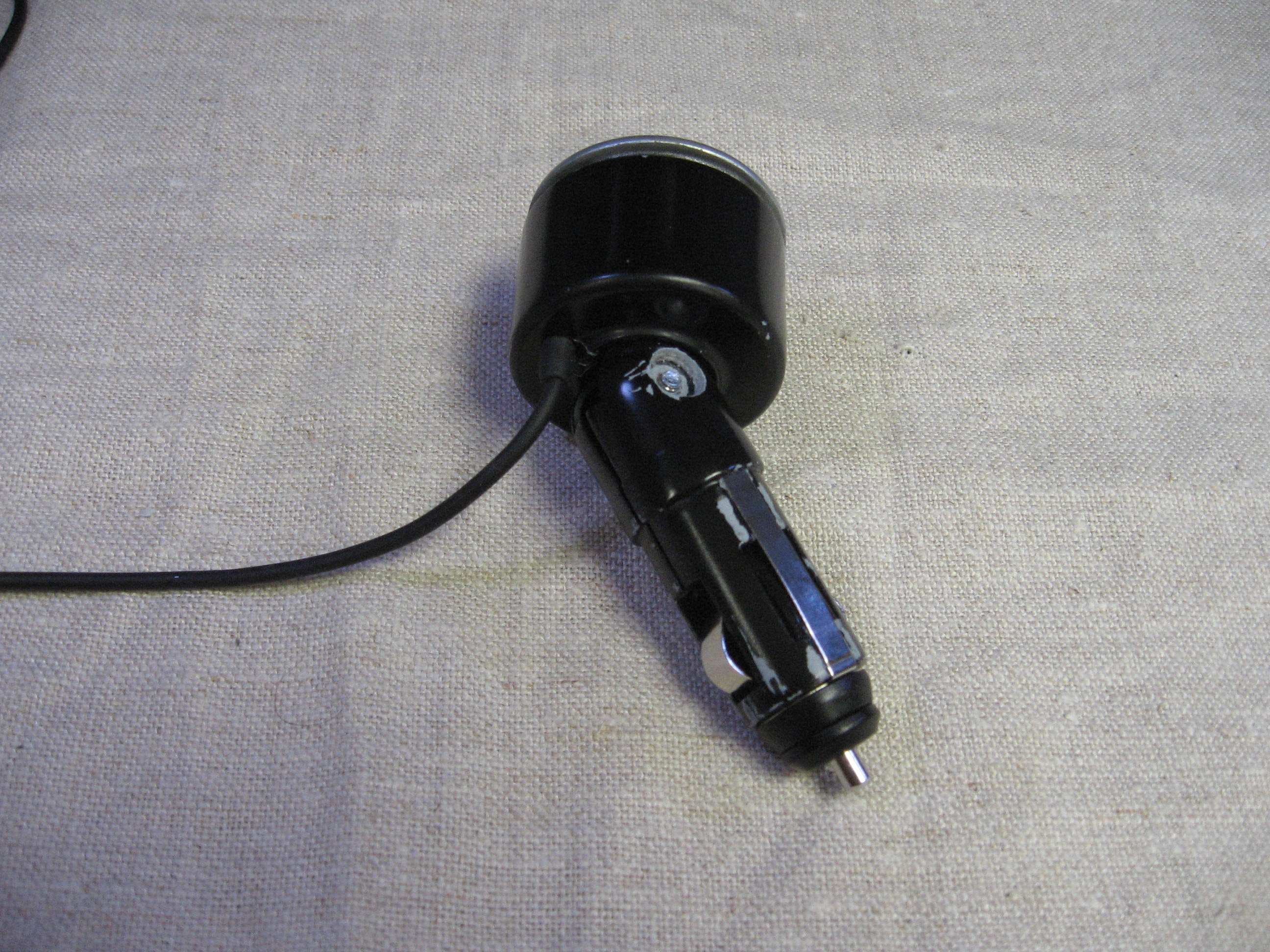
02/25/2008 Report Number: 3144275ATL-002 Issued: Intertek § 1 5 . 2 3 9 ( b ) / ( c ) F i e l d s t r e n g t h r e q u i r e m e n t s ( F C C 1 5 C - 1 5 . 2 3 9 ( b ) ) 8 . 0 Test Setup Photo: Page 15 of 21 EMC Report for Netalog Inc on the Transdock Classi c 02/25/2008 Report Number: 3144275ATL-002 Issued: Intertek § 1 5 . 2 3 9 ( b ) / ( c ) F i e l d s t r e n g t h r e q u i r e m e n t s ( F C C 1 5 C - 1 5 . 2 3 9 ( b ) ) 8 . 0 Test Setup Photo: Page 16 of 21 EMC Report for Netalog Inc on the Transdock Classi c
Contact Information
Applicant
Garey De Angelis(VP Product Development)
Technical Contact
Netalog, Inc.Garey De Angelis
[email protected]843-577-7067
3871 S. Aliston Avenue · Durham, North Carolina · United States
Non-Technical Contact
Netalog, Inc.Garey De Angelis
[email protected]843-577-7067
Test Firm
Intertek Testing Services NA Inc.Charles Parker
Technical Specifications
| # | Rule Parts | Frequency Range | Power Output |
|---|---|---|---|
| 1 | 15C | 88.1 MHz - 107.9 MHz | - |
Other Applications from Netalog, Inc. d/b/a Digital Lifestyle Outfitters
UIX0712E
Mar 13, 2008DLO TransDock Micro II FM Transmitter
Equipment Class
DXX - Part 15 Low Power Communication Device Transmitter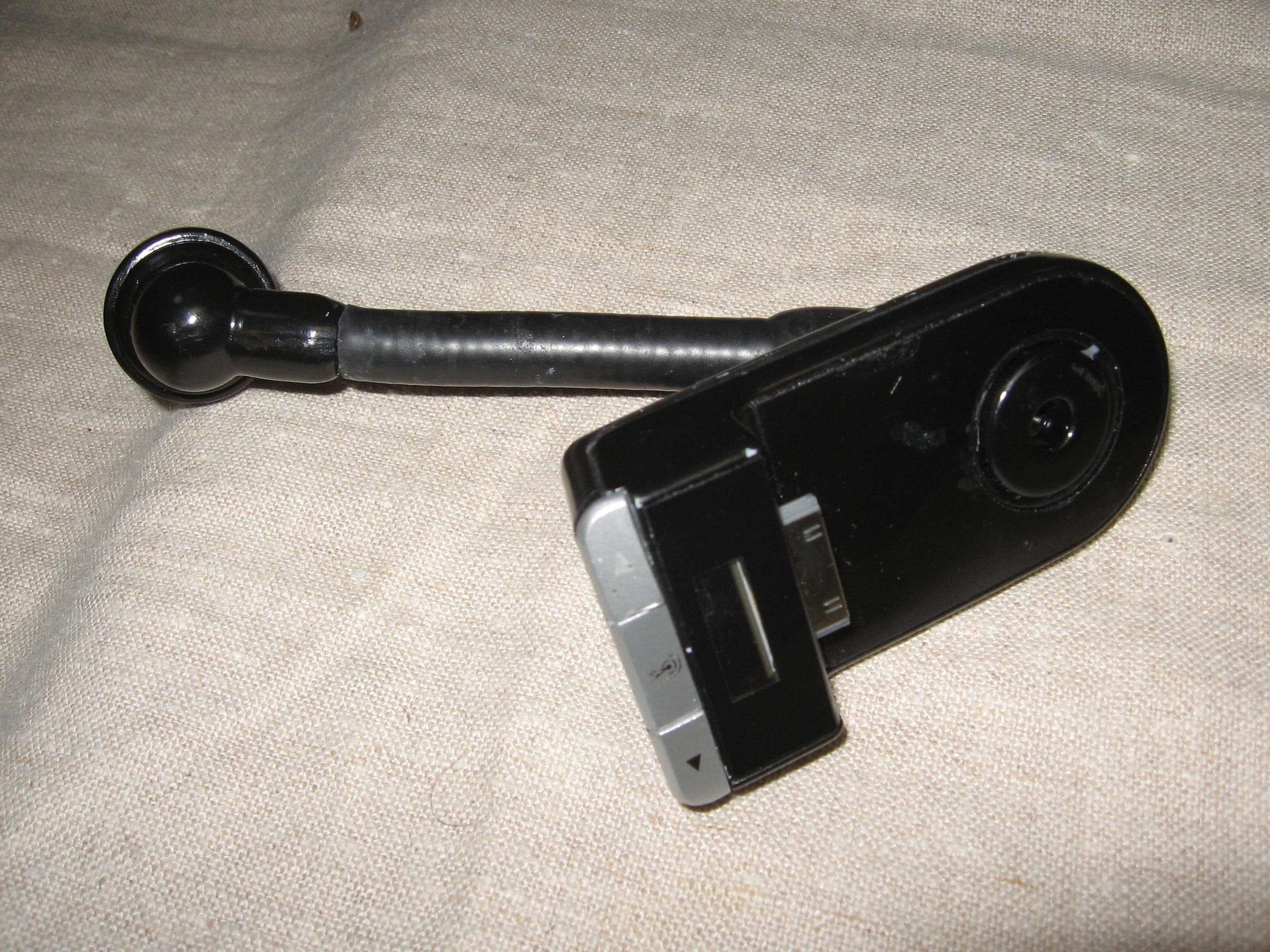
UIX0712D
Mar 13, 2008DLO TransDock 3 FM Transmitter
Equipment Class
DXX - Part 15 Low Power Communication Device Transmitter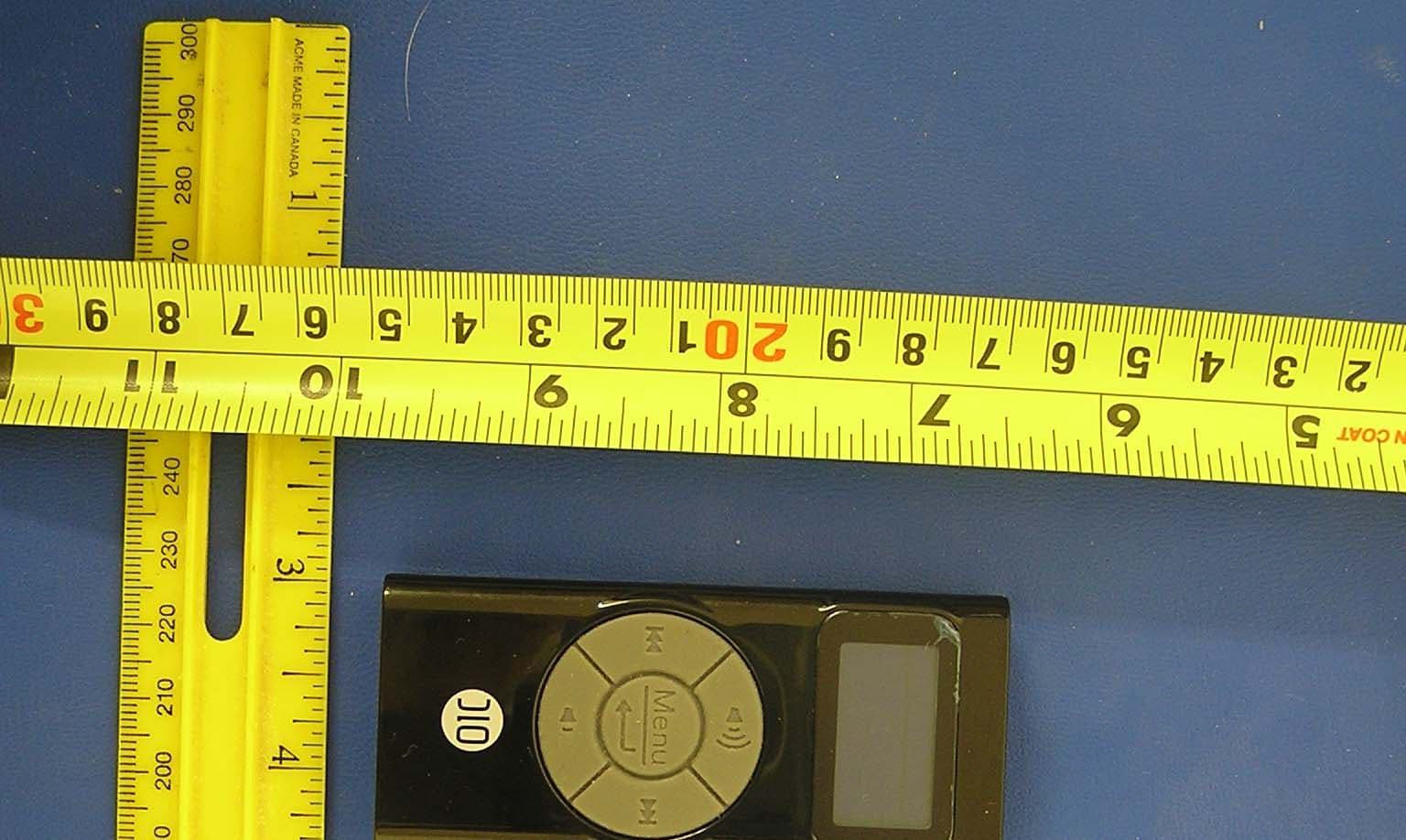
UIX0702C
Apr 26, 2007Remote Control For iPod
Equipment Class
DXT - Part 15 Low Power Transceiver, Rx Verified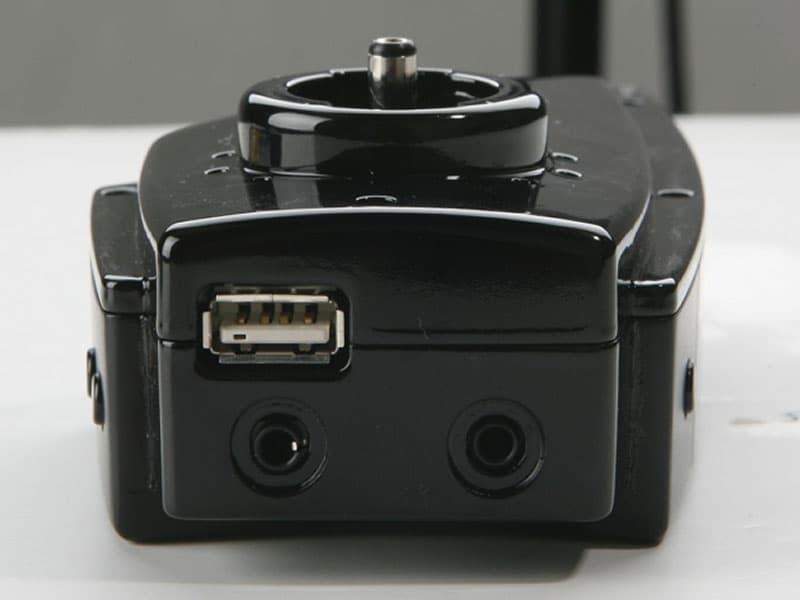
UIX0701A
Feb 06, 2007DLO TransDock FM Transmitter
Equipment Class
DXX - Part 15 Low Power Communication Device Transmitter