UP4-GBT-T200FM Transmitter with Bluetooth module
Gaon-Int Co., LTD.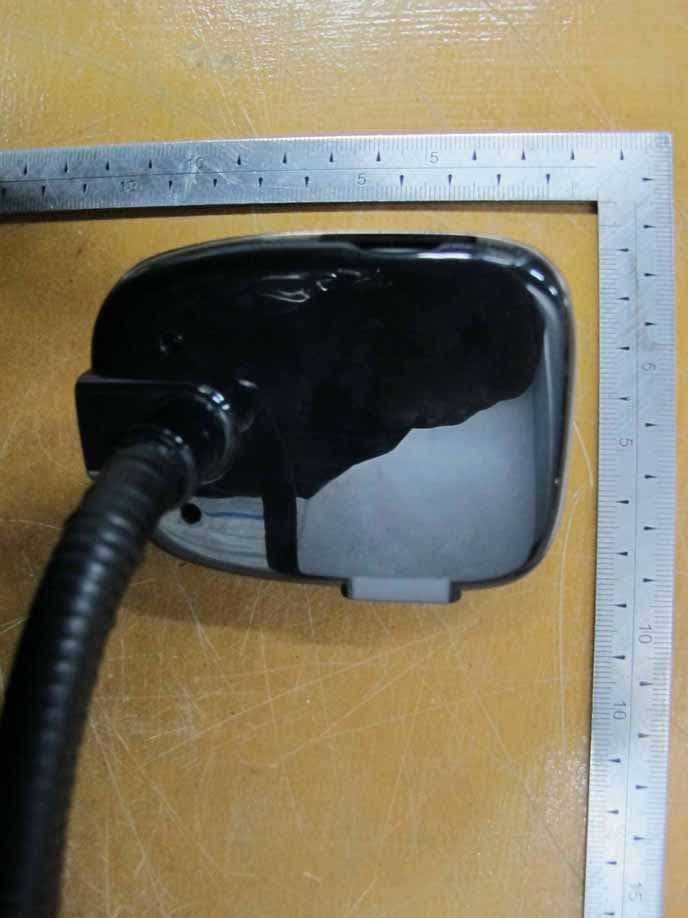
Click to zoom
Application Details
- Equipment Class
- DXX - Part 15 Low Power Communication Device Transmitter
- Date of Grant
- Dec 07, 2011
- Application Purpose
- Original Equipment
- Date of Application
- Dec 07, 2011
- Equipment Note
- FM Transmitter with Bluetooth module
- Frequency Range
- 88.10000000 - 107.90000000
- Company
- Gaon-Int Co., LTD.
- Country
- South Korea
Documents & Files
Document Text
Text extracted from the exhibit documents filed with the FCC. Open a document above to read the original.
Users Manual
Description & Function LCD display Microphone *Jog button USB port for charging Forward Rewind Make a call Answer a call *Move to previous menu *Play mode SD card slot End a call Refuse a call Power on/off *Book mark Audio in Aux out *Jog button:Turn the Jog button to move next / previous data Press the Jog button to choose the option briefly Press twice the Jog button to play/pause the music Press briefly the Jog button to access “Quick menu” Press & Hold the Jog button for about 1sec. to move previous menu Press & Hold the Jog button for about 2 sec. to access “Main Menu” Press & Hold the Jog button for about 3sec. to access “Phonebook” * Bookmark: Press briefly where you wish to store the point in the file before you shut the device off. *Move to previous menu: Press briefly to move to Previous Menu. But this doesn’t work during phonebook searching *Play mode: Press & Hold to change play mode. (Shuffle, Repeat, Normal in sequnce) Power on / off Automatocally power is on once you put “Soundfly view” into the car cigaratte lighter socket .You can also power on & off by pressing the Power button for about 2 senconds ( ) How to use Bluetooth Paring Phone To pair Soundfly View with your mobile phone: 1.Enter Main Menu -> Bluetooth -> Paring Phone 2.SounflyView waits for 3 minute to be connected with your mobile phone. 3.Control your mobile phone to search for New Bluetooth devices. Select “Soundfly VIEW” in your Mobile phone. ( Verify Bluetooth function is active on your mobile phone ) 4. Depending on the device, you might have to enter the password “0000” Once a pairing has been created, no need to re-enter a password. 5. If there is no signal after 3min of waiting, Soundfly View stop connecting automatically. Select Phone Soundfly VIEW shows the name of the previously paired Phone. You can select the device from the list to pair with Soundfly VIEW again. Enter Main Menu -> Bluetooth -> Select Phone Last device conn By default, Soundfly View connects to the last connected phone automatically once power is on.To turn it off, select “No” on the following menu. Enter Main Menu -> Bluetooth -> Bluetooth option -> Last device conn Select speaker Enter Main menu -> Bluetooth -> Bluetooth option -> Select speaker Select “ LEFT + RIGHT” or LEFT ONLY Refuse a call Briefly press the button to refuse a call when ringing Audio route transferring While on a call on Soundfly VIEW, briefly press “ ” button to transfer the audio to the Mobile phone. and to transfer the a call from the mobile phone to Soundfly view, press“ “ again. To Manually select & activate this function Enter Main menu -> Bluetooth -> Bluetooth option ->Audio route -> BT Handsfree or Mobile phone Phonebook sync You can synchronize your Contacts(Phonebook) on your Mobile phone with SoundflyView. To Synchronize the Contacts list between your Mobile phone and Soundfly View, Press Main menu - > Contact list -> Phonebook sync SoundflyView’s Phonebook is not automatically updated of the contacts until it’s manually refreshed. If you add & change some contacts on your mobile phone, Retry Phonebook sync again. It will remove the previously synchronized data from Soundfly View Recent call log To access the Recent call log, Press briefly or Press & hold the Jog button for 1 second to enter the Quick menu mode. You will see “Recent call” at the top of the list. ( saves up to 20 ) Clear call list Enter Main Menu -> Contact list -> Clear call list. If you are certain to clear Call Log, press “yes” Delete phonebook To erase the Phonebook that is synchronized previously, Enter Main Menu -> Contact list -> Delete Phonebook. Select “yes” to confirm that you want to delete previous Phonebook data. Table of contents 1. Description & Funtion .................................. 1 2. Power on / off ...........................................................2 3. How to use Bluetooth ............................................. 2 *Paring Paring phone ..................................................2 Select phone ..................................................2 Last device conn ..................................................2 *Calling Answering a call .................................................... 3 End a call .....................................................3 Making a call ....................................................3 Last number redial ...............................................3 Refuse a call ...................................................3 Call waiting ....................................................3 Audio route transffering ....................................... 4 Select speaker .................................................. 4 *Phonebook Phonebook sync .................................................. 4 Finding / Making a call from Phonebook ............. 4 Recent call log .................................................. 5 Clear call list ....................................................5 Delete phonebook ...............................................5 4.Volume control MP3 Volume ....................................................5 Handsfree volume ...............................................5 BT MP3 volume ................................................5 5.How to use FM transmitter Getting started Part 1 - with Memory device (Charging) ........ 6 Getting started Part 2 - with Portable audio device (Aux In/Out) ........ 7 *Function & Operation Play/Pause ................................................ 8 Setting Frequecny ................................................ 8 Contrast setting ................................................ 8 Backlight color ................................................ 8 Volume announce ................................................ 8 Music Play mode ............................................... 9 Equalizer -Treble & Bass ............................................ 9 Folder navigation ................................................. 9 Remote controller ......…
Text truncated - open the document above for the full version.
Cover Letter(s)
Gaon-Int Co., LTD. Incheon IT Tower Suite 1501, 592-5, Dohwa1-dong, Nam-gu, Incheon, Korea Tel: +82-32-246-1800, Fax: +82-32-246-1805 Date: November 28, 2011 FCC Laboratory 7435 Oakland Mills Road Columbia, MD 21046 Attention: Application Examiner Reviewing Engineer Re: Request for confidentiality per Section 0.459 of FCC Rules Applicant: Gaon-Int Co., LTD. FCC ID: UP4-GBT-T200 To whom it may concern, Request is hereby submitted, on behalf of my client, Gaon-Int Co., LTD., to withhold from public review certain portions of the application for equipment certification for the referenced FCC identifier. In particular, the following sections of the application and report are requested to be kept confidential: Schematics / Block Diagram / Parts List / Operational Description Rationale for request for confidentiality: Gaon-Int Co., LTD., has invested considerable time and materials in research and development to produce the referenced product. Disclosure of the confidential portions of this application to competitors would give them competitive advantage in developing similar products. If you have questions or need further information, please contact the undersigned. Sincerely Yours, _______________________ Mr. Taejun, Kim / Director Gaon-Int Co., LTD. Tel: +82-32-246-1800 Fax: +82-32-246-1805 E-Mail: [email protected]
External Photos
FCC ID. : UP4-GBT-T200 Page 1 of 6 Report No. : E11NR-052 & 53 It should not be reproduced except in full, without the written approval of ONETECH. EMC-002 (Rev.2) HEAD OFFICE : 301-14 Daessangnyeong-ri, Chowol-eup, Gwangju-si, Gyeonggi-do 464-862 Korea (TEL: 82-31-799-9500, FAX: 82-31-799-9599) EMC Testing Dept : 307-51 Daessangnyeong-ri, Chowol-eup, Gwangju-si, Gyeonggi-do 464-862 Korea (TEL: 82-31-765-8289, FAX: 82-31-766-2904) FCC ID. : UP4-GBT-T200 Page 2 of 6 Report No. : E11NR-052 & 53 It should not be reproduced except in full, without the written approval of ONETECH. EMC-002 (Rev.2) HEAD OFFICE : 301-14 Daessangnyeong-ri, Chowol-eup, Gwangju-si, Gyeonggi-do 464-862 Korea (TEL: 82-31-799-9500, FAX: 82-31-799-9599) EMC Testing Dept : 307-51 Daessangnyeong-ri, Chowol-eup, Gwangju-si, Gyeonggi-do 464-862 Korea (TEL: 82-31-765-8289, FAX: 82-31-766-2904) FCC ID. : UP4-GBT-T200 Page 3 of 6 Report No. : E11NR-052 & 53 It should not be reproduced except in full, without the written approval of ONETECH. EMC-002 (Rev.2) HEAD OFFICE : 301-14 Daessangnyeong-ri, Chowol-eup, Gwangju-si, Gyeonggi-do 464-862 Korea (TEL: 82-31-799-9500, FAX: 82-31-799-9599) EMC Testing Dept : 307-51 Daessangnyeong-ri, Chowol-eup, Gwangju-si, Gyeonggi-do 464-862 Korea (TEL: 82-31-765-8289, FAX: 82-31-766-2904) FCC ID. : UP4-GBT-T200 Page 4 of 6 Report No. : E11NR-052 & 53 It should not be reproduced except in full, without the written approval of ONETECH. EMC-002 (Rev.2) HEAD OFFICE : 301-14 Daessangnyeong-ri, Chowol-eup, Gwangju-si, Gyeonggi-do 464-862 Korea (TEL: 82-31-799-9500, FAX: 82-31-799-9599) EMC Testing Dept : 307-51 Daessangnyeong-ri, Chowol-eup, Gwangju-si, Gyeonggi-do 464-862 Korea (TEL: 82-31-765-8289, FAX: 82-31-766-2904) FCC ID. : UP4-GBT-T200 Page 5 of 6 Report No. : E11NR-052 & 53 It should not be reproduced except in full, without the written approval of ONETECH. EMC-002 (Rev.2) HEAD OFFICE : 301-14 Daessangnyeong-ri, Chowol-eup, Gwangju-si, Gyeonggi-do 464-862 Korea (TEL: 82-31-799-9500, FAX: 82-31-799-9599) EMC Testing Dept : 307-51 Daessangnyeong-ri, Chowol-eup, Gwangju-si, Gyeonggi-do 464-862 Korea (TEL: 82-31-765-8289, FAX: 82-31-766-2904) FCC ID. : UP4-GBT-T200 Page 6 of 6 Report No. : E11NR-052 & 53 It should not be reproduced except in full, without the written approval of ONETECH. EMC-002 (Rev.2) HEAD OFFICE : 301-14 Daessangnyeong-ri, Chowol-eup, Gwangju-si, Gyeonggi-do 464-862 Korea (TEL: 82-31-799-9500, FAX: 82-31-799-9599) EMC Testing Dept : 307-51 Daessangnyeong-ri, Chowol-eup, Gwangju-si, Gyeonggi-do 464-862 Korea (TEL: 82-31-765-8289, FAX: 82-31-766-2904)
ID Label/Location Info
FCC ID. : UP4-GBT-T200 Page 1 of 1 Report No. : E11NR-052 & 53 It should not be reproduced except in full, without the written approval of ONETECH. EMC-002 (Rev.2) HEAD OFFICE : 301-14 Daessangnyeong-ri, Chowol-eup, Gwangju-si, Gyeonggi-do 464-862 Korea (TEL: 82-31-799-9500, FAX: 82-31-799-9599) EMC Testing Dept : 307-51 Daessangnyeong-ri, Chowol-eup, Gwangju-si, Gyeonggi-do 464-862 Korea (TEL: 82-31-765-8289, FAX: 82-31-766-2904) IDENTIFICATION LABEL: PROPOSED FCC ID LABEL Due to the product size, only the FCC ID shall be permanently affixed to the rear side of the equipment and other information shall be placed in the instruction manual. FCC ID AREA
Test Report
FCC ID. : UP4-GBT-T200 Page 1 of 16 Report No. : E11NR-052 It should not be reproduced except in full, without the written approval of ONETECH. EMC-002 (Rev.2) HEAD OFFICE : 301-14 Daessangnyeong-ri, Chowol-eup, Gwangju-si, Gyeonggi-do 464-862 Korea (TEL: 82-31-799-9500, FAX: 82-31-799-9599) EMC Testing Dept : 307-51 Daessangnyeong-ri, Chowol-eup, Gwangju-si, Gyeonggi-do 464-862 Korea (TEL: 82-31-765-8289, FAX: 82-31-766-2904) ELECTROMAGNETIC EMISSION C OMPLIANCE REPORT FOR LOW POWER, NON-LICENSED TRANSMITTER Test Report No. : E11NR-052 AGR No. : A11OA-097 Applicant : Gaon-Int Co., LTD. Address : Incheon IT Tower Suite 1501, 592-5, Dohwa1-dong, Nam-gu, Incheon, Korea Manufacturer : RUIHUA ELECTRONICS FACTORY Address : Xianxixin Industrial Zone, Shatou Village, Changan Town, Dongguan City, Guangdong Province, China Type of Equipment : FM Transmitter with Bluetooth module FCC ID. : UP4-GBT-T200 Model Name : GBT-T200 Serial number : N/A Total page of Report : 16 pages (including this page) Date of Incoming : November 14, 2011 Date of Issuing : November 28, 2011 SUMMARY The equipment complies with the regulation of FCC CRF 47 PART 15, SUBPART C, SECTION 15.239. This test report contains only the results of a single test of the sample supplied for the examination. It is not a general valid assessment of the features of the respective products of the mass-production. Prepared by: Approved by: Ki-Hong, Nam / Senior Engineer Y. K. Kwon / Exe. Managing Director EMC/RF Center EMC/RF Center ONETECH Corp. ONETECH Corp. FCC ID. : UP4-GBT-T200 Page 2 of 16 Report No. : E11NR-052 It should not be reproduced except in full, without the written approval of ONETECH. EMC-002 (Rev.2) HEAD OFFICE : 301-14 Daessangnyeong-ri, Chowol-eup, Gwangju-si, Gyeonggi-do 464-862 Korea (TEL: 82-31-799-9500, FAX: 82-31-799-9599) EMC Testing Dept : 307-51 Daessangnyeong-ri, Chowol-eup, Gwangju-si, Gyeonggi-do 464-862 Korea (TEL: 82-31-765-8289, FAX: 82-31-766-2904) CONTENTS Page 1. VERIFICATION OF COMPLIANCE .............................................................................................................................4 2. GENERAL INFORMATION............................................................................................................................................5 2.1 PRODUCT DESCRIPTION.................................................................................................................................................5 2.2 MODEL DIFFERENCES....................................................................................................................................................5 2.3 RELATED SUBMITTAL(S) / GRANT(S)............................................................................................................................5 2.4 TEST SYSTEM DETAILS..................................................................................................................................................5 2.5 TEST METHODOLOGY....................................................................................................................................................5 2.6 TEST FACILITY...............................................................................................................................................................5 3. SYSTEM TEST CONFIGURATION...............................................................................................................................6 3.1 JUSTIFICATION...............................................................................................................................................................6 3.2 EUT EXERCISE SOFTWARE............................................................................................................................................6 3.3 CABLE DESCRIPTION.....................................................................................................................................................6 3.4 EQUIPMENT MODIFICATIONS........................................................................................................................................6 3.5 CONFIGURATION OF TEST SYSTEM...............................................................................................................................6 3.6 ANTENNA REQUIREMENT..............................................................................................................................................7 4. PRELIMINARY TEST ......................................................................................................................................................7 4.1 AC POWER LINE CONDUCTED EMISSION TEST............................................................................................................7 4.2 RADIATED EMISSION TEST............................................................................................................................................7 5. FINAL RESULT OF MEASURMENT ............................................................................................................................8 5.1 RADIATED EMISSION TEST (WITHIN THE PERMITTED 200 KHZ BAND).......................................................................8 5.2 RADIATED EMISSION TEST (OUTSIDE OF THE SPECIFIED 200 KHZ BAND)...................................................................9 5.3 BANDWIDTH OF THE OPERATING FREQUENCY............................................................................................................10 5.4 TUNING RANGE OF THE OPERATING FREQUENCY.......................................................................................................13 6. FIELD STRENGTH CALCULATION ..........................................................................................................................15 7. LIST OF TEST EQUIPMENT....................................................................................................................…
Text truncated - open the document above for the full version.
Test Setup Photos
FCC ID. : UP4-GBT-T200 Page 1 of 1 Report No. : E11NR-052 It should not be reproduced except in full, without the written approval of ONETECH. EMC-002 (Rev.2) HEAD OFFICE : 301-14 Daessangnyeong-ri, Chowol-eup, Gwangju-si, Gyeonggi-do 464-862 Korea (TEL: 82-31-799-9500, FAX: 82-31-799-9599) EMC Testing Dept : 307-51 Daessangnyeong-ri, Chowol-eup, Gwangju-si, Gyeonggi-do 464-862 Korea (TEL: 82-31-765-8289, FAX: 82-31-766-2904) Radiated Emission Test
Contact Information
Applicant
Taejun Kim(Director)
Test Firm
ONETECH Corp.Ki Hong Nam
Technical Specifications
| # | Rule Parts | Frequency Range | Power Output |
|---|---|---|---|
| 1 | 15C | 88.1 MHz - 107.9 MHz | - |
Other Applications from Gaon-Int Co., LTD.
UP4-GBR-100
Nov 07, 2012Bluetooth Remote Control
Equipment Class
DSS - Part 15 Spread Spectrum Transmitter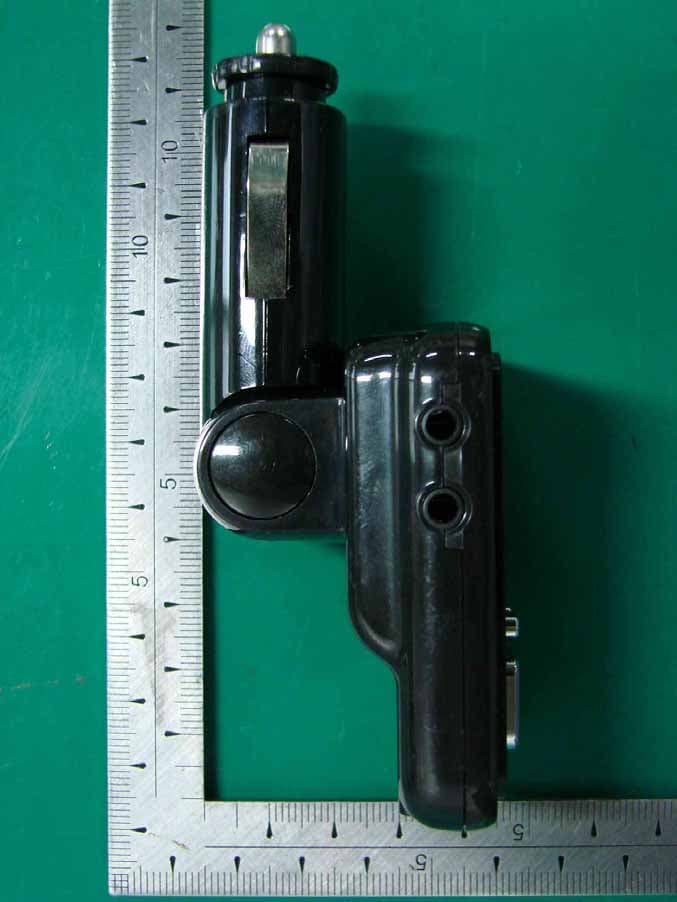
UP4-GWT-T80
Oct 04, 2010FM Transmitter
Equipment Class
DXX - Part 15 Low Power Communication Device Transmitter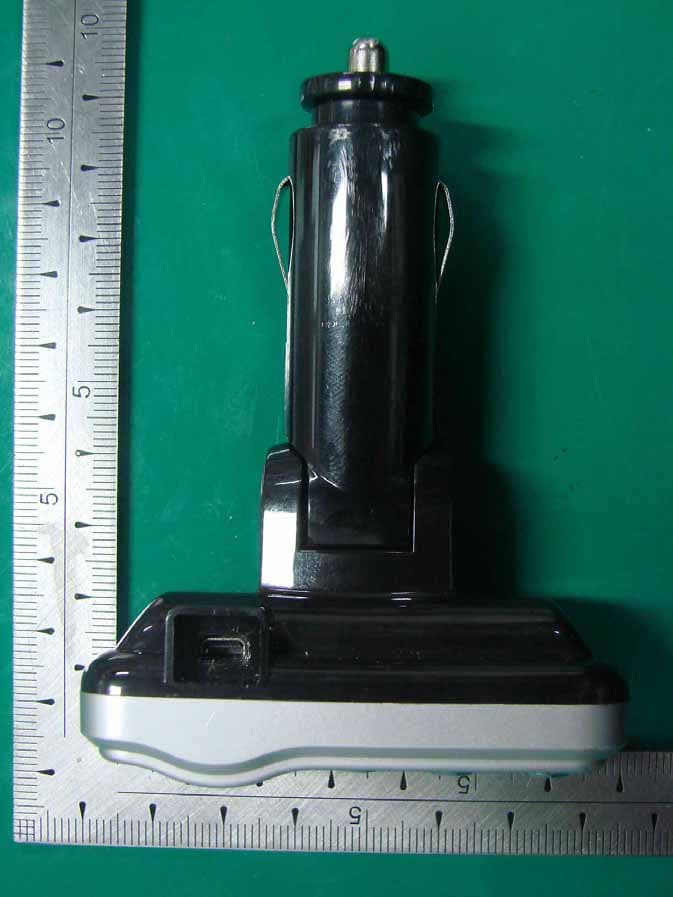
UP4-GTI-100
Mar 24, 2010FM Transmitter
Equipment Class
DXX - Part 15 Low Power Communication Device Transmitter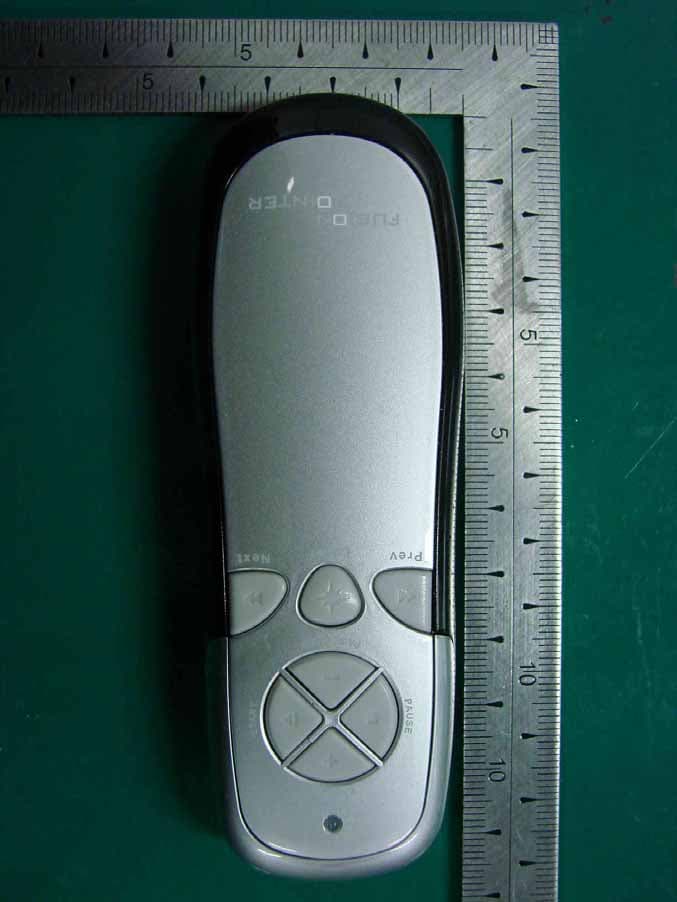
UP4-SP-800
Dec 07, 2009Wireless Presenter Transmitter
Equipment Class
DXX - Part 15 Low Power Communication Device Transmitter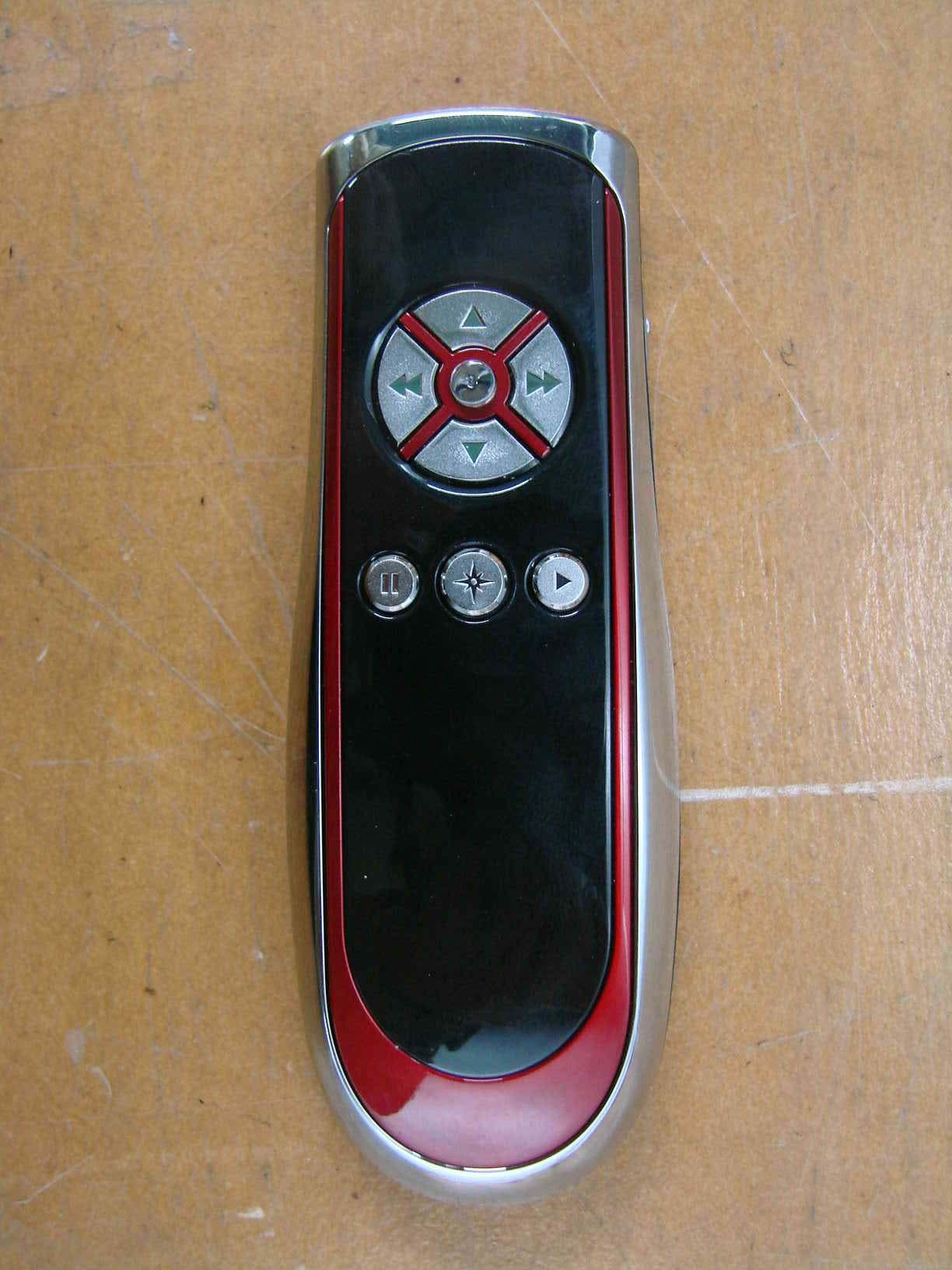
UP4SP-400T
Jan 28, 20082.4GHz Band Low-Power Data Communication System Tr
Equipment Class
DXX - Part 15 Low Power Communication Device Transmitter