UQ5NSDVBXGVideo Player
Best Buy Purchasing, LLC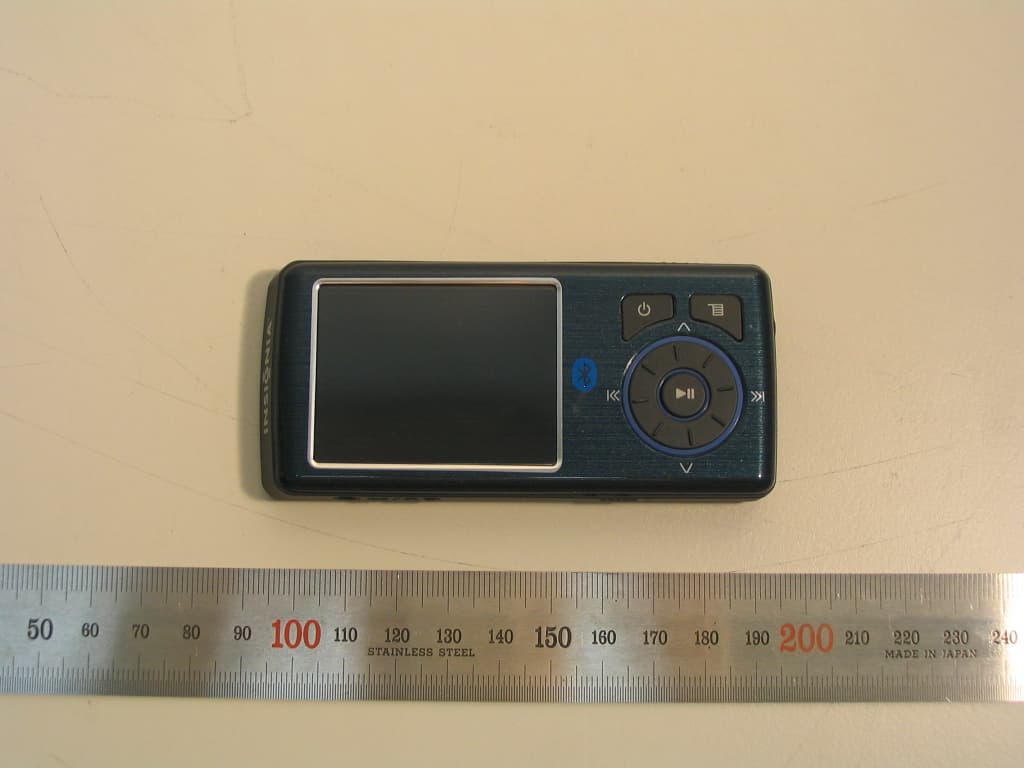
Click to zoom
Application Details
- Equipment Class
- DSS - Part 15 Spread Spectrum Transmitter
- Date of Grant
- Nov 19, 2006
- Application Purpose
- Original Equipment
- Date of Application
- Nov 16, 2006
- Equipment Note
- Video Player
- Frequency Range
- 2402.00000000 - 2480.00000000
- Company
- Best Buy Purchasing, LLC
- Country
- United States
Documents & Files
Document Text
Text extracted from the exhibit documents filed with the FCC. Open a document above to read the original.
Users Manual
NS-DVBxG Color TFT UI Spec Version History (1) Rev 2.0 2006-10-13 1) Backlight Off(Power Save) Settings Menu 2) Bluetooth Menu Settings Menu 3) Language Settings Menu 4) Graphical Main Menu (2) Rev 2.1 2006-10-19 1) Bluetooth Status Icon 2 1. Basic Specification (1) Key : Total 9 Key (2) Design Basic Function No. Short Long 1 Main Menu Menu(Resume) 2 Play, Pause 3 Next, FF Fast Skip 4 Previous, REW Backward Skip 5 Up Fast Up 6 Down Fast Down 7 Right Heel 8 Left Heel 9 Power On Power Off ② ① ③ ④ ⑤ ⑥ ⑨ ⑧ ⑦ 3 (3) LCD 1) Color - 320 × 240 Dot 262K QVGA Color TFT LCD 2) UI 4 2. Menu Tree 5 3. Music Mode (1) Idle(Pause) Mode 1) Key Function Key Function Key Short Key Long Key 1 Menu Main Menu Menu Mode(Resume) 2 Play Play Mode 3 ▶▶ Next Track Fast Next Track 4 ◀◀ Previous Track Fast Previous Track 5 ▲ Album Jacket Size Change 6 ▼ 7 Right Heel Volume + 8 Left Heel Volume - 9 Power Power Off 2) Timer Function - Idle Auto Power Off - Track or Artist or Album title scroll - Back Light Off : Two level 3) UI ① Mode Icon ② Track Name ③ Artist Name ④ Album Name ⑤ Current Track Number ⑥ Total Track Number ⑦ Play Time ⑧ Total Time ⑨ Battery Level ⑩ Repeat ⑪ Progress Bar ⑫ Album jacket ⑬ Current Time ⑭ Next Track Information ⑮ Volume Level 6 * Album Jacket Size Change If you Press Up(▲) Key, Screen will be toggled in order of Normal => Small => Full Screen => Now Playing List. Unless there is Album Art, Screen will be toggled only in order of Normal => Now Playing List. - Normal Album Art Screen No Album Art Screen - Full Screen Album Art - Now Playing List Screen 7 (2) Play Mode 1) Key Function Key Function Key Short Key Long Key 1 Menu Main Menu Menu Mode(Resume) 2 Play Idle Mode 3 ▶▶ Next Track Fast Skip 4 ◀◀ Previous Track (within 5Sec) Start of this track(after 5Sec) Backward Skip 5 ▲ Album Jacket Size Change 6 ▼ A-B Repeat A/B/Off 7 Right Heel Volume + 8 Left Heel Volume - 9 Power Power Off 2) Timer Function - Track or Artist or Album title scroll - Back Light Off : Two level 3) UI ① Mode Icon ② Track Name ③ Artist Name ④ Album Name ⑤ Current Track Number ⑥ Total Track Number ⑦ Play Time ⑧ Total Time ⑨ Battery Level ⑩ Repeat ⑪ Progress Bar ⑫ Album jacket ⑬ Current Time ⑭ Next Track Information ⑮ Volume Level 8 (3) Now Playing List 1) Key Function Key Function Key Short Key Long Key 1 Menu Main Menu Menu Mode(Resume) 2 Play Play Current Select Track 3 ▶▶ Play Current Select Track 4 ◀◀ 5 ▲ Album Jacket Size Change 6 ▼ A-B Repeat A/B/Off 7 Right Heel Down List Item 8 Left Heel Up List Item 9 Power Power Off 2) Timer Function - Track or Artist or Album title scroll - Back Light Off : Two level 3) UI ① Mode Icon ② Battery Level ③ Current Time ④ Repeat ⑤ Now Playing List * Now Playing List is not made an array of Alphabet. 9 4. FM Mode 1) Key Function Key Function Key Short Key Long Key 1 Menu Main Menu Menu Mode(Resume) 2 Play Preset Add FM Recording 3 ▶▶ Frequency Up Search FM Station (Up) 4 ◀◀ Frequency Down Search FM Station (Down) 5 ▲ Preset Up Fast Preset Up 6 ▼ Preset Down Fast Preset Down 7 Right Heel Volume + 8 Left Heel Volume - 9 Power Power Off 2) Timer Function - Key Check - Back Light Off : Two level 3) UI ① Mode Icon ② Battery Level ③ FM Frequency ④ Preset Frequency ⑤ Preset ⑥ FM Stereo ⑦ Frequency Bar ⑧ Current Time 4) Operation Description In case there are Preset channels, there will be displayed Preset frequency upside and downside presently selected channel. As above, if you press Up key, will move to Preset 99.1 MHz and if you press Down key, will move to Preset 93.6 MHz. If you press FF key, will move to 98.0 MHz, and if you press REW key, will move to 97.8 MHz. 10 5. FM Recording 1) Key Function Key Function Key Short Key Long Key 1 Menu Recording Stop Backlight On 2 Play Recording Pause / Continue Recording Stop 3 ▶▶ Backlight On Backlight On 4 ◀◀ Backlight On Backlight On 5 ▲ Backlight On Backlight On 6 ▼ Backlight On Backlight On 7 Right Heel Backlight On Backlight On 8 Left Heel Backlight On Backlight On 9 Power Power Off 2) Timer Function - Key Check - Back Light Off : Two level 3) UI ① Mode Icon ② Battery Level ③ FM Frequency ④ Preset ⑤ FM Stereo ⑥ Recording Time ⑦ Remain Time ⑧ Scroll Bar ⑨ Encoder Information * During Recording, icon will be Blinking. 11 6. Main Menu Mode * Graphical Menu will be called as Main Menu 1) Key Function Key Function Key Short Key Long Key 1 Menu Exit Main Menu Mode 2 Play Select Menu Item 3 ▶▶ Menu Item Right Move 4 ◀◀ Menu Item Left Move 5 ▲ Menu Item Up 6 ▼ Menu Item Down 7 Right Heel Menu Item Right Move 8 Left Heel Menu Item Left Move 9 Power Power Off 2) Timer Function - Key Check - Back Light Off - Exit Menu Mode 3) UI 12 7. Menu Mode 1) Key Function Key Function Key Short Key Long Key Extensible Menu End Menu 1 Menu Exit Menu Mode Exit Menu Mode Main Menu 2 Play List Extension Popup List 3 ▶▶ List Extension Popup List 4 ◀◀ List Reduction List Reduction 5 ▲ Menu Item Up Menu Item Up Fast Up 6 ▼ Menu Item Down Menu Item Down Fast Down 7 Right Heel Menu Item Up Menu Item Up 8 Left Heel Menu Item Down Menu Item Down 9 Power Power Off 2) Timer Function - Key Check - Back Light Off - Exit Menu Mode 3) UI ≪ Rew Key ≫ FF Key 13 8. Library Mode - Basic Key Function Key Function Key Short Key Long Key Track Non Track 1 Menu Exit Menu Main Menu 2 Play Popup Menu Popup Menu 3 ▶▶ Play Track List Extension 4 ◀◀ List Reduction 5 ▲ Alphabet Item Up 6 ▼ Alphabet Item Down 7 Right Heel Item Up 8 Left Heel Item Down 9 Power Power Off 14 - Basic Library Mode ≪ Left Wheel ≪ Left Wheel ≫ Right Wheel ≫ Right Wheel ≫ Right Wheel ≪ Left Wheel ≪ Left Wheel ≪ Left Wheel ≫ Right Wheel ≫ Right Wheel (1) Artist Library - If you press FF key at the item which has extensible list, the top item at the extended list will be selected as list is extended. - If you press OK(Play) key, Popup Menu will be displayed. 1) If you select Play All at Popup Menu, all the Content will be registered on the Now Playing list and pass to the Play screen. 2) If you select Add Now Playing a…
Text truncated - open the document above for the full version.
Users Manual
29 Search Device Function is Completed – When no device is found ③ Device List Found Devices in the Bluetooth Device List 30 3) Display Settings Brightness① Level 1 : The darkest Level 9 : The brightest Rotation ② 31 ③ Backlight - In case 10 Second is set up : If there is not any Key input, Backlight will be fade out getting darker to Brightness Level1 ④ Dim Backlight - Off : When Backlight Time out turns Backlight Off - On : When Backlight Time out changes to Backlight Level 1 32 4) FM ①Preset Add ② Preset Delete * You can check if currently stored channel is properly operating by moving to the actual frequency after you change Preset channel by Up Down key. 33 ③ Auto Scan * if you enter Auto Scanning Mode, you will enter FM Mode from Menu Mode. * Current Frequency status of Frequency Bar is on going and increased Preset channel status is marked. * Once Scanning is completed, make Preset Channel 1 move to Default Frequency if there is not Preset Channel you are looking for. ④ Stereo 34 5) Information 35 6) Recording ① Encoder ② Quality * WMA Highest : 44.1KHz, 128Kbps High : 44.1KHz, 96Kbps Medium: 44.1KHz, 80Kbps Low : 44.1KHz, 64Kbps * PCM Highest : 48KHz, 1536Kbps High : 44.1KHz, 1410Kbps Medium: 32KHz, 1024Kbps Low : 22KHz, 704Kbps 36 7) System ① Language ② Erase Internal Memory ③ Erase External Memory ④ Initialize 37 8)Time ①Auto Power Off * Auto Power Off : Automatically Power Off when there is no key pressing on Idle(pause) Mode ② Sleep ③Set Time Play key : Save & Exit set time menu Menu Key : Don't save & Exit set time menu 38 14. Warring & Error Message (1) USB Connect 39 (2) Sync Notice 1) Sync Notice * A-B Repeat - If you press ▼ Minus Key during music play, A-B Repeat Mode starts. 1) A-B Repeat Start) When you press ▼ key once, icon of side picture will be shown.. 2) A-B Repeat Repeat) If you press ▼ key once again, it will repeat playing the section between A and B. 3) If you press ▼ key once again, A-B Repeat mode is over and back to Repeat Icon as it was. (3) Etc 1) Key Lock 40 2) Booting Logo 3) Charging indicator - While charging, battery icon is scrolled as white color. - After completion of charging, battery icon is filled with light green color. 4) Power Off Scroll Bar processing time is within 2 seconds. 5) Bluetooth Status Icon : Bluetooth Disable – Power Save & Bluetooth Off : Bluetooth Enable – Bluetooth Device Not Connected : Bluetooth Enable – Bluetooth Device Connected 41 <<NOTICE>> Labeling requirements This device complies with part 15 of the FCC rules. Operation is subject to the following two conditions: (1) This device may not cause harmful interference and (2) This device must accept any interference received, including interference that may cause undesired operation. Information to user The changes or modifications not expressly approved by the party responsible for compliance could void the user’s authority to operate the equipment. * IMPORTANT NOTE: To comply with the FCC RF exposure compliance requirements, no change to the antenna or the device is permitted. Any change to the antenna or the device could result in the device exceeding the RF exposure requirements and void user’s authority to operate the device. FCC ID UQ5NSDVBXG CE0197
Cover Letter(s)
Chief, Equipment Approval Services Federal Communications Commission PO Box 358315 Pittsburg, PA 15251-5315 Seoul, October 27, 2006 Authorization Letter Dear Sir or Madam: We, Best Buy LLC, hereby authorize O.N.R Tech Inc. 463-49, Sinlim-dong, Gwanak-gu, Seoul ,151-870, Republic of Korea To act as our agent and to process and sign on our behalf for equipment authorization under FCC Part 15, Subpart C. This authorization is applicable for the product: Video Player (NS-DVB2G, NS-DVB4G, NS- DVB8G ) with FCC ID: UQ5NSDVBXG Sincerely, Company Stamp: Signature : Printed Name: Nigel Waites Title : Manager Best Buy LLC 7601 Penn Avenue South ,Richfield, MN 55423, USA +1-619-291-9012
Cover Letter(s)
Federal Communications Commission Authorization and Evaluation Division 7435 Oakland Mills Road Columbia, MD 21046 Seoul, October 27, 2006 REQUEST FOR CONFIDENTIALITY, FCC ID: UQ5NSDVBXG Pursuant to Sections 0.457(d)(1)(ii) and 0.459 of the Commission's Rules, the Applicant hereby requests confidential treatment of information accompanying as outlined below: • Schematic drawing • Bill of Materials • Block Diagram The above materials contain trade secrets and proprietary information not customarily released to the public. Public disclosure of these matters might be harmful to the Applicant and provide unjustified benefits to its competitors. The Applicant understands that pursuant to Rule 0.457(d)(1)(ii), disclosure of this Application and accompanying documentation will not be made before the date of the Grant for this application. Sincerely, Best Buy LLC 7601 Penn Avenue South ,Richfield, MN 55423, USA +1-619-291-9012 Company Stamp: Signature : Printed Name: Nigel Waites Title : Manager
External Photos
Revision No : 1.0 Page: 1 External Photos BEST BUY LLC 1. Top side view 2. Right side view Revision No : 1.0 Page: 2 External Photos BEST BUY LLC 3. Rear side 4. Left side view Revision No : 1.0 Page: 3 External Photos BEST BUY LLC 5. Audio port view 6. Mini USB and Audio Port view Revision No : 1.0 Page: 4 External Photos BEST BUY LLC 7. Mini Memory Card port view
ID Label/Location Info
Revision No : 1.0 Page: 1 FCC Label and Location BEST BUY LLC • FCC Label and Location Label Position * Label 13mm 8mm
Internal Photos
Revision No : 1.0 Page: 1 Internal Photos BEST BUY LLC 1. Internal View Revision No : 1.0 Page: 2 Internal Photos BEST BUY LLC 2. Top PCB View 3. Bottom PCB View(1) Bluetooth Antenna Bluetooth Chipset Main chip X-Tal(2) Bluetooth X-tal(Y1) Main chip X-Tal(1) FM Radio X-Tal Memory Slot Revision No : 1.0 Page: 3 Internal Photos BEST BUY LLC 4. Bottom PCB View(2) 5. Battery View Revision No : 1.0 Page: 4 Internal Photos BEST BUY LLC 6. Top View for 8Gbytes Memory for NS-DVB8G 7. Bottom View for 8Gbytes Memory for NS-DVB8G Revision No : 1.0 Page: 5 Internal Photos BEST BUY LLC 8. Top View for 4Gbytes Memory for NS-DVB4G 9. Bottom View for 4Gbytes Memory for NS-DVB4G Revision No : 1.0 Page: 6 Internal Photos BEST BUY LLC 10. Top View for 2Gbytes Memory for NS-DVB2G 11. Bottom View for 2Gbytes Memory for NS-DVB2G
Operational Description
Revision No : 1.0 Page: 1 EUT operational and EUT description BEST BUY LLC NS-DVBxG is a Bluetooth capable Audio/Video Portable Player that utilizes flash based memory. NS-DVBxG is based on the NS-DVxG model which does not have Bluetooth capabilities. The 2.2 inch screen supports 320x240 (QVGA) video at a full 30 fps with the ability to view .jpg files. The player supports MP3, WMV, OGG file formats and has an adjustable EQ. The player has a built-in FM radio with 20 presets. The NS-DVBxG is compatible with Windows Media Player 10 and audiobooks from Audible.com as well as Napster, Rhapsody, and a host of other online music services. The player has 2 headphone jacks and line-in jack that record in 16-bit/48kHz. The USB 2.0 will allow for fast transfer speeds and battery charging. And it is also fully compliant with Bluetooth 2.0 specification. * General specifications Item Description Bluetooth Specification V2.0 Supported Profile A2DP / AVRCP Rx. Sensitivity Typ. -70 dBm Battery 3.7V, 700mAh Li-ion Polymer Out Power 16Ω / 15mW (normal) Full Charging Time ≤ 3Hr ±30 min Operating Temperature 0°C ~ 60°C Operating Humidity 60% RH Storage Temperature -30°C ~ 60°C Storage Humidity 90% RH Revision No : 1.0 Page: 2 EUT operational and EUT description BEST BUY LLC * General EUT Information Type Transmitter Receiver FCC Classification FHSS Sequence Spread Spectrum ( FHSS) FHSS Sequence Spread Spectrum ( FHSS) Operating frequency range 2402 – 2480 MHz 2402 – 2480 MHz Bands of operation 2.400 – 2.4835 GHz 2.400 – 2.4835 GHz Number of Channels 79 79 Channel Separation 1MHz 1MHz Type of Antenna Chip Antenna Chip Antenna Power Supply DC 3.7 V Lithum Ion Polymer Battery DC 3.7 V Lithum Ion Polymer Battery
Test Report
REPORT NO : NF-TA-R060020 NEX1 Future Co., Ltd. Revision No : 1.1 Page: 1 FCC TEST REPORT November 15, 2006 NEX 1 Future Co., Ltd. REPORT NO : NF-TA-R060020 NEX1 Future Co., Ltd. Revision No : 1.1 Page: 2 TEST REPORT CERTIFICATION Applicant : Best Buy LLC Address : 7601 Penn Avenue South ,Richfield, MN 55423, USA EUT Name : Video Player Model No. : NS-DVB2G, NS-DVB4G, NS-DVB8G Serial No. : Engineering Sample FCCID : UQ5NSDVBXG Testing location : Nex1 Future Co., Ltd. 133, Kongdan-Dong, Gumi-City, Kyeongsangbuk-Do, 730-030, R.O.K Applied specification : FCC Part 15 Test result : The above mentioned test item passed. Test Date November 15, 2006 Review Date November 15, 2006 Tested by Hyo-Jeung, Cho Reviewed by Jeong-Hi, Jin Title Engineer Title EMC Manager Signature Signature I HEREBY CERTIFY THAT the data shown in this report were made in accordance with the procedures given in the applied specification and I assume full responsibility for accuracy and completeness of these data. Note : This test report relates to the a. m. test item. Without permission of the test center this test report is not permitted to be duplicated in extracts. This test report does not entitle to carry any test mark on this or similar products. REPORT NO : NF-TA-R060020 NEX1 Future Co., Ltd. Revision No : 1.1 Page: 3 Contents 1. GENERAL INFORMATION................................................................................................. 5 1.1 PRODUCT DESCRIPTION............................................................................................... 5 1.2 PROJECT DATA............................................................................................................ 5 1.3 APPLICANT................................................................................................................. 5 1.4 MANUFACTURER......................................................................................................... 5 2. EUT INFORMATION........................................................................................................ 6 2.1 GENERAL EUT INFORMATION....................................................................................... 6 2.2 CENTER FREQUENCY OF TESTED CHANNEL................................................................... 6 2.3 TEST ENVIRONMENT.................................................................................................... 6 2.4 ACCESSORIES AND ANCILLARY EQUIPMENT.................................................................. 6 3. TESTING FACILITIES....................................................................................................... 7 4. EUT DESCRIPTION AND OPERATIONAL DESCRIPTION....................................................... 7 5. TEST SET-UP................................................................................................................. 8 5.1 PRINCIPLE OF CONFIGURATION..................................................................................... 8 5.2 OPERATIONAL MODES................................................................................................. 8 5.3 APPLIED SPECIFICATION.............................................................................................. 8 6. TEST REPORT SUMMARY............................................................................................... 9 7. TEST RESULTS............................................................................................................ 10 7.1 ANTENNA CONNECTOR REQUIREMENTS...................................................................... 10 7.2 AC CONNECTED EMISSION........................................................................................ 11 7.4 TIME OF OCCUPANCY(DWELL TIME) ............................................................................ 18 7.5 20DB BANDWIDTH..................................................................................................... 20 7.6 NUMBER OF HOPPING FREQUENCIES REQUIREMENTS.................................................. 24 7.7 PSEUDORANDOM FHS AND EQUAL HOPPING FREQUENCY USE REQUIREMENTS............. 26 7.8 RECEIVER INPUT BANDWIDTH REQUIREMENTS............................................................. 27 7.9 PEAK OUTPUT POWER............................................................................................... 28 REPORT NO : NF-TA-R060020 NEX1 Future Co., Ltd. Revision No : 1.1 Page: 4 7.10 BAND-EDGE COMPLIANCE........................................................................................ 32 7.11 SPURIOUS CONDUCTED EMISSIONS........................................................................... 35 7.12 SPURIOUS RADIATED EMISSIONS.............................................................................. 46 8. LIST OF TEST AND MEASUREMENT INSTRUMENTS.......................................................... 53 9. NOTES........................................................................................................................ 54 REPORT NO : NF-TA-R060020 NEX1 Future Co., Ltd. Revision No : 1.1 Page: 5 1. General Information 1.1 Product Description Product Name : Video Player Product ID : NS-DVB2G, NS-DVB4G, NS-DVB8G Serial No. : Prototype FCC ID : UQ5NSDVBXG 1.2 Project data Receipt of EUT : November 1, 2006 Date of Test : November 14, 2006 Data of report : November 15, 2006 1.3 Applicant Company Name : Best Buy LLC Address : 7601 Penn Avenue South ,Richfield, MN 55423, USA Contact Person : Mr. Nigel Waites 1.4 Manufacturer Company Name : JOYTOTO Co., Ltd. Address : 3Fl. Sungwoo Bldg. 717-3 Sooseo-dong, Kangnam-gu, Seoul,135-220, Korea Contact Person : Mr. Lee Gi-yeon REPORT NO : NF-TA-R060020 NEX1 Future Co., Ltd. Revision No : 1.1 Page: 6 2. EUT Information 2.1 General EUT Information Type Transmitter Receiver FCC Classification FHSS Sequence Spread Spectrum ( FHSS) FHSS Sequence Spread Spectrum ( FHSS) Operating frequency range 2402 – 2480 MHz 2402 – 2480 MHz Bands of operation 2.400 – 2.4…
Text truncated - open the document above for the full version.
Test Setup Photos
Revision No : 1.0 Page: 1 Test Setup Photos BEST BUY LLC * Test set-up 1. Radiated Set up Revision No : 1.0 Page: 2 Test Setup Photos BEST BUY LLC 2 Spurious Radiated Emissions 2.1 Radiated test ( 12 MHz ~ 30 MHz ) Revision No : 1.0 Page: 3 Test Setup Photos BEST BUY LLC 2.2 Radiated test ( 30 MHz ~ 1GHz ) Revision No : 1.0 Page: 4 Test Setup Photos BEST BUY LLC 2.3 Radiated test ( 1 GHz ~ 13GHz ) Revision No : 1.0 Page: 5 Test Setup Photos BEST BUY LLC 2.4 Radiated test ( 13 GHz ~ 18GHz ) Revision No : 1.0 Page: 6 Test Setup Photos BEST BUY LLC 2.5 Radiated test ( 18 GHz ~ 25GHz )
Contact Information
Applicant
Travis Sjostrom(Engineer)
Technical Contact
Best Buy LLCNigel Waites
[email protected]612-291-9012
7601 Penn Avenue South · Richfield, Minnesota · United States
Non-Technical Contact
Best Buy LLCNigel Waites
[email protected]612-291-9012
Test Firm
LIG Nex1 Co., Ltd.Hyo-Jeung Cho
Technical Specifications
| # | Rule Parts | Frequency Range | Power Output |
|---|---|---|---|
| 1 | 15C | 2.40 GHz - 2.48 GHz | 700.00 µW |
Other Applications from Best Buy Purchasing, LLC
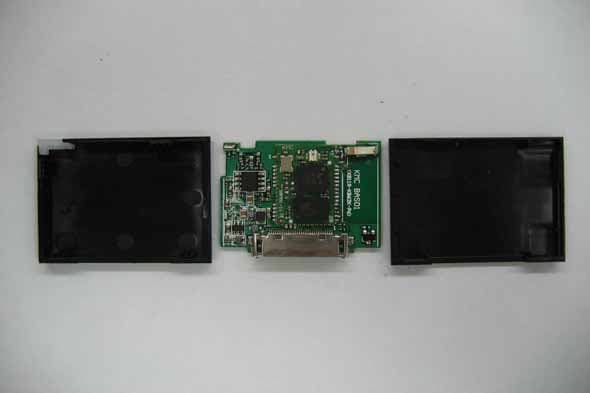
UQ5BBKBT
Sep 10, 2007Insignia NS-BT300F Blutooth Adapter
Equipment Class
DSS - Part 15 Spread Spectrum Transmitter
UQ5RFWHTIBREC
Mar 07, 2007RF-WHTIB (Receiver)
Equipment Class
DTS - Digital Transmission System
UQ5RFWHTIBSEND
Mar 07, 2007RF-WHTIB (Sender)
Equipment Class
DTS - Digital Transmission System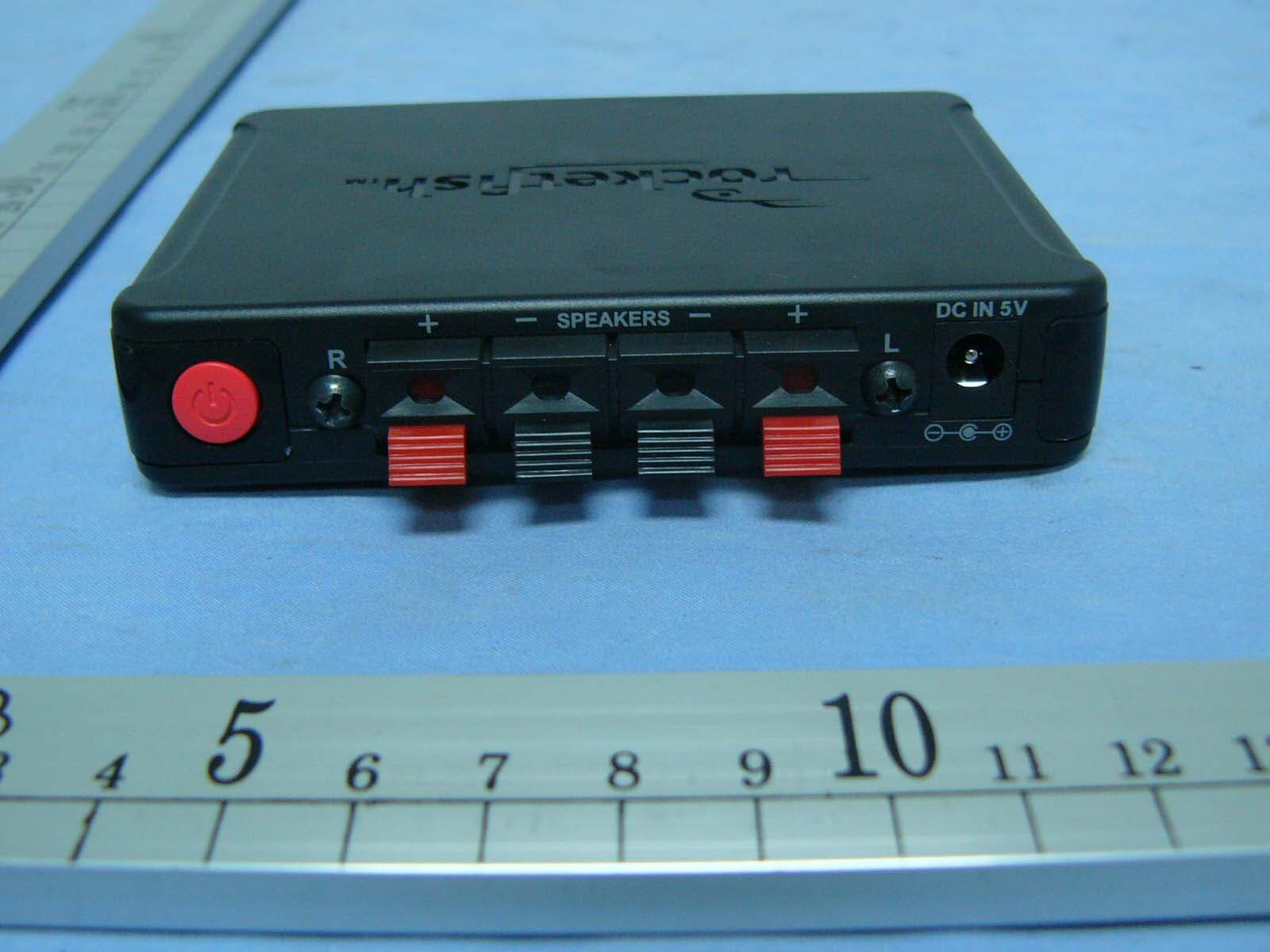
UQ5RFWHTIBSENDER
Mar 01, 2007WIRELESS SURROUND SPEAKER SYSTEM
Equipment Class
DTS - Digital Transmission System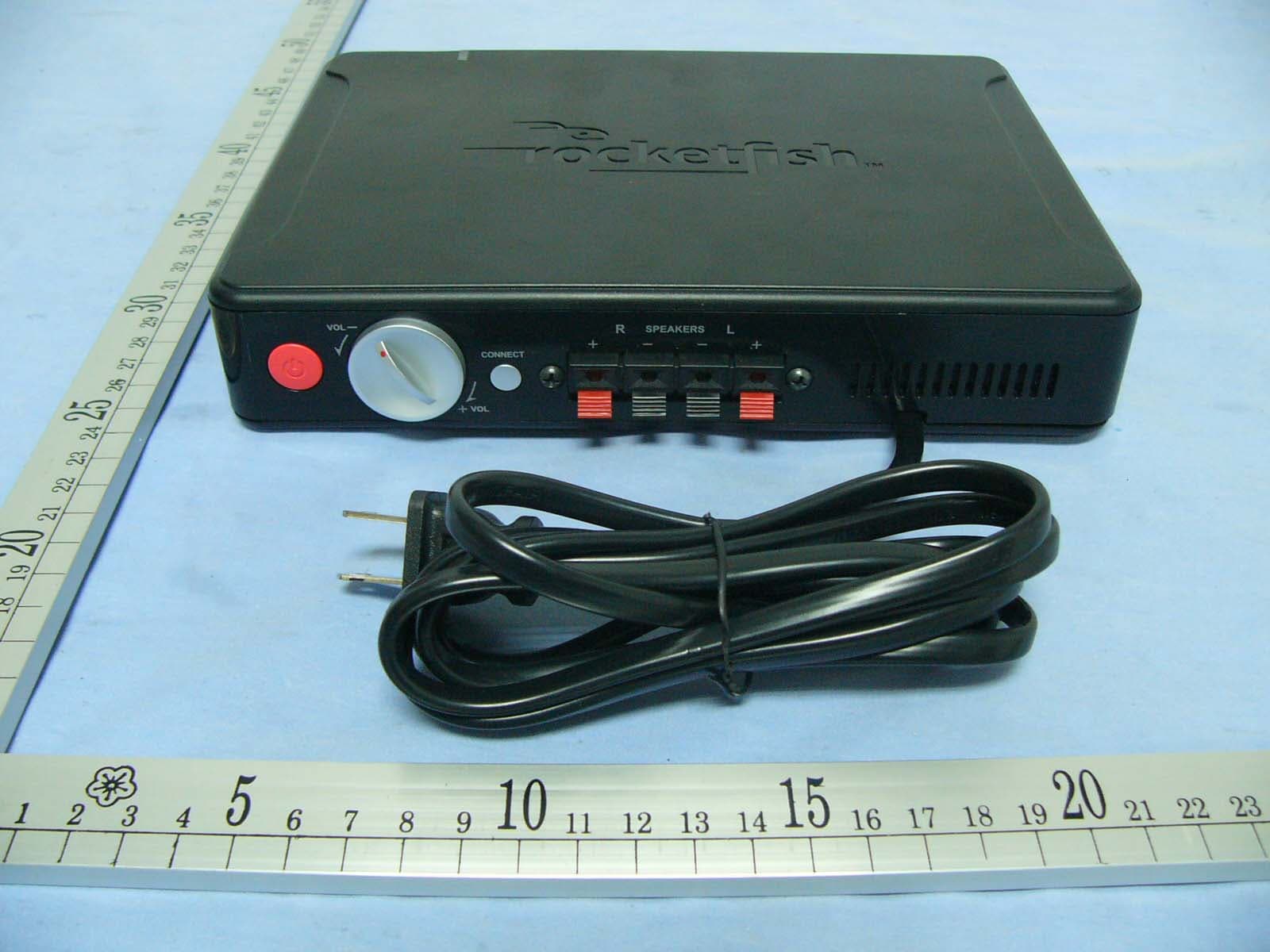
UQ5RFWHTIBRECEIVE
Mar 01, 2007WIRELESS SURROUND SPEAKER SYSTEM
Equipment Class
DTS - Digital Transmission System