UU7CEW100RWireless Headphone- Receiver
Formation Limited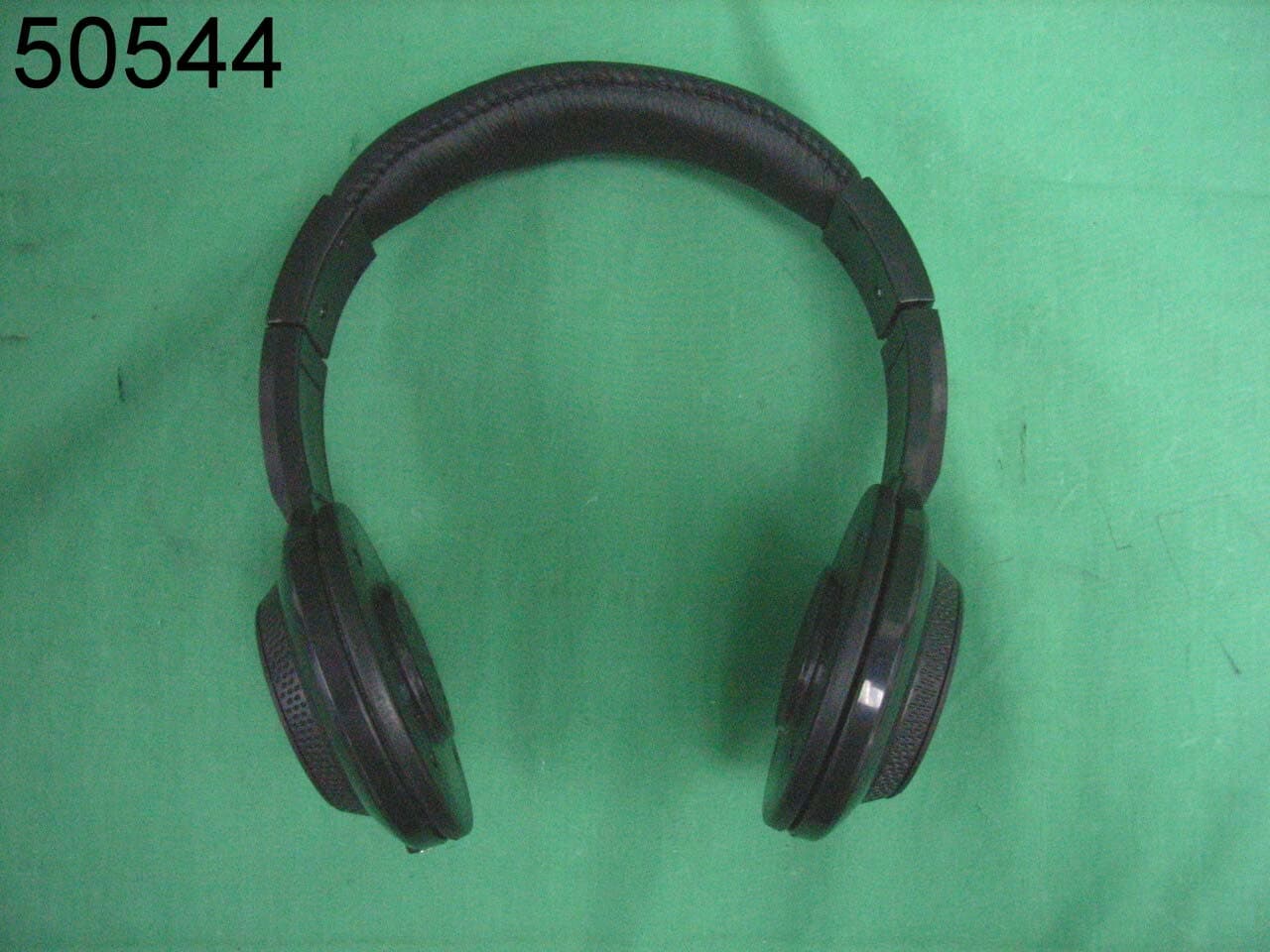
Click to zoom
Application Details
- Equipment Class
- CYY - Communications Receiver used w/Pt 15 Transmitter
- Date of Grant
- Sep 25, 2008
- Application Purpose
- Original Equipment
- Date of Application
- Sep 25, 2008
- Equipment Note
- Wireless Headphone- Receiver
- Frequency Range
- 49.82000000 - 49.90000000
- Company
- Formation Limited
- Country
- Hong Kong
Documents & Files
Document Text
Text extracted from the exhibit documents filed with the FCC. Open a document above to read the original.
Users Manual
Always: Make sure battery compartments are secure. • Use batteries of the correct size and type. • Fit batteries correctly observing the plus (+) and minus (-) marks on the battery and compartment. • Replace a whole set of batteries at each time. • Remove dead batteries from equipment. • Remove batteries from appliance that will not be used again for a long time. • Please remember that small button cells and AAA batteries should be kept away from young children as they could be easily swallowed. Seek medical advice if you believe a cell has been swallowed. Never: • Mix different types of batteries. • Mix old and new batteries. • Dispose of batteries in a fire. • Do not attempt to recharge ordinary batteries. PLEASE RETAIN THIS INFORMATION FOR FUTURE REFERENCE. FUNCTIONS BATTERY INSTALLATION BATTERY SAFETY INFORMATION BATTERY SAFETY INFORMATION CONNECTING THE WIRELESS TRANSMITTER The Wireless Speaker System is supplied with a universal audio cable. This cable can be connected to the audio source outputs with the 3.5mm plug or the red/white RCA plugs. NOTE: THE HEADPHONES SET WILL NOT FUNC- TION PROPERLY WITH THE 3.5MM AND RED/WHITE RCA PLUGS AT THE SAME TIME. 1. Connect the single 3.5mm plug to the Line-in jack at the back of the transmitter (shown in the diagram). Troubleshooting If your headphones are experiencing a noticeable degradation in wireless audio quality, first check the possible causes below. If you are unable to remedy the problem by following these hints, check user manual for further details. Under no circumstances should you try to repair the set yourself. Problem Interference from other radio sources or fluorescent lamps Volume level too low No Sound Poor Sound Quality Distortion Solution • Move transmitter or headphone elsewhere. • Adjust the volume level of the headphones, or adjust the output level of the audio source, which is connected to the transmitter. • Ensure the Transmitter switch is in the ON position by raising the antenna to an up-right position. • Ensure the headphones power switch is in the ON position. • Headphone or Transmitter batteries may be too low. Change batteries. • Ensure the TV or audio component is ON. • Adjust the volume control on the headphone to turn up the volume. • The connected audio/video equipment is not playing (CD, Tape, etc...). Check the audio source. • The volume of audio source is turned down, adjust volume to an appropriate level. • Ensure the Antenna on the Transmitter is extended to the fullest. • Headphones or Transmitter batteries may be too low. Change batteries. • Out of range. Move closer to the Transmitter. • Headphones batteries may be too low. Change the batteries and replace with new ones. • The headphones are too far from transmitter, move closer. • The input level of the audio signal is too low. Turn up the volume of the audio source equipment. FOR HEADPHONES 1. Open the battery compart- ment cover by sliding the latch forward and then pulling up. Insert two (2) AAA 1.5V Alkaline batteries into the battery compartment with the (+) and (-) poles correctly aligned. 2. Secure the battery cover before use. This product is subject to continuous improvement; we reserve the right to modify product design and/or specifications without notice and without incurring any obligations. FOR TRANSMITTER 1. Remove screw to access the battery compartment. Insert four (4) AAA 1.5V Alkaline batteries with the (+) and (-) poles correctly aligned. 2. Before use, secure the compart- ment cover by tightening the screw. CHANGING THE BATTERIES If the power indicator light is dim you may need to replace the battery. Please follow instructions above for replacing (installing) batteries. Thank you, we hope you enjoy your selection. The Wireless Headphones System incorporates reliable radio frequency (RF) technology enabling you to roam freely without wires. The transmitter simply connects to any audio source such as an iPod, MP3 player, game system, CD player, TV or Stereo receiver. FEATURES • 49mhz Radio Frequency (RF) technology. • Operating distance up to 30 ft (10m). • No line-of-sight limitations works through walls. • Cushioned headband and ear cups. • Power switch built into telescoping antenna. • Line-in jack for optional direct-to-source connection. Power ON/OFF Power On Indicator Light Indicator Line IN Line IN Volume Wireless Headphones System Instruction Manual Model: R58 GB • Please observe the local regulations regarding the disposal of packing materials, exhausted batteries and old equipment. • Hearing Safety! Continuous use at high volume may damage your hearing permanently. • Remove the batteries from the headphone and transmitter battery compartments if the unit will not be used for a long period of time • Do not disassemble the product. CAUTIONS! Changes or modifications not expressly approved by the party responsible for compliance could void the user’s authority to operate the equipment. NOTE: This equipment has been tested and found to comply with the limits for a Class B digital device, pursuant to Part 15 of the FCC Rules. These limits are designed to provide reasonable protection against harmful interference in a residential installation. This equipment generates, uses and can radiate radio frequency energy and, if not installed and used in accordance with the instructions, may cause harmful interference to radio communications. However, there is no guarantee that interference will not occur in a particular installation. If this equipment does cause harmful interference to radio or television reception, which can be determined by turning the equipment off and on, the user is encouraged to try to correct the interference by one or more of the following measures: -- Reorient or relocate the receiving antenna. 33 -- Increase the separation between the equipment and receiver. -- Connect the equipment into an outlet on a circuit different from that to which the receiver is connected. -- Consult the dealer or an experienced …
Text truncated - open the document above for the full version.
Operational Description
OPERATION DESCRIPTION FOR 49MHz FM WIRELESS HEADPHONE Transmitter; The transmitter is switched and connected to the input audio signal. The AF signal flow the voltage control capacitor diode to modulate with an oscillation frequency which controlled by a phase lock loop controller IC SA8803. This circuit is a transmitter for FM and amplifier by a transistor 9018G to transmit the RF signal by a rob antenna. Receiver; It received the signal from the wire antenna at the head belt. The signal flow a Transistor RF signal amplifier and go into a mixer which combine with a crystal control local oscillator. It produce an IF signal and it go into a FM receiver IC TA2003 to demodulate the AF signal. The TAD2822M amplified the AF signal and flow the speaker to provide the audio sound to the user. Antenna and ground circuitry This unit set makes use of a external flexible rob antenna for the transmitter and external fixed wire antenna for the receiver. Those antenna are inductively coupled. The unit set relies on the ground tract of the printed circuit board. No external ground provided. Energy is supplied by a 6 Volt batteries or AC/DC adaptor for the transmitter and 3 Volt batteries for the receiver.
Contact Information
Applicant
SAM ASHWIN SAMTANI(Supply Chain Director)
Test Firm
SGS IECC LimitedJeffery Chen
Technical Specifications
| # | Rule Parts | Frequency Range | Power Output |
|---|---|---|---|
| 1 | 15B | 49.82 MHz - 49.9 MHz | - |
Other Applications from Formation Limited
UU7CEW220T
Dec 15, 200949MHz WIRELESS SPEAKER
Equipment Class
DXX - Part 15 Low Power Communication Device Transmitter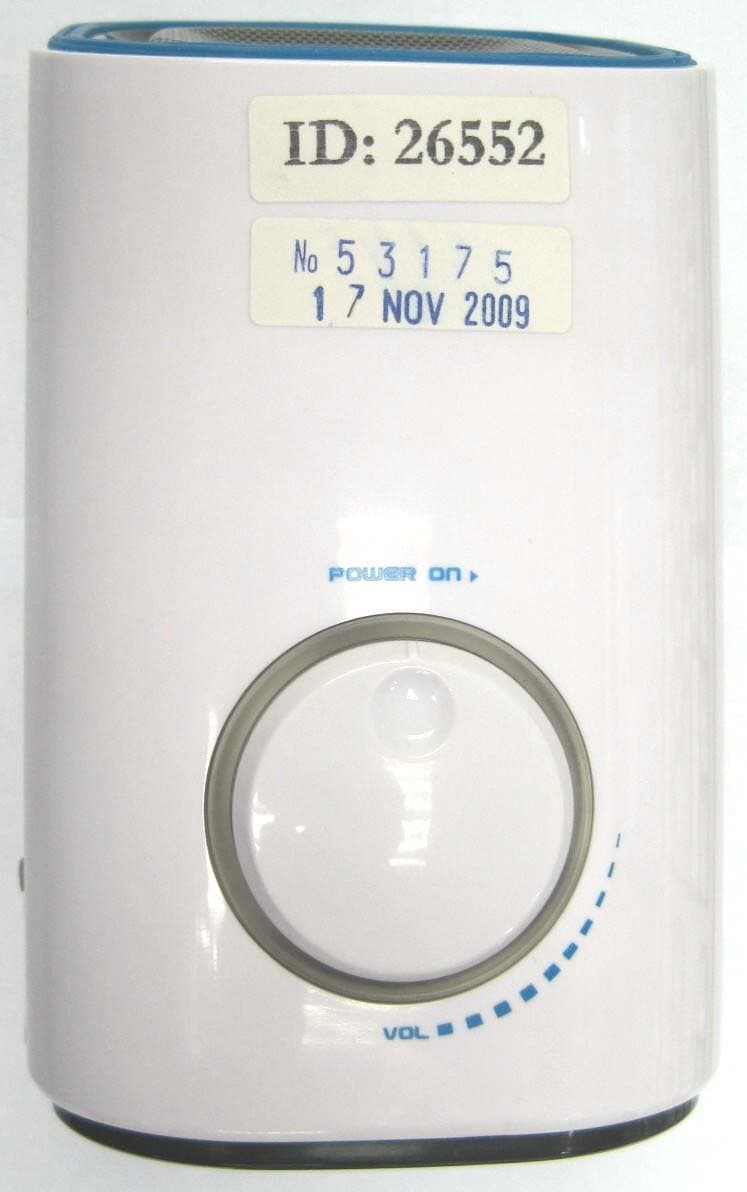
UU7CEW220R
Dec 15, 200949MHz WIRELESS SPEAKER
Equipment Class
CYY - Communications Receiver used w/Pt 15 Transmitter
UU7-TT072-U7F-TX
Apr 25, 2007RF MEAT THERMOMETER
Equipment Class
DSC - Part 15 Security/Remote Control Transmitter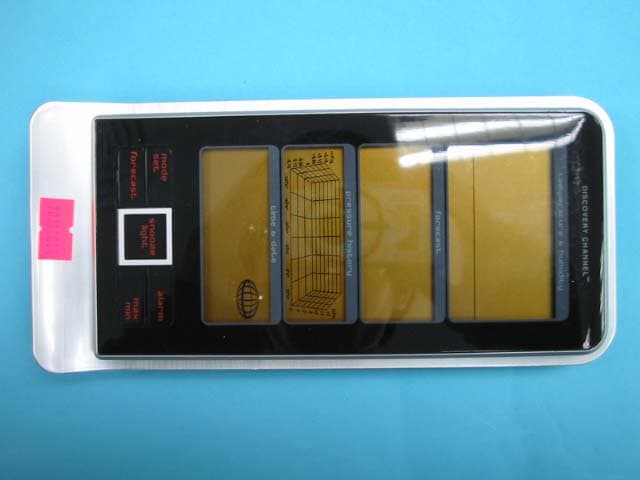
UU7DCRX2
Apr 22, 2007Receiver for Outdoor Sensor
Equipment Class
CYY - Communications Receiver used w/Pt 15 Transmitter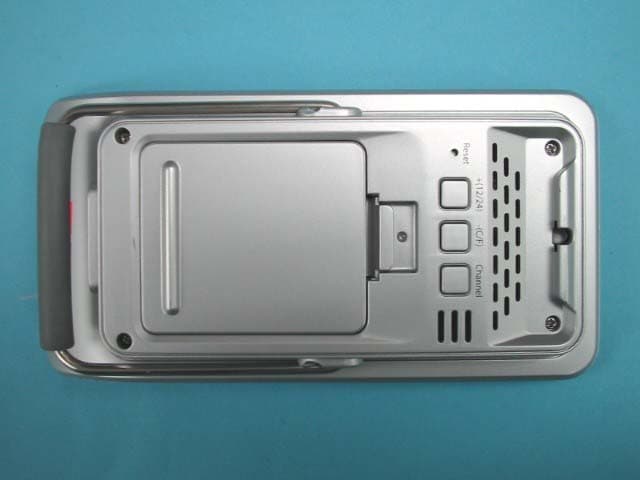
UU7DCRX1
Apr 22, 2007Receiver for Outdoor Sensor
Equipment Class
CYY - Communications Receiver used w/Pt 15 Transmitter