UV5989311-TXUSB DONGLE
EB Excalibur, Inc.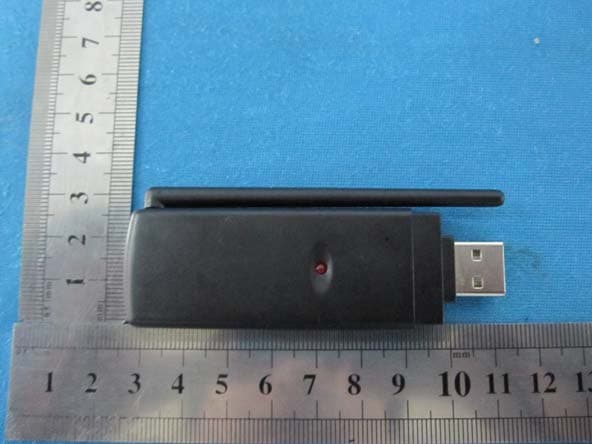
Click to zoom
Application Details
- Equipment Class
- DXX - Part 15 Low Power Communication Device Transmitter
- Date of Grant
- Sep 08, 2010
- Application Purpose
- Original Equipment
- Date of Application
- Sep 07, 2010
- Equipment Note
- USB DONGLE
- Frequency Range
- 914.45000000 - 914.45000000
- Company
- EB Excalibur, Inc.
- Country
- United States
Documents & Files
Document Text
Text extracted from the exhibit documents filed with the FCC. Open a document above to read the original.
Users Manual
1 Excalibur Wireless Tickers User Guide For Models 5398, 5493, and 5551 2 QUICK START INSTRUCTIONS TICKERS (Step 1) Insert a set of fresh alkaline batteries into the Ticker making sure the minus end of the battery is touching the spring. If “WAITING TO RECEIVE DATA FROM TRANSMITTER” is not scrolling across the screen, or the text on the scrolling message is unreadable, use a thin object to press the RESET button. The RESET button is on the back of the unit at the top left side. DEMO MODE Each Ticker has a built in demo mode that will load all its new channels with four headlines and detail. To enter the DEMO MODE after a RESET, press the DETAIL (-) button to view the software version and copyright screen. Now press the UPDATE button on back of the unit. USB DONGLE (Step 2) Insert the USB Dongle transmitter into an open USB port on your computer. If it displays a “Found New Hardware” message in the lower right of your screen, wait until it says your new hardware is ready to use. Only one Dongle is used for all Tickers, do not insert more than one Dongle. Note: The LED on the Dongle only lights while data is being transmitted to the Tickers. See section on News and Data Updates for more information on transmission frequency. INSTALL RSS READER PC SOFTWARE (Step 3) To send news information to the Tickers, you must first install the Software, please follow the instructions below to get started: Go to www.ebexcaliburcreative.com/ticker and click on the link to download the Excalibur RSS Reader software. You will be asked permission to run the Setup program and then the Install program, please give permission to do so. 3 The next screen that should appear is the Tickers you own selection screen. Place a check mark next to the Ticker(s) that you have and click Start. If you have a Firewall program that requires you to give a newly installed program permission to access the internet, a new screen will appear asking your permission. Give permission for the Excalibur RSS Reader program to access the internet. You may need to restart the Excalibur RSS Reader program after giving permission. To restart the Excalibur RSS Reader program or to read the full Ticker Instruction Manual, use the Windows: Start –> All Programs -> EB Excalibur Inc. menu to select Excalibur RSS Reader or Excalibur RSS Reader Instructions. While the Excalibur RSS Reader software is running, an Excalibur Icon will appear in the lower right tray where your clock time is displayed. Right clicking on that Icon will show a menu with EXIT and OPEN. If you want to stop the Excalibur RSS Reader program, select the EXIT item from the menu. You will need to use the START menu to find the Excalibur RSS Reader program to start it again. Use the OPEN item on the menu to open the RSS Reader for viewing and making changes to its settings. You may also double click on this Icon to open the RSS Reader. 4 TICKER INSTRUCTIONS Insert a set of fresh alkaline batteries into the Ticker making sure the minus end of the battery is touching the spring. If “WAITING TO RECEIVE DATA FROM TRANSMITTER” is not scrolling across the screen, or the text on the scrolling message is unreadable, use a thin object to press the RESET button. The RESET button is on the back of the unit at the top left side. The Ticker displays current setting and changes current setting using the following methodology. Press a button once to see a setting. After a period of time, the screen will return to scrolling the news. If you press a button once, and then quickly press it again you will advance to the next setting or item. So one press of a button will review a setting, and repeated presses of that button will change a setting. Key Legend Calendar News Ticker: Key Legend Sports News Ticker: Key Legend Weather News Ticker: COMMON BUTTON FUNCTIONS NEWS CHANNEL Press this button once to see which News Channel has the current headline that is scrolling across the screen. Repeatedly press this button to change to another News Channel. HEADLINE (+) Press this button once to view the start of current headline scrolling across the screen. Repeatedly press this button to advance to the next headline for the current News Channel. When the last headline for the current News Channel is reached, a tone will be sounded and it will wrap around to the first headline. This button is also used to advance other settings such as CONTRAST and SPEED. DETAIL (-) Press the button once to view more detail about the headline that is scrolling across the screen. Some headlines may not have any detail and in that case a buzz sound will be sounded. Pressing this button while a headlines detail is scrolling across the screen will return to displaying the headline. If you have set a Keyword(s) search on the Excalibur RSS Reader, a tone alert will be sounded every time a headline contains that keyword. Viewing the detail, by pressing this button, will turn off the tone alert for that headline. 5 This button is also used to reduce other settings such as CONTRAST and SPEED. TICKER SPECIFIC BUTTON FUNCTIONS Calendar News Ticker CONTRAST Press this button once to view the current contrast setting. Repeatedly press this button to change the contrast setting. Note: Version 06 also permits the shown contrast setting to be changed with the (-) and (+) buttons. SPEED Press this button once to view the current scroll (ticker) speed setting. Repeatedly press this button to change the scroll (ticker) speed setting. Note: Version 06 also permits the shown scroll (ticker) speed setting to be changed with the (-) and (+) buttons. MONTH Press this button to enter the Perpetual Calendar mode. The current year will be displayed on the clock digits, and the current month will flash. You may now press the (-) button once or repeatedly to go back to the previous month or months, to view the calendar for that month. You may press the (+) button once or repeatedly to advance to the next month or months, to view the calendar for tha…
Text truncated - open the document above for the full version.
Cover Letter(s)
Attestation for FCC Declaration of Conformity FCC ID:UV5989311-TX Data: Aug 29,2010 Please be notified that we, the undersigned, EB Exculibur,Inc declare that the product which bears the above FCC ID is also compliant with the FCC requirements for DoC. The test report number supporting the DoC is 10B08002F. Testing in regards to this report was done by Interocean EMC Technology Corp. located atNo.5-2, Lin 1, Tin-Fu Tsun, Lin-Kou Hsiang, Taipei County 244, Taiwan, R.O.C.., which has been accredited in accordance to all of the requirements of 47CFR 2.948(d) and (e) of the FCC rules and KDB349827
External Photos
External Photos
ID Label/Location Info
、
Internal Photos
Internal Photos
Test Report
FCC TEST REPORT 47 CFR FCC Part 15.249 Report Reference No......................: FCC ID..............................................: WE10070026 UV5989311-TX Compiled by ( position+printed name+signature)..: File administrators Wenliang Li Supervised by ( position+printed name+signature)..: Test Engineer Eric Zhang Approved by ( position+printed name+signature)..: Manager Jimmy Li Date of issue.....................................: Aug 04, 2010 Testing Laboratory Name..............: Shenzhen Huatongwei International Inspection Co., Ltd Address.............................................: Keji Nan No.12 Road, Hi-tech Park, Shenzhen, China Applicant’s name............................: EB Excalibur, Inc Address.............................................: 18001 Old Cutler Road , Suite 556 , Miami, Florida, 33157 ,united states Test specification: Standard ...........................................: 47 CFR FCC Part 15.249: Operation within the bands 902-928 MHz, 2400-2483.5 MHz, 5725-5850 MHz and 24.0 - 24.25 GHz. TRF Originator ..................................: Shenzhen Huatongwei International Inspection CO., Ltd Master TRF.......................................: Dated 2006-06 Shenzhen Huatongwei International Inspection Co., Ltd. All rights reserved. This publication may be reproduced in whole or in part for non-commercial purposes as long as the Shenzhen Huatongwei International Inspection Co., Ltd is acknowledged as copyright owner and source of the material. Shenzhen Huatongwei International Inspection Co., Ltd takes no responsibility for and will not assume liability for damages resulting from the reader's interpretation of the reproduced material due to its placement and context. Test item description .................... : USB Dongle Trade Mark .......................................: / Model/Type reference.......................: 989311 Listed Models ..................................: / Modulation .......................................: FSK Result................................................: Positive V1.0 Page 2 of 21 Report No.: WE10070026 FCC ID: UV5989311-TX T E S T R E P O R T Test Report No. : WE10070026 Aug 04,2010 ______________________________________________________________________________________________ Date of issue Equipment under Test : USB Dongle Model /Type : 989311 Listed Models : / Applicant : EB Excalibur, Inc Address : 18001 Old Cutler Road , Suite 556 , Miami, Florida, 33157 ,united states Manufacturer : Join Idea International Limited Address : Unit B,10/F,Valiant Insdustrial Centre,2-12,Au Pui Street,Fo Tan,Sha Tin,Hongkong Test Result according to the standards on page 4: Positive The test report merely corresponds to the test sample. It is not permitted to copy extracts of these test result without the written permission of the test laboratory. V1.0 Page 3 of 21 Report No.: WE10070026 FCC ID: UV5989311-TX Contents 1. TEST STANDARDS .................................................................. 4 2. SUMMARY............................................................................. 5 2.1. General Remarks 5 2.2. Equipment Under Test 5 2.3. Short description of the Equipment under Test (EUT) 5 2.4. EUT operation mode 5 2.5. EUT configuration 5 2.6. Related Submittal(s) / Grant (s) 6 2.7. Modifications 6 3. TEST ENVIRONMENT............................................................... 7 3.1. Address of the test laboratory 7 3.2. Test Facility 7 3.3. Environmental conditions 8 3.4. Configuration of Tested System 8 3.5. Statement of the measurement uncertainty 9 3.6. Equipments Used during the Test 9 4. TEST CONDITIONS AND RESULTS ............................................ 10 4.1. Conducted Emissions Test 10 4.2. Radiated Emission Test 13 4.3. Band Edge Measurement 16 4.4. 20dB Bandwidth Measurement 18 5. TEST SETUP PHOTOS OF THE EUT .......................................... 19 6. EXTERNAL AND INTERNAL PHOTOS OF THE EUT ....................... 20 V1.0 Page 4 of 21 Report No.: WE10070026 FCC ID: UV5989311-TX 1. TEST STANDARDS The tests were performed according to following standards: 47 CFR FCC Rules Part 15.249: Frequency Hopping, Direct Spread Spectrum and Hybrid Systems that are in operation within the bands of 902-928 MHz, 2400-2483.5 MHz, 5725-5850 MHz and 24.0 - 24.25 GHz. V1.0 Page 5 of 21 Report No.: WE10070026 FCC ID: UV5989311-TX 2. SUMMARY 2.1. General Remarks Date of receipt of test sample : Jul 21, 2010 Testing commenced on : Jul 21, 2010 Testing concluded on : Aug 04, 2010 2.2. Equipment Under Test Power supply system utilised Power supply voltage : ○ 120V / 60 Hz ○ 115V / 60Hz ○ 12 V DC ○ 24 V DC ● Other (specified in blank below) DC 5V from USB 2.3. Short description of the Equipment under Test (EUT) 914.45MHz (USB Dongle) For more details, refer to the user’s manual of the EUT. Serial number: Prototype 2.4. EUT operation mode The EUT has been tested under typical operating condition. 2.5. EUT configuration The following peripheral devices and interface cables were connected during the measurement: ○ - supplied by the manufacturer ● - supplied by the lab ● Notebook PC Manufacturer: DELL Model No.: PP11L ● Printer Manufacturer: HP Model No.: Laserjet 6L C3990A ● Gigabit Switch Manufacturer: D-Link Model No.: DGS-1005D V1.0 Page 6 of 21 Report No.: WE10070026 FCC ID: UV5989311-TX 2.6. Related Submittal(s) / Grant (s) This submittal(s) (test report) is intended for FCC ID: UV5989311-TX filing to comply with Section 15.249 of the FCC Part 15, Subpart C Rules. 2.7. Modifications No modifications were implemented to meet testing criteria. V1.0 Page 7 of 21 Report No.: WE10070026 FCC ID: UV5989311-TX 3. TEST ENVIRONMENT 3.1. Address of the test laboratory Shenzhen Huatongwei International Inspection Co., Ltd Keji Nan No.12 Road, Hi-tech Park, Shenzhen, China Phone: 86-755-26715686 Fax: 86-755-26748089 The sites are constructed in conformance with the requirements of ANSI C63.7, ANSI C63.4 (2003) and CISPR Publication 22. 3.2. Test Fa…
Text truncated - open the document above for the full version.
Test Setup Photos
Test Setup Photos of the EUT EUT EUT EUT
Contact Information
Applicant
Ronald C. Nelson(Vice President - Engineering)
Test Firm
Shenzhen Huatongwei International Insp. Co., LtdMoffy Yu
Technical Specifications
| # | Rule Parts | Frequency Range | Power Output |
|---|---|---|---|
| 1 | 15C | 914.45 MHz - 914.45 MHz | - |
Other Applications from EB Excalibur, Inc.

UV59511291-RX-HK
Apr 13, 2008RC Car
Equipment Class
CRR - Superregenerative Receiver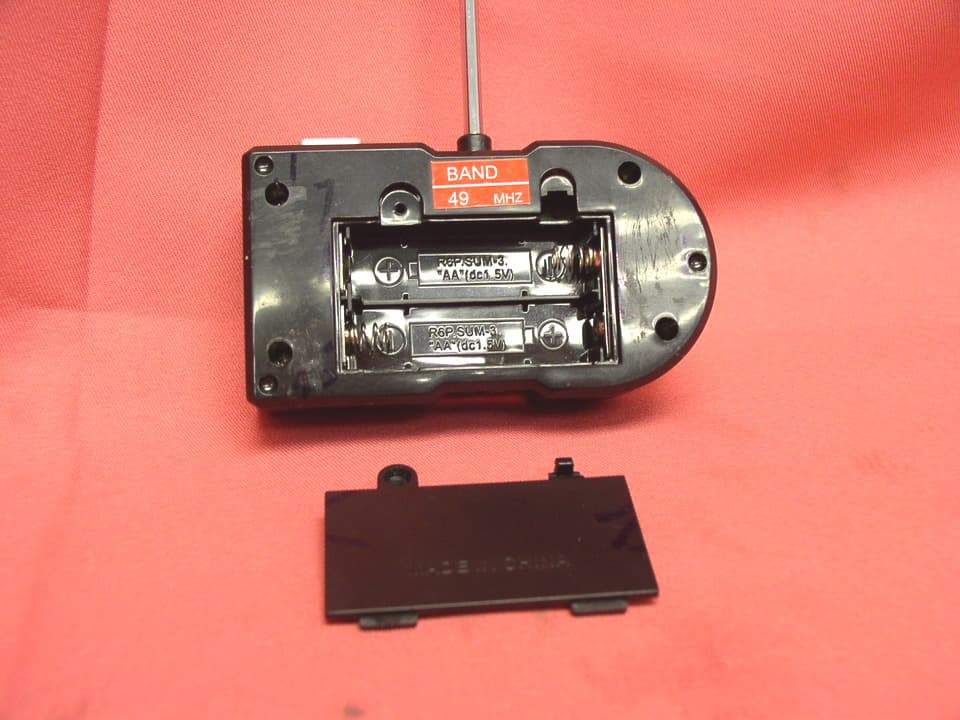
UV59530-TX49-HK
Mar 24, 2008RC Car
Equipment Class
DXX - Part 15 Low Power Communication Device Transmitter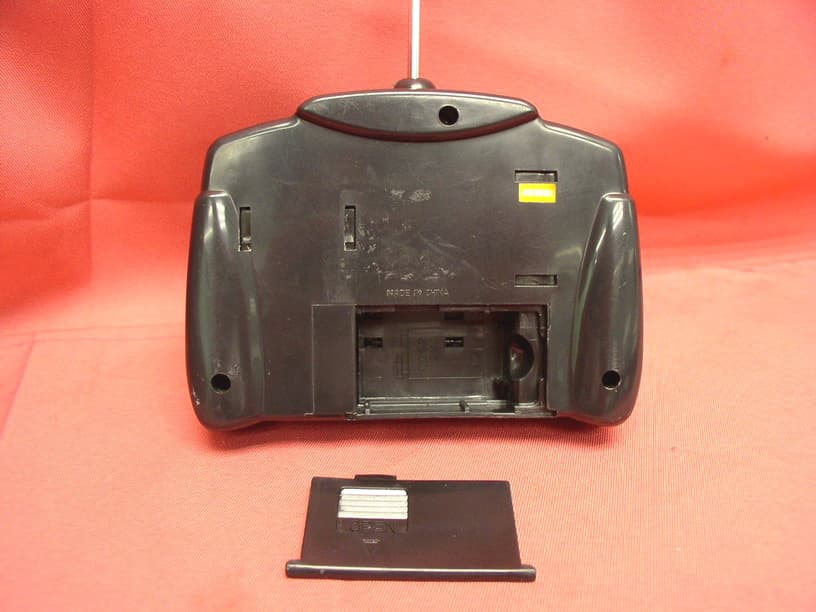
UV59511291-TX-HK
Mar 18, 2008RC car
Equipment Class
DXX - Part 15 Low Power Communication Device Transmitter
UV59530-RX49-HK
Mar 17, 2008RC Car
Equipment Class
CRR - Superregenerative Receiver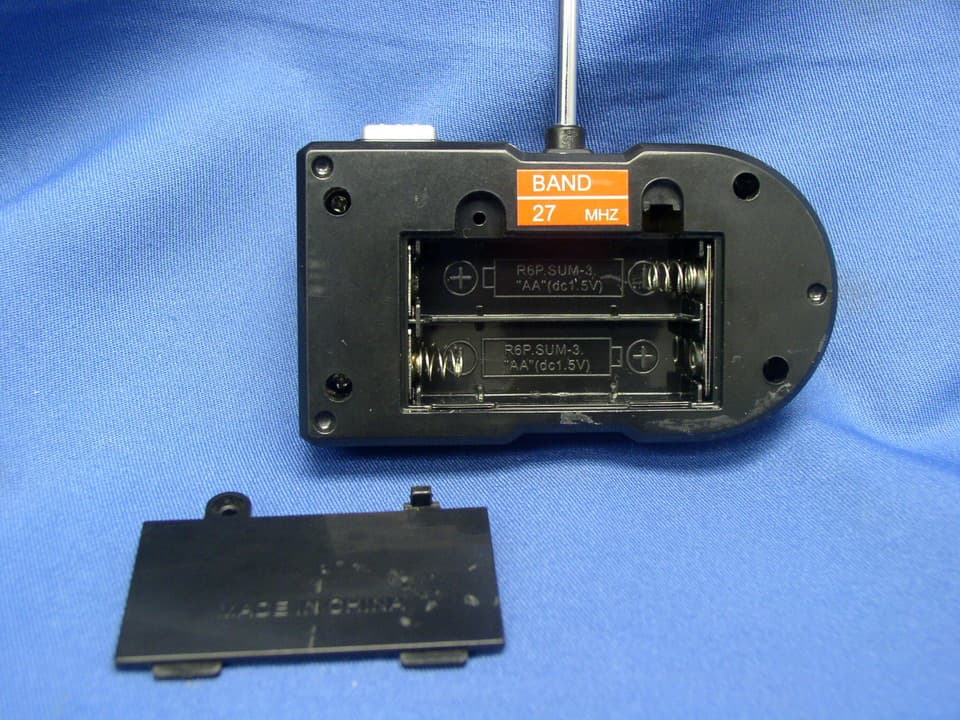
UV59530-TX27-HK
Mar 16, 2008RC Car
Equipment Class
DXX - Part 15 Low Power Communication Device Transmitter