V65E7110Smart Phone
Kyocera Corporation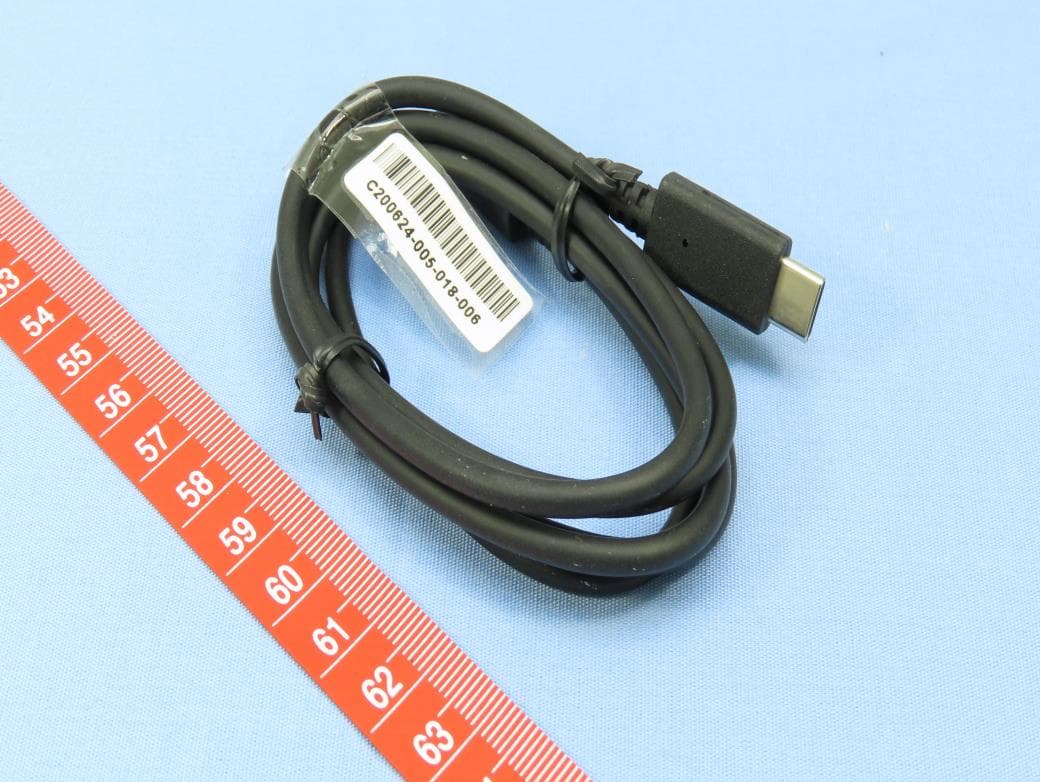
Click to zoom
Application Details
- Equipment Class
- 5GM - Part 30 Mobile Transmitter
- Date of Grant
- Dec 21, 2020
- Application Purpose
- Original Equipment
- Date of Application
- Nov 30, 2020
- Equipment Note
- Smart Phone
- Frequency Range
- 27500.00000000 - 28350.00000000
- Company
- Kyocera Corporation
- Country
- United States
Documents & Files
Document Text
Text extracted from the exhibit documents filed with the FCC. Open a document above to read the original.
Users Manual
User Guide TOC i Table of Contents Introduction ................................................................................................................................ 1 Get Started ................................................................................................................................ 2 Your Phone at a Glance ...................................................................................................... 2 Set Up Your Phone ............................................................................................................. 5 Charge the Battery ....................................................................................................... 5 Charge the Battery Wirelessly ..................................................................................... 6 Install microSD Card and Reinstall SIM Card ............................................................... 6 Turn Your Phone On and Off .............................................................................................. 9 Setup Wizard ............................................................................................................... 9 Turn Your Screen On and Off ...................................................................................... 9 Voicemail ....................................................................................................................10 Phone Basics ............................................................................................................................11 Touchscreen Navigation ....................................................................................................11 Function Buttons ................................................................................................................13 Your Home Screen ............................................................................................................14 Home Screen Overview ..............................................................................................14 Manage the Home Screens ........................................................................................15 Apps Launcher ...........................................................................................................17 Weather ......................................................................................................................17 Quick Shortcuts .................................................................................................................18 Status Bar ..........................................................................................................................18 Notifications Panel ......................................................................................................19 Quick Settings ............................................................................................................20 Enter Text ..........................................................................................................................20 Gboard .......................................................................................................................20 Glide Typing ...............................................................................................................23 Google Voice Typing ..................................................................................................23 Copy and Paste Text ..................................................................................................24 Phone Calls ..............................................................................................................................25 Make Phone Calls ..............................................................................................................25 ii TOC Call Using the Phone Dialpad .....................................................................................25 Call from Recents .......................................................................................................26 Call from Contacts ......................................................................................................26 Call Using a Speed Dial Number ................................................................................26 Call Emergency Numbers ...........................................................................................26 Call Numbers with Pauses ..........................................................................................27 Call Using the Plus (+) Code .......................................................................................27 Receive Phone Calls ..........................................................................................................28 Voicemail ...........................................................................................................................28 Review Voicemail .......................................................................................................29 Configure Voicemail Settings ......................................................................................29 Voicemail (Traditional) .......................................................................................................29 Set Up Voicemail ........................................................................................................29 Voicemail Notification .................................................................................................29 Retrieve Your Voicemail Messages ............................................................................29 Phone Call Options ............................................................................................................30 In-call Options .............................................................................................................30 Caller Name ID ..........................…
Text truncated - open the document above for the full version.
Users Manual
Safety & warranty information. 2 Important Safety Information Important Safety Information 3 Important Safety Information This section contains important operational and safety information that will help you safely use your phone. Failure to read and follow the information provided in this section may result in serious bodily injury, death, or property damage. General Precautions There are several simple guidelines to operating your phone properly and maintaining safe, satisfactory service. • Speak directly into the mouthpiece. • Do not expose your phone to direct sunlight for extended periods of time (such as on the dashboard of a car). • Although your phone is quite sturdy, it is a complex piece of equipment and can be broken. Avoid dropping, hitting, bending, or sitting on it. • Any changes or modifications to your phone not expressly approved in this document could void your warranty for this equipment and void your authority to operate this equipment. Note: For the best care of your phone, only Kyocera- authorized personnel should service your phone and accessories. Failure to do so may be dangerous and void your warranty. Important Safety Information 3 Maintaining Safe Use of and Access to Your Phone Do Not Rely on Your Phone for Emergency Calls Mobile phones operate using radio signals, which cannot guarantee connection in all conditions. Therefore you should never rely solely upon any mobile phone for essential communication (e.g., medical emergencies). Emergency calls may not be possible on all cellular networks or when certain network services or mobile phone features are in use. Check with your local service provider for details. Using Your Phone While Driving Talking on your phone while driving (or operating the phone without a hands-free device) is prohibited in some jurisdictions. Laws vary as to specific restrictions. Remember that safety always comes first. Following Safety Guidelines To operate your phone safely and efficiently, always follow any special regulations in a given area. Turn your phone off in areas where use is forbidden or when it may cause interference or danger. Medical Devices If you have a medical device, including an implantable medical device such as a pacemaker or defibrillator, consult your healthcare provider and the device manufacturer’s directions before using this mobile phone. Persons with implantable medical devices: • Should always keep the mobile phone more than six (6) inches from the implantable medical device when the mobile phone is turned ON. • Should not carry the mobile phone in the breast pocket. • Should use the ear opposite the implantable medical device to minimize the potential for interference. • Should turn OFF the mobile phone immediately if you have any reason to suspect that interference is taking place. 4 Important Safety Information Important Safety Information 5 Using Your Phone Near Other Electronic Devices Most modern electronic equipment is shielded from radio frequency (RF) signals. However, RF signals from wireless phones may affect inadequately shielded electronic equipment. RF signals may affect improperly installed or inadequately shielded electronic operating systems or entertainment systems in motor vehicles. Check with the manufacturer or their representative to determine if these systems are adequately shielded from external RF signals. Also check with the manufacturer regarding any equipment that has been added to your vehicle. Consult the manufacturer of any personal medical devices, such as pacemakers, defibrillator, and hearing aids, to determine if they are adequately shielded from external RF signals. Note: When using the phone in and near healthcare facilities, always determine the facility’s policy concerning cell phone usage and request permission before using the phone near medical equipment. Using Your Phone On Airplanes On airplanes, follow applicable airline regulations and always follow the flight crew’s instructions concerning the use of your phone. Turning Off Your Phone in Dangerous Areas To avoid interfering with blasting operations, turn your phone off when in a blasting area or in other areas with signs indicating two-way radios should be turned off. Construction crews often use remote-control RF devices to set off explosives. Turn your phone off when you’re in any area that has a potentially explosive atmosphere. Although it’s rare, connecting or disconnecting accessories to your phone could generate sparks. Sparks can cause an explosion or fire, resulting in bodily injury or even death. These areas are often, but not always, clearly marked. They include: Important Safety Information 5 • Fueling areas such as gas stations • Below deck on boats • Fuel or chemical transfer or storage facilities • Areas where the air contains chemicals or particles such as grain, dust, or metal powders • Any other area where you would normally be advised to turn off your vehicle’s engine Note: Never transport or store flammable gas, flammable liquids, or explosives in the compartment of your vehicle that contains your phone or accessories. Note: Your phone complies with the Standards for Hazardous Location Equipment. Refer to the following section “Using Your Phone in Hazardous Locations” for details. Using Your Phone in Hazardous Locations Your phone complies with the Standards for Hazardous Location Equipment as a Nonincendive Electrical Equipment for use in a Class I, Division 2, Groups A, B, C, & D with a Temperature Code of T4. Precautions • Ensure that your phone is not exposed to the temperature outside the limits stated below. ▪Ambient Temperature: -4° F to 140° F (-20° C to 60° C) ▪Charging Temperature: 32° F to 113° F (0° C to 45° C) ▪Storage Temperature: ▪Less than one month: -4° F to 140° F (-20° C to 60° C) ▪More than one month: -4° F to 113° F (-20° C to 45° C) • Do not charge your phone in Division 2 hazardous locations. • Use only the charger provided with your phone: AC adapter SCP-53ADT and …
Text truncated - open the document above for the full version.
Cover Letter(s)
SCS-F18: Project and Product Certification Representative Authorization Letter Page 1 of 2 Rev 6.0 775 Montague Expressway Milpitas, CA 95035 Tel: 408-526-1188 Fax: 408-526-1088 Email: [email protected] Project and Product Certification Representative Authorization Letter Reason for Amendment (current / obsolete) Revision History Approved Date From To Initial Release (obsolete) 1.0 1.0 Nov-14-2006 Revised wording (obsolete) 1.0 2.0 Sept–25-2007 Updated company template (obsolete) 2.0 3.0 Jan-31-2012 Updated letter information (obsolete) 3.0 4.0 May-23-2014 Added FCC ID field (obsolete) 4.0 5.0 Sep-16-2014 Updated company name & logo (current) 5.0 6.0 Jun-27-2018 SCS-F18: Project and Product Certification Representative Authorization Letter Page 2 of 2 Rev 6.0 Date: 4/29/2020 To: BVCPS, INC. 775 Montague Expressway, Milpitas, CA 95035 USA Dear Sir/Madam, Re: Product Certification Representative Authorization Letter We, Bureau Veritas Consumer Products Services (H.K.) Ltd., Taoyuan Branch, are authorized by the applicant, Kyocera Corporation, to apply Bureau Veritas Consumer Products Services, Inc. to act as a Certification Body for certifying for the following project(s): FCC ID: V65E7110 Product Description: Smart Phone Model: E7110 Sincerely, -------------------------------------------------------------------------------------------------- Amanda Wu / Senior Specialist Bureau Veritas Consumer Products Services (H.K.) Ltd., Taoyuan Branch Tel: 886-3-264-1929 Fax: 886-3-327 0892 Email: [email protected]
Cover Letter(s)
KYOCERA International, Inc 8611 Balboa Avenue San Diego, CA 92123 Phone: 858-882-1400 Date: November 5, 2020 Federal Communications Commission 7345 Oakland Mills Road – Gate A Columbia MD 21046 Subject: Request for Confidentiality FCC ID: V65E67110 To Whom It May Concern, Pursuant to the provisions of Sections 0.457 and 0.459 of Commission’s rules (47CFR§§0.457, 0.459), we are requesting the Commission to withhold the following attachments as confidential document from public disclosure indefinitely. l Schematic Diagram l Block Diagram l Parts List l Tune-up Procedure l Operational Description l Software Operational Description The above mentioned documents contain detailed system and equipment descriptions that are considered to be proprietary information in the operation of the equipment. The public disclosure of above documents might be harmful to our company and would give competitors an unfair advantage in the market. In addition to the above mentioned documents, pursuant to Public Notice DA 04-1705 of the Commission’s policy, in order to comply with the marketing regulations in 47 CFT §2.803 and the importation rules in 47 CFR §2.1204, while ensuring that business sensitive information remains confidential until the actual marketing of newly authorized devices. We are requesting the commission to grant short-term confidentiality request on the following attachments until 180 days after the Grant Date of Equipment Authorizations. u External Photos u Internal Photos u Test Setup Photos u User Manual It is our understanding that all measurement test reports, FCC ID label format and correspondence during certification review process cannot be granted as confidential documents and those information will be available for public review once the grant of equipment authorization is issued. Best regards, Douglas Dunn Deputy General Manager Regulatory Affairs
Cover Letter(s)
!!! !!"#$%&'()*+,-*.+/0*.12()*3( !!! ! !"##$%&'()&$*+,-.,$ $$$$/&-$01,2)3$4*$56#67$ $$$$89)-,:$!;!<!!6<#=>>$ $$! ! Date: November 5, 2020 To whom it may concern, Please be notified that I, Douglas Dunn, have designated Joanna Hung / Specialist of Bureau Veritas Consumer Products Services (H.K.) Ltd., Taoyuan Branch (BV CPS Taoyuan Branch) of Taiwan as the person being responsible for this project and to sign the form 731 and other documentation. Any and all acts carried out by Joanna Hung / Specialist of Bureau Veritas Consumer Products Services (H.K.) Ltd., Taoyuan Branch (BV CPS Taoyuan Branch) of Taiwan on the matters relating to all processes required in the FCC approval and any communication needed with the national authority, shall have the same legal authority as acts on our own behalf. As defined in 47 CFR Ch. 1.2002 (b), we further certify that neither the applicant nor any party to this application is subject to a denial to Federal benefits, including FCC benefits, pursuant to section 5301 of the Anti-Drug Abuse Act of 1998, 21 U.S.C. 835(a). This authorization is limited to the product of as following: FCC ID: V65E7110 If you have any acknowledgement and response, please send it to Joanna Hung / Specialist of Bureau Veritas Consumer Products Services (H.K.) Ltd., Taoyuan Branch (BV CPS Taoyuan Branch) of Taiwan directly. Should you have any question or comment regarding this matter, please do not hesitate to contact me. Sincerely yours, Douglas Dunn Deputy General Manager Regulatory Affairs !"#$"%&' !"#$"%&' Amanda Wu Sincerely y yoyours, Douglalas Dunn
External Photos
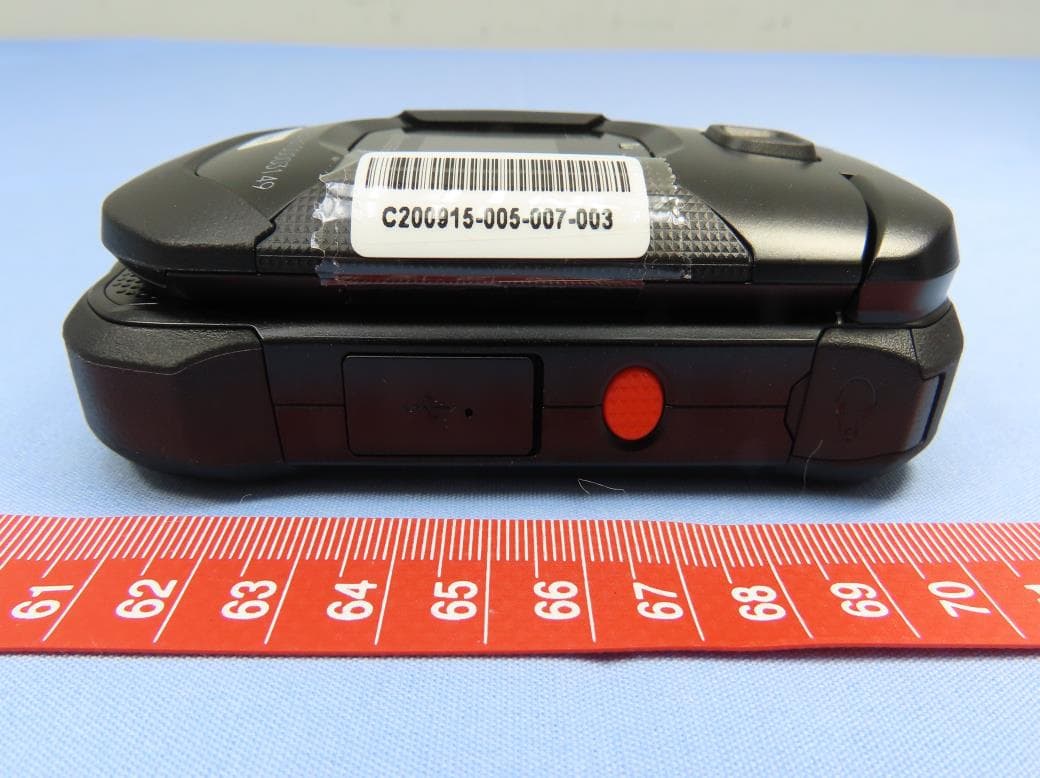
Reference No.: 200605C24 1 of 8 CONSTRUCTION PHOTOS OF EUT Reference No.: 200605C24 2 of 8 Reference No.: 200605C24 3 of 8 Reference No.: 200605C24 4 of 8 Reference No.: 200605C24 5 of 8 Reference No.: 200605C24 6 of 8 Reference No.: 200605C24 7 of 8 Reference No.: 200605C24 8 of 8
ID Label/Location Info
KYOCERA International, Inc 8611 Balboa Avenue San Diego, CA 92123 Phone: 858-882-1400 FAX: 858-450-0134 FCC ID: V65E7110 11/5/2020 Label Information The label is printed on the back of the device. Rear of Phone Label Location Rear of Phone FCC Label
Internal Photos
Reference No.: 200605C24 1 of 19 CONSTRUCTION PHOTOS OF EUT Reference No.: 200605C24 2 of 19 Reference No.: 200605C24 3 of 19 Reference No.: 200605C24 4 of 19 Reference No.: 200605C24 5 of 19 Reference No.: 200605C24 6 of 19 Reference No.: 200605C24 7 of 19 Reference No.: 200605C24 8 of 19 Reference No.: 200605C24 9 of 19 Reference No.: 200605C24 10 of 19 Reference No.: 200605C24 11 of 19 Reference No.: 200605C24 12 of 19 Reference No.: 200605C24 13 of 19 Reference No.: 200605C24 14 of 19 Reference No.: 200605C24 15 of 19 Reference No.: 200605C24 16 of 19 Reference No.: 200605C24 17 of 19 Reference No.: 200605C24 18 of 19 Reference No.: 200605C24 19 of 19
RF Exposure Info
1 FCC ID : V65E7110 Power Density Simulation Report Oct.1st, 2020 KYOCERA CORPORATION 2 1. Electromagnetic simulation method for power density 1.1 EM simulation tool 1.1.1 EM simulation tool description The mmWave power density(PD) simulation method for calculating PD(Power Density) for mobile phones with mmWave antenna modules is available in ANSYS Electromagnetics suite HFSS ver. 19.5(2019 R3) is used. ANSYS HFSS is one of several commercial tools for 3D full-wave electromagnetic simulation used for antenna and RF structure design of high frequency component. ANSYS Electromagnetics suite HFSS ver. 19.5(2019 R3) is implemented based on Finite Element Method(FEM), which operates in the frequency domain. 1.1.2 Mesh and convergence criteria ANSYS Electromagnetic suite HFSS ver. 19.5(2019 R3) uses the Finite Element Method(FEM) to solve the structure for 3D EM simulations to analyze power density. The volume area containing the simulated object should be subdivided into electrically small parts called finite elements with unknown functions. To subdivide system, the adaptive mesh technique in ANSYS Electromagnetics suite HFSS ver. 19.5(2019 R3) is used. ANSYS Electromagnetics suite HFSS ver. 19.5(2019 R3) starts to refine the initial mesh based on wavelength and calculate the error to iterative process for adaptive mesh refinement. The determination parameter of the number of iteration in ANSYS Electromagnetics suite HFSS ver. 19.5(2019 R3) is defined as convergence criteria, delta S, and the iterative adaptive mesh process repeats until the delta S is met. In ANSYS Electromagnetics suite HFSS ver. 19.5(2019 R3), the accuracy of converged results depends on the delta S. 3 1.1.3 Time-averaged power density calculation It is possible to get various kinds of physical quantities can be obtained after finishing 3D full-wave electromagnetic simulation. To calculate PD evaluation, two physical quantities, an electric field ( E ⃗⃗ ) and a magnetic field ( H ⃗⃗ ) are needed. The actual consumption power can be expressed as the real term of the time-averaged Poynting vector ( S ⃗ ) from the cross product of E ⃗⃗ and complex conjugation of H ⃗⃗ as shown below: (S ⃗ )=푅푒 ( 1 2 퐸 ⃗ ×H ⃗⃗ ∗ ) ( S ⃗ ) can be expressed as point power density based on a peak value of each spatial point on mesh grids, and obtained directly from ANSYS Electromagnetics suite HFSS ver. 19.5(2019 R3) . From the point power density ( S ⃗ ) , the spatial-averaged power density ( 푃퐷 푎푣 ) on an evaluated area (A) can be derived as shown below: 푃퐷 푎푣 = 1 퐴 ∫ (S ⃗ ) 퐴 ・푑푠= 1 2퐴 ∫ |푅푒( 퐴 퐸 ⃗⃗ ×H ⃗⃗⃗ )・푑푠 , where the spatial-averaged power density 푃퐷 푎푣 is total power density value considering on x, y and z components of point power density ( S ⃗ ) and the evaluated are (A) is 4 푐푚 2 . 1.2 Simulation setup 1.2.1 Modeling for simulation The simulation approach to perform PD assessment for a smartphone requires accurate modeling for mmWave antenna module as well as the smartphone itself. Figure 1 shows the simulation model which is mounted three mmWave antenna modules. The simulation modeling includes most of the entire structure of device itself such as PCB, metal frame , battery, large components and legacy antennas as well as mmWave antenna modules QTM#0, QTM#1 and QTM#2. On the back side view , QTM#0 is placed on the right side and antennas are facing the right side of the device. QTM#1 is placed on the left side and antennas are facing the left side of the device. QTM#2 is placed on the top side and antennas are facing the back side of the device. 4 Figure 1. HFSS simulation model which is mounted three mmWave antenna modules. 1.2.2 PD evaluation surfaces Table 1 shows the PD evaluation surfaces for each mmWave antenna module and Figure 2 shows the PD evaluation planes and truncation area of the simulation model to find worst case of beam forming cases. In QTM#0, 6 evaluation surfaces are set up . QTM#0 is placed at the middle of the device . In QTM#1 and QTM#2 cases, 5 PD evaluation surfaces except bottom side are set up. QTM#1 and QTM#2 are placed at the top of the device and the bottom side is excluded from the worst case because the distance from the bottom side is more than 10λ at 28GHz and 39GHz.. Please note that the “right” and “left” edge of mentioned in this report are defined from the perspective of looking at the device from the back view. Table 1. PD evaluation surfaces ModuleFrontBack Right From (Back View) Left From (Back View) TopBottom QTM#0OOOOOO QTM#1OOOOOX QTM#2OOOOOX Back Side Front QTM#2 QTM#0 QTM#1 5 Figure 2. PD evaluation Surfaces 1.2.3 Radiation boundary condition For radiation boundary, the 2nd order absorbing boundary condition (ABC) is used for all simulations in this report. This radiation boundary simulates an electrically open surface that allows waves to radiate infinitely far into space The system absorbs the wave via the 2nd order radiation boundary , essentially ballooning the boundary infinitely far away from the structure and into space. The radiation boundaries may also be placed relatively close to a structure and can be of arbitrary shape. Per ANSYS recommendations for their simulation tool, the radiation boundary plane must be located at least a quarter wavelength from strongly radiating structure, or at least a tenth of a wavelength from a weakly radiating structure. In this simulation report, about 3 wavelengths spacing from the device surfaces in all main beam directions are applied to ensure convergence. By changing convergence error (i.e., maximum magnitude delta S) from 2% to 4% and moving the radiation boundary closer towards the device by 20%, the combined influence in PD value is < 0.04dB which confirms that the simulation model is reliable using this setup. 1.2.4 Source excitation condition Each of the three 5G mmWave array modules is the same part containing a 1x4 element array of dual-polarization patch antennas. The number of antenna ports of QTM#0, QTM#1, and QTM#2 for BOTTOM LEF…
Text truncated - open the document above for the full version.
RF Exposure Info
Power Density Measurement Report Report Format Version 1.0.0 Page No. : 1 of 23 Report No. : PF200605C24 Issued Date : Nov. 20, 2020 Power Density Measurement Report Report No. : PF200605C24 Applicant : Kyocera Corporation c/o Kyocera International, Inc. Address : 8611 Balboa Avenue, San Diego, CA 92123 Product : Smart Phone FCC ID : V65E7110 Brand : Kyocera Model No. : E7110 Standards : FCC 47 CFR Part 2 (2.1093), IEC TR 63170:2018 KDB 865664 D02 v01r02, KDB 447498 D01 v06 Sample Received Date : Jun. 29, 2020 Date of Testing : Oct. 13, 2020 ~ Nov. 14, 2020 Lab Address : No. 47-2, 14th Ling, Chia Pau Vil., Lin Kou Dist., New Taipei City, Taiwan Test Location : No. 19, Hwa Ya 2nd Rd., Wen Hwa Vil., Kwei Shan Dist., Taoyuan City, Taiwan CERTIFICATION: The above equipment have been tested by Bureau Veritas Consumer Products Services (H.K.) Ltd., Taoyuan Branch – Lin Kou Laboratories, and found compliance with the requirement of the above standards. The test record, data evaluation & Equipment Under Test (EUT) configurations represented herein are true and accurate accounts of the measurements of the sample’s characteristics under the conditions specified in this report. It should not be reproduced except in full, without the written approval of our laboratory. The client should not use it to claim product certification, approval, or endorsement by TAF or any government agencies. Prepared By : Shelly Hsueh / Specialist Approved By : Roy Wu / Senior Manager This report is for your exclusive use. Any copying or replication of this report to or for any other person or entity, or use of our name or trademark, is permitted only with our prior written permission. This report sets forth our findings solely with respect to the test samples identified herein. The results set forth in this report are not indicative or representative of the quality or characteristics of the lot from which a test sample was taken or any similar or identical product unless specifically and expressly noted. Our report includes all of the tests requested by you and the results thereof based upon the information that you provided to us. You have 60 days from date of issuance of this report to notify us of any material error or omission caused by our negligence, provided, however, that such notice shall be in writing and shall specifically address the issue you wish to raise. A failure to raise such issue within the prescribed time shall constitute your unqualified acceptance of the completeness of this report, the tests conducted and the correctness of the report contents. Unless specific mention, the uncertainty of measurement has been explicitly taken into account to declare the compliance or non-compliance to the specification. Power Density Measurement Report Report Format Version 1.0.0 Page No. : 2 of 23 Report No. : PF200605C24 Issued Date : Nov. 20, 2020 Table of Contents Release Control Record ............................................................................................................................................................... 3 1. Summary of Maximum Value ................................................................................................................................................ 4 2. Description of Equipment Under Test ................................................................................................................................. 5 3. Power Density Measurement System .................................................................................................................................. 6 3.1 Definition of Power Density .......................................................................................................................................... 6 3.2 SPEAG DASY6 System ............................................................................................................................................... 6 3.2.1 Robot ............................................................................................................................................................... 7 3.2.2 EUmmWV2 mm-Wave Probe .......................................................................................................................... 7 3.2.3 Data Acquisition Electronics (DAE) .................................................................................................................. 8 3.2.4 System Verification Sources ............................................................................................................................ 9 3.3 Power Density System Verification ............................................................................................................................. 10 3.4 Power Density Measurement Procedure .................................................................................................................... 11 3.4.1 Computation of the Electric Field Polarization Ellipse .................................................................................... 12 3.4.2 Total Field and Power Flux Density Reconstruction ....................................................................................... 13 3.4.3 Power Flux Density Averaging ....................................................................................................................... 13 4. Power Density Measurement Evaluation ........................................................................................................................... 14 4.1 EUT Configuration and Setting ................................................................................................................................... 14 4.2 EUT Testing Position .......................................................…
Text truncated - open the document above for the full version.
Contact Information
Applicant
Thuy To(Regulatory Affairs Manager)
Test Firm
Bureau Veritas CPS(H.K.) Ltd., Taoyuan BranchLiu Ken
Technical Specifications
| # | Rule Parts | Frequency Range | Power Output | Emission | Tolerance |
|---|---|---|---|---|---|
| 6 | 3 | 27.50 GHz - 28.35 GHz | 224.00 mW | 191MD7W | 0.002 ppm |
Other Applications from Kyocera Corporation
V65E4830
Feb 22, 2021Feature Phone
Equipment Class
PCE - PCS Licensed Transmitter held to ear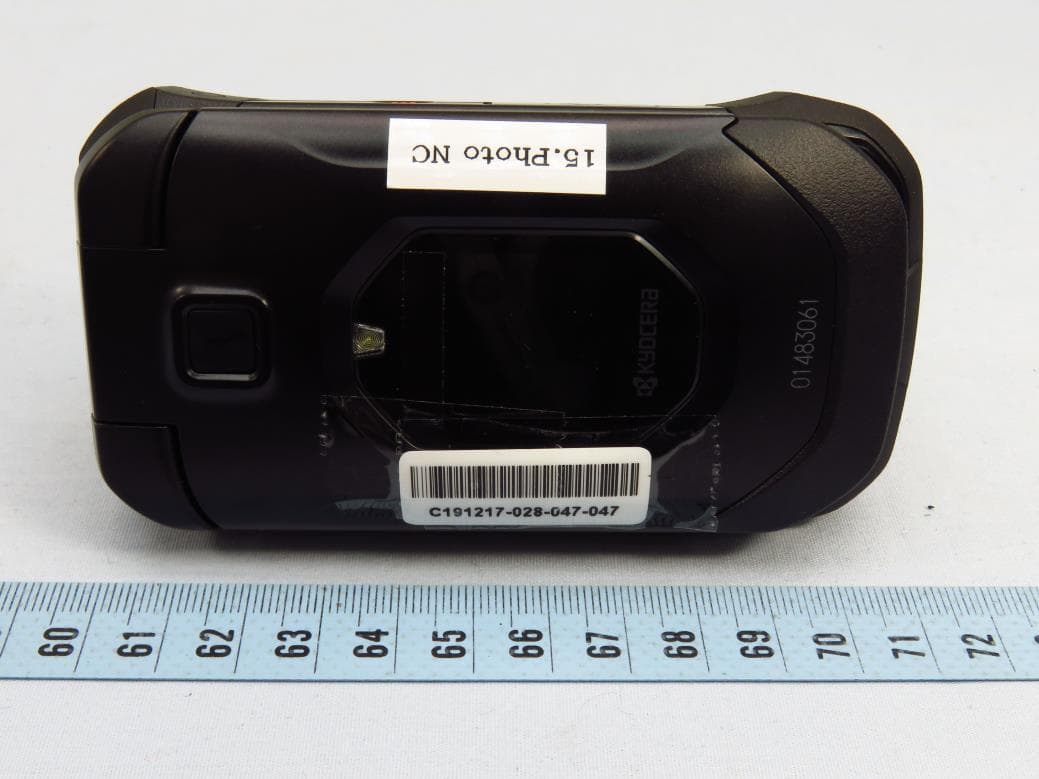
V65E4810
Mar 17, 2020Feature Phone
Equipment Class
PCE - PCS Licensed Transmitter held to ear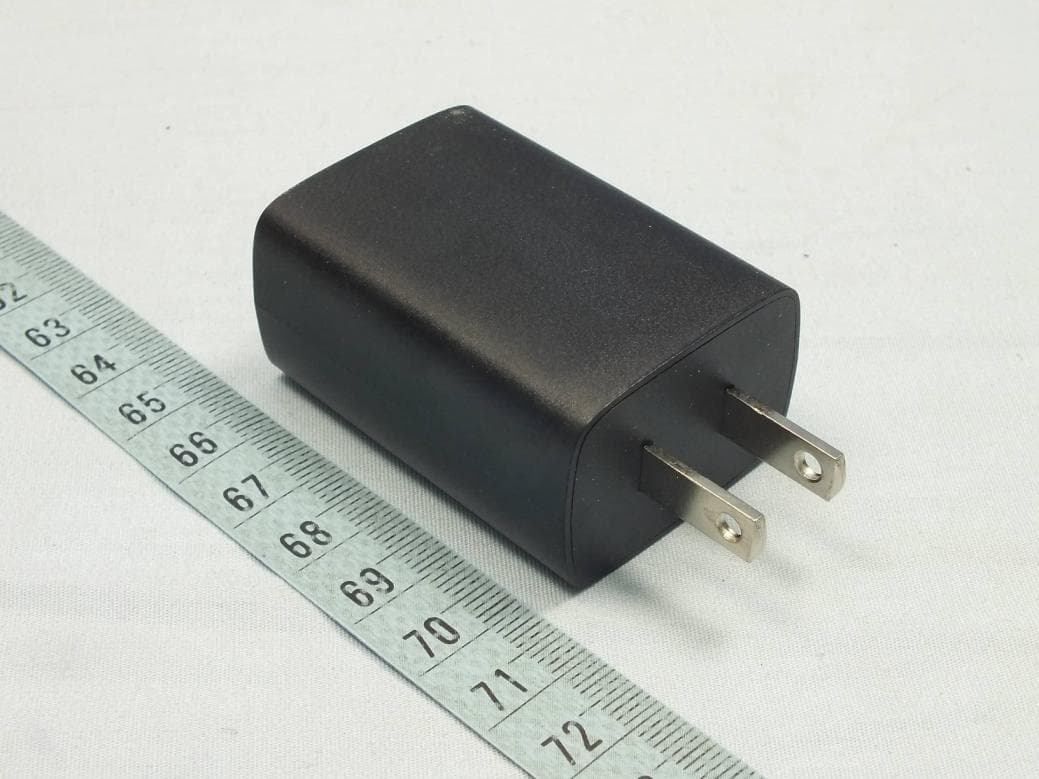
V65C6742
Nov 22, 2015UMTS/GSM Bar Phone
Equipment Class
DSS - Part 15 Spread Spectrum Transmitter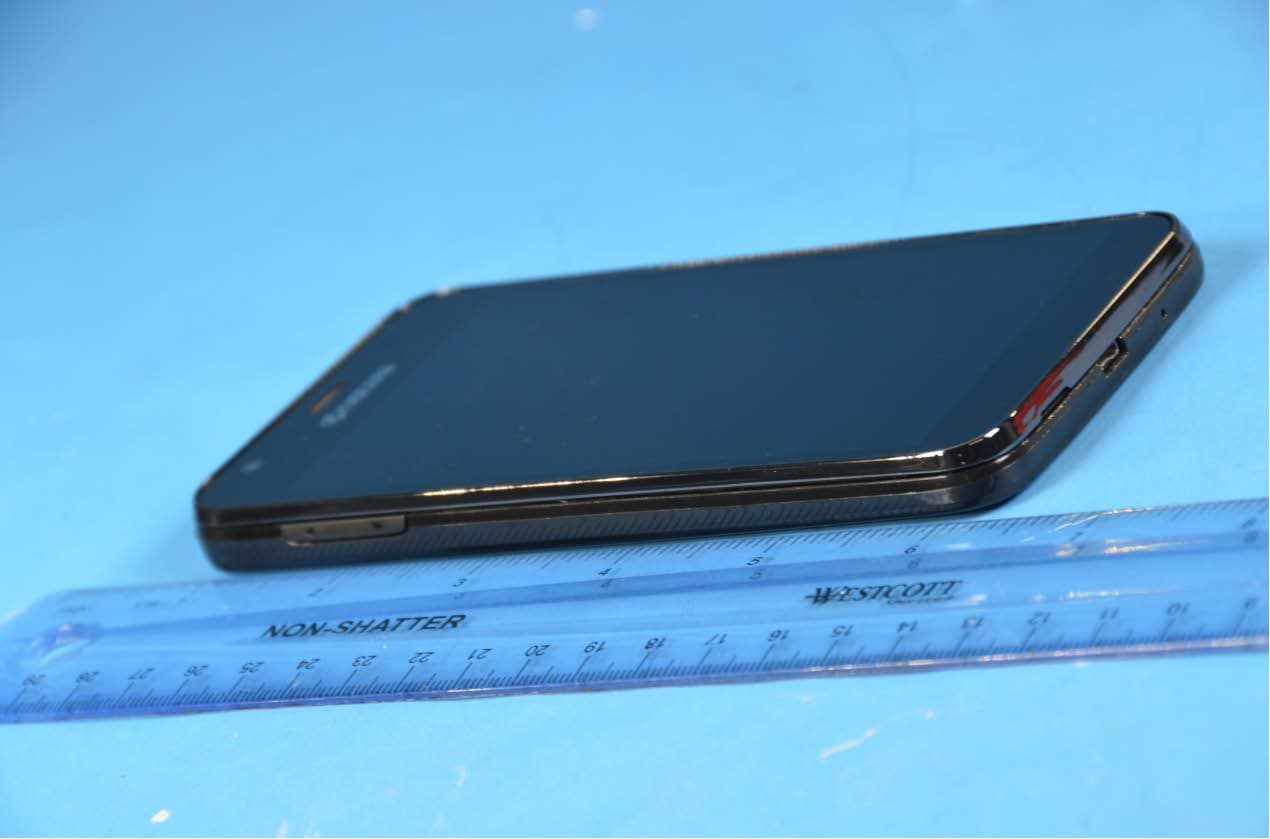
V65CD8100
Nov 05, 2015Multi-Band CDMA/LTE Phone with WLAN, Bluetooth and Nordic Transmitter
Equipment Class
DTS - Digital Transmission System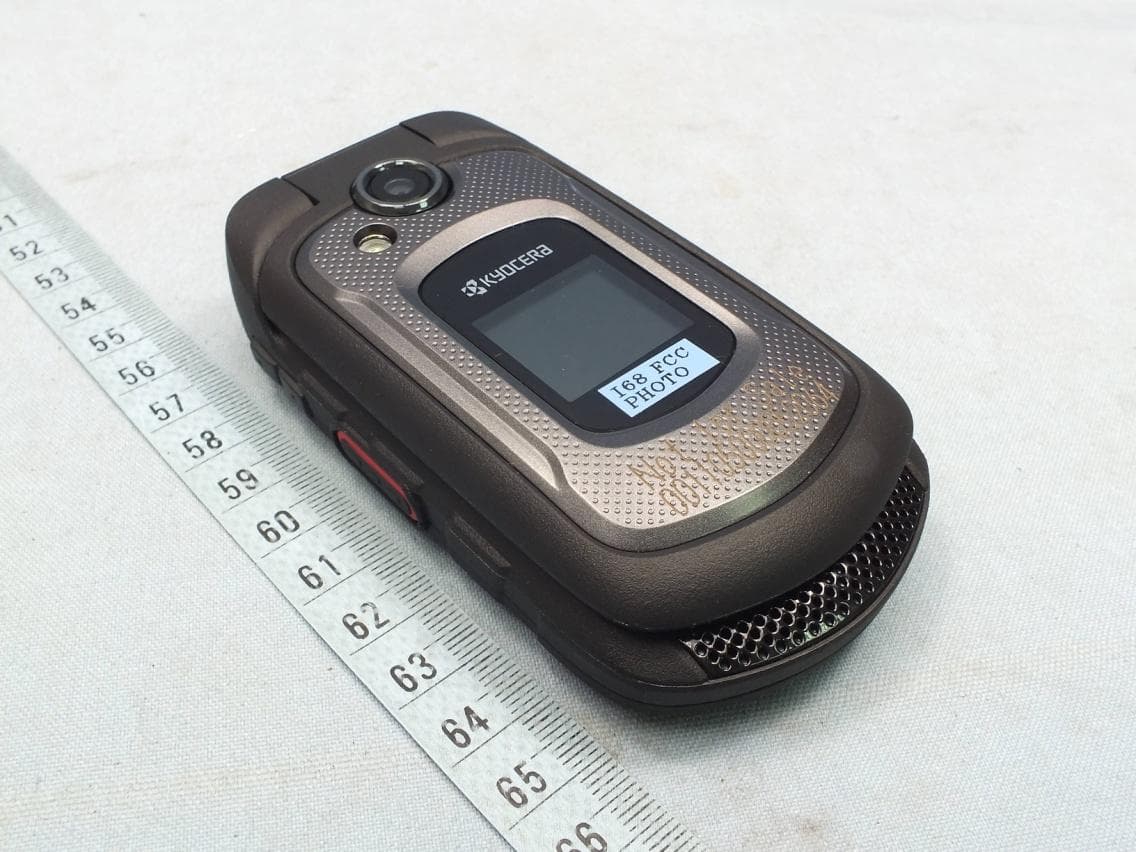
V65E4710
Oct 22, 2015Clamshell phone
Equipment Class
PCE - PCS Licensed Transmitter held to ear