VASEBP100AENTRY VALIDATOR
eb Corp.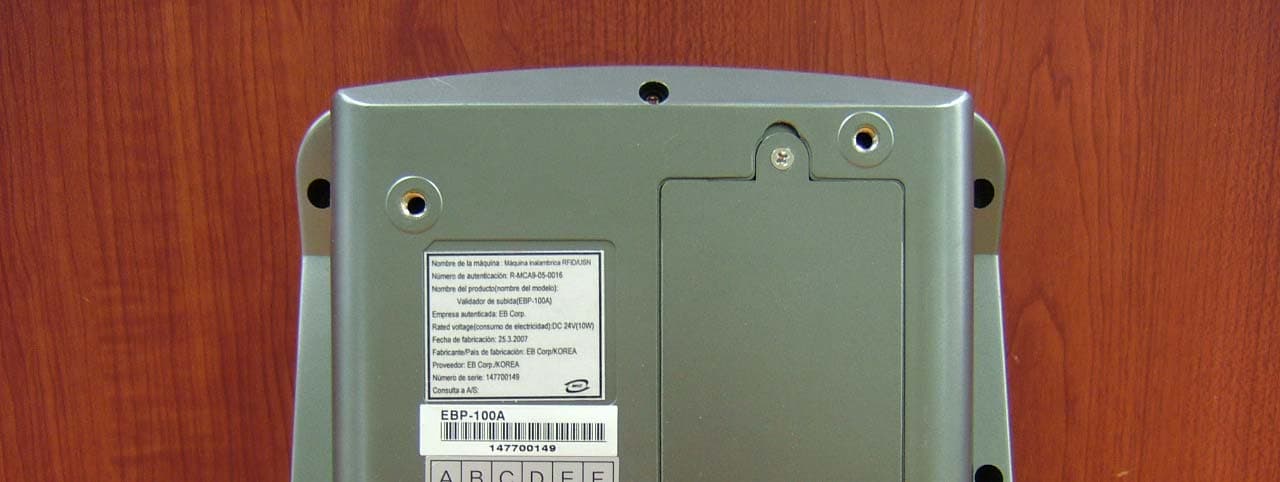
Click to zoom
Application Details
- Equipment Class
- DXX - Part 15 Low Power Communication Device Transmitter
- Date of Grant
- May 16, 2007
- Application Purpose
- Original Equipment
- Date of Application
- May 15, 2007
- Equipment Note
- ENTRY VALIDATOR
- Frequency Range
- 13.56000000 - 13.56000000
- Company
- eb Corp.
- Country
- South Korea
Documents & Files
Document Text
Text extracted from the exhibit documents filed with the FCC. Open a document above to read the original.
Users Manual
2007. 01 . 15 The operation manual of terminal for the driver 1 Check key Check Transmitting to the center in case of car accident Acciden t Erase one by one in case of inputting wrong numbers Erase Adult basic fare & adult HO Adult Name of bus stop & volume controlTime & volume control, GPS, CSM status check Functio n ▼ Name of bus stop & volume control Bus stop ▲ Terminal installation & information inquiry Setting Cancel key Cancel Moving vehicle without charging fare Empty Teenager basic fare & teenager HO Teenag er Child basic fare & child HO Child Used in detail, number of undelivered details, operation information Inquiry Input driver’s ID Service Choice of route ID Route Contents Operati on key The manual of bus terminal GPS Status indication White Terminal version and GPS communication status (A: Normal ,V: Abnormal) V2.28 A Wireless LAN communication status indication Blue GSM communication status indication Green Entry Validator communicat ion status indication Red Exit Validator communication status indication Yellow Status contents Type of LAMP Empty Inquiry 어린이 Function Trouble 2 Entry Validator Guidance broadcast Company management system HOST Exit Validator Driver’s terminal RS-232 wireless LAN RS-232C ADSL GPS antenna & LAN external antenna Bus card system structure 안전운전 하세요! 11/01 04 : 00 : 00 수원역 , 애경 백화점 앞 1234 : 5 분뒤 5678 : 5 분 오전 시내 3 Bus terminal structure & explanation ¾ Display the amount of card transaction ( Passenger check ) ¾ Voice output [Re fer voice index ] ¾ Input getting off information (2DOOR) Exit Validator ¾ Display the amount of card transaction ( Passenger check ) ¾ Voice output [Refer voice index ]¾ Input getting off information (1DOOR) Entry Validator ¾ Display the amount of card transaction ¾ Control HO ¾ Output various error messages ¾ Provide information of distance between the bus¾ Provide bus stop information & guidance broadcast¾ Transmit transaction detail ¾ Display time Driver’s terminal Main function of terminal 4 Bus terminal can deal with getti ng on and off simultaneously. 800 • The amount the passenger has to be dealt with Transaction amount display • The amount display after card transaction • Advance payment card : left amount display • Deferred payment card : Total number of use display Fare & left amount display • Status display lamp after card transaction • Normal transaction O • Error occurred X Transaction result display • Card recognition Zone • Card transaction has to be done one by one, not simult aneously with two cards Card transaction part The common points of getting on & off terminal Understanding of getting on & off terminal structure • Display present time Card transaction part 12:00:00 5 1. Service start ☞ After service is started, vario us information m essages can be displayed at the bottom of the screen. Service start & Route change method Card transaction can be doneAfter service is startedI is pushedService standby screen 운전자 ID : 000000 [________] Driver ID input Start driving after check those* Caution vehicle number & route numberAs terminal is turned on, bus company vehicle number & route registered already on the initial screen are displayed.Initial screen 차량번호 : 761234 Safe driving V3.01 A * Maximum 5 route can be inputted is pushed is pushed If the route is wrong Route choosing method 5. 경기도 4324. 경기도 2312. 경기도 4561. 경기도 123Route input After input ID If Id is not received, input “0” or “1”Input driver’s IDRoute choosing method 노 선 명 : 1234 01/01 04:00:00 [ 32 ] 운전자 ID : 777777 ID 입력 운전자 ID입력 Route Check 2. Route choosing method af ter inputting driver’s ID Driving Check Linea : 7777Bus : 1234 Safe Driving v03.70 07/19 18:09:57 Driver’s ID input ID input [________] Driver ID : 000000 Route name : 1234 Driver’s ID input ID input [777777] Driver ID : 777777 Route name : 1234 Route input 1 . Kyunggido 123 2. Kyunggido 4563. Kyunggido 7894. Kyunggido 2315. Kyunggido 432 6 1. Service ending method Service ending method 2. Initial screen, Service standby status Driving Check caution) Fare is transmitted when the service is ended.If it is wrong is pushed is pushed Method 01/01 04:00:00 [ 32 ] 하시겠습니까? 운행을 종료 운행 종료 is pushed Method 카드를 대주세요 뒤 9123 : 5 분 앞 5678 : 5 분 경기도 09/30 12 : 00 : 00 오전 시내A Cancel 5.Display Various messages 4.Rear vehicle number : time1. Present time2. Route3. The front vehicle number: Time Service standby screen 안전운전 하세요!뒤 9123 : 5 분 09/30 12 : 00 : 00 오전 시내A Have to be checked before service is started* Caution vehicle number & route numberAs terminal is turned on, bus company vehicle number & route registered already on the initial screen are displayedInitial screen 11/01 04 : 00 : 00 안전 운전 V3.01 A Linea : 7777Bus : 1234 Safe Driving v03.70 07/19 18:09:57 Driving end Would you like to end the driving? 7 1. Card transaction method after starting service Card transaction for single fare * For advance payment card, left amount is displayed on the lower partTeenager: After “beep, beep” card transactionAdult : After “beep”card transaction2. The amount left on the lower part 1. Transaction amount on the upper part Entry Validator normal card transaction screen 2. Fare: : the amount of fare 3) Child2) Teenager1) Adult 1. Passenger division Screen explanation 승차 금액 : 800 원승객 구분 : 일 반 Card processing 800 4200 In case of putting more than one cardHO processingIn case of choosing outside of cityIn case of re-processing after card transaction Contents Please put one card onlyIt is HOPlease tell the destinationIt has been processed Type of voice Card transaction error, re-processing Please put the card again In case of not enough amount left in the card The amount left is not enough Card applied with transit It is transit Processed as child card holder It is a child Normal card transaction Thank you Processed as teenager card holder It is a teenager Contents Type of voice 2. Entry Validator voice type Passenger division : adultFare : 800 8 1. Service area fare choosing method Service …
Text truncated - open the document above for the full version.
Cover Letter(s)
14th Fl., HIGH-END TOWER, 235-2, Guro-Dong, Guro-Ku, Seoul, Korea TEL No : +82-2-6220-3085 / FAX No : +82-2-6220-5001 May 08, 2007 Federal Communications Commission Equipment Authorization Branch 7435 Oakland Mills Road Columbia, MD 21046 In re : eb Corp. FCC ID : VASEBP100A Request for Confidentiality Gentlemen: Pursuant to Sections 0.457 and 0.459 of the Commission’s Rules, we hereby request confidential treatment of information accompanying this application as outlined below: Schematics (File name: [VASEBP100A] SCH.pdf), Parts list(File name: [VASEBP100A] PL.pdf), Block diagram (File name: [VASEBP100A] BLK.pdf) and Operational description (File name: [VASEBP100A] Op Des.pdf). The above materials contain trade secrets and proprietary information not customarily released to the public. The public disclosure of these materials may be harmful to the applicant and provide unjustified benefits to its competitors. The applicant understands that pursuant to Section 0.457 of the Rules, disclosure of this application and all accompanying documentation will not be made before the date of the Grant for this application. Sincerely, PARK, Jae Hyun Management Support Div.
External Photos
Model No.: EBP-100A FCC ID: VASEBP100A Copyright ○ c 2007, LTA Co., Ltd. Page 1 of 2 Model No.: EBP-100A FCC ID: VASEBP100A Copyright ○ c 2007, LTA Co., Ltd. Page 2 of 2
ID Label/Location Info
Model No.: EBP-100A FCC ID: VASEBP100A Copyright Ⓒ 2007, LTA Co., Ltd. SAMPLE LABEL & LOCATION Label FCC ID:VASEBP100A M/N: EBP-100A This device complies with part 15 of the FCC Rules. Operation is subject to the following two conditions: (1) This device may not cause harmful interference, and (2) this device must accept any interference received, including interference that may cause undesired operation. Made in KOREA
Internal Photos
Model No.: EBP-100A FCC ID: VASEBP100A Copyright ○ c 2007, LTA Co., Ltd. Page 1 of 5 Model No.: EBP-100A FCC ID: VASEBP100A Copyright ○ c 2007, LTA Co., Ltd. Page 2 of 5 Model No.: EBP-100A FCC ID: VASEBP100A Copyright ○ c 2007, LTA Co., Ltd. Page 3 of 5 Model No.: EBP-100A FCC ID: VASEBP100A Copyright ○ c 2007, LTA Co., Ltd. Page 4 of 5 Model No.: EBP-100A FCC ID: VASEBP100A Copyright ○ c 2007, LTA Co., Ltd. Page 5 of 5
Test Report
Model No.: EBP-100A FCC ID: VASEBP100A Copyright ○ c 2007, LTA Co., Ltd. Page 1 of 2 Radiated Emission Model No.: EBP-100A FCC ID: VASEBP100A Copyright ○ c 2007, LTA Co., Ltd. Page 2 of 2 Conducted Emission
Test Setup Photos
Model No.: EBP-100A FCC ID: VASEBP100A Copyright ○ c 2007, LTA Co., Ltd. Page 1 of 2 Radiated Emission Model No.: EBP-100A FCC ID: VASEBP100A Copyright ○ c 2007, LTA Co., Ltd. Page 2 of 2 Conducted Emission
Contact Information
Applicant
Jae Hyun PARK
Test Firm
LTA Co.,LtdAhn Chulho
Technical Specifications
| # | Rule Parts | Frequency Range | Power Output |
|---|---|---|---|
| 1 | 15C | 13.56 MHz - 13.56 MHz | - |
Other Applications from eb Corp.
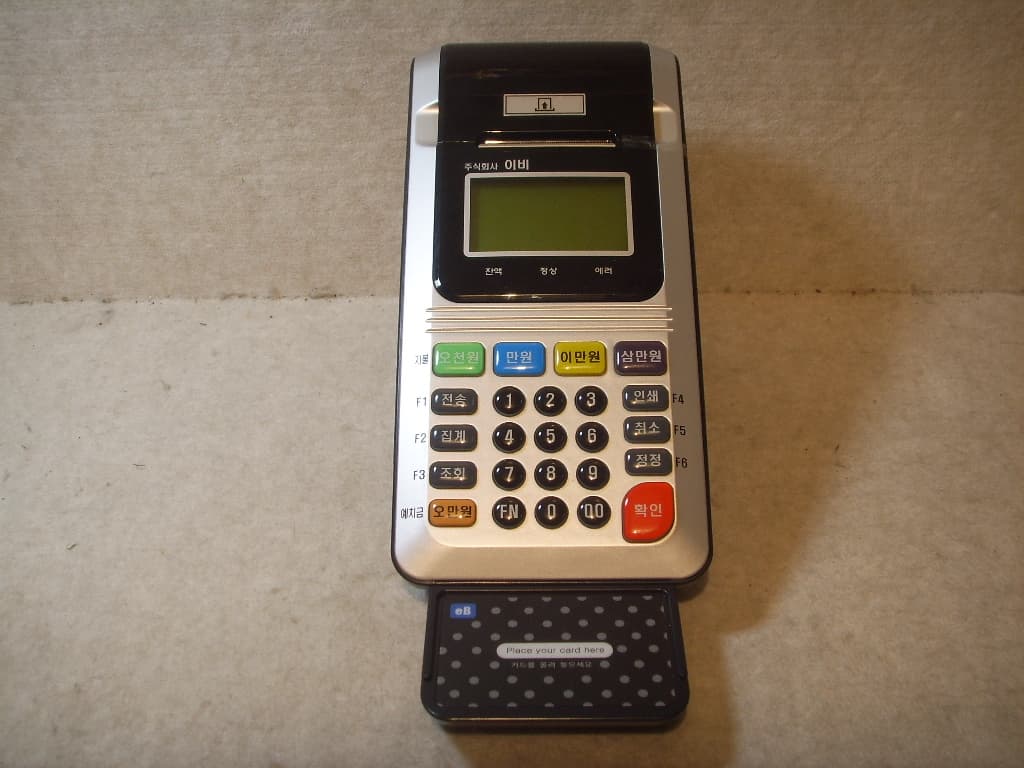
VASECR300G
Jan 02, 2008Manned Charge System
Equipment Class
DXX - Part 15 Low Power Communication Device Transmitter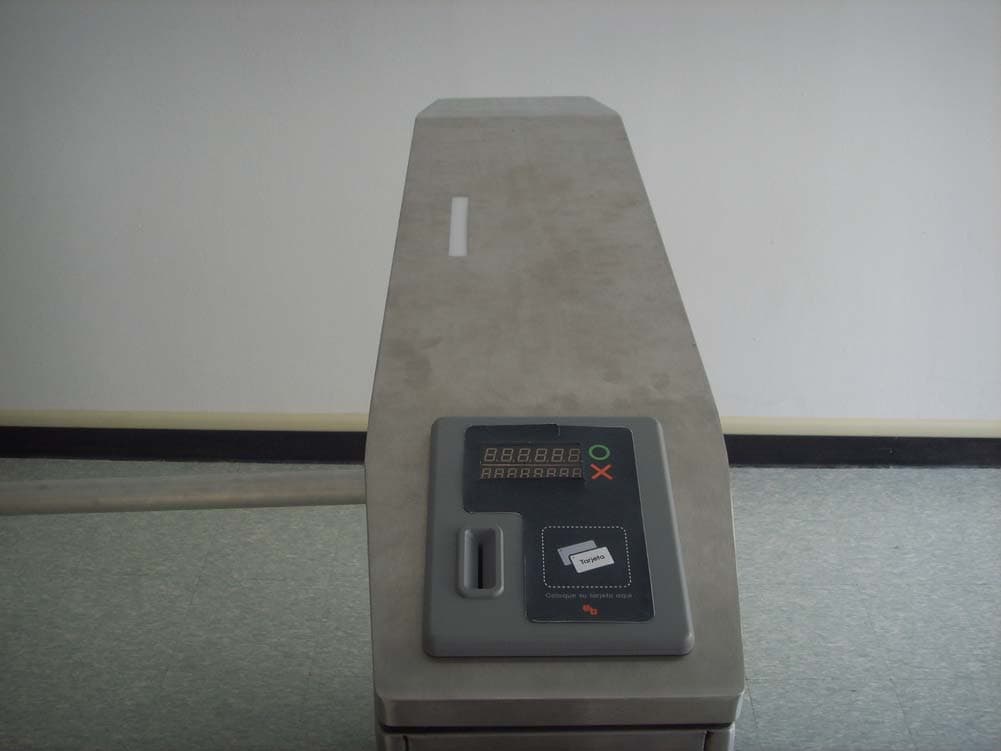
VASETG6064
Oct 31, 2007TURNSTILE GATE
Equipment Class
DXX - Part 15 Low Power Communication Device Transmitter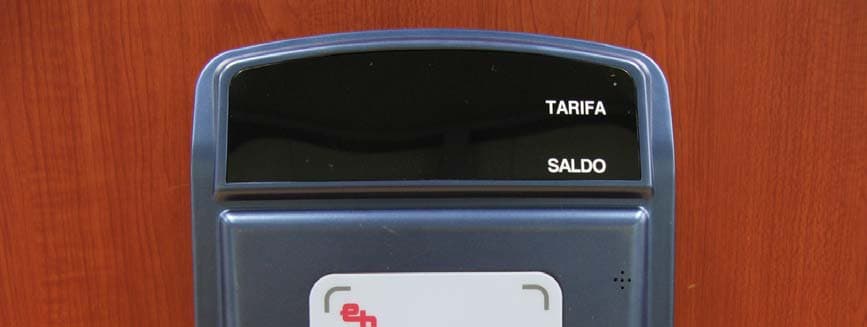
VASEBP100B
May 16, 2007EXIT VALIDATOR
Equipment Class
DXX - Part 15 Low Power Communication Device Transmitter
VASECR300E
May 14, 2007MANNED CHARGE SYSTEM
Equipment Class
DXX - Part 15 Low Power Communication Device Transmitter