VC2676OXOnyx RF Remote Control
Freedom Scientific BLV Group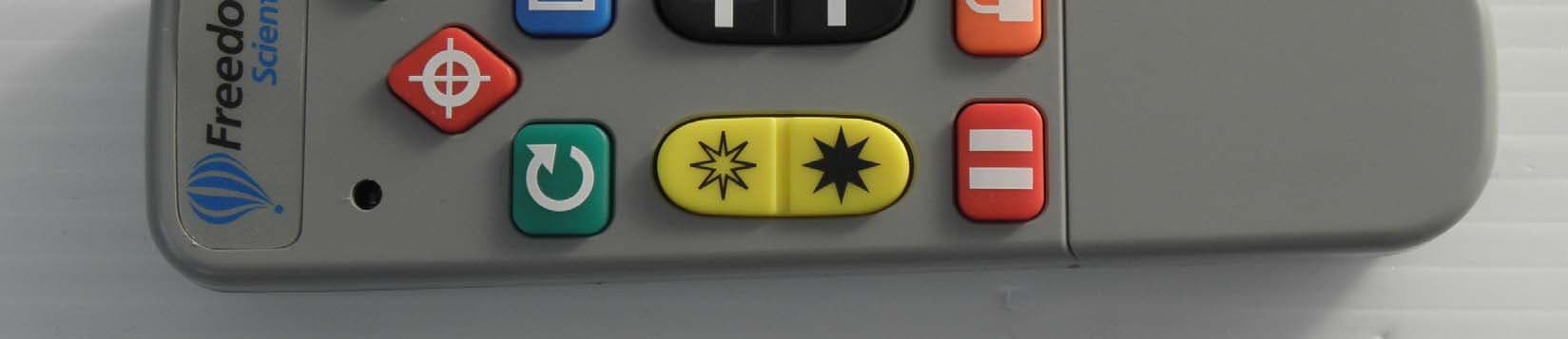
Click to zoom
Application Details
- Equipment Class
- DSC - Part 15 Security/Remote Control Transmitter
- Date of Grant
- Apr 14, 2010
- Application Purpose
- Original Equipment
- Date of Application
- Apr 13, 2010
- Equipment Note
- Onyx RF Remote Control
- Frequency Range
- 433.20000000 - 434.50000000
- Company
- Freedom Scientific BLV Group
- Country
- United States
Documents & Files
Document Text
Text extracted from the exhibit documents filed with the FCC. Open a document above to read the original.
Users Manual
ONYX™ Deskset XL User’s Guide Freedom Scientific, Inc. April 2010 440454-001 Revision D ONYX Deskset X L User’s Guide ii PUBLISHED BY Freedom Scientific 11800 31 st Court North St. Petersburg, Florida 33716-1805 USA http://www.FreedomScientific.com Information in this document is subject to change without notice. No part of this publication may be reproduced or transmitted in any form or by any means electronic or mechanical, for any purpose, without the express written permission of Freedom Scientific. © 2010 Freedom Scientific, Inc. All Rights Reserved. ONYX™, MAGic®, and MAGic EyeMerge™ are trademarks of Freedom Scientific, Inc. in the United States and other countries. iii ONYX Deskset X L User’s Guide Federal Communications Commission Notice This equipment has been tested and found to comply with the limits for a Class B digital device, pursuant to Part 15 of the FCC Rules. These limits are designed to provide reasonable protection against harmful interference in a re sidential installation. This equipment generates, uses, and can radiate radio frequency energy and, if not installed and used in accordance with the instructions, may cause harmful interferenc e to radio communications. However, there is no guarantee that interference will not occur in a particular installation. If this equipment does cause harmful interference to radio or televisi on reception, which can be determined by turning the equipment off and on, the user is encouraged to try to correct the interference by one or more of the following measures: Increase the separation between the equipment and receiver. Connect the equipment into an outlet on a circuit different from that to which the receiver is connected. Reorient or relocate the receiving antenna. Consult the dealer or an experienced radi o or television technician for help. Do Not Make Modifications to Remote Control Changes or modifications not expressly approv ed by the party responsible for compliance could void the user’s authority to operate the equipment. ONYX Deskset X L User’s Guide iv Table of Contents Overview ............................................................................................................................ 1 ONYX Deskset XL Components ......................................................................................... 2 What’s in the Box ................................................................................................................ 2 Safety and Maintenance ..................................................................................................... 3 Getting Started .................................................................................................................. 5 Camera Assembly ............................................................................................................... 5 Camera Video Connection .................................................................................................. 8 Monitor Video Connection ................................................................................................... 9 Monitor and Television Configurations .............................................................................. 10 Power Connection ............................................................................................................. 11 Adjusting Monitor Height and Tilt ...................................................................................... 12 Extending and Lowering the Camera Arm ........................................................................ 16 Turning On the ONYX Deskset XL ................................................................................... 19 Positioning Camera for Long Distance or Close-up Work ................................................ 20 Basic Operation Using the ONYX Remote Control ...................................................... 22 Turning On and Off the ONYX Deskset XL ....................................................................... 22 Removing the Remote Control Button Cover .................................................................... 23 Changing Magnification .................................................................................................... 24 v ONYX Deskset X L User’s Guide Adjusting Brightness ......................................................................................................... 24 Changing Viewing Modes ................................................................................................. 24 Aiming the Camera at a Distant Image ............................................................................. 25 Flipping an Image .............................................................................................................. 26 Freezing an Image ............................................................................................................ 26 Auto Focus Toggle ............................................................................................................ 27 Masking ............................................................................................................................. 27 Reading Lines ................................................................................................................... 28 Saving Camera Settings ................................................................................................... 29 ONYX Remote Control Functions .................................................................................. 30 Power/Function LED (Red) .............................................................................................. 31 Video Mode Button (Blue) – ONYX Monitor Operation ..................................................... 31 Video Mode Button (Blue) – ONYX Monitor and Television Operation ............................. 32 Video Mode Button (Blue) – Television Only Operation ........................…
Text truncated - open the document above for the full version.
ID Label/Location Info
Date: 4/7/2010 Artwork: ONYX RF Remote Product ID Label Artist: CEC Colors: Pantone 300 C blue and black on white label Part Number: 470417-007 Rev. A ECO: Power: 2 x AAA Alkaline cells FCC ID: VC2676OX IC:8923A-676ONX Remote
Test Report
www.nemko.com Nemko Canada Inc., 303 River Road, R.R. 5, Ottawa, Ontario, Canada, K1V 1H2 Report number: 147129-1TRFWL Apparatus: Onyx Remote Control Applicant: Freedom Scientific 11800 31 st Court N St. Petersburg, FL 33716 United States FCC ID: VC2676OX Test specification: Title 47 - Telecommunication Chapter I - Federal Communications Commission Subchapter A - General Part 15 - Radio Frequency Devices Subpart C - Intentional Radiators − §15.231- Periodic operation in the band 40.66–40.70 MHz and above 70 MHz Reviewed by: April 14, 2010 Signature Date Andrey Adelberg, Senior Wireless/EMC Specialist Tested by: Kevin Ma, Wireless/EMC Specialist Nemko Canada Inc. authorizes the applicant to reproduce this report provided it is reproduced in its entirety and for use by the company’s employees only. Any use which a third party makes of this report, or any reliance on or decisions to be made based on it, are the responsibility of such third parties. Nemko Canada Inc. accepts no responsibility for damages, if any suffered by any third party as a result of decisions made or actions based on this report. This report shall not be reproduced except in full without the written approval of the testing laboratory. Nemko Canada Inc., a testing laboratory, is accredited by the Standards Council of Canada. The tests included in this report are within the scope of this accreditation. Report Number: 147129-1TRFWL Nemko Canada Inc., 303 River Road, R.R. 5, Ottawa, Ontario, Canada, K1V 1H2 Specification: FCC 15.231 Page 2 of 19 Table of contents Section 1: Report summary.....................................................................................................................3 Section 2: Equipment under test.............................................................................................................4 2.1 Identification of equipment under test (EUT)...............................................................................4 2.2 Accessories and support equipment...........................................................................................4 2.3 EUT description...........................................................................................................................4 2.4 Technical specifications of the EUT............................................................................................4 2.5 EUT setup diagram.....................................................................................................................5 2.6 Operation of the EUT during testing............................................................................................5 2.7 Modifications incorporated in the EUT........................................................................................5 Section 3: Test conditions.......................................................................................................................6 3.1 Deviations from laboratory tests procedures...............................................................................6 3.2 Test conditions, power source and ambient temperatures..........................................................6 3.3 Measurement uncertainty............................................................................................................7 3.4 Test equipment............................................................................................................................7 Section 4: Result summary......................................................................................................................8 4.1 FCC Part 15 Subpart C, 15.231: Test results..............................................................................8 Appendix A: Test results..........................................................................................................................9 Clause 15.31(e) Variation of the power source.....................................................................................9 Clause 15.203 Antenna requirement...................................................................................................10 Clause 15.231(a) Conditions for intentional radiators to comply with periodic operation....................11 Clause 15.231(b) Field strength of emissions.....................................................................................14 Clause 15.231(c) Emission bandwidth................................................................................................17 Appendix B: Block diagrams of test set-ups........................................................................................19 Section 1: Report summary Report Number: 147129-1TRFWL Nemko Canada Inc., 303 River Road, R.R. 5, Ottawa, Ontario, Canada, K1V 1H2 Specification: FCC 15.231 Page 3 of 19 Section 1: Report summary This report contains an assessment of apparatus against specifications based upon tests carried out on samples submitted at Nemko Canada Inc. Test specification: FCC Part 15 Subpart C, 15.231 Periodic operation in the band 40.66–40.70 MHz and above 70 MHz. Compliance status: Complies Exclusions: None Non-compliances: None Report release history: Original release Test location: Nemko Canada Inc. 303 River Road, R.R. 5, Ottawa, Ontario, Canada, K1V 1H2 Registration number: 176392 (3 m Semi anechoic chamber) Note that the results contained in this report relate only to the items tested and were obtained in the period between the date of initial receipt of samples and the date of issue of the report. This test report has been completed in accordance with the requirements of ISO/IEC 17025. All results contain in this report are within Nemko Canada’s ISO/IEC 17025 accreditation. Nemko Canada Inc. authorizes the applicant to reproduce this report provided it is reproduced in its entirety and for use by the company’s employees only. Any use which a third party makes of this report, or any reliance on or decisions to be made based on it, are the …
Text truncated - open the document above for the full version.
Contact Information
Applicant
Patrick T Murphy(Director of Engineering)
Test Firm
Nemko Canada Inc. (Ottawa)Charles Neal
Technical Specifications
| # | Rule Parts | Frequency Range | Power Output |
|---|---|---|---|
| 1 | 15.231 | 433.2 MHz - 434.5 MHz | - |
Other Applications from Freedom Scientific BLV Group
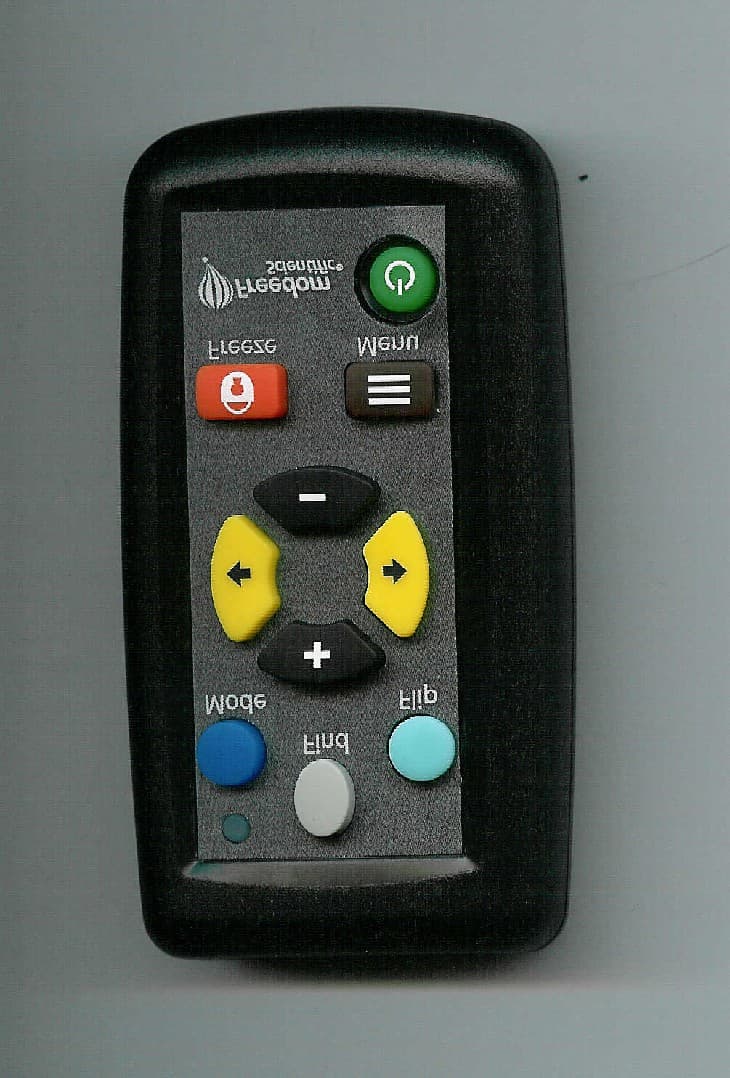
VC2450OX
Jul 17, 2007REMOTE CONTROL TRANSMITTER
Equipment Class
DSC - Part 15 Security/Remote Control Transmitter