VS9-FL300Bluetooth Headset
Good Better Best Ltd trading as Gioteck
Click to zoom
Application Details
- Equipment Class
- DSS - Part 15 Spread Spectrum Transmitter
- Date of Grant
- Sep 29, 2015
- Application Purpose
- Original Equipment
- Date of Application
- Sep 29, 2015
- Equipment Note
- Bluetooth Headset
- Frequency Range
- 2402.00000000 - 2480.00000000
- Country
- United Kingdom
Documents & Files
Document Text
Text extracted from the exhibit documents filed with the FCC. Open a document above to read the original.
Users Manual
EN EN 21 02 03 04 01 Thank you for buying the Gioteck FL300 Gaming Headset & Bluetooth® Speakers. These Headphones are designed to be convenient, stylish and provide high quality audio Playback from any Bluetooth® enabled Audio Device or wired only device. The FL300 can also be used as portable Bluetooth® stereo speakers for enjoying music with friends or listening to movies together. The FL300 can also be used to receive telephone calls while in use and will automatically pause the audio playback in order to receive the call and when the call ends audio Playback will resume. Please read this User Guide thoroughly before use so that you can understand the setup and functions. CONTENTS Please check your package contains the following items: 01] FL300 Gaming Headset & Bluetooth® Speakers 02] 3.5MM Audio Cable 03] USB Charging Cable 04] User Guide Before using the headset, turn the volume down to a mid-level or very low, then slowly adjust it to a comfortable level. Exposure to high volume sound levels may cause temporary or permanent damage to your hearing. You should always set your volume to moderate levels and avoid long exposure to high volume levels. • Contains small parts. Not suitable for children under 7 years of age. • Store in a dry & dust free area. • Do not store in areas of extreme low (0°C) or high (40°C) temperatures. • Avoid direct sunlight and heat sources. • Do not allow the product to get wet or dirty; doing so may cause damage. • Do not clean with benzene, paint thinner, acetone, alcohol, or other such solvents. • Do not take the product apart; doing so will void your warranty and may cause electrical shock or damage to internal components. • Please help to conserve the environment by recycling the cardboard packaging of this product. • This product should NOT be disposed of in normal household waste. It should be disposed of separately. Please take it to an electrical waste collection point. This product is covered by a one [1] year warranty. For full Terms and Conditions, and for Technical Assistance, go to : www.gioteck.com/contact-support Activate your product warranty: www.gioteck.com/register PRECAUTIONS For help with the set-up or operation of this product please go to: GIOTECK.COM/CONTACT-SUPPORT EN EN 43 04 02 05 06 07 08 09 10 01 03 SETUP Note: Please fully charge the battery before using for the first time. See “Charging the Headphones” section of this User Guide for details. TURNING THE HEADPHONES ON/OFF To turn the Headphones ON simply hold down the Power Button for 5 seconds. The status LED Indicator on the earcup will flash three times, and you will hear a “Power On” voice through the Headphones. To turn the Headphones OFF simply hold down the Power Button for 5 seconds. The status LED Indicator on the earcup will flash three times, and you will hear a “Power Off” voice through the Headphones. Please note: To conserve power, if the headset is not connected to a device for approximately 10 minutes, the headset will turn off automatically. To reactivate the Headphone just push the power button. CONNECTING WITH BLUETOOTH® 1] Turn ON the Headphones using the Power Button and keep the button held down for 5 seconds. 2] The headphones will automatically pair with the previously paired BT device within 10 seconds. If no previously paired devices are found, the headset will enter pairing mode. You will hear a voice say “pairing” and the Status LED on the earcups will flash blue. The Headphones are ready to connect to the device. 3] Go to the Bluetooth® option in the settings of your Bluetooth Audio device or Smartphone and in the list of Devices select FL300 4] You will hear a voice say “connected”, the Headphones are now ready to use. CONNECTING WITH AUDIO CABLE To connect the Headphones to devices that do not support Bluetooth®, plug the provided 3.5MM Audio cable into the Headphone port on the left earcup and connect the other end of the cable into the audio device. Note: This allows you to use the Headphones in places where wireless signals are restricted. PRODUCT FEATURES 01] Volume Up 02] Volume Down 03] Mute Button 04] Power Button 05] Multi-Function Button 06] Microphone Indication LED 07] Retractable Boom Microphone 08] USB Charging Port 09] Audio Cable Port (Line IN) 10] Status LED EN EN 65 HEADPHONE FUNCTIONALITY ADJUSTING VOLUME Press the volume +/- key to adjust the volume. One short press will adjust one level. When the volume is adjusted the the Headphones will play a tone each time the volume is adjusted. PLAY/PAUSE MUSIC Press Multi-function Button one time to Play or Pause music. PREVIOUS/NEXT SONG When playing music you can press “Volume Up” button for 2 seconds to play next song and press “Volume Down” button for 2 seconds to play the previous song. MUTE FUNCTION To mute the Headphones push the Mute Button, to unmute simply push the Button again. When the Microphone is muted the Microphone Indication LED will turn red. VOICE CALL FUNCTIONS When connected to a Bluetooth® Enabled Smartphone the FL300 can function as a hands-free headset. The operation of these features is detailed below. RECEIVING A PHONE CALL If you are listening to music when there is incoming Phone call or you are making a Phone call, the Headphones will automatically switch the connection from the music player to the Phone. The Music will be paused temporarily. After you end the call, the music resumes. To answer a call, push the Multi-function Button quickly. To end the call push the Multi-function Button quickly again. Note: When you press Multi-function Button to answer or end a call, please just press one time. MAKING A PHONE CALL 1] Use the Phone’s keypad to dial the phone number. 2] Press Phones “SEND” or “OK” key. The Phone begins the call and automatically transfers the call from the Phone to the FL300. MICROPHONE MUTE In a call mode, press the Mute button on the FL300 Headphones, you can switch to open and close mute function. When in mute mode, the LED on the boom …
Text truncated - open the document above for the full version.
Cover Letter(s)
Goodbetterbest Limited Suites 103-107 Devonshire Business Centre Works Road Letchworth Herts, SG6 1GJ United Kingdom -------------------------------------------------------------------------------- (FCC ID:VS9-FL300) POWER OF ATTORNEY DATE: 2015-09-28 Federal Communications Commission Authorization and Evaluation Division 7435 Oakland Mills Road Columbia, MD 21046 To Whom It May Concern: We, the undersigned, hereby authorize Shenzhen SEM.Test Technology Co., Ltd. Jandy So on our behalf, to apply to the Federal Communications Commission on our equipment. Any and all acts carried out by Shenzhen SEM.Test Technology Co., Ltd. Jandy So on our behalf shall have the same effect as acts of our own. This is to advise that we are in full compliance with the Anti-Drug Abuse Act. We, Goodbetterbest Limited, are not subject to a denial of federal benefits pursuant to Section 5301 of the Anti-Drug Act of 1988, 21 USC853a, and no party to the application is subject to a denial of federal benefits pursuant to that section.
Cover Letter(s)
Goodbetterbest Limited Suites 103-107 Devonshire Business Centre Works Road Letchworth Herts, SG6 1GJ United Kingdom --------------------------------------------------------------------------------------------------------------------- Federal Communications Commission Authorization and Evaluation Division Confidentiality Request regarding application for certification of FCC ID: VS9-FL300 Pursuant to Sections 0.457 and 0.459 of the Commission’s Rules, we hereby request confidential treatment of information accompanying this application as outlined below: Exhibit Type File Name Schematics VS9-FL300_FCCID_Schematics.pdf Block Diagram VS9-FL300_FCCID_BlockDiagram.pdf Operational Description VS9-FL300_FCCID_OperationalDescription.pdf The above materials contain trade secrets and proprietary information not customarily released to the public. The public disclosure of these materials may be harmful to the applicant and provide unjustified benefits to its competitors. The applicant understands that pursuant to Section 0.457 of the Rules, disclosure of this application and all accompanying documentation will not be made before the date of the Grant for this application.
External Photos
Shenzhen SEM.Test Technology Co., Ltd. REPORT NO.: STR15098111I FCC PART 15.247 EXHIBIT 2 - EUT EXTERNAL PHOTOGRAPHS EUT View 1 EUT View 2 Shenzhen SEM.Test Technology Co., Ltd. REPORT NO.: STR15098111I FCC PART 15.247 EUT View 3 EUT View 4 Shenzhen SEM.Test Technology Co., Ltd. REPORT NO.: STR15098111I FCC PART 15.247 EUT View 5
ID Label/Location Info
Shenzhen SEM.Test Technology Co., Ltd. REPORT NO.: STR15098111I FCC PART 15.247 EXHIBIT 1 - PRODUCT LABELING Proposed FCC ID Label Format FCC ID: VS9-FL300 Specifications: Text is Black in color and justified. Labels are printed in indelible ink on permanent adhesive silk-screened onto the EUT or shall be affixed at a conspicuous location on the EUT. Proposed Label Location on EUT FCC ID Label Location
Internal Photos
Shenzhen SEM.Test Technology Co., Ltd. REPORT NO.: STR15098111I FCC PART 15.247 EXHIBIT 3 - EUT INTERNAL PHOTOGRAPHS EUT Housing and Board View 1 Solder Board-Component View 1 BT Antenna Shenzhen SEM.Test Technology Co., Ltd. REPORT NO.: STR15098111I FCC PART 15.247 Solder Board-Component View 2 Solder Board-Component View 3 Shenzhen SEM.Test Technology Co., Ltd. REPORT NO.: STR15098111I FCC PART 15.247 Solder Board-Component View 4 Solder Board-Component View 5 Shenzhen SEM.Test Technology Co., Ltd. REPORT NO.: STR15098111I FCC PART 15.247 Solder Board-Component View 6 Solder Board-Component View 7 Shenzhen SEM.Test Technology Co., Ltd. REPORT NO.: STR15098111I FCC PART 15.247 Solder Board-Component View 8
RF Exposure Info
RF Exposure Requirements Product Description: Bluetooth Headset Model No.: FL300 FCC ID: VS9-FL300 According to the KDB-447498 D01 V05r02, the following RF exposure evaluation shall to demonstrate RF exposure compliance. Bluetooth Tx frequency range: 2402~2480MHz Device category: Portable device (Distance: 5mm) Maximum Conducted Output Power: 2.25dBm Maximum Conducted Output Power: 1.68mW Limit: 10mW Source-based time-averaged Conducted output power is 1.68mW< 10mW So the transmitter complies with the RF exposure requirements and the SAR is not required.
Test Report
Shenzhen SEM.Test Technology Co., Ltd. REPORT NO.: STR15098111I PAGE 1 OF 54 FCC PART 15.247 FCC Part 15C Measurement and Test Report For Goodbetterbest Limited Suites 103-107 Devonshire Business Centre Works Road Letchworth Herts, SG6 1GJ United Kingdom FCC ID: VS9-FL300 FCC Rule(s): FCC Part 15.247 Product Description: Bluetooth Headset Tested Model: FL300 Report No.: STR15098111I Tested Date: 2015-09-12 to 2015-09-28 Issued Date: 2015-09-28 Tested By: Jong Wang/ Engineer Reviewed By: Jack Kang / EMC Manager Approved & Authorized By: Jandy so / PSQ Manager Prepared By: Shenzhen SEM.Test Technology Co., Ltd. 1/F, Building A, Hongwei Industrial Park, Liuxian 2nd Road, Bao'an District, Shenzhen, P.R.C.(518101) Tel.: +86-755-33663308 Fax.: +86-755-33663309 Website: www.semtest.com.cn Note: This test report is limited to the above client company and the product model only. It may not be duplicated without prior permitted by Shenzhen SEM.Test Technology Co., Ltd. Shenzhen SEM.Test Technology Co., Ltd. REPORT NO.: STR15098111I PAGE 2 OF 54 FCC PART 15.247 TABLE OF CONTENTS 1. GENERAL INFORMATION ................................................................................................................................... 4 1.1 PRODUCT DESCRIPTION FOR EQUIPMENT UNDER TEST (EUT) ............................................................................... 4 1.2 TEST STANDARDS ................................................................................................................................................... 5 1.3 TEST METHODOLOGY ............................................................................................................................................. 5 1.4 TEST FACILITY ....................................................................................................................................................... 5 1.5 EUT SETUP AND TEST MODE ................................................................................................................................. 6 1.6 TEST EQUIPMENT LIST AND DETAILS ..................................................................................................................... 7 2. SUMMARY OF TEST RESULTS ........................................................................................................................... 8 3. RF EXPOSURE ......................................................................................................................................................... 9 3.1 STANDARD APPLICABLE ......................................................................................................................................... 9 3.2 TEST RESULT.......................................................................................................................................................... 9 4. ANTENNA REQUIREMENT ................................................................................................................................ 10 4.1 STANDARD APPLICABLE ....................................................................................................................................... 10 4.2 EVALUATION INFORMATION ................................................................................................................................ 10 5. FREQUENCY HOPPING SYSTEM REQUIREMENTS ................................................................................... 11 5.1 STANDARD APPLICABLE ....................................................................................................................................... 11 5.2 FREQUENCY HOPPING SYSTEM............................................................................................................................. 11 5.3 EUT PSEUDORANDOM FREQUENCY HOPPING SEQUENCE .................................................................................... 12 6. QUANTITY OF HOPPING CHANNELS AND CHANNEL SEPARATION ................................................... 13 6.1 STANDARD APPLICABLE ....................................................................................................................................... 13 6.2 TEST PROCEDURE ................................................................................................................................................. 13 6.3 ENVIRONMENTAL CONDITIONS ............................................................................................................................ 13 6.4 SUMMARY OF TEST RESULTS/PLOTS .................................................................................................................... 14 7. DWELL TIME OF HOPPING CHANNEL .......................................................................................................... 18 7.1 STANDARD APPLICABLE ....................................................................................................................................... 18 7.2 TEST PROCEDURE ................................................................................................................................................. 18 7.3 ENVIRONMENTAL CONDITIONS ............................................................................................................................ 18 7.4 SUMMARY OF TEST RESULTS/PLOTS .................................................................................................................... 19 8. 20DB BANDWIDTH ............................................................................................................................................... 29 8.1 STANDARD APPLICABLE ....................................................................................................................................... 29 8.2 TEST PROCEDURE ................................................................................................................................................. 29 8.3 ENVIRONMENTAL CONDITIONS ................…
Text truncated - open the document above for the full version.
Test Setup Photos
Shenzhen SEM.Test Technology Co., Ltd. REPORT NO.: STR15098111I FCC PART 15.247 EXHIBIT 4 - TEST SETUP PHOTOGRAPHS Conducted Emission Test Setup Radiation Emission Test Setup Shenzhen SEM.Test Technology Co., Ltd. REPORT NO.: STR15098111I FCC PART 15.247 Radiation Emission Test Setup (Below 30MHz) Radiation Emission Test Setup (30MHz to 1GHz) Shenzhen SEM.Test Technology Co., Ltd. REPORT NO.: STR15098111I FCC PART 15.247 Radiation Emission Test Setup (Above 1GHz)
Contact Information
Applicant
Stephen Withers(Consultant)
Test Firm
Shenzhen SEM.Test Technology Co., Ltd.Jandy So
Technical Specifications
| # | Rule Parts | Frequency Range | Power Output |
|---|---|---|---|
| 1 | 15C | 2.40 GHz - 2.48 GHz | 1.70 mW |
Other Applications from Good Better Best Ltd trading as Gioteck
VS9-WX4NSW
Jul 25, 2022WIRELESS CONTROLLER
Equipment Class
DSS - Part 15 Spread Spectrum Transmitter
VS9-FL400
Dec 07, 2015Bluetooth Headset
Equipment Class
DSS - Part 15 Spread Spectrum Transmitter
VS9LP1D
Jul 29, 2015Bluetooth Chat Headset Dongle
Equipment Class
DSS - Part 15 Spread Spectrum Transmitter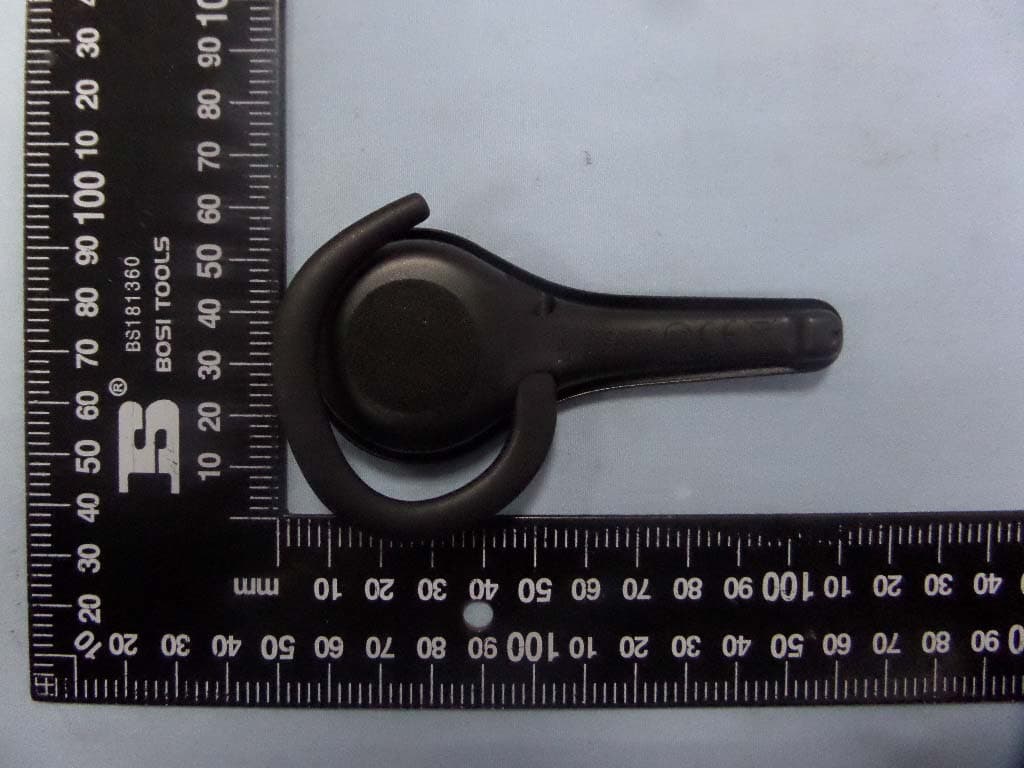
VS9LP1
Jul 28, 2015Bluetooth headset
Equipment Class
DSS - Part 15 Spread Spectrum Transmitter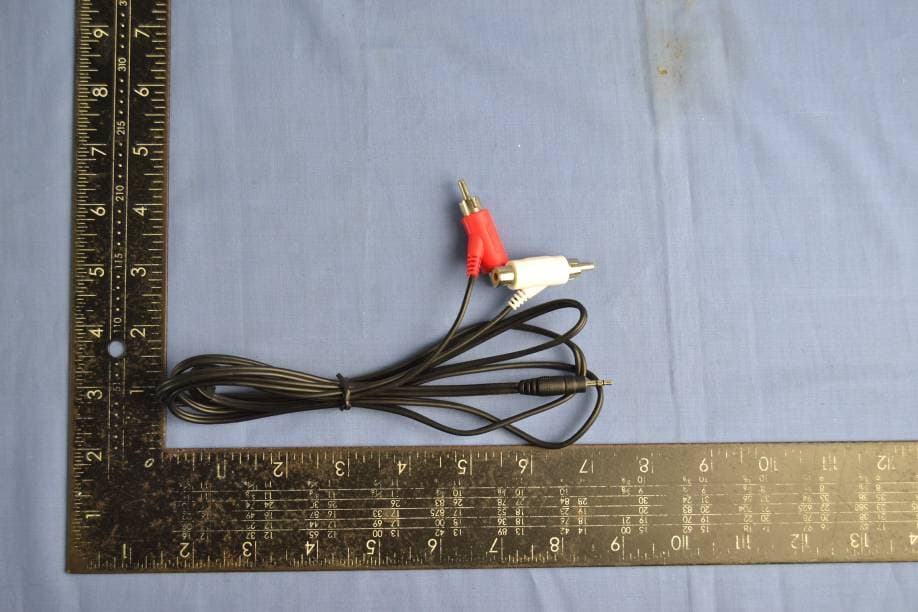
VS9HC5UNIDSW
Oct 30, 2014HC5 Dongle
Equipment Class
DSS - Part 15 Spread Spectrum Transmitter