VYGAMVX190819 Inch TFT LCD Monitor
AMPRONIX INC.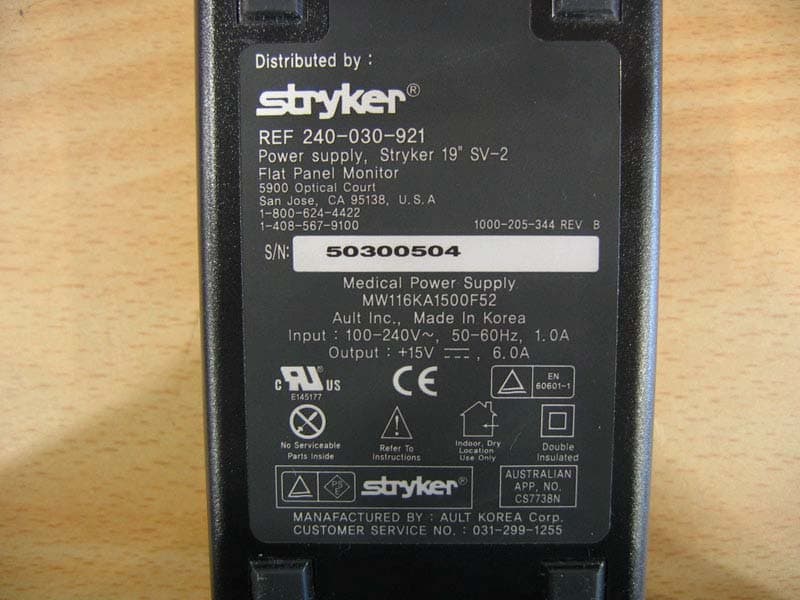
Click to zoom
Application Details
- Equipment Class
- JBP - Part 15 Class B Computing Device Peripheral
- Date of Grant
- Feb 04, 2008
- Application Purpose
- Original Equipment
- Date of Application
- Feb 04, 2008
- Equipment Note
- 19 Inch TFT LCD Monitor
- Company
- AMPRONIX INC.
- Country
- United States
Documents & Files
Document Text
Text extracted from the exhibit documents filed with the FCC. Open a document above to read the original.
Users Manual
AUTO - SCANNING WITH DIGITAL CONTROL LCD COLOR MEDICAL MONITOR AMVX1908 Operation Manual For future reference, record the serial number of your display monitor in the space below : Serial Number The serial number is located on the back of the monitor AMVX1908 1 back of the monitor Ampronix 2007 All other trademarks are the property of their reference owners. This document is subject to change without notice. Ampronix provides this information as reference only. Reference to other vendor’s products does not imply any recommendation or endorsement. Revision Control Rev. 01 121807 GNINRAW fosresuehtmrofniotdesusi"GNINRAW"eltitehT ro,htaed,yrujniehttcilfnidluoctahtsesuacelbissop .stne itapehtotegamadytreporp NOITUAC fosresuehtmrofniotdesusi"NOITUAC"eltitehT hguohtlastneitapehttcilfnidluoctahtsesuacelbissop .sht aedesuacothguoneerevestonthgimti ETON smetifosresuehtmrofniotdesusi"ETON"eltitehT ,noitallatsnifosmretniecnatropmifoerataht hguohtlatnemp iuqEehtfoecnanetniamro,noitarepo ehtotmrahylidobehttcilfnitonseoderuliafeht .stneitap etaDnoitpircseD rebmuntnemucoD 2 User’s Guide TABLE OF CONTENTS Quick Setup...............................................................................................3~5 Product Features...........................................................................................6 Product Description.......................................................................................7 Warnings and Cautions.................................................................................8 Symbol Explanations...................................................................................11 EU Declaration of Conformity for Medical Applications..........................12 Prepare for Unpack.....................................................................................12 Screen Position Adjustment.......................................................................13 Safety Precaution........................................................................................14 Cleaning Your Monitor.................................................................................14 Preset Modes..............................................................................................15 Power Management Function....................................................................16 DDC..............................................................................................................17 Installation.....................................................................................................17 Display for Video and Image Play Back...................................................18 Connecting with Video Equipment............................................................18 User Controls...............................................................................................19 OSD Screen Basic Section (VGA)...........................................................20 OSD Screen Basic Section (DVI).............................................................22 OSD Screen Basic Section (C-Video or S-Video).................................24 OSD Function Description (Under Analog Display)................................26 OSD Function Description (Under Digital Display).................................27 OSD Function Description (Under C-Video or S-Video Display)..........28 Troubleshooting...........................................................................................29 Specification of (AMVX1908)....................................................................30 Classification...............................................................................................31 Electromagnetic Compatibility............................................................32~34 Connectors..................................................................................................35 AMVX1908 3 Quick Setup (IBM/IBM Compatible under Windows 95/98/ME/2000) Please Read Carefully When Setting Up Your New Monitor Monitor Screen Adjustment and Resolution Setting Procedure for IBM/IBM Compatible Computers with Windows based OS system. Before adjusting the monitor, all the necessary drivers should be installed to your System and resolution has to be set to manufacturer’s recommended preset of 1280 x 1024 @ 60Hz, 70Hz, 72Hz or 75 Hz. To check the resolution, press the “UP” button on the monitor and the “Information” will display under the OSD. Information will have Resolution, Horizontal and Vertical (Refresh rate) frequency information. To change the resolution to its factory recommended preset. 1. On a Windows 95, 98, ME or 2000, press right button on a Mouse to execute the Pop-up menu. 2. Press “Properties” to execute the “Display Properties” 3. Press “Setting” and change the resolution to 1280 x 1024. 4. Press “Apply or OK” to select and press “OK” to keep the selected resolution. 5. Go back to “Display Properties” - “Setting” - “Advanced properties” - “Adapter” 6. On Adapter property, change the refresh rate to 60Hz, 70Hz, 72Hz or 75Hz. If you don’t have these options, choose “Adapter Default”. (60Hz recommended) Screen Adjustment Procedure 1. Press the “AUTO” button. 2. If you still don’t have a clear display monitor, please refer to step 3. 3. Start “Shut Down” in Windows 95/98/ME/2000 - It will display moire on screen 4. Press “Up” button then the OSD menu will pop-up. 5. Adjust the “Frequency” under the OSD to reduce or get rid of the vertical display noise (Jail bars). 6. Once the vertical display noise disappears, press adjust the “Phase” to reduce or get rid of the horizontal display noise (Snowy effect). 4 User’s Guide Quick Setup (IBM/IBM Compatible under Windows NT 4.0) Please Read Carefully When Setting Up Your New Monitor Monitor Screen Adjustment and Resolution Setting Procedure for IBM/IBM Compatible Computers with Windows based OS system. Before adjusting the monitor, all the necessary drivers should be installed to your Syst…
Text truncated - open the document above for the full version.
Block Diagram
Report No: BWS-05-EF-0027 FCC ID : VYGAMVX1908 Date of Test : July 18 to 19, 2005 AMPRONIX INC. 19 Inch LCD Monitor Appendix 5. Block Diagram
External Photos
Report No: BWS-05-EF-0027 FCC ID : VYGAMVX1908 Date of Test : July 18 to 19, 2005 AMPRONIX INC. 19 Inch LCD Monitor Appendix 3. External Photographs of EUT Report No: BWS-05-EF-0027 FCC ID : VYGAMVX1908 Date of Test : July 18 to 19, 2005 AMPRONIX INC. 19 Inch LCD Monitor Report No: BWS-05-EF-0027 FCC ID : VYGAMVX1908 Date of Test : July 18 to 19, 2005 AMPRONIX INC. 19 Inch LCD Monitor
ID Label/Location Info
Report No: BWS-05-EF-0027 FCC ID : VYGAMVX1908 Date of Test : July 18 to 19, 2005 AMPRONIX INC. 19 Inch LCD Monitor Appendix 2. FCC ID Label and location Product Label Sample with FCC ID Label information Following is a sample copy of the label that will be placed on the rear cabinet of the product. The FCC identifier is marked in the product label. The labelling requirement according to section 15. 19 and information to user according to section 15.21 and 15.105 are described in a prominent location of the user manual (page 9) Label Location The label shown below shall be permanently affixed at a conspicuous location on the device and be readily visible to the user at the time purchase.(Labeling requirements per 2.925)
Internal Photos
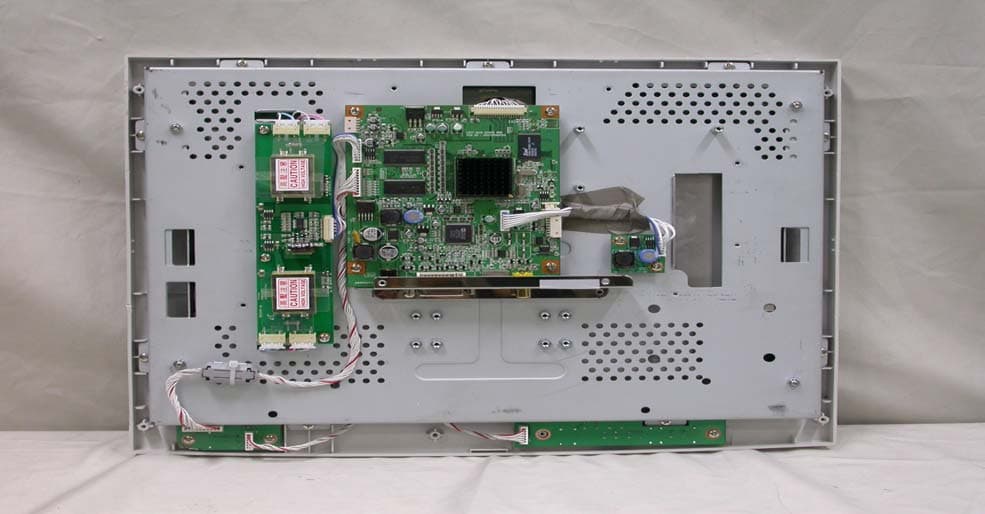
Report No: BWS-05-EF-0027 FCC ID : VYGAMVX1908 Date of Test : July 18 to 19, 2005 AMPRONIX INC. 1of 1 19 Inch LCD Monitor Appendix 4. Internal Photographs of EUT Report No: BWS-05-EF-0027 FCC ID : VYGAMVX1908 Date of Test : July 18 to 19, 2005 AMPRONIX INC. 2of 2 19 Inch LCD Monitor Report No: BWS-05-EF-0027 FCC ID : VYGAMVX1908 Date of Test : July 18 to 19, 2005 AMPRONIX INC. 3of 3 19 Inch LCD Monitor Report No: BWS-05-EF-0027 FCC ID : VYGAMVX1908 Date of Test : July 18 to 19, 2005 AMPRONIX INC. 4of 4 19 Inch LCD Monitor Report No: BWS-05-EF-0027 FCC ID : VYGAMVX1908 Date of Test : July 18 to 19, 2005 AMPRONIX INC. 5of 5 19 Inch LCD Monitor Report No: BWS-05-EF-0027 FCC ID : VYGAMVX1908 Date of Test : July 18 to 19, 2005 AMPRONIX INC. 6of 6 19 Inch LCD Monitor Report No: BWS-05-EF-0027 FCC ID : VYGAMVX1908 Date of Test : July 18 to 19, 2005 AMPRONIX INC. 7of 7 19 Inch LCD Monitor Report No: BWS-05-EF-0027 FCC ID : VYGAMVX1908 Date of Test : July 18 to 19, 2005 AMPRONIX INC. 8of 8 19 Inch LCD Monitor Report No: BWS-05-EF-0027 FCC ID : VYGAMVX1908 Date of Test : July 18 to 19, 2005 AMPRONIX INC. 9of 9 19 Inch LCD Monitor Report No: BWS-05-EF-0027 FCC ID : VYGAMVX1908 Date of Test : July 18 to 19, 2005 AMPRONIX INC. 10of 10 19 Inch LCD Monitor Report No: BWS-05-EF-0027 FCC ID : VYGAMVX1908 Date of Test : July 18 to 19, 2005 AMPRONIX INC. 11of 11 19 Inch LCD Monitor Report No: BWS-05-EF-0027 FCC ID : VYGAMVX1908 Date of Test : July 18 to 19, 2005 AMPRONIX INC. 12of 12 19 Inch LCD Monitor Report No: BWS-05-EF-0027 FCC ID : VYGAMVX1908 Date of Test : July 18 to 19, 2005 AMPRONIX INC. 13of 13 19 Inch LCD Monitor Report No: BWS-05-EF-0027 FCC ID : VYGAMVX1908 Date of Test : July 18 to 19, 2005 AMPRONIX INC. 14of 14 19 Inch LCD Monitor Report No: BWS-05-EF-0027 FCC ID : VYGAMVX1908 Date of Test : July 18 to 19, 2005 AMPRONIX INC. 15of 15 19 Inch LCD Monitor
Test Report
Report No: BWS-08-EF-0005 FCC ID : VYGAMVX1908 Date of Test : July 18 to 19, 2005 This report only respoe and may not be reproduced, except in full, without written approval of the BWS TECH,Inc. Page 1 of 1 Electromagnetic Emission FCC MEASUREMENT REPORT CERTIFICATION OF FCC PART15 Subpart B COMPLIANCE PRODUCT : 19 Inch TFT LCD Monitor MODEL/TYPE NO : AMVX1908, AMM19TK2(HB) AMM19TK2-TE/ -TEW, AMM19TK2(HB)-TE/ -TEW FCC ID : VYGAMVX1908 TRADE NAME : MEDVIX APPLICANT : AMPRONIX INC. 15 Whatney Irvine CA 92618 USA FCC CLASSIFICATION : JBP : Part 15 Class B Computer Device Peripheral FCC RULE PART(S) : FCC Part 15 Subpart B Class B FCC PROCEDURE : Certification DATES OF TEST : July 18 to 19, 2005 DATES OF ISSUE : January 21, 2008 TEST REPORT No. : BWS-08-EF-0005 TEST LAB. : BWS TECH Inc. (Registration No. : 553281) This 19 Inch TFT LCD Monitor has been tested in accordance with the measurement procedures specified in ANSI C63.4-2003 at the BWS TECH/EMC Test Laboratory and has been shown to be complied with the electromagnetic emission limits specified in FCC Rule Part15 Subpart B Section15.107 and 15.109 I attest to the accuracy of data. All measurement herein were performed by me or were made under my supervision and are correct to the best of my knowledge and belief. I assume full responsibility for the completeness of these measurements and vouch for the qualifications of all persons taking them. The results of testing in this report apply to the product/system which was tested only. Other similar equipment will not necessarily produce the same results due to production tolerance and measurement uncertainties. Jan. 21, 2008 (Date) Nam, Tae-Hyun Chief Engineer Laboratory Division BWS TECH Inc. www.bws.co.kr 611-1, Maesan-ri, Mohyeon-myeon, Yongin-si, Gyeonggi-do 449-853, Korea TEL: +82 31 333 5997 FAX: +82 31 333 0017 Report No: BWS-08-EF-0005 FCC ID : VYGAMVX1908 Date of Test : July 18 to 19, 2005 AMPRONIX INC. Page 2 of 26 19 Inch TFT LCD Monitor TABLE OF CONTENTS Pages 1. General Information 3 2. Description of Test Facility 4 3. Product Information 5~6 4. Description of Tests 7~8 5. Test Condition 9~10 6. Test Results 11~23 7. Sample Calculation and Other Information 24~25 8. Test Equipment List 26 Appendix 1. Test Setup Photos Appendix 2. FCC ID Label and location Appendix 3. External Photos of EUT Appendix 4. Internal Photos of EUT Appendix 5. Block Diagram Appendix 6. User Manual Report No: BWS-08-EF-0005 FCC ID : VYGAMVX1908 Date of Test : July 18 to 19, 2005 AMPRONIX INC. Page 3 of 26 19 Inch TFT LCD Monitor FCC TEST REPORT Scope – Measurement and determination of electromagnetic emission(EME) of radio frequency devices including intentional radiators and/or unintentional radiators for compliance with the technical rules and regulations of the U.S Federal Communications Commission(FCC). 1. General Information Applicant Name : AMPRONIX INC. Applicant Address : 15 Whatney Irvine CA 92618 USA Manufacturer Name : D&T Inc. Manufacturer Address : Daedeok Valley, 59-6 Jang-Dong, Yuseong-Gu, Daejeon, 305-343, Korea Contact Person : Brian Yamada Phone/Fax : Phone : 949-273-8000 / Fax : 949-273-8020 • EUT Type : 19 Inch TFT LCD Monitor • Model Number : AMVX1908 , AMM19TK2-TE/ -TEW , AMM19TK2(HB)-TE/ -TEW • FCC Identifier : VYGAMVX1908 • S/N : : Prototype • FCC Rule Part(s) : Part 15 Subpart B Class B • Test Procedure : ANSI C63.4-2003 • Date of Tests : July 18 to 19, 2005 • Place of Tests : BWS TECH Inc. EMC Testing Lab (FCC Registration Number : 553281) 611-1, Maesan-ri, Mohyeon-myeon, Yongin-si, Gyeonggi-do 449-853, Korea TEL: +82 31 333 5997 FAX: +82 31 333 0017 • Test Report No. : BWS-08-EF-0005 Report No: BWS-08-EF-0005 FCC ID : VYGAMVX1908 Date of Test : July 18 to 19, 2005 AMPRONIX INC. Page 4 of 26 19 Inch TFT LCD Monitor 2. Description of Test Facility The measurement for radiated emission test were practiced at the open area test site of BWS TECH Inc. Measurement for conducted emission test were practiced at the semi EMC Anechoic Chamber test site of BWS TECH Inc. facility located at 611-1, Maesan-ri, Mohyeon-myeon, Yongin-si, Gyeonggi-do 449-853, Korea. The site is constructed in conformance with the requirements of the ANSI C63.4-2003 and CISPR Publication 16. The BWS TECH measurement facility has been filed to the Commission with the FCC for 3 and 10 meter site configurations. Detailed description of test facility was found to be in compliance with the requirements of Section 2.948 FCC Rules according to the ANSI C63.4-2003 and registered to the Federal Communications Commission(Registration Number : 553281 ). The measurement procedure described in American National Standard for Method of Measurement of Radio-Noise Emission from Low-Voltage Electrical and Electronic Equipment in the Range of 9kHz to 40GHz (ANSI C.63.4-2003) was used in determining radiated and conducted emissions from the ADVAN Int’l Corp. 19 Inch TFT LCD Monitor Model : AMM19TK2 and Family models. Report No: BWS-08-EF-0005 FCC ID : VYGAMVX1908 Date of Test : July 18 to 19, 2005 AMPRONIX INC. Page 5 of 26 19 Inch TFT LCD Monitor 3. Product Information 3.1 Equipment Description The AMVX1908 Monitor is an intelligent, microprocessor-based TFT_LCD monitor intended for use in medial application. It has an ergonomically designed display and is compatible with most analog RGB (Red, Green, Blue) display standards. The AMVX1908 Monitor has the following features: Report No: BWS-08-EF-0005 FCC ID : VYGAMVX1908 Date of Test : July 18 to 19, 2005 AMPRONIX INC. Page 6 of 26 19 Inch TFT LCD Monitor Specification Report No: BWS-08-EF-0005 FCC ID : VYGAMVX1908 Date of Test : July 18 to 19, 2005 AMPRONIX INC. Page 7 of 26 19 Inch TFT LCD Monitor 3.2 Variations covered by this report Model Difference : Basic Model : AMMVX1908 Multilisting models : AMM19TK2(HB), AMM19TK2-TE, AMM19TK2-TEW, AMM19TK2(HB)-TE, AMM19TK2(HB)-TEW Description for Type designation Touch Screen Type - None : No Touch screen type - TE : Resistive Touchscreen…
Text truncated - open the document above for the full version.
Test Setup Photos
Report No: BWS-05-EF-0027 FCC ID : VYGAMVX1908 Date of Test : July 18 to 19, 2005 AMPRONIX INC. 19 Inch LCD Monitor Appendix 1. Test Setup Photographs Conducted Emission Test Setup Report No: BWS-05-EF-0027 FCC ID : VYGAMVX1908 Date of Test : July 18 to 19, 2005 AMPRONIX INC. 19 Inch LCD Monitor Radiated Emission Test Setup
Contact Information
Applicant
Brian Yamada(Manager)
Technical Contact
Ampronix Inc.Brian Yamada
[email protected]949-273-8000
15 Whatney · Irvine, California · United States
Non-Technical Contact
Ampronix Inc.Brian Yamada
[email protected]949-273-8000
Test Firm
BWS TECH INCCheol-Ho Lee
Technical Specifications
| # | Rule Parts | Frequency Range | Power Output |
|---|---|---|---|
| 1 | 15B | - | - |
Other Applications from AMPRONIX INC.
VYGAMVX1508
Feb 04, 2008LCD Color Medical Monitor
Equipment Class
JBP - Part 15 Class B Computing Device Peripheral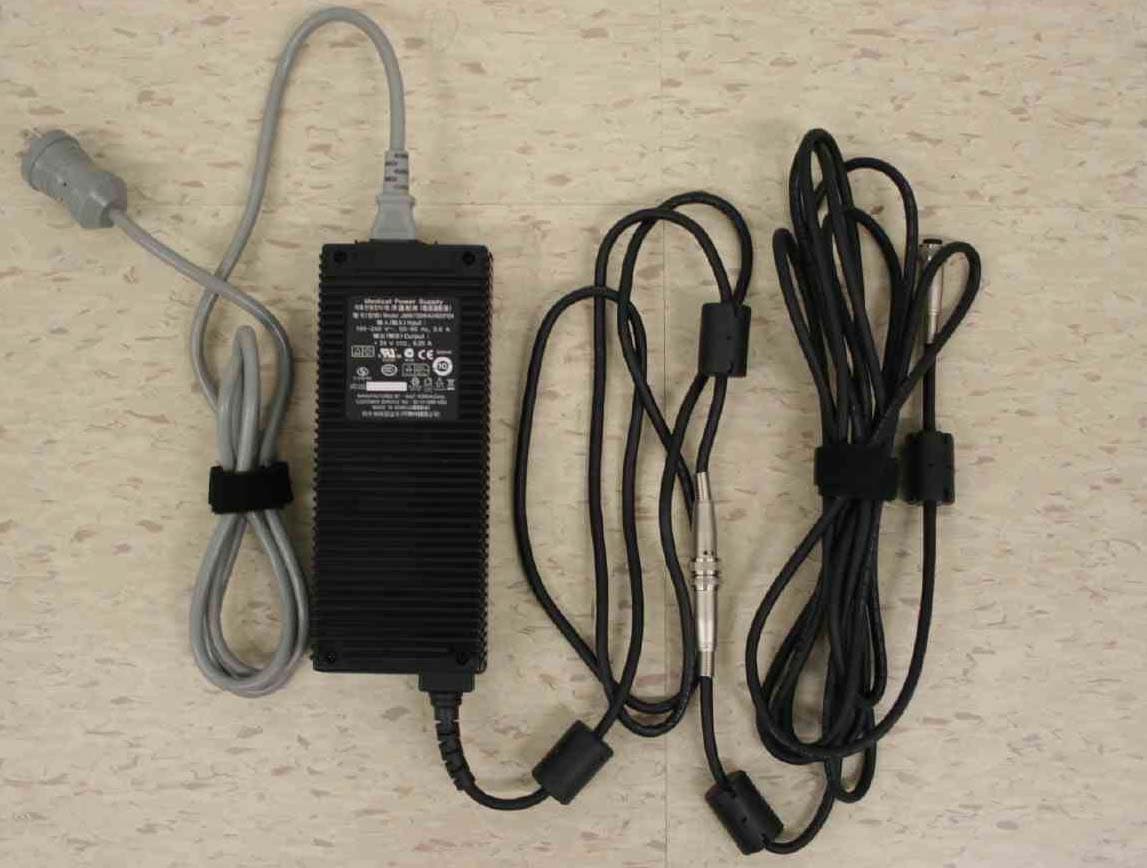
VYGAMVX2108
Feb 04, 2008LCD Color Display
Equipment Class
JBP - Part 15 Class B Computing Device Peripheral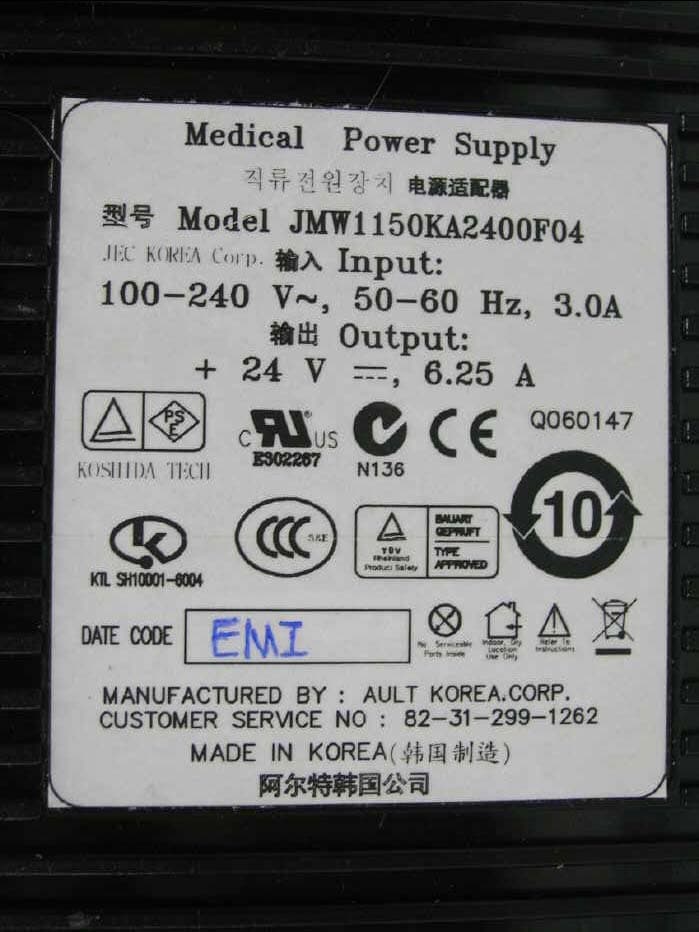
VYGAMVX2408
Feb 04, 2008LCD Color Display
Equipment Class
JBP - Part 15 Class B Computing Device Peripheral