VYVPA-BTM02BLUETOOTH MOUSE
Iton Technology Corp.Application Details
- Equipment Class
- DXX - Part 15 Low Power Communication Device Transmitter
- Date of Grant
- Jan 23, 2008
- Application Purpose
- Original Equipment
- Date of Application
- Jan 23, 2008
- Equipment Note
- BLUETOOTH MOUSE
- Frequency Range
- 2402.00000000 - 2480.00000000
- Company
- Iton Technology Corp.
- Country
- China
Documents & Files
Document Text
Text extracted from the exhibit documents filed with the FCC. Open a document above to read the original.
Users Manual
Wireless Bluetooth Mouse User’s Guide Thanks for purchasing this 1000dpi Bluetooth Optical Mouse. This creative and easy-to-use Bluetooth Mouse will bring you a whole new wireless life experience. System Requirement z Mouse compatible with standard Microsoft Mode. z IBM compatible PCs running Windows Operating System which supports USB devices. z If your computer don't have built in Bluetooth function, please make sure that you have the Bluetooth Dongle. Bluetooth Dongle is not included in this product. Before you Begin z Keep this Installation Guide for future reference! It contains important Troubleshooting Information. z Keep your old PS/2 mouse as a back-up device. Getting Started Congratulations on your purchase of a 1000dpi Bluetooth Optical Mouse, especially for a display at 1024*768 or higher. It has a double operation speed and only requires 1/4 space, compared with a 400dpi mouse. Main Features z Use Broadcom 2042 Chipset with wireless Bluetooth 2.0 interface z Use Agilent’s 5030 optical IC, with 1000DPI optical resolution as minimum z Features comfortable, ergonomic design z Come with particular power managing software, indicates the power capacity in Microsoft Windows System automatically z Use the Bluetooth industry leading software solutions, WIDCOMM BTW (Microsoft officially designated software) Bluetooth software z Built-in software solutions with Bluetooth human interface device and comply with the standard version of the Bluetooth SIG Bluetooth 2.0 z Work with Windows 98, ME, 2000, Server 2003, XP and Vista z AAA alkaline battery x2 z Frequency band: 2.4 - 2.4835GHz unlicensed ISM band z Receiving sensitivity: -75bm (standard) z RF output power: up to 4bm as maximum, good for your health with lowest radiates z Operation distance: 10m z Operating temperature: -10~55°C z Workable environment: 0-55°C z Humidity: 20%-50% Precaution ! The optical mouse cannot work on a glass or mirror surface. Avoid operating this mouse on a glossy surface. Otherwise, this mouse may not operate normally. ! For consideration of saving battery power, it is strongly recommended to operate an optical mouse on a bright surface with fine texture to obtain lower power consumption of the Agilest high illumination LED. A very dark surface will cause higher power consumption. ! For a better transmission distance, avoid to use this device on a metal plate or desktop because a large surface of iron, aluminum. Operating on a metal may cause the transmission distance shorter. Installation Guide (Applicable to all our Bluetooth Mouse, take PA-BTM02 for example) Step1. Inserting Batteries 1. Remove the battery cover. 2. Inset 2 AAA alkaline batteries. (Please be cautious of the polarity of the batteries). 3. Place back the battery cover and press the multifunction button to turn on the Mouse, and it will be in the match state. (The multifunction button is at the bottom of the Mouse, with Match, Turn on and Reset functions). Some models have special power button, please turn on the Mouse first, and then press the multimedia button. Step2. Connecting the Mouse to the Dongle. Before you install the Bluetooth Mouse, please make sure that your computer supports Bluetooth function, and finished the Bluetooth software installation. Software available like Wincomm(Recommended), IVT or the Microsoft built-in software(can not connect to the headset). Press and hold the connect button at the bottom until the Red LED light turns on.(changes among High-light, Low-light and Off, ready for the match), pls note that the connect button is only useful during the match procedure. Match Procedure A: Match on Widcomm (recommended) 1. Double click the Icon again , “My Bluetooth Place” pops up; 2. click “Bluetooth Setup---Bluetooth Setup Guide”. 3. In the Setup Guild window, click next button, wait until the system found the mouse, select “Mouse”, click “Next”. Hint for connection, 4. click “Click here”, now you can use your mouse at ease. Note: If being unused after 10 minutes, the mouse will transfer to the battery save mode. Just double click the left button will reactivate the mouse. Once connected, after you drag off the dongle or turn off the computer, double click the left button will reactivate the mouse, no need for reconnecting. Also, if you press the Connect Button inadvertently or some abnormal disconnection occurs during using, please reconnect the mouse. If this is not available, please open the Bluetooth Dongle Software window, delete or disconnect the mouse(as the picture shows), then reconnect. If you are using the Widcomm Bluetooth Software, click the right button of the mouse and select “Status”, then you can check the power status of the batteries and setup alarm for shortage of battery. B. Match on Microsoft built-in software 1. Make sure that the Blueooth Function has been activated. Double click the Bluetooth Icon on the Task Bar or in the Control Panel, open the “Bluetooth Management” window, click “Add”, tick off “facility is ready for searching”, click “Next”. 2. Wait till the Mouse is found, select mouse, click “Next”. 3. Select” No Password”, click “Next”, the system will install the new facility automatically. C. Match on IVT Software 1. Make sure that the Bluetooth function is active. Double click the Bluetooth Icon, open the Management window, select “Search for Bluetooth facilities” or click the Round Ball in the middle of the window. 2. Click the Bluetooth Mouse founded, click the right button for “Refresh Service”. 3. Select the Bluetooth Mouse again, click the right button for “Connect-Bluetooth Input Service”, the system will auto install the HID facility. After that you can use your Bluetooth Mouse at ease. FAQ: If unable to connect the Bluetooth Mouse to the computer, or the Mouse work unconventionally, please try the steps below: 1. Before you install your Bluetooth Mouse, please make sure you have done the Bluetooth Dongle installation procedure, and the Bluetooth facility is turned on. 2. …
Text truncated - open the document above for the full version.
Block Diagram
Block Diagram Crystal 24M Sensor E 2 PROM Button CPU ANT
External Photos
General Appearance of the EUT General Appearance of the EUT(Bottom)
ID Label/Location Info
ITON TECHNOLOGY LIMITED FCC ID: VYVPA-BTM02 FCC ID LABEL FCC ID: VYVPA-BTM02 Label Location on EUT EUT Bottom View/ FCC ID Label Location
Internal Photos
General Appearance of the EUT(Inside) General Appearance of the EUT(Inside)
Operational Description
The BCM2042 on-chip keyboard scanner is designed to sample the keys and store them into buffer registers without the need for the host micro controller to intervene. A state machine of three states – Idle, Scan, and Scan-End – controls the key scan block. The on-chip mouse signal decoder is designed to sample autonomously two quadrate signals commonly generated by opto-mechanical mouse apparatus. The GPIO signals can be used to control such items as LEDs and external ICs (eg. optical mouse sensor).12 Description of hardware circuit component - LEDs: The OLED can indicate the work status of Bluetooth Mouse. -Bluetooth Module:Bluetooth module include one pc Bluetooth chipset, gathering radio frequency -Optical Sensor: Using Agilent’s optical sensor ADNS-5030, with high optical resolution of the LED, and the work frequency is 24MHZ -Power Supply:Uses two AAA Batteries, and constant pressure chipset, output of work voltage are 3.3v and 1.8v, driving work for Bluetooth module and optical sensor. -Low power supply management: Come with particular power managing software, indicates the computer can indicate customer to replace a new one t, make sure their nomal working. -Mouse Scroll Wheel: the data intercepted by mouse scroll wheel will directly transfer to releated PIO in Bluetooth module, then processing via Bluetooth's Firemware. reset the system of Bluetooth Mouse. - Hardware Debugÿrenew: The SPI interface on the Bluetooth module can debug, renew the Firemware and code of kinds of Bluetooth agreement. and basic parts,1pc Flash memory, as the firmware of saving each protocol stack of the Bluetooth mouse. the power capacity in Microsoft Windows System automatically,transfer to the Bluetooth controller of the computer and - Buttons: Mouse Button, including 5 buttons mouse and 3 buttons mouse. One contect with controll button,
Schematics
1234 A B C D 4321 D C B A Title NumberRevisionSize A4 Date:23-Jan-2008Sheet of File:D:\Work\Protel\电机控制.ddbDrawn By: COM 1 ZB 2 ZA 3 J2 JP1 MISO 1 XY_LED 2 RESET 3 CS 4 SCLK 5 GND 6 VDD 7 MOSI 8 U1A5030 VCC 8 A0 1 A1 2 A2 3 GND 4 SDA 5 SCL 6 WP 7 U2AT24 R11 10K R10 10K C15 100n C21 10u C22 10N C17 10N C18 4U7 R5 10K R6 10K 1 A 2 K LED1 LED R8 0 R20 0 3P0V SEN_VDD SEN_VDD S1D S2L S3R S4M P1_0 P1_1 P1_2 P1_3P0_0 C13 DNI C14 DNI SDA SCL P3_3 P0_6 P0_7 P2_5 P3_0 P2_3 P2_6 P2_7 L2 47UH C12 4.7U VBATTSW1_LO3P0V_13P0V SEN_VDD SEN_VDD C11 104 R3 10K R4 10K P4_3 R1 10K R2 330 VBATT BTO BATTERY C25 47u P4_3 1 P4_0 2 P4_2 3 P3_3 4 GND 5 P1_7 6 P3_5 7 P2_6 8 P2_7 9 SCL 10 SDA 11 P3_4 12 P2_5 13 UP_RX 14 UP_TX 15 P0_7 16 P0_6 17 P0_0 18 P3_0 19 P3_1 20 P2_4 21 22 22 P2_3 23 SW1_LO 24 P1_5 25 P1_6 26 VBATT 27 P3_2 28 P1_3 29 P1_2 30 P1_4 31 P2_0 32 P2_1 33 P1_1 34 P1_0 35 GND 36 RF 37 U4SM37 RF GND P1_0 P1_1 P2_1 P2_0 P1_4 P1_2 P1_3 P3_2 VBATT P1_6 P1_5 SW1_LO P2_3 P2_4 P3_1 P3_0P0_0 P0_6 P0_7 UP_TX UP_RX P2_5 P3_4 SDA SCL P2_7 P2_6 P3_5 P1_7 GND P3_3 P4_0 P4_3 VBATT C1 10uf C27 47uf 3P0V C2 104 Q PNP R0 0P3_5 R
Test Report
FCC PART 15.249 EMI MEASUREMENT AND TEST REPORT For ITON TECHNOLOGY LIMITED A/10E, Jinfeng Building, Binhe Road, Futian District, Shenzhen, China FCC ID: VYVPA-BTM02 Jan.21,2008 This Report Concerns: Original Report Equipment Type Bluetooth Mouse Test Engineer: Eric Li Report No.: F08011926A Receive EUT Date/Test Date: Jan.17,2008/ Jan.17-21,2008 Reviewed By: Christina Prepared By: Shenzhen BST Technology Co.,Ltd. 3F,Weames Technology Building, No. 10 Kefa Road, Science Park, Nanshan District,Shenzhen,Guangdong,China Tel: 0755-267477513 Fax: 0755-267477513 ext.826 Note: The test report is specially limited to the above company and this particular sample only. It may not be duplicated without prior written consent of Shenzhen BST Technology Co.,Ltd. This report must not be used by the client to claim product certification,approval,or endorsement by NVLAP, NIST or any agency of the US Government. ITON TECHNOLOGY LIMITED FCC ID: VYVPA-BTM02 BT FCC ID REPORT :F08011926A Page 2/17 TABLE OF CONTENTS 1. GENERAL INFORMATION ....................................................................................................3 1.1. Report information ............................................................................................................3 1.2. Measurement Uncertainty .................................................................................................3 2. PRODUCT DESCRIPTION ......................................................................................................4 2.1. EUT Description ...............................................................................................................4 2.2. Block Diagram of EUT Configuration..............................................................................4 2.3. Support Equipment List ....................................................................................................4 2.4. Test Conditions .................................................................................................................4 3. FCC ID LABEL...........................................................................................................................5 4. TEST RESULTS SUMMARY ...................................................................................................6 Modifications ................................................................................................................................6 5. TEST EQUIPMENT USED .......................................................................................................7 6. CONDUCTED POWER LINE TEST .......................................................................................8 6.1. Test Equipment .................................................................................................................8 6.2. Test Procedure ..................................................................................................................8 6.3. Test Setup..........................................................................................................................8 6.4. Configurating of the EUT .................................................................................................8 6.5. EUT Operating Condition...............................................................................................10 6.6. Conducted Power line Emission Limits..........................................................................10 6.7. Conducted Power Line Test Result.................................................................................10 7. RADIATED EMISSION TEST ...............................................................................................11 7.1. Test Equipment ...............................................................................................................11 7.2. Test Procedure ................................................................................................................11 7.3. Radiated Test Setup ........................................................................................................11 7.4. Confihuration of the EUT ...............................................................................................12 7.5. EUT Operating Condition...............................................................................................12 7.6. Radiated Emission Limit.................................................................................................12 7.7. Radiated Emission Test Result .......................................................................................13 8. BAND EDGE .............................................................................................................................15 8.1. Test Equipment ...............................................................................................................15 8.2. Test Procedure ................................................................................................................15 8.3. Configuration of The EUT ..............................................................................................15 8.4. EUT Operating Condition...............................................................................................15 8.5. Band Edge FCC 15.249(d) Limit ....................................................................................15 8.6. Band Edge Test Result ....................................................................................................15 ITON TECHNOLOGY LIMITED FCC ID: VYVPA-BTM02 BT FCC ID REPORT :F08011926A Page 3/17 1. GENERAL INFORMATION 1.1. Report information 1.1.1.This report is not a certificate of quality; it only applies to the sample of the specific product/equipment given at the time of its testing. The results are not used to indicate or imply that they are application to the similar items. In addition, such results must not be used to indicate or imply that BST approv…
Text truncated - open the document above for the full version.
Test Setup Photos
Radiated Disturbances Test
Contact Information
Applicant
zhanchi Zha(Product Manager)
Test Firm
Shenzhen BST Technology Co.,Ltd.bill Zhao
Technical Specifications
| # | Rule Parts | Frequency Range | Power Output |
|---|---|---|---|
| 1 | 15C | 2.40 GHz - 2.48 GHz | - |
Other Applications from Iton Technology Corp.
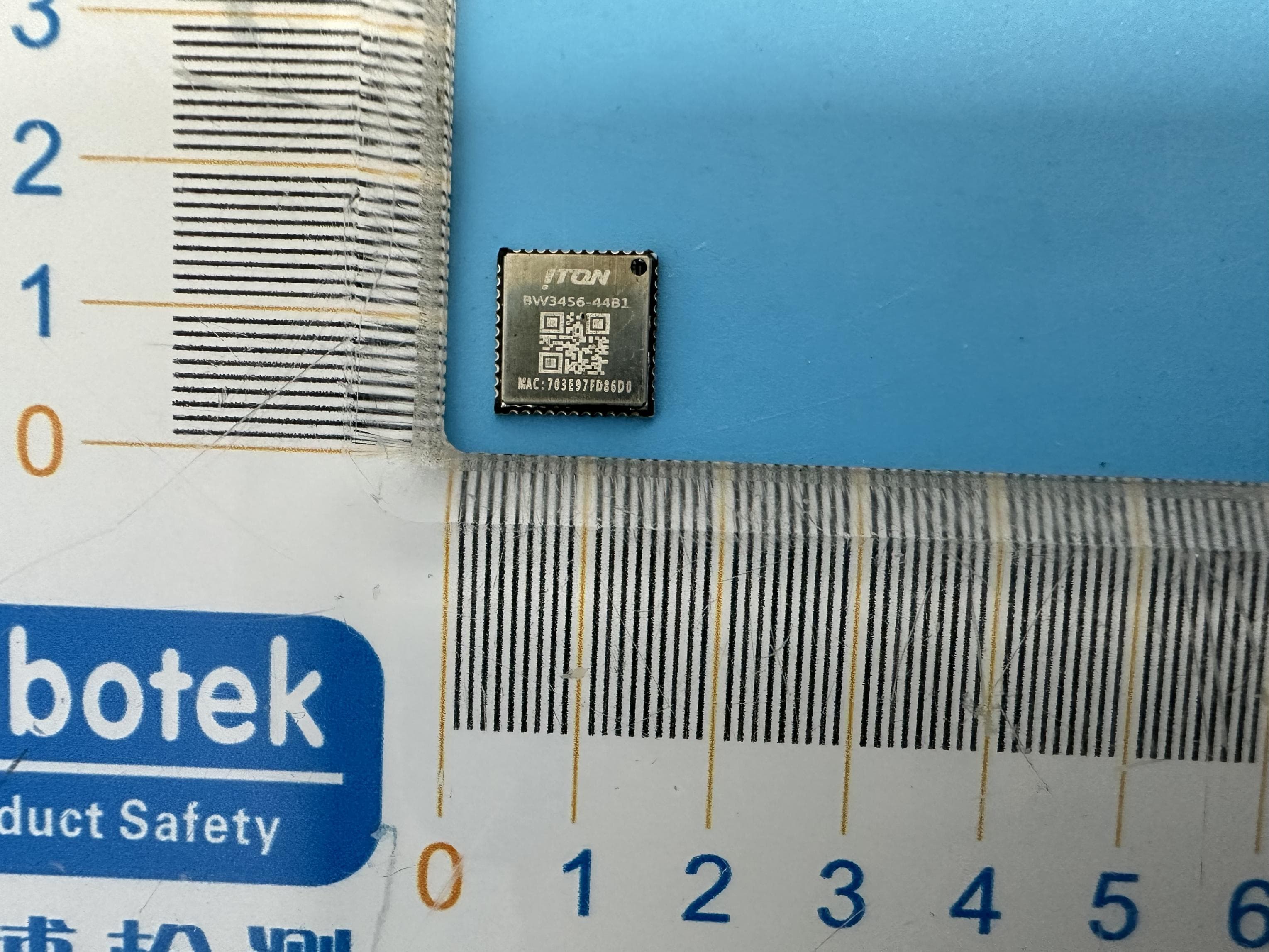
VYVBW3456-44B1
Dec 12, 2023BW3456-44B1
Equipment Class
DTS - Digital Transmission System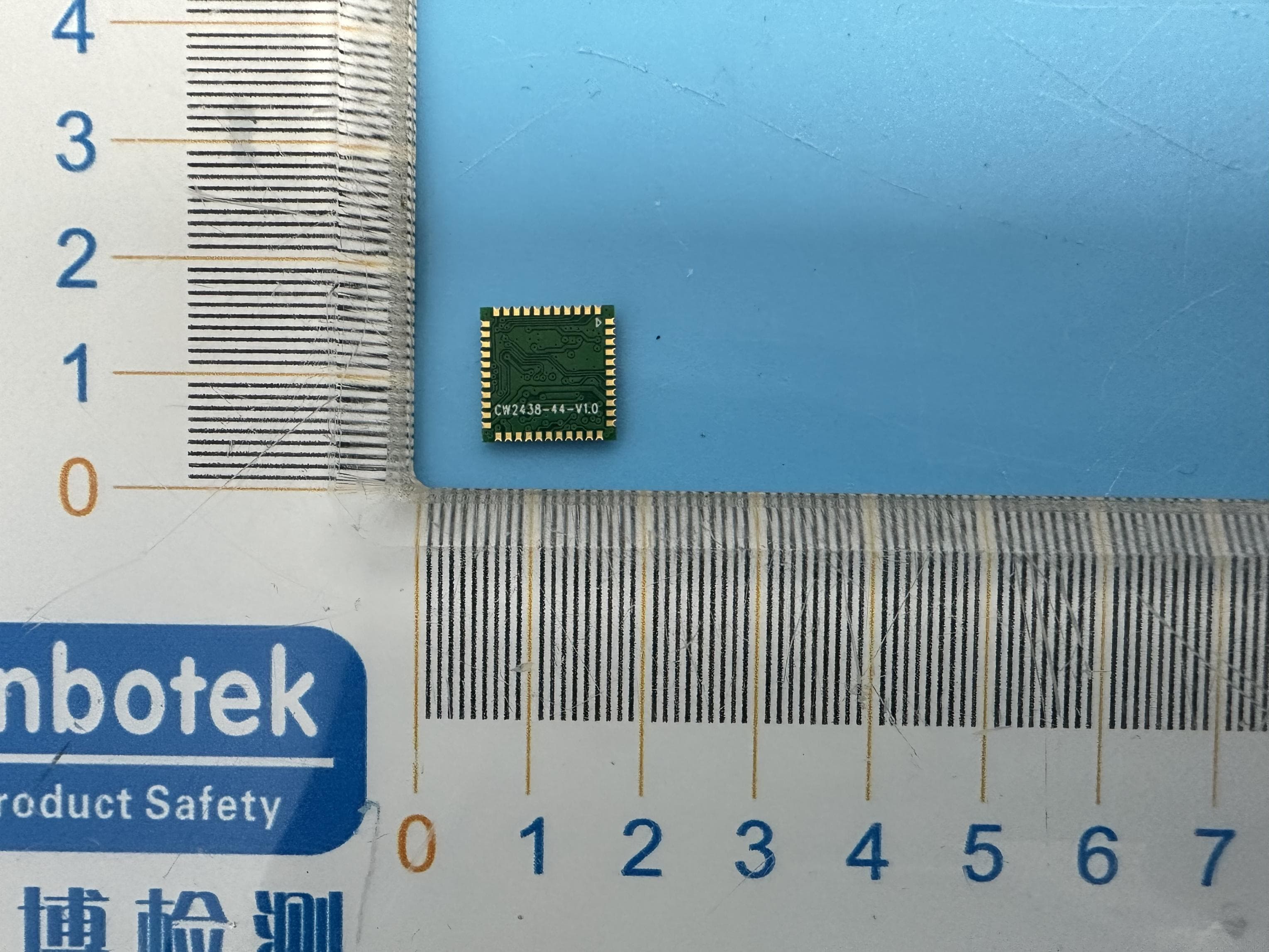
VYVBW436S-44B1
Nov 28, 2023BW436S-44B1
Equipment Class
DSS - Part 15 Spread Spectrum Transmitter
VYV-F2
Sep 17, 2023Smart Finder
Equipment Class
DTS - Digital Transmission System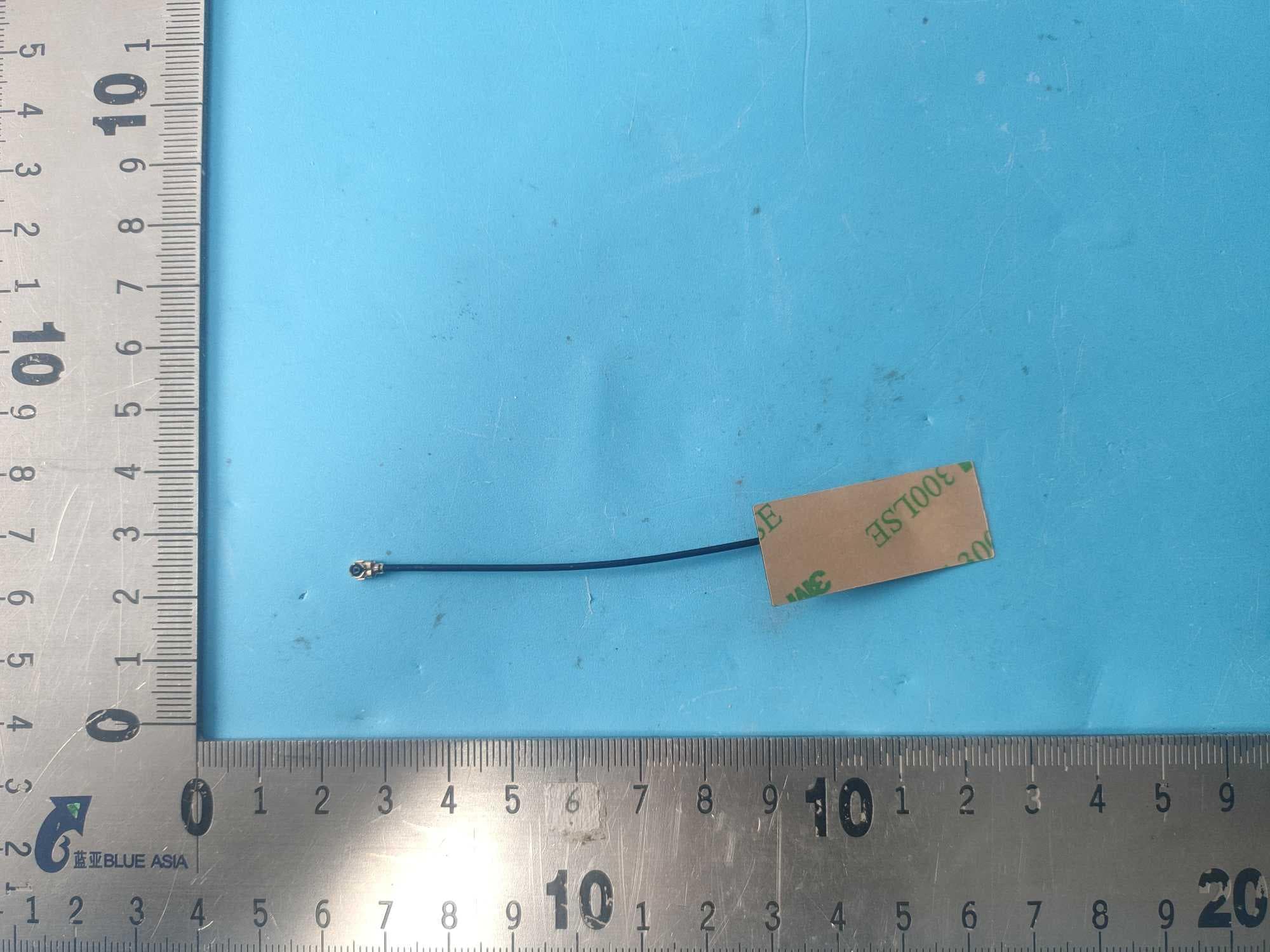
VYV-AW65S1-50B1
Aug 23, 2023WIFI&BT Module
Equipment Class
DTS - Digital Transmission System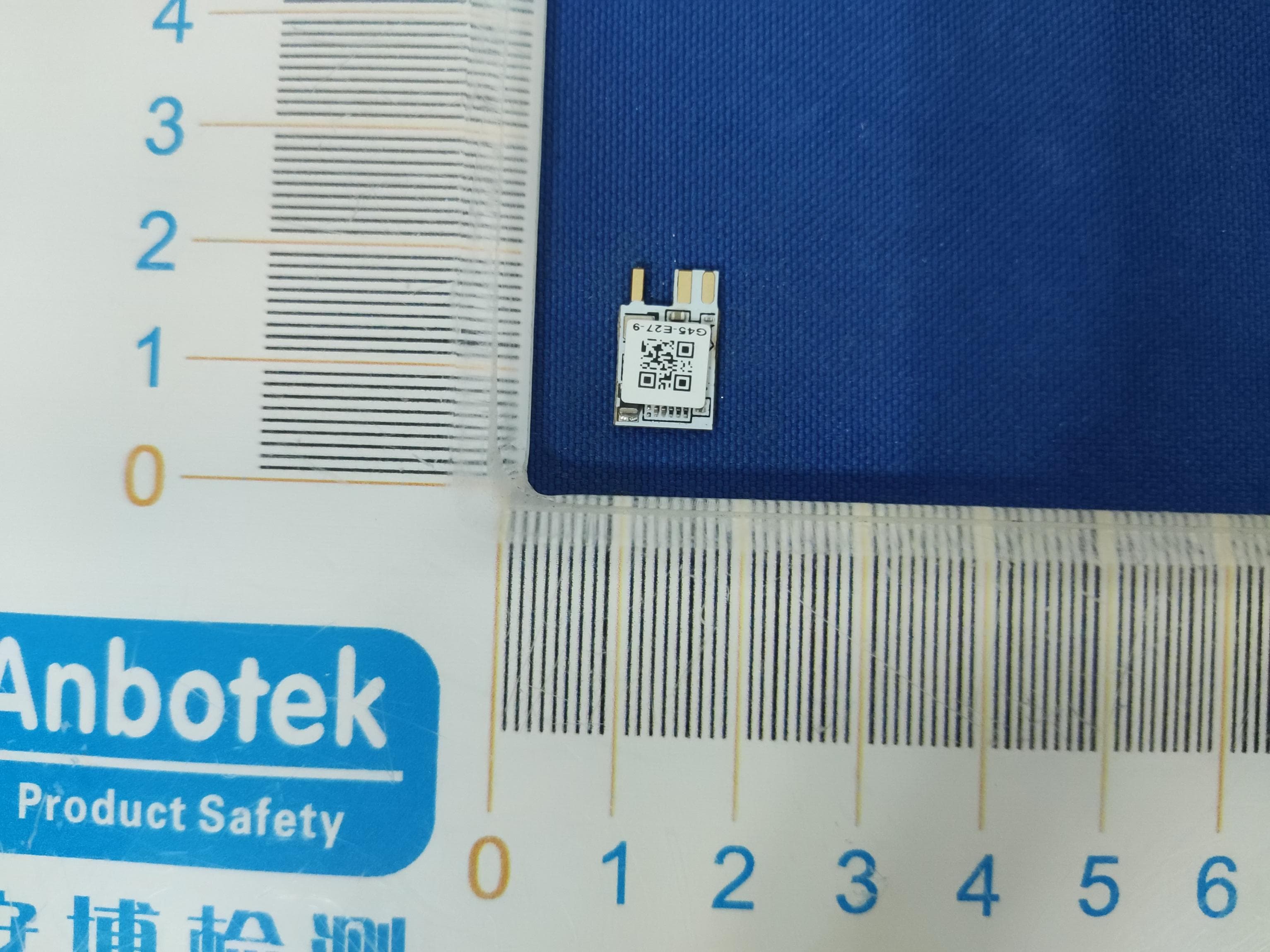
VYV-TGW202-6
Jul 26, 2023TGW202-6
Equipment Class
DTS - Digital Transmission System