WD6DLBRONCOThermal Transfer Printer
Godex International Co., Ltd.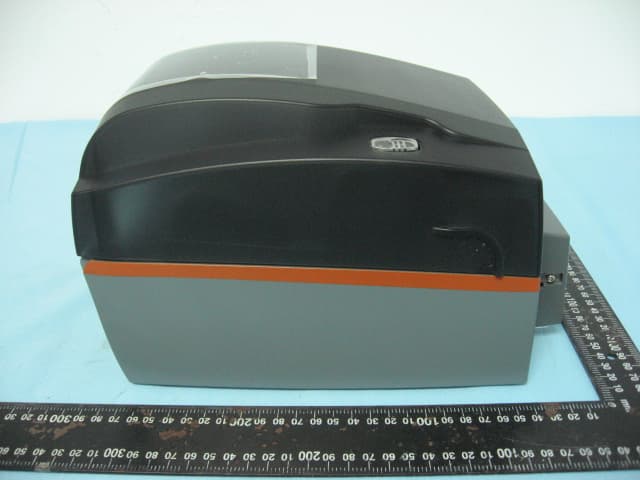
Click to zoom
Application Details
- Equipment Class
- DXX - Part 15 Low Power Communication Device Transmitter
- Date of Grant
- May 05, 2015
- Application Purpose
- Original Equipment
- Date of Application
- May 04, 2015
- Equipment Note
- Thermal Transfer Printer
- Frequency Range
- 13.56000000 - 13.56000000
- Country
- Taiwan
Documents & Files
Document Text
Text extracted from the exhibit documents filed with the FCC. Open a document above to read the original.
Users Manual
USER GUIDE 800.788.5572 GraphicProducts.com Graphic Products ® , DuraLabel ® , PathFinder ® , Toro ® and Lobo ® are Registered Trademarks of Graphic Products, Inc. © 2015 Graphic Products, Inc. DuraLabel.com | 800.788.5572 Before You Begin | 3 Before You Begin Safety Warnings Before connecting Bronco to a power outlet, check the voltage of the power source, and ensure that the power switch on the printer is in the OFF position. Only use the included power supply with the Bronco (rated for 24V/2.5A output, model WDS060240). If a replacement is needed, please contact your DuraLabel representative. To avoid electrical shock, DO NOT pour any liquid onto the printer or printer parts. Only qualified service personnel should attempt to repair the printer. System Requirements • Operating System: Windows XP Service Pack 2 (or later), Windows Vista, Windows 7, or Windows 8 or 8.1. Both 32-bit (x86) and 64-bit (x64) systems are supported. • Memory: 128MB RAM • Hard Drive Space: 100MB • IT / Administrator Privileges for installation Your label design software may have other requirements. What’s in the Box • Bronco Printer • USB Cord • AC Power Adapter • Bronco Software CD • Ribbon Take-Up Core • Supply Spindle If any of these items are missing, please contact your DuraLabel representative. 4 | Contents DuraLabel.com | 800.788.5572 Contents 1. Getting Started 5 1.1 Know Your Bronco 5 1.1.1 Exterior 5 1.1.2 Connection Panel 5 1.1.3 Interior – Print Head Carriage Locked 6 1.1.4 Interior – Print Head Carriage Released 6 1.2 Loading Supplies 7 1.2.1 Loading Ribbon 7 1.2.2 Loading Label Stock 8 1.3 Initial Setup 8 1.3.1 Physical Connections 8 1.3.2 Installing Driver Software 8 2. Using Your Bronco 9 2.1 Printing and Pausing 9 2.2 Driver Settings 9 2.2.1 Size and Orientation 9 2.2.2 Settings for Pre-Printed or Die-Cut Material 10 2.2.3 Cutting 10 2.2.4 Darkness 11 2.2.5 Adjusting Default Settings 11 3. Warranty and Compliance Statements 12 3.1 5-Year DuraLabel Printer Warranty 12 3.1.1 Repairs 12 3.1.2 Warranty Details 12 3.2 FCC Compliance Statement for Users in the United States 13 4. Contact Us 14 GraphicProducts.com | 800.788.5572 1.1 Know Your Bronco | 5 1. Getting Started 1.1 Know Your Bronco 1.1.1 EXTERIOR 1.1.2 CONNECTION PANEL Lid Release Tabs Pause/Feed Button and Indicator Light Cutter Module Power Switch Power Supply Connection USB Connection 6 | 1.1 Know Your Bronco GraphicProducts.com | 800.788.5572 GETTING STARTED 1.1.3 INTERIOR – PRINT HEAD CARRIAGE LOCKED Ribbon Take-Up Holders Carriage Release Tabs Print Head Carriage Print Head Ribbon Supply Holders Adjustable Supply Guides 1.1.4 INTERIOR – PRINT HEAD CARRIAGE RELEASED GraphicProducts.com | 800.788.5572 1.2 Loading Supplies | 7 GETTING STARTED 1.2 Loading Supplies To load your Bronco with supplies, turn the system off using the power switch at the back, near the power cord. Then, press inward at the textured areas on both sides of the system, and raise the hinged cover. The cover will rest at the fully-opened position, requiring about 12 inches of vertical clearance. You need two supplies to print: the printing ribbon, or “ink,” and the label stock, or “vinyl.” 1.2.1 LOADING RIBBON Ribbon comes in a roll, which fits underneath the print carriage. When printing, Bronco will transfer colored resin from the ribbon onto your label stock, with the used ribbon collecting on a take-up core above the print carriage for later disposal. 1. Start with a new ribbon take-up core. Fit one end of the core onto the green spring- loaded holder on the top of the print head carriage. Then, fit the other end of the ribbon core onto the wheeled holder. Turn the take-up core or holder by hand, until the tab on the holder locks into the notch in the core. 2. Then, press the two green carriage release tabs. The print head carriage will spring upward. 3. Hold the new roll of ribbon so the loose end falls to the rear of the printer. Fit one end of the ribbon core onto the green spring-loaded holder on the underside of the print head carriage. Then, fit the other end of the ribbon core onto the geared holder. Turn the ribbon core by hand until the tab on the holder locks into the notch in the core. 4. Pull the loose end of the ribbon up and around the print head carriage and use a small piece of label stock or tape to secure the end of the ribbon to the top of the empty rewind core. 5. Pull the ribbon snug by turning the green take-up wheel. 8 | 1.3 Initial Setup GraphicProducts.com | 800.788.5572 GETTING STARTED 1.2.2 LOADING LABEL STOCK Fresh label stock comes in a roll with plastic end caps on each side. The material typically has a glossy print surface on one side, and a disposable paper backing on the other side. When printing, Bronco will feed some of the label stock from its roll and cut off the printed label. 1. If you haven’t already done so, raise the print head carriage by pressing the two green carriage release tabs. 2. Place the roll of label supply onto the supply spindle. With the label supply unrolling from the top of the roll and feeding toward the print head carriage, rest the supply spindle into its slots in your Bronco. 3. Feed the end of the label supply under the print carriage, threading it between and beneath the green adjustable label guides, and over the top of the rubber roller near the cutter module. 4. Slide the green adjustable label guides together to keep the label stock centered, but not so tight as to bend or wrinkle the label stock. 5. Close the print head carriage by pressing it down into place, and then close the hinged cover. 1.3 Initial Setup When setting up your Bronco for the first time, you’ll need to connect the printer to your computer and a power supply. You’ll also need to install the printer driver on your computer, which will require Administrator Privileges on that computer. (You may need help from your IT team.) 1.3.1 PHYSICAL CONNECTIONS Make sure the power switch at the back of the printer is set to the OFF posit…
Text truncated - open the document above for the full version.
External Photos
ETC Report No.:14-06-RBF-048-03 Sheet 1 of 13 Sheets FCC ID: WD6DLBRONCO Rev. No 1.0 CONSTRUCTION PHOTOS OF EUT (A)EUT 1. 2. ETC Report No.:14-06-RBF-048-03 Sheet 2 of 13 Sheets FCC ID: WD6DLBRONCO Rev. No 1.0 CONSTRUCTION PHOTOS OF EUT 3. 4. ETC Report No.:14-06-RBF-048-03 Sheet 3 of 13 Sheets FCC ID: WD6DLBRONCO Rev. No 1.0 CONSTRUCTION PHOTOS OF EUT 5. 6.
Internal Photos
ETC Report No.:14-06-RBF-048-03 Sheet 4 of 13 Sheets FCC ID: WD6DLBRONCO Rev. No 1.0 CONSTRUCTION PHOTOS OF EUT 7. 8. ETC Report No.:14-06-RBF-048-03 Sheet 5 of 13 Sheets FCC ID: WD6DLBRONCO Rev. No 1.0 CONSTRUCTION PHOTOS OF EUT 9. 10. ETC Report No.:14-06-RBF-048-03 Sheet 6 of 13 Sheets FCC ID: WD6DLBRONCO Rev. No 1.0 CONSTRUCTION PHOTOS OF EUT 11. 12. ETC Report No.:14-06-RBF-048-03 Sheet 7 of 13 Sheets FCC ID: WD6DLBRONCO Rev. No 1.0 CONSTRUCTION PHOTOS OF EUT 13. 14. ETC Report No.:14-06-RBF-048-03 Sheet 8 of 13 Sheets FCC ID: WD6DLBRONCO Rev. No 1.0 CONSTRUCTION PHOTOS OF EUT 15. 16. ETC Report No.:14-06-RBF-048-03 Sheet 9 of 13 Sheets FCC ID: WD6DLBRONCO Rev. No 1.0 CONSTRUCTION PHOTOS OF EUT 17. 18.BRONCO PCB Antenna ETC Report No.:14-06-RBF-048-03 Sheet 10 of 13 Sheets FCC ID: WD6DLBRONCO Rev. No 1.0 CONSTRUCTION PHOTOS OF EUT 19. BRONCO PCB Antenna 20. BRONCO FPC Antenna ETC Report No.:14-06-RBF-048-03 Sheet 11 of 13 Sheets FCC ID: WD6DLBRONCO Rev. No 1.0 CONSTRUCTION PHOTOS OF EUT 21. BRONCO FPC Antenna ETC Report No.:14-06-RBF-048-03 Sheet 12 of 13 Sheets FCC ID: WD6DLBRONCO Rev. No 1.0 CONSTRUCTION PHOTOS OF EUT (B)Adapter 1. 2. ETC Report No.:14-06-RBF-048-03 Sheet 13 of 13 Sheets FCC ID: WD6DLBRONCO Rev. No 1.0 CONSTRUCTION PHOTOS OF EUT 3. 4.
Test Report
Rev. No 1.0 FCC Part 15 EMI TEST REPORT E.U.T. : Thermal Transfer Printer Model : DuraLabel Bronco 200, DuraLabel Bronco 300 FCC ID : WD6DLBRONCO for APPLICANT : Godex International Co., LTD. ADDRESS : 13F, No.168, Jian-Kang Road, Zhonghe Dist, New Taipei City 235 Taiwan Test Performed by ELECTRONICS TESTING CENTER, TAIWAN NO. 34. LIN 5. DINGFU, LINKOU DIST., NEW TAIPEI CITY, TAIWAN, 24442, R.O.C. Tel:(02)26023052 Fax:(02)26010910 http://www.etc.org.tw ; e-mail : [email protected] Report Number : 14-06-RBF-048-03 ETC Report No.:14-06-RBF-048-03 FCC ID: WD6DLBRONCO Rev. No 1.0 TEST REPORT CERTIFICATION Applicant : Godex International Co., LTD. 13F, No.168, Jian-Kang Road, Zhonghe Dist, New Taipei City 235 Taiwan Manufacture : Godex International Co., LTD. 13F, No.168, Jian-Kang Road, Zhonghe Dist, New Taipei City 235 Taiwan Description of Device : a) Type of EUT : Thermal Transfer Printer b) Trade Name : Graphic Products c) Model No. : DuraLabel Bronco 200, DuraLabel Bronco 300 d) Power Supply : Adapter I/P: AC 100-240V, 1.6A(MAX), 50-60Hz O/P: DC 24V, 2.5 A Regulation Applied : FCC Rules and Regulations Part 15 Subpart C I HEREBY CERTIFY THAT: The data shown in this report were made in accordance with the procedures given in ANSI C63.10-2013, and the energy emitted by the device was founded to be within the limits applicable. I assume full responsibility for accuracy and completeness of these data. Note: 1. The result of the testing report relate only to the item tested. 2. The testing report shall not be reproduced expect in full, without the written approval of ETC. Summary of Tests Test Results Radiated Emission Pass Frequency Stability Pass Conducted Emission Pass Operation Bandwidth Pass ETC Report No.:14-06-RBF-048-03 FCC ID: WD6DLBRONCO Rev. No 1.0 Date Test Item Received : Jun 27, 2014 Date Test Campaign Completed : Jan. 31, 2015 Date of Issue : Feb. 06, 2015 Test Engineer : ( Vincent Chang ) Approve & Authorized : S. S. Liou, Section Manager EMC Dept. II of ELECTRONICS TESTING CENTER, TAIWAN ETC Report No.:14-06-RBF-048-03 FCC ID: WD6DLBRONCO Rev. No 1.0 Table of Contents Page 1. GENERAL INFORMATION ............................................................................................................................... 1 1.1 PRODUCT DESCRIPTION................................................................................................................................... 1 1.2 CHARACTERISTICS OF DEVICE:................................................................................................................................ 1 1.3 TEST METHODOLOGY.............................................................................................................................................. 2 1.4 TEST FACILITY........................................................................................................................................................ 2 2. DEFINITION AND LIMITS ................................................................................................................................ 3 2.1 DEFINITION............................................................................................................................................................. 3 2.2 RESTRICTED BANDS OF OPERATION........................................................................................................................ 3 2.3 LIMITATION............................................................................................................................................................. 3 2.4 LABELING REQUIREMENT........................................................................................................................................ 5 2.5 USER INFORMATION................................................................................................................................................ 5 3 SYSTEM TEST CONFIGURATION ................................................................................................................... 6 3.1 JUSTIFICATION........................................................................................................................................................ 6 3.2 DEVICES FOR TESTED SYSTEM................................................................................................................................6 4. RADIATED EMISSION MEASUREMENT ...................................................................................................... 7 4.1 APPLICABLE STANDARD.......................................................................................................................................... 7 4.2 MEASUREMENT PROCEDURE................................................................................................................................... 7 4.3 TEST DATA.............................................................................................................................................................. 9 4.3.1 Below 30MHz .................................................................................................................................................. 9 4.3.2 30MHz – 1GHz.............................................................................................................................................. 11 4.4 FIELD STRENGTH CALCULATION........................................................................................................................... 15 4.5 RADIATED TEST EQUIPMENT.................................................................................................................................. 15 4.6 MEASURING INSTRUMENT SETUP.......................................................................................................................... 15 4.7 RADIATED MEASUREMENT PHOTOS...................................................................................................................... 16 5 FREQUENCY …
Text truncated - open the document above for the full version.
Test Setup Photos
ETC Report No.:14-06-RBF-048-03 Sheet 16 of 31 Sheets FCC ID: WD6DLBRONCO Rev. No 1.0 4.7 Radiated Measurement Photos ETC Report No.:14-06-RBF-048-03 Sheet 27 of 31 Sheets FCC ID: WD6DLBRONCO Rev. No 1.0 6.6 Photos of Conduction Measuring Setup
Contact Information
Applicant
John Niu(RD Vice manager)
Test Firm
Electronics Testing Center, TaiwanWinpo Tsai
Technical Specifications
| # | Rule Parts | Frequency Range | Power Output |
|---|---|---|---|
| 1 | 15C | 13.56 MHz - 13.56 MHz | - |
Other Applications from Godex International Co., Ltd.
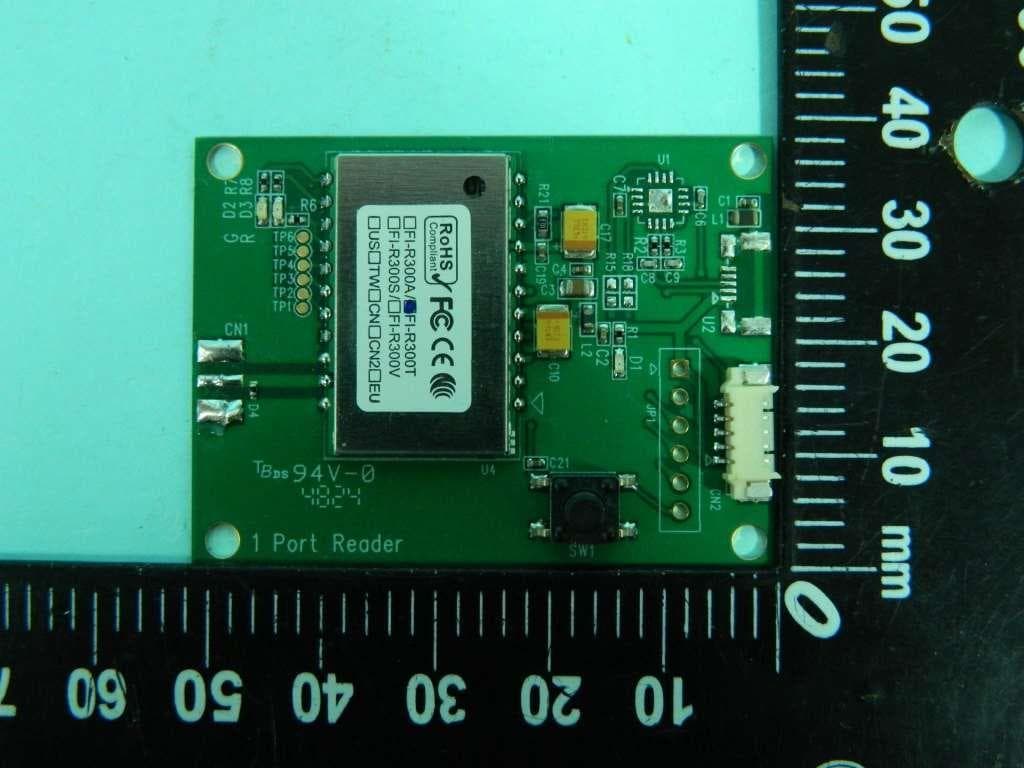
WD6CTE300T2
May 22, 2026UHF Reader Module
Equipment Class
DTS - Digital Transmission System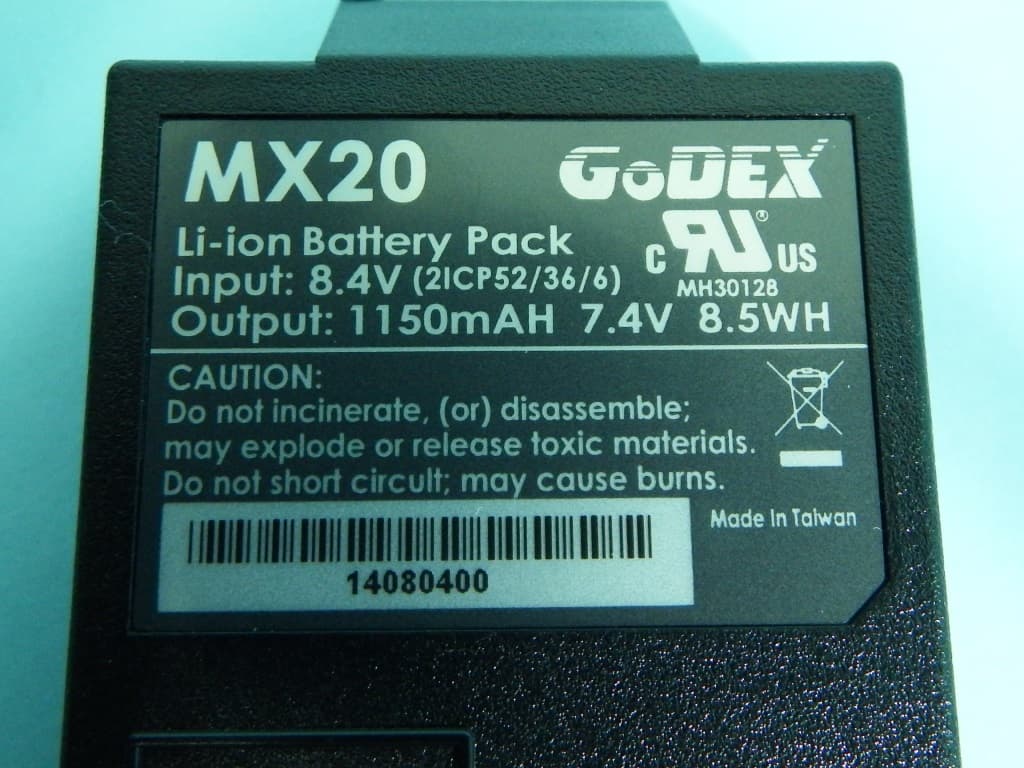
WD6MX20
Dec 29, 2014Thermal Label Printer
Equipment Class
DSS - Part 15 Spread Spectrum Transmitter
WD6MX30
Oct 23, 2014Thermal Label Printer
Equipment Class
DTS - Digital Transmission System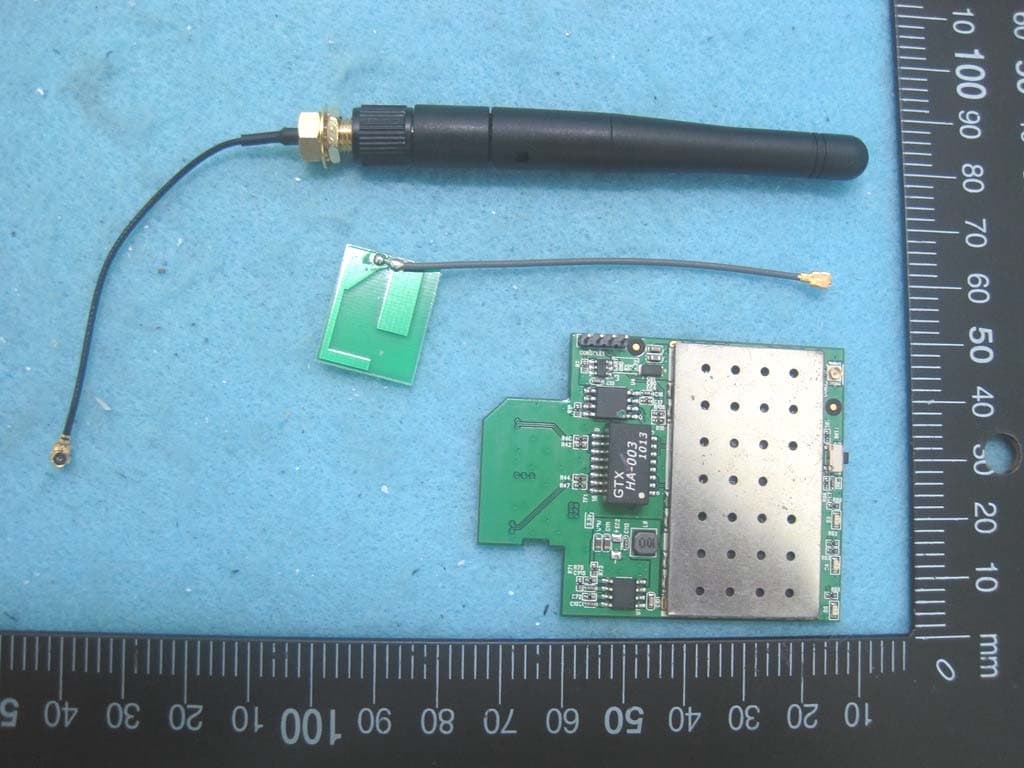
WD6GRG013
Oct 05, 2014WLAN IP Print Server Module
Equipment Class
DTS - Digital Transmission System
WD6STE5
Jan 13, 2014Thermal Label Printer
Equipment Class
DXX - Part 15 Low Power Communication Device Transmitter