WIOWS3003WHDI 5.8GHz WIRELESS PROJECTOR
JUPITER TECHNOLOGY (WUXI) CO.,LTD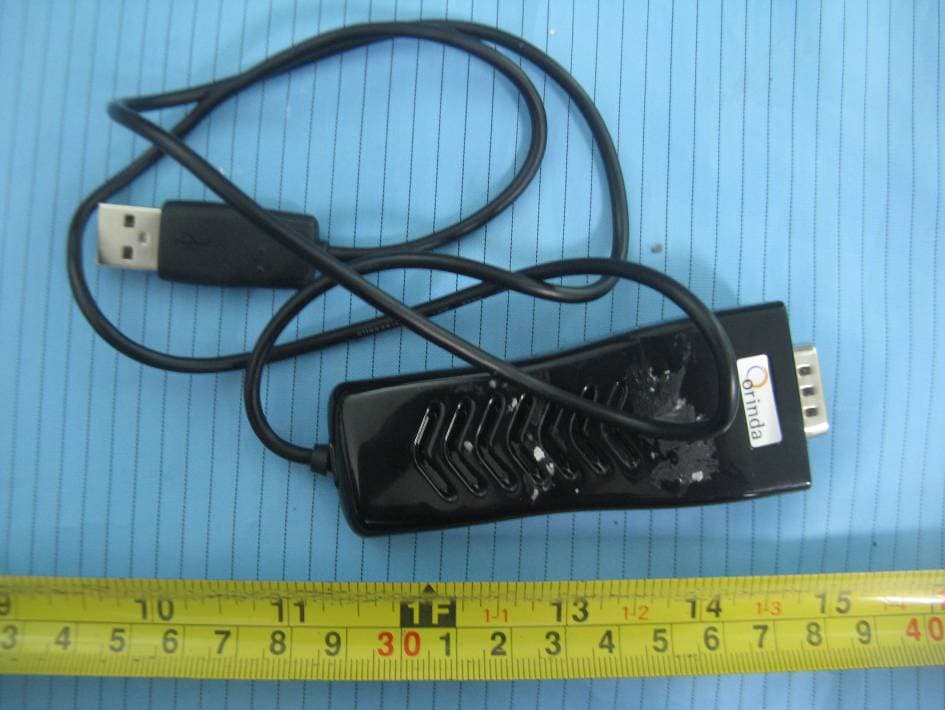
Click to zoom
Application Details
- Equipment Class
- DTS - Digital Transmission System
- Date of Grant
- Sep 15, 2011
- Application Purpose
- Original Equipment
- Date of Application
- Sep 15, 2011
- Equipment Note
- WHDI 5.8GHz WIRELESS PROJECTOR
- Frequency Range
- 5755.00000000 - 5795.00000000
- Country
- China
Documents & Files
Document Text
Text extracted from the exhibit documents filed with the FCC. Open a document above to read the original.
Users Manual
- 1 - User manual Step1: Install the Wireless HD receiver equipment a) Connect the receiving device to HD displayers (LCD, LED, etc.) using the VGA cable; b) Connect 5V DC power adapter to the receiving device, and turn on the power switch. Step2: Install the wireless HD transmitter equipment a) The transmitting device is connected directly to the HD signal source ( laptop computer, PS3 or others) by the VGA interface; b) Connect the USB connector of the transmitter to computer USB Interface, or a USB power adapter. Step3:Connect the device transmitting the signal source a) The wireless connection will establish automatically, During this time the blue light of wireless HD transmitter will flash, After the wireless connection complete, the blue light keeps bright. The entire process of the connection takes about 15 seconds. Figure 1 Schematic diagram of the wireless HD video systems to connect Troubleshooting Step1: Wireless HD receiver device is connected to HD displays Step2: Wireless HD transmitter device is connected HD sources Step3: Wait for the wireless connection about 15 seconds Wireless HD receiver equipment Wireless HD transmission equipment Source: PC,PS3.... 5V 2A adapter VGA cable Monitor:LCD、LED...... USB power Note: See Troubleshooting (2,3 pages) - If the PC does not support automatic image output, you need to do it manual. - Connect the Transmitter to the video player or an external display device, if there is no USB power supply interface, you can use USB power adapter. - If the wireless connection can’t connect successfully, you can try using the remote control POWER button to restart the receiver. The receiver will reboot automatically and try to connect to the transmitter again. - 2 - Before reading this chapter, please do the following confirmation: 1) Connect the source and displayers directly through the VGA cable and watch if it can transfer images, if you still can’t watch the transfer images and sound, you need to make sure the signal source or displayer problems. 2) To confirm the source of the VGA port is working properly, please check if the notebook graphics driver installation complete. 3) Make sure the display device's VGA port is working properly, and refer to operating manual for the settings are correct. 1 Can’t establish the wireless connection 1) Make sure the range of the transmitter and receiver is no more than 10 meters indoor. 2) Make sure between the transmitter and the receiver has no metal objects or wall which can block the signal. 3) When the receiver is connected, the displayer in the receiving end will show the operation menu. If the menu does not appear, please make sure the receiver's power adapter is connected, the switch is on; and the receiver connect to the monitor through the VGA cable. 4) Make sure the wireless HDTV transmitter is connected correctly, Try to re-plug the USB connector, change a USB interface, or use a USB power adapter; Also try to re-plug the VGA connector. 2 can’t see any picture on monitor 1) Check the display settings again, to confirm the signal input port on the monitor has been selected to the correct VGA input port 2) Verify the wireless has connected 3) If the wireless is connected, still no image on the monitor, the issue occurs as in Figure 2; please do the following: Check the signal source, such as PC’s confirmation of signal output. For Windows 7 operating system can use the WIN key + P-> select Copy, as shown in Figure 3 For Windows XP operating system can output images right function menu, see Figure 4 For example, you can use ASUS laptop series can output FN + F8. 4) Check the list of devices, make sure the chosen equipment is the right one. 5) Change the resolution on source side - 3 - 3 Some noise in picture on monitor 1) Try to reduce the distance between the wireless transmitter and the receiver. 2) Try to change display resolution 3) Reset the connection of the transmitter and receiver. 4 No sound on the receiver side. 1) Confirm the source of the graphics driver is installed correctly. 2) Make sure the external display device is not set to mute mode. P Any Changes or modifications not expressly approved by the party responsible for compliance could void the user's authority to operate the equipment. This device complies with part 15 of the FCC Rules. Operation is subject to the following two conditions: (1) This device may not cause harmful interference, and (2) this device must accept any interference received, including interference that may cause undesired operation. This equipment complies with FCC radiation exposure limits for uncontrolled environment . This equipment should be installed and operated with minimum distance 0.5 cm between the radiator & your body. This transmitter must not be co-located or operating in conjunction with any other antenna or transmitter.
Cover Letter(s)
JUPITER TECHNOLOGY (WUXI) CO., LTD No.13 Minjiang Road, Wuxi State High&New Technology Industry Development Zone, Jiangsu, P.R.China Tel: +86-510-8522-8800-3506 Fax: +86-510-8522-9890 FCC Confidential Authorization Date: 2011-08-18 FEDERAL COMMUNICATIONS COMMISSIONS Authorization and Evaluation Division 7435 Oakland Mills Road Columbia, MD 21046 Confidentiality Request regarding application for certification of FCC ID: WIOWS3003 Pursuant to Sections 0.457 and 0.459 of the Commission’s Rules, we hereby request confidential treatment of information accompanying this application as outlined below: • Detailed Circuit Schematics of EUT--- (Long term) • Block Diagram--- (Long term) • Circuit Description--- (Long term) The above materials contain trade secrets and proprietary information not customarily released to the public. The public disclosure of these materials may be harmful to the applicant and provide unjustified benefits to its competitors. The applicant understands that pursuant to Section 0.457 of the Rules, disclosure of this application and all accompanying documentation will not be made before the date of the Grant for this application. Sincerely Yours, Daniel Dong Product Manager
External Photos
EXHIBIT B - EUT EXTERNAL PHOTOGRAPHS EUT View EUT – Top View EUT – Bottom View EUT – Side View
ID Label/Location Info
EXHIBIT A - FCC ID LABELING AND LOCATION FCC ID Label FCC ID Label Location The label shown shall be permanently affixed at a conspicuous location on the device and be readily visible to the user at the time purchase (Labeling requirements per 2.925)
Internal Photos
EXHIBIT C - EUT INTERNAL PHOTOGRAPHS EUT – Cover off View EUT – Main Board Top View EUT – Main Board Top Shielding off View EUT – Main Board Bottom View Antenna
RF Exposure Info
Bay Area Compliance Laboratories Corp. (Shenzhen) Report No.: RSZ110728001-00A FCC Part 15.247 Page 8 of 37 FCC §15.247 (I) & §2.1093 - RF EXPOSURE EVALUATION Applicable Standard According to FCC §15.247(i) and §1.1307(b)(1), systems operating under the provisions of this section shall be operated in a manner that ensure that the public is not exposed to radio frequency energy level in excess of the Commission’s guideline. According to KDB 447498, 1) c), unless excluded by specific FCC test procedures, portable device with output power > 60/ f (GHz) mW shall include SAR data for equipment approval. Result Max conducted Peak output power: 7.76 dBm, Antenna Gain: 2.0 dBi EIRP = 7.76 dBm + 2 dBi = 9.76 dBm = 9.46 mW 60/f (GHz) = 60/5.795 = 10.35 mW Peak EIRP < 60/f (GHz) SAR evaluation can be exempted.
Test Report
Note: This test report is prepared for the customer shown above and for the equipment described herein. It may not be duplicated or used in part without prior written consent from Bay Area Compliance Laboratories Corp. This report must not be used by the customer to claim product certification, approval, or endorsement by NVLAP*, or any agency of the Federal Government. * This report contains data that are not covered by the NVLAP accreditation and are marked with an asterisk “★” (Rev.2) FCC PART 15.247 TEST REPORT For JUPITER TECHNOLOGY (WUXI) CO., LTD. No.13 Minjiang Road, Wuxi State High & New Technology Industry Development Zone, Wuxi, Jiangsu, China Report Type: Original Report Product Type: WHDI 5.8GHz WIRELESS PROJECTOR Test Engineer: Felix Li Report Number: RSZ110728001-00A Report Date: 2011-09-14 Reviewed By: Merry Zhao EMC Engineer Test Laboratory: Bay Area Compliance Laboratories Corp. (Shenzhen) 6/F, the 3rd Phase of WanLi Industrial Building, ShiHua Road, FuTian Free Trade Zone Shenzhen, Guangdong, China Tel: +86-755-33320018 Fax: +86-755-33320008 www.baclcorp.com.cn FCC ID: WIOWS3003 Bay Area Compliance Laboratories Corp. (Shenzhen) Report No.: RSZ110728001-00A FCC Part 15.247 Page 2 of 37 TABLE OF CONTENTS GENERAL INFORMATION.......................................................................................................................................4 PRODUCT DESCRIPTION FOR EQUIPMENT UNDER TEST (EUT) .....................................................................................4 OBJECTIVE...................................................................................................................................................................4 RELATED SUBMITTAL(S)/GRANT(S).............................................................................................................................4 TEST METHODOLOGY..................................................................................................................................................4 TEST FACILITY.............................................................................................................................................................4 SYSTEM TEST CONFIGURATION ..........................................................................................................................6 DESCRIPTION OF TEST CONFIGURATION......................................................................................................................6 EUT EXERCISE SOFTWARE..........................................................................................................................................6 EQUIPMENT MODIFICATIONS.......................................................................................................................................6 LOCAL SUPPORT EQUIPMENT LIST AND DETAILS........................................................................................................6 EXTERNAL I/O CABLE..................................................................................................................................................6 BLOCK DIAGRAM OF TEST SETUP................................................................................................................................6 SUMMARY OF TEST RESULTS ...............................................................................................................................7 FCC §15.247 (I) & §2.1093 - RF EXPOSURE EVALUATION ................................................................................8 APPLICABLE STANDARD..............................................................................................................................................8 FCC §15.203 - ANTENNA REQUIREMENT.............................................................................................................9 APPLICABLE STANDARD..............................................................................................................................................9 ANTENNA CONNECTOR CONSTRUCTION......................................................................................................................9 FCC §15.207 (a) – AC LINE CONDUCTED EMISSIONS .....................................................................................10 APPLICABLE STANDARD............................................................................................................................................10 MEASUREMENT UNCERTAINTY..................................................................................................................................10 EUT SETUP................................................................................................................................................................10 EMI TEST RECEIVER SETUP.......................................................................................................................................11 TEST PROCEDURE......................................................................................................................................................11 TEST EQUIPMENT LIST AND DETAILS.........................................................................................................................11 TEST RESULTS SUMMARY..........................................................................................................................................11 TEST DATA................................................................................................................................................................11 FCC §15.209, §15.205 & §15.247(d) - SPURIOUS EMISSIONS.............................................................................14 APPLICABLE STANDARD............................................................................................................................................14 MEASUREMENT UNCERTAINTY.........................................…
Text truncated - open the document above for the full version.
Test Setup Photos
EXHIBIT C - TEST SETUP PHOTOGRAPHS AC Line Conducted Emissions- Front View AC Line Conducted Emissions- Side View Below 1 GHz: Radiated Emissions - Front View Below 1 GHz: Radiated Emissions - Rear View Above 1 GHz: Radiated Emissions - Front View Above 1 GHz: Radiated Emissions - Rear View
Contact Information
Applicant
Kunjing Wu
Test Firm
Bay Area Compliance Laboratory Corp. (Shenzhen)John Chan
Technical Specifications
| # | Rule Parts | Frequency Range | Power Output |
|---|---|---|---|
| 1 | 15C | 5.75 GHz - 5.79 GHz | 6.00 mW |
Other Applications from JUPITER TECHNOLOGY (WUXI) CO.,LTD
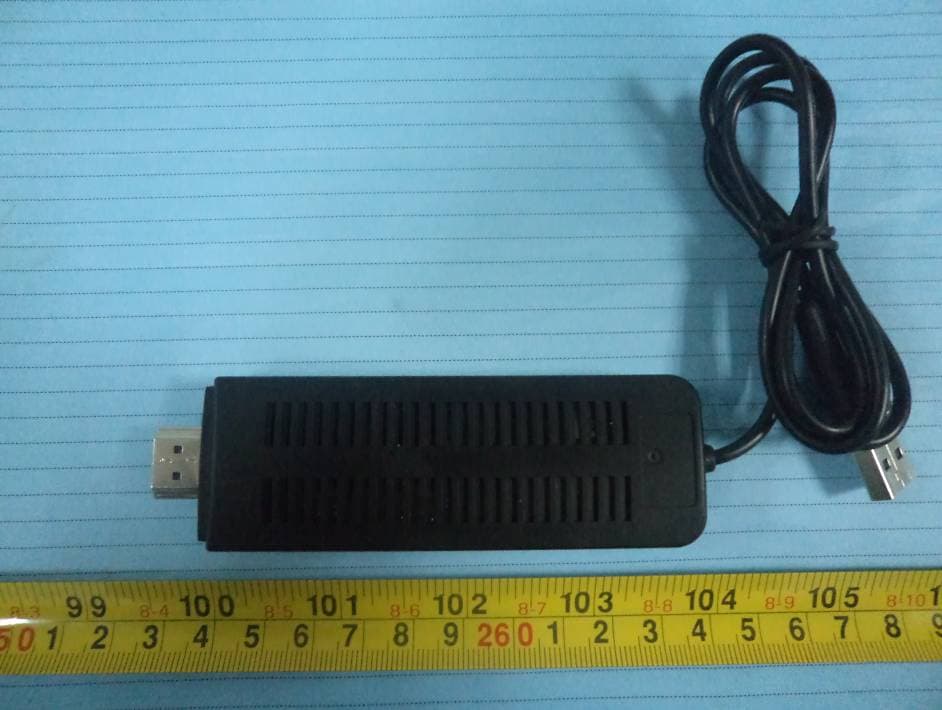
WIOWS3007
Sep 03, 2013WHDI Wireless Video Transmitter
Equipment Class
NII - Unlicensed National Information Infrastructure TX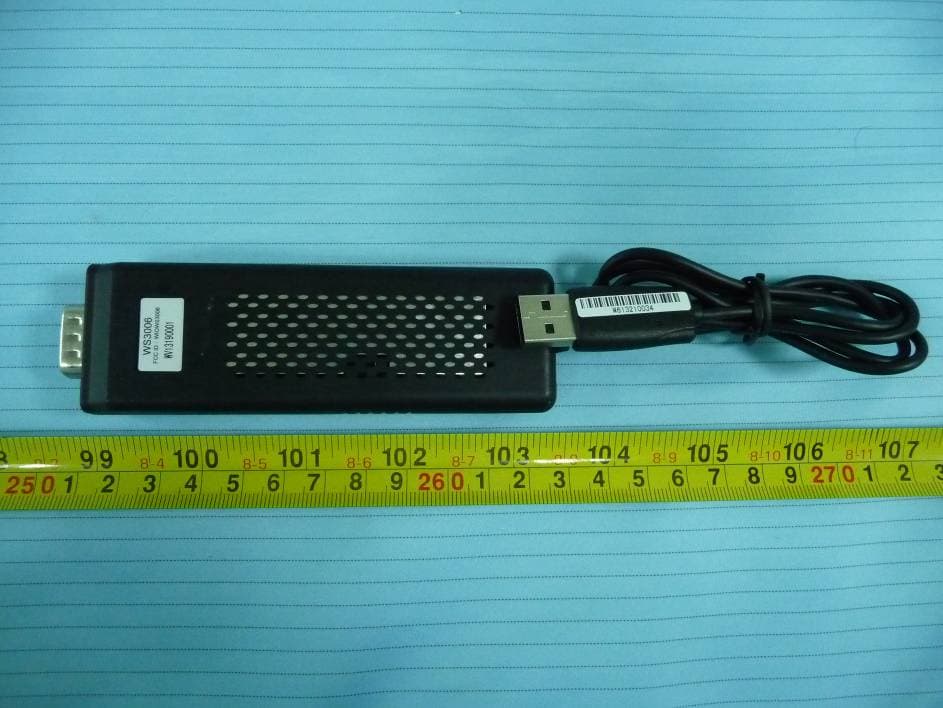
WIOWS3006
Sep 02, 2013WHDI Wireless Video Transmitter
Equipment Class
NII - Unlicensed National Information Infrastructure TX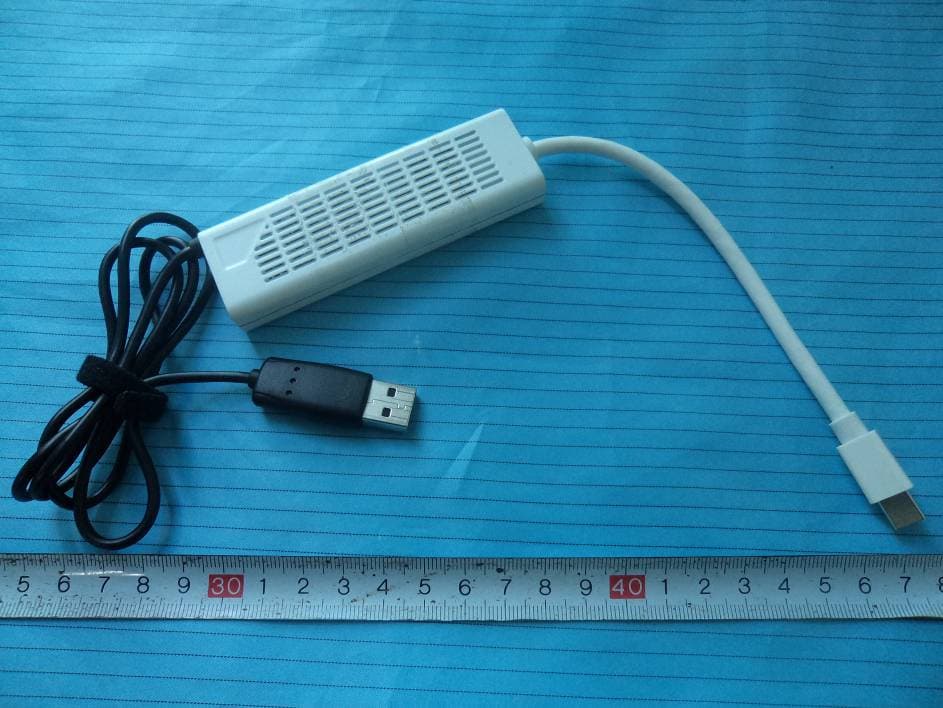
WIOWS3004
Nov 01, 2011WHDI 5.8 GHz Mini Displayport Kit
Equipment Class
DTS - Digital Transmission System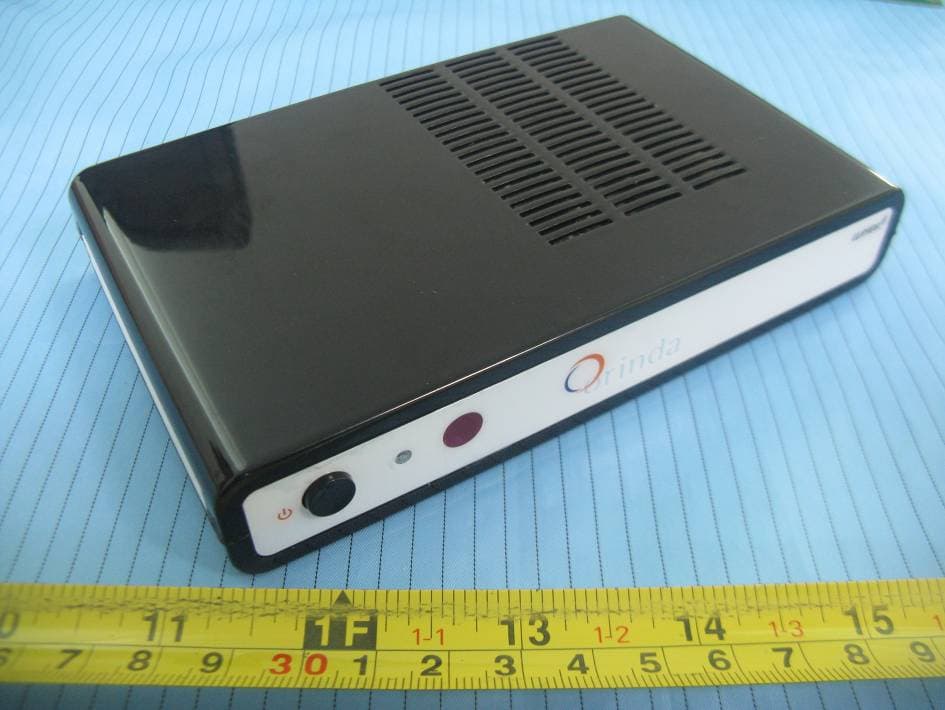
WIOWS3002
Sep 15, 2011WHDI 5.8GHz WIRELESS PROJECTOR
Equipment Class
DTS - Digital Transmission System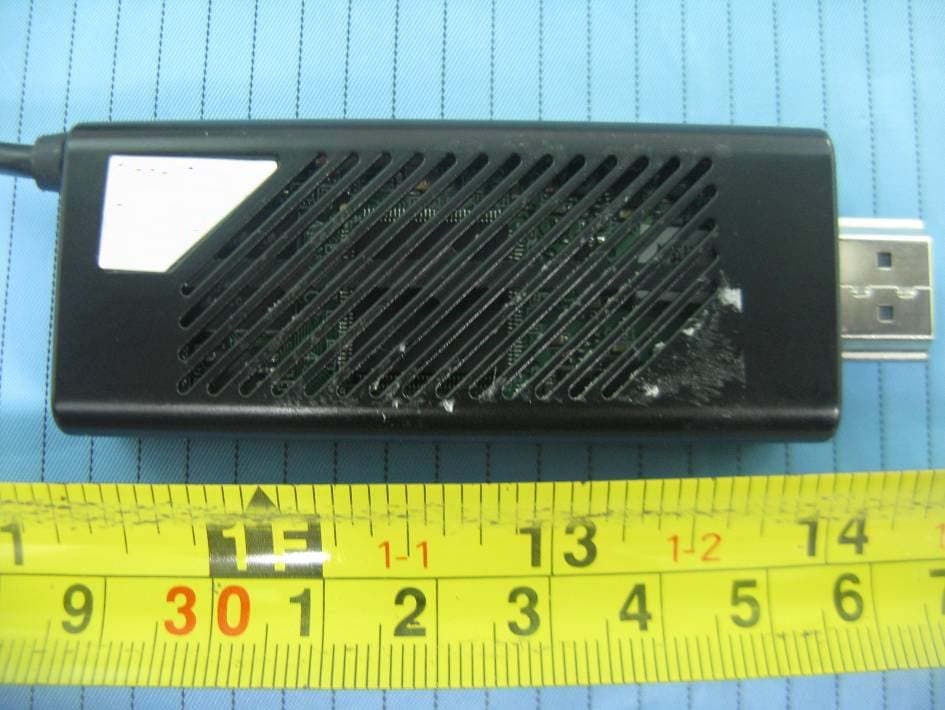
WIOWS3001
Sep 08, 2011WHDI 5.8 GHz WIRELESS TV
Equipment Class
NII - Unlicensed National Information Infrastructure TX