WJLNCUN-4Bluetooth Display Car Kit NCKI-4 & NCKI-2
Molex CVS Bochum GmbH
Click to zoom
Application Details
- Equipment Class
- DSS - Part 15 Spread Spectrum Transmitter
- Date of Grant
- Nov 16, 2009
- Application Purpose
- Original Equipment
- Date of Application
- Nov 16, 2009
- Equipment Note
- Bluetooth Display Car Kit NCKI-4 & NCKI-2
- Frequency Range
- 2402.00000000 - 2480.00000000
- Company
- Molex CVS Bochum GmbH
- Country
- Germany
Documents & Files
Document Text
Text extracted from the exhibit documents filed with the FCC. Open a document above to read the original.
Users Manual
Select your country _select your country Welcome Operation Getting started Call functions In-call functions Music Settings Care Support Safety & disposal Certification & safety approvals Glossary Index Welcome Congratulations on your new TheTrulyOne Universal Bluetooth Display Car Kit by novero. TheTrulyOne is designed to serve as an in-car extension of your regular mobile phone, only easier to operate while in the car. TheTrulyOne offers several features which will satisfy many different user-needs. After a quick and easy set-up, it is easy to make and receive handsfree calls and play your favourite music on either your phone or music player. This user guide will help you get started as we present you with all the great features and conveniences that provide a truly customized user experience. Enjoy! Box contents _read more Installation _read more Back Welcome Operation Getting started Call functions In-call functions Music Settings Care Support Safety & disposal Certification & safety approvals Glossary Index Handsfree unit Remote control Display unit Microphone System cable with DIN / ISO car connectors Quick user guide Quick installation guide CD with full user guide and installation guide Box contents Back Welcome Operation Getting started Call functions In-call functions Music Settings Care Support Safety & disposal Certification & safety approvals Glossary Index To put safety first, always have a qualified professional install TheTrulyOne in your car. Please refer to the installation guide for more information. To ensure optimal performance with TheTrulyOne, make sure to adjust the microphone after installation so that it points towards you. You may safely do this yourself. Installation Back TheTrulyOne has an intuitive interface that is easy to operate without taking your eyes or mind off traffic. The display provides visual input and feedback for all operations. The remote has two large keys which make it easy to perform basic actions. You can dial or redial a number by pressing the left key A. You can press the right key R to exit a menu, go back to the pervious menu, or to delete your typed input. With the center wheel E, you can enter the menu and access several functionalities by pressing it – or you can turn it to select from a list of options or to adjust the volume. The mode key enables you to switch between music or phone mode, by simply pressing it. The symbols on the left and right keys change depending on the mode. Welcome Operation Getting started Call functions In-call functions Music Settings Care Support Safety & disposal Certification & safety approvals Glossary Index Operation For your safety Please remember that driving a car safely requires your full attention. Use your car kit with consideration and only when traffic conditions allow for safe use. Input / feedback Selected item Return / delete Return to standby state (> 1 sec) Select Dial number Mode Enter menu list / confirm Menu overview _read more Call history Shortcuts _read more Back Welcome Operation Getting started Call functions In-call functions Music Settings Care Support Safety & disposal Certification & safety approvals Glossary Index Shortcuts TheTrulyOne has a number of shortcuts making daily use easy. Phone modeMusic mode Switch to music mode Reject call End call Answer call Redial Call voice mail (> 1 sec) Transfer call Adjust volume On / off (> 1 sec) Voice dial (> 1 sec) Enter menu On / off (> 1 sec) Switch to p hone mode Next track Adjust volume Previous track Play Pause Voice dial (> 1 sec) Operation _read more Back Welcome Operation Getting started Call functions In-call functions Music Settings Care Support Safety & disposal Certification & safety approvals Glossary Index Menu overview TheTrulyOne has a simple and user-friendly menu structure that gives you easy access to all features. Connect new devicePhone selectionPlayer selection Operator E71 Status screen Display settings Display settings General settings General settings Music settings Music settings Received calls Outgoing callsMissed calls Outgoing callsReceived callsMissed callsPlayer selection Connect new devicePhone selection Settings Settings Number dialling Number dialling Call history Call history Phonebook Phonebook Connect Connect Back Welcome Operation Getting started Call functions In-call functions Music Settings Care Support Safety & disposal Certification & safety approvals Glossary Index Switch mode _read more Connect new device _read more Turn power on / off _read more Getting started Language settings _read more Back Press and hold O to turn on the car kit. The first time you turn on the car kit, you will be asked to select display language. Turn power on / off Turn power on Tip If you have previously paired with a phone or player, TheTrulyOne will automatically try to connect with it when it is turned on. If connection is successful you will hear a short beep. If connection is not successful you will hear a warning tone. Welcome Operation Getting started Call functions In-call functions Music Settings Care Support Safety & disposal Certification & safety approvals Glossary Index Press and hold O to turn off the car kit. Turn power off Operator E71 TheTrulyOne will automatically turn on when you start your car, and turn off when you switch off the ignition. If the ignition signal is not connected to your car, the integrated motion sensor will automatically turn on the car kit once you start driving.- You can also manually turn the power of TheTrulyOne on and off. Getting started _read more Back Welcome Operation Getting started Call functions In-call functions Music Settings Care Support Safety & disposal Certification & safety approvals Glossary Index Connect new device Tip You can also connect through the Connect menu, and switch to or delete already connected mobile devices. If you mark TheTrulyOne as trusted or authorized on your phone, TheTrulyOne will automatically connect without having to confirm on your …
Text truncated - open the document above for the full version.
Cover Letter(s)
Copyright 2009 novero. All rights reserved. Novero GmbH Rensingstrasse 15, 44807 Bochum Germany Tel. +49 234 51668-0 Fax +49 234 51668-4880 October, 14, 2009 Federal Communications Commission Authorization & Evaluation Division, 7435 Oakland Mills Road, Columbia, MD. 21046 REQUEST FOR CONFIDENTIALITY Pursuant to Sections 0.457 (d) (l) (ii) and 0.459 of the Commission’s Rules, the Applicant hereby requests confidential treatment of some of the information accompanying this Application of FCC ID: WJLNCUN-4 and as outlined below: - Block Diagrams - Schematic Diagrams These materials contain trade secrets and proprietary information not customarily released to the public and the public disclosure of these matters might be harmful to the Applicant and provide unjustified benefits to its competitors. The Applicant understands that pursuant to Rule 0.457 (d) (l) (ii) disclosure of this Application and all accompanying documentation will not be made before the date of the Grant for this Application. Novero GmbH, Bochum, Germany Robert Müller Product Certification Manager
Cover Letter(s)
Copyright 2009 novero. All rights reserved. Novero GmbH Rensingstrasse 15, 44807 Bochum Germany Tel. +49 234 51668-0 Fax +49 234 51668-4880 October, 14, 2009 Federal Communications Commission Authorization & Evaluation Division, 7435 Oakland Mills Road, Columbia, MD. 21046 Attention: Equipment Authorization Branch REQUEST FOR CONFIDENTIALITY Pursuant to Section 0.459 of the Commission’s Rules and Public Notice DA 04-1705 of June 15, 2004, the Applicant hereby requests for 60 days short term confidential treatment of some of the information accompanying this application of FCC ID: WJLNCUN-4 and as outlined below: - External Photos - Test setup photos - User’s manual - Internal photos These materials contain trade secrets and proprietary information not customarily released to the public and the public disclosure of these matters might be harmful to the Applicant and provide unjustified benefits to its competitors. Novero GmbH, Bochum, Germany Robert Müller Product Certification Manager
ID Label/Location Info
NCUN2 NCUN4 NCUN2 NCUN4
ID Label/Location Info
Figure 1: Bottom view of product Label Location
Internal Photos
Page 7 Model: NCUN-4 Page 8 Page 9 Model: NCUN-2 Page 10 Page 11
Operational Description
FCC ID: WJLNCUN-4 Report No.: RF980826L13 Technical Description The transmitter of the EUT (Bluetooth Display Car Kit NCKI-4 / Bluetooth Display Car Kit NCKI-2) is powered by 12Vdc from power supply. The antenna is F antenna without antenna connector. This device is a Frequency Hopping device with 79 hopping frequencies. The other instruction, please have a look at the users manual.
RF Exposure Info
FCC ID: WJLNCUN-4 Report No.: SA980826L13 1 RF EXPOSURE REPORT REPORT NO.: SA980826L13 MODEL NO.: NCUN-4, NCUN-2 ACCORDING: FCC Guidelines for Human Exposure IEEE C95.1 APPLICANT: novero GmbH ADDRESS: Rensingstrasse 15, 44807 Bochum, Germany ISSUED BY: Bureau Veritas Consumer Products Services (H.K.) Ltd., Taoyuan Branch LAB ADDRESS: No. 47, 14th Ling, Chia Pau Tsuen, Lin Kou Hsiang, Taipei Hsien 244, Taiwan, R.O.C. TEST LOCATION: No. 19, Hwa Ya 2nd Rd, Wen Hwa Tsuen, Kwei Shan Hsiang, Taoyuan Hsien 333, Taiwan, R.O.C. FCC ID: WJLNCUN-4 Report No.: SA980826L13 2 No Evaluation required if power is below this threshold: F(GHz) mW Low 2.402 High 2.480 24.58 Maximum measured transmitter power: Pout (dBm) Pout (mW) Conducted Power 1.260 1.337 EIRP Power 2.730 1.875 *Note: The antenna is F antenna with 1.47dBi gain. Threshold for no SAR evaluation is 24.58mW Transmitter power is 1.875mW Conclusion: No SAR evaluation required since Transmitter Pout is below FCC threshold
Test Report
Report No.: RF980826L13 1 Report Format Version 3.0.0 FCC TEST REPORT REPORT NO.: RF980826L13 MODEL NO.: NCUN-4 (Refer to item 3.1 for the more details) RECEIVED: Aug. 26, 2009 TESTED: Aug. 28 ~ Sep. 07, 2009 ISSUED: Sep. 08, 2009 APPLICANT: novero GmbH ADDRESS: Rensingstrasse 15, 44807 Bochum, Germany ISSUED BY: Bureau Veritas Consumer Products Services (H.K.) Ltd., Taoyuan Branch LAB ADDRESS: No. 47, 14th Ling, Chia Pau Tsuen, Lin Kou Hsiang, Taipei Hsien 244, Taiwan, R.O.C. TEST LOCATION: No. 19, Hwa Ya 2nd Rd, Wen Hwa Tsuen, Kwei Shan Hsiang, Taoyuan Hsien 333, Taiwan, R.O.C. This test report consists of 63 pages in total. It may be duplicated completely for legal use with the approval of the applicant. It should not be reproduced except in full, without the written approval of our laboratory. The client should not use it to claim product endorsement by TAF or any government agencies. The test results in the report only apply to the tested sample. Report No.: RF980826L13 2 Report Format Version 3.0.0 Table of Contents 1. CERTIFICATION........................................................................................... 4 2. SUMMARY OF TEST RESULTS .................................................................. 5 2.1 MEASUREMENT UNCERTAINTY ................................................................ 5 3. GENERAL INFORMATION ........................................................................... 6 3.1 GENERAL DESCRIPTION OF EUT ............................................................. 6 3.2 DESCRIPTION OF TEST MODES ............................................................... 7 3.2.1 CONFIGURATION OF SYSTEM UNDER TEST........................................... 8 3.2.2 TEST MODE APPLICABILITY AND TESTED CHANNEL DETAIL................ 9 3.3 GENERAL DESCRIPTION OF APPLIED STANDARDS.............................10 3.4 DESCRIPTION OF SUPPORT UNITS ....................................................... 10 4. TEST TYPES AND RESULTS .................................................................... 11 4.1 RADIATED EMISSION MEASUREMENT................................................... 11 4.1.1 LIMITS OF RADIATED EMISSION MEASUREMENT ................................ 11 4.1.2 TEST INSTRUMENTS ................................................................................ 12 4.1.3 TEST PROCEDURES ................................................................................ 13 4.1.4 DEVIATION FROM TEST STANDARD ....................................................... 13 4.1.5 TEST SETUP.............................................................................................. 14 4.1.6 EUT OPERATING CONDITIONS ............................................................... 14 4.1.7 TEST RESULTS ......................................................................................... 15 4.2 NUMBER OF HOPPING FREQUENCY USED........................................... 23 4.2.1 LIMIT OF HOPPING FREQUENCY USED ................................................. 23 4.2.2 TEST INSTRUMENTS ................................................................................ 23 4.2.3 TEST PROCEDURES ................................................................................ 23 4.2.4 DEVIATION FROM TEST STANDARD ....................................................... 24 4.2.5 TEST SETUP.............................................................................................. 24 4.2.6 TEST RESULTS ......................................................................................... 24 4.3 DWELL TIME ON EACH CHANNEL........................................................... 27 4.3.1 LIMIT OF DWELL TIME USED................................................................... 27 4.3.2 TEST INSTRUMENTS ................................................................................ 27 4.3.3 TEST PROCEDURES ................................................................................ 27 4.3.4 DEVIATION FROM TEST STANDARD ....................................................... 27 4.3.5 TEST SETUP.............................................................................................. 27 4.3.6 TEST RESULTS ......................................................................................... 28 4.4 CHANNEL BANDWIDTH............................................................................ 36 4.4.1 LIMITS OF CHANNEL BANDWIDTH.......................................................... 36 4.4.2 TEST INSTRUMENTS ................................................................................ 36 4.4.3 TEST PROCEDURE ...................................................................................36 4.4.4 DEVIATION FROM TEST STANDARD ....................................................... 36 4.4.5 TEST SETUP.............................................................................................. 37 4.4.6 EUT OPERATING CONDITION.................................................................. 37 4.4.7 TEST RESULTS ......................................................................................... 37 4.5 HOPPING CHANNEL SEPARATION.......................................................... 42 Report No.: RF980826L13 3 Report Format Version 3.0.0 4.5.1 LIMIT OF HOPPING CHANNEL SEPARATION.......................................... 42 4.5.2 TEST INSTRUMENTS ................................................................................ 42 4.5.3 TEST PROCEDURES ................................................................................ 42 4.5.4 DEVIATION FROM TEST STANDARD ....................................................... 42 4.5.5 TEST SETUP.............................................................................................. 42 4.5.6 TEST RESULTS ......................................................................................... 43 4.6 MAXIMUM PEAK OUTPUT POWER .......................................................... 47 4.6.1 LIMITS OF MAXIM…
Text truncated - open the document above for the full version.
Test Setup Photos
1 PHOTOGRAPHS OF THE TEST CONFIGURATION RADIATED EMISSION TEST
Contact Information
Applicant
Robert Mueller(Product Certification Manager)
Technical Contact
Bureau Veritas CPS (H.K.) Ltd. Taoyuan BranchGary Chang
[email protected]886-3-3183232
No. 19, Hwa Ya 2nd Rd., Kwei Shan Hsiang · Taoyuan Hsien · Taiwan
Non-Technical Contact
Bureau Veritas CPS (H.K.) Ltd. Taoyuan BranchEllis Wu
[email protected]886-3-3183232
Test Firm
Bureau Veritas CPS (H.K.) Ltd. Taoyuan BranchRichard Chen
Technical Specifications
| # | Rule Parts | Frequency Range | Power Output |
|---|---|---|---|
| 1 | 15C | 2.40 GHz - 2.48 GHz | 1.00 mW |
Other Applications from Molex CVS Bochum GmbH
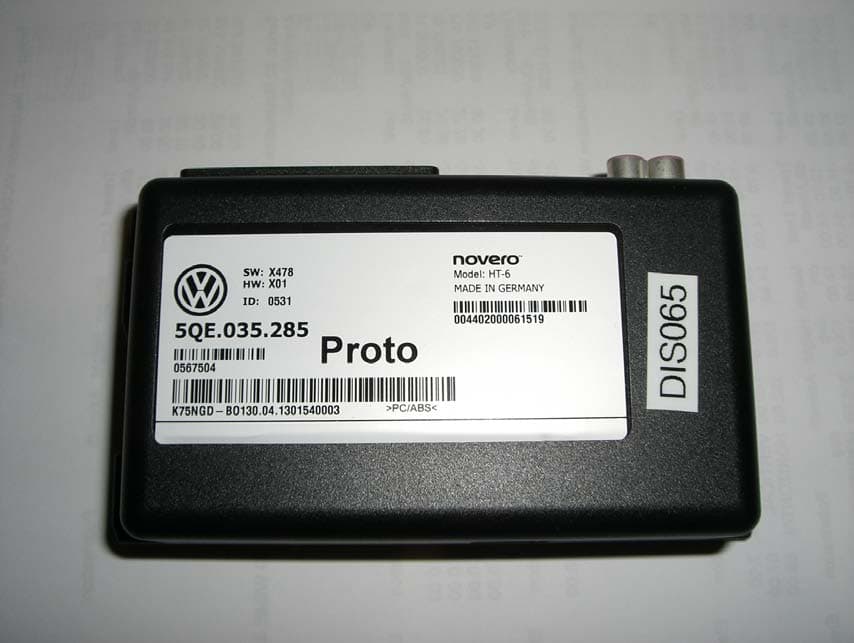
WJLHT-6G
Jul 14, 2013On Board Vehicle Connectivity Unit
Equipment Class
PCB - PCS Licensed Transmitter
WJLHT-6C
Nov 18, 2012On Board Vehicle Connectivity Unit
Equipment Class
PCB - PCS Licensed Transmitter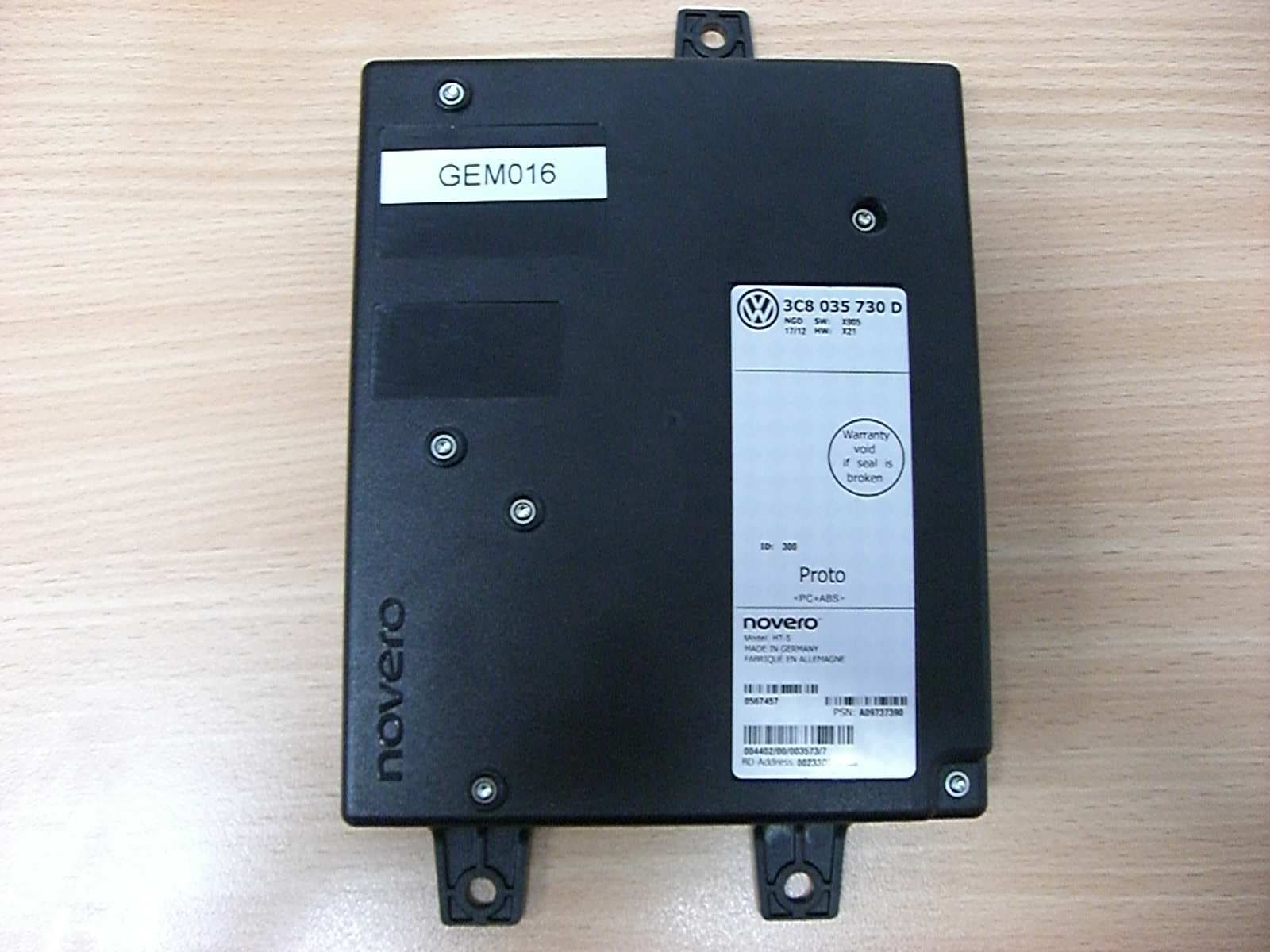
WJLHT-5
Aug 28, 2012Hands-Free Unit with Bluetooth, WLAN and GSM/WCDMA, HT-5
Equipment Class
DSS - Part 15 Spread Spectrum Transmitter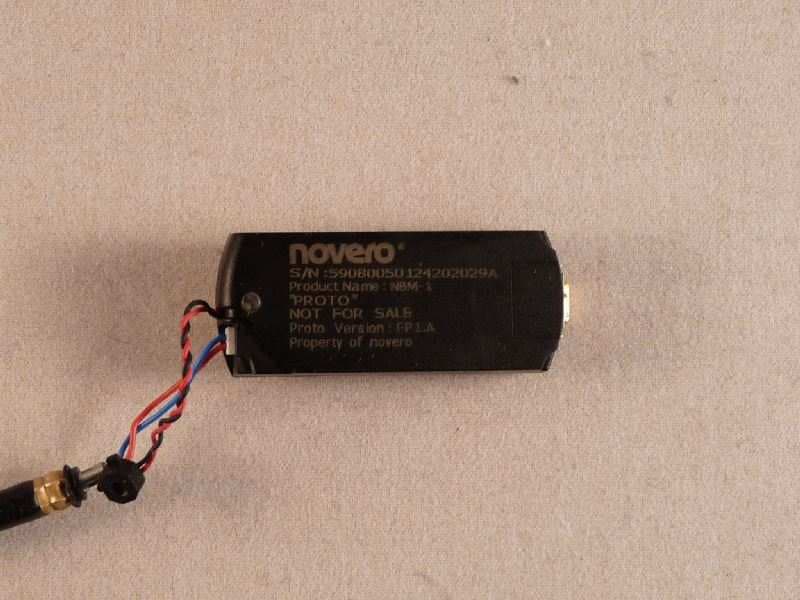
WJLNBM-1
Aug 11, 2010Bluetooth� V2.1 Module for Headset Applications
Equipment Class
DSS - Part 15 Spread Spectrum Transmitter
WJLHT-4
Apr 11, 2010Handsfree Car Kit
Equipment Class
PCB - PCS Licensed Transmitter