WSX-RPM-A432Robotic Packing Machine
OSANG Healthcare Co., Ltd.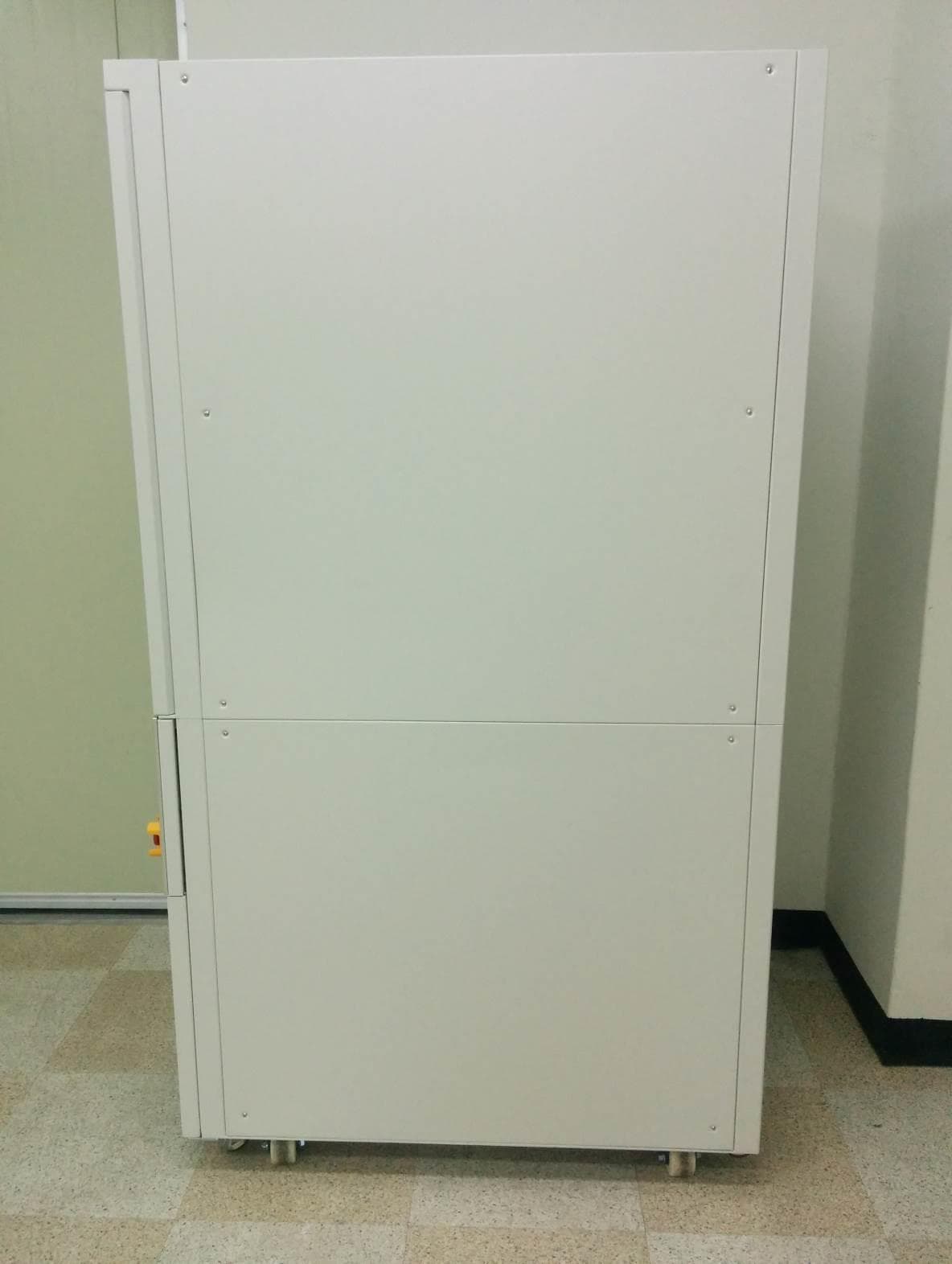
Click to zoom
Application Details
- Equipment Class
- DXX - Part 15 Low Power Communication Device Transmitter
- Date of Grant
- Nov 05, 2014
- Application Purpose
- Original Equipment
- Date of Application
- Nov 05, 2014
- Equipment Note
- Robotic Packing Machine
- Frequency Range
- 13.56000000 - 13.56000000
- Company
- OSANG Healthcare Co., Ltd.
- Country
- South Korea
Documents & Files
Document Text
Text extracted from the exhibit documents filed with the FCC. Open a document above to read the original.
Users Manual
Introduction to RPM User Manual 1 ◈ Introduction ◈ Specifications ◈ Installation Guide • Unlocking the Lower Unit....................................................................................................................................................3-4 • Unlocking the Middle Unit...................................................................................................................................................5-6 • Turning the machine on.......................................................................................................................................................7 ◈ Upper Unit • Upper Unit Parts..........................................................................................................................................................8-9 • How to install/remove cassette...................................................................................................................10 ◈ Middle Unit • Middle Unit Parts.............................................................................................................................................11 • How to change receipt paper............................................................................................................................................12 ◈ Lower Unit • Lower Unit Parts................................................................................................................................................................13-14 • How to change cellophane (packing) paper................................................................................................................15-17 • How to change print ribbon........................................................................................................................18-19 Content 2 Introduction 3 Please read carefully install manual before set up machine.Do not unsealing someone without completion study machine, plea se setup machine acceptance staffBe careful hazard risk Introduction 4 Precaution Mark Introduction 5 Precaution before installation ◈ Step1. Select location1) keep up rang another equipmentRear pen which rear side machine must keep up 20cm range wall o r something because of change of air2) Please avoid heat and humiditydue to heat and humidity change medicine discolor and deformati on Avoid from sink unit and heat unit, because of inside machine a ccuracy electric component◈ Step2. Settle Level1) Please using caster lever settle level, when ground irregula r 2) not settle level accuracy, occur to hazard door sink and dra w hook 3) Turn right caster lever, go up machine base◈Step 3. Earth1) Exist earth terminalUsing AC220V receptacle earth terminal, don’t need earth2) Do not exist earth terminalUsing AC220V receptacle without ea rth terminal, internal machin e earth lead line to ground earth3) no where to earthdon’t have earth duo to humidity and static, you must install c ircuit breaker (4) please check before set up machine internal power AC220V or AC110V and online power(5) RPM using internal Data communication by LAN(801.11)Please check space LAN Cable connection Specifications 6 ◈ Model : RPM-A432◈ Basic SpecificationCassette Capacity 432Packaging Speed Maximum 70 packing / minuteDisplay & Input Method Touch screen PCPower Supply AC220V(230V, 110V, 100V), 50/60HzPower Consumption 850W, 1000VAWeight RPM-A432 (About 850 Kg)Outside Dimension (W X D X H)mm 840(W) X 1030(D) X 2100(H)◈ SpecificationControl System Touch screen PC(Ultra mobile PC control)Control System Window Standard 7Pollution Category 2Overvoltage Category IIOperating Temperature 10°C ~ 40°C (Centigrade)Operating Humidity 10% ~ 80%Altitude Up to 2,000mClass of Equipment I◈ Main PrinterPrinter Specification Printer Method: Thermal PrinterPrinter Course: Line DirectionCharacter SpecificationGraphic support windowsAll character & bar cord of possible line printingMechanical SpecificationRated Voltage : DC24VRated Power : 50WPrinter Type : Thermal Type Installation Guide 7 ◈ Unlocking the Lower Unit (1/2) Remove the panels for easier access. Each panels have 4 screws. It is recommended to remove three bottom panels (Left, Right, Back). Installation Guide 8 ◈ Unlocking the Lower Unit (2/2) There are two brackets that are holding the lower unit. Location is shown above Remove the two screws that are holding the bracket to remove it Installation Guide 9 ◈ Unlocking the Middle Unit (1/2) There are two brackets on each side that hold the middle unit. Location is shown above Remove the two screws that are holding the bracket to remove it. Do it on both sides Installation Guide 10 ◈ Unlocking the Middle Unit (2/2) Find the magnet piece inside the zip lock bag and install them. Once the bracket is removed, the middle unit is free from the machine frames. As shown above, due to the placement of the locking bracket, a magnet piece is missing Zip lock bag containing:• Magnet pieces • Screws to install Installation Guide 11 ◈ Turning the machine on Plug power chord and make sure circuit breaker is up. When ready, twist the emergency switch to disable it and turn the key to activate RPM Re-install the panels . The back panel has fans mounted on them and cables need to be connected before installation Power Plug Circuit Breaker Emergency Switch ◈ About Upper Unit • Upper unit mainly consist of cassettes which contain designated medication • The drawers slide out for user to install and remove desired cassettes • The LEDs on the fron t of every drawer display the medication name that each drawer contains Upper Unit 12 LED Screen : displays medication name Cassette Drawers : Each cassette drawers can hold 24 cassettes (12 on one side Installation Guide ◈ About Upper Unit Cassettes • Cassettes dispense medication to bottom unit • Each Cassette is made for a specific drug. • If size of medication changes, cassette will not work properly Cassette Base • Cassette Bases hold the Cassettes • Responsible for turni…
Text truncated - open the document above for the full version.
Users Manual
1 RPM Getting Started 2 Table of Contents Introduction..............................................3 Safe Handling Information.........3 Care and Handling....................3 RPM Components.....................4 Machine Specification...............5 Power on...............................5-6 Getting Started with Cartridges................7 Installing Cartridges................7 Refilling Cartridges..................7 Getting Started with MDC.........................8 Dispensing with MDC..............8 Getting Started with Lower Unit...............9 Key Parts of Lower Unit...........9 Installing Paper.....................10 Key Parts of Print Assembly...11 Installing Print Ribbon...........11 3 Introduction Thank you for selecting RPM as your new solution for repacking oral solid medications. This machine, rather integrated with hospital system or standalone, is designed to quickly and easily repack medication with barcodes, lot number, brand name, generic name and any other information that will benefit both the pharmacy and patients. This guide is to help users to get familiar with some of the parts consisted in RPM as well as easily get set up to repack oral solid medication. Safe Handling Information The RPM is designed to be used as a stationary unit. It is very important that you handle this machine carefully to avoid hardware and electrical damage. Please read the following warnings before attempting to install, use, or move the RPM Care and Handling of Your HP Personal Media Drive WARNING: The warnings for the care and handling of the RPM are listed below Do not move the machine while it is operating to avoid hardware and electrical damage. You can safely move the machine only when you have properly disconnected and powered off the machine Do not use the machine in a hot and humid atmosphere to prevent machine and stored medication from overheating. It is recommended to keep the room temperature under 24ºC. Do not block airflow around the machine while the machine is turned on. It is recommended to keep the back of the machine at least 0.5 meter away from its facing wall Do not stack anything on top of the machine; this can overheat and damage the machine Do not set any liquids or drinks on the machine. Liquids can damage the internal electronics Do not use the machine without proper cleaning. Pill dusts can decrease machine’s performance and potentially damage the machine. Please refer to RPM Cleaning Guide to properly clean the machine. 4 RPM Components RPM components are listed below: A RPM B Tool Kit C Cartridges D Packing Paper E Print Ribbon F Power Cable G Ethernet Cable A B F G E D C 5 Machine Specification RPM-A432 RPM-A360 RPM-A288 Fixed Cartridges 360 300 240 Flexible Cartridges 72 60 48 Dimension (w x h x d) (m) 95 x 204 x 115 95 x 188 x 115 95 x 172 x 115 Weight Power On Below is a diagram of the lower back of the machine A Power Plug B Circuit Breaker C Ethernet Ports D USB Port A C D B 6 Below is the diagram of the lower front of the machine E Key Switch F Emergency Button Steps to turn the RPM on are listed below: 1. Plug the power cable into the machine (A) and then to the power outlet. NOTE: Uninterrupted power supply (UPS) battery is strongly recommended 2. Plug the Ethernet cable into the machine (C) and then to the hospital network source. 3. Double check to make sure the circuit breaker (B) is up and emergency button (F) is out. NOTE: If the circuit breaker is down, pull both levers up until they click NOTE: If the emergency button is pushed in, twist the switch clockwise to pull it out 4. Turn the key (E) to turn on the machine E F ON OFF 7 Getting Started with Cartridges Cartridges are the main dispensing device for the RPM. They hold the medication and when needed, operate and dispense correct amount of pill to the bottom unit. Cartridges are calibrated for specific sized drug. Therefore, it is recommended that the cartridge gets recalibrated if the manufacturer for that drug is switched. A Cartridge B Cartridge Number C Medication Name D Cartridge Base E Base Number Installing Cartridges All cartridges (A) are assigned to a number. If the cartridge number is below 500, find the cartridge base (D) with the same number and install it. If the cartridge number is above 500, find an empty flexible cartridge base and install it. NOTE: Please refer to the RPMS manual to assign the medication with its cartridge on the software NOTE: Install the back first for easier installation. Do the reverse process to remove Refilling Cartridges Pour the medication into the canister. Then using the RPMS software, update the system with the refilled medication information such as refilled quantity, lot number, and expiration date. NOTE: Please refer to the RPMS manual to update the quantity, lot number, and expiration date of the drug filled Depending on the size of the medication, one cartridge can hold from minimum of 250 to maximum of 500. NOTE: It is recommended not to completely fill the canister to prevent from cartridge drum to jam. A B C D E 8 Getting Started with MDC MDC (Manual Dispensing Cell) is an alternative method for dispensing medication. It is ideal for medications that are short-term and that are used rarely. MDC is located in the middle unit of RPM, just above the switch key and emergency button. Unlike cartridges, MDC requires users to fill the tray when needed. NOTE: Please refer to the RPMS manual to assign medication to MDC and change configuration of MDC Tray consists of 90 cells and it is removable. One cell represents one package, so if dispensing in multi-dose format, all the medication that are needed in one package will go into one cell. If an order contains both medications from canisters and from MDC, the machine will direct user to fill the cell with just the MDC medications. Then, RPM will automatically operate both canister and MDC to repack desired order. Dispensing with MDC Steps on using the MDC are listed below: 1. Press MDC…
Text truncated - open the document above for the full version.
Cover Letter(s)
Date: 2014.10.16 Federal Communications Commission 7435 Oakland Mills Road Columbia MD 21046 c.c. UL Verification Services Certification Division 47173 Benicia Street Fremont, CA 94538, USA To whom it may concern: I, the undersigned, hereby authorize Ms.Sangah JEON/Application Examiner of UL-Korea and hereafter referred to as ULK, to act on our behalf in all manners relating to application for equipment authorization, including signing of all documents relating to these matters. Any and all acts carried out by Ms.Sangah JEON/Application Examiner of UL-Korea on our behalf shall have the same effect as acts of our own. I, the undersigned, hereby certify that we are not subject to a denial of federal benefits, that includes FCC benefits, pursuant to Section 5301 of the Anti-Drug Abuse Act of 1988, 21 U.S.C. 853(a). In authorizing ULK as our agent, we still recognize that we are responsible to: a) comply with the relevant provisions of the certification program; b) make all necessary arrangements for the conduct of the evaluation, including provision for examining documentation and access to all areas, records (including internal audit reports) and personnel for the purposes of evaluation (e.g. testing, inspection, assessment, surveillance, reassessment) and resolution of complaints; c) make claims regarding certification only in respect of the scope for which certification has been granted; d) do not use our product certification in such a manner as to bring the Certification Division into disrepute and not make any statement regarding our product certification which the Certification Division may consider misleading or unauthorized; e) upon suspension or cancellation of certification, discontinue use of all advertising matter that contains any reference thereto and return any certification documents as required by the Certification Division; f) use certification only to indicate the products are certified as being in conformity with specified standards; g) endeavor to ensure that no certificate or report nor any part thereof is used in a misleading manner; h) ensure that any reference to our product certification in communication media such as documents, brochures or advertising, complies with the requirements of the Certification Division; i) keep a record of all complaints made known to the us relating to the product’s compliance with requirements of the relevant standard and to make these records available to the Certification Division when requested; j) take appropriate action with respect to such complaints and any deficiencies found in products or services that affect compliance with the requirements for certification; k) document the actions taken. This authorization is valid until further written notice from the applicant. Sincerely Yours, Type Name: Hong Seong Suk Title: Header Manager E-mail: [email protected] Company name: INFOPIA REMARK: 1. This authorization letter will be sent along with your application when filing with the Certification Division. 2. Please follow the format and type it on company letterhead and send original to us. 3. Authorized signature must be in agreement with grantee code contact in FCC database.
Cover Letter(s)
CONFIDENTIALITY REQUEST Federal Communication Commission Equipment Authorization Division, Application Processing Branch 7435 Oakland Mills Road Columbia, MD 21048 2014.10.16 TO WHOM IT MAY CONCERN Pursuant to Paragraphs §0.457 and 0.459 of the Commission’s Rules (47 C.F.R.) and Section §552(b)(4) of the Freedom of Information Act, Infopia requests confidentiality for the following products: FCC ID Number Product Title/Model WSX-RPM-A432 Robotic Packing Machine / RPM-A432 The following exhibits contain trade secrets and proprietary information that could be of benefit to our competitors regarding the design of our product. This material is not customarily available to the general public and we request that it be withheld from public inspection. We request that the following information submitted be held permanent confidential treatment. Permanent Confidential Request - Schematics - Block diagram - Part List - Operational description We request that the following information submitted be held short-term confidential treatment for 180 days. Short- term Confidential Request - Internal photo - External photo - User’s manual - Set up photo If you have any questions, please feel free to contact me at the address shown below. Best regards, Type Name: Hong Seong Suk Title: Header Manager E-mail: [email protected] Company name: INFOPIA
External Photos
Order Number: 10446752 Page : 1 of 4 Model Number: RPM-A432 External PHOTO OF EUT Order Number: 10446752 Page : 2 of 4 Model Number: RPM-A432 Order Number: 10446752 Page : 3 of 4 Model Number: RPM-A432 Order Number: 10446752 Page : 4 of 4 Model Number: RPM-A432
ID Label/Location Info
This device complies with part 15 of the FCC Rules. Operation is subject to the following two conditions: (1) This device may not cause harmful interference, and (2) this device must accept any interference received, including interference that may cause undesired operation. RPM-A432 Robotic Dispensing and Packaging Machine This device complies with part 15 of the FCC Rules. Operation is subject to the following two conditions: (1) This device may not cause harmful interference, and (2) this device must accept any interference received, including interference that may cause undesired operation. RPM-A432
Internal Photos
Order Number: 10446752 Page : 1 of 16 Model Number: RPM-A432 Cartridge Base NFC- Front Cartridge Base NFC- Rear Order Number: 10446752 Page : 2 of 16 Model Number: RPM-A432 ANT - Front ANT - Rear Order Number: 10446752 Page : 3 of 16 Model Number: RPM-A432 Cartridge ID - NFC Order Number: 10446752 Page : 4 of 16 Model Number: RPM-A432 Container Panel SLCD- Front Container Panel SLCD - Rear Order Number: 10446752 Page : 5 of 16 Model Number: RPM-A432 Container Panel Side - Front Container Panel Side - Rear Order Number: 10446752 Page : 6 of 16 Model Number: RPM-A432 MDC - Front MDC - Rear Order Number: 10446752 Page : 7 of 16 Model Number: RPM-A432 PWR-Bridge- Front PWR-Bridge - Rear Order Number: 10446752 Page : 8 of 16 Model Number: RPM-A432 Vision Shutter LED - Front Vision Shutter LED - Rear Order Number: 10446752 Page : 9 of 16 Model Number: RPM-A432 Last Shutter IR - Front Last Shutter IR - Rear Order Number: 10446752 Page : 10 of 16 Model Number: RPM-A432 APC- Front Order Number: 10446752 Page : 11 of 16 Model Number: RPM-A432 APC- Rear Order Number: 10446752 Page : 12 of 16 Model Number: RPM-A432 APC485- Front APC485- Rear Order Number: 10446752 Page : 13 of 16 Model Number: RPM-A432 APC-LCD- Front APC-LCD- Rear Order Number: 10446752 Page : 14 of 16 Model Number: RPM-A432 GPEG module-Front GPEG module- Rear Order Number: 10446752 Page : 15 of 16 Model Number: RPM-A432 TOUCH module- Front TOUCH module- Rear Order Number: 10446752 Page : 16 of 16 Model Number: RPM-A432 TPH module- Front TPH module- Rear
Test Report
UL Korea, Ltd An organization dedicated 26 th FL, Gangnam Finance Center, 737 to public safety and committed to Yeoksam-dong, Gangnam-gu, Seoul quality service for over 100 years 135-984 Korea Tel: +82.2.2009.9000, Fax:+82.2.2009.9405 Underwriters Laboratories Inc. www.ul.com/emc www.ulk.co.kr Order No.: 10519245 Report No.: 14-10519245-1-FCC Date: October 14, 2014 Model No.: RPM-A432 FCC ID.: WSX-RPM-A432 FCC Test Report in accordance with FCC Part 15 Subpart C Section 15.215 & 15.225 for Robotic Dispensing and Packaging Machine INFOPIA CO., Ltd. 132, Anyangcheondong-ro, Dongan-gu, Anyang-si, Gyunggi-do, Republic of Korea Copyright 2005 Underwriters Laboratories Inc. Underwriters Laboratories Inc. authorizes the above-named company to reproduce this Report provided it is reproduced in its entirety. Only those products bearing the UL Mark should be considered as being covered by UL. Order Number: 10519245 Page : 2 of 28 Model Number: RPM-A432 UL Korea, Ltd. 26 th FL, Gangnam Finance Center, 737 Yeoksam-dong, Gangnam-gu, Seoul 135-984 Korea Tel: +82.2.2009.9000, Fax:+82.2.2009.9405 Report Version 1.2 June-06,2007 Only those products bearing the UL Mark should be considered as being covered by UL. Summary of Test Results: The following tests were performed on a sample submitted for evaluation of compliance with FCC Part 15 Subpart C Section 15.215 & 15.225 and RSS-210 & RSS-Gen No Reference Clause No. FCC Part15 Subpart C Conformance Requirements Verdict Remark 1 15.215(c) 20 dB Bandwidth & 99 % Bandwidth Complied 2 15.225(a),(b),(c) The field strength of any emission within the band 13.110-14.010 MHz Complied 3 15.225(d) The field strength of any emission appearing outside of the 13.110-14.010 MHz band Complied 4 15.225(e) The frequency tolerance of the carrier signal Complied 5 15.209(a) Transmitter radiated spurious emissions Complied 6 15.207(a) Transmitter AC power line conducted emission Complied Conclusion: The tests listed in the Summary of Testing section of this report have been performed and the results recorded by UL Korea Ltd. in accordance with the procedures stated in each test requirement and specification. The test list was determined by the Applicant as being applicable to the Equipment Under Test. As a result, the subject product has been verified to comply or not comply as noted in the Summary of Testing with each test specification. The test results relate only to the items tested. Tested by ChangMin Kim, WiSE Project Engineer Reviewed by Jeawoon, Choi, WiSE Engineering Leader UL Verification Services- 3014ASEO UL Verification Services- 3014ASEO UL Korea Ltd. UL Korea Ltd. October 14, 2014 October 14, 2014 Order Number: 10519245 Page : 3 of 28 Model Number: RPM-A432 UL Korea, Ltd. 26 th FL, Gangnam Finance Center, 737 Yeoksam-dong, Gangnam-gu, Seoul 135-984 Korea Tel: +82.2.2009.9000, Fax:+82.2.2009.9405 Report Version 1.2 June-06,2007 Only those products bearing the UL Mark should be considered as being covered by UL. Test Report Details Witnessed By: UL Korea Ltd. 26 th FL. GFC Center, 737 Yeoksam-dong, Gangnam-gu, Seoul, 135-984, Korea Test Site: DT&C Co., Ltd. 42, Yurim-ro, 154beon-gil, Cheoin-gu, Yongin-si, Gyeonggi-do, Korea 449-935 The test facility was deemed to have the environment and capabilities necessary to perform the tests included in the test package. Applicant: INFOPIA CO., Ltd. 132, Anyangcheondong-ro, Dongan-gu, Anyang-si, Gyunggi-do, Republic of Korea Applicant Contact: Kim Keun Young Title: Manager Phone: +82-10-3304-4895 E-mail: [email protected] Product Type: Robotic Dispensing and Packaging Machine Model Number: RPM-A432 Multi-listing Model Name: RPM-A360, RPM-A288, RPM-A216, RPM-A144, RPM-A72, RPM-B90 Sample Serial Number: N/A Test standards: FCC Part 15 Subpart C Section 15.215 Additional provisions to the general radiated emission limitations FCC Part 15 Subpart C Section 15.225 Operation within the band 13.110–14.010 MHz. Sample Receive Date: August 25, 2014 Testing Start Date: August 25, 2014 Date Testing Complete: October 14. 2014 Overall Results: Pass UL Korea Ltd. reports apply only to the specific test samples and test results submitted for UL’s review. All samples tested were in good operating condition throughout the entire test program. It is the manufacturer's responsibility to assure that additional production units of this model are manufactured with identical electrical and mechanical components. UL Korea Ltd. shall have no liability for any deductions, inferences or generalizations drawn by the client or others from UL Korea Ltd. issued reports. This report shall not be used to claim, constitute or imply product certification, approval, or any agency of the National Authorities. This report may contain test results that are not covered by the NVLAP or KOLAS accreditation. Order Number: 10519245 Page : 4 of 28 Model Number: RPM-A432 UL Korea, Ltd. 26 th FL, Gangnam Finance Center, 737 Yeoksam-dong, Gangnam-gu, Seoul 135-984 Korea Tel: +82.2.2009.9000, Fax:+82.2.2009.9405 Report Version 1.2 June-06,2007 Only those products bearing the UL Mark should be considered as being covered by UL. Report Directory 1. GENERAL PRODUCT INFORMATION ........................................................ 5 1.1. EQUIPMENT DESCRIPTION .......................................................................................................... 5 1.2. DETAILS OF TEST EQUIPMENT (EUT) ......................................................................................... 5 1.3. EQUIPMENT CONFIGURATION ..................................................................................................... 5 1.4. TECHNICAL DATA ....................................................................................................................... 6 1.5. ANTENNA INFORMATION ............................................................................................................ 6 1.6. EQUIPMENT TYPE : ...................................................…
Text truncated - open the document above for the full version.
Contact Information
Applicant
Dae Sup Shin
Test Firm
DT&C Co.,Changho Lee
Technical Specifications
| # | Rule Parts | Frequency Range | Power Output |
|---|---|---|---|
| 1 | 15C | 13.56 MHz - 13.56 MHz | - |
Other Applications from OSANG Healthcare Co., Ltd.
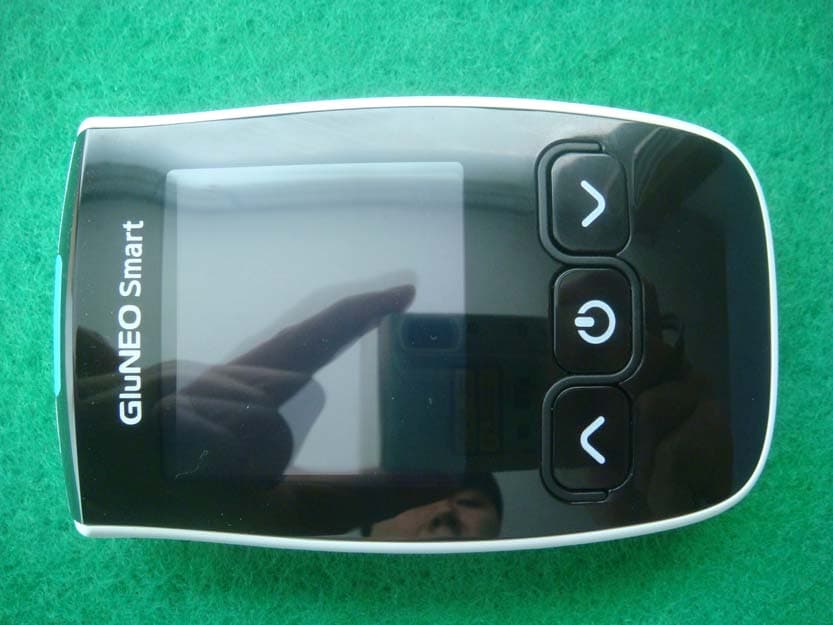
WSX-IGM-1001D
Oct 15, 2014Lipid profile and glucose measuring system for self testing
Equipment Class
DTS - Digital Transmission System