XRAFB103Wireless Activity Sleep Tracker
Google LLC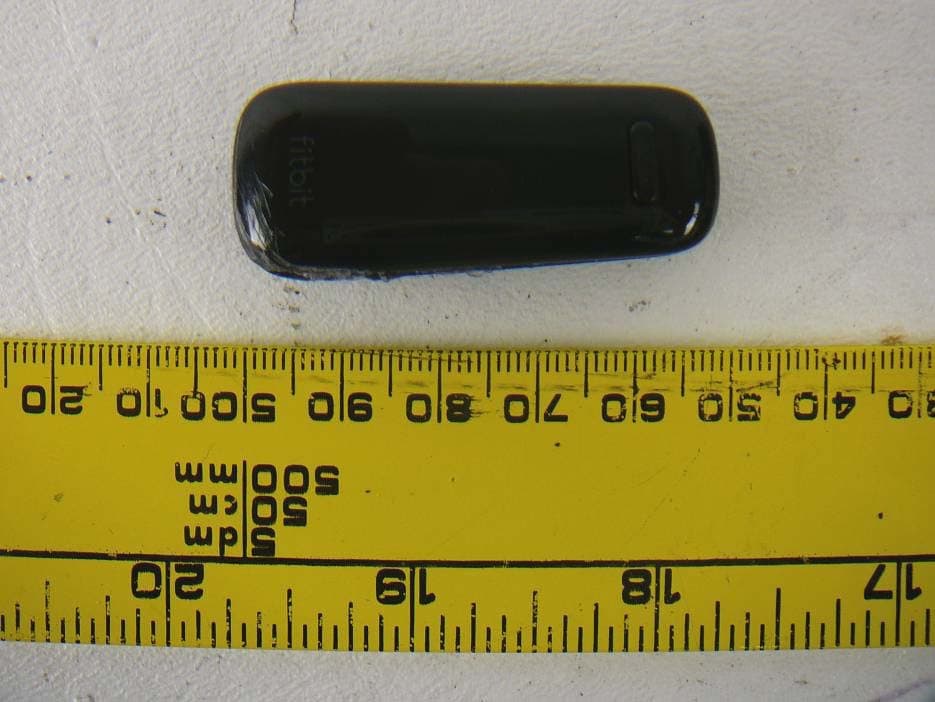
Click to zoom
Application Details
- Equipment Class
- DTS - Digital Transmission System
- Date of Grant
- Nov 06, 2012
- Application Purpose
- Original Equipment
- Date of Application
- Nov 06, 2012
- Equipment Note
- Wireless Activity Sleep Tracker
- Frequency Range
- 2402.00000000 - 2480.00000000
- Company
- Google LLC
- Country
- United States
Documents & Files
Document Text
Text extracted from the exhibit documents filed with the FCC. Open a document above to read the original.
Users Manual
Wireless Activity + Sleep Tracker Product Manual Fitbit One Activity & Sleep Tracker Product Contents 1 1 1 2 2 3 4 9 9 12 13 14 15 15 15 15 15 15 16 17 17 18 19 19 19 19 19 20 20 20 20 20 21 Gett ing Started What’s included Your Fitbit.com Dashboard Wireless sync to a computer Setting up your Fitbit One on a computer Installing Fitbit Connect on your computer Pairing your Fitbit One tracker to Fitbit Connect Using your Fitbit One with a mobile device Pairing your Fitbit One to a mobile device Syncing your Fitbit One to an iOS device Updating your Fitbit One on a mobile device Updating your Fitbit One on a computer Wearing your Fitbit One tracker Controls and Display The Fitbit One Display Beginner Mode Power Saving Mode Turning off your Fitbit One Display Screens Silent Alarms Setting up Silent Alarms from your computer Setting up Silent Alarms from your mobile device Tracking Sleep General Fitbit One Information Battery Life and Power Memory Senors and Motors Size and Weight Environmental Conditions PC/Mac requirements Supported Browsers Help Statements Federal Communications Commission (FCC) Statement Gett ing started What’s included Your Fitbit One package will contain: a. Fitbit One Wireless Activity + Sleep Tracker b. clip c. wireless USB dongle d. sleep wristband e. charging cable (to be used only for charging; not for syncing) a b c d e A quick start guide is also included. Your Fitbit.com Dashboard Using your Fitbit One in conjunction with the free Fitbit.com Dashboard gives you the ability to log and track your physical activities, food and calorie intake, sleep patterns, body goals and more. When you log into Fitbit.com, your Dashboard will show: • information synced from your tracker, including steps taken, distance traveled and calories burned. • a graph of your time spent being active throughout the day. • a Food Plan to help you keep on track with weight loss or maintenance goals by monitoring calories and activity levels. • a sleep graph showing your time in bed versus actual sleep, times awakened and sleep efficiency. • your friends and groups, with whom you can interact to make Fitbit more fun. 1 Wireless sync to a computer Syncing occurs automatically any time your Fitbit One is within 20 feet of a wireless USB dongle that is plugged into your computer’s USB port. Fitbit Connect software must be installed for your tracker to sync with Fitbit.com. Setting up your Fitbit One on a computer 1. Ensure your Fitbit One has sufficient battery charge: hold down the tracker’s button for a few seconds. If the screen does not illuminate, charge your tracker for at least 5 minutes before setting up. To charge your Fitbit One, align the gold contacts on your tracker with the gold contacts on the inside of the charging cable, then plug it into your computer’s USB port. *Please note that the charging cable is for charging only; it will not sync your tracker’s data to Fitbit.com. 2. Once the tracker’s display turns on, you will be ready to set it up. 3. Plug the wireless USB dongle into a USB port on your computer. This needs to be connected to send data from your tracker to your Fitbit account. 4. Once your tracker is charged and your wireless USB dongle is plugged into your computer, continue the setup process by installing Fitbit Connect. 2 Installing Fitbit Connect on your computer Fitbit Connect needs to be installed on your computer in order for your tracker to upload data to your Fitbit.com Dashboard. To install Fitbit Connect: 1. Go to the software download page: www.fitbit.com/start/one. 2. Click the pink Download button to get the software for your operating system. 3. If you are on a PC, open the .zip file, then open the .exe file that is unzipped. If Fitbit Connect does not appear on your desktop, search for “Fitbit Connect” in the Start menu. If you are on a Mac, open the .dmg file. If Fitbit Connect does not appear on your desktop, search for “Fitbit” in Spotlight. PC Mac 4. Run the installation file by double‐clicking on it, then follow the on screen instructions. 3 Pairing your Fitbit One to Fitbit Connect 1. Once you have downloaded and installed Fitbit Connect, open it up. 2. Right‐click on Fitbit Connect, which will be found in your System Tray if you’re on a PC, or in your Toolbar if you are on a Mac. Mac users can also locate Fitbit Connect by searching for the program in Spotlight. Windows users can also search for Fitbit Connect by searching in the Start Menu. Click on the Fitbit icon, then on “Open Main Menu”. From the Main Menu, click “Set Up Device”. 3. On the Account Setup screen, you have the option to create a new account or log in to an existing Fitbit account. 4 4. If you select “New to Fitbit” you’ll be prompted to sign up. If you select “Existing User” you’ll be prompted to log in. * If you already have a Fitbit account and want to use your Fitbit One with your existing account, log in using that email address, but please note that there can only be one tracker per Fitbit account. If you have another tracker associated with that Fitbit account, linking a new device to it will unlink the previous tracker. To monitor your Fitbit One and another tracker simultaneously, you’ll need to create a new Fitbit account with a different email address. 5 6. Once you’ve entered your email address, you will be asked to fill in a few details about yourself. This information improves the accuracy of your calorie burn and distance data. You can adjust your privacy settings within Fitbit to control what information is shared with others. 7. After filling out your personal information, you will be asked to select which device you are setting up. Make sure that your wireless USB dongle is plugged into your computer and that your Fitbit One is near it. If you have any trackers in addition to your Fitbit One, please move them away from your computer at this time. Click the Fitbit One tile. The software will begin to search for your One. 6 8. A 4 digit pairing number will appe…
Text truncated - open the document above for the full version.
External Photos
Fitbit, Inc. FCC ID: XRAFB103, IC: 8542A-FB103 Report Number: R1210221-247 Page 41 of 43 FCC Part 15C/IC RSS-210 Test Report 15 Exhibit C – EUT Photographs 15.1 EUT – Front View 15.2 EUT – Rear View
ID Label/Location Info
Fitbit, Inc. FCC ID: XRAFB103, IC: 8542A-FB103 Report Number: R1210221-247 Page 37 of 43 FCC Part 15C/IC RSS-210 Test Report 13 Exhibit A – FCC & IC Equipment Labeling Requirements 13.1 FCC ID Label Requirements As per FCC §2.925, (a) Each equipment covered in an application for equipment authorization shall bear a nameplate or label listing the following: (1) FCC Identifier consisting of the two elements in the exact order specified in §2.926. The FCC Identifier shall be preceded by the term FCC ID in capital letters on a single line, and shall be of a type size large enough to be legible without the aid of magnification. Example: FCC ID: XXX123 Where: XXX—Grantee Code, 123—Equipment Product Code As per FCC §15.19, (a) In addition to the requirements in part 2 of this chapter, a device subject to certification, or verification shall be labeled as follows: (3) All other devices shall bear the following statement in a conspicuous location on the device: This device complies with part 15 of the FCC Rules. Operation is subject to the following two conditions: (1) This device may not cause harmful interference, and (2) this device must accept any interference received, including interference that may cause undesired operation. (4) Where a device is constructed in two or more sections connected by wires and marketed together, the statement specified above is required to be affixed only to the main control unit. If the EUT is integrated within another device then a label affixed to the host shall also state, “Contains FCC ID: XXXXXX” (5) When the device is so small or for such use that it is not practicable to place the statement specified under paragraph (a) of this section on it, the information required by this paragraph shall be placed in a prominent location in the instruction manual or pamphlet supplied to the user or, alternatively, shall be placed on the container in which the device is marketed. However, the FCC identifier or the unique identifier, as appropriate, must be displayed on the device. 13.2 IC Label Requirements As per IC RSS-Gen §5.2, the certification number shall appear as follows: IC: XXXXXX-YYYYYYYY Where: "XXXXXX-YYYYYYYY" is the certification number "XXXXXX" is the Certificate Holder Number (CHN), made of at most 6 alphanumeric characters (A-Z, 0-9), assigned by Industry Canada; and "YYYYYYYY" is the Unique Product Number (UPN), made of at most 11 alphanumeric characters (A-Z, 0-9) assigned by the applicant. Note 1: The term "IC" before the equipment certification number only signifies that the Industry Canada technical specifications were met. Note 2: Note 1 shall be conspicuously placed in the equipment user manual. Note 3: Permitted alphanumeric characters used in the CHN and UPN are limited to capital letters (A-Z) and digits (0-9). Other characters, such as "#", "/" or "-", shall not be used. Fitbit, Inc. FCC ID: XRAFB103, IC: 8542A-FB103 Report Number: R1210221-247 Page 38 of 43 FCC Part 15C/IC RSS-210 Test Report As per RSS-Gen §5.2 Equipment Labeling: Equipment subject to certification under the applicable RSS, shall be permanently labeled on each item, or as an inseparable combination. The label must contain the following information for full compliance: (a) the certification number, prefixed by the term “IC:”; (b) the manufacturer's name, trade name or brand name; and (c) a model name or number. Equipment for which a certificate has been issued is not considered certified if it is not properly labeled. The information on the Canadian label can be combined with the manufacturer’s other labeling requirements. If the device size is too small to put a label, the label can be included in the user’s manual, upon agreement with Industry Canada. 13.3 FCC ID & IC Label Contents and Location on EUT
Internal Photos
Fitbit, Inc. FCC ID: XRAFB103, IC: 8542A-FB103 Report Number: R1210221-247 Page 42 of 43 FCC Part 15C/IC RSS-210 Test Report 15.3 EUT – Cover off View 15.4 EUT – PCB Top View Fitbit, Inc. FCC ID: XRAFB103, IC: 8542A-FB103 Report Number: R1210221-247 Page 43 of 43 FCC Part 15C/IC RSS-210 Test Report 15.5 EUT – PCB Bottom View --- END OF REPORT ---
Test Report
Note: This test report is prepared for the customer shown above and for the device described herein. It may not be duplicated or used in part without prior written consent from Bay Area Compliance Laboratories Corp. This report must not be used by the customer to claim product certification, approval, or endorsement by A2LA*, NIST, or any agency of the Federal Government. * This report may contain data that are not covered by the A2LA accreditation and are marked with an asterisk “*” (Rev.2) FCC PART 15, SUBPART C IC RSS-210, ISSUE 8, DECEMBER 2010 TEST AND MEASUREMENT REPORT For Fitbit, Inc. 150 Spear Street, Suite 200, San Francisco, CA 94105, USA Report Type: Original Report Product Type: Wireless Activity Tracker Prepared By: Lionel Lara Report Number: R1210221-247 Report Date: 2012-11-06 Reviewed By: Quinn Jiang Test Engineer Bay Area Compliance Laboratories Corp. 1274 Anvilwood Avenue, Sunnyvale, CA 94089, USA Tel: (408) 732-9162 Fax: (408) 732-9164 FCC ID: XRAFB103 IC: 8542A-FB103 Fitbit, Inc. FCC ID: XRAFB103, IC: 8542A-FB103 Report Number: R1210221-247 Page 2 of 43 FCC Part 15C/IC RSS-210 Test Report TABLE OF CONTENTS 1 General Description..................................................................................................................................................... 5 1.1 Product Description for Equipment Under Test (EUT) ....................................................................................... 5 1.2 Mechanical Description of EUT .......................................................................................................................... 5 1.3 Objective.............................................................................................................................................................. 5 1.4 Related Submittal(s)/Grant(s) .............................................................................................................................. 5 1.5 Test Methodology................................................................................................................................................ 5 1.6 Measurement Uncertainty.................................................................................................................................... 5 1.7 Test Facility......................................................................................................................................................... 6 2 System Test Configuration.......................................................................................................................................... 7 2.1 Justification.......................................................................................................................................................... 7 2.2 EUT Exercise Software ....................................................................................................................................... 7 2.3 Special Equipment ............................................................................................................................................... 7 2.4 Equipment Modifications .................................................................................................................................... 7 2.5 Local Support Equipment .................................................................................................................................... 7 2.6 EUT Internal Configuration Details .................................................................................................................... 7 2.7 Interface Ports and Cables ................................................................................................................................... 7 2.8 External I/O Cabling List and AC Cord .............................................................................................................. 8 2.9 Power Supply List and Details............................................................................................................................. 8 3 Summary of Test Results ............................................................................................................................................ 9 4 FCC §15.247 (i), §2.1093 & IC RSS-102 – RF Exposure.......................................................................................... 10 4.1 Applicable Standard .......................................................................................................................................... 10 4.2 Evaluation Result............................................................................................................................................... 10 5 FCC §15.203 & IC RSS-Gen §7.1.2 – Antenna Requirements ................................................................................ 11 5.1 Applicable Standard .......................................................................................................................................... 11 5.2 Antenna List ...................................................................................................................................................... 11 5.3 Result ................................................................................................................................................................. 11 6 FCC §15.247(d) & IC RSS-210 §A8.5 – Spurious Emissions at Antenna Terminals............................................. 12 6.1 Applicable Standard .......................................................................................................................................... 12 6.2 Measurement Procedure .................................................................................................................................... 12 6.3 Test Equipment List and Details...........................................................................................................…
Text truncated - open the document above for the full version.
Test Setup Photos
Fitbit, Inc. FCC ID: XRAFB103, IC: 8542A-FB103 Report Number: R1210221-247 Page 39 of 43 FCC Part 15C/IC RSS-210 Test Report 14 Exhibit B – Test Setup Photographs 14.1 Radiated Emission Front View at 3 Meter 14.2 Radiated Emission below 1 GHz Rear View at 3 Meter Fitbit, Inc. FCC ID: XRAFB103, IC: 8542A-FB103 Report Number: R1210221-247 Page 40 of 43 FCC Part 15C/IC RSS-210 Test Report 14.3 Radiated Emission above 1 GHz Rear View at 3 Meter
Contact Information
Applicant
John McNulty
Test Firm
Bay Area Compliance Laboratories Corp.Lisa Tang
Technical Specifications
| # | Rule Parts | Frequency Range | Power Output |
|---|---|---|---|
| 1 | 15C | 2.40 GHz - 2.48 GHz | 2.30 mW |
Other Applications from Google LLC
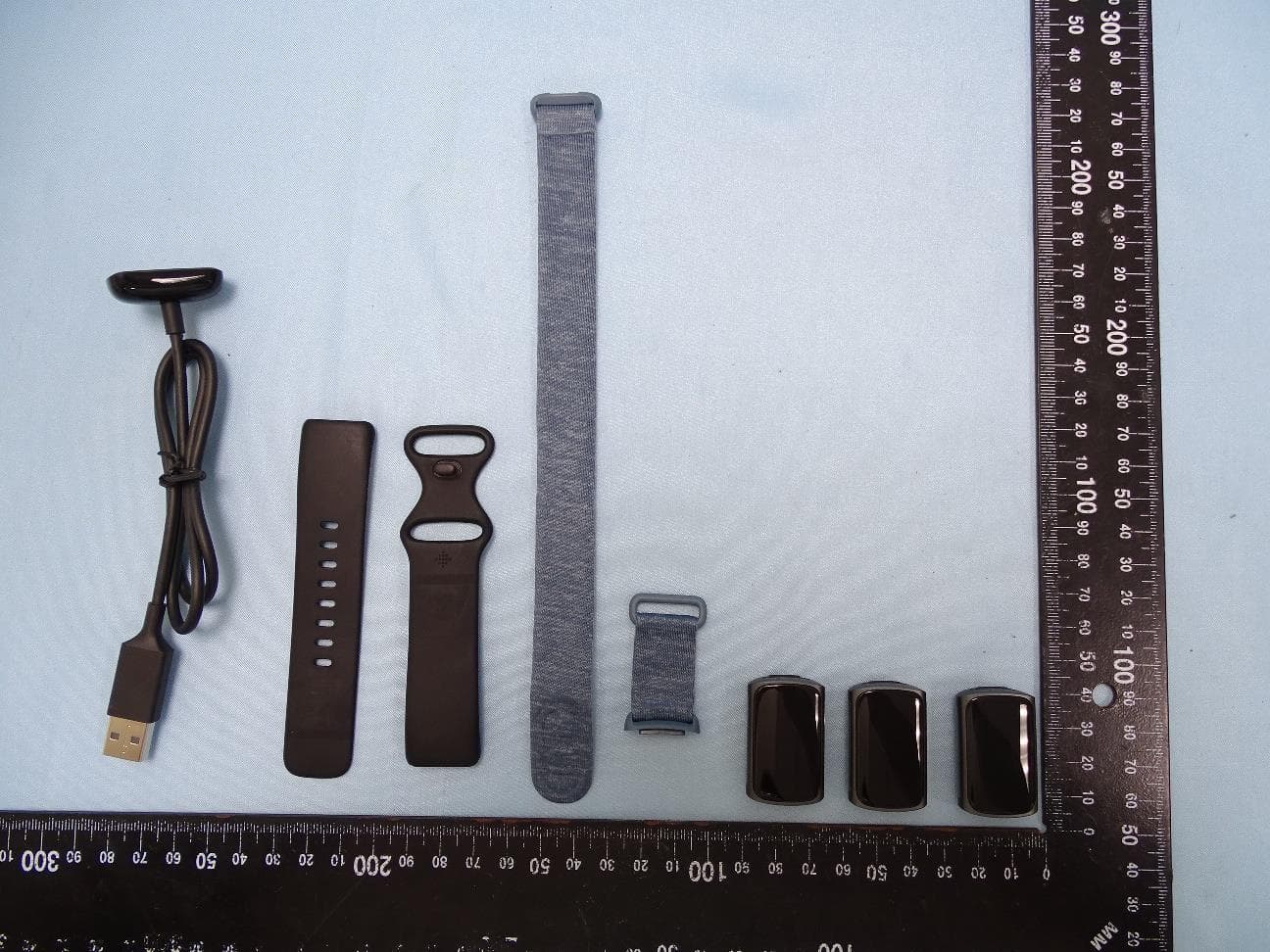
XRAFB421
Aug 24, 2021Wireless Activity Tracker
Equipment Class
DXX - Part 15 Low Power Communication Device Transmitter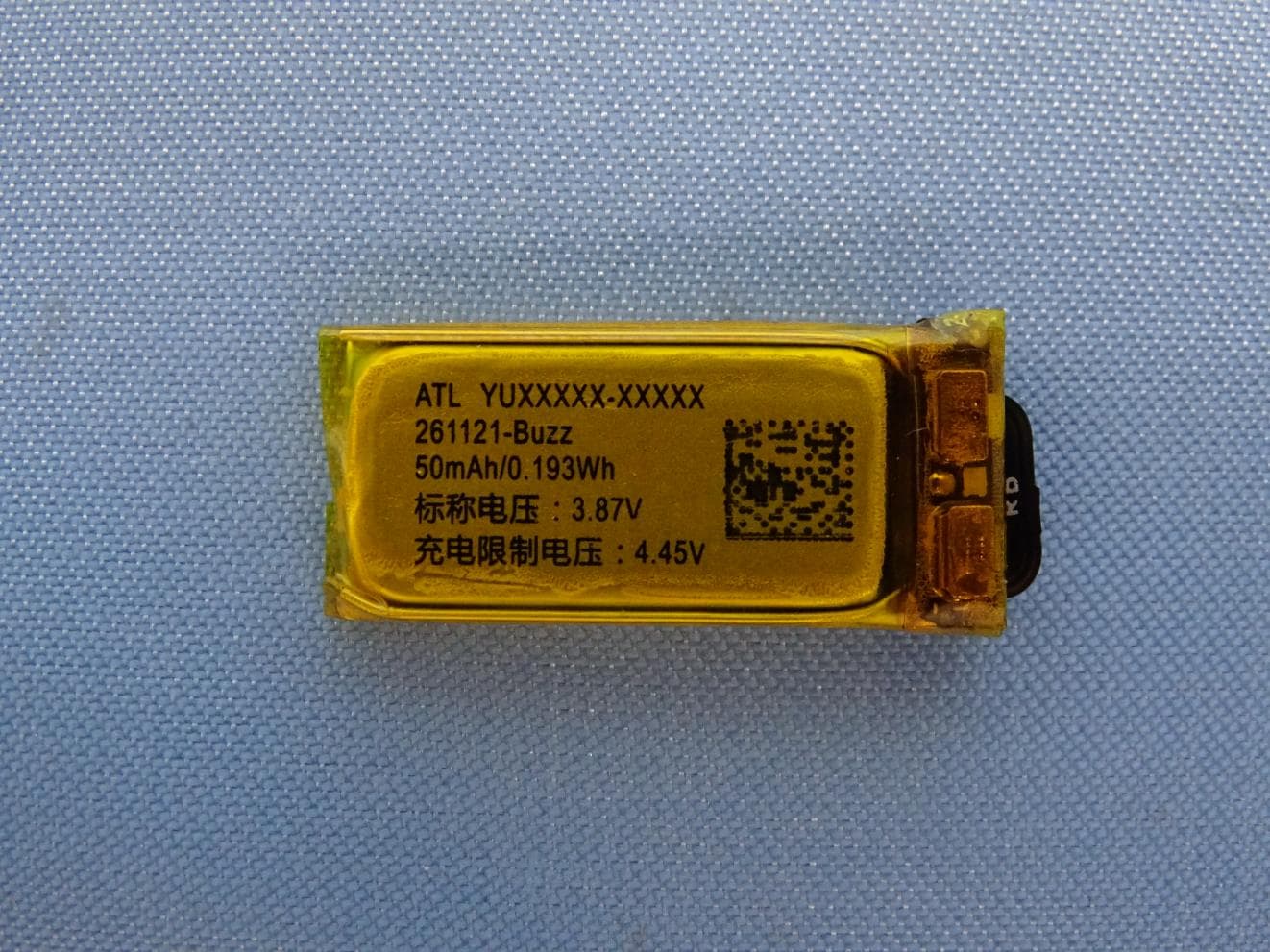
XRAFB422
Apr 20, 2021Wireless Activity Tracker
Equipment Class
DTS - Digital Transmission System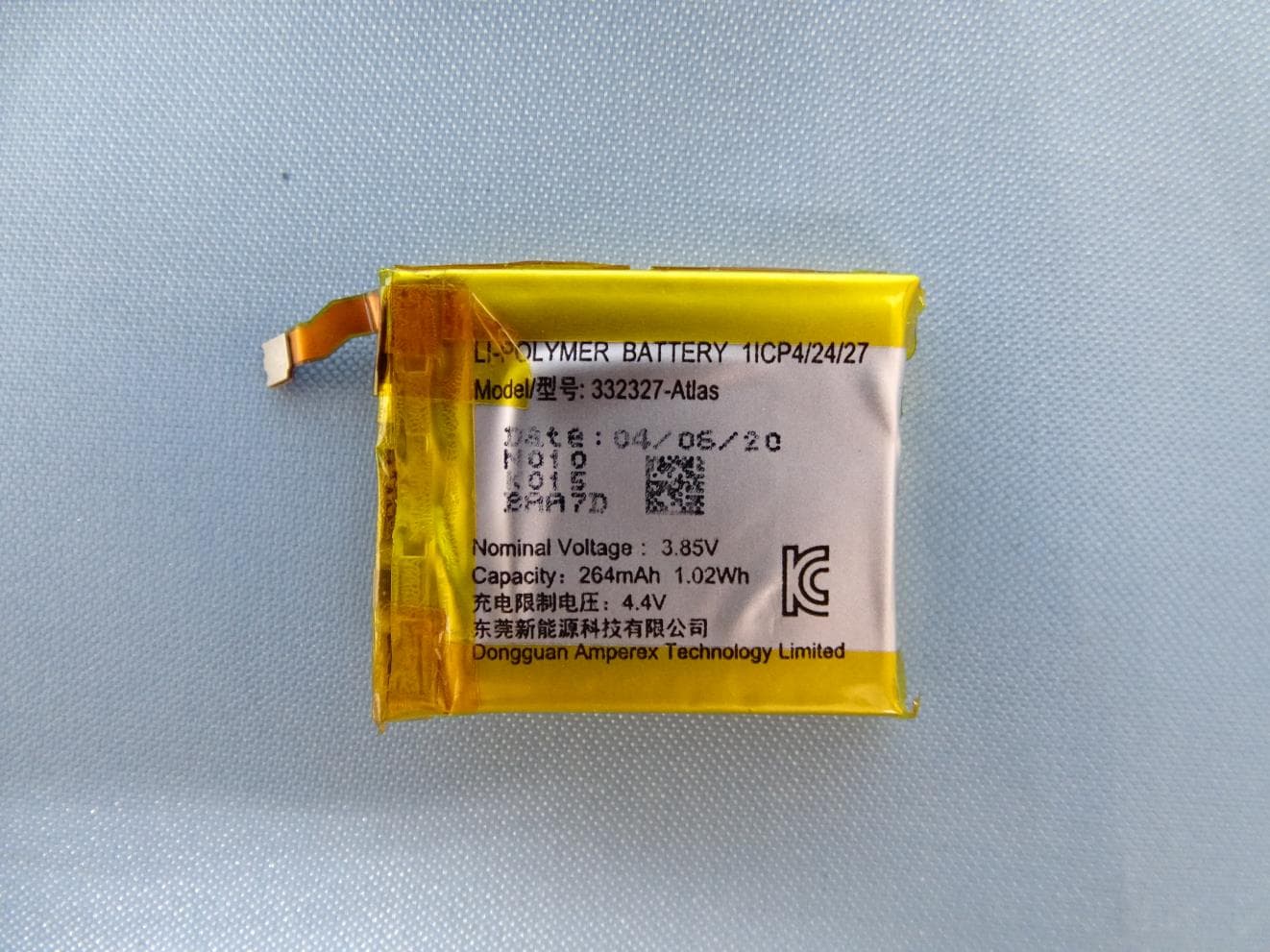
XRAFB512
Aug 24, 2020Smartwatch
Equipment Class
DSS - Part 15 Spread Spectrum Transmitter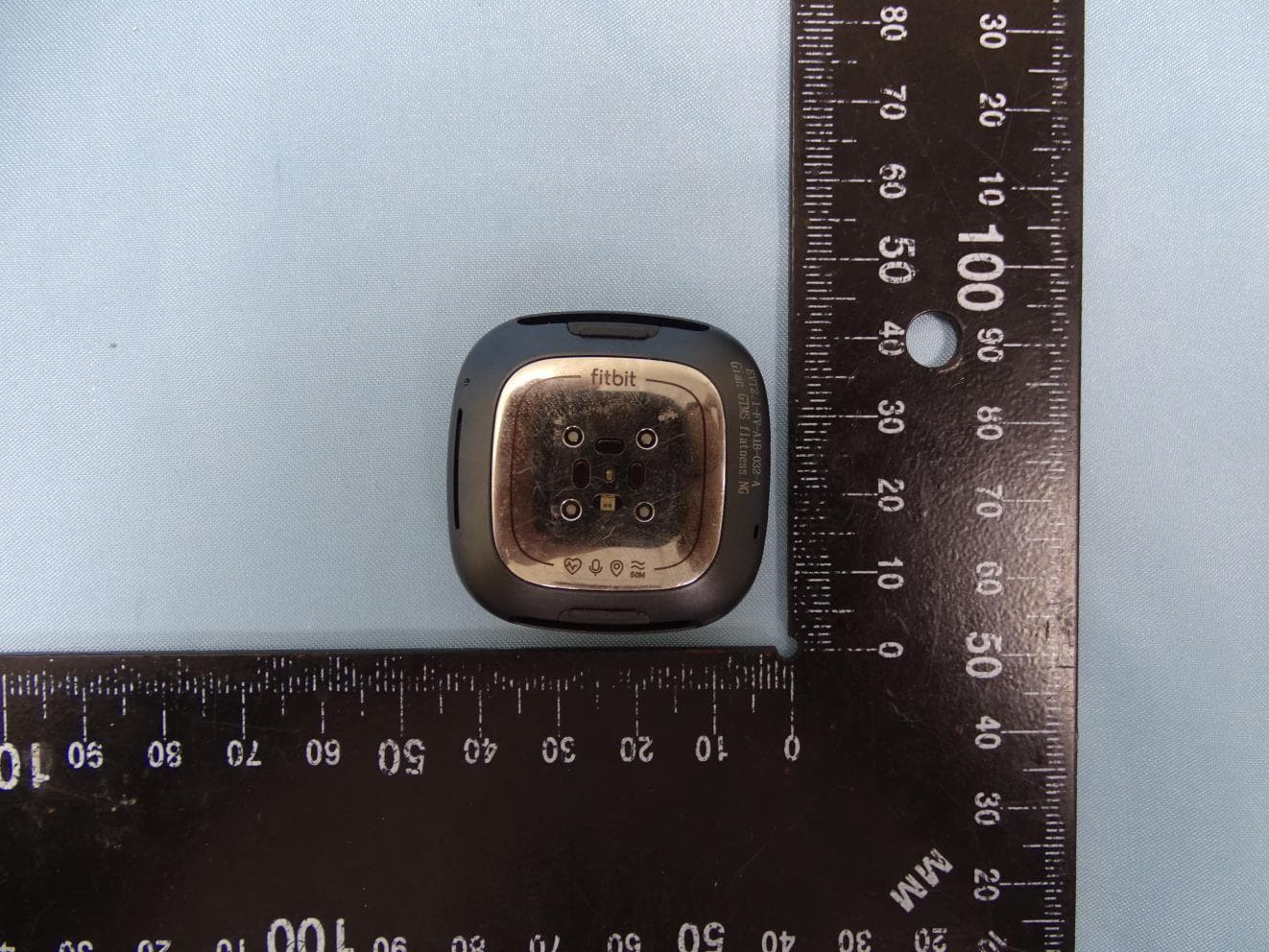
XRAFB511
Aug 24, 2020Smartwatch
Equipment Class
DSS - Part 15 Spread Spectrum Transmitter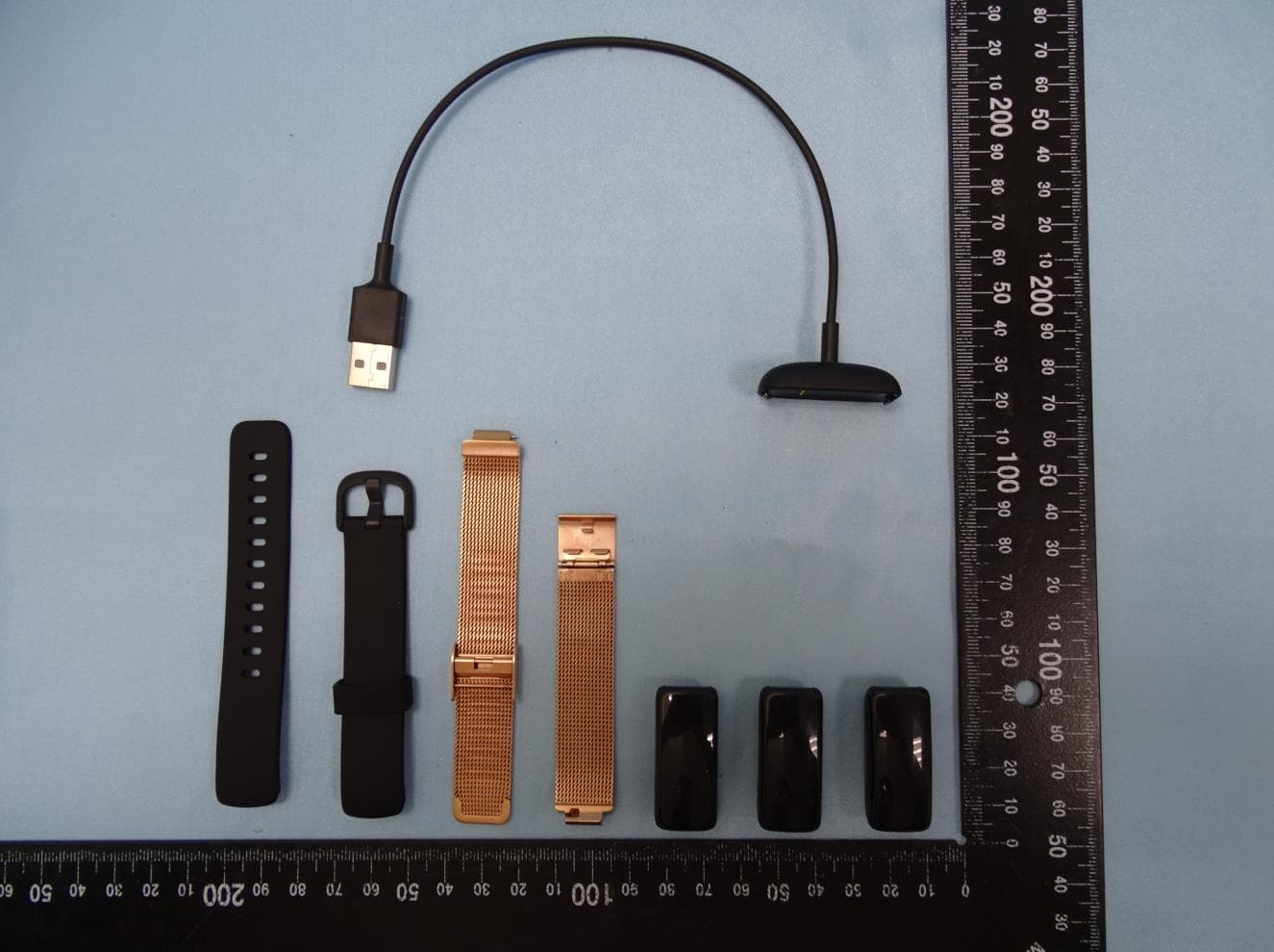
XRAFB418
Aug 24, 2020wireless activity tracker
Equipment Class
DTS - Digital Transmission System