XRAFB401Wireless Activity Tracker
Google LLC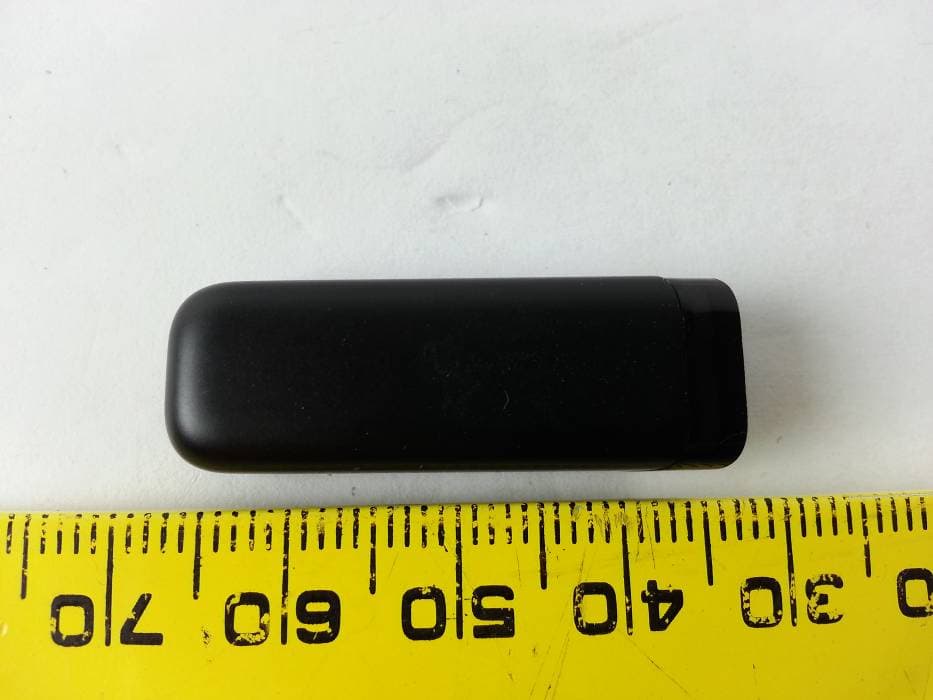
Click to zoom
Application Details
- Equipment Class
- DTS - Digital Transmission System
- Date of Grant
- Feb 19, 2013
- Application Purpose
- Original Equipment
- Date of Application
- Feb 19, 2013
- Equipment Note
- Wireless Activity Tracker
- Frequency Range
- 2402.00000000 - 2480.00000000
- Company
- Google LLC
- Country
- United States
Documents & Files
Document Text
Text extracted from the exhibit documents filed with the FCC. Open a document above to read the original.
Users Manual
Table of Contents Getting Started ......................................................................................................................................... 1 What’s included .................................................................................................................................... 1 Choosing your wristband size ......................................................................................................... 1 Setting up Fitbit Flex on a computer .............................................................................................. 2 Mac & PC Requirements ................................................................................................................... 2 Installing Fitbit Connect on a computer ..................................................................................... 2 Installing Fitbit Connect on your Mac ..................................................................................... 3 Installing Fitbit Connect on your PC ........................................................................................ 3 Pairing to a computer ...................................................................................................................... 4 Pairing to a Mac .............................................................................................................................. 4 Pairing to a PC ................................................................................................................................ 6 Wireless sync to a computer .......................................................................................................... 7 Setting up Fitbit Flex on a mobile device ..................................................................................... 8 Mobile device requirements ........................................................................................................... 8 Before you begin ........................................................................................................................... 8 Pairing to an iOS device .................................................................................................................. 8 Syncing to an iOS device ................................................................................................................ 9 Force Sync ...................................................................................................................................... 10 Background Sync.......................................................................................................................... 10 Pairing to an Android device ........................................................................................................ 10 Syncing to an Android device ....................................................................................................... 11 Tap to sync using Near-Field Communication (NFC) ....................................................... 11 Force Sync ...................................................................................................................................... 12 Background Sync.......................................................................................................................... 12 Using your Flex ...................................................................................................................................... 13 Wearing your Flex ............................................................................................................................ 13 How to secure your wristband ................................................................................................. 13 Using your Flex in wet conditions .......................................................................................... 13 LED Indicator Lights ........................................................................................................................ 13 Battery life and power .................................................................................................................... 14 Battery life ....................................................................................................................................... 14 Charging your Flex ....................................................................................................................... 14 Memory ................................................................................................................................................ 15 What Fitbit Flex tracks ....................................................................................................................... 16 Setting goals with Flex ................................................................................................................... 16 Tracking sleep with Flex ................................................................................................................ 17 Silent Alarms ...................................................................................................................................... 17 Setting up Silent Alarms from a computer .......................................................................... 17 Setting up Silent Alarms from an iOS device...................................................................... 18 Setting up Silent Alarms from an Android device ............................................................ 18 Dismissing Silent Alarms ............................................................................................................ 19 Your Fitbit.com Dashboard .............................................................................................................. 20 Browser Requirements .................................................................................................................. 20 Using your Das…
Text truncated - open the document above for the full version.
External Photos
Fitbit, Inc. FCC ID: XRAFB401, IC: 8542A-FB401 Report Number: R13020118-247 Page 41 of 42 FCC Part 15C/IC RSS-210 Test Report 15 Exhibit C – EUT Photographs 15.1 EUT – Front View 15.2 EUT – Rear View
Internal Photos
Fitbit, Inc. FCC ID: XRAFB401, IC: 8542A-FB401 Report Number: R13020118-247 Page 42 of 42 FCC Part 15C/IC RSS-210 Test Report 15.3 EUT – PCB Top View 15.4 EUT – PCB Bottom View --- END OF REPORT ---
Test Report
Note: This test report is prepared for the customer shown above and for the device described herein. It may not be duplicated or used in part without prior written consent from Bay Area Compliance Laboratories Corp. This report must not be used by the customer to claim product certification, approval, or endorsement by A2LA*, NIST, or any agency of the Federal Government. * This report may contain data that are not covered by the A2LA accreditation and are marked with an asterisk “*” (Rev.2) FCC PART 15, SUBPART C IC RSS-210, ISSUE 8, DECEMBER 2010 TEST AND MEASUREMENT REPORT For Fitbit, Inc. 150 Spear Street, Suite 200, San Francisco, CA 94105, USA Report Type: Original Report Product Type: Bluetooth LE Tracker Prepared By: Jeffre y Wu Report Number: R13020118-247 Report Date: 2013-02-20 Reviewed By: Quinn Jiang Test Engineer Bay Area Compliance Laboratories Corp. 1274 Anvilwood Avenue, Sunnyvale, CA 94089, USA Tel: (408) 732-9162 Fax: (408) 732-9164 FCC ID: XRAFB401 IC: 8542A-FB401 Fitbit, Inc. FCC ID: XRAFB401, IC: 8542A-FB401 Report Number: R13020118-247 Page 2 of 42 FCC Part 15C/IC RSS-210 Test Report TABLE OF CONTENTS 1 General Description ..................................................................................................................................................... 5 1.1 Product Description for Equipment Under Test (EUT) ...................................................................................... 5 1.2 Mechanical Description of EUT ......................................................................................................................... 5 1.3 Objective ............................................................................................................................................................. 5 1.4 Related Submittal(s)/Grant(s) ............................................................................................................................. 5 1.5 Test Methodology ............................................................................................................................................... 5 1.6 Measurement Uncertainty ................................................................................................................................... 5 1.7 Test Facility ........................................................................................................................................................ 6 2 System Test Configuration.......................................................................................................................................... 7 2.1 Justification ......................................................................................................................................................... 7 2.2 EUT Exercise Software....................................................................................................................................... 7 2.3 Special Equipment .............................................................................................................................................. 7 2.4 Equipment Modifications.................................................................................................................................... 7 2.5 Local Support Equipment ................................................................................................................................... 7 2.6 EUT Internal Configuration Details .................................................................................................................... 7 2.7 Interface Ports and Cables .................................................................................................................................. 7 2.8 External I/O Cabling List and AC Cord .............................................................................................................. 7 2.9 Power Supply List and Details ............................................................................................................................ 8 3 Summary of Test Results ............................................................................................................................................ 9 4 FCC §15.247 (i), §2.1093 & IC RSS-102 – RF Exposure .......................................................................................... 10 4.1 Applicable Standard .......................................................................................................................................... 10 4.2 SAR Exemption Guild lines .............................................................................................................................. 10 4.3 Evaluation Result .............................................................................................................................................. 10 5 FCC §15.203 & IC RSS-Gen §7.1.2 – Antenna Requirements ................................................................................ 11 5.1 Applicable Standard .......................................................................................................................................... 11 5.2 Result ................................................................................................................................................................ 11 6 FCC §15.247(d) & IC RSS-210 §A8.5 – Spurious Emissions at Antenna Terminals ............................................. 12 6.1 Applicable Standard .......................................................................................................................................... 12 6.2 Measurement Procedure.................................................................................................................................... 12 6.3 Test Equipment List and Details ....................................................................................................................... 12 6.4 …
Text truncated - open the document above for the full version.
Test Setup Photos
Fitbit, Inc. FCC ID: XRAFB401, IC: 8542A-FB401 Report Number: R13020118-247 Page 39 of 42 FCC Part 15C/IC RSS-210 Test Report 14 Exhibit B – Test Setup Photographs 14.1 Radiated Emission Front View at 3 Meter 14.2 Radiated Emission below 1 GHz Rear View at 3 Meter Fitbit, Inc. FCC ID: XRAFB401, IC: 8542A-FB401 Report Number: R13020118-247 Page 40 of 42 FCC Part 15C/IC RSS-210 Test Report 14.3 Radiated Emission above 1 GHz Rear View at 3 Meter
Contact Information
Applicant
Angie Du
Test Firm
Bay Area Compliance Laboratories Corp.Lisa Tang
Technical Specifications
| # | Rule Parts | Frequency Range | Power Output |
|---|---|---|---|
| 1 | 15C | 2.40 GHz - 2.48 GHz | 1.58 mW |
Other Applications from Google LLC
XRAFB421
Aug 24, 2021Wireless Activity Tracker
Equipment Class
DXX - Part 15 Low Power Communication Device Transmitter
XRAFB422
Apr 20, 2021Wireless Activity Tracker
Equipment Class
DTS - Digital Transmission System
XRAFB512
Aug 24, 2020Smartwatch
Equipment Class
DSS - Part 15 Spread Spectrum Transmitter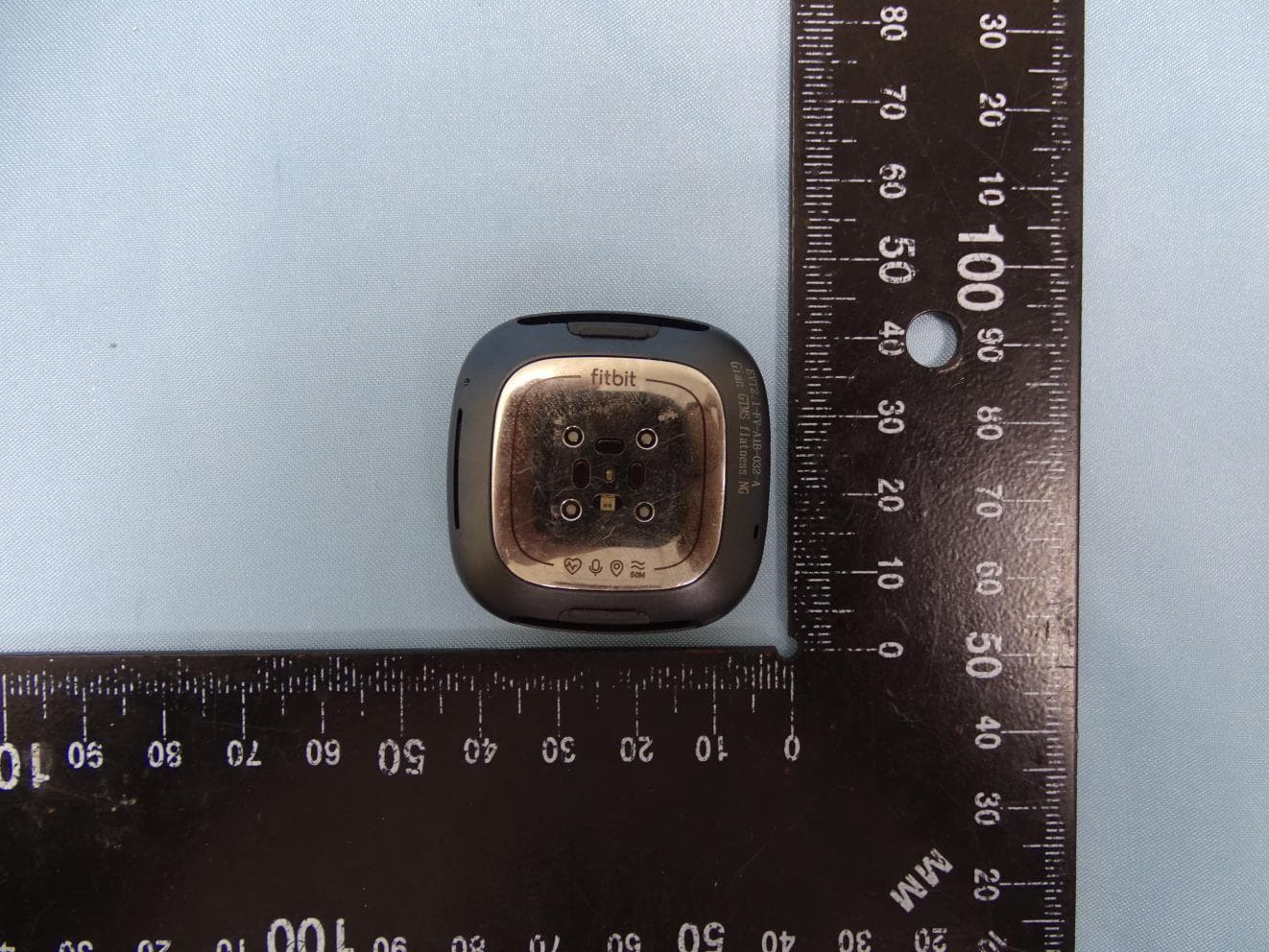
XRAFB511
Aug 24, 2020Smartwatch
Equipment Class
DSS - Part 15 Spread Spectrum Transmitter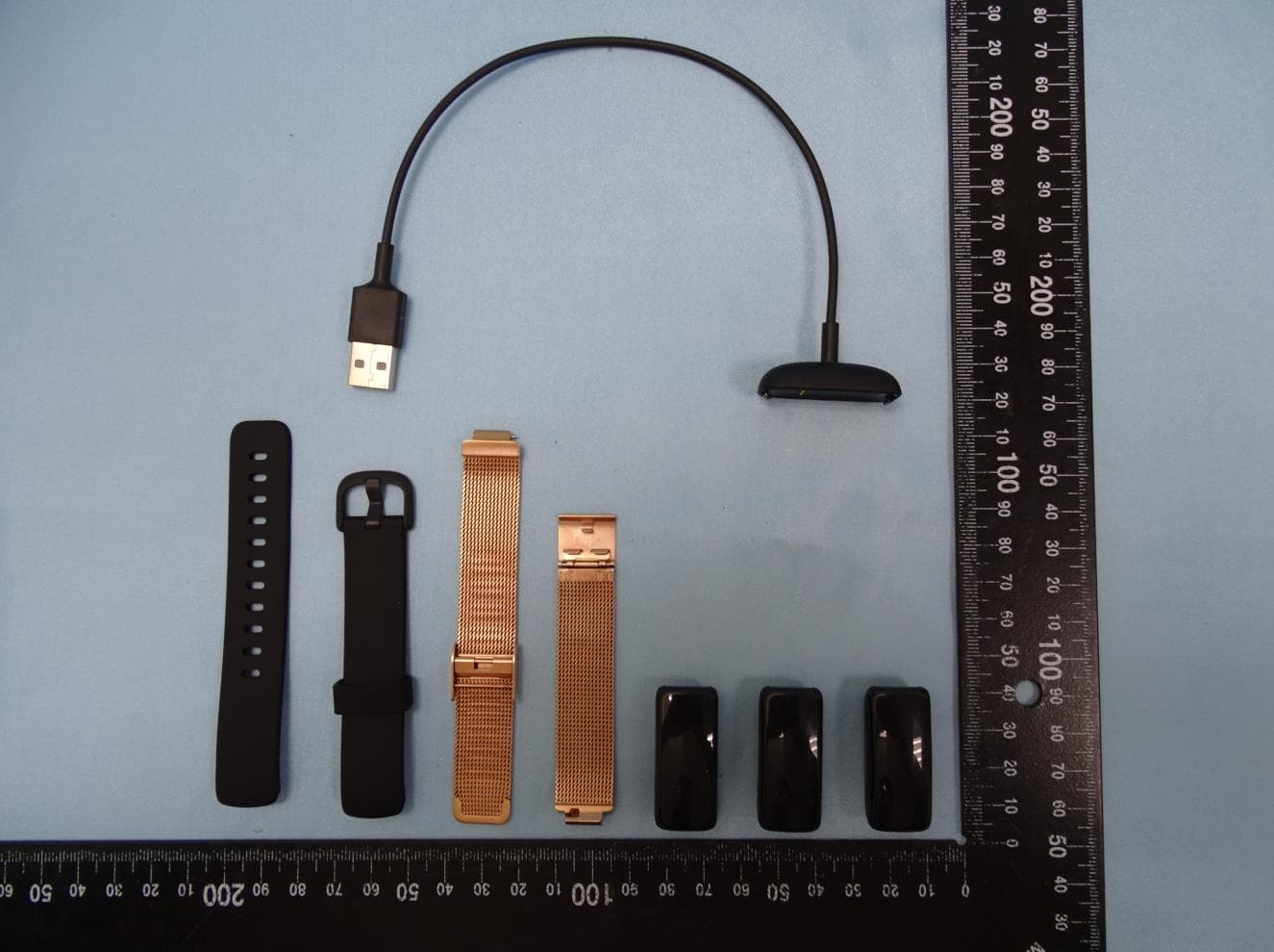
XRAFB418
Aug 24, 2020wireless activity tracker
Equipment Class
DTS - Digital Transmission System