YUG-CCM1000026iPad Accessory with KB and BT radio
CLAMCASE, LLC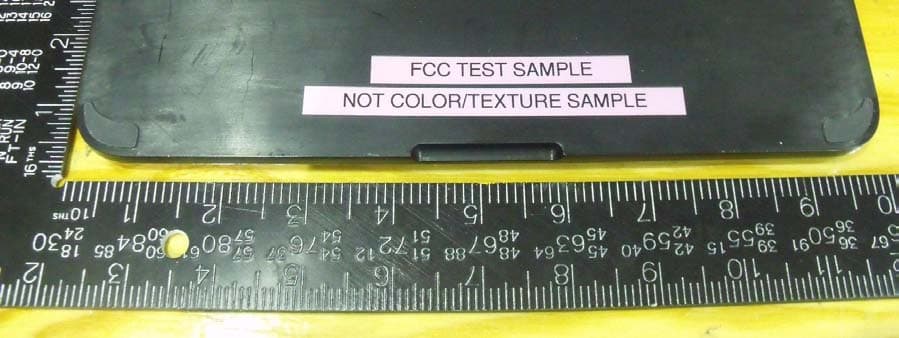
Click to zoom
Application Details
- Equipment Class
- DSS - Part 15 Spread Spectrum Transmitter
- Date of Grant
- Jan 16, 2011
- Application Purpose
- Original Equipment
- Date of Application
- Jan 16, 2011
- Equipment Note
- iPad Accessory with KB and BT radio
- Frequency Range
- 2402.00000000 - 2480.00000000
- Company
- CLAMCASE, LLC
- Country
- United States
Documents & Files
Document Text
Text extracted from the exhibit documents filed with the FCC. Open a document above to read the original.
Users Manual
welcome Charging the CLAMCASE ™ Keyboard Battery 1. Insert the smaller end of the USB charging cable into the port on the right side of the clAmcASe ™ Keyboard. 2. Insert the larger end of the USB charging cable into your computer or an iPad ® charger which is plugged into an electrical outlet. The charge Indicator leD glows orange while charging. 3. Fully charge the battery (approximately 90 minutes) before initial use. The charge Indicator leD turns green when the clAmcASe ™ Keyboard is fully charged. Note: To check battery life at any time while using the CLAMCASE ™ Keyboard, hold down fn + ctrl. The Power Pair LED flashes to indicate current battery life: # of Flashes Battery Life 4 75-100% 3 50-75% 2 25-50% 1 0-25% Cleaning Your CLAMCASE ™ Follow these general rules when cleaning your clAmcASe ™ . Be sure to remove your iPad ® prior to cleaning. • Use a damp, soft, lint-free cloth to clean the exterior and interior, avoiding the clAmcASe ™ Keyboard and any openings. Do not allow moisture in any openings. • Do not allow any liquids to come into contact with the clAmcASe ™ Keyboard or openings. • Do not use aerosols, solvents, or abrasives while cleaning. Position Your CLAMCASE ™ Keyboard Position • open the case so that the clAmcASe ™ Keyboard is resting on a table or your lap and utilize the full QweRTY keyboard. Touchscreen Position • Flip the clAmcASe ™ Keyboard upside down and position the screen in landscape view to achieve the perfect angle for any activity. Desktop Position • Set the clAmcASe ™ upright in portrait position for hands free viewing of photos and additional content. Tablet Position • Flip the clAmcASe ™ Keyboard all the way around to enjoy your iPad ® tablet. Note: To avoid inadvertent key hits, turn off the clamcase keyboard by holding down the power key for two seconds. When ready to use the keyboard again hold down the power key for two seconds to activate it. Troubleshooting If your clAmcASe ™ isn’t functioning properly upon receipt, go to clamcase.com, click Support, click contact Support, and submit your issue to customer Service. Be sure to have your order number and a good description of the issue when submitting. If you are having issues working the clAmcASe ™ Keyboard or connecting to your iPad ® , try the following solutions: ensure the batteries of both the iPad ® and the clAmcASe ™ Keyboard are charged. ensure that Bluetooth ® is set up correctly on the iPad ® . Review your iPad ® documentation for more information. Disconnect other Bluetooth ® devices from the iPad ® , and attempt to reconnect the clAmcASe ™ Keyboard. Reset the iPad ® by holding down the Home button and the lock button for two seconds. Insert a pin or a paper clip into the hole next to the USB charging Port to reset the clAmcASe ™ Keyboard, and try to reconnect the clAmcASe ™ Keyboard. If none of the above fixes the issue, contact clAmcASe ™ support at clamcase.com/support. Environmental Requirements Follow these guidelines for the use of your clAmcASe ™ to ensure optimum performance. only operate in temperatures between 32°F and 95°F (0°c to 35°c). Do not operate your clAmcASe ™ in high-humidity levels (above 95% non-condensing) maximum non-pressurized operating altitude: 10,000 ft (3000 m). FCC Compliance Statement The equipment has been tested and found to comply with limits for a class B digital device, pursuant to Part 15 of the Fcc Rules. These limits are designed to provide reasonable protection against harmful interference in a residential installation. This equipment generates, uses and can radiate radio frequency energy and, if not installed and used in accordance with instructions, may cause harmful interference to radio communications. However, there is no guarantee that interference will not occur in a particular installation. If this equipment does cause harmful interference to radio or television reception, which can be determined by tuning the equipment off and on, the user is encouraged to try to correct the interference by one or more of the following measure: • Reorient or relocate the receiving antenna. • Increase the separation between the equipment and receiver. • connect the equipment into an outlet on a circuit different from that to which the receiver is connected. • consult the dealer or an experienced radio/TV technician for help. To assure continued compliance, any changes or modifications not expressly approved by the party responsible for compliance could void the user’s authority to operate this equipment. (example – use only shielded interface cables when connecting computer or peripheral devices). USA: - This device complies with Part 15 of the FCC Rules. Operation is subject to the following conditions: (1) this device may not cause harmful interference, and (2) this device must accept any interference received, including interference that may cause undesired operation. Canada: - Operation is subject to the following two conditions: (1) this device may not cause interference, and (2) this device must accept any interference, including interference that may cause undesired operation of the device. To satisfy RF exposure requirements, this device and its antenna must operate with a separation distance of at least 20 centimeters form all persons and must not be co-located or operating in conjunction with any other antenna or transmitter. Disposal and Recycling Information when this product reaches its end of life, please dispose of it according to your local environmental laws and guidelines. Battery Disposal Information Dispose of batteries according to your local environmental laws and guidelines. 2 Hold Bluetooth Key for 5 seconds Quick Start Guide 21 Pairing the CLAMCASE ™ Keyboard with Your iPad ® 1. on your iPad ® , tap Settings > General > Bluetooth ® and make sure Bluetooth ® is oN. 2. on the clAmcASe ™ Keyboard, hold down the Bluetooth ® button for five seconds. The Bluetooth ® Indicator light will flash. 3. clAmcASe ™ Keyboard appears on your …
Text truncated - open the document above for the full version.
External Photos
EXTERNAL EUT PHOTOS TOP VIEW WITH COVER CLOSED BOTTOM VIEW BOTTOM VIEW TOP VIEW WITH COVER OPENED SHOWING KEYBOARD BACK SIDE VIEW (WITH COVER CLOSED) RIGHT SIDE WITH COVER CLOSED LEFT SIDE UPSIDE DOWN FRONT SIDE UPSIDE DOWN BACK SIDE (WITH COVER CLOSED) TOP VIEW WITH COVER CLOSED
Internal Photos
Internal EUT Photos Top View of Keyboard Bottom View of Keyboard Bottom Housing showing the metal counter weight Battery Bottom View of PCBA Top View of PCBA Top View of TCBA Bottom View of PCBA Side View of PCBA showing connector Side View of PCBA showing mini USB port
Test Report
Underwriters Laboratories Inc. A not-for-profit organization dedicated 1285 Walt Whitman Rd. to public safety and committed to Melville, NY 11747 quality service for over 100 years Tel: (631) 271-6200 Fax: (631)439-6095 Underwriters Laboratories Inc. 1285 Walt Whitman Rd. Melville, NY 11747 www.ul.com/emc (631) 271-6200 Job Number: SR7180320-T001 UL CCS Project Number: 10U13557 Serial Number: Prototype Revised Date: 12 Jan 2011 Model: M1000026 FCC ID: YUG-CCM1000026 Industry Canada ID: 9422A-CCM1000026 Electromagnetic Compatibility Test Report For Clam Case LLC Copyright 2010 Underwriters Laboratories Inc. Underwriters Laboratories Inc. authorizes the above-named company to reproduce this Report provided it is reproduced in its entirety. Job Number: SR7180320-T001 Project Number: 10U13557 Page 2 of 85 Model Number: M1000026 Client Name: Clam Case LLC FCC ID: YUG-CCM1000026 Industry Canada ID: 9422A-CCM1000026 Underwriters Laboratories Inc. 1285 Walt Whitman Rd. Melville, New York 11747 USA Tel.: 631 271-6200 Fax: 631 439-6095 Rev. No 1.0 EMC Report 2010-87-EM-F0042 Test Report Details Tests Performed By: Underwriters Laboratories Inc. 1285 Walt Whitman Rd. Melville, NY 11747 Tests Performed For: Clam Case LLC 7095 Hollywood Blvd Suite 444, Hollywood CA 90028 Applicant Contact: Anthony Ahee Phone: 323-570-1142 E-mail: [email protected] RevisedTest Report Date: 12 Jan 2011 Product Type: iPad Accessory with KB and BT radio Product standards FCC Part 15 Subpart B and C, Section 15.247, RSS 210 Model Number: M1000026 Sample Serial Number: Prototype EUT Category: Information technology equipment Testing Start Date: 2010-12-21 Date Testing Complete: 2011-01-12 Overall Results: Compliant Underwriters Laboratories Inc. reports apply only to the specific samples tested under stated test conditions. All samples tested were in good operating condition throughout the entire test program. It is the manufacturer's responsibility to assure that additional production units of this model are manufactured with identical electrical and mechanical components. Underwriters Laboratories Inc. shall have no liability for any deductions, inferences or generalizations drawn by the client or others from Underwriters Laboratories Inc. issued reports. This report shall not be used to claim, constitute or imply product certification, approval, or endorsement by NVLAP, NIST, A2LA, or any agency of the US government. This report may contain test results that are not covered by the NVLAP or A2LA accreditation. The scope of accreditation is limited to the specific tests that are listed on the NVLAP and/or A2LA websites referenced at the end of this report. Job Number: SR7180320-T001 Project Number: 10U13557 Page 3 of 85 Model Number: M1000026 Client Name: Clam Case LLC FCC ID: YUG-CCM1000026 Industry Canada ID: 9422A-CCM1000026 Underwriters Laboratories Inc. 1285 Walt Whitman Rd. Melville, New York 11747 USA Tel.: 631 271-6200 Fax: 631 439-6095 Rev. No 1.0 EMC Report 2010-87-EM-F0042 Report Directory 1.0 G E N E R A L - Product Description ..................................................................................................................4 1.1 Equipment Description ...................................................................................................................................4 1.2 Equipment Marking Plate ...............................................................................................................................4 1.3 Device Configuration During Test ..................................................................................................................5 1.3.1 Equipment Used During Test: ....................................................................................................................5 1.3.2 Input/Output Ports: .....................................................................................................................................6 1.3.3 EUT Internal Operating Frequencies: ........................................................................................................6 1.3.4 Power Interface: .........................................................................................................................................6 1.4 Block Diagram: ...............................................................................................................................................7 1.5 EUT Configurations ........................................................................................................................................8 1.6 EUT Operation Modes ....................................................................................................................................8 2.0 Summary ............................................................................................................................................................8 2.1 Deviations from standard test methods ..........................................................................................................8 2.2 Device Modifications Necessary for Compliance ...........................................................................................8 2.3 Reference Standards .....................................................................................................................................9 2.4 Results Summary ...........................................................................................................................................9 3.0 Calibration of Equipment Used for Measurement ........................................................................................... 10 4.0 EMISSIONS TEST RESULTS ......................................................................................................................... 11 4.1 Test Conditions and Results – SPURIOUS EMISSIONS (Antenna Conducted and Radiated) ................. 12 4.2 Test Conditions and Results – BAND EDGE COMPLIANCE .…
Text truncated - open the document above for the full version.
Test Setup Photos
Test setup for Conducted – Antenna port Test setup for SPURIOUS EMISSIONS – Radiated 30 to 1000MHz Front View 30 to 1000MHz Rear View Test setup for SPURIOUS EMISSIONS – Radiated 1 to 26GHz, Front View 1 to 26GHz, Rear View Test setup for Band Edge Compliance – Conducted Test setup for Maximum Peak Output Power Test Setup for Dwell Time Test Setup for Number of Hopping Frequencies Test Setup for 20dB Bandwidth Test Setup for Carrier Frequency Separation Test Setup for Conducted Emissions Test setup for Radiated Emissions Unintentional 30 to 1000MHz Front View 30 to 1000MHz Rear View Test setup for EMISSIONS – Radiated Unintentional 1 to 14GHz, Front View 1 to 14GHz, Rear View
Contact Information
Applicant
Anthony T. Ahee(Member)
Test Firm
UL LLCRick Titus
Technical Specifications
| # | Rule Parts | Frequency Range | Power Output |
|---|---|---|---|
| 1 | 15C | 2.40 GHz - 2.48 GHz | 700.00 µW |
Other Applications from CLAMCASE, LLC
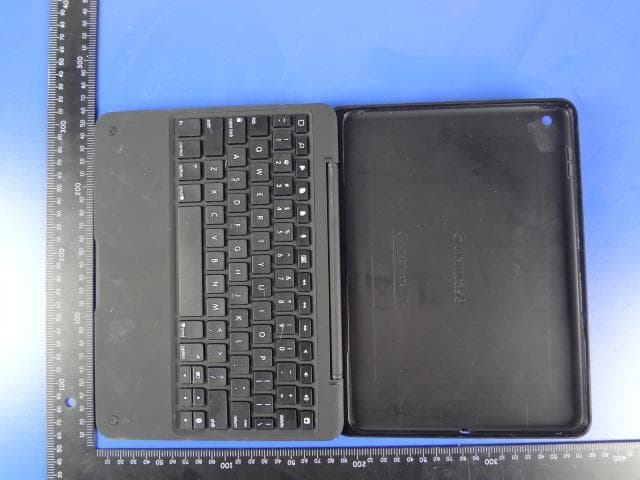
YUG-C52001
Oct 12, 2014Blue tooth device
Equipment Class
DSS - Part 15 Spread Spectrum Transmitter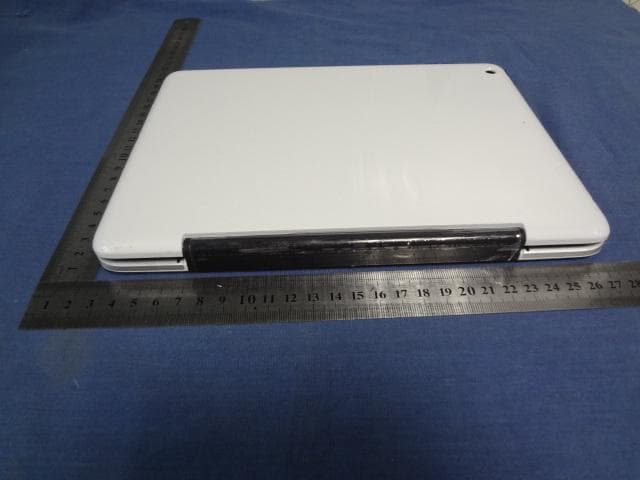
YUG-C51001
May 13, 2014iPAD Accessory with KB and BT radio
Equipment Class
DXX - Part 15 Low Power Communication Device Transmitter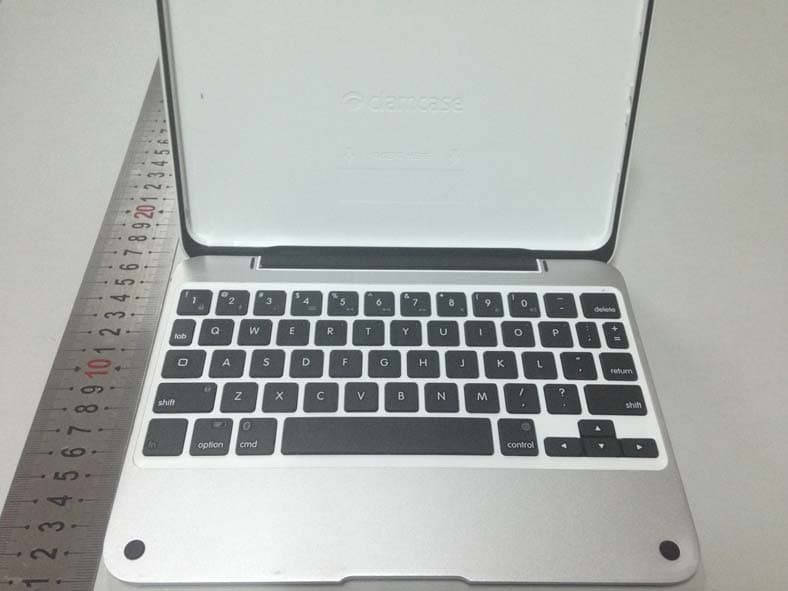
YUG-CM1001
Dec 18, 2013IPAD ACCESSORY WITH KB AND BT RADIO
Equipment Class
DXX - Part 15 Low Power Communication Device Transmitter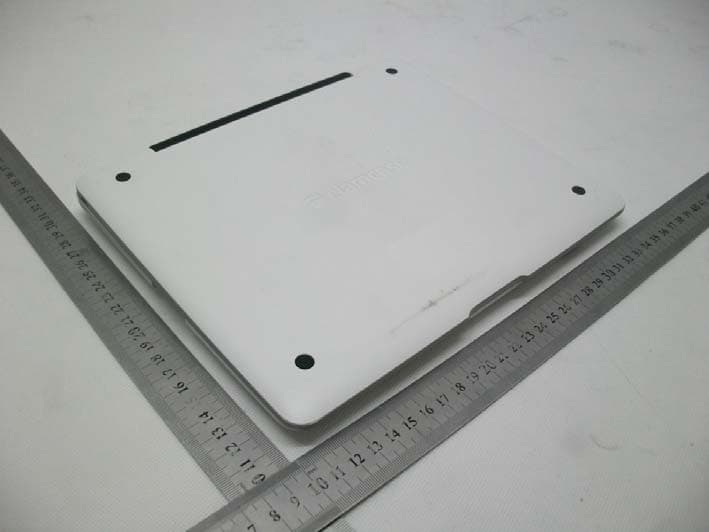
YUG-C31001
Jan 28, 2013iPad Accessory with KB and BT Radio
Equipment Class
DXX - Part 15 Low Power Communication Device Transmitter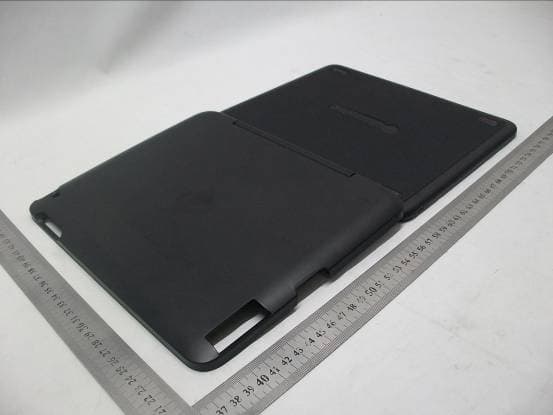
YUG-M3000065
Aug 02, 2012iPad Accessory with KB and BT Radio
Equipment Class
DXX - Part 15 Low Power Communication Device Transmitter