Z79-TK2BLUETOOTH HEADSET
HongKong AtoB Co. Ltd.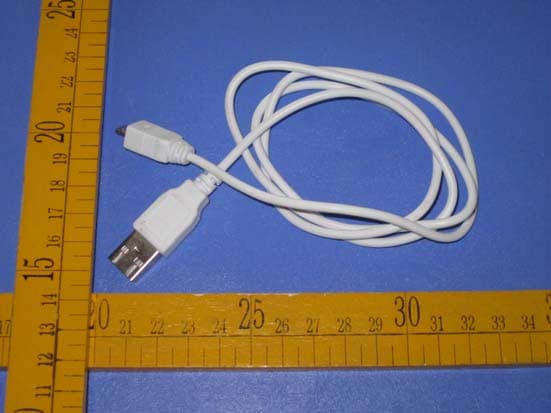
Click to zoom
Application Details
- Equipment Class
- DXX - Part 15 Low Power Communication Device Transmitter
- Date of Grant
- Nov 01, 2011
- Application Purpose
- Original Equipment
- Date of Application
- Nov 01, 2011
- Equipment Note
- BLUETOOTH HEADSET
- Frequency Range
- 2402.00000000 - 2480.00000000
- Company
- HongKong AtoB Co. Ltd.
- Country
- China
Documents & Files
Document Text
Text extracted from the exhibit documents filed with the FCC. Open a document above to read the original.
Users Manual
TALK&TALK TK2 Bluetooth Headset User Manual V4 Turning your TK2 ON & OFF----------------------------------------------------------------- ON Press and hold the MFB Button for 3 seconds, and the Blue LED will light 1 second. The TK2 will automatically connect to the previously paired Bluetooth enabled phone. If the connecting is fail, the Blue LED will flash twice per 5 seconds. The TK2 will enter Idle mode. And it will automatically turn off if TK2 don’t connect to any Bluetooth device in 4 minutes. OFF Press the MFBButton for 4 seconds, and the Red LED will light 1 second. Pairing--------------------------------------------------------------------------------------- 1. In power Off Mode, Press and hold the MFBButton until you see the Blue and Red LED alternantly flash. If a Bluetooth enabled phone or others device don’t connect to the TK2,then it will automatically turn OFF in 2 minutes. 2. Follow your Bluetooth enabled cell phone’s instructions for searching for Bluetooth device. 3. After a successful search the Bluetooth device will be shouwn on your mobile phone,chosse “TALK&TALK TK2” and confirm. 4. Maybe ,your mobile will request for a password,please enter “0000” 5. If it’s successful. TK2 will stop flashing Red LED and light 1 time per 5S. Quick Connect ------------------------------------------------------------------------------------- Press and realse the MFB button in 1 second. The TK2 will try connect to the previously paired Bluetooth enabled phone. If the connecting is fail, the Blue LED will flash twice per 5 seconds.The TK2 will enter Idle mode. Last Number Redail ------------------------------------------------------------------------------ When TK2 is paired with a Bluetooth enabled phone , Quick press twice the MFB button then realese it in 1 second to Redial the previously dialed the phone number on the phone. Voice Dial ----------------------------------------------------------------------------------------- When TK2 is paired with a Bluetooth enabled phone , Quick press the MFB button then realese it in 1 second to start-up a voice dial. If you speake a voice tag(for example a personal name) ,the phone will dial out a corresponding phone number. Answering A CALL--------------------------------------------------------------------------- When there is an incoming call ,press the MFB button then realese it in 1 second to anwer the call. Reject A CALL-------------------------------------------------------------------------------- When there is an incoming call ,press and hold the MFB button for 2 secnods to reject the call. End A CALL ---------------------------------------------------------------------------------- When the TK2 is in talking or outgoing call states, press the MFB button then realese it in 1 second to end the call. Transfer Audio between Phone or TK2 ------------------------------------------------------- When the TK2 is in talking states, press and hold the MFB button for 2 seconds to transfer audio between the phone or TK2. Controlling Volume ------------------------------------------------------------------------------ Press the VOL+ or VOL- buttons to adjust the volume . Charging battery ---------------------------------------------------------------------------------- Plug the big connector of Micro-USB cable into your USB port of your pc or others. Then plug the small connector of Micro-USB cable into your TK2 charging socket. When you plug the USB cable for charging ,the TK2 will be Reset. But you can power-on it again in charging state. Others: It will automatically turn off if TK2 don’t connect to any Bluetooth device in 3.5 minutes. 2.4.2 Bluetooth RF Char. Test condition 항목 Test mode HoppingPacket type PayloadNo. of Packet min max unit Average power TX on DH1 PRBS95 -6 4 dBm ∆f1 avg 140 175 khz ∆f2 avg 115 khz Modulation ∆f1 avg/ ∆f2 avg TX off DH1 BS55 BS0F 5 0.8 ICFT TX on PRBS9 5 -65 65 khz Carrier frequency drift TX on DH5 BS55 5 -30 30 khz Single slot Loop back Off DH1 PRBS9 -82 --- dBm sensitivity Multi slot Loop back Off DH5 PRBS9 -82 --- Button functionality Funtionalities Status Action Pairing Power Off Ultra Long Press MFB Pick Up Receive a ingcoming Call Short Click MFB Hang Up In-Call Mode Short Click MFB Reject Call Receive a incoming Call Long Press MFB Last Number Redial Standby Mode Double Click MFB Transfer Audio Between Tk2 and Phone Talking mode Long Press MFB Voice Dial Standby Mode Short Click MFB Voice Dial Cancel Voice Dial Short Click MFB Vo l u m e U p In-Call Mode Short Click VOL+ BUTTON Volume Down In-Call Mode Short Click VOL- BUTTON Clear Paired Phone List Standby Short Click VOL-,VOL+ and MFB mark: *MFB= Multi-Function Button *Short Click: Click and release less than 1 second *Long Press: Press and hold the key for 2 seconds *Ultra Long Press: Press and hold the key for more than 5 seconds *Double Click: Click twice within 0.5 second LED flash pattern . TK2 STATES LED status. 1. Power-On. Blue LED flash 1 second 2. Idle(no link phone) Blue LED flash 2 times per 5 second 3.Pairing mode Blue&Red LED alternantly flash 1 time per 1 second 4. connected mode Blue LED flash 1 time per 5 second 5. Talking mode Blued LED flash 1 time per 5 second 6. Low Power Red LED flash 1 time per 2 second 7 Clear paired phone list Red LED and Blue LED flash 3 times in 1 second Tone Pattern No. Event or Status Tone Remark 1 Power On Long Dee 2 Power Off Long Beep 3 Pairing successful Short Beep 4 Connected to Phone Very Long Beep 5 Pairing fail Long Doo 6 Enter Pairing Mode 2 Beep 7 Last nuber redai out Short Beep 8 Incoming call Ring tone 9 Answer a call 2 Beep 10 Reject a call 2 Doo 11 End a call Short Beep 12 Clear paired phone list 2 Doo 13 Transfer Audio between phone or Tk2 Short Beep 14 Voice dial Short Beep 15 MAX volume Long Beep 16 MIN volume Long Doo 17 Battery voltage low 5 short Beep 18 Disconnected to phone 2 short Beep 19 Incoming call from the 2 nd phone 1 Beep 20 Ingcoming call waiting 1 Beep End Warning: Changes or m…
Text truncated - open the document above for the full version.
Block Diagram
BLOCK DIAGRAM RAM MCU ROM Bluetooth RF Balun Filter 280mAh Battery 5V adapter I/O 1.8V Antenna MFB Vo l + Vo l - LED0 LED1 Crystal 26MHz Bias Audio Amplifier
Cover Letter(s)
HongKong AtoB Co. Ltd. The 1st floor, Shisheng Building, Shangkeng Industrial District, Changping Town, DongGuan City, Guangdong, China Tel: +86-769-8381-1211 Fax: +86-769-8381-1231 AGENCY AUTHORIZATION LETTER FCC ID: Z79-TK2 Date: November 1, 2011 Federal Communications Commission Authorization and Evaluation Division 7435 Oakland Mills Road Columbia, MD 21046 To whom it may concern: We, the undersigned, hereby authorize Shenzhen CTL Electromagnetic Technology Co., Ltd.(MR. Tracy Qi) on our behalf, to apply to the Federal Communications Commission on our equipment. Any and all acts carried out by Shenzhen CTL Electromagnetic Technology Co., Ltd. (MR. Tracy Qi) on our behalf shall have the same effect as acts of our own. This authorization expires on October 31, 2012. This is to advise that we are in full compliance with the Anti-Drug Abuse Act. We, HongKong AtoB Co. Ltd. are not subject to a denial of federal benefits pursuant to Section 5301 of the Anti-Drug Act of 1988, 21 USC853a, and no party to the application is subject to a denial of federal benefits pursuant to that section. Sincerely, ----------------------------- Camstoe Hu/ PM HongKong AtoB Co. Ltd. The 1st floor, Shisheng Building, Shangkeng Industrial District, Changping Town, DongGuan City, Guangdong, China
External Photos
6. External and Internal Photos of the EUT External Photos
ID Label/Location Info
FCC ID Label Information 1. Label location: 2. FCC ID Label: HongKong AtoB Co. Ltd. Model:TK2 FCC ID: Z79-TK2 This device complies with Part 15 of the FCC Rules. Operation is subject to the following two conditions: (1) this device may not cause harmful interference, and (2) this device must accept any interference received, including interference that may cause undesired operation.
Internal Photos
Internal Photos
Operational Description
Operation Description Model no.:TK2 The 26 MHz crystal oscillator drives the base of IC U3 the final/buffer amplifier. The modulation provided by U3 . The output of U3 has the matching network consisting of U3 RFLP LFB212G45BA1A220 and L1,C1,C2 that limit the harmonic content and effect the proper coupling of the antenna to the output stage. Antenna, Ground and Power Source The antenna consists of a PCB antenna There is no external ground connection. The ground is only that of the printed circuit board. Electric current is supplied by a 3.7 Volt (“4.0mm*20mm*40mm” size battery280mAH) primary battery Operation Descriptions The transmitter is a Bluetooth radio operating at 2400-2483.5MHz ISM band. The transmitter is powered by a 3.7V battery (“4.0mm*20mm*40mm” size battery 280mAH) and the transmitting frequency is controlled by crystal and U3. The operation is achieved by different combinations of form pulse / amplitude / frequency modulating signal on the 3MHz bandwidth and 2402—2480 carrier frequency. Remarks: The transmitter is a button transmitter. The EUT continues to transmit while button is being pressed. It is button transmitter, Modulation by U3; and type is GFSK modulation.
Test Setup Photos
5. Test Setup Photos of the EUT
Contact Information
Applicant
Camstoe Hu(PM)
Test Firm
Bontek Compliance Testing Laboratory LtdTony Wu
Technical Specifications
| # | Rule Parts | Frequency Range | Power Output |
|---|---|---|---|
| 1 | 15C | 2.40 GHz - 2.48 GHz | - |
Other Applications from HongKong AtoB Co. Ltd.
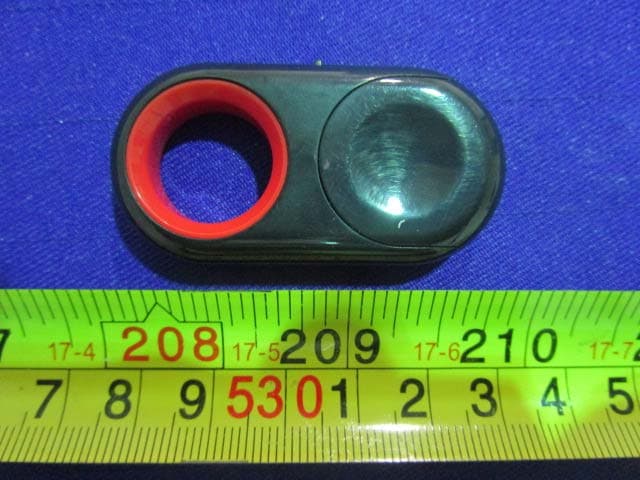
Z79ABS6
Feb 06, 2015bluetooth shutter remote
Equipment Class
DSS - Part 15 Spread Spectrum Transmitter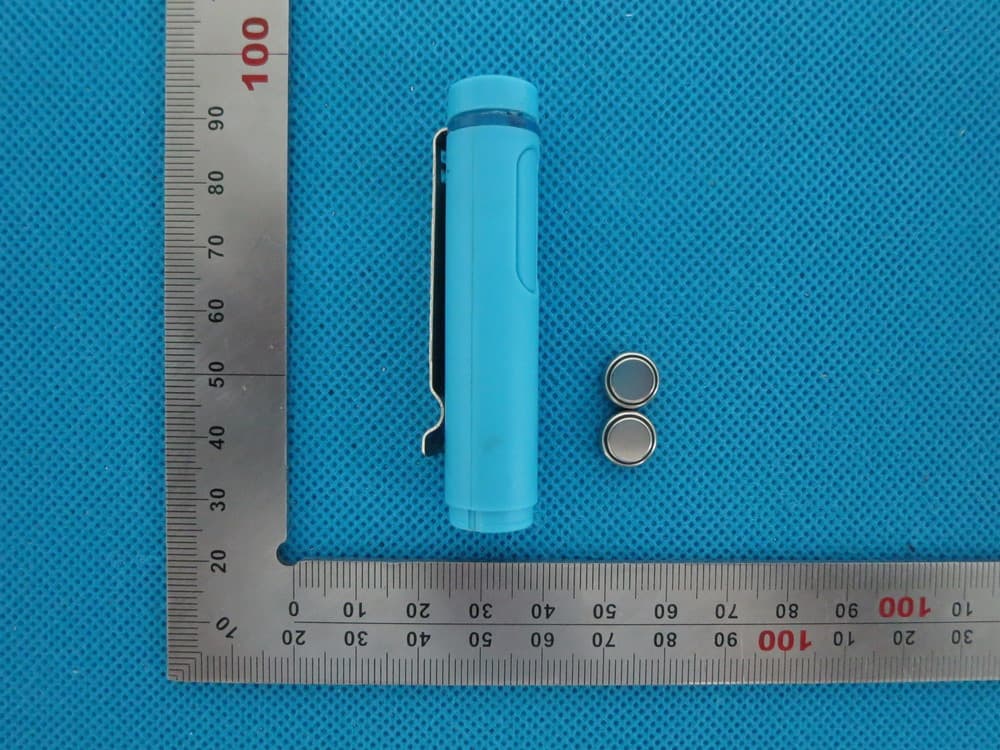
Z79ABS4
Aug 13, 2014Bluetooth remoter
Equipment Class
DSS - Part 15 Spread Spectrum Transmitter