ZGLR11Bluetooth Mono Headset
G-BLUE Technology Limited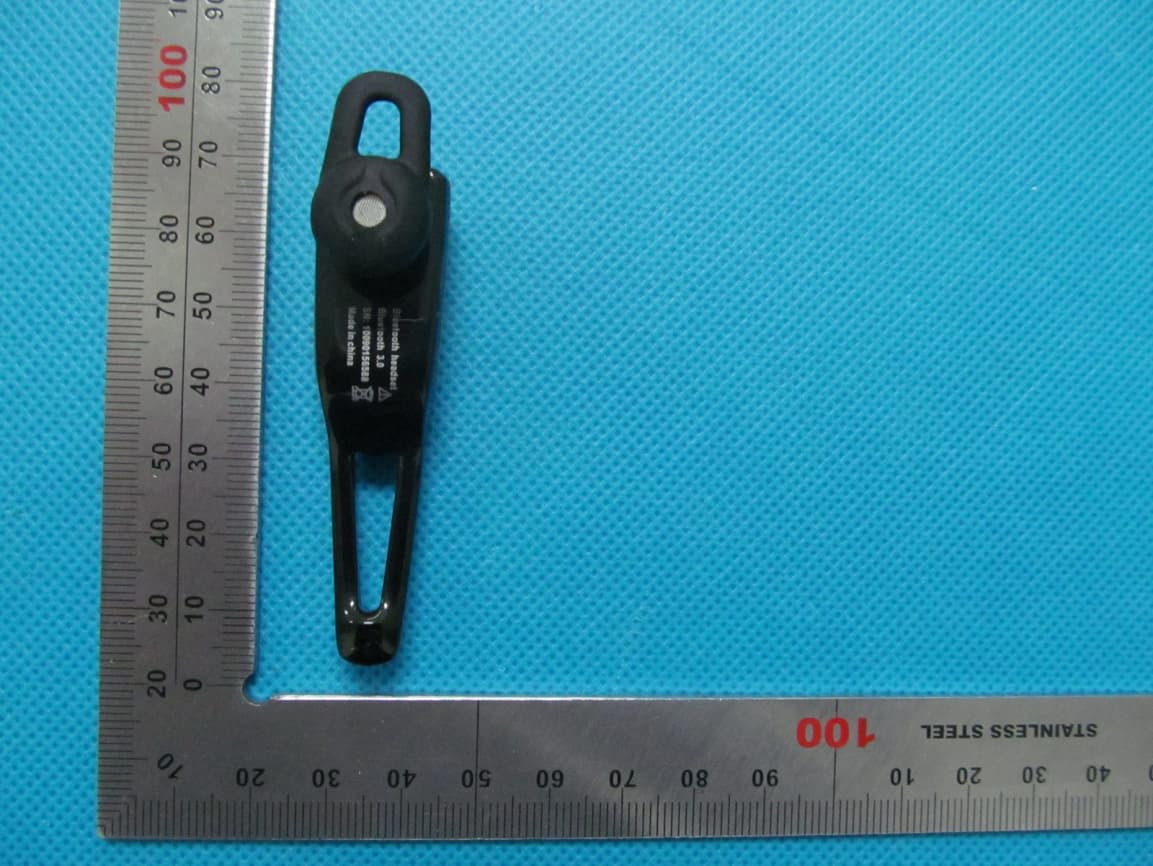
Click to zoom
Application Details
- Equipment Class
- DSS - Part 15 Spread Spectrum Transmitter
- Date of Grant
- Apr 02, 2013
- Application Purpose
- Original Equipment
- Date of Application
- Apr 02, 2013
- Equipment Note
- Bluetooth Mono Headset
- Frequency Range
- 2402.00000000 - 2480.00000000
- Company
- G-BLUE Technology Limited
- Country
- China
Documents & Files
Document Text
Text extracted from the exhibit documents filed with the FCC. Open a document above to read the original.
Users Manual
Bluetooth Mono Headset USER GUIDE FCC ID: ZGLR11 Thank you for purchasing the mono bluetooth headset, we hope you will be delighted with its operation.. Please read this user guide to get started, and to make the best use of the headset' s many features. Driving safety · When you are driving a car, driving is your first responsibility · When using your headset while driving, follow local regulations in the country or region . Introduction Bluetooth Wireless Technology Bluetooth wireless technology propels you into a new dimension in connectivity. Your Bluetooth Headset can communicate with other Bluetooth devices with in a range of distance 10 meters (30 feet). How to use your Wireless Headset? Your Wireless Headset equipped with Bluetooth technology, lets you connect with other similarly equipped devices. * Handle incoming and outgoing calls with the headset call handing button. * Use voice dialing to make calls. Product Features: Name of Product: Multimedia MONO Bluetooth Headset . Ty pe: MONO Bluetooth Headset Mono Bluetooth headset Constituent Part: 1. The indicator light 2. Power Button 3. Speaker 4. Charger connector 5. ear hook Noted: Some Bluetooth headset part have magnetic, don’t put it with your credit card or other storage medium. Prevent information to be deleted. Means of Charging: ■ Travel Charger DC5V 300mA ■ USB Charger USB +5V Battery Standard: ■ High-capability Rechargeable Lithium Polymer Battery ■ Battery Voltage:3.7V Additional Function to Protect Battery Product Standard: ■ Class 2 Operation ■ Talk Time: 2.5 hours.. ■ Standby Time: 75 hours . NOTED: *Standby time and talking time may be different subject to network situation* Light Description: ■ The indicator light turn to blue when pairing ■ Flashing once rapidly in 2 second when connecting ■ Flashing once slowly every 2 second when waiting for connection ■ The red indicator flashing 3 times every 2 second when power status is low. ■ The light is red when charging. Bluetooth headset is closed. ■ The red light turn to Blue when charging completed Pair to your Mobile Phone: 1. The distance between the Bluetooth headset and your mobile phone would be better within 1 meter when pairing, the closer is better. 2. Ensuring the headset is off. 3.Pressing still the Multifunctional Button , sustain 6 seconds ,frist the blue light flashing, until you see the blue light and flicker free, then release the button. 4. Set your Bluetooth phone to "discover" the headstet by following your phone's instruction guide. The steps involve going to a"setup", "connect",or "Bluetooth" menu on your phone and then selecting the option to "discover" a Bluetooth device. 5. Your phone will find the headset and ask if you want to pair with it. Confirming this by pressing "yes" or "ok". 6. Enter password "0000", then press "yes" or "ok". Note: The pairing generally takes about 60 seconds. If unsuccessful, the blue indicator light flashes slowly, and then you need to reattempt pairing (see steps 4-6). Turning off the headset by pressing the button sustain 4 seconds. Important and Noted: 1. Before charging, please check the charger suit for Bluetooth headset . 2. Please used original battery and original charger, if you used other charger and charging, maybe you will damage headset. That is DANGEROUS and You have violate the plan regulation. 3. Bluetooth headset ‘s battery is Li-ion battery inside. Don’t take it out. Protect the goods against spoilage. 4. Keep your headset off when you don't use it. You need to charging each month, if you don’t use it. 5. Don’t throw it into fire. Answering a Call When you hear the ring tone, press the Multifunction Button once or press the button on your phone's keypad, but you may then need to transfer the call to your headset by pressing and releasing the Multifunction Button once(depending on your phone). Ending a Call Press and release the Multifunction Button once or end call from phone keypad. Answering or Rejecting a Call when Listening to Music: If there is ring tone of incoming call when you are listening to music, in your phone or PC or other Bluetooth enabled devices, press still either "Power ON / OFF / Answer a call" button for 2 second to reject the call or press the Multifunction Button to answer the call. Multimedia Feature: If the pairing is successful with the phone which supports 1.2 profile, it allows you to enjoy the real music from NOKIA phone. When there is an incoming call, the headset will automatically switch to phone mode and resume to music mode when the call ends. Charger and battery: The charging time is 1 hour or 1.5 hours. When you charging, the light is red , the red light turn to blue, it is finished. Redialing the Previous Call: Press still the Multifunctional Button for 2 seconds, and then it will make a call to the previous number you called. Important: Please kindly note that the functions or operations stated in this User Manual is only applicable to mobile phones which support Bluetooth Handset .Please carefully read your phone's instruction guide because the operation might be different. Correct disposal of this product (Waste Electrical & Electrionic Equipment) This marking shown on the product or its literature, indicates that it should not be disposes with other household wastes at the end of its working life. To prevent possible harm to the environment or human health from unco -ntrolled waste disposal, please separate this from other types of wastes and recycle it responsibly to promote the sustainable reuse of material resources. Household user should contact either the retailer where they purchased this product, or their local government office, fordetails of where and how they can take this item for environmentally safe recycling. Business users should contact their supplier and check the terms and conditions of the purchase contract. This product should not be mixed with other commercial wastes for disposal. User Manual Statement: This device complies with Part 15…
Text truncated - open the document above for the full version.
Cover Letter(s)
Ma Fed Aut FCC Re: Pur s requ 1: B 2: C 3: O 4: P Th e rele app Th e all a app Sin c G-B Con rch 29, 20 deral Comm thorization C ID: ZGLR : Confiden suant to Se uests confid Block Diagra Circuit Diagra Operational D Parts List e above mat ased to the licant and p e Applicant u accompanyi lication. cerely, BLUE Tech ntact Perso 013 munication and Evalu R11 ntiality Re ctions 0.457 ential treatm m am Description terials conta e public. The rovide unjus understands ng docume n hnology Lim on:Jack Fa n Commiss uation Divis quest 7 and 0.459 ment of infor ain trade se e public dis stified benef that pursua ntation will mited ang sion sion 9 of the Com rmation appl ecrets and p sclosure of t fits to its com nt to Rules 0 not be mad mmission’s R ied this app proprietary these matte mpetitors. 0.457, disclo e before th Rules, the a lication as o information ers might be osure of this e date of th applicant he outlined belo not custom e harmful to s Application he Grant for ereby ow: marily o the n and r this
External Photos
TOP VIEW OF EUT BOTTOM VIEW OF EUT FRONT VIEW OF EUT BACK VIEW OF EUT LEFT VIEW OF EUT RIGHT VIEW OF EUT
ID Label/Location Info
FCC Label Location Bluetooth Mono Headset R11 Brand: Gblue Model:R11 FCC ID: ZGLR11 K15,Q83,Q61,R1,G2,K5, G11,Q85,Q80,Q62,Q58, Q59,Q60,Q22,Q25,G13, Q68,GH106,Q78,Q79,Q30, Q27,Q28,Q29,Q31,Q32, Q33,RH305,GD210,RD613
Internal Photos
OPEN VIEW OF EUT-1 INTERNAL VIEW OF EUT-1 BT Antenna INTERNAL VIEW OF EUT-2
Test Report
Report No.: AGC04Z130301-1F2 Page 1 of 52 FCC Test Report Report No.: AGC04Z130301‐1F2 FCC ID : ZGLR11 APPLICATION PURPOSE : Original Equipment PRODUCT DESIGNATION : Bluetooth Mono Headset R11 BRAND NAME : Gblue MODEL NAME : R11,K15,Q83,Q61,R1,G2,K5,G11,Q85,Q80,Q62,Q58, Q59,Q60,Q22,Q25,G13,Q68,GH106,Q78,Q79,Q30, Q27,Q28,Q29,Q31,Q32,Q33,RH305,GD210,RD613 CLIENT : G‐BLUE Technology Limited DATE OF ISSUE : Mar.27,2013 STANDARD(S) : FCC Part 15 Rules REPORT VERSION : V1.0 Attestation of Global Compliance (Shenzhen) Co., Ltd CAUTION: This report shall not be reproduced except in full without the written permission of the test laboratory and shall not be quoted out of context. Report No.: AGC04Z130301-1F2 Page 2 of 52 Report Revise Record Report Version Revise Time Issued Date Valid VersionNotes V1.0 / Mar.27,2013 Valid Original Report Report No.: AGC04Z130301-1F2 Page 3 of 52 TABLE OF CONTENTS 1. VERIFICATION OF CONFORMITY ...................................................................................... 5 2. GENERAL INFORMATION .................................................................................................. 6 2.1. PRODUCT DESCRIPTION ........................................................................................................... 6 2.2. TABLE OF CARRIER FREQUENCYS .......................................................................................... 6 2.3. RECEIVER INPUT BANDWIDTH ................................................................................................. 7 2.4. EXAMPLE OF A HOPPING SEQUENCY IN DATA MODE ........................................................... 7 2.5. EQUALLY AVERAGE USE OF FREQUENCIES AND BEHAVIOUR ............................................ 7 2.6. RELATED SUBMITTAL(S) / GRANT (S) ....................................................................................... 8 2.7. TEST METHODOLOGY................................................................................................................ 8 2.8. SPECIAL ACCESSORIES ............................................................................................................ 8 2.9. EQUIPMENT MODIFICATIONS ................................................................................................... 8 3. MEASUREMENT UNCERTAINTY........................................................................................ 9 4. DESCRIPTION OF TEST MODES ........................................................................................ 9 5. SYSTEM TEST CONFIGURATION .................................................................................... 10 5.1. CONFIGURATION OF EUT SYSTEM ........................................................................................ 10 5.2. EQUIPMENT USED IN EUT SYSTEM ....................................................................................... 10 5.3. SUMMARY OF TEST RESULTS ................................................................................................ 10 6. TEST FACILITY .................................................................................................................. 11 7. PEAK OUTPUT POWER .................................................................................................... 12 7.1. MEASUREMENT PROCEDURE ................................................................................................ 12 7.2. TEST SET-UP (BLOCK DIAGRAM OF CONFIGURATION) ....................................................... 12 7.3. LIMITS AND MEASUREMENT RESULT .................................................................................... 12 8. 20DB BANDWIDTH ............................................................................................................ 14 8.1. MEASUREMENT PROCEDURE ................................................................................................ 14 8.2. TEST SET-UP (BLOCK DIAGRAM OF CONFIGURATION) ....................................................... 14 8.3. LIMITS AND MEASUREMENT RESULTS .................................................................................. 14 9. CONDUCTED SPURIOUS EMISSION ............................................................................... 21 9.1. MEASUREMENT PROCEDURE ................................................................................................ 21 9.2. TEST SET-UP (BLOCK DIAGRAM OF CONFIGURATION) ....................................................... 21 9.3. MEASUREMENT EQUIPMENT USED ....................................................................................... 21 9.4. LIMITS AND MEASUREMENT RESULT .................................................................................... 21 10. RADIATED EMISSION ..................................................................................................... 25 10.1. MEASUREMENT PROCEDURE .............................................................................................. 25 10.2. TEST SETUP ............................................................................................................................ 27 Report No.: AGC04Z130301-1F2 Page 4 of 52 10.3. TEST RESULT .......................................................................................................................... 28 11. BAND EDGE EMISSION .................................................................................................. 32 11.1. MEASUREMENT PROCEDURE .............................................................................................. 32 11.2. TEST SET-UP ........................................................................................................................... 32 11.3. TEST RESULT .......................................................................................................................... 33 12. NUMBER OF HOPPING FREQUENCY ............................................................................ 37 12.1. MEASUREMENT PROCEDURE ......................…
Text truncated - open the document above for the full version.
Test Setup Photos
PHOTOGRAPHS OF THE TEST SETUP FCC LINE CONDUCTED EMISSION TEST SETUP FCC RADIATED EMISSION TEST SETUP
Contact Information
Applicant
Jack Fang(Manager)
Test Firm
Attestation of Global Compliance Shenzhen Co. Ltd.Forrest Lei
Technical Specifications
| # | Rule Parts | Frequency Range | Power Output |
|---|---|---|---|
| 1 | 15C | 2.40 GHz - 2.48 GHz | 1.70 mW |
Other Applications from G-BLUE Technology Limited
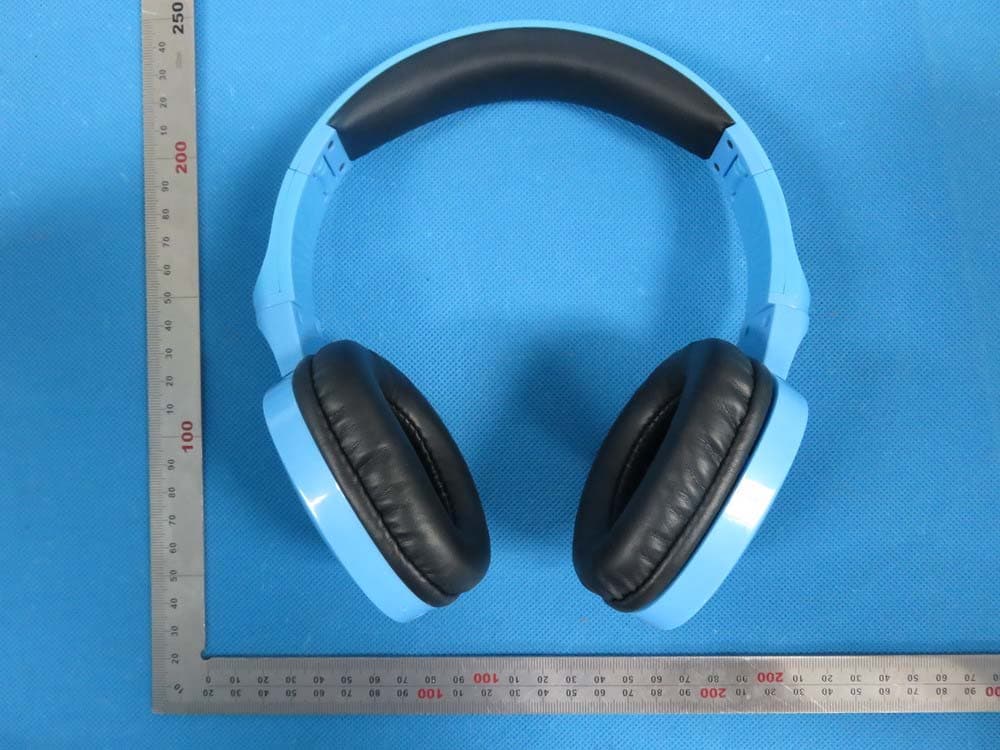
ZGLN16
Sep 23, 2015Over-head Bluetooth headphone
Equipment Class
DXX - Part 15 Low Power Communication Device Transmitter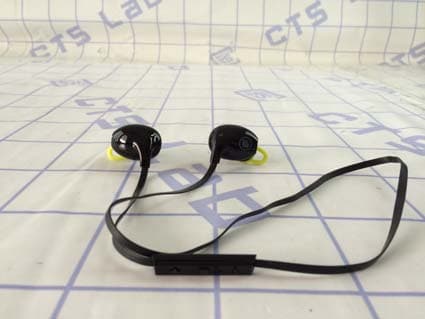
ZGLS90
Feb 12, 2015Sport Bluetooth Headset
Equipment Class
DXX - Part 15 Low Power Communication Device Transmitter
ZGL-KIITAG
Jul 28, 2014Bluetooth Item Finder
Equipment Class
DTS - Digital Transmission SystemZGLBLUEVIBECFT
Oct 27, 2013Bluetooth Headset
Equipment Class
DSS - Part 15 Spread Spectrum Transmitter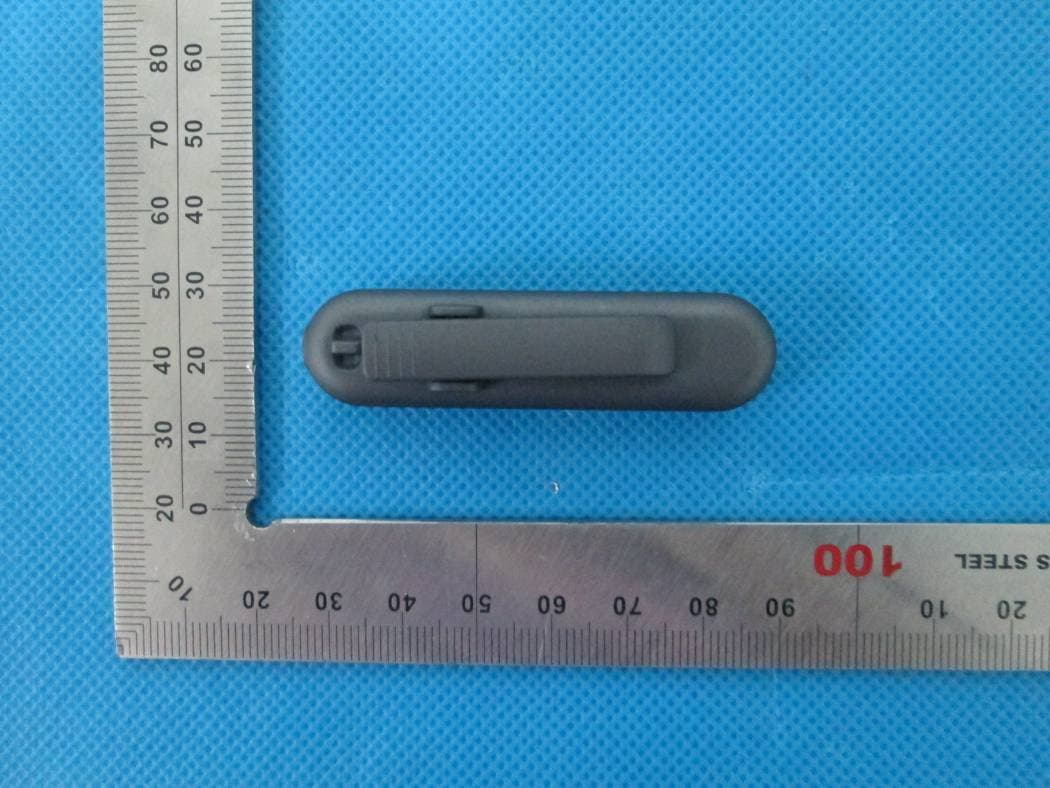
ZGL-MT101-3
Sep 29, 2013Bluetooth Headset
Equipment Class
DSS - Part 15 Spread Spectrum Transmitter