ZQ8RC292BRemote Control
Philips Electronics (Suzhou) Co., Ltd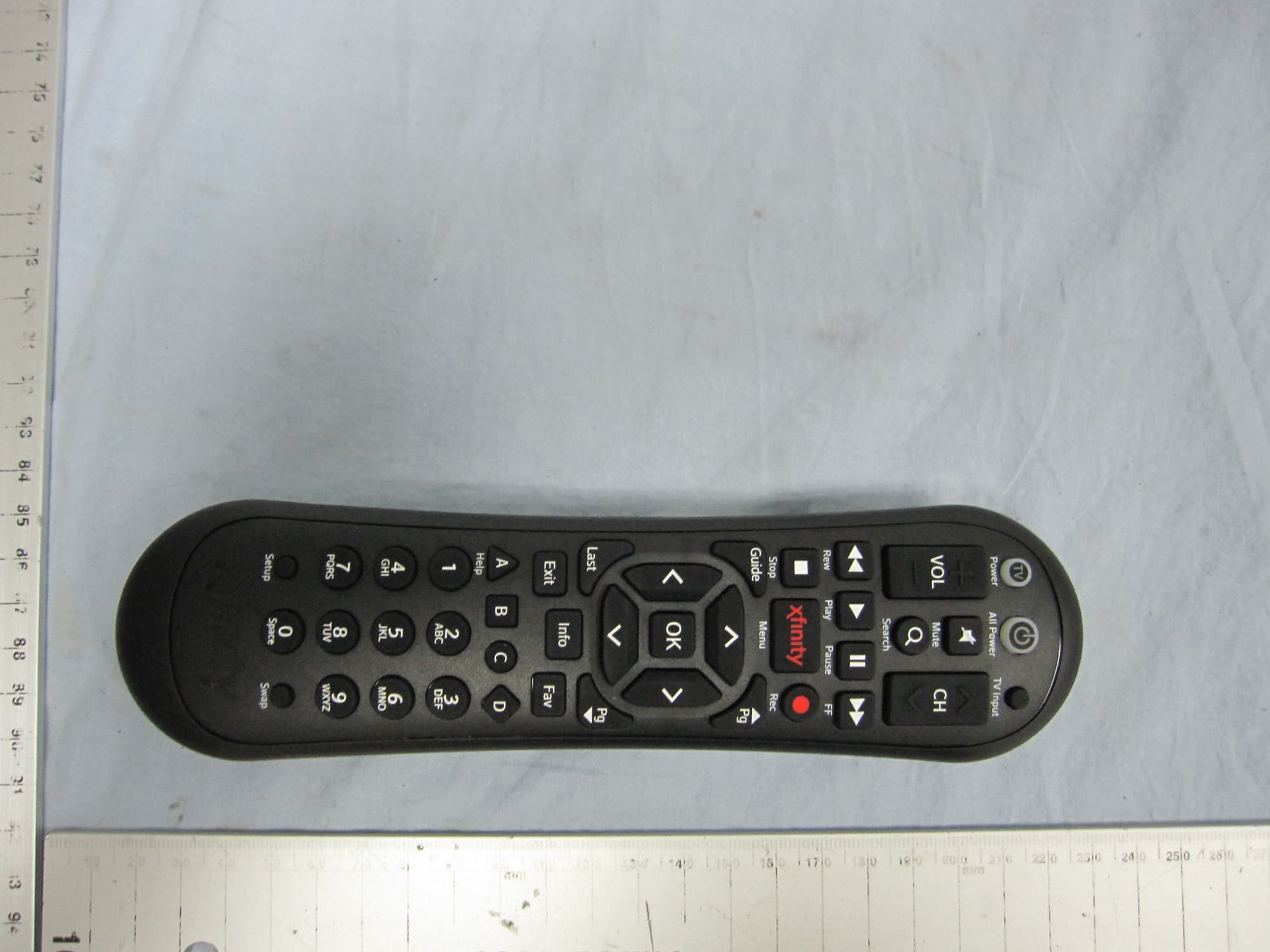
Click to zoom
Application Details
- Equipment Class
- DXX - Part 15 Low Power Communication Device Transmitter
- Date of Grant
- Sep 24, 2014
- Application Purpose
- Original Equipment
- Date of Application
- Sep 24, 2014
- Equipment Note
- Remote Control
- Frequency Range
- 2425.00000000 - 2475.00000000
- Country
- China
Documents & Files
Document Text
Text extracted from the exhibit documents filed with the FCC. Open a document above to read the original.
Users Manual
Enjoy your XFINITY® TV right away! Program your remote to get started. XR2v3-RXR5v2-R XFINITY XR2 Remote Control USER’S GUIDE It’s simple to program your XFINITY Remote to control your TV and Audio Video Receiver. Your XFINITY Remote is already programmed to control your set-top box or Digital Transport Adapter (DTA). To program the remote for con- trol of Power, Volume, Mute and TV Input on your TV or Power, Volume, and Mute on your audio video receiver (AVR), including a soundbar, follow the steps below. Note: A soundbar is a type of AVR. Here’s how to program your remote for control of a TV or TV and AVR: 1. Install the remote control batteries and make sure your TV, AVR and set-top box or DTA are powered on. 2. Refer to the “Setup Codes for TVs” and “Setup Codes for AVRs and Soundbars” sections on the back of this guide to find the manufacturers of your TV and AVR. 3. Press and hold the Setup button on your remote until the status LED changes from red to green. 4. Enter the first code listed for the TV manu- facturer. The status LED should flash green twice when the code is entered. 5. Press the TV Power button on the remote. If the TV turns off, you have successfully programmed your remote. Turn the TV back on and press the VOL +/- and Mute buttons to confirm they control the volume of your device. 6. If the TV (or AVR) does not turn off or the VOL +/- and Mute buttons do not work, repeat the steps above using the next code listed for your TV manufacturer. 1. Turn on your TV and AVR. 2. Press and hold the Setup button on your remote until the status LED changes from red to green. 3. To search for a TV code, enter 9-9-1 on the remote. To search for an AVR code, enter 9-9-2. The status LED should flash green twice. 4. Press the CH ^ button repeatedly to search through the manufacturer codes until the device you are programming turns off. 5. After the device turns off, press Setup. The status LED on your remote should flash green twice. Press the TV Power button on the remote. If the device turns on, your have successfully programmed your remote. xfinity.com/remotes Troubleshooting :QWhy does the status LED flash red then green while I am entering the code on my remote? A:AYou may have entered an incorrect code. Check the code and try re-entering it. :QWhy does the status LED flash red, but there is no response when I press a key? A:AMake sure the remote is aimed at your TV or AVR and is no farther than 15 feet away. Also, make sure your set-top box or DTA is powered on and in plain sight. TV Power: Turns your TV on/off. All Power: One button to turn the TV, AVR and DTA or set-top box on/off. Vol +/–: Controls the volume on the DTA or set-top box. After your remote is programmed, these keys control the TV or AVR’s volume. CH ^/∨A: Selects the next higher or next lower channel. Mute: Turns the sound on and off. TV Input: Changes to the next available input on your TV. Note: Some features above require programming the remote for control of a TV and/or AVR. Video Controls: Controls On Demand or DVR viewing, Play, Pause, Fast-For- ward, Rewind, and Stop. Search: Search for content by channel, program, or key words. Rec: Records content currently being viewed. Note: Some features above require a DVR set-top box and/or access to On Demand programming. XFINITY/Menu: Enters the on-screen guide menus. Guide: Shortcut to TV listings. OK: Selects the highlighted item within the guide. Last: Returns to the previous channel or guide screen. Exit: Exits guide screens and returns you to TV viewing. Info: Provides a program description. Fav: Setup favorites lists for quick access to your favorite channels. Setup: Programs your remote control to your TV, AVR, set-top box or DTA. A, B, C, D: Context-sensitive control keys. Note: Some features above require an on-screen programming guide not available with all devices. Keypad (0-9): Select the channel you want to view (e.g., 0-9 or 0-2-6). Setup: Programs your remote control to your TV, AVR, set-top box or DTA. Swap: Change to the channel currently available on the tuner not being viewed. TV Power (Encendido de televisor): Enciende y apaga el televisor. All Power (Todo encendido): Un botón para apagar y encender el televisor, el AVR y el DTA o el decodificador. Vol +/–: Controla el volumen del DTA o el decodificador. Una vez que se programa el control remoto para que controle un televisor y/o un AVR, estas teclas contro- lan el volumen del televisor o el AVR. CH ^/v: Selecciona el siguiente canal más alto o más bajo. Mute (Silenciar): Enciende y apaga el sonido. TV Input (Entrada de televisión): Cambia a la siguiente entrada disponible del televisor. Nota: Algunas de las funciones mencio- nadas requieren que el control remoto se programe para controlar un televisor y/o un AVR. Controles de video: Controlan la visual- ización de contenido on demand o de una videograbadora digital; Play (Repro- ducir), Pause (Pausar), Fast-Forward (Avanzar), Rewind (Retroceder) y Stop (Parar). Search (Buscar): Busca contenido por canal, programa o palabras clave. Rec (Grabar): Graba el contenido que se está viendo en ese momento. Nota: Algunas de las funciones men- cionadas requieren un decodificador con videograbadora digital y/o acceso a programación on demand. XFINITY/Menu (XFINITY/Menú): Ingresa al menú XFINITY para dar acceso a la guía, programas almacenados, pro- gramación on demand y aplicaciones. Guide (Guía): Atajo a los listados de televisión. OK (Seleccionar): Selecciona el elemen- to resaltado dentro de la guía. Last (Último): Regresa al canal o a la guía anterior. Exit (Salir): Sale de las pantallas de guía y regresa a la visualización de televisión. Info (información)A: Brinda una descripción del programa. Fav (Favoritos): Configure sus listas de favoritos para obtener rápido acceso a sus canales favoritos. Setup (Configurar): Se usa a fin de programar el control remoto para que controle un televisor, AVR, decodificador o DTA. A, B, C, D: Teclas de control se…
Text truncated - open the document above for the full version.
External Photos
SGS-CSTC Standards Technical Services (Shanghai) Co., Ltd. Page: 1 of 3 Page 1 of 3 RC2924401/01BR _External Photos-FCC Application No.: SHEM1409002219RF Applicant: Philips Electronics (Suzhou) Co., Ltd Address of Applicant: 209 ZhuYuan road, Building B-3rd, 19-20 floor, Suzhou new district Equipment Under Test (EUT): Product Name: Remote Control Model No.: RC2924401/01BR Add Model No.: RC2924402/01BR, RC2924403/01BR FCC ID: ZQ8RC292B SGS-CSTC Standards Technical Services (Shanghai) Co., Ltd. Page: 2 of 3 Page 2 of 3 1 Contents Page 1 CONTENTS.......................................................................................................... 2 2 EXTERNAL PHOTOS ........................................................................................ 3 SGS-CSTC Standards Technical Services (Shanghai) Co., Ltd. Page: 3 of 3 Page 3 of 3 2 External Photos End
Internal Photos
SGS-CSTC Standards Technical Services (Shanghai) Co., Ltd. Page: 1 of 5 Page 1 of 5 RC2924401/01BR _Internal Photos-FCC Application No.: SHEM1409002219RF Applicant: Philips Electronics (Suzhou) Co., Ltd Address of Applicant: 209 ZhuYuan road, Building B-3rd, 19-20 floor, Suzhou new district Equipment Under Test (EUT): Product Name: Remote Control Model No.: RC2924401/01BR Add Model No.: RC2924402/01BR, RC2924403/01BR FCC ID: ZQ8RC292B SGS-CSTC Standards Technical Services (Shanghai) Co., Ltd. Page: 2 of 5 Page 2 of 5 1 Contents Page 1 CONTENTS.......................................................................................................... 2 2 INTERNAL PHOTOS ......................................................................................... 3 SGS-CSTC Standards Technical Services (Shanghai) Co., Ltd. Page: 3 of 5 Page 3 of 5 2 Internal Photos SGS-CSTC Standards Technical Services (Shanghai) Co., Ltd. Page: 4 of 5 Page 4 of 5 SGS-CSTC Standards Technical Services (Shanghai) Co., Ltd. Page: 5 of 5 Page 5 of 5 E EE En nn nd dd d
Test Report
SGS-CSTC Standards Technical Services (Shanghai) Co., Ltd. 588 West Jindu Road,Songjiang District,Shanghai,China Telephone: +86 (0) 21 6191 5666 Fax: +86 (0) 21 6191 5678 [email protected] Report No.: SHEM140900221902 Page: 1 of 32 Tony Wu E&E Section Manager SGS-CSTC (Shanghai) Co., Ltd. The manufacturer should ensure that all products in series production are in conformity with the product sample detailed in this report. If the product in this report is used in any configuration other than that detailed in the report, the manufacturer must ensure the new system complies with all relevant standards. The report must not be used by the client to claim product certification, approval, or endorsement by NVLAP, NIST, or any agency of the federal government. All test results in this report can be traceable to National or International Standards. This document is issued by the Company subject to its General Conditions of Service printed overleaf, available on request or accessible at www.sgs.com/terms_and_conditions.htm and, for electronic format documents, subject to Terms and Conditions for Electronic Documents at www.sgs.com/terms_e-document.htm. Attention is drawn to the limitation of liability, indemnification and jurisdiction issues defined therein. Any holder of this document is advised that information contained hereon reflects the Company’s findings at the time of its intervention only and within the limits of Client’s instructions, if any. The Company’s sole responsibility is to its Client and this document does not exonerate parties to a transaction from exercising all their rights and obligations under the transaction documents. This document cannot be reproduced except in full, without prior written approval of the Company. Any unauthorized alteration, forgery or falsification of the content or appearance of this document is unlawful and offenders may be prosecuted to the fullest extent of the law. Unless otherwise stated the results shown in this test report refer only to the sample(s) tested and such sample(s) are retained for 90 days only 1 Cover Page RF TEST REPORT Application No.: SHEM1409002219RF Applicant: Philips Electronics (Suzhou) Co., Ltd FCC ID: ZQ8RC292B Equipment Under Test (EUT): NOTE: The following sample(s) submitted was/were identified on behalf of the client as Product Name: Remote Control Model No.(EUT): RC2924401/01BR Add Model No.: RC2924402/01BR, RC2924403/01BR Standards: FCC PART 15 Subpart C Section 15.249: 2013 Date of Receipt: September 02, 2014 Date of Test: September 11, 2014 to September 12, 2014 Date of Issue: September 12, 2014 Test Result: Pass* *In the configuration tested, the EUT detailed in this report complied with the standards specified above. SGS-CSTC Standards Technical Services (Shanghai) Co., Ltd. Report No.: SHEM140900221902 Page: 2 of 32 This document is issued by the Company subject to its General Conditions of Service printed overleaf, available on request or accessible at www.sgs.com/terms_and_conditions.htm and, for electronic format documents, subject to Terms and Conditions for Electronic Documents at www.sgs.com/terms_e- document.htm. Attention is drawn to the limitation of liability, indemnification and jurisdiction issues defined therein. Any holder of this document is advised that information contained hereon reflects the Company’s findings at the time of its intervention only and within the limits of Client’s instructions, if any. The Company’s sole responsibility is to its Client and this document does not exonerate parties to a transaction from exercising all their rights and obligations under the transaction documents. This document cannot be reproduced except in full, without prior written approval of the Company. Any unauthorized alteration, forgery or falsification of the content or appearance of this document is unlawful and offenders may be prosecuted to the fullest extent of the law. Unless otherwise stated the results shown in this test report refer only to thesample(s) tested and such sample(s) are retained for 90 days only 2 Version Revision Record Version Chapter Date Modifier Remark 00 / September 12, 2014 / Original Authorized for issue by: Engineer Eddy Zong Print Name Clerk Susie Liu Print Name Reviewer Keny Xu Print Name SGS-CSTC Standards Technical Services (Shanghai) Co., Ltd. Report No.: SHEM140900221902 Page: 3 of 32 This document is issued by the Company subject to its General Conditions of Service printed overleaf, available on request or accessible at www.sgs.com/terms_and_conditions.htm and, for electronic format documents, subject to Terms and Conditions for Electronic Documents at www.sgs.com/terms_e- document.htm. Attention is drawn to the limitation of liability, indemnification and jurisdiction issues defined therein. Any holder of this document is advised that information contained hereon reflects the Company’s findings at the time of its intervention only and within the limits of Client’s instructions, if any. The Company’s sole responsibility is to its Client and this document does not exonerate parties to a transaction from exercising all their rights and obligations under the transaction documents. This document cannot be reproduced except in full, without prior written approval of the Company. Any unauthorized alteration, forgery or falsification of the content or appearance of this document is unlawful and offenders may be prosecuted to the fullest extent of the law. Unless otherwise stated the results shown in this test report refer only to thesample(s) tested and such sample(s) are retained for 90 days only 3 Test Summary Test Item Test Requirement Test method Result Antenna Requirement FCC Part 15, Subpart C Section 15.203 --- PASS AC Power Line Conducted Emission FCC Part 15, Subpart C Section 15.207 ANSI C63.10 (2009) Section 6.2 N/A Field Strength of the Fundamental Signal FCC Part 15, Subpart C Section 15.249 (a) ANSI C63.10 (2009) Section 6.10.2 PASS Radiated Spurious Emission…
Text truncated - open the document above for the full version.
Test Setup Photos
SGS-CSTC Standards Technical Services (Shanghai) Co., Ltd. Report No.: SHEM1308001626RF Page: 1 of 4 Page 1 of 4 RC2924401/01BR _Test Setup Photos-FCC Application No.: SHEM1409002219RF Applicant: Philips Electronics (Suzhou) Co., Ltd Address of Applicant: 209 ZhuYuan road, Building B-3rd, 19-20 floor, Suzhou new district Equipment Under Test (EUT): Product Name: Remote Control Model No.: RC2924401/01BR Add Model No.: RC2924402/01BR, RC2924403/01BR FCC ID: ZQ8RC292B SGS-CSTC Standards Technical Services (Shanghai) Co., Ltd. Report No.: SHEM1308001626RF Page: 2 of 4 Page 2 of 4 1 Contents Page 1 CONTENTS............................................................................................................... 2 2 EQUIPMENT UNDER TEST PICTURES ............................................................ 3 2.1 Radiated Emission Test Setup ............................................................. 3 SGS-CSTC Standards Technical Services (Shanghai) Co., Ltd. Report No.: SHEM1308001626RF Page: 3 of 4 Page 3 of 4 2 EQUIPMENT UNDER TEST PICTURES 2.1 Radiated Emission Test Setup Below 30MHz: 30MHz to 1GHz SGS-CSTC Standards Technical Services (Shanghai) Co., Ltd. Report No.: SHEM1308001626RF Page: 4 of 4 Page 4 of 4 Above 1GHz End
Contact Information
Applicant
Shi He(Development Quality Manager)
Technical Contact
SGS-CSTC Standards Technical Services (Shanghai)Eddy Zong
[email protected]86 (0)21 6191 5664
No.588 West Jindu Road, Songjiang District, · Shanghai · China
Test Firm
SGS-CSTC Standards Technical Services Co.,Ltd.Zenger Zhang
Technical Specifications
| # | Rule Parts | Frequency Range | Power Output |
|---|---|---|---|
| 1 | 15C | 2.42 GHz - 2.48 GHz | - |
Other Applications from Philips Electronics (Suzhou) Co., Ltd
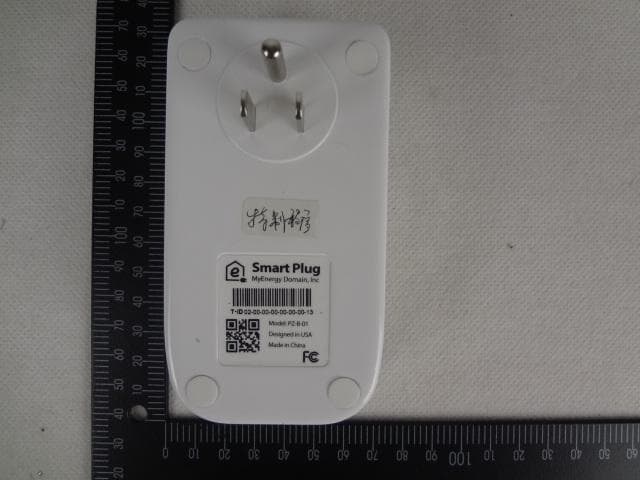
ZQ8PZA02
Sep 23, 2014Smart Plug
Equipment Class
DXX - Part 15 Low Power Communication Device Transmitter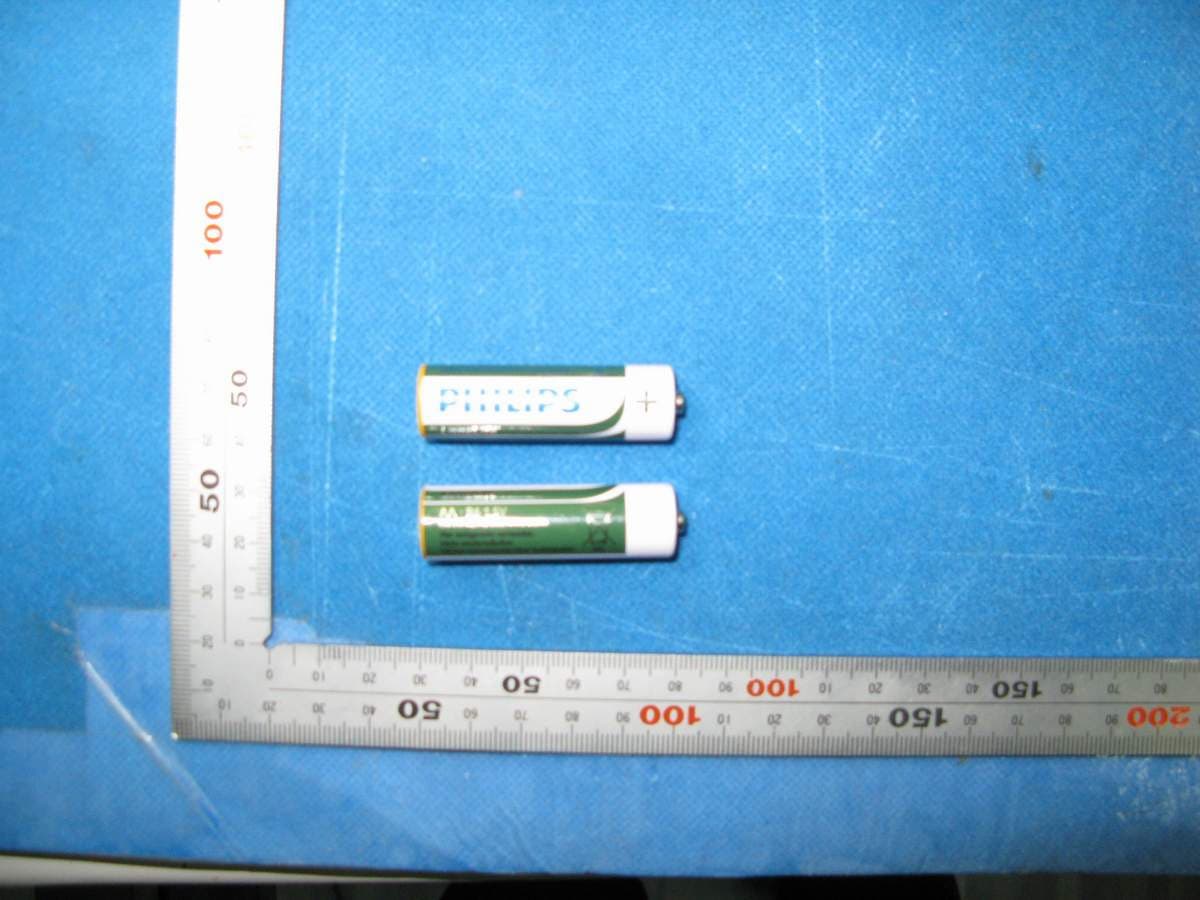
ZQ8RC305A
Mar 13, 2013Remote Control
Equipment Class
DXX - Part 15 Low Power Communication Device Transmitter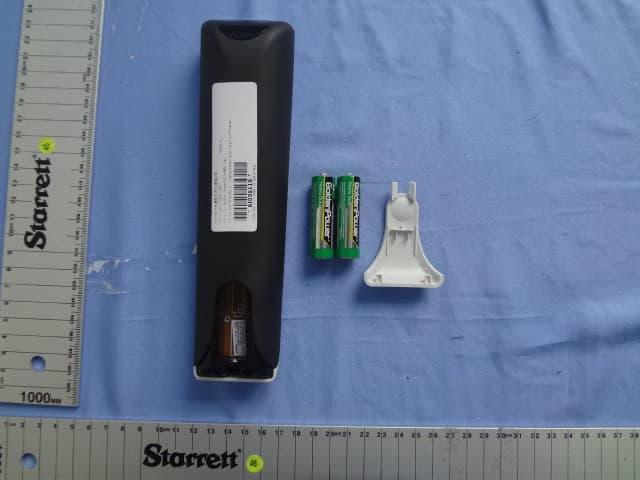
ZQ8RC198BR
Oct 10, 2011RF remote control
Equipment Class
DSC - Part 15 Security/Remote Control Transmitter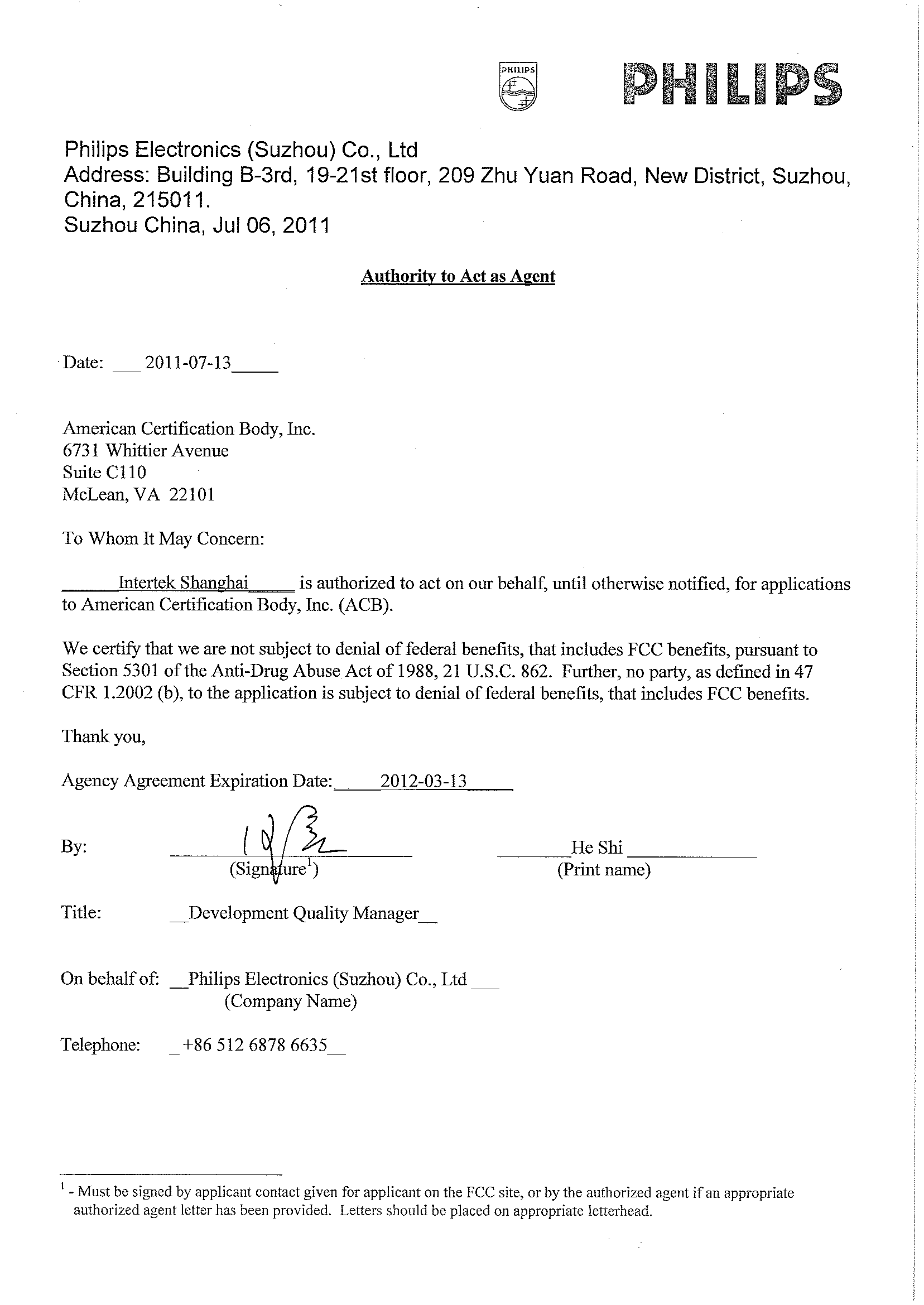
ZQ8RCGP4005B
Jul 18, 2011Game Controller
Equipment Class
DSS - Part 15 Spread Spectrum Transmitter