ZSW-30-107Mobile Phone
b mobile HK Limited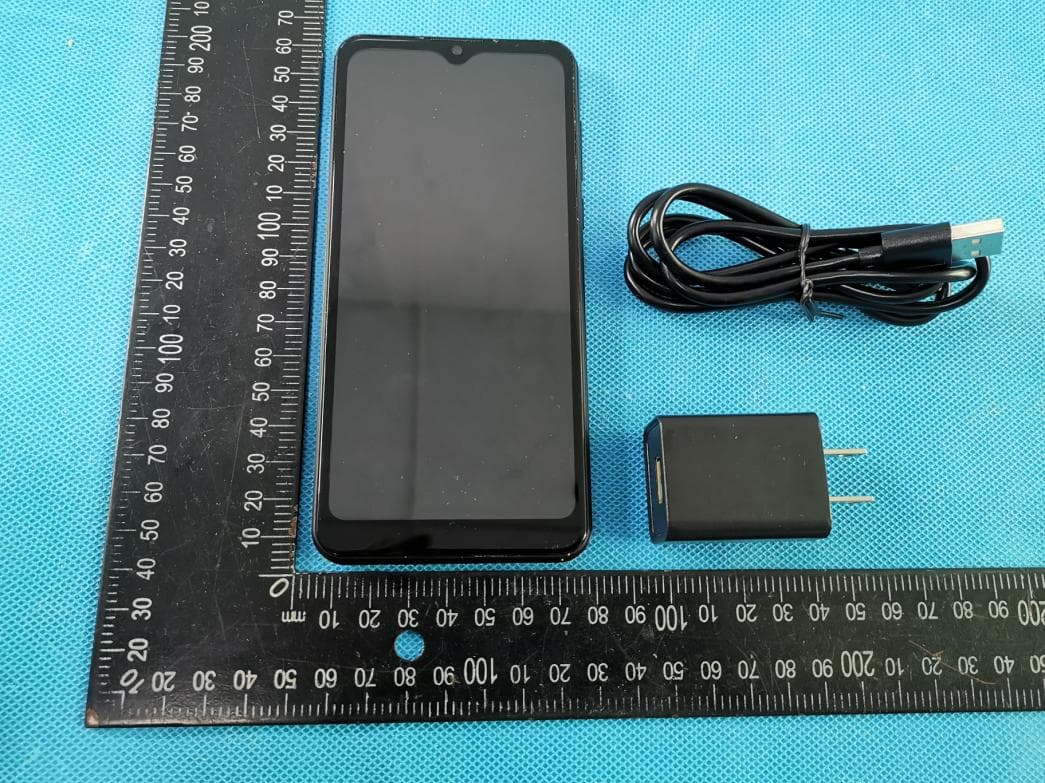
Click to zoom
Application Details
- Equipment Class
- JBP - Part 15 Class B Computing Device Peripheral
- Date of Grant
- Apr 19, 2021
- Application Purpose
- Original Equipment
- Date of Application
- Apr 19, 2021
- Equipment Note
- Mobile Phone
- Company
- b mobile HK Limited
- Country
- China
Documents & Files
Document Text
Text extracted from the exhibit documents filed with the FCC. Open a document above to read the original.
Users Manual
User Manual Bmobile BL61 Contents Contents ..................................................................................................................................................... 1 1. Appearance and Keypad Operations .............................................................................................. 2 2. Using Memory Card as U Disk ...................................................................................................... 2 3. Wi-Fi ................................................................................................ .............................................. 3 4. Bluetooth ........................................................................................................................................ 4 5. Calculator ....................................................................................................................................... 5 6. Calendar ......................................................................................................................................... 5 7. Camera ........................................................................................................................................... 6 8. Clock ................................................................................................ .............................................. 8 9. Contacts................................................................................................ .......................................... 9 10. FM Radio ................................................................................................................................ ... 12 11. Gmail .......................................................................................................................................... 13 12. Messaging .................................................................................................................................. 13 13. Phone................................................................................................ .......................................... 15 14. Gallery........................................................................................................................................ 17 15. Settings ....................................................................................................................................... 19 16. Notices for the use of phone ................................................................ ...................................... 21 2 1. Appearance and Keypad Operations Keys Functions home Short press this button to return home from any application or interface. Long press it to open Google search. recent Short press it to open the recent items back Press it to return to the previous interface,or to close dialog box ,options’ menu ,notification panel or the keypad. power Short press this button to lock or unlock the screen. Long press it to open the phone’s menu,then you could choose to Power off, Restart, Airplane mode, Screenshot and Emergency. up Press it to increase the volume. down Press it to decrease the volume. 2.Using Memory Card as U Disk If you want to send music, pictures or other files to the phone’s memory card from the computer,you should set memory card as u disk first. Set memory card as u disk 1)Connect the phone to the computer with USB cable. The notification icon will appear in the status box. 2)Use USB mobile transmission line will connected to the computer 3)In the notification panel, touch USB is connected,And then touch the USB connected as a media device Notice: On the PC operation assistant tool such as mobile phone, Must be open the USB debugging. USB for file transfer 3 3. Wi-Fi Wi-Fi provides as far as 300feet (100M) range of wireless network access. If you use cell phone to connect Wi-Fi , you should connect to the wireless access point or 「hot spots」. Notices:The availability and coverage of Wi-Fi signal depend on the number, infrastructure and other objects penetrated by the signal. Open Wi-Fi and to connect to the wireless network 1) Enter settings. 2) Select the Wi-Fi box,to open Wi-Fi. Phone will automatically scan for available wireless networks. 3) Touch Wi-Fi settings. Then a list of Wi-Fi network will show the founded network name and security settings. (open network or WEP、WPA/WPA2 with password).If you enable the notification in Wi-Fi settings, The status box will show this icon () when open available wireless network founded. 4) Touch one of the Wi-Fi choices to connect the network. When you choose open network, phone will connect to it automatically. If you choose WEP、WPA/WPA2 with password, you should type the password first, then touch to connect it. Notices:when the phone is connected to the wireless network, the status box will show this Wi-Fi icon (), and the approximate signal strengthen (the number of lit bars).If touch the connected network,will display the name of Wi-Fi network, status ,speed ,signal, strength, security, information and IP address. If you want to delete the wireless settings, please touch “FORGET” as in the picture below. If you want to connect to this network, you should re-enter these settings. Notice: Unless you choose to forget the network, otherwise, there is no need to re-enter the corresponding password when next time connecting to the previously encrypted wireless network. Wi-Fi will search automatically, that is, phone needn’t to perform additional steps to connect Wi-Fi networks. Connect to other Wi-Fi networks In the interface of wireless and network, touch Wi-Fi settings. The founded Wi-Fi networks will show on the Wi-Fi network list. Touch other Wi-Fi networks, and then you can connect to this network. 4 Notices: in addition, mobile phone can also surf the Internet by GPRS. Our current SIM card GPRS to open after the default boot. Users can manually choose to open data connection, when for the single card,…
Text truncated - open the document above for the full version.
Cover Letter(s)
b mobile HK Limited Agent Authorization Company: b mobile HK Limited Address: Flat 18; 14/F Block 1; Golden Industrial Building;16-26 Kwai Tak Street; Kwai Chung; New Territories; Hong Kong Product Name: Mobile Phone Model Number(s): BL61 Product Description: Mobile Phone We authorize MiCOM Labs Inc., 575 Boulder Court, Pleasanton, California 94566, USA, to act on our behalf on all matters concerning the certification of above named equipment. We declare that MiCOM Labs Inc. is allowed to forward all information related to the approval and certification of equipment to the regulatory agencies as required and to discuss any issues concerning the approval application. Any and all acts carried out by MiCOM Labs on our behalf shall have the same effect as acts of our own. Signature: Date: 2021.04.12 Name: KA SHING LAM Title: DIRECTOR Company: b mobile HK Limited
Cover Letter(s)
b mobile HK Limited Office of Engineering Technology Federal Communications Commission 7435 Oakland Mills Road Columbia, MD 21046 USA Date: 04/12/2021 Subject; Request for Confidentiality FCC ID: ZSW-30-107 To Whom It May Concern, Pursuant to the provisions of the Commission’s rules Title 47 Sections §0.457 and §0.459, we are requesting the Commission to withhold the following attachment(s) as confidential documents from public disclosure indefinitely. These documents contain detailed system and equipment descriptions and are considered as proprietary information in operation of the equipment. The public disclosure of these documents might be harmful to our company and would give competitors an unfair advantage in the market. Schematic Diagram Block Diagram Operational Description BOM List Tune-up procedure In additional to above mentioned documents, in order to comply with the marketing regulations in Title 47 CFR §2.803 and the importation rules in Title 47 CFR §2.1204, while ensuring that business sensitive information remains confidential until the actual marketing of newly authorized devices, we request Short Term Confidentiality of the following attachment(s); External Photos Test Setup Photos Internal Photos User Manual For 45 days, pursuant to Public Notice DA 04-1705. OR For 180 days pursuantto KDB 726920 D01. It is our understanding that all measurement test reports, FCC ID label format and correspondence during the certification review process cannot be granted as confidential documents and this information will be available for public review once the grant of equipment authorization is issued. Sincerely, Signature: Name: KA SHING LAM Title: DIRECTOR
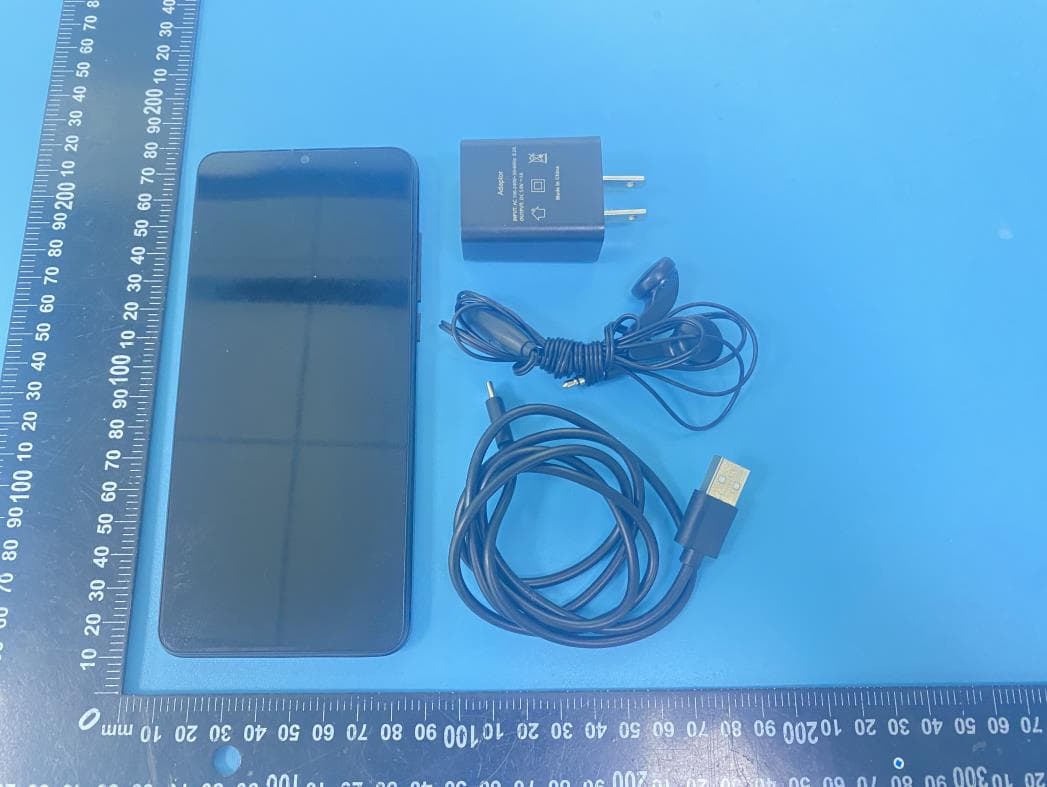
External Photos
S21020301005 Model: BL61 Photo 1 Photo 2 S21020301005 Model: BL61 Photo 3 Photo 4 S21020301005 Model: BL61 Photo 5 Photo 6 S21020301005 Model: BL61 Photo 7 Photo 8 S21020301005 Model: BL61 Photo 9 Photo 10
ID Label/Location Info
Label &Location
Internal Photos
S21020301005 Model: BL61 Photo 1 Photo 2 S21020301005 Model: BL61 Photo 3 Photo 4 BT/WIFI ANT GSM/WCDMA/LTE DIV ANT S21020301005 Model: BL61 Photo 5 Photo 6 GSM/WCDMA/LTE Main ANT S21020301005 Model: BL61 Photo 7 Photo 8 S21020301005 Model: BL61 Photo 9 Photo 10 S21020301005 Model: BL61 Photo 11 Photo 12 S21020301005 Model: BL61 Photo 13 Photo 14 S21020301005 Model: BL61 Photo 15 Photo 16 S21020301005 Model: BL61 Photo 17 Photo 18
Test Report
Report No.: S21020301004001 Version.1.2 Page 1 of 19 FCC Test Report FCC ID: ZSW-30-107 Product: Mobile Phone Trade Mark: Bmobile Model Number: BL61 Family Model: N/A Report No.: S21020301004001 Prepared for b mobile HK Limited Flat 18; 14/F Block 1; Golden Industrial Building;16-26 Kwai Tak Street; Kwai Chung;New Territories; Hong Kong. Prepared by Shenzhen NTEK Testing Technology Co., Ltd. 1/F, Building E, Fenda Science Park, Sanwei Community, Xixiang Street Bao’an District, Shenzhen P.R. China Tel:400-800-6106,0755-2320 0050 / 2320 0090 Website:http://www.ntek.org.cn Report No.: S21020301004001 Version.1.2 Page 2 of 19 TEST RESULT CERTIFICATION Applicant’s name ................. : b mobile HK Limited Address ................................. : Flat 18; 14/F Block 1; Golden Industrial Building;16-26 Kwai Tak Street; Kwai Chung;New Territories; Hong Kong. Manufacturer's Name........... : b mobile HK Limited Address ................................. : Flat 18; 14/F Block 1; Golden Industrial Building;16-26 Kwai Tak Street; Kwai Chung;New Territories; Hong Kong. Product description Product name ........................... : Mobile Phone Model and/or type reference : BL61 Family Model.............................. N/A Standards ............................. : FCC Part15B ANSI C63.4:2014 This device described above has been tested by NTEK, and the test results show that the equipment under test (EUT) is in compliance with Part 15 of FCC Rules. And it is applicable only to the tested sample identified in the report. This report shall not be reproduced except in full, without the written approval of NTEK, this document may be altered or revised by NTEK, personnel only, and shall be noted in the revision of the document. Date of Test ........................................... : Date (s) of performance of tests ............. : 03 Feb. 2021 ~ 27 Mar. 2021 Date of Issue .......................................... : 27 Mar. 2021 Test Result .............................................. : Pass Testing Engineer : (Mary Hu) Technical Manager : (Jason Chen) Authorized Signatory : (Alex Li) Report No.: S21020301004001 Version.1.2 Page 3 of 19 Table of Contents Page 1 . TEST SUMMARY 4 1.1 TEST FACILITY 5 1.2 MEASUREMENT UNCERTAINTY 5 2 . GENERAL INFORMATION 6 2.1 GENERAL DESCRIPTION OF EUT 6 2.2 DESCRIPTION OF TEST SETUP 8 2.3 DESCRIPTION TEST PERIPHERAL AND EUT PERIPHERAL 9 2.4 MEASUREMENT INSTRUMENTS LIST 10 3 . EMC EMISSION TEST 11 3.1 CONDUCTED EMISSION MEASUREMENT 11 3.1.1 POWER LINE CONDUCTED EMISSION 11 3.1.2 TEST PROCEDURE 12 3.1.3 TEST SETUP 12 3.1.4 EUT OPERATING CONDITIONS 12 3.1.5 TEST RESULTS 13 3.2 RADIATED EMISSION MEASUREMENT 15 3.2.1 LIMITS OF RADIATED EMISSION MEASUREMENT 15 3.2.2 TEST PROCEDURE 15 3.2.3 TEST SETUP 16 3.2.4 TEST RESULTS 17 3.2.5 TEST RESULTS(1000~18000MHz) 19 Report No.: S21020301004001 Version.1.2 Page 4 of 19 1. TEST SUMMARY Test procedures according to the technical standards: EMC Emission Standard Test Item Limit Judgment Remark FCC Part15B ANSI C63.4: 2014 Conducted Emission Class B PASS Radiated Emission Class B PASS NOTE: (1) ’N/A’ denotes test is not applicable in this Test Report (2) For client’s request and manual description, the test will not be executed. Report No.: S21020301004001 Version.1.2 Page 5 of 19 1.1 TEST FACILITY Shenzhen NTEK Testing Technology Co., Ltd Add. : 1/F, Building E, Fenda Science Park, Sanwei Community, Xixiang Street, Bao’an District, Shenzhen 518126 P.R. China. FCC Registration Number:463705; IC Registration Number:9270A-1 CNAS Registration Number:L5516 1.2 MEASUREMENT UNCERTAINTY The reported uncertainty of measurement y ± U, where expended uncertainty U is based on a standard uncertainty multiplied by a coverage factor of k=2, providing a level of confidence of approximately 95 %. Test Item Measurement Frequency Range K U(dB) AC Mains Conducted Emission 0.009kHz ~ 0.15MHz 2 2.66 AC Mains Conducted Emission 0.15MHz ~ 30MHz 2 2.80 Telecom Conducted Emission (Cat 3) 0.15MHz ~ 30MHz 2 2.40 Telecom Conducted Emission (Cat 5) 0.15MHz ~ 30MHz 2 2.58 Radiated Emission 30MHz ~ 1000MHz 2 2.64 Radiated Emission 1000MHz ~ 6000MHz 2 5.10 Radiated Emission 6000MHz ~ 18000MHz 2 2.52 Power Clamp 30MHz ~ 300MHz 2 2.20 Report No.: S21020301004001 Version.1.2 Page 6 of 19 2. GENERAL INFORMATION 2.1 GENERAL DESCRIPTION OF EUT Equipment Mobile Phone Trade Mark Bmobile Model Name BL61 Family Model N/A Model Difference N/A Product Description The EUT is a Mobile Phone . Connecting I/O port: Micro USB, Earphone Operation Frequency: 2.4GHz Based on the application, features, or specification exhibited in User's Manual, the EUT is considered as an ITE/Computing Device. More details of EUT technical specification, please refer to the User's Manual. Power Source DC 3.8V/3000mAh from battery or DC 5V from Adapter Adapter Input: 100-240V~50-60Hz 0.2A Output: 5.0V1A HW Version Bmobile_BL61_TEM_PE_V001 SW Version BL61_HW_V1.0 Report No.: S21020301004001 Version.1.2 Page 7 of 19 2.1.1 DESCRIPTION OF TEST MODES To investigate the maximum EMI emission characteristics generates from EUT, the test system was pre-scanning tested base on the consideration of following EUT operation mode or test configuration mode which possible have effect on EMI emission level. Each of these EUT operation mode(s) or test configuration mode(s) mentioned above was evaluated respectively. Pretest Mode Description Mode 1 USB Data Transmission Mode 2 TF card Playing Mode 3 REC Mode 4 FM Mode 5 GPS For Conducted Test Final Test Mode Description Mode 1 USB Data Transmission For Radiated Test Final Test Mode Description Mode 1 USB Data Transmission Note: Final Test Mode: Through Pre-scan, find the mode 1 is the worst case. Only the worst case mode is recorded in the report. Report No.: S21020301004001 Version.1.2 Page 8 of 19 2.2 DESCRIPTION OF TEST SETUP CE RE 1.5m EUT C-4 AE-1 PC C-1 AE-4 Monitor C-2 AE-2 KB AE-3 Mouse AC Plug AC PLUG AE-5 Printer AC Plug C-5 C-3 1.5m EUT C-4 AE-4 Monitor…
Text truncated - open the document above for the full version.
Test Setup Photos
Radiated Measurement Photos AC Conducted Measurement Photos
Contact Information
Applicant
Carlos Lopez
Technical Contact
Test Firm
Shenzhen NTEK Testing Technology Co., Ltd.Alex Li
[email protected]+86-755-6115-9384
Technical Specifications
| # | Rule Parts | Frequency Range | Power Output |
|---|---|---|---|
| 1 | 15B | - | - |
Other Applications from b mobile HK Limited
ZSW-30-144
Apr 16, 2026Mobile Phone
Equipment Class
PCE - PCS Licensed Transmitter held to ear
ZSW-10-052
Jan 21, 2026Mobile Phone
Equipment Class
PCE - PCS Licensed Transmitter held to ear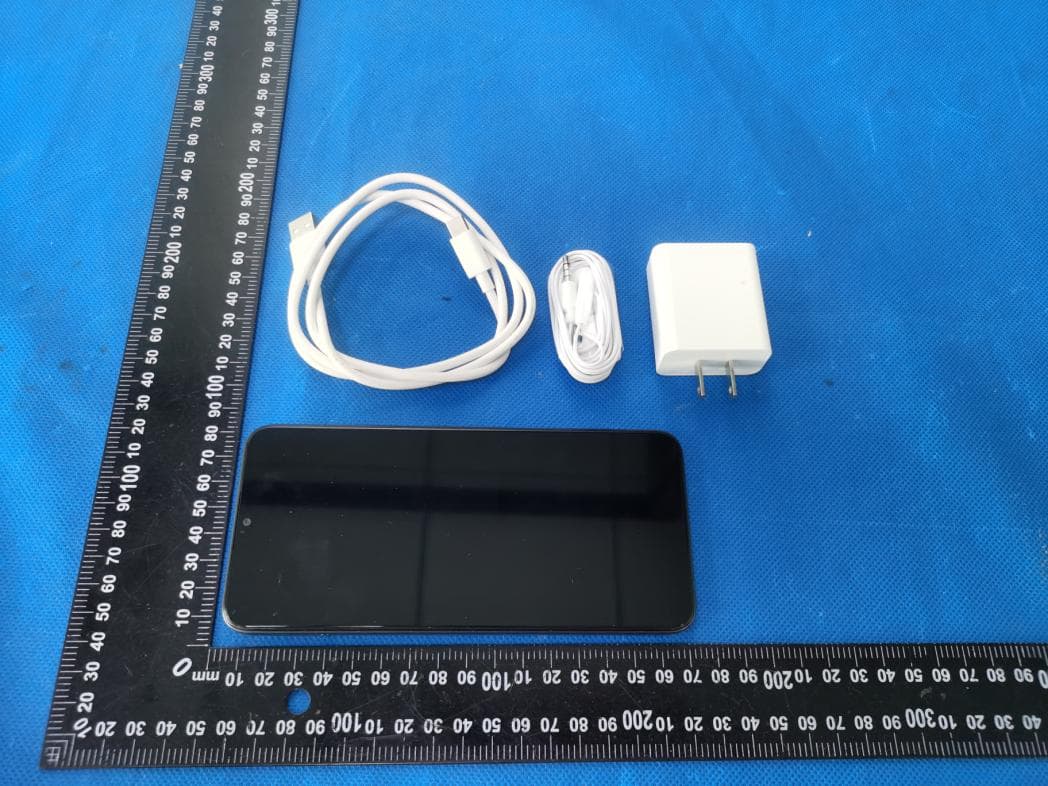
ZSW-30-143
Nov 20, 2025Mobile Phone
Equipment Class
JBP - Part 15 Class B Computing Device Peripheral
ZSW-30-136
Jan 24, 2025Mobile Phone
Equipment Class
PCE - PCS Licensed Transmitter held to ear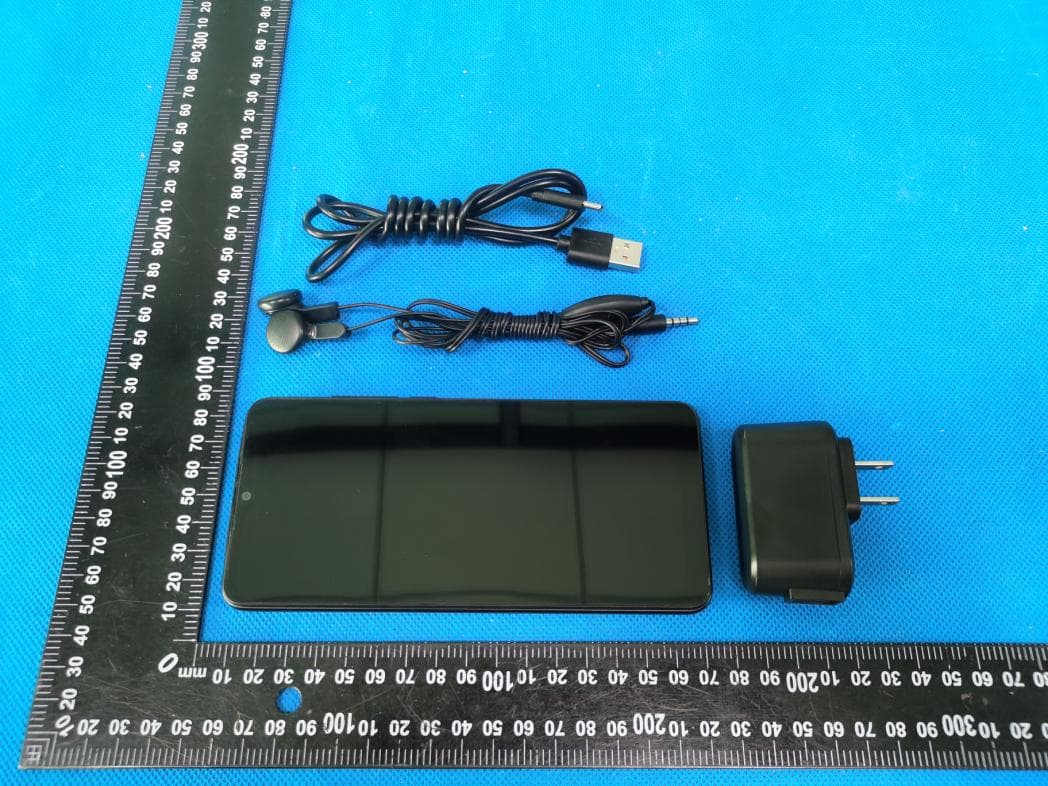
ZSW-30-135
Sep 10, 2024Mobile Phone
Equipment Class
DSS - Part 15 Spread Spectrum Transmitter