ZXNLEETACEZ250FM Audio Transmitter
Guangdong Leetac Electronics Technology Co.,Ltd.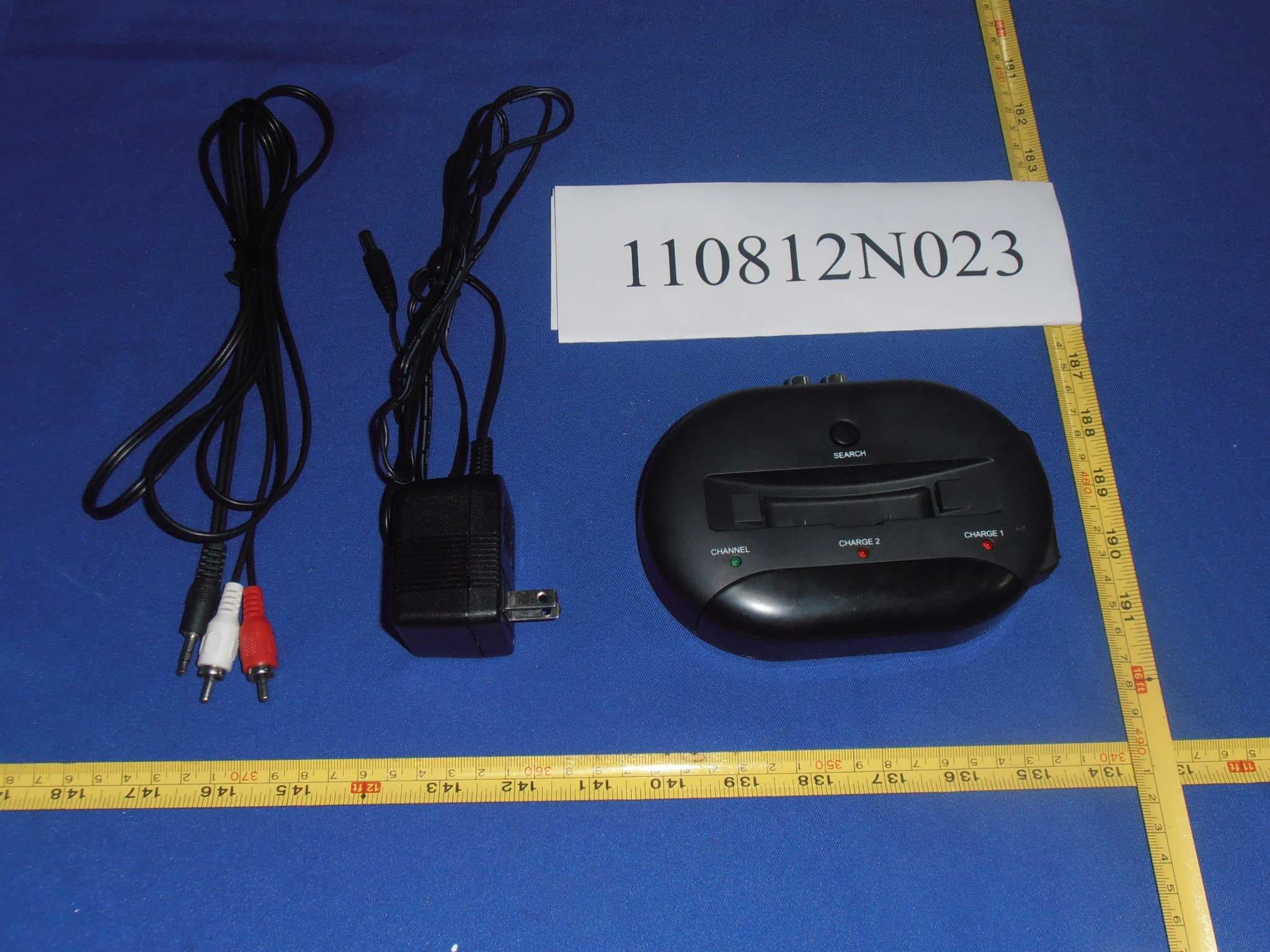
Click to zoom
Application Details
- Equipment Class
- DXX - Part 15 Low Power Communication Device Transmitter
- Date of Grant
- Sep 20, 2011
- Application Purpose
- Original Equipment
- Date of Application
- Sep 20, 2011
- Equipment Note
- FM Audio Transmitter
- Frequency Range
- 88.30000000 - 107.70000000
- Country
- China
Documents & Files
Document Text
Text extracted from the exhibit documents filed with the FCC. Open a document above to read the original.
Users Manual
Instruction Manual Model: E‐Z250 Wireless Hi-Frequency Headphones 2 Precautions CAUTION RISK OF ELECTRIC SHOCK DO NOT OPEN This symbol is intended to alert user to the presence of non‐insulated “dangerous voltage” within the product’s enclosure that may be of sufficient magnitude to constitute risk of electric shock to persons. RISKS OF ELECTRIC SHOCK DO NOT OPEN THE COVER (OR BACK). NO USER SERVICEABLE PARTS INSIDE. REFER SERVICING TO QUALIFIED SERVICE PERSONNEL. This symbol is intended to alert user to the presence of important operating and maintenance (servicing) instructions in the literature accompanying the appliance. Danger: This is not a toy. Keep the unit & accessories out of reach from children or pets. There will be a risk of swallow. Warning: To reduce the risk of fire or electric shock, do not expose this appliance to rain or moisture. Caution: Keep the unit away from any interference appliance, such as metals and magnet. Locations: To reduce the risk of electric shock, fire or injury: 1. Do not use the unit in places that are extremely hot, cold, dusty or humid. 2. Do not place the unit under the direct sunlight nor near any heat sources such as open flame sources and units that produce heat. 3. Do not place any objects that are filled with liquids, such as vases, on the unit. 4. Keep the unit away from places where the unit may be exposed to dripping or splashing. 5. Place the unit on a flat and stable place. Important Safety Instructions 1. Read through the manual before operating. 2. Heed the instructions. 3. Follow all instructions in the manual. 4. Keep the manual for future reference. 5. Do not block any ventilation openings. Do not impede the ventilation openings with newspapers, table‐cloths, curtains or the like. Leave at least 5cm around the unit for sufficient ventilations. 3 6. Install the unit in accordance with the manufacturer’s instructions. 7. Clean the cabinet with a soft cloth slightly moistened with a mild detergent solution. Do not use strong solvents which may cause unpredictable damage to the unit. 8. Before using the product with the approved power adapter provided, ensure the electric power supply is compatible with the voltage rating of the provided power adapter. 9. Use ONLY the provided power adaptor. Never use other power adaptors even if they have the same specifications or rating. 10. Protect the power cord from being walked on or pinched, particularly at plugs, convenience receptacles and the pointers where they exist from the unit. 11. The electric plug is used as the disconnect device. The disconnect device shall remain readily operable. 12. Remove the power adaptor from the electric outlet if the product is not in use for a long time. 13. If it is lightening, unplug the power adapter to prevent the unit from unnecessary damages. 14. Never try to disassemble batteries. It will be fatal dangerous if you heat the batteries or put batteries under the direct sunlight. 15. Refer all servicing to qualified service personnel. Servicing required when the unit does not operate normally or has been damaged in any way such as the power adaptor is damaged, liquids spilled into the unit, any hard object fallen on the unit, the unit has been dropped, the unit has been exposed to rain or moisture. 16. The marking information is located at the bottom of the unit. 17. Attentions should be drawn to the environmental aspects of batteries disposal. 18. Use the unit in moderate climates. Warnings: * Listening to uncomfortable sound levels for prolonged periods could adversely affect your hearing. * If using a line input or direct plug in MUST be fully inserted into the correct socket and the volume turned to the lowest level before turning the unit on. Failure to do so can result in high sound levels and could adversely affect your hearing. * Please make sure that the volume knob is in the fully OFF position. You will hear and feel a click when the knob is in the OFF position. 4 Battery Warnings: * Danger if battery is heated or exposed to direct sunlight or high temperature (over 80 centidegrees). * Do not force the battery pack into the charger or headphone. It fits easily when in the correct orientation. * Do not short circuit the battery. * Never disassemble or reconstruct battery. * Do not expose the battery to water or any liquids. * Disposal of battery if it is broken, leaked or deformed. * Charge the battery as per instructions. 5 Locations and controls 6 Headset 1. Headset plugs & earbuds 2. Headset cradles: The cradles are adjustable at a settled angle range. You can set the headset plugs at a certain width by adjusting the angle. Do not force ‐ it may damage the headset. 3. Under chin headset 4. Channel indicator: Indicate the operating status of the headset. Fast flash when the headset is searching for an idle FM frequency; Flash slowly to indicate the receiver is going to hold an idle FM frequency. Once the desired FM frequency has been found, the indicator will light constantly. 5. Battery pack: Take the battery pack from the packing and insert it into the bottom side of the under chin headset. 6. Search: Press to search the signal sent from the transmitter. 7. Volume control: Turn the sound on and off and adjust the volume level. 8. Balance knob: Adjust the sound balance of left and right channel. 9. Tone Right knob: Adjust the tone of right earphone. 10. Tone Left knob: Adjust the tone of left earphone. Transmitter 11. Channel indicator: Indicate the operating status of the transmitter. Flash when the transmitter is searching for an idle FM frequency. Once the desired FM frequency has been found, the indicator will light constantly. 12. Charge 2 indicator (middle): Indicate the battery pack inside the headset. Light constantly during the charging process; light off if the battery pack is fully charged or no battery pack inside. 13. Transmitter 14. Side battery charge slot: Dock and charge the extra battery pack. 15. Charge 1 indicator (side): I…
Text truncated - open the document above for the full version.
Users Manual
Instruction Manual Model: ITGSH-300 Wireless Hi-Frequency Headphones 2 Precautions CAUTION RISK OF ELECTRIC SHOCK DO NOT OPEN This symbol is intended to alert user to the presence of non-insulated “dangerous voltage” within the product’s enclosure that may be of sufficient magnitude to constitute risk of electric shock to persons. RISKS OF ELECTRIC SHOCK DO NOT OPEN THE COVER (OR BACK). NO USER SERVICEABLE PARTS INSIDE. REFER SERVICING TO QUALIFIED SERVICE PERSONNEL. This symbol is intended to alert user to the presence of important operating and maintenance (servicing) instructions in the literature accompanying the appliance. Danger: This is not a toy. Keep the unit & accessories out of reach from children or pets. There will be a risk of swallow. Warning: To reduce the risk of fire or electric shock, do not expose this appliance to rain or moisture. Caution: Keep the unit away from any interference appliance, such as metals and magnet. Locations: To reduce the risk of electric shock, fire or injury: 1. Do not use the unit in places that are extremely hot, cold, dusty or humid. 2. Do not place the unit under the direct sunlight nor near any heat sources such as open flame sources and units that produce heat. 3. Do not place any objects that are filled with liquids, such as vases, on the unit. 4. Keep the unit away from places where the unit may be exposed to dripping or splashing. 5. Place the unit on a flat and stable place. Important Safety Instructions 1. Read through the manual before operating. 2. Heed the instructions. 3. Follow all instructions in the manual. 4. Keep the manual for future reference. 5. Do not block any ventilation openings. Do not impede the ventilation openings with newspapers, table-cloths, curtains or the like. Leave at least 5cm around the unit for sufficient ventilations. 3 6. Install the unit in accordance with the manufacturer’s instructions. 7. Clean the cabinet with a soft cloth slightly moistened with a mild detergent solution. Do not use strong solvents which may cause unpredictable damage to the unit. 8. Before using the product with the approved power adapter provided, ensure the electric power supply is compatible with the voltage rating of the provided power adapter. 9. Use ONLY the provided power adaptor. Never use other power adaptors even if they have the same specifications or rating. 10. Protect the power cord from being walked on or pinched, particularly at plugs, convenience receptacles and the pointers where they exist from the unit. 11. The electric plug is used as the disconnect device. The disconnect device shall remain readily operable. 12. Remove the power adaptor from the electric outlet if the product is not in use for a long time. 13. If it is lightening, unplug the power adapter to prevent the unit from unnecessary damages. 14. Never try to disassemble batteries. It will be fatal dangerous if you heat the batteries or put batteries under the direct sunlight. 15. Refer all servicing to qualified service personnel. Servicing required when the unit does not operate normally or has been damaged in any way such as the power adaptor is damaged, liquids spilled into the unit, any hard object fallen on the unit, the unit has been dropped, the unit has been exposed to rain or moisture. 16. The marking information is located at the bottom of the unit. 17. Attentions should be drawn to the environmental aspects of batteries disposal. 18. Use the unit in moderate climates. Warnings: * Listening to uncomfortable sound levels for prolonged periods could adversely affect your hearing. * If using a line input or direct plug in MUST be fully inserted into the correct socket and the volume turned to the lowest level before turning the unit on. Failure to do so can result in high sound levels and could adversely affect your hearing. * Please make sure that the volume knob is in the fully OFF position. You will hear and feel a click when the knob is in the OFF position. 4 Battery Warnings: * Danger if battery is heated or exposed to direct sunlight or high temperature (over 80 centidegrees). * Do not force the battery pack into the charger or headphone. It fits easily when in the correct orientation. * Do not short circuit the battery. * Never disassemble or reconstruct battery. * Do not expose the battery to water or any liquids. * Disposal of battery if it is broken, leaked or deformed. * Charge the battery as per instructions. 5 Locations and controls 6 Headset 1. Headset plugs & earbuds 2. Headset cradles: The cradles are adjustable at a settled angle range. You can set the headset plugs at a certain width by adjusting the angle. Do not force - it may damage the headset. 3. Under chin headset 4. Channel indicator: Indicate the operating status of the headset. Fast flash when the headset is searching for an idle FM frequency; Flash slowly to indicate the receiver is going to hold an idle FM frequency. Once the desired FM frequency has been found, the indicator will light constantly. 5. Battery pack: Take the battery pack from the packing and insert it into the bottom side of the under chin headset. 6. Search: Press to search the signal sent from the transmitter. 7. Volume control: Turn the sound on and off and adjust the volume level. 8. Balance knob: Adjust the sound balance of left and right channel. 9. Tone Right knob: Adjust the tone of right earphone. 10. Tone Left knob: Adjust the tone of left earphone. Transmitter 11. Channel indicator: Indicate the operating status of the transmitter. Flash when the transmitter is searching for an idle FM frequency. Once the desired FM frequency has been found, the indicator will light constantly. 12. Charge 2 indicator (middle): Indicate the battery pack inside the headset. Light constantly during the charging process; light off if the battery pack is fully charged or no battery pack inside. 13. Transmitter 14. Side battery charge slot: Dock and charge the extra battery pack. 15. Charge 1 indicator (side)…
Text truncated - open the document above for the full version.
External Photos
Bureau Veritas Shenzhen Co., Ltd. Dongguan Branch No. 34, Chenwulu Section, Guantai Rd., Houjie Town, Dongguan City, Guangdong 523942, China Tel.: +86 769 8593 5656 Fax: +86 769 8593 1080 Email: [email protected] Page 1 of 4 Report Version 1 Test Report No: FC110812N023 FCC ID: ZXNLEETACEZ250 Bureau Veritas Shenzhen Co., Ltd. Dongguan Branch No. 34, Chenwulu Section, Guantai Rd., Houjie Town, Dongguan City, Guangdong 523942, China Tel.: +86 769 8593 5656 Fax: +86 769 8593 1080 Email: [email protected] Page 2 of 4 Report Version 1 Test Report No: FC110812N023 FCC ID: ZXNLEETACEZ250 Bureau Veritas Shenzhen Co., Ltd. Dongguan Branch No. 34, Chenwulu Section, Guantai Rd., Houjie Town, Dongguan City, Guangdong 523942, China Tel.: +86 769 8593 5656 Fax: +86 769 8593 1080 Email: [email protected] Page 3 of 4 Report Version 1 Test Report No: FC110812N023 FCC ID: ZXNLEETACEZ250 Bureau Veritas Shenzhen Co., Ltd. Dongguan Branch No. 34, Chenwulu Section, Guantai Rd., Houjie Town, Dongguan City, Guangdong 523942, China Tel.: +86 769 8593 5656 Fax: +86 769 8593 1080 Email: [email protected] Page 4 of 4 Report Version 1 Test Report No: FC110812N023 FCC ID: ZXNLEETACEZ250
Test Report
Bureau Veritas Shenzhen Co., Ltd. Dongguan Branch No. 34, Chenwulu Section, Guantai Rd., Houjie Town, Dongguan City, Guangdong 523942, China Tel.: +86 769 8593 5656 Fax: +86 769 8593 1080 Email: [email protected] Page 1 on 27 Report Version 1 Test Report No.:FC110812N023 FCC ID: ZXNLEETACEZ250 TEST REPORT Applicant Zhongshan Leetac Electronics Co., Ltd. Address No.3 Industrial Estate, South District, Zhongshan City, Guangdong province, P.R.China. Manufacturer or Supplier Zhongshan Leetac Electronics Co., Ltd. Address No.3 Industrial Estate, South District, Zhongshan City, Guangdong province, P.R.China. Product Wireless Hi-Frequency Headphones Brand Name N/A Model E-Z250 Additional Model & Model Difference E-Z250/ITGSH-300 /E-Z25X(X Will be replaced by digit “0-9”,or letter “A-Z”) See item 2.1 Date of tests Aug. 16-Aug.25, 2011 FCC Part 15, Subpart C:2009 ANSI C63.4 : 2003 CONCLUSION: The submitted sample was found to COMPLY with the test requirement Tested by David Liu Project Engineer / EMC Department Approved by Sam Tung Manager / EMC Department Date: August.31, 2011 This report is for your exclusive use. Any copying or replication of this report to or for any other person or entity, or use of our name or trademark, is permitted only with our prior written permission. This report sets forth our findings solely with respect to the test samples identified herein. The results set forth in this report are not indicative or representative of the quality or characteristics of the lot from which a test sample was taken or any similar or identical product unless specifically and expressly noted. Our report includes all of the tests requested by you and the results thereof based upon the information that you provided to us. You have 60 days from date of issuance of this report to notify us of any material error or omission caused by our negligence, provided, however, that such notice shall be in writing and shall specifically address the issue you wish to raise. A failure to raise such issue within the prescribed time shall constitute your unqualified acceptance of the completeness of this report, the tests conducted and the correctness of the report contents. Unless specific mention, the uncertainty of measurement has been explicitly taken into account to declare the compliance or non-compliance to the specification Bureau Veritas Shenzhen Co., Ltd. Dongguan Branch No. 34, Chenwulu Section, Guantai Rd., Houjie Town, Dongguan City, Guangdong 523942, China Tel.: +86 769 8593 5656 Fax: +86 769 8593 1080 Email: [email protected] Page 2 on 27 Report Version 1 Test Report No.:FC110812N023 FCC ID: ZXNLEETACEZ250 Table of Contents RELEASE CONTROL RECORD ................................................................................3 1 SUMMARY OF TEST RESULTS ..................................................................... 4 1.1 MEASUREMENT UNCERTAINTY...................................................................4 GENERAL INFORMATION......................................................................................... 5 1.2 GENERAL DESCRIPTION OF EUT ................................................................5 1.3 DESCRIPTION OF TEST MODES ..................................................................7 1.4 DESCRIPTION OF SUPPORT UNITS ............................................................8 2 EMISSION TEST ............................................................................................. 9 2.1 CONDUCTED EMISSION MEASUREMENT...................................................9 2.1.1 LIMITS OF CONDUCTED EMISSION MEASUREMENT ................................9 2.1.2 TEST INSTRUMENTS.....................................................................................9 2.1.3 TEST PROCEDURE......................................................................................10 2.1.4 DEVIATION FROM TEST STANDARD..........................................................10 2.1.5 TEST SETUP................................................................................................. 11 2.1.6 EUT OPERATING CONDITIONS .................................................................. 11 2.1.7 TEST RESULTS ............................................................................................12 2.1.1 TEST RESULTS ............................................................................................13 2.2 RADIATED EMISSION MEASUREMENT......................................................14 2.2.1 LIMITS OF RADIATED EMISSION MEASUREMENT ...................................14 2.2.2 TEST INSTRUMENTS...................................................................................15 2.2.3 TEST PROCEDURE......................................................................................16 2.2.4 DEVIATION FROM TEST STANDARD..........................................................16 2.2.5 TEST SETUP.................................................................................................17 2.2.6 EUT OPERATING CONDITIONS ..................................................................17 2.2.7 TEST RESULTS(88-108MHZ) .......................................................................18 2.2.8 TEST RESULTS (30-2000MHZ) ....................................................................21 2.3 20 dB BANDWIDTH.......................................................................................24 2.3.1 TEST LIMITS .................................................................................................24 2.3.2 TEST PROCEDURE......................................................................................24 2.3.3 TEST RESULT (PASS).............................................................................24 3 PHOTOGRAPHS OF TEST CONFIGURATION ............................................ 26 4 APPENDIX A – MODIFICATIONS RECORDERS FOR ENGINEERING CHANGES TO THE EUT BY THE LAB...................................…
Text truncated - open the document above for the full version.
Test Setup Photos
Bureau Veritas Shenzhen Co., Ltd. Dongguan Branch No. 34, Chenwulu Section, Guantai Rd., Houjie Town, Dongguan City, Guangdong 523942, China Tel.: +86 769 8593 5656 Fax: +86 769 8593 1080 Email: [email protected] Page 1 of 2 Report Version 1 Test Report No: FC110812N023 FCC ID: ZXNLEETACEZ250 1 SET-UP GRAPHS OF TEST CONFIGURATION Bureau Veritas Shenzhen Co., Ltd. Dongguan Branch No. 34, Chenwulu Section, Guantai Rd., Houjie Town, Dongguan City, Guangdong 523942, China Tel.: +86 769 8593 5656 Fax: +86 769 8593 1080 Email: [email protected] Page 2 of 2 Report Version 1 Test Report No: FC110812N023 FCC ID: ZXNLEETACEZ250
Contact Information
Applicant
Stephanie Zhang(Certification Coordinator)
Test Firm
Bureau Veritas Shenzhen Co., Ltd. Dongguan BranchAlec Hu
Technical Specifications
| # | Rule Parts | Frequency Range | Power Output |
|---|---|---|---|
| 1 | 15C | 88.3 MHz - 107.7 MHz | - |
Other Applications from Guangdong Leetac Electronics Technology Co.,Ltd.
ZXNLEETACEE48P
Sep 17, 2024BELT DRIVE TURNTABLE WITH BLUETOOTH
Equipment Class
DSS - Part 15 Spread Spectrum Transmitter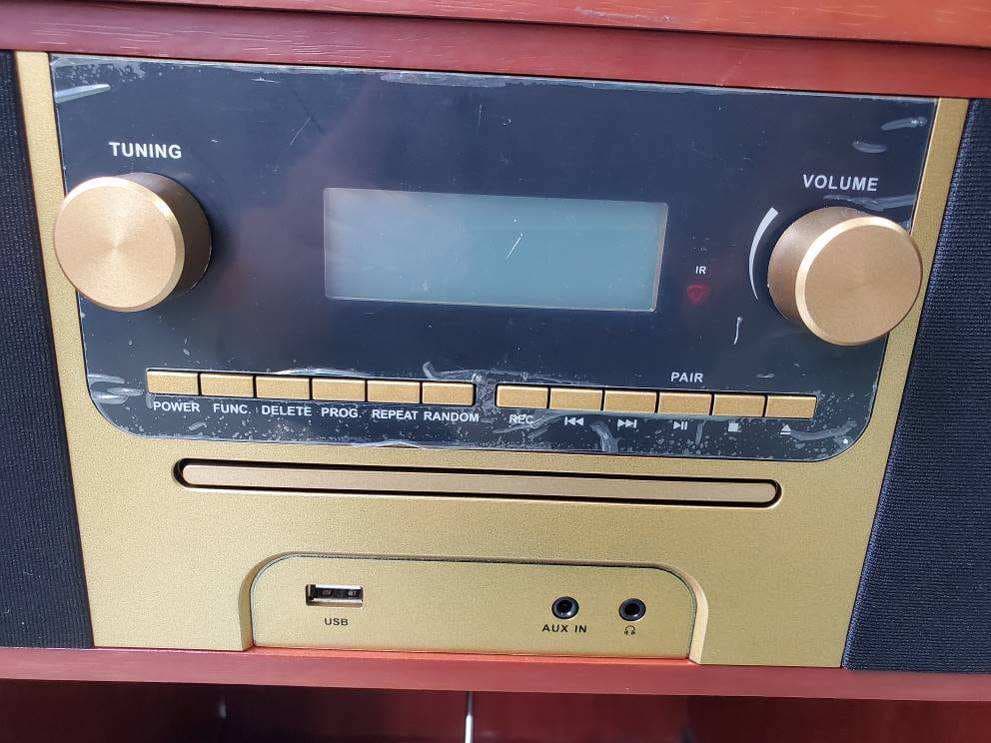
ZXNVWRP4500
Aug 29, 20227-IN-1 TURNTABLE MUSIC CENTER
Equipment Class
DSS - Part 15 Spread Spectrum Transmitter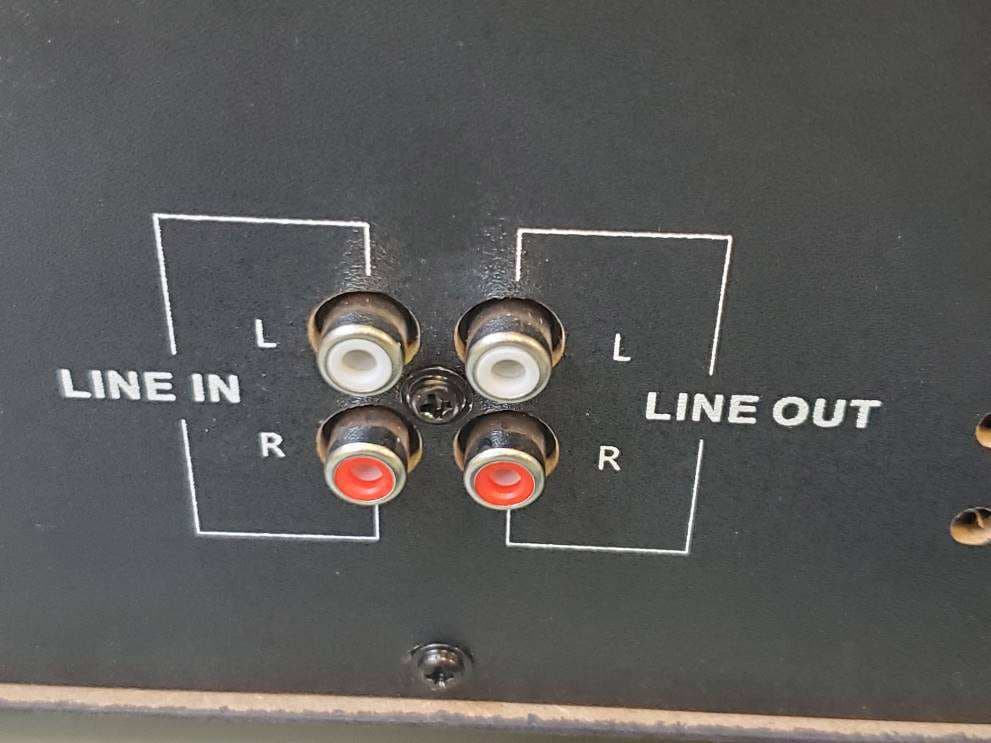
ZXNVHRP1400
Aug 27, 20227-IN-1 TURNTABLE MUSIC CENTER
Equipment Class
DSS - Part 15 Spread Spectrum Transmitter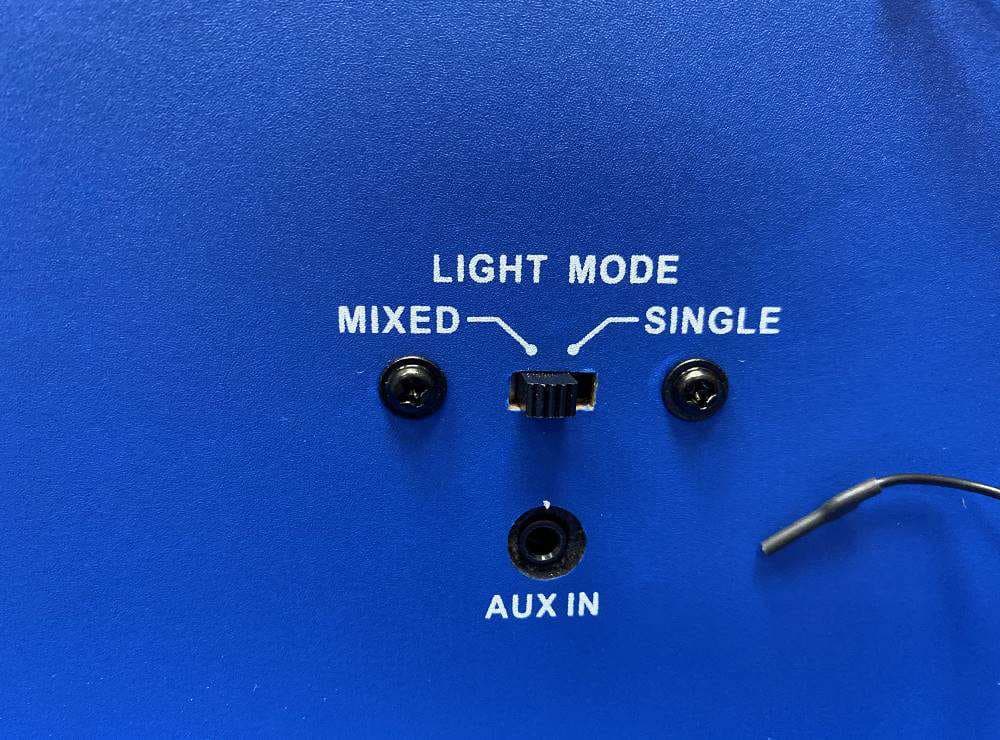
ZXNVDTJ1500
Aug 17, 2022Desktop Bluetooth Jukebox
Equipment Class
DSS - Part 15 Spread Spectrum Transmitter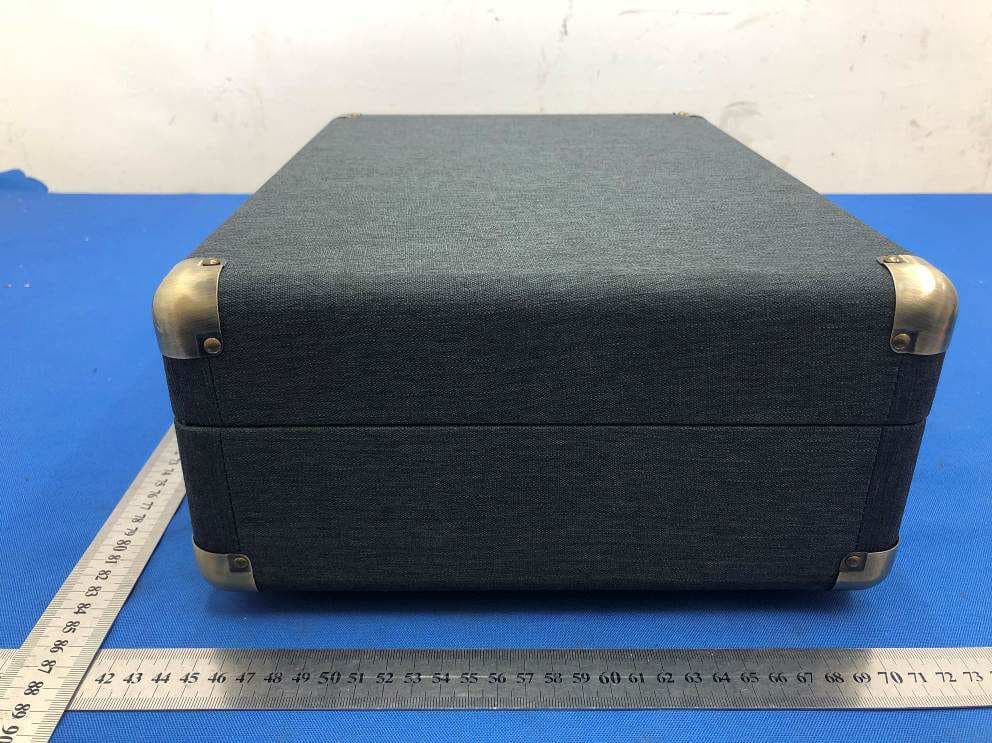
ZXNLEETACEEB01
Jan 24, 2021Suitcase Turntable
Equipment Class
DSS - Part 15 Spread Spectrum Transmitter