2AA7KRANGER-HRD1800Desktop USB Reader
Star Systems International Limited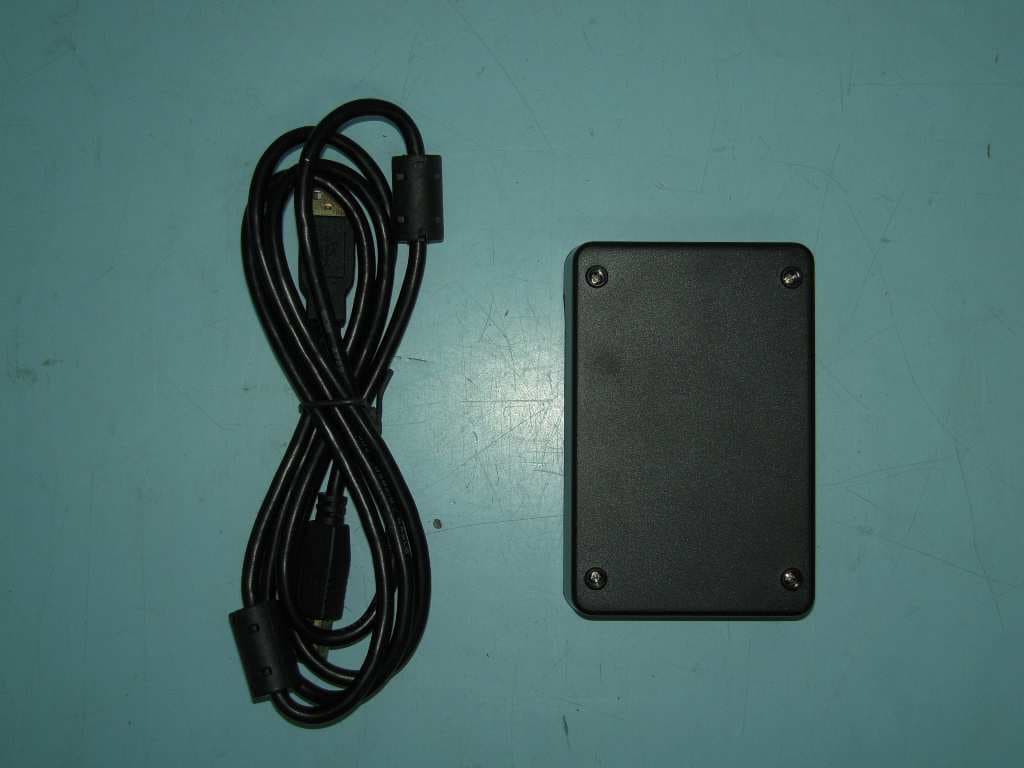
Click to zoom
Application Details
- Equipment Class
- DSS - Part 15 Spread Spectrum Transmitter
- Date of Grant
- Oct 27, 2015
- Application Purpose
- Original Equipment
- Date of Application
- Oct 27, 2015
- Equipment Note
- Desktop USB Reader
- Frequency Range
- 902.25000000 - 927.75000000
- Country
- Hong Kong
Documents & Files
Document Text
Text extracted from the exhibit documents filed with the FCC. Open a document above to read the original.
Users Manual
Ranger USB Reader Model No: HRD1800F User Guide V1.2 1 Document History Table of Content Reader Overview ............................................................................................................................... 2 Package Content ............................................................................................................................... 3 Installing the reader .......................................................................................................................... 3 Mechanical installation......................................................................................................... 3 Software installation ............................................................................................................ 3 System requirement .................................................................................................................. 4 Driver installation ...................................................................................................................... 4 Ensure the reader is connected properly .................................................................................. 4 Troubleshooting ........................................................................................................................ 5 Using the reader ............................................................................................................................... 5 Tag placement ............................................................................................................................... 5 Running the demo software ......................................................................................................... 5 Reading tags in Inventory Mode ............................................................................................... 7 Tag Memory Management ........................................................................................................ 7 Reader Settings ........................................................................................................................ 9 Communication setting ........................................................................................................... 10 Q-Value Setting ....................................................................................................................... 10 Frequency Power Setting ........................................................................................................ 10 Reader Specification ....................................................................................................................... 11 Warranty Terms ............................................................................................................................... 11 Disclaimer and Limitation of Liability .............................................................................................. 12 Regulatory Compliance ............................................................................................................... 12 Date Ver Description Edit by 2015/09/20 V1.0 Draft Jet 2015/09/29 V1.1 Minor amendment Jet 2015/10/08 V1.2 Added Photos to package content Jet 2 Reader Overview The Ranger is a new compact, full-featured ISO18000-6C/EPC C1G2 reader which is perfect for use in a variety of tag reading, writing and programming applications. Ranger is powered by a standard USB connection (requires USB 2.0 or above), no additional power supply is needed. Its small size allows it to easily be used on a desktop or where space is limited. The Ranger Reader is very user friendly and extremely easy to set up read and write tags with its standard free software. It also comes with a SDK to allow you to create your own custom programs to interface and drive the Ranger Reader. The Ranger reader’s features provides a powerful, and very economical way to implement UHF RFID technology in just about any application. Possible Applications: Point of Sale RFID reading and writing Commissioning/Activation of RFID Tags Parking and Access Control Production / WIP checkpoints Document Tracking and Management Library Management Catering Management Healthcare/Pharmaceutical Applications The reader has 2 LEDs as status indicators. The LEDs provide indication for the following: Status \ LEDS Blue Red Connected to Host Off On Tag read/write operation Flash On 3 Package Content Ranger Reader x 1 USB Cable x 1 Installing the reader The reader is intended to work on a desktop environment. We recommend to operate the reader on a NON-Metal desktop surface. Since metal cause reflection of RF, and may cause undesirable performance of the reader. Mechanical installation Connect the USB cable to the reader and to the host PC. The reader requires USB 2.0 or above to operate on a PC. The reader’s LED should turn on upon successful connection. Software installation The reader requires installation of driver to function properly. 4 System requirement 64 MB Ram 200 MB of Harddisk space Windows 2000, Windows Vista, Windows 7 and Windows 8 Driver installation The Ranger Reader use serial protocol to communicate with host PC. In order for the host PC to be able to communicate with the reader, it may be necessary to install the USB to serial driver. 1. Unzip “CP210x_VCP_Windows.zip” 2. If your operating system is running 64bits, run“CP210xVCPInstaller_x64.exe” Otherwise if , your operating system is running 32bits, run“CP210xVCPInstaller_x86.exe”. 3. Follow the on screen instruction of the installer. Ensure the reader is connected properly 1. Go to Control Panel > Device Manager 2. Open tab(COM和LPT)”, 3. You should see “CP201x USB to UTRA bridge(COM X)”where X is the port number assigned by the PC 5 Troubleshooting If you cannot see the “CP201x USB to UTRA bridge” in device manager, ensure the USB cable connect to the reader properly and the reader LED is on. If you se…
Text truncated - open the document above for the full version.
External Photos
FCC ID: 2AA7KRANGER-HRD1800 PHOTOGRAPH OF THE PRODUCT FRONT VIEW OF THE PRODUCT REAR VIEW OF THE PRODUCT LEFT VIEW OF THE PRODUCT RIGHT VIEW OF THE PRODUCT FCC ID: 2AA7KRANGER-HRD1800 PHOTOGRAPH OF THE PRODUCT TOP VIEW OF THE PRODUCT BTTOM VIEW OF THE PRODUCT
ID Label/Location Info
HRD1800F- RANGER The label will be stuck in the bottom side of the reader and will be put in the middle of the unit
Internal Photos
FCC ID: 2AA7KRANGER-HRD1800 PHOTOGRAPH OF THE PRODUCT INNER CIRCUIT TOP VIEW FCC ID: 2AA7KRANGER-HRD1800 PHOTOGRAPH OF THE PRODUCT INNER CIRCUIT BOTTOM VIEW FCC ID: 2AA7KRANGER-HRD1800 PHOTOGRAPH OF THE PRODUCT FCC ID: 2AA7KRANGER-HRD1800 PHOTOGRAPH OF THE PRODUCT FCC ID: 2AA7KRANGER-HRD1800 PHOTOGRAPH OF THE PRODUCT
Test Report
HRD1800F- RANGER The label will be stuck in the bottom side of the reader and will be put in the middle of the unit
Test Setup Photos
FCC ID: 2AA7KRANGER-HRD1800 PHOTOGRAPH OF THE PRODUCT MEASUREMENT OF RADIATED EMISSION TEST SET UP FCC ID: 2AA7KRANGER-HRD1800 PHOTOGRAPH OF THE PRODUCT MEASUREMENT OF CONDUCTED EMISSION TEST SET UP
Contact Information
Applicant
Ava Tang(COO)
Test Firm
Hong Kong Standards and Testing CenterWison Wong
Technical Specifications
| # | Rule Parts | Frequency Range | Power Output |
|---|---|---|---|
| 1 | 15C | 902.25 MHz - 927.75 MHz | 34.00 mW |
Other Applications from Star Systems International Limited

2AA7KTARVOSPRO31000
Jun 23, 2024Tarvos Pro
Equipment Class
LMS - Part 90 Location & Monitoring Transmitter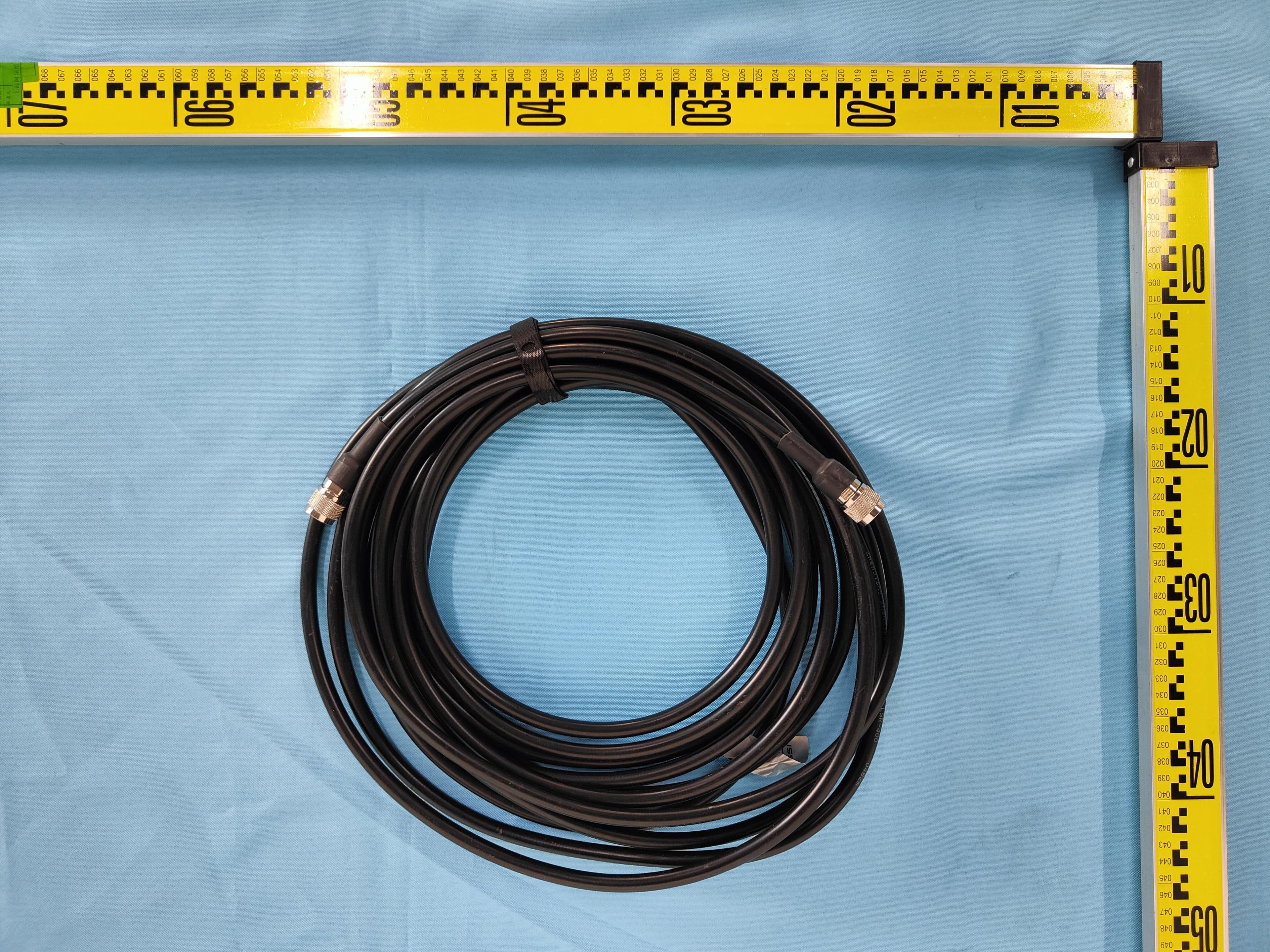
2AA7KSOLARIA29000
May 01, 2023SOLARIA
Equipment Class
DSS - Part 15 Spread Spectrum Transmitter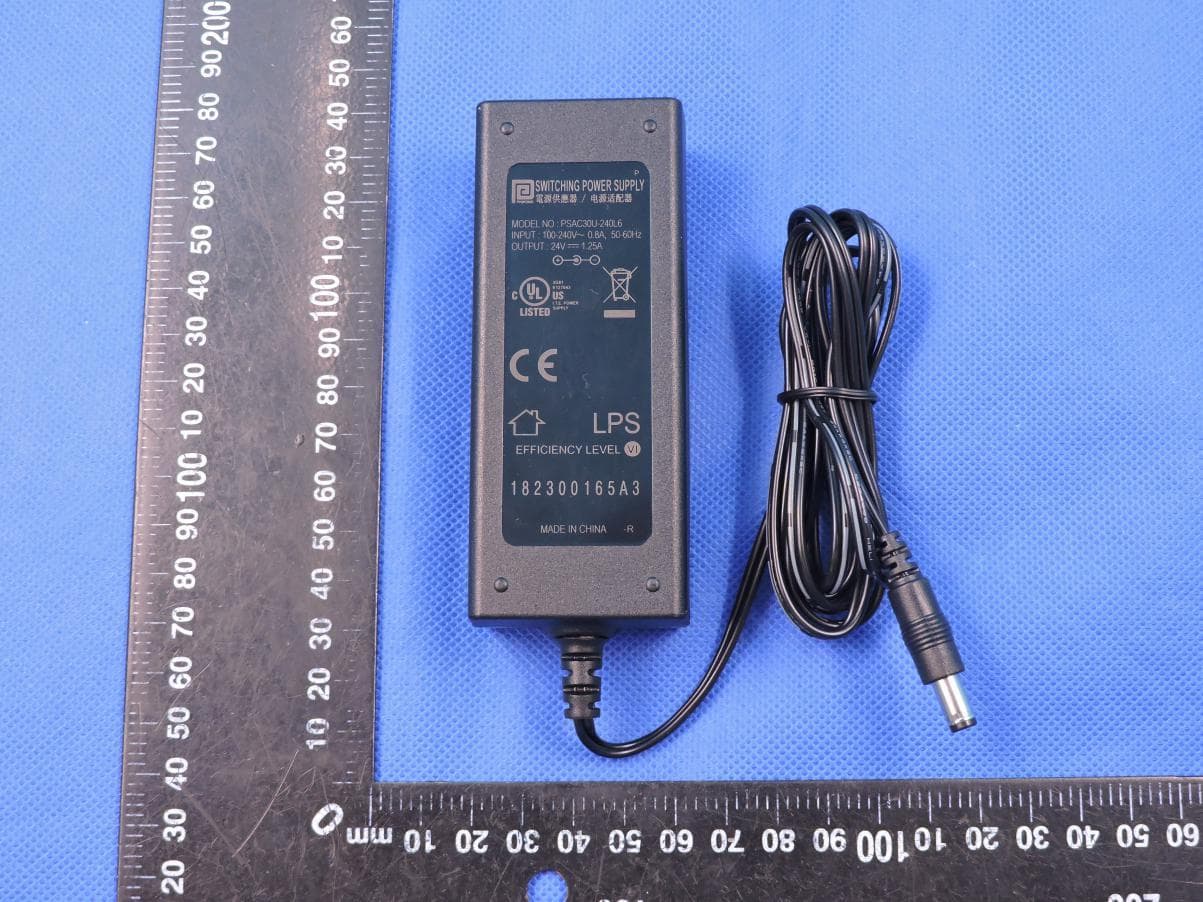
2AA7KTARVOSHRD27000
Jul 20, 2020INTEGRATED READER
Equipment Class
DSS - Part 15 Spread Spectrum Transmitter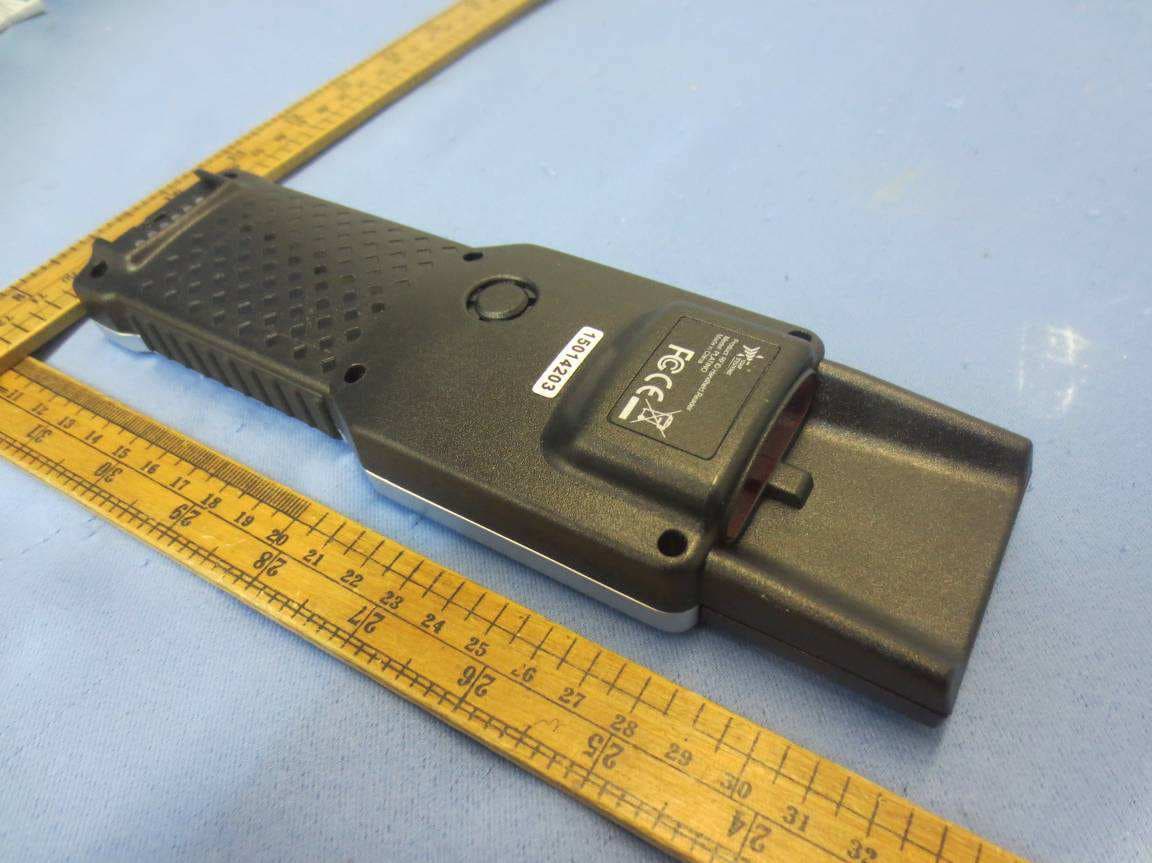
2AA7KPLATINO-WF2014
Sep 12, 2015RFID Handheld Reader
Equipment Class
DSS - Part 15 Spread Spectrum Transmitter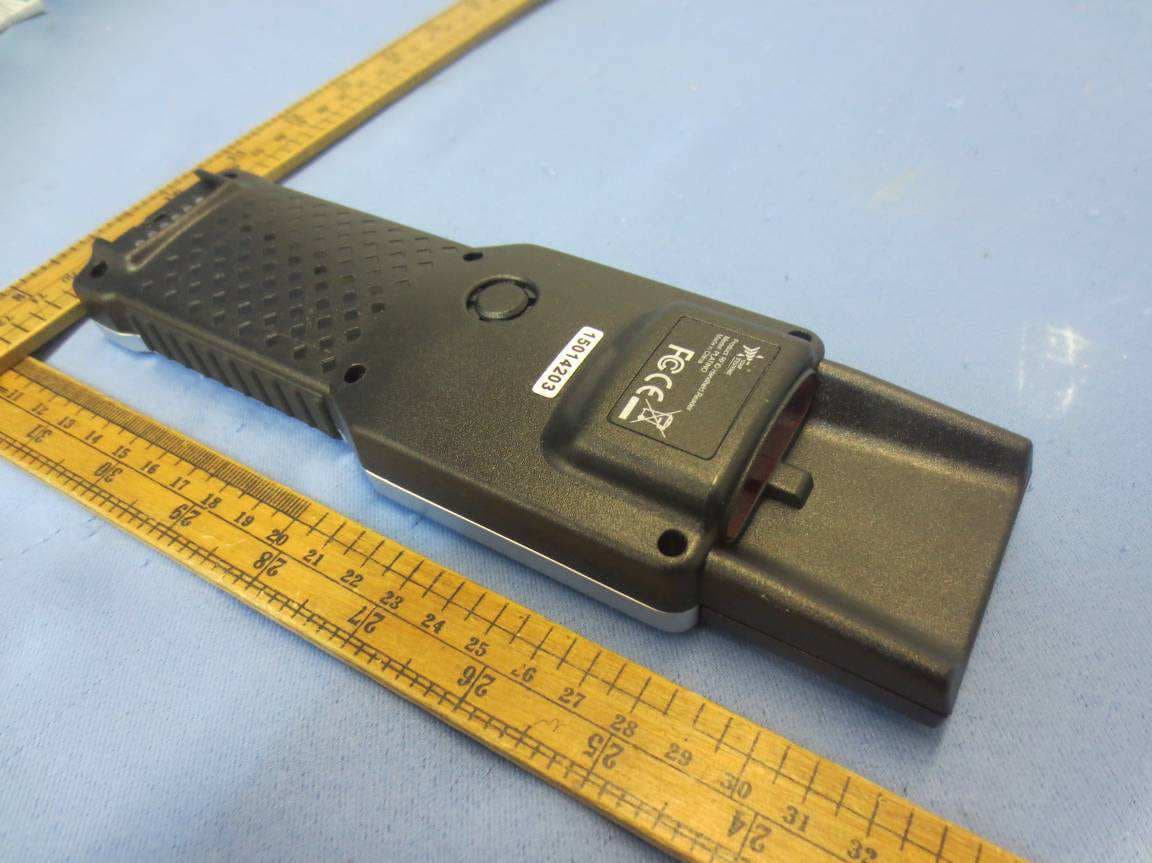
2AA7KPLATINO-BT2014
Aug 22, 2015RFID Handheld Reader
Equipment Class
DSS - Part 15 Spread Spectrum Transmitter