2AA7XKBJ-261NBluetooth Headphone
Shenzhen Compoka Electronic Technology Co., Ltd
Click to zoom
Application Details
- Equipment Class
- DXX - Part 15 Low Power Communication Device Transmitter
- Date of Grant
- Nov 20, 2013
- Application Purpose
- Original Equipment
- Date of Application
- Nov 20, 2013
- Equipment Note
- Bluetooth Headphone
- Frequency Range
- 2402.00000000 - 2480.00000000
- Country
- China
Documents & Files
Document Text
Text extracted from the exhibit documents filed with the FCC. Open a document above to read the original.
Users Manual
User's Manual KBJ-261N Stereo Headphone Introduction.............................................10 Guide ................................................11 Instructions.............................................12-16 Tips..................................................17 Project Specification and Instruction...............................18 Contents Thank you for selecting our latest Bluetooth headphone, please read this Manual User carefully before you operate this headphone, and please save this Manual for further reference. Before operating, please read all the Safety notice to make sure the safe and appropriate use. Safety Notice: Please observe the rules of the Country or Region which you are in while driving. Do not disassemble or modify the headphone at any reason, otherwise, It may damage or burn the headphone If there is any quality problem, please send the headphone to authorized service center for repairing. Please keep the equipment along with all the accessories out of the reach of children and pets. It will cause suffocation and serious injury. Do not put the device under the environment which the temperature is too low or too high ( Below 0°C or over 45°C). Extreme temperatures will cause the device deformation,reduce the charging capacity and shorten the working life. Please do not wet the device, for the liquid can cause serious damage to the device. Please do not touch the device by wet hands. It is out of the maintenance range for the damage caused by water. Please avoid closing to the eyes of children and pets when using the flash indicator of the device. Please do not operate the device in thunderstorm weather. It will damage your hearing if you listen with high volume for a long time. It is recommended that only use the lowest volume which is necessary for speaking and listening to music. 10 11 Power switch; Receive/Hand off phone call Play/ Pause Previous song Next Song Volume Increase Volume Decrease 1. Guide ■ Headphone introduction Soft and comfortable cover Soft and comfortable cover D3.5mm Plug Foldable Microphone Charging Plug FoldableRetractable ※ Accessory Contents: Bluetooth Headphone, USB Charging Cable, 3.5mm Audio Cable, User’s Manual 12 USB Charging Cable: 3.5mm Audio Cable: 2.Instruction ■ Key Function Power switch Receive/Hand off phone call Switch on : Press 3 seconds to switch on , the Blue indicator will be in (It will appear voice prompts in English). When the red and blue indicators take turns to flash, it enters into Pairing mode, (It will appear the voice prompts when no devices to connect) . Switch off : Press 3 seconds to switch off , the Red indicator flashes two times means the device is switched off. Press “Function Key” to receive phone call, press it again to end the phone call. Press the key by twice continuously to re-dial the last phone number. Press the key for 2 seconds to reject the phone call. In Music Mode, press it for 1 time to pause, and press it again to play. (when phone call comes, the music will be off. When phone call is off, the music will continue) In Music Mode, press it to play previous song. In Music Mode, press it to play next song. Short press “Volume increase” key for 1 time to increase volume with one point, long press to increase volume all the time. The voice prompts will appear when the volume up to Maximum. Short press “Volume Decrease” key for 1 time to decrease volume with one point, long press to decrease volume all the time. The voice prompts will appear when the volume down to Minimum. Previous song Next Song Volume Increase Volume Decrease Play/ Pause 13 Turn on the mutil-function key, the headphone will be connected with the mobile phones ( There will be voice prompts in each step) 14 ■ Voice Prompt Function Voice Prompt Status Power on Phone 1 connected Phone 2 connected Incoming call Maximum volume Mute Power off Your headphone is disconnected Your headphone is disconnected Your headphone is disconnected When you turn the headphone off When you turn the headphone on When you connect the first mobile phone When you connect the second mobile phone When you have no devices to connect When you disconnect the headphone from the fist mobile phone When you disconnect the headphone from the second mobile phone When a call comes in When the volume up to the maximum When the volume down to the minimum 3.How to connect with two Bluetooth mobile phone 4.Bluetooth Indicator Status Work Status Indicator Light Status Remark Switch on Blue indicator flash 3 times Switch off Red indicator flash 2 seconds No connection Blue indicator will flash 1 time every 12 seconds Connection Blue indicator will flash 1 time every 6 seconds Phone call Blue indicator will flash 1 time every 6 seconds Play Music Red indicator will flash 1 time every 6 seconds 15 When the headphone is connected with two mobile phones, some fuctions of the mobile phones cannot work normally. Low battery warning Red indicator will flash 1 time every 5 Minutes Red indicator is on all the time when charing; Red indicator is off when battery is full. With “ Du,Du,Du” warning sound Charging Voice prompts in English Voice prompts in English (1) Turn off the bluetooth of the first mobile phone. (2) The red and blue indicators take turns to flash for searching connection automatically. (3) Turn on the bluetooth of the second mobile phone and search for headphone. (4) Find the headphone KBJ-261N from the device list of the second mobile phone, and make the connection. (5) Input the password 0000 if needed and the connection will be made voice prompts). (6) Turn off the bluetooth headphone, and disconnect the second mobile phone automatically. (7) Reactivate the bluetooth functions of both mobile phones, and turn on the Bluetooth headphone again. The headphone will make connection with two mobile phones automatically. 5.Headphone Charging 6Line in connection This headphone is equipped with built-in non-detachable and rechargeable battery. Please make sure …
Text truncated - open the document above for the full version.
Cover Letter(s)
Shenzhen Compoka Electronic Technology Co., Ltd 4/5 F, Building B, Yi Shida Industrial Park, Xintang Village, Guanlan Town, Shenzhen City, China Confidentiality Request Letter Page 1 of 1 Rev 2.0 Novermber 14, 2013 To: Federal Communications Commission Authorization and Evaluation Division 7435 Oakland Mills Road Columbia, MD Permanent Confidentiality Request Confidentiality Request regarding application for certification of FCC ID: 2AA7XKBJ-261N We hereby request confidential treatment of information accompanying this application as outlined below: - Block Diagram - Operational Description - Schematic The above materials contain trade secrets and proprietary information not customarily released to the public. The public disclosure of these materials may be harmful to the applicant and provide unjustified benefits to its competitors. The applicant understands that pursuant to Section 0.457 & 0.459 of the Rules, disclosure of this application and all accompanying documentation will not be made before the date of the Grant for this application. Sincerely, Client’s signature: Client’s name / title: Ting He / Manager Contact information / address: 4/5 F, Building B, Yi Shida Industrial Park, Xintang Village, Guanlan Town, Shenzhen City,China TEL: 86-0755-28089215 FAX: 86-0755-28089215 E-mail: [email protected]
External Photos
External Photo
ID Label/Location Info
FCC Certification Label FCC ID:2AA7XKBJ-261N Label Location on EUT EUT Bottom View/ FCC ID Label Location
Internal Photos
Internal Photo Antenna
Test Report
FCC PART 15.249 EMI MEASUREMENT AND TEST REPORT For Shenzhen Compoka Electronic Technology Co., Ltd 4/5 F, Building B, Yi Shida Industrial Park, Xintang Village, Guanlan Town, Shenzhen City,China FCC ID: 2AA7XKBJ-261N November 15, 2013 This Report Concerns: Original Report Equipment Type: Bluetooth Headphone Test Engineer: Lisa Chen Report No.: BSL13101930Y-1ER-3 Receive EUT Date/Test Date: Oct. 15, 2013 / November 08-15, 2013 Reviewed By: Sky Zhang Prepared By: BSL Testing Co.,LTD. NO. 24, ZH Park, Nantou, Shenzhen, 518000 China Tel: 86- 755-26508703 Fax: 86- 755-26508703 Note: The test report is specially limited to the above company and this particular sample only. It may not be duplicated without prior written consent of BSL Testing Co.,LTD. This report must not be used by the client to claim product certification,approval,or endorsement by NVLAP, NIST or any agency of the US Government. FCC ID: 2AA7XKBJ-261N BSL13101930Y-1ER-3 Page 2/32 TABLE OF CONTENTS 1. GENERAL INFORMATION ....................................................................................................3 1.1. Report information ............................................................................................................3 1.2. Measurement Uncertainty .................................................................................................3 2. PRODUCT DESCRIPTION ......................................................................................................4 2.1. EUT Description ...............................................................................................................4 2.2. Block Diagram of EUT Configuration..............................................................................5 2.3. Support Equipment List ....................................................................................................5 2.4. Test Conditions .................................................................................................................5 3. TEST RESULTS SUMMARY ...................................................................................................6 Modifications ................................................................................................................................6 4. TEST EQUIPMENT USED .......................................................................................................7 5. ANTENNA REQUIREMENT ...................................................................................................8 5.1. Standard Applicable..........................................................................................................8 5.2. Antenna Connected Construction .....................................................................................8 5.3. Result ................................................................................................................................8 6. CONDUCTED POWER LINE TEST .......................................................................................9 6.1. Test Equipment .................................................................................................................9 6.2. Test Procedure ..................................................................................................................9 6.3. Test Setup..........................................................................................................................9 6.4. Conducted Power line Emission Limits............................................................................9 6.5. Conducted Power Line Test Result.................................................................................10 7. RADIATED EMISSION TEST ...............................................................................................12 7.1. Test Equipment ...............................................................................................................12 7.2. Test Procedure ................................................................................................................12 7.3. Radiated Test Setup ........................................................................................................12 7.4. Radiated Emission Limit.................................................................................................14 7.5. Radiated Emission Test Result .......................................................................................15 8. BAND EDGE .............................................................................................................................20 8.1. Test Equipment ...............................................................................................................20 8.2. Test Procedure ................................................................................................................20 8.3. Band Edge FCC 15.249(d) Limit ....................................................................................20 8.4. Band Edge Test Result ....................................................................................................21 9. 20-DB BANDWIDTH ...............................................................................................................29 9.1. Test Equipment ...............................................................................................................29 9.2. Test Procedure ................................................................................................................29 9.3. Limit................................................................................................................................29 9.4. Test Result /Plots ............................................................................................................29 FCC ID: 2AA7XKBJ-261N BSL13101930Y-1ER-3 Page 3/32 1. GENERAL INFORMATION 1.1. Report information 1.1.1.This report is not a certificate of quality; it only applies to the sample of the spe…
Text truncated - open the document above for the full version.
Test Setup Photos
Radiated emissions test Conducted Emission
Contact Information
Applicant
Ting He
Test Firm
BSL Testing Co.,LTD.Boss Deng
Technical Specifications
| # | Rule Parts | Frequency Range | Power Output |
|---|---|---|---|
| 1 | 15C | 2.40 GHz - 2.48 GHz | - |
Other Applications from Shenzhen Compoka Electronic Technology Co., Ltd
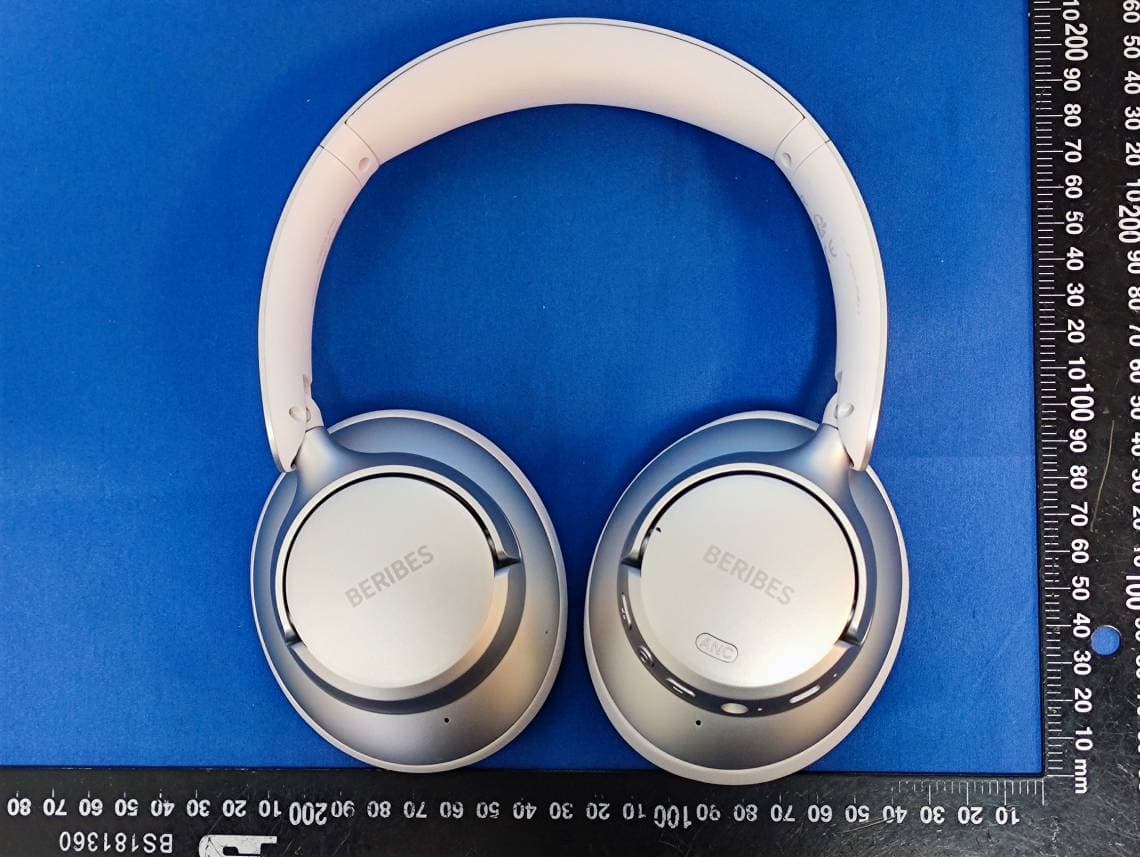
2AA7X-WH305B
Oct 26, 2023Wireless Headphones
Equipment Class
DSS - Part 15 Spread Spectrum Transmitter
2AA7X-WH210A
Oct 25, 2023Wireless Headphones
Equipment Class
DSS - Part 15 Spread Spectrum Transmitter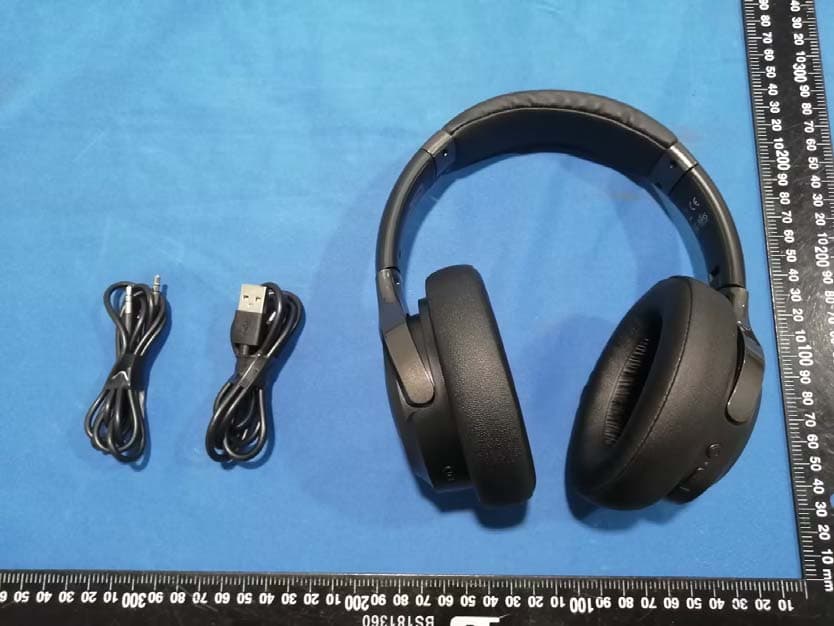
2AA7X-WH202A
May 09, 2023Wireless Headphones
Equipment Class
DSS - Part 15 Spread Spectrum Transmitter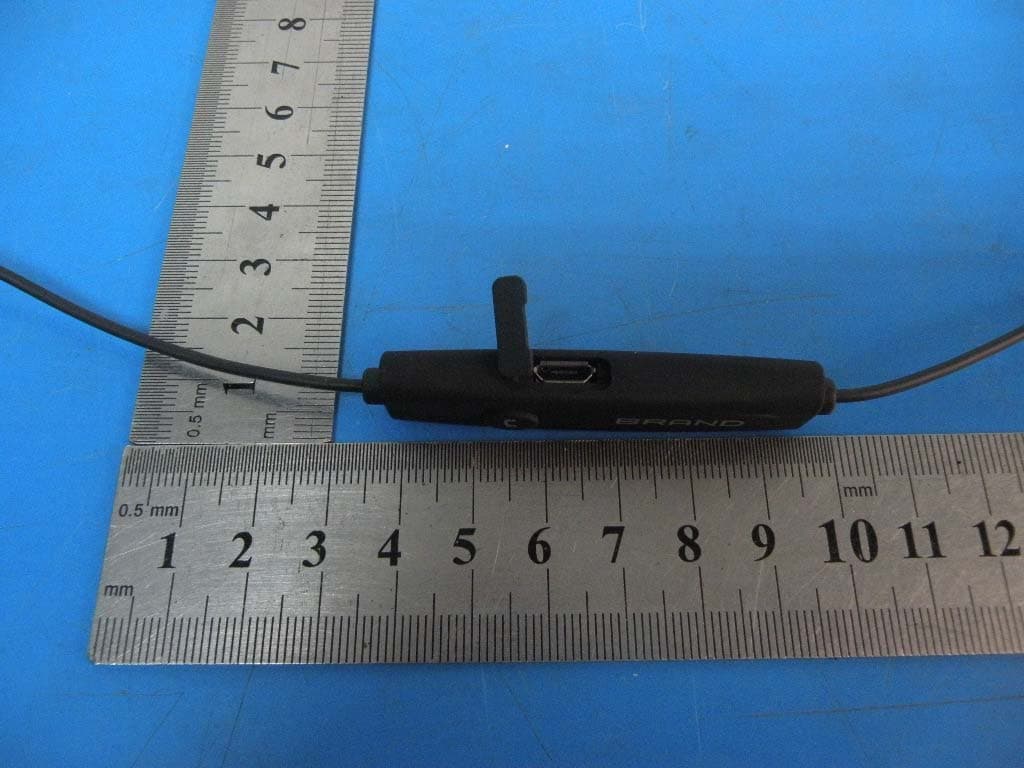
2AA7XKBJ-108N
Nov 21, 2015Bluetooth headset
Equipment Class
DTS - Digital Transmission System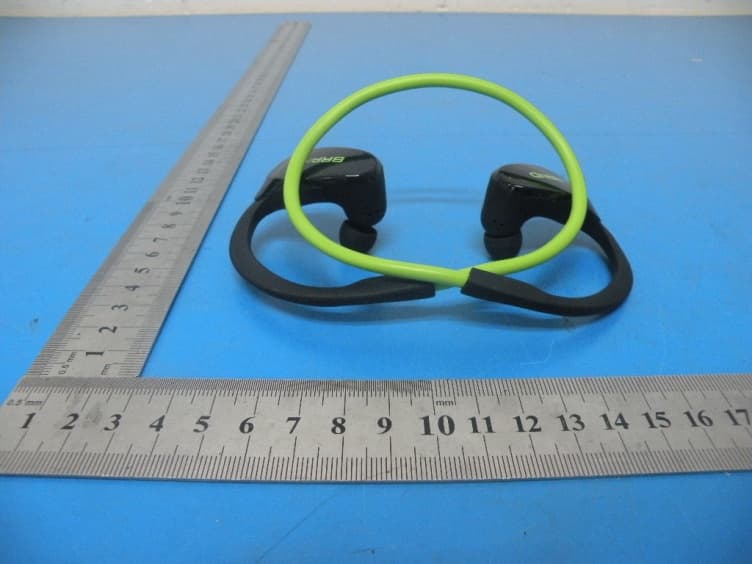
2AA7XKBJ-152N
Oct 29, 2015Bluetooth headset
Equipment Class
DTS - Digital Transmission System