2AAGJGROOVEPortable Bluetooth Speaker
Tymphany HK Limited
Click to zoom
Application Details
- Equipment Class
- DSS - Part 15 Spread Spectrum Transmitter
- Date of Grant
- Sep 21, 2015
- Application Purpose
- Original Equipment
- Date of Application
- Sep 21, 2015
- Equipment Note
- Portable Bluetooth Speaker
- Frequency Range
- 2402.00000000 - 2480.00000000
- Company
- Tymphany HK Limited
- Country
- China
Documents & Files
Document Text
Text extracted from the exhibit documents filed with the FCC. Open a document above to read the original.
Users Manual
NAUSER MANUAL TABLE OF CONTENTS 1 - INSIDE - BUTTONS - BATTERY CHARGE - BLUETOOTH ® WIRELESS TECHNOLOGY - AUXILARY IN - FACTORY RESET - CARE AND CLEANING 2 3-4 5-6 7-8 9-10 11 12 CONTENU • CONTENIDO INSIDE 2 CONTENU • CONTENIDO BUTTONS ON/OFFAuxiliary Select Volume Down Volume Up Bluetooth ® Source Select Play/Pause 3 ON/OFF Sous tensio / Hors tension Encendido / Apagado Bluetooth ® Source Select Sélection de la source Bluetooth ® Selección de fuente Bluetooth ® Auxilary Select Sélection auxiliaire Selección de auxiliar Play/Pause Lecture/pause Reproducción/pausa Volume Down Volume bas Bajada de volumen Volume Up Volume haut Subida de volumen 4 1 2 CHARGE BATTERIE • CARGA DE LA PILA BATTERY CHARGE 5 Green Vert Verde Yellow Jaune Amarillo Solid Red Rouge continu Rojo continuo Flashing Red Clignotement Rouge Destella Rojo 6 Green = Yellow = Solid Red = Flashing Red = > 50 % < 50 % < 10 % < 5 % TECNOLOGÍA INALÁMBRICA BLUETOOTH ® • CONFIGURACIÓN DE TECNOLOGIA WIRELESS BLUETOOTH ® Hold 3 Seconds Appuyer pendant 3 secondes Mantenga oprimido durante 3 segundos Flashing Clignotant Destello 7 BLUETOOTH ® WIRELESS TECHNOLOGY 1 2 5 Bluetooth Bluetooth ON Devices Settings Klipsch Groove Connected Bluetooth Bluetooth ON Klipsch Groove Devices Not Paired Settings 34 Solid Continu Continuo * Example only. Your device may differ. • À titre d’exemple seulement. Votre appareil peut être différent. • Este es solo un ejemplo. Es posible que su dispositivo sea diferente. 8 1 2 5 Bluetooth Bluetooth ON Devices Settings Klipsch Groove Connected Bluetooth Bluetooth ON Klipsch Groove Devices Not Paired Settings 341 2 5 Bluetooth Bluetooth ON Devices Settings Klipsch Groove Connected Bluetooth Bluetooth ON Klipsch Groove Devices Not Paired Settings 34 AUX IN • ENTRADA AUX 3.5mm cable not included Câble 3,5 mm non inclus El cable de 3.5 mm no se incluye 9 AUX IN 1 2 3 * * 10 CHARGE BATTERIE • CARGA DE LA PILA Hold 10 Seconds Appuyer pendant 10 secondes Mantenga oprimido durante 10 segundos NOTE: Clears Bluetooth ® pairing history Remarque : Efface l’historique d’appariement Bluetooth ® NOTA: Borra el historial de sincronización Bluetooth ® 11 FACTORY RESET ENTRETIEN ET NETTOYAGE • CUIDADO Y LIMPIEZA This product is IPX 4 rated splash resistant. Ce produit est protégé contre les éclaboussures selon la norme IPX 4 Este producto es clase IPX4, resistente a las salpicaduras 12 CARE AND CLEANING V08 - 0806 3502 WOODVIEW TRACE, INDIANAPOLIS, IN, USA KLIPSCH.COM ©2015, Klipsch Group, Inc. Klipsch Group, Inc. is a wholly-owned subsidiary of Voxx International Corporation. Klipsch and Keepers of the Sound are trademarks of Klipsch Group, Inc., registered in the United States and other countries. The Bluetooth ® word mark is a registered trademark owned by Bluetooth SIG, Inc. and any use of such mark by Klipsch Group, Inc. is under license. IMPORTANT SAFETY INSTRUCTIONS IMPORTANT SAFETY INSTRUCTIONS! 1. READ these instructions. 2. KEEP these instructions. 3. HEED all warnings. 4. FOLLOW all instructions. 5. DO NOT use this apparatus near water. 6. CLEAN ONLY with dry cloth. 7. DO NOT block any ventilation openings. Install in accor- dance with the manufacturer’s instructions. 8. DO NOT install near any heat sources such as radiators, heat registers, stoves, or other apparatus (including amplifiers) that produce heat. 9. DO NOT defeat the safety purpose of the polarized or grounding type plug. A polarized plug has two blades with one wider than the other. A grounding type plug has two blades and a third grounding prong. The wider blade or the third prong are provided for your safety. If the provided plug does not fit into your outlet, consult an electrician for replacement of the obsolete outlet. 10. PROTECT the power cord from being walked on or pinched, particularly at plugs, convenience receptacles, and the point where they exit from the apparatus. 11. ONLY USE attachments/accessories specified by the manufacturer. 12. USE ONLY with a cart, stand, tripod, bracket, or table specified by the manufacturer, or sold with the apparatus. When a cart is used, use caution when moving the cart/apparatus combination to avoid injury from tip-over. 13. UNPLUG this apparatus during lightning storms or when unused for long periods of time. 14. REFER all servicing to qualified service personnel. Servic- ing is required when the apparatus has been damaged in any way, such as power-supply cord or plug is damaged, liquid has been spilled or objects have fallen into the ap- paratus, the apparatus has been exposed to rain or mois- ture, does not operate normally, or has been dropped. 15. DO NOT expose this apparatus to dripping or splashing and ensure that no objects filled with liquids, such as vases, are placed on the apparatus. 16. To completely disconnect this apparatus from the AC Mains, disconnect the power supply plug from the AC receptacle. Language 17. The mains plug of the power supply apapter shall remain readily operable. 18. DO NOT overload wall outlets or extension cords beyond their rated capacity as this can cause electric shock or fire. The exclamation point, within an equilateral triangle, is intended to alert the user to the presence of important operating and maintenance (servicing) instructions in the literature accompanying the product. The lightning flash with arrowhead symbol within an equilateral triangle is intended to alert the user to the presence of uninsulated “dangerous voltage” within the product’s enclosure that may be of sufficient magnitude to constitute a risk of electrical shock to persons. WARNING: To reduce the risk of fire or electrical shock, do not expose this apparatus to rain or moisture. WARNING: No naked flame sources – such as candles – should be placed on the product. THIS PRODUCT USES LITHIUM-ION BATTERIES. IF MISUSED OR ABUSED THIS CAN RESULT IN: 1. Smoke or gas hazard 2. Heat hazard 3. Fire hazard 4. Explosion hazard WARNING: Batteries (battery pack or batteries installed) shall not be expose…
Text truncated - open the document above for the full version.
External Photos
External Photos M/N: Groove External Photos M/N: Groove External Photos M/N: Groove Adapter 1 Photos Adapter 2 Photos
ID Label/Location Info
Model: Groove 2AAGJGROOVE 11154A-GROOVE ● 1 初版发行Necole2015/9/18 REV. 1 Necole.dang 18Sep2015 Note: 2. "","" ; 3D 0.4g±5% Product Label Klipsch Groove T02-260012501 合成纸,过哑膜,单面背强力胶 底色使用PMS black, 字体颜色PMS 876C 1062378 15 27 0001 19.1mm 91.2mm T304001791000 T304001791000 T304001791000T304001821000T304001850000 Tianbao.XieJacky.Tan
Internal Photos
Internal Photos M/N: Groove Internal Photos M/N: Groove Bluetooth Antenna Internal Photos M/N: Groove
RF Exposure Info
FCC ID: 2AAGJGROOVE FCC PART 15C TEST REPORT FOR CERTIFICATION On Behalf of Tymphany HK Limited Portable Bluetooth Speaker Model Number: Groove FCC ID: 2AAGJGROOVE Prepared for : Tymphany HK Limited Room 1307-8 Dominion Centre 43-59 Queens Road East, WanChai, Hong Kong Prepared By : EST Technology Co., Ltd. Santun(guantai Road), Houjie Town, DongGuan City, GuangDong, China. Tel: 86-769-83081888-808 Report Number : ESTE-R1509002 Date of Test : August 06~31,2015 Date of Report : September 06, 2015 FCC ID: 2AAGJGROOVE 1. EXPOSURE EVALUATION OF PORTABLE OR MOBILE DEVICES Human exposure to RF emissions from portable devices (47 CFR §2.1093), as defined by the FCC, must be evaluated with respect to the FCC-adopted limits for SAR. Evaluation of mobile devices, as defined by the FCC, may also be performed with respect to SAR limits, but in such cases it is usually simpler and more cost-effective to evaluate compliance with respect to field strength or power density limits. For certain devices that are designed to be used in both mobile and portable configurations similar to those described in 47 CFR §2.1091(d)(4), such as certain desktop phones and wireless modem modules, compliance for mobile configurations is also satisfied when the same device is evaluated for SAR compliance in portable configurations. 2.SAR TEST EXCLUSION THRESHOLD FOR 100MHz to 6GHz and ≤50mm The 1-g and 10-g SAR test exclusion thresholds for 100 MHz to 6 GHz at test separation distances ≤ 50 mm are determined by [(max. power of channel, including tune-up tolerance, mW)/(min. test separation distance, mm)] · [√f(GHz)] ≤3.0 for 1-g SAR and ≤ 7.5 for 10-g extremity SAR, where •f(GHz) is the RF channel transmit frequency in GHz • Power and distance are rounded to the nearest mW and mm before calculation • The result is rounded to one decimal place for comparison The test exclusions are applicable only when the minimum test separation distance is ≤ 50 mm and for transmission frequencies between 100 MHz and 6 GHz. When the minimum test separation distance is < 5 mm, a distance of 5 mm is applied to determine SAR test exclusion. FCC ID: 2AAGJGROOVE 3. EVALUATION RESULTS Maximum measured transmitter power. Mode CH Peak output Power (dBm) Peak output Power (mW) Target power (dBm) Results Adapter 1 2402 1.383 1.375 1±2 0.620 2441 2.698 1.861 2±2 0.785 GFSK 2480 2.499 1.778 2±2 0.791 2402 1.335 1.360 1±2 0.620 2441 2.698 1.861 2±2 0.785 8-DPSK 2480 2.465 1.764 2±2 0.791 Adapter 2 2402 1.353 1.366 1±2 0.620 2441 2.682 1.854 2±2 0.785 GFSK 2480 2.463 1.763 2±2 0.791 2402 1.322 1.356 1±2 0.620 2441 2.713 1.868 2±2 0.785 8-DPSK 2480 2.474 1.768 2±2 0.791 [(max. power of channel, including tune-up tolerance, mW)/(min. test separation distance, mm)] * [√f(GHz)] < 3.0 SAR Test Exclusion Thresholds is 3.0 for separation distance 5mm. Therefore, SAR test is not required. ====END====
Test Report
FCC ID: 2AAGJGROOVE EST Technology Co.,Ltd Report No. ESTE-R1509001 Page 1 of 175 FCC PART 15C TEST REPORT FOR CERTIFICATION On Behalf of Tymphany HK Limited Portable Bluetooth Speaker Model Number: Groove FCC ID: 2AAGJGROOVE Prepared for : Tymphany HK Limited Room 1307-8 Dominion Centre 43-59 Queens Road East, WanChai, Hong Kong Prepared By : EST Technology Co., Ltd. Santun(guantai Road), Houjie Town, DongGuan City, GuangDong, China. Tel: 86-769-83081888-808 Report Number : ESTE-R1509001 Date of Test : August 06~31,2015 Date of Report : September 06, 2015 FCC ID: 2AAGJGROOVE EST Technology Co.,Ltd Report No. ESTE-R1509001 Page 2 of 175 TABLE OF CONTENTS Description Page TEST REPORT VERIFICATION..........................................................................................................3 1. GENERAL INFORMATION...................................................................................................5 1.1. Description of Device (EUT) ........................................................................................... 5 2. SUMMARY OF TEST...........................................................................................................6 2.1. Summary of test result ...................................................................................................... 6 2.2. Test Facilities.................................................................................................................... 7 2.3. Measurement uncertainty ................................................................................................. 8 2.4. Assistant equipment used for test ..................................................................................... 8 2.5. Block Diagram..................................................................................................................9 2.6. Test mode ......................................................................................................................... 9 2.7. Channel List for Bluetooth ............................................................................................... 9 2.8. Test Equipment............................................................................................................... 10 3. MAXIMUM PEAK OUTPUT POWER...................................................................................11 3.1. Limit ............................................................................................................................... 11 3.2. Test Procedure ................................................................................................................ 11 3.3. Test Result ...................................................................................................................... 11 3.4. Test Data......................................................................................................................... 12 4. 20 DB BANDWIDTH.........................................................................................................20 4.1. Limit ............................................................................................................................... 20 4.2. Test Procedure ................................................................................................................ 20 4.3. Test Result ...................................................................................................................... 21 4.4. Test Data......................................................................................................................... 22 5. CARRIER FREQUENCY SEPARATION................................................................................30 5.1. Limit ............................................................................................................................... 30 5.2. Test Procedure ................................................................................................................ 30 5.3. Test Result ...................................................................................................................... 30 5.4. Test Data......................................................................................................................... 31 6. NUMBER OF HOPPING CHANNEL....................................................................................39 6.1. Limit ............................................................................................................................... 39 6.2. Test Procedure ................................................................................................................ 39 6.3. Test Result ...................................................................................................................... 39 6.4. Test Data......................................................................................................................... 40 7. DWELL TIME...................................................................................................................44 7.1. Limit ............................................................................................................................... 44 7.2. Test Result ...................................................................................................................... 44 7.3. Test Data......................................................................................................................... 45 8. RADIATED EMISSIONS.....................................................................................................57 8.1. Limit ............................................................................................................................... 57 8.2. Block Diagram of Test setup .......................................................................................... 58 8.3. Test Procedure ........................................................................................…
Text truncated - open the document above for the full version.
Test Setup Photos
TEST SETUP PHOTO Conducted Test(Adapter 1) Conducted Test(Adapter 2) Radiated Test (30-1000 MHz) (Adapter 1) Radiated Test (1000-25000 MHz) (Adapter 1) Radiated Test (30-1000 MHz) (Adapter 2) Radiated Test (1000-25000 MHz) (Adapter 2)
Contact Information
Applicant
Yoko Liu(Senior Manager)
Test Firm
EST Technology Co.,LtdIceman Hu
[email protected]86-769-83081888
Technical Specifications
| # | Rule Parts | Frequency Range | Power Output |
|---|---|---|---|
| 1 | 15C | 2.40 GHz - 2.48 GHz | 1.87 mW |
Other Applications from Tymphany HK Limited
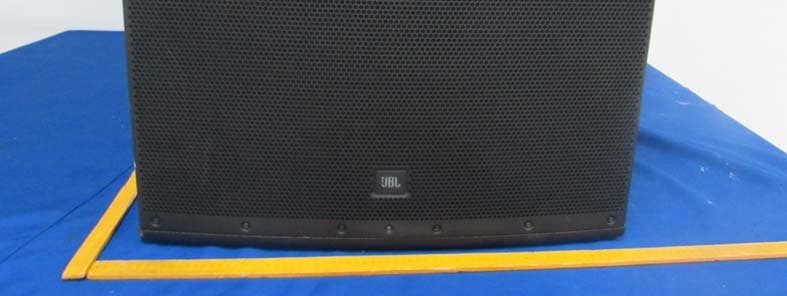
2AAGJEON618S
Nov 09, 2015Speaker
Equipment Class
DTS - Digital Transmission System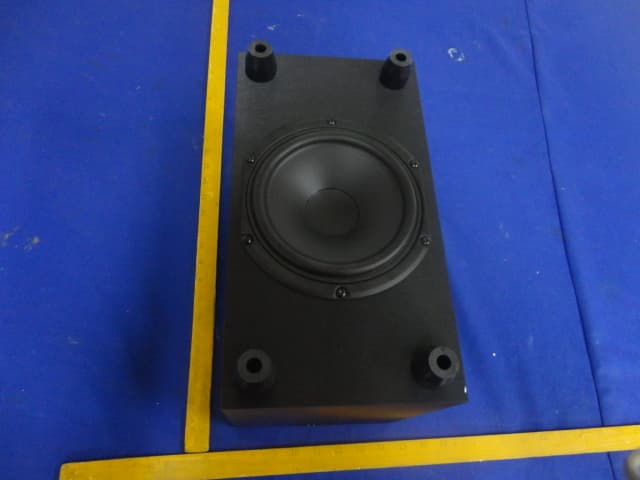
2AAGJR4BSUB
Aug 31, 2015Wireless Soundbar and Subwoofer
Equipment Class
DTS - Digital Transmission System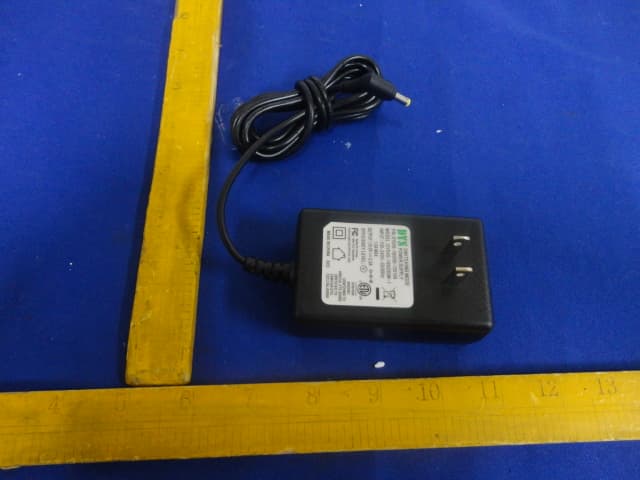
2AAGJR4BBAR
Aug 31, 2015Wireless Soundbar
Equipment Class
DSS - Part 15 Spread Spectrum Transmitter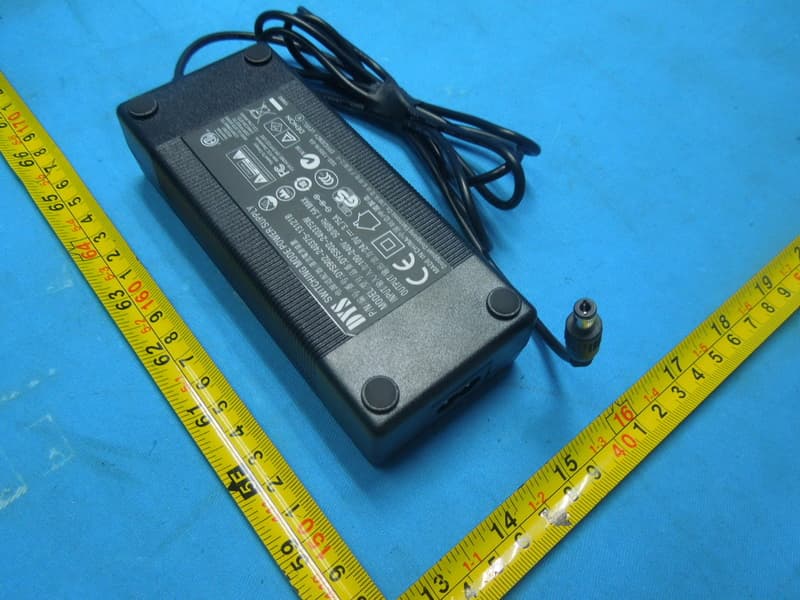
2AAGJHEOS514A
Apr 14, 2015Wireless TV Sound System
Equipment Class
NII - Unlicensed National Information Infrastructure TX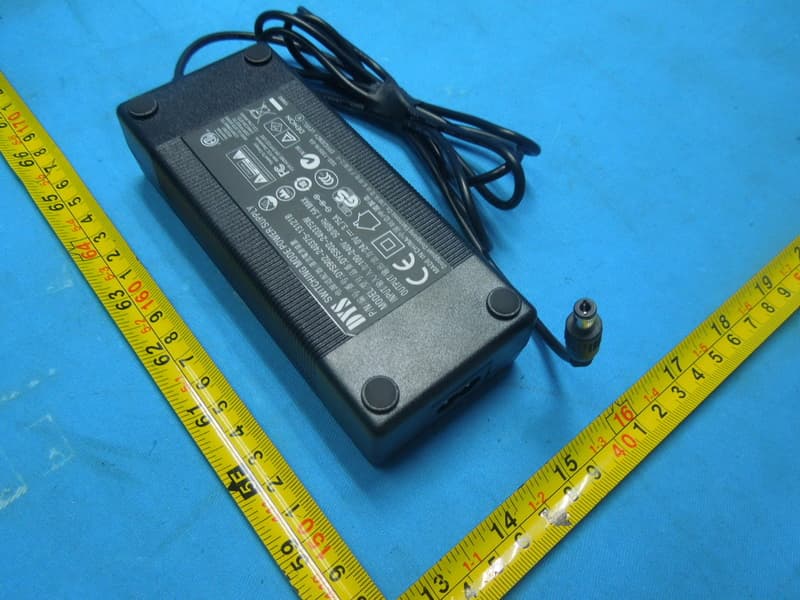
2AAGJHEOS514
Apr 14, 2015Wireless TV Sound System
Equipment Class
NII - Unlicensed National Information Infrastructure TX