2AB7XSIMPLYPRINTSimple Print
BBPOS Limited
Click to zoom
Application Details
- Equipment Class
- DTS - Digital Transmission System
- Date of Grant
- Mar 21, 2015
- Application Purpose
- Original Equipment
- Date of Application
- Mar 21, 2015
- Equipment Note
- Simple Print
- Frequency Range
- 2402.00000000 - 2480.00000000
- Company
- BBPOS Limited
- Country
- Hong Kong
Documents & Files
Document Text
Text extracted from the exhibit documents filed with the FCC. Open a document above to read the original.
Users Manual
SimplyPrint TM STEP 1: Use the provided USB cable to fully charge the SimplyPrint before first use (fig. 1). STEP 2: A. Insert the paper roll in the compartment (fig. 2). B. Ensure to close the cover tightly and properly. Otherwise, the error red light will be FLASHING after the device is powered on (fig. 3). Index Mobile bluetooth printer Quick Start Guide LED Indicators IMPORTANT: Please fully charge the printer before first use. Please recharge the printer again when the printer is not in use for a long period of time, since battery will slowly discharge. We recommend user to turn off the printer when it is not in use. If the printer is operated at low temperature, the battery performance will temporarily decline. Please remember to fully and frequently charge the printer. Thermal Printer Head Paper Feeding Button Bluetooth Pairing Button Power ON/ OFF Button Printer Cover Metal Belt Clip Screw of Belt Clip Micro USB port Device – SimplyPrint Bluetooth Printer x 1 Thermal Paper Roll (Diameter: 30 mm maximum) x 1 Metal Belt Clip x 1 and Screw x 1 USB Cable x 1 DC Adaptor x 1 Power ON - green light ON Battery Status • Lo-Battery - red light FLASHING • Charging - red light ON • Fully Charged - green light ON Bluetooth Status • Pairing - blue light FLASHING • Paired - blue light ON • Error: (cover opened/ no paper)- red light FLASHING Package included i. ii. iii. iv. v. LED Indicators: • • • A fig. 1 fig. 2 B fig. 3 Support Operating System: SpecificationsImportantSpecifications & Important Quick Start Guide STEP 3: A. Press & hold button once, then the green LED will turn on (fig. 4). B. Press & hold button for paper feeding. STEP 4: A. Connecting device using Bluetooth 2.1 - press & hold button until blue light flashes to start the pairing mode (fig. 5). B. Connecting iOS devices using BLE - the printer will automatically start the searching proces after printer is powered on. Connect the printer from the scanned device list of your smartphone/ tablet, then, the blue light will be ON continuously and is ready for use. When the device is low powered, the red light will be flashing. Please connect the USB power to recharge the printer and the red light will be ON when charging. After the printer is fully-charged, the green light will be ON (fig. 6). Buttons Communication Interface Thermal Printer - Printing method - Printable dots per line - Resolution - Dot pitch - Print Speed - Paper Specificaitons - Effective Printing Width - Paper Roll Diameter - Sensor LED indicator Power & Battery Charging Power on/off button, bluetooth pairing button & paper feeding button Bluetooth 4.0 /BLE Thermal dot line printing 384 dots Width 8 dots/mm x Height 16 dots/ mm (WxH) Horizontal: 0.125 mm, Vertical: 0.125 mm 50 mm/ sec Width: 58 mm/ 2 inch, Material: 58g thermal paper, Paper lengtj: 7 (+/- 0.2m) 48 mm Maximum 30 mm Paper end & Cover open sensor, low battery sensor 4 LEDs: Power On, Charging/ Low Battery status, Bluetooth status, Error Lithium-ion rechargeable battery 2200 mAh, 3.7V Via micro USB, 3.5 hours to be fully charged Operating Temperature Operating Humidity Storage Temperature Storage Humidity Software Support Certifications Dimensions Weight 0°C – 45°C (32°F – 113°F) Maximum 95% -20°C – 45°C (-4°F – 113°F) Maximum 95% Android 2.1 or above, iOS 4.3 or above, Windows Phone 8, Windows 8 CE, FCC, RoHS 79.2 x 104.8 x 51.8 mm (approx.) 3.12 x 4.13 x 2.04 inches (approx.) Main unit - 226 g (approx.), Thermal paper - 28 g (approx.) Don’t drop or use any hard object to hit the product. Don’t open the cover when the product is in printing mode. Before you open the cover, please ensure the product stop printing. Turn off the printer if you are not using the product. Don’t pull out the paper when the cover is closed. Please ensure that the paper roll is placed properly before the cover is closed. Don’t use metal objects, sandpaper or sharp tools to touch the heating element and driver IC. Don’t touch the thermal head heating element, which may affect printing quality. CAUTIONS: 1. 2. Don’t open or disassemble the product, which will void product warranty and may damage the product. Don’t operate the product when there is moisture (caused by condensation) on the front surface of thermal head. Don’t feed wrong sized thermal paper or paper containing (Na+,K+, Cl-). It may affect printing quality and life of the thermal head. Please use the thermal paper which complies with specific requirements/ specifications. Place the product or thermal paper in a cool, dry and dark location. Don’t let plastic film, eraser or adhesive tape be in contact with the thermal paper for a long period of time. Don’t use chemical glue on the thermal paper. It is not recommended to use the thermal paper stored for a long period of time. The printer has built-in lithium-ion battery. Since the requirements of disposal of batteries vary from country to country, please refer to the appropriate disposal method of your country. This device contains small parts (screw of the metal belt clip). Please keep the device out of children's reach. If the small part is swallowed, please consult your physician immediately. Don't immerse the device into water. This device is not water-proof or weather-proof. Don't put it close to the sink or dish washer. Don't clean it with water or corrosive solvent. Clean the device by using dry cloth only. Don't drop, tear or disassemble the device improperly, any misuse or improper use which will void the product warranty. Contact your dealer when your device malfunctions. 3. 4. 5. 6. 7. 8. 9. ©IOS is the trademark of Apple Inc. Android™ is a trademark of Google Inc. All details are subject to change without prior notice. fig. 4 fig. 5 fig. 6 FCC Requirement Note: This equipment has been tested and found to comply with the limits for a Class B digital device, pursuant to Part 15 of the FCC Rules. These limits are designed to provide reasonable protection against harmful interference in a residential install…
Text truncated - open the document above for the full version.
Cover Letter(s)
DATE : Mar. 11, 2015 Equipment Autorisation Division Federal Communications Commission 7435 Oakland Mills Road Columbia, MD 21046 FCC ID: 2AB7XSIMPLYPRINT Product Name: Simple Print Request for Confidentiality Pursuant to Sections 0.457 and 0.459 of the commissions rules, we hereby request that the following documents be held confidential: (List here the documents for which you are seeking confidentiality – for example ...) Schematics Block diagram Operation description These materials contain trade secrets and proprietary information and are not customarily released to the public. The public disclosure of this information might be harmful to the company and provide unjustified benefits to our competitors. Dated this Agency agreement expiration date: Mar. 11, 2015 to Mar. 10, 2016 By: Stacey Zhang Signature Printed Title: Manager On behalf of : BBPOS Limited Telephone: 0769‐81896355
ID Label/Location Info
FCC label information: FCC ID: 2AB7XSIMPLYPRINT
RF Exposure Info
RF Exposure evaluation According to KDB 447498 D01 General RF Exposure Guidance v05 The 1-g and 10-g SAR test exclusion thresholds for 100 MHz to 6 GHz at test separation distances ≤ 50 mm are determined by: [(max. power of channel, including tune-up tolerance, mW)/(min. test separation distance, mm)] ·[√f(GHz)] ≤ 3.0 for 1-g SAR and ≤ 7.5 for 10-g extremity SAR, where f(GHz) is the RF channel transmit frequency in GHz Power and distance are rounded to the nearest mW and mm before calculation The result is rounded to one decimal place for comparison Worse case of 2.4G is as below: [2440 MHz 7.27dBm( 5.33mW) output power] (5.33mW /5mm) ·[√2.440 (GHz)]= 1.67 <3.0 for 1-g SAR Then SAR evaluation is not required
Test Report
Report No. : EED32H000029-1 Page 1 of 37 TEST REPORT Product : Simple Print Trade mark : N/A Model/Type reference : SPR10 Serial number : N/A Ratings : 3.7V, 2200mAh FCC ID : 2AB7XSIMPLYPRINT Report number : EED32H000029-1 Date : Mar. 11, 2015 Regulations : See below Test Standards Results 47 CFR FCC Part 15 Subpart C 15.247: 2014 PASS Prepared for: BBPOS Limited Suite 1602, 16/F, Tower 2, Nina Tower, No. 8 Yeung Uk Road. Tsuen Wan, Hong Kong Prepared by: Centre Testing International (Shenzhen) Corporation Hongwei Industrial Zone, 70 Area, Bao’an District, Shenzhen, Guangdong, China TEL: +86-755-3368 3668 FAX: +86-755-3368 3385 Tested by: Reviewed by: Approved by: Date: Mar. 11, 2015 Jimmy Li Lab manager Check No.: 1702032609 Report No. : EED32H000029-1 Page 2 of 37 TABLE OF CONTENTS 1. CERTIFICATION INFORMATION ............................................................................................................... 4 2. TEST SUMMARY ........................................................................................................................................ 4 3. MEASUREMENT UNCERTAINTY .............................................................................................................. 5 4. PRODUCT INFORMATION ......................................................................................................................... 5 5. TEST EQUIPMENT LIST ............................................................................................................................. 5 6. SUPPORT EQUIPMENT LIST .................................................................................................................... 5 7. 6DB BANDWIDTH MEASUREMENT ......................................................................................................... 6 7.1. LIMITS ................................................................................................................................................. 6 7.2. BLOCK DIAGRAM OF TEST SETUP .................................................................................................. 6 7.3. TEST PROCEDURE ........................................................................................................................... 6 7.4. TEST RESULT .................................................................................................................................... 6 8. POWER SPECTRAL DENSITY .................................................................................................................. 9 8.1. LIMITS ................................................................................................................................................. 9 8.2. BLOCK DIAGRAM OF TEST SETUP .................................................................................................. 9 8.3. TEST PROCEDURE ........................................................................................................................... 9 8.4. TEST RESULT .................................................................................................................................... 9 9. MAXIMUM PEAK CONDUCTED OUTPUT POWER MEASUREMENT .................................................. 12 9.1. LIMITS ............................................................................................................................................... 12 9.2. BLOCK DIAGRAM OF TEST SETUP ................................................................................................ 12 9.3. TEST PROCEDURE ......................................................................................................................... 12 9.4. TEST RESULT .................................................................................................................................. 12 10. CONDUCTED BANDEDGE EMISSION MEASUREMENT .................................................................. 15 10.1. LIMITS ............................................................................................................................................... 15 10.2. BLOCK DIAGRAM OF TEST SETUP ................................................................................................ 15 10.3. TEST PROCEDURE ......................................................................................................................... 15 10.4. TEST RESULT .................................................................................................................................. 15 11. CONDUCTED SPURIOUS EMISSION MEASUREMENT ........................................................................ 17 Report No. : EED32H000029-1 Page 3 of 37 11.1. LIMITS ............................................................................................................................................... 17 11.2. BLOCK DIAGRAM OF TEST SETUP ................................................................................................ 17 11.3. TEST PROCEDURE ......................................................................................................................... 17 11.4. TEST RESULT .................................................................................................................................. 17 12. RADIATED BANDEDGE EMISSION / RADIATED SPURIOUS EMISSION MEASUREMENT........... 20 12.1. LIMITS ............................................................................................................................................... 20 12.2. BLOCK DIAGRAM OF TEST SETUP ................................................................................................ 20 12.3. TEST PROCEDURE ......................................................................................................................... 21 12.4. TEST RESULT .................................................................................................................................. 22 13. AC CONDUCTED EMISSION TEST…
Text truncated - open the document above for the full version.
Contact Information
Applicant
Adrian Kwan
Test Firm
Centre Testing InternationalLouisa Lu
[email protected]86-755-33683919
Technical Specifications
| # | Rule Parts | Frequency Range | Power Output |
|---|---|---|---|
| 1 | 15C | 2.40 GHz - 2.48 GHz | 5.33 mW |
Other Applications from BBPOS Limited
2AB7X-WSP7V1
Sep 22, 2024WisePOS Pro, 7MD
Equipment Class
DSS - Part 15 Spread Spectrum Transmitter
2AB7X-CHB2F
Nov 27, 2021Chipper 2X BT
Equipment Class
DXX - Part 15 Low Power Communication Device Transmitter
2AB7X-CHB2D
Jul 10, 2021Toast Direct Attached
Equipment Class
DXX - Part 15 Low Power Communication Device Transmitter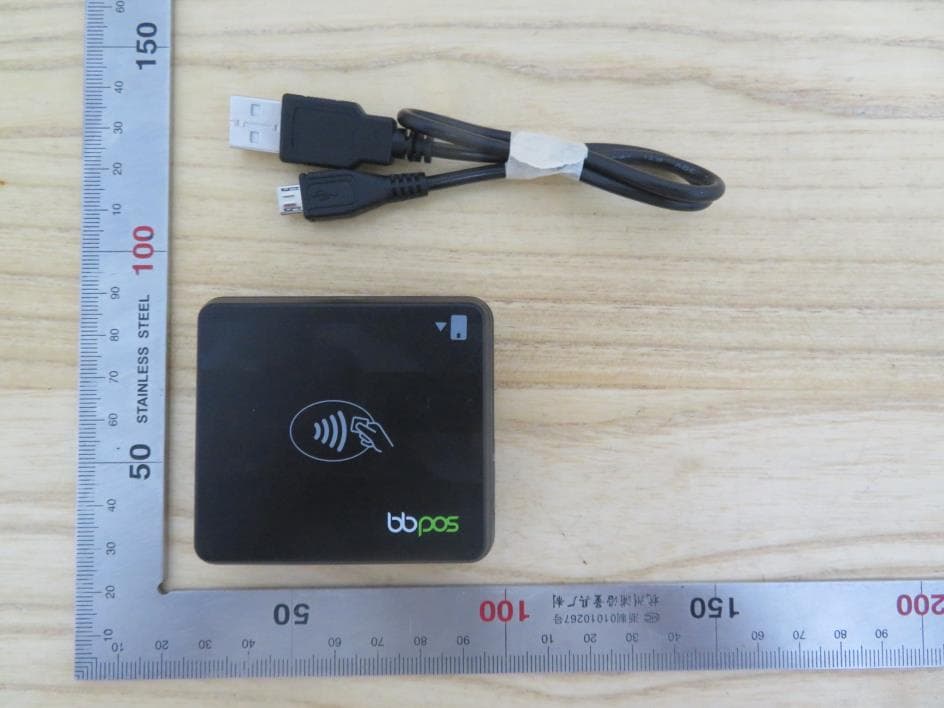
2AB7X-CHB28
Jul 07, 2021Chipper 2X BT
Equipment Class
DTS - Digital Transmission System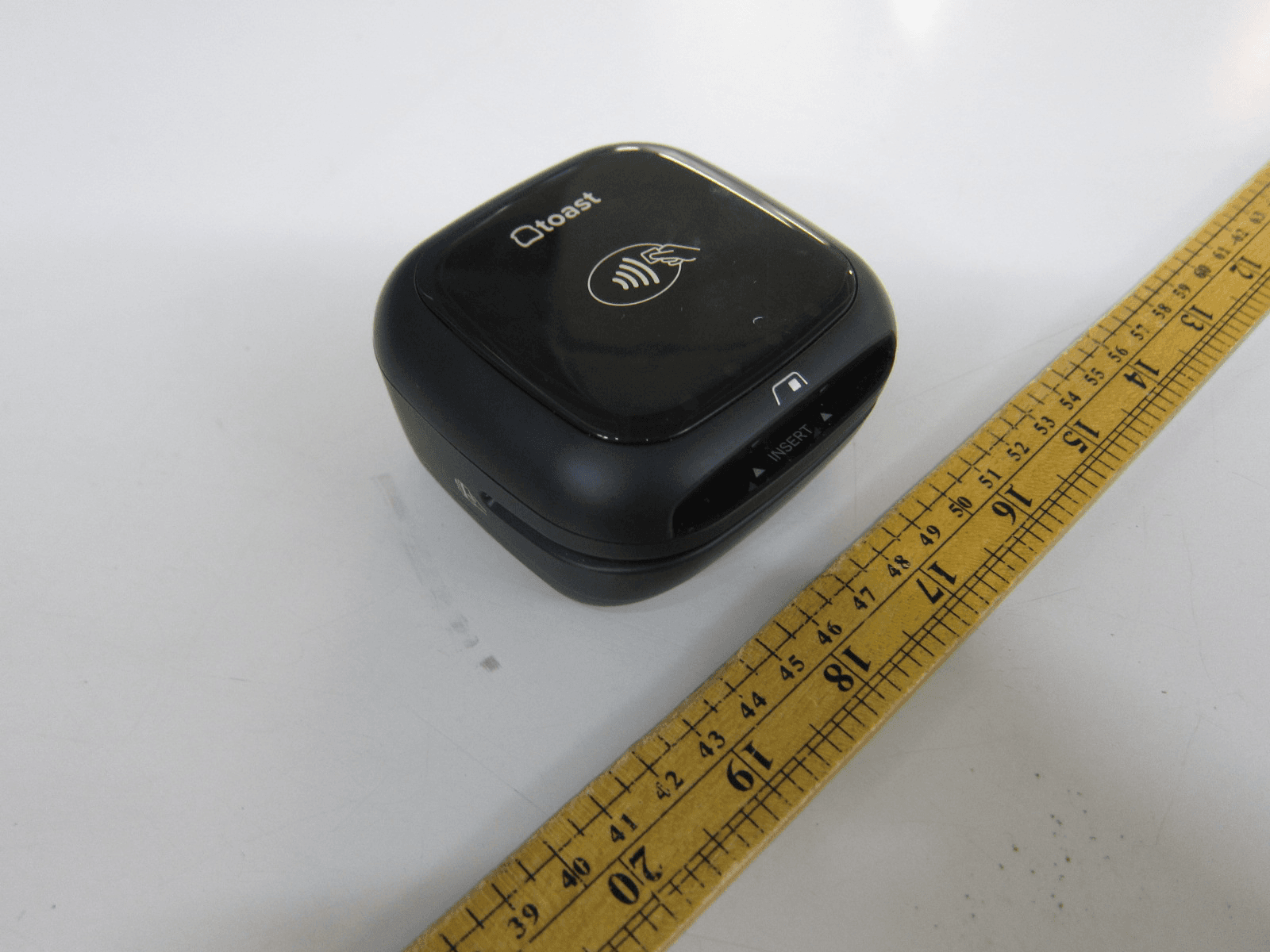
2AB7X-CHB2C
Jun 26, 2021Toast Chipper 2X BT
Equipment Class
DXX - Part 15 Low Power Communication Device Transmitter