2ABFFBS01Bluetooth Speaker
SHENZHEN SURE THING INDUSTRY AND COMMERCE DEVELOPMENT CO.,LTD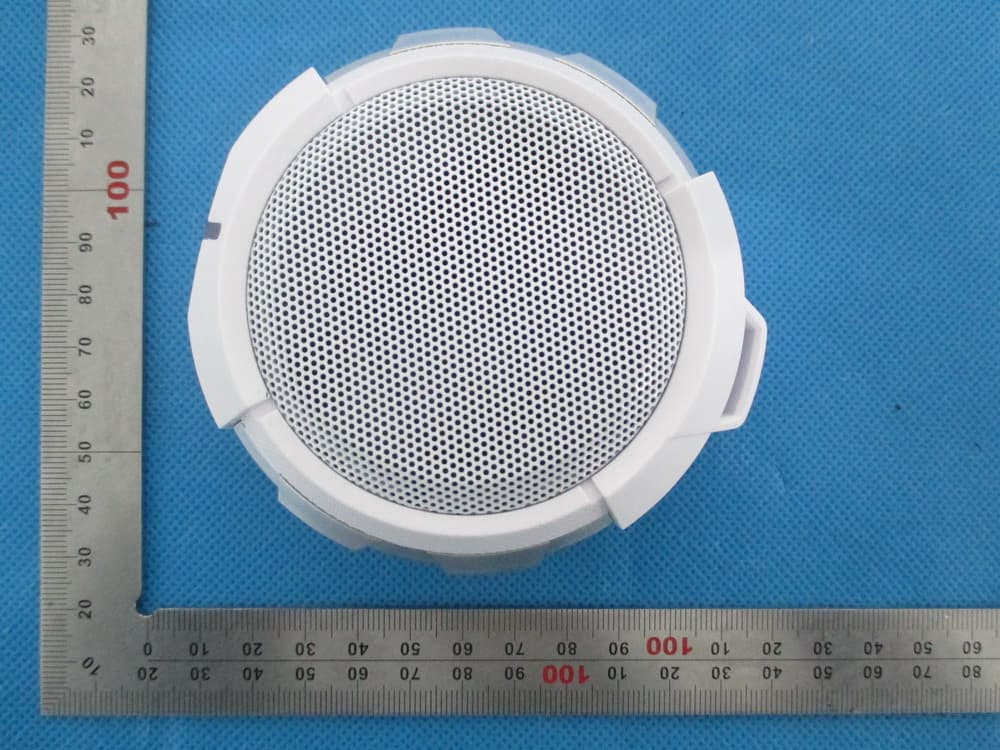
Click to zoom
Application Details
- Equipment Class
- DSS - Part 15 Spread Spectrum Transmitter
- Date of Grant
- Dec 16, 2013
- Application Purpose
- Original Equipment
- Date of Application
- Dec 16, 2013
- Equipment Note
- Bluetooth Speaker
- Frequency Range
- 2402.00000000 - 2480.00000000
- Country
- China
Documents & Files
Document Text
Text extracted from the exhibit documents filed with the FCC. Open a document above to read the original.
Users Manual
Bluetooth speaker Model Name: BS01 FCC ID: 2ABFFBS01 User Manual Thank you for buying the Bluetooth Speaker BS01. This speaker is designed to be convenient, stylish and provide high quality audio playback from any Bluetooth enabled audio device or wired only device. The Bluetooth Speaker BS01 can also be used to receive telephone calls while in use and will automatically pause the audio playback in order to receive the call and when the call ends audio Playback will resume. Please read this user guide thoroughly before use so that you can understand the setup and functions. Accessories 1. Line-In Audio cable 2. USB Charging cable Overview The speaker contain the following parts as shown Switch the speaker on or off 1. To switch on: Press and hold the on/off button for 2 seconds, the Blue indicator light will start to flash. 2. To switch off: Press and hold the on/off button for 2 seconds until the Red indicator light displays briefly. Connecting with Bluetooth 1. Hold down the on/off Button for 7 seconds and the Blue and Red indicator light will flash quickly and you’ll hear an audio tone. The Speaker is ready to connect to the device. 2. Go to the Bluetooth option in the settings of your Bluetooth Audio device or Smartphone and in the list of Devices select BS01. 3. The speaker is now ready to use Getting Started Guide Two kinds of connections 1. Bluetooth wireless connection 2. 3.5mm audio cable connection Connection indication 3.5mm audio cable connection Plug one end of the 3.5mm audio cable into speaker audio AUX port on the speaker and the other end into the device you want to connect.(such as mobile, MP3, ipad, etc.) LED indication status Power on: Blue light flash 5 times Power off: Red light flash 5 times. Pairing: Blue and Red light flash quickly Standby: Blue light flash 2 times every 7 seconds. Incoming call: Blue light flash 1 times every 1 seconds During a call: Blue light flash 1 times every 7 seconds Charge: Red light remains on. Charge finish: Red light turn to Blue. Basic operation 1) Answer a call: After connection is successful, short press the MFB button to answer an incoming call.you will hear an indication tone. 2) End a call: When the call is connected successfully , short press the MFB button to hang up , with an indication tone. 3) Reject a call: Hold the MFB button for 3 seconds to reject an incoming call , you will hear an indication tone. 4) Voice transfer: During a call , hold the MFB botton for 3 seconds until hear an tone, then the voice begin to be transfered from the Bluetooth speaker to your phone , the same operation can transfer the sound from your phone to a Bluetooth speaker 5) Last number redial: In the standby mode , press the “Multi-function” button for 3 seconds will redial the last outgoing number. you will hear an indication tone. 6) Voice dial: In the standby mode, Double click the MFB button to start voice dial,you will hear an indication tone.(Need the support of the mobile phone Bluetooth) 7) Adjust the volume: when answering, dialing or during a call, short press “+” button to increase volume, and you will hear an indication tone when increase to maximum volume. Similarly, short press “-“ button to decrease the volume, and also an indication tone when decrease to minimum volume. 8) Pause/Play/Next/Previous: Pause / Play: Short press the multifunction button to play or pause music. Previous / Next Song: During playing music, long press “+” button to play next song and press “-” button to play previous song. 9) Automatic reconnection: The speaker will reconnect with the phone that paired before when turn on. Battery low-voltage alert Red light will remains on during charging, will change to Blue light when charging finished. It will take around 2 hours to finish charging. please charge the battery in time When red light flash and alert tone sounds once every 1 minute. Note: 1. Pairing mode will last 5 minutes. other mobile phone cannot search out the bluetooth speaker. 2. Re-connecting automatically(includes two cases) 2.1 If the Bluetooth speaker turned off, it will connected to the pre-set Bluetooth speaker automatically When turn on manually. 2.2 When the Bluetooth speaker disconnects to mobile phone owing to exceeding effective range(normally Link loss if exceed 10M), the bluetooth speaker will re-connect to mobile phone if back to effective range within about 5 minutes. About battery The Bluetooth speaker is powered by a rechargeable battery , new battery achieve the best performance only after two or three complete charge and discharge cycles. The battery can be charged and discharged hundreds of times , but it will eventually wear. When not charging , disconnect it with Bluetooth speaker. Do not leave a fully charged battery connected to a charging circuit since overcharging may shorten battery life. If a fully charged battery is left unused, the battery itself will be discharged after a period of time. If place the battery in hot or cold places , such as a closed car in summer or winter , will reduce the battery capacity and lifetime. Battery temperature should be maintained at between 15-25 centigrade. Bluetooth speaker battery too hot or cold may make it not work temporarily , even if the battery is fully charged. Battery performance is particularly limited in temperatures well below freezing . Do not dispose of batteries in a fire in order to avoid battery explosion. Impaired batteries may also explode. Avoid placing this product near extreme temperatures or humidity. Do not use this product while operating a motor vehicle Do not submerse or allow this product to come into contact with water. Use in dry locations only. • An adult should supervise young children when using this product. • Use of any attachment or accessory with this product not recommended or sold by White Label may result in risk of fire, electrical shock or injury to persons or product. Do not clean any parts with alcohol, cleaning solutions containing a…
Text truncated - open the document above for the full version.
Cover Letter(s)
Dec. 05, 2013 Federal Communication Commission Authorization and Evaluation Division FCC ID: 2ABFFBS01 Re: Confidentiality Request Pursuant to Sections 0.457 and 0.459 of the Commission’s Rules, the applicant hereby requests confidential treatment of information applied this application as outlined below: 1: Block Diagram 2: Circuit Diagram 3: Operational Description 4: Parts List The above materials contain trade secrets and proprietary information not customarily released to the public. The public disclosure of these matters might be harmful to the applicant and provide unjustified benefits to its competitors. The Applicant understands that pursuant to Rules 0.457, disclosure of this Application and all accompanying documentation will not be made before the date of the Grant for this application. Sincerely, SHENZHEN SURE THING INDUSTRY AND COMMERCE DEVELOPMENT CO.,LTD Contact person: Xiangyu Liu Title: Manager
External Photos
External Photos TOP VIEW OF EUT BOTTOM VIEW OF EUT FRONT VIEW OF EUT BACK VIEW OF EUT LEFT VIEW OF EUT RIGHT VIEW OF EUT
ID Label/Location Info
FCC ID Label Location Bluetooth speaker Model: BS01 FCC ID: 2ABFFBS01
Internal Photos
Internal Photos OPEN VIEW OF EUT INTERNAL VIEW OF EUT‐1 BT Antenna INTERNAL VIEW OF EUT‐2
Test Report
Report No.: AGC01369131101FE03 Page 1 of 58 FCC Test Report Report No.: AGC01369131101FE03 FCC ID : 2ABFFBS01 APPLICATION PURPOSE : Original Equipment PRODUCT DESIGNATION : Bluetooth speaker BRAND NAME : N/A MODEL NAME : BS01 CLIENT : SHENZHEN SURE THING INDUSTRY AND COMMERCE DEVELOPMENT CO.,LTD DATE OF ISSUE : Dec.04, 2013 STANDARD(S) : FCC Part 15 Rules REPORT VERSION : V1.0 Attestation of Global Compliance (Shenzhen) Co., Ltd CAUTION: This report shall not be reproduced except in full without the written permission of the test laboratory and shall not be quoted out of context. Report No.: AGC01369131101FE03 Page 2 of 58 Report Revise Record Report Version Revise Time Issued Date Valid Version Notes V1.0 / Dec.04, 2013 Valid Original Report Report No.: AGC01369131101FE03 Page 3 of 58 TABLE OF CONTENTS 1. VERIFICATION OF CONFORMITY ......................................................................................5 2. GENERAL INFORMATION ..................................................................................................6 2.1. PRODUCT DESCRIPTION ............................................................................................................ 6 2.2. TABLE OF CARRIER FREQUENCYS ........................................................................................... 6 2.3. RECEIVER INPUT BANDWIDTH .................................................................................................. 7 2.4. EXAMPLE OF A HOPPING SEQUENCY IN DATA MODE ............................................................ 7 2.5. EQUALLY AVERAGE USE OF FREQUENCIES AND BEHAVIOUR ............................................ 7 2.6. RELATED SUBMITTAL(S) / GRANT (S) ........................................................................................ 8 2.7. TEST METHODOLOGY ................................................................................................................. 8 2.8. SPECIAL ACCESSORIES .............................................................................................................. 8 2.9. EQUIPMENT MODIFICATIONS ..................................................................................................... 8 3. MEASUREMENT UNCERTAINTY .......................................................................................9 4. DESCRIPTION OF TEST MODES .......................................................................................9 5. SYSTEM TEST CONFIGURATION ....................................................................................10 5.1. CONFIGURATION OF EUT SYSTEM ......................................................................................... 10 5.2. EQUIPMENT USED IN EUT SYSTEM ........................................................................................ 10 5.3. SUMMARY OF TEST RESULTS .................................................................................................. 10 6. TEST FACILITY .................................................................................................................11 7. PEAK OUTPUT POWER ....................................................................................................12 7.1. MEASUREMENT PROCEDURE ................................................................................................. 12 7.2. TEST SET-UP (BLOCK DIAGRAM OF CONFIGURATION) ....................................................... 12 7.3. LIMITS AND MEASUREMENT RESULT ..................................................................................... 13 8. 20DB BANDWIDTH............................................................................................................19 8.1. MEASUREMENT PROCEDURE ................................................................................................. 19 8.2. TEST SET-UP (BLOCK DIAGRAM OF CONFIGURATION) ....................................................... 19 8.3. LIMITS AND MEASUREMENT RESULTS ................................................................................... 19 9. CONDUCTED SPURIOUS EMISSION ...............................................................................26 9.1. MEASUREMENT PROCEDURE ................................................................................................. 26 9.2. TEST SET-UP (BLOCK DIAGRAM OF CONFIGURATION) ....................................................... 26 9.3. MEASUREMENT EQUIPMENT USED ........................................................................................ 26 9.4. LIMITS AND MEASUREMENT RESULT ..................................................................................... 26 10. RADIATED EMISSION .....................................................................................................30 10.1. MEASUREMENT PROCEDURE ............................................................................................... 30 10.2. TEST SETUP .............................................................................................................................. 32 Report No.: AGC01369131101FE03 Page 4 of 58 10.3. TEST RESULT ............................................................................................................................ 33 11. BAND EDGE EMISSION ..................................................................................................37 11.1. MEASUREMENT PROCEDURE ................................................................................................ 37 11.2. TEST SET-UP ............................................................................................................................. 37 11.3. TEST RESULT ............................................................................................................................ 38 12. NUMBER OF HOPPING FREQUENCY ............................................................................42 12.1. MEASUREMENT PROCEDURE .........................................................................................…
Text truncated - open the document above for the full version.
Test Setup Photos
Te s t Setup Photos FCC LINE CONDUCTED EMISSION TEST SETUP FCC RADIATED EMISSION TEST SETUP
Contact Information
Applicant
Carl Wang(Project Manager)
Test Firm
Attestation of Global Compliance Shenzhen Co. Ltd.Forrest Lei
Technical Specifications
| # | Rule Parts | Frequency Range | Power Output |
|---|---|---|---|
| 1 | 15C | 2.40 GHz - 2.48 GHz | 2.30 mW |
Other Applications from SHENZHEN SURE THING INDUSTRY AND COMMERCE DEVELOPMENT CO.,LTD
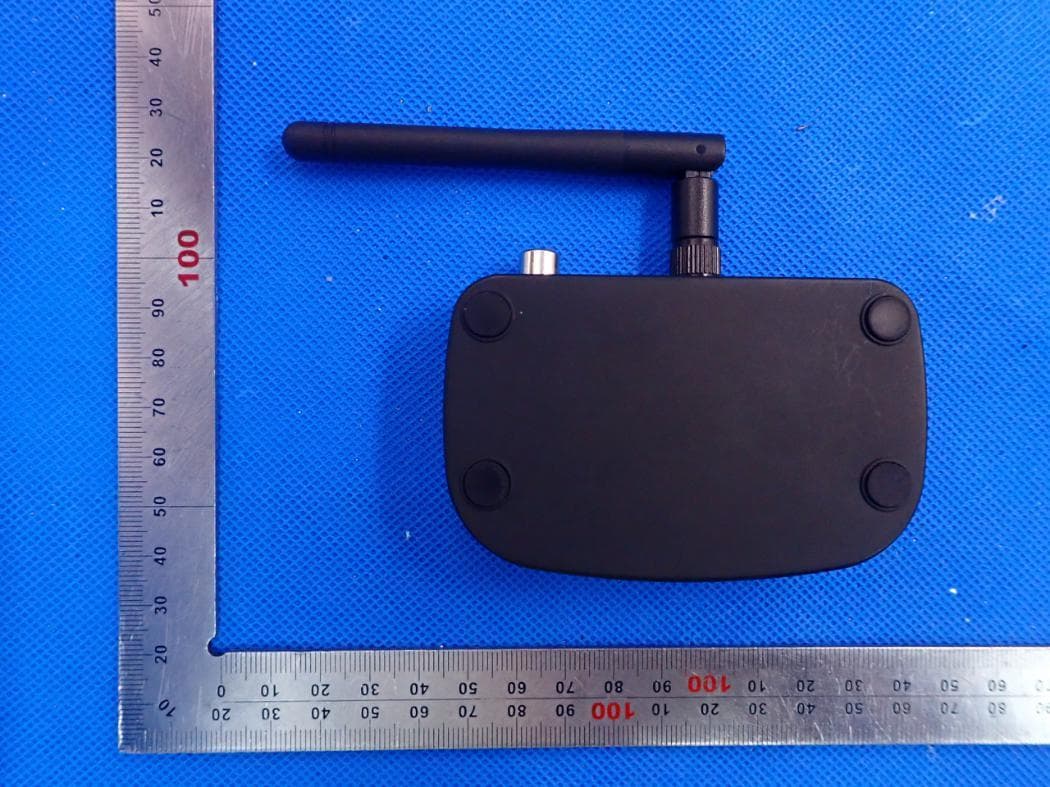
2ABFFBTC21
Nov 15, 2020Bluetooth Transmitter and Receiver
Equipment Class
DSS - Part 15 Spread Spectrum Transmitter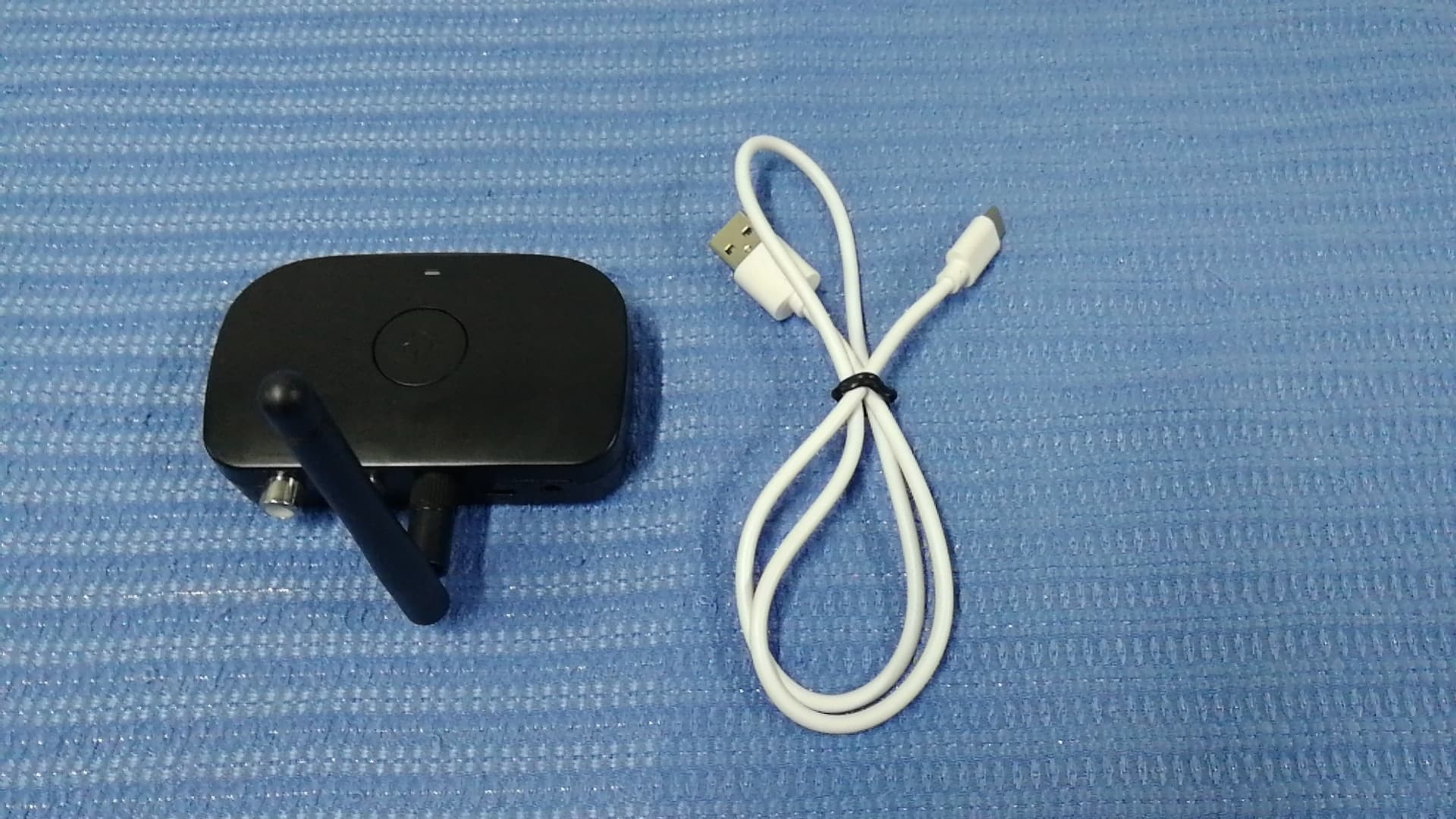
2ABFFBTC21RCA
Jun 14, 2020Bluetooth Receiver
Equipment Class
DSS - Part 15 Spread Spectrum Transmitter
2ABFFBTC01D
Jun 11, 2020Bluetooth Car Kit
Equipment Class
DTS - Digital Transmission System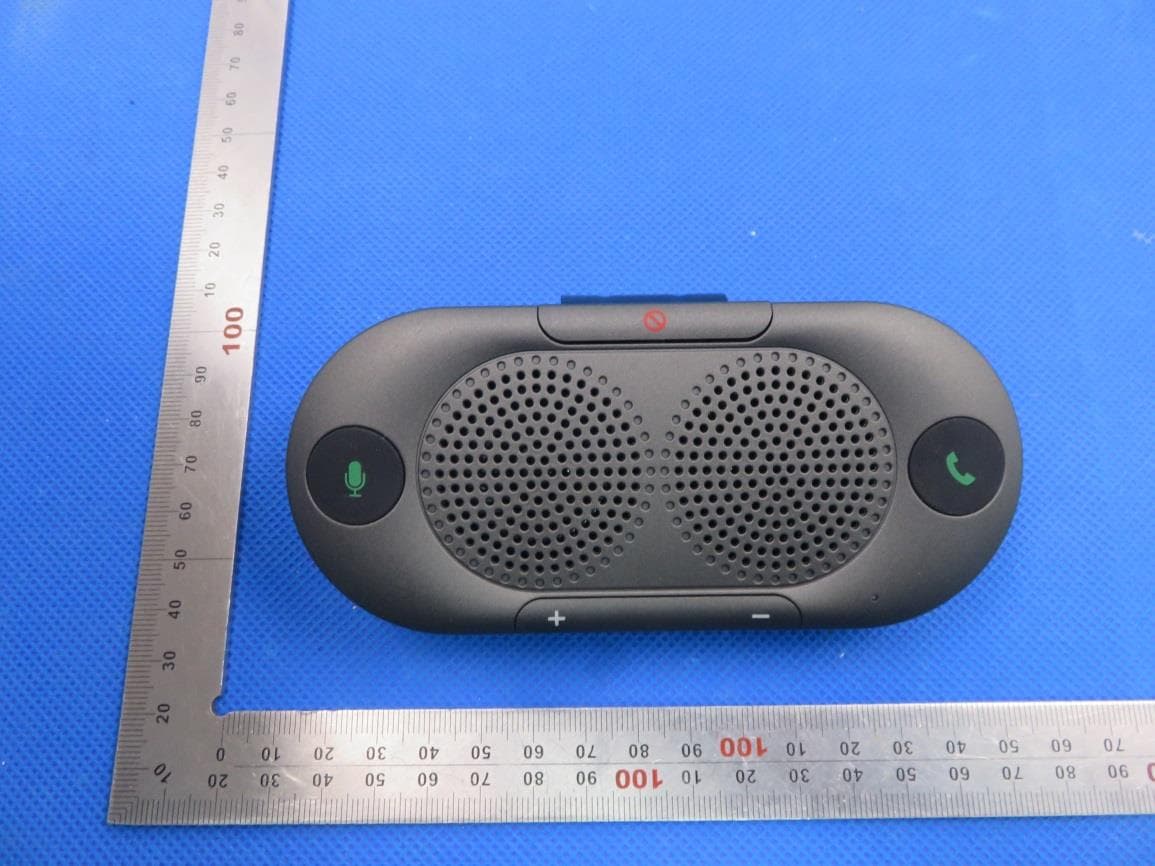
2ABFFBTC26
Jan 21, 2020Bluetooth car speaker phone
Equipment Class
DSS - Part 15 Spread Spectrum Transmitter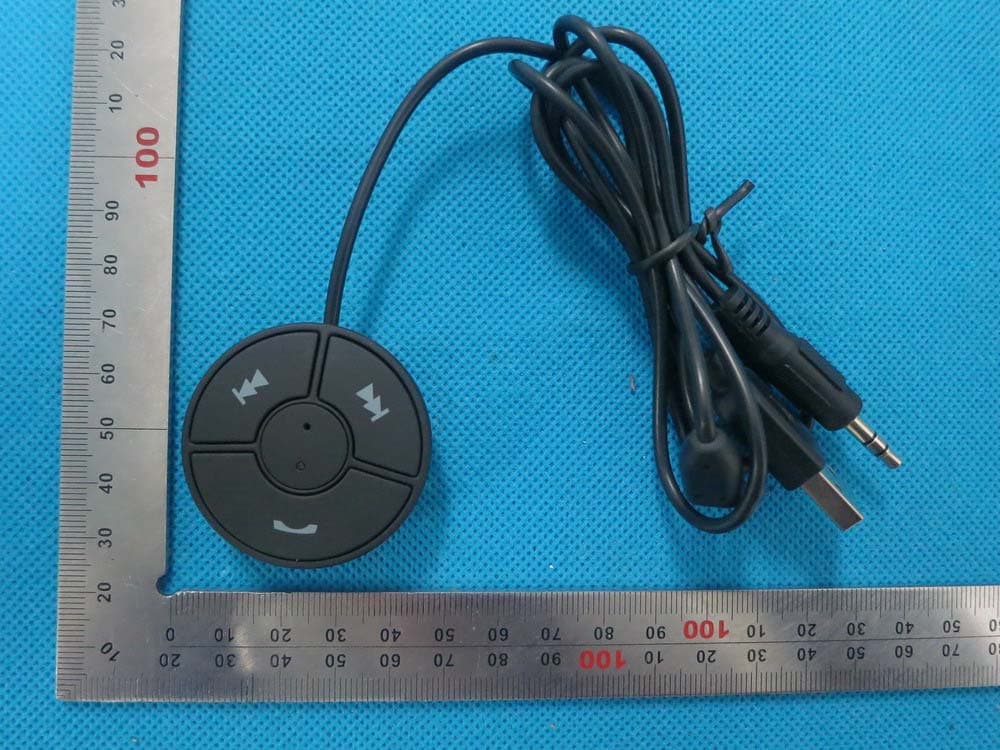
2ABFFBTC01
Dec 29, 2014Bluetooth Car Kit
Equipment Class
DSS - Part 15 Spread Spectrum Transmitter