2ABFFBTC21RCABluetooth Receiver
SHENZHEN SURE THING INDUSTRY AND COMMERCE DEVELOPMENT CO.,LTD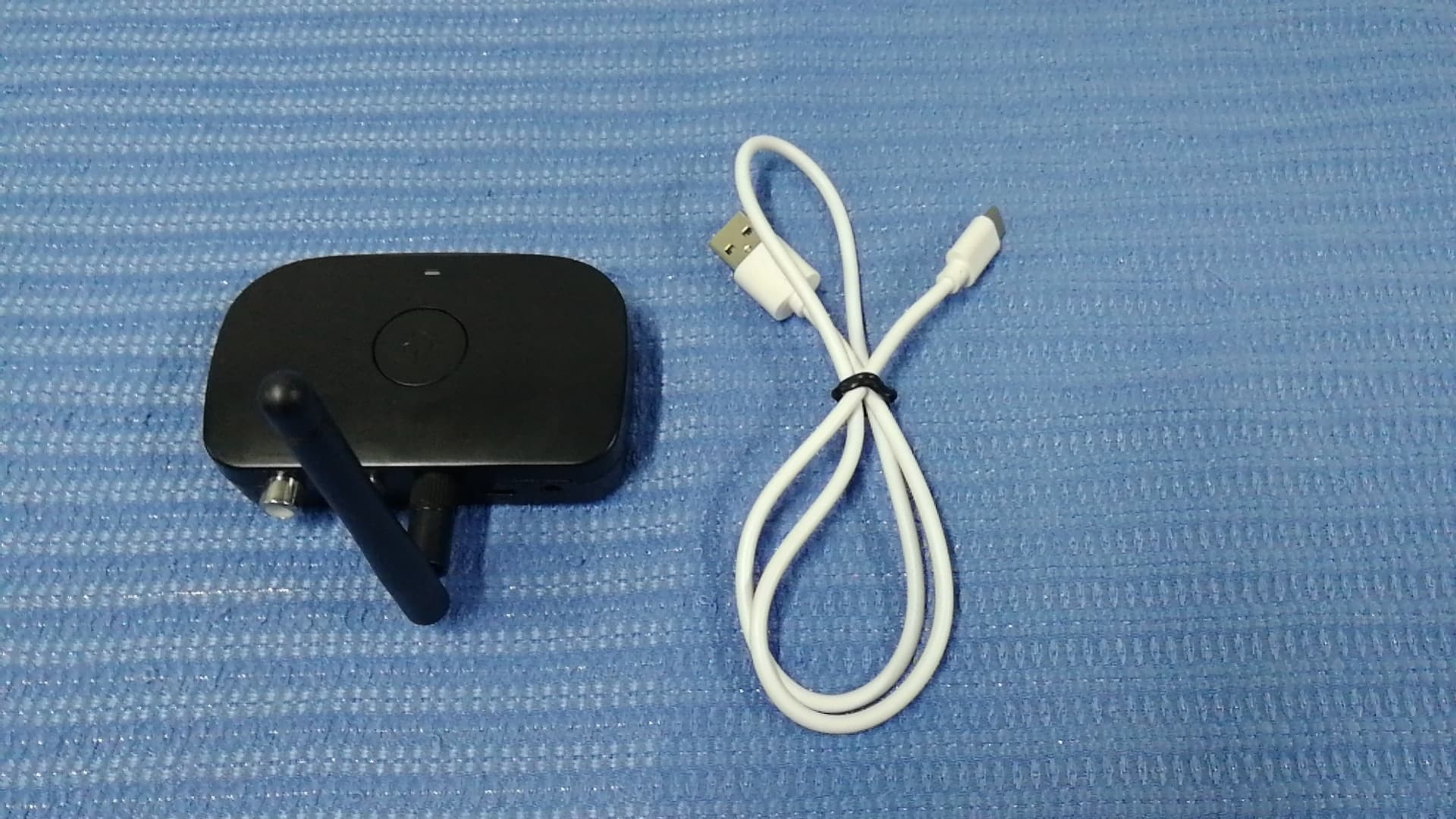
Click to zoom
Application Details
- Equipment Class
- DSS - Part 15 Spread Spectrum Transmitter
- Date of Grant
- Jun 14, 2020
- Application Purpose
- Original Equipment
- Date of Application
- Jun 14, 2020
- Equipment Note
- Bluetooth Receiver
- Frequency Range
- 2402.00000000 - 2480.00000000
- Country
- China
Documents & Files
Document Text
Text extracted from the exhibit documents filed with the FCC. Open a document above to read the original.
Users Manual
How to Use Attach the antenna Screw the package included antenna on to the rear of the BE-RCA antenna terminal by firmly turning it to the right. Set up the antenna and set it to the desired position. Note: Different antenna positions can affect wireless working range. Check which position gives you the best result. Power on & Set up Step 1. Connect the BE-RCA to a power source (or compatible USB charger with 5V/500mA-2A output) via the supplied micro USB cable. This BE-RCA does not have built-in battery. Step 2. Connect the BE-RCA to an audio input on your home music system. A.RCA-style Right/Left connections(a RCA to RCA cable is included) B.Direct connect from 3.5mm to an auxil- iary input ( 3.5mm Audio cable is included) Please consult your home music system’s manual for more information on which connections make sense with your system. Turning the BE-RCA Receiver On/Off Thank you for purchasing the BESIGN BE-RCA Wireless Music Receiver. Please read this user manual carefully and keep it in a safe place for future reference. If you need any assistance, please contact our support team with your product model number and Amazon order number. Package Contents ● BESIGN BE-RCA Wireless Music Receiver ● AC adapter ● Antenna terminal ● Micro USB Power Cable ● 3.5mm Audio Cable ● RCA Cable ● User Manual For questions, assistance, support, or warranty claims please contact us with E-mail address as follows: [email protected] www.besign-tech.com Warranty & Customer Support BE-RCA Wireless Music Receiver User Manual Turn on Turn off - 01 -- 02 -- 03 -- 04 -- 05 -- 06 -- 07 -- 08 - Press and hold the multi-func- tion button for 3 seconds, the Blue LED indicator will stay on for 1 seconds. Press and hold the multi-func- tion button for 2 seconds, the Red LED indicator will stay on for 1 seconds. Note: • The adapter can remember previously paired devices and will attempt to pair with devices automatically, without going into pairing mode. • The BE-RCA adapter will be automatical- ly out of pairing mode in 15 minutes. Pair with the second device 1.Follow the previous instructions in the “Pairing” section to pair the BE-RCA with ENENENENENEN RCA Cable AUX Cable BE-RCA Back Speaker RCA Audio out Pairing Step 1 Plug Step 3 Play Note:No battery inside,please connect the power supply before use. Product Diagram 1. Multi-function Button 2. LED Indicator 3. 3.5mm Audio Port 4. RCA Port 5. Micro USB Power Port LED Indicator Flashing Red and Blue Solid Blue Status Pairing mode Audio Out 3.5mm Aux Audio Out Power LR 1. 2. 3.4.5. Connected 1.When Powered off,press and hold the multifunction button for 5 seconds until the blue and red led light flashing alternately. 2.Open your smart phone bluetooth setting, search”BE-RCA” and connect. 3.The BE-RCA led turn solild blue after the bluetooth connection is completed. Step 1 Step 3 Step 2 Step 2 Pair Note: the BE-RCA adapter will enter standby mode if no connection within 15 minutes,you need press and hold the Multi-function Button 2 seconds to make it turn off or disconnect the power source. ENEN - 16 -- 09 -- 10 -- 11 -- 12 -- 13 -- 14 -- 15 - ENENENENENENENEN your first device. 2.Switch off the BE-RCA and set BE-RCA to pairing mode again, press and hold the multifunction button for 6 seconds until the red and blue LED light flashes alternately. 3.Active Bluetooth on the second device to find “BE-RCA” to connect. 4.Wait until connected. 5.Connect the first device with BE-RCA manually, now BE-RCA is connected with two devices at the same time. Note: Only one device can play music at any time. You must stop the music on one device to play on the other. Restore Factory Default Settings You may need to reset BE-RCA if it is not working as expected. When BE-RCA is reset to factory default settings, all the paired device information will be cleared. 1) Insure the BE-RCA is powered by the AC adapter or other USB power supply. 2) Insure the BE-RCA is switched off. 3) Press and hold the multifunction button for 9 seconds; you will see the red led light on for 1 second, then blue led will light on for 1 seconds. 4) Now the factory re-set is completed, you could pair it with your smart phone again. Troubleshooting My BE-RCA Receiver will not power on. Check the power connection and make sure you pressed the multifunction button for at least 3 seconds. Wireless working range too short Make sure you attached the antenna correctly and no obstacles between the BE-RCA and your connected devices. Changing Connected Bluetooth Device If you want to switch from one device to another, follow these steps: • End the existing bluetooth connection with the connected device by either disconnecting within your “settings” or turning off Bluetooth. • The Bluetooth Music Receiver can now be connected to a different smart mobile device. • Follow the instruction in "Pairing" to connect a different device. My music is not coming out of the stereo speakers. • Make sure the BE-RCA is powered on. • Make sure an audio cable is correctly and firmly connected to the BE-RCA. • Make sure that your audio system is powered on and turned to the proper input. • Make sure the stereo volume is set to a comfortable listening level. • Make sure you are within range of the receiver, and that your smart device is connected via bluetooth with this receiver. • Make sure your audio device is playing music via bluetooth. Some devices (such as computer) require manually selecting the music output mode. I am having trouble pairing and connecting to my bluetooth device. Please check the following: • Your Bluetooth device supports the Bluetooth profiles listed in the specifica- tions. • This Receiver and your device are next to each other or within 3 feet / 1 meter. • This Receiver is in pairing mode; this is indicated by the LED flashing in red and blue alternately. Suggested care & Maintenance ● Please power off when not in use or before storing. ● Please keep away from excessive heat and humidity. ● Do not use ch…
Text truncated - open the document above for the full version.
Attestation Statements
SHENZHEN SURE THING INDUSTRY AND COMMERCE DEVELOPMENT CO.,LTD Statement We SHENZHEN SURE THING INDUSTRY AND COMMERCE DEVELOPMENT CO.,LTD Hereby Declare that The product Bluetooth Receiver, models no. BTC21-RCA, BTC21A-RCA, BTC21B-RCA, BTC21C-RCA, BTC21D-RCA, BTC21E-RCA, BTC21F-RCA are all identical in interior structure, electrical circuits and components, and just model names are different for the marketing requirement. Your assistance on this matter is highly appreciated. Yours sincerely, Signature: Company Name: SHENZHEN SURE THING INDUSTRY AND COMMERCE DEVELOPMENT CO.,LTD
Cover Letter(s)
June 11, 2020 Federal Communications Commission Authorization & Evaluation Division 7345 Oakland Mills Road Columbia, Maryland 21046 Authority to Act as Agent On our behalf, I appoint Shenzhen Timeway Testing Laboratories/ 5/F,Block 4, Anhua Industrial Zone.,No.8 TaiRan Rd.CheGongMiao,FuTian District, Shenzhen,CHINA. (Name of Agent company name and address) to act as our agent in the preparation of this application for equipment certification. I certify that submitted documents properly describe the device or system for which equipment certification is sought. I also certify that each unit manufactured, imported or marketed, as defined in the Federal Communications Commission’s regulations will have affixed to it a label identical to that submitted for approval with this application. For instances where our authorized agent signs the application for certification on our behalf, I acknowledge that all responsibility for complying with the terms and conditions for certification, still resides with SHENZHEN SURE THING INDUSTRY A N D C O M M E R C E D E V E L O P M E N T C O . , L T D /2-3F, Building A, Fuxinlin Industrial Park, Hangcheng Industrial Area , Xixiang Town, Bao An, Shenzhen,China <Signature>: Name:Chen Xin Title: Company:SHENZHEN SURE THING INDUSTRY AND COMMERCE DEVELOPMENT CO.,LTD
Cover Letter(s)
June 11, 2020 Equipment Autorisation Division Federal Communications Commission 7435 Oakland Mills Road Columbia, MD 21046 FCC ID: 2ABFFBTC21RCA Product Name: Bluetooth Receiver Request for Confidentiality Pursuant to Sections 0.457 and 0.459 of the commissions rules, we hereby request that the following documents be held confidential: Schematics Block diagram Operation description These materials contain trade secrets and proprietary information and are not customarily released to the public. The public disclosure of this information might be harmful to the company and provide unjustified benefits to our competitors. <Signature>: Name:Chen Xin Title: Applicant Company:SHENZHEN SURE THING INDUSTRY AND COMMERCE DEVELOPMENT CO.,LTD
ID Label/Location Info
丝印位置左右上下居中于此面
ID Label/Location Info
Label Location
RF Exposure Info
RF Exposure evaluation According to 447498 D01 General RF Exposure Guidance v05 The 1-g and 10-g SAR test exclusion thresholds for 100 MHz to 6 GHz at test separation distances ≤ 50 mm are determined by: [(max. power of channel, including tune-up tolerance, mW)/(min. test separation distance, mm)] ·[√ f(GHz)] ≤ 3.0 for 1-g SAR and ≤ 7.5 for 10-g extremity SAR, where f(GHz) is the RF channel transmit frequency in GHz Power and distance are rounded to the nearest mW and mm before calculation The result is rounded to one decimal place for comparison Worse case is as below: [2480 MHz -6.61 dBm( 0.22 mW)output power] (0.22 mW /5mm) ·[√2.4 80(GHz)]= 0.07 <3.0 for 1-g SAR Then SAR evaluation is not required
Test Report
Report No.: FCC 2005215-02 File reference No.: 2020-06-05 Applicant: SHENZHEN SURE THING INDUSTRY AND COMMERCE DEVELOPMENT CO.,LTD. Product: Bluetooth Receiver Model No.: BTC21-RCA, BTC21A-RCA, BTC21B-RCA, BTC21C-RCA, BTC21D-RCA, BTC21E-RCA, BTC21F-RCA Trademark: N/A Test Standards: FCC Part 15.247 Test result: It is herewith confirmed and found to comply with the requirements set up by ANSI C63.10, FCC Part 15.247 for the evaluation of electromagnetic compatibility Approved By Jack Chung Manager Dated: June 05, 2020 Results appearing herein relate only to the sample tested The technical reports is issued errors and omissions exempt and is subject to withdrawal at SHENZHEN TIMEWAY TESTING LABORATORIES Zone C, 1st Floor, Block B, Jun Xiang Da Building, Zhongshan Park Road West, Tong Le Village, Nanshan District, Shenzhen, China Tel (755) 83448688, Fax (755) 83442996, E-Mail:[email protected] Report No.: FCC2005215-02 Page 2 of 81 Date: 2020-06-05 The report refers only to the sample tested and does not apply to the bulk. This report is issued in confidence to the client and it will be strictly treated as such by the SHENZHEN TIMEWAY TESTING LABORATORIES. It may not be reproduced rather in its entirety or in part and it may not be used for adverting. The client to whom the report is issued may, however, show or send it . or a certified copy there of prepared by the SHENZHEN TIMEWAY TESTING LABORATORIES. to his customer. Supplier or others persons directly concerned. SHENZHEN TIMEWAY TESTING LABORATORIES. will not, without the consent of the client enter into any discussion of correspondence with any third party concerning the contents of the report. In the event of the improper use of the report. The SHENZHEN TIMEWAY TESTING LABORATORIES. reserves the rights to withdraw it and to adopt any other remedies which may be appropriate. Special Statement: The testing quality ability of our laboratory meet with "Quality Law of People's Republic of China" Clause 19. The testing quality system of our laboratory meets with ISO/IEC-17025 requirements, which is approved by CNAS. This approval result is accepted by MRA of APLAC. Our test facility is recognized, certified, or accredited by the following organizations: CNAS-LAB Code: L2292 The EMC Laboratory has been assessed and in compliance with CNAS-CL01 accreditation criteria for testing Laboratories (identical to ISO/IEC 17025:2005 General Requirements) for the Competence of testing Laboratories. FCC-Registration No.: 744189 The EMC Laboratory has been registered and fully described in a report filed with the (FCC) Federal Communications commission. The acceptance letter from the FCC is maintained in our files. Registration No.: 744189. Industry Canada (IC) —Registration No.:5205A The EMC Laboratory has been registered by Certification and Engineering Bureau of Industry Canada for radio equipment testing with Registration No.: 5205A. A2LA (Certification Number:5013.01) The EMC Laboratory has been accredited by the American Association for Laboratory Accreditation (A2LA). Certification Number:5013.01 Report No.: FCC2005215-02 Page 3 of 81 Date: 2020-06-05 The report refers only to the sample tested and does not apply to the bulk. This report is issued in confidence to the client and it will be strictly treated as such by the SHENZHEN TIMEWAY TESTING LABORATORIES. It may not be reproduced rather in its entirety or in part and it may not be used for adverting. The client to whom the report is issued may, however, show or send it . or a certified copy there of prepared by the SHENZHEN TIMEWAY TESTING LABORATORIES. to his customer. Supplier or others persons directly concerned. SHENZHEN TIMEWAY TESTING LABORATORIES. will not, without the consent of the client enter into any discussion of correspondence with any third party concerning the contents of the report. In the event of the improper use of the report. The SHENZHEN TIMEWAY TESTING LABORATORIES. reserves the rights to withdraw it and to adopt any other remedies which may be appropriate. Test Report Conclusion Content 1.0 General Details ................................................................................................ 4 1.1 Test Lab Details................................................................................................ 4 1.2 Applicant Details.............................................................................................. 4 1.3 Description of EUT .......................................................................................... 4 1.4 Submitted Sample............................................................................................. 4 1.5 Test Duration.................................................................................................... 4 1.6 Test Uncertainty.................................................................................................5 1.7 Test By.......................................................................................................... 5 2.0 List of Measurement Equipment......................................................................... 6 3.0 Technical Details............................................................................................. 7 3.1 Summary of Test Results..................................................................................... 7 3.2 Test Standards.................................................................................................. 7 4.0 EUT Modification............................................................................................. 7 5.0 Power Line Conducted Emission Test...................................................................... 8 5.1 Schematics of the Test........................................................................................ 8 5.2 Test Method and Test Procedure............................................................................ 8 5.3 Configuration of the EUT........................…
Text truncated - open the document above for the full version.
Test Setup Photos
Conducted Emission Te s t Setup: Radiated Emission Te s t Setup:
Contact Information
Applicant
Xin Chen
Test Firm
Shenzhen Timeway Testing LaboratoriesTerry Tang
[email protected]+86-755-83448688
Technical Specifications
| # | Rule Parts | Frequency Range | Power Output |
|---|---|---|---|
| 1 | 15C | 2.40 GHz - 2.48 GHz | 218.00 µW |
Other Applications from SHENZHEN SURE THING INDUSTRY AND COMMERCE DEVELOPMENT CO.,LTD
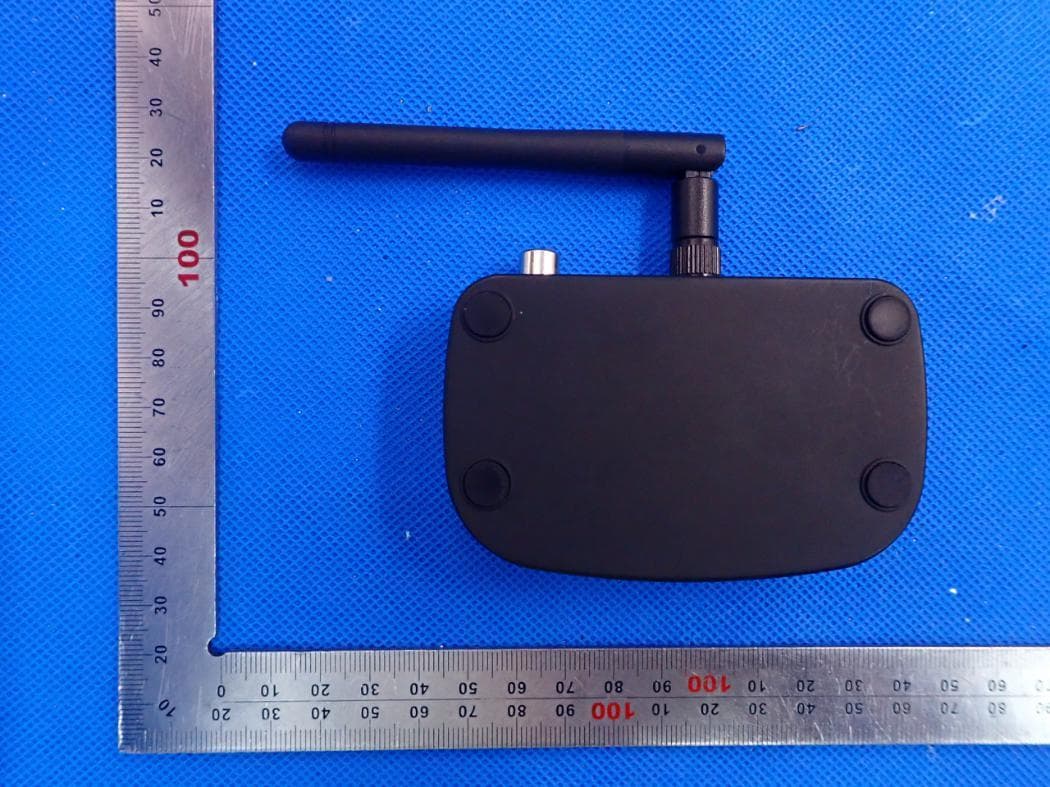
2ABFFBTC21
Nov 15, 2020Bluetooth Transmitter and Receiver
Equipment Class
DSS - Part 15 Spread Spectrum Transmitter
2ABFFBTC01D
Jun 11, 2020Bluetooth Car Kit
Equipment Class
DTS - Digital Transmission System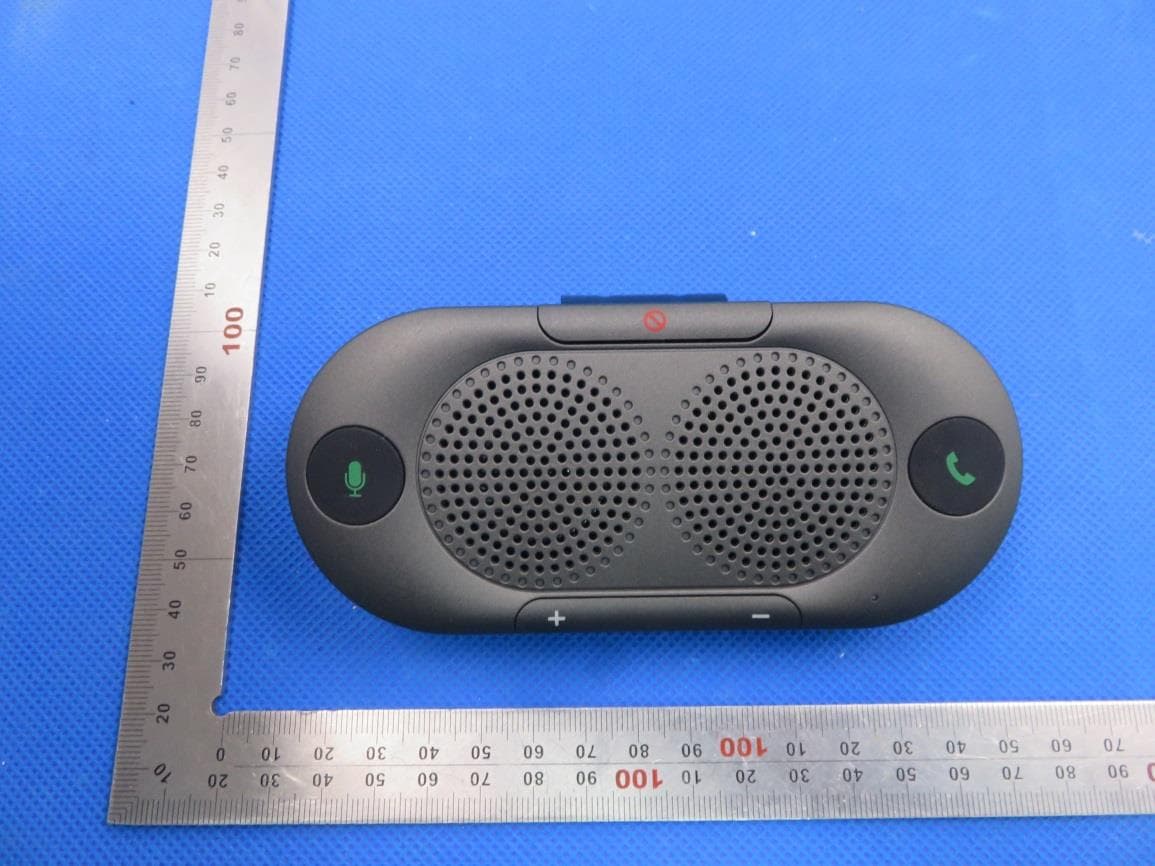
2ABFFBTC26
Jan 21, 2020Bluetooth car speaker phone
Equipment Class
DSS - Part 15 Spread Spectrum Transmitter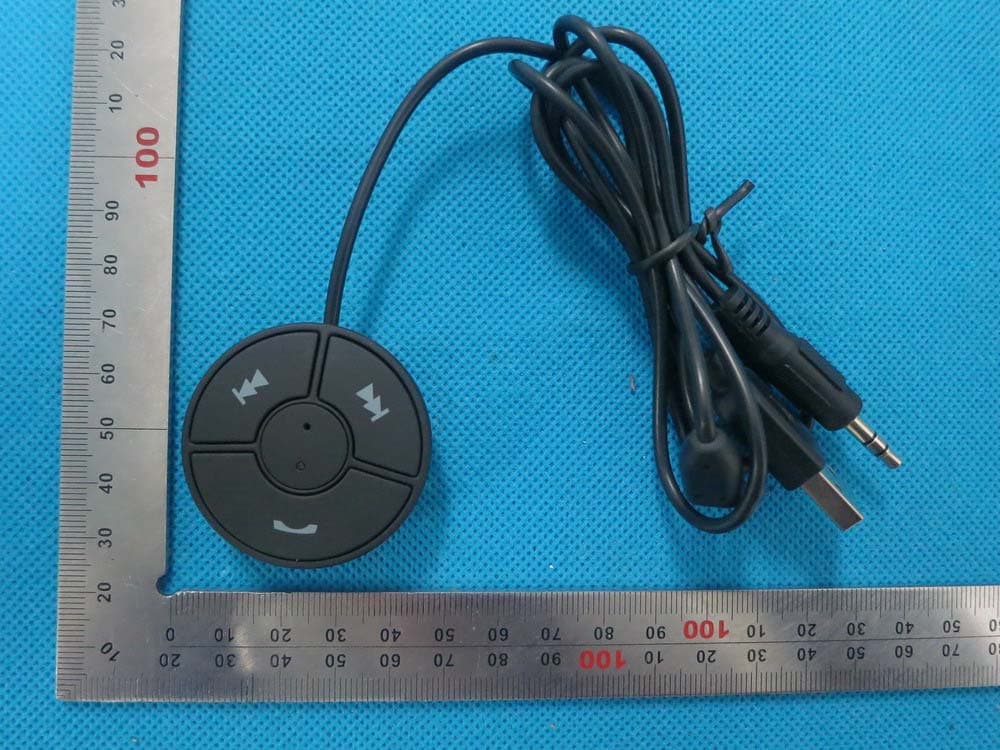
2ABFFBTC01
Dec 29, 2014Bluetooth Car Kit
Equipment Class
DSS - Part 15 Spread Spectrum Transmitter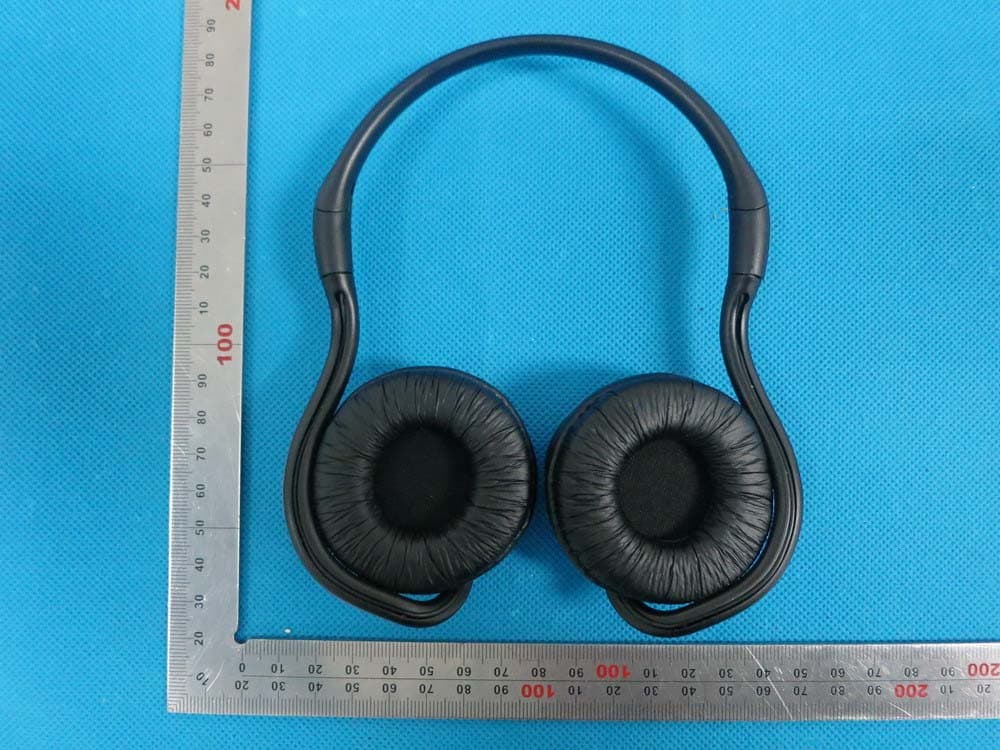
2ABFFSH26
Dec 28, 2014Bluetooth Headset
Equipment Class
DSS - Part 15 Spread Spectrum Transmitter