2ABTR-NTM-MCP05BS01Perception Neuron 3
Beijing Noitom Technology Ltd.
Click to zoom
Application Details
- Equipment Class
- DXX - Part 15 Low Power Communication Device Transmitter
- Date of Grant
- Jul 19, 2021
- Application Purpose
- Original Equipment
- Date of Application
- Jul 14, 2021
- Equipment Note
- Perception Neuron 3
- Frequency Range
- 2402.00000000 - 2481.00000000
- Country
- China
Documents & Files
Document Text
Text extracted from the exhibit documents filed with the FCC. Open a document above to read the original.
Users Manual
ItemUnitQTY PN3 SensorPC18 PN3 TransceiverPC1 Body StrapsSet1 Charging DockPC3 Type-C/ USB Revert CablePC1 Type-C Charging CablePC3 Software DonglePC1 EVA casePC1 ItemUnitQTY PN3 SensorPC6 Charging DockPC1 Type-C Charging CablePC1 Recommended OS: Windows 10 Direct X9 OpenGL 4.4 CPU: 3.0 GHz i5 processor RAM: 4GB of memory PN3 User Manual Hardware Setup 1. Overview Manufacturer: ShenZhen Nuoxinjiatong Limited Partnership Co. Address: Room 2722, 6018 Longgang Avenue, Fujizhidi building, ShenZhen, GuangDong 1.1 Main Hardware list PN3 Standard: PN3 add-on fingers kit: 1.2 Computer Requirements 1.3 Topological Diagram 2. Hardware information 2.1 PN3 Sensor Wireless MEMS inertial sensor. Gyroscope, accelerometer and magnetometer integrated. Light statusDescription Slow BlinkSensor in standby mode to save the power Fast BlinkSensor in working mode, calculating the transferring the data Solid lightThere is magnetic interference environment around the sensor Red lightSensor low battery/charging Green lightSensor in channel 1 Blue lightSensor in channel 2 Purple lightSensor in channel 3 Turn on the PN3 Sensors >>Automatically After pull off the charging cable, the sensor will automatically turn on. If they are not connected with Axis Studio software, they will automatically turn off after 5min. >>Manually Even if we can automatically turn on the PN3 sensors, we still can manually control it. Press the sensor button on the top for about 2s to turn on the sensor. Press the button for about 5s to turn off the sensor. The indicator light of the sensor will display the status. ( Refer to the PN3 Sensor Light Indicator below) Light Indicator ItemparametersItemparameters size 27.9 x 16.2 x 11.6 mm Battery capacity42mAh weight4.1gWorking hours5h Range of gyroscope±2000dps Data calculation frame rate 600Hz Accelerometer range±8gData output frame rate60Hz Minimum resolution0.02degreestime delay<20ms Static attitude accuracy Roll / Pitch 0.5°, Yaw 1.5° Waterproof gradeIP66 Dynamic attitude accuracy Roll /Pitch 1.0°, Yaw 2.0° working temperature-5 ̊C - 40 ̊C working voltage3.7VCharging time1hr Detailed parameters Charging Insert the PN3 sensor into the charging box for charging. 2.2 PN3 Transceiver Light statusDescription Red solid lightSystem setting up (usually 10s) or Hardware error Green lightTransceiver in channel 1 Blue lightTransceiver in channel 2 Purple lightTransceiver in channel 3 Yellow lightStop broadcasting ItemParametersItemParameters size38.5 x 17.2 x 6.7 mmInterface typeUSB Type-C weight2.8gtransmission distance8m The data transceiver is mainly used for instruction sending and data receiving. Command sending: the data transceiver receives the command from axis studio and sends it to each sensor through 2.4GHz wireless network. Data receiving: the data transceiver receives the data from the sensor in real time through the 2.4GHz wireless network, synchronizes the time of the data, and transmits the data to the Axis Studio software. Light Instruction Detailed parameters 2.3 PN3 gloves We use PN3 gloves for finger mocap. Install Sensors Insert the pn3 sensors into the gloves first, then wear the gloves on your hand. 2.4 Charging Case Case for charging and storing sensors. It's also an essential part for calibration. ItemParameters Length145mm Width38mm Height25mm Number of sockets6 Interface typeUSB-C ItemSize Handy EVA suitcase310×260×110mm Detailed parameters 2.5 Suitcase 2.6 Body Straps Use the appropriate length of strap that fits the performer for each segment. Attach the straps according to the diagram below. Please do wash the strap with laundry bag. Do not Tumble Dry. ItemSize Shoulder and back strap3.8cm×35cm,3.8cm×47cm Waist strap10cm×115cm Thigh strap5cm×70cm Head strap5cm×70cm Upper arm bandage5cm×55cm Leg bandage5cm×55cm Small arm strap5cm×40cm Foot bandage5cm×40cm Hand bandage5cm×27.5cm Detailed parameters 2.7 Wibu dongle Used for software activation and payment function unlocking. 3.Preparing the Capture Area Axis Studio contains magnetometers, magnetometer sensors can be affected by strong magnetic environment. Users must operate the sensors in an environment with the least amount of magnetic interference. If you choose to use Perception Neuron 3 Inertial System in a location with strong magnetic interference, utilize our “Anti-mag mode” found in our software. Maximum working temperature of equipment: 40 °C Maximum humidity: 80% (no condensation) 4. Working mode introduction There are six different wearing modes. You can wear the corresponding straps and sensors according to different needs. For example, if you only need to capture hand movements or upper body movements, you do not need to wear a full set of devices. 4.1 Wear straps Choose the appropriate length of bandage to fit all parts of the human body, and wear the bandage according to the position in the figure below. Because the PN3 sensor measures the movement of bones, it is necessary to eliminate the interference of muscle stretching and shaking as much as possible. The wearable position needs to choose the position with the least amount of muscle, which can capture the data better. The posture calibration in the future will recalculate the wearing position. Even if there is a little error between the wearing position and the picture, it can be used normally. SoftwareVersion Windows (Microsoft)Microsoft Windows 10 Axis Studio (Noitom)Axis_Studio_x64_2_4 4.2 Insert sensors Insert the PN3 sensor into the base of the strap to ensure that it will not fall off due to movement. Software Setup 1. Overview 1.1 Version list 1.2 Installation Run the installer to initiate the installation process. Follow the installation prompts and install Axis Studio. We recommend installing the software in the default directory. 1.3 Activate Plug in the Wibu dongle. Click activate, input activation code and click next. If there are more than 2 wibu dongles in your computer, please choose the right USB dongle for activation. Click activate Clic…
Text truncated - open the document above for the full version.
Cover Letter(s)
Confidentiality Letter Date: 2021-04-12 Subject: Confidentiality Request for FCC ID: 2ABTR-NTM-MCP05BS01 Pursuant to FCC 47 CRF 0.457(d) and 0.459 and IC RSP-IOO, Section 10, the applicant requests that a part of the subject FCC/IC application be held confidential. Type of Confide ntiality Re que s ted Exhibit Short Term Permanent Block Diagrams Short Term External Photos Short Term Permanent Internal Photos Short Term Permanent Operation Description/Theory of Operation Short Term Permanent Part List/Tune-Up Procedure Short Term Permanent Schematics Short Term Test Setup Photos Short Term Permanent User's Manual Beijing Noitom Technology Ltd. has spent substantial effort in developing this product and it is one of the first of its kind in industry. Having the subject information easily available to "competition" would negate the advantage they have achieved by developing this product, Not protecting the details of the design will result in financial hardship. Pe rmane nt Confide ntiality: The applicant requests the exhibits listed above as permanently confidential be permanently withheld from public review due to materials that contain trade secrets and proprietary information not customarily released to the public. Short-Te rm Confide ntiality: The applicant requests the exhibits selected above as short term confidential be withheld from public view for a period of 90 days from the date of the Grant of Equipment Authorization and prior to marketing. This is to avoid premature release of sensitive information prior to marketing or release of the product to the public. Applicant is also aware that they are responsible to notify TUV Rheinland in the event information regarding the product or the product is made available to the public. TUV Rheinland will then release the documents listed above for public disclosure pursuant to FCC Public Notice DA 041705. Sincerely, (Signature/Title) (Print name) Wuda Liu
External Photos
Page 1 of 3 FCC ID: 2ABTR-NTM-MCP05BS01 Page 2 of 3 FCC ID: 2ABTR-NTM-MCP05BS01 Page 3 of 3 FCC ID: 2ABTR-NTM-MCP05BS01
ID Label/Location Info
北京诺亦腾科技有限公司 文件名称 页码 1 / 1 部门 版本 文件类型 Label Artwork Label Location Label is on the last page of the User Manual as above. Declaration Because the product body size is small,and there is button,indicator,interface, etc on the body,the label cannot be attached to the main body. So the label is on the User Manual and packaging. Date: 2021.07.15 Signature:
Internal Photos
Page 1 of 2 FCC ID: 2ABTR-NTM-MCP05BS01 Page 2 of 2 FCC ID: 2ABTR-NTM-MCP05BS01
Test Report
Prüfbericht - Produkte Test Report - Products Prüfbericht-Nr.: Test report no.: CN21LLE5 001 Auftrags-Nr.: Order no.: 168312734 Seite 1 von 16 Page 1 of 16 Kunden-Referenz-Nr.: Client reference no.: N/A Auftragsdatum: Order date: 2021-04-06 Auftraggeber: Client: Beijing Noitom Technology Ltd. 502, Tower A, 28 Xinjiekouwai Blvd, Beijing, China Prüfgegenstand: Test item: Perception Neuron 3 Bezeichnung / Typ-Nr.: Identification / Type no.: NTM-MCP-05-BS-01, NTM-MCP-05-BS-02 (Trademark: Perception Neuron) Auftrags-Inhalt: Order content: Test Report Prüfgrundlage: Test specification: CFR47 FCC Part 15: Subpart C Section 15.249 Wareneingangsdatum: Date of sample receipt: 2021-05-08 Prüfmuster-Nr.: Test sample no: A003047443-001~004 Prüfzeitraum: Testing period: 2021-05-09 – 2021-06-18 Ort der Prüfung: Place of testing: TÜV Rheinland (Shenzhen) Co., Ltd. Prüflaboratorium: Testing laboratory: TÜV Rheinland (Shenzhen) Co., Ltd. Prüfergebnis*: Test result*: Pass geprüft von: tested by: genehmigt von: authorized by: Datum: Date: 2021-07-09 Ausstellungsdatum: Issue date: 2021-07-09 Stellung / Position: Project ManagerStellung / Position:Technical Certifier Sonstiges / Other: FCC ID: 2ABTR-NTM-MCP05BS01 Zustand des Prüfgegenstandes bei Anlieferung: Condition of the test item at delivery: Prüfmuster vollständig und unbeschädigt Test item complete and undamaged * Legende:1 = sehr gut2 = gut3 = befriedigend4 = ausreichend5 = mangelhaft P(ass) = entspricht o.g. Prüfgrundlage(n)F(ail) = entspricht nicht o.g. Prüfgrundlage(n) N/A = nicht anwendbarN/T = nicht getestet * Legend:1 = very good2 = good3 = satisfactory4 = sufficient5 = poor P(ass) = passed a.m. test specification(s)F(ail) = failed a.m. test specification(s)N/A = not applicableN/T = not tested Dieser Prüfbericht bezieht sich nur auf das o.g. Prüfmuster und darf ohne Genehmigung der Prüfstelle nicht auszugsweise vervielfältigt werden. Dieser Bericht berechtigt nicht zur Verwendung eines Prüfzeichens. This test report only relates to the a. m. test sample. Without permission of the test center this test report is not permitted to be duplicated in extracts. This test report does not entitle to carry any test mark. TÜV Rheinland (Shenzhen) Co., Ltd. 1601 R&D Room, 1602-1604, 17-18F, Building 7 Site C, Vanke Cloud City Phase I, Xingke First Street, Xili Street, Xili Community, Nanshan District, Shenzhen 518052, P.R. China Mail: [email protected] · Web: www.tuv.com jjj Jonat han Li Winni e Hou Prüfbericht - Produkte Test Report - Products Prüfbericht - Nr.: Test Report No.: CN21LLE5 001 Seite 3 von 16 Page 3 of 16 Table of Contents TEST SUMMARY..............................................................................................................................................2 1GENERAL REMARKS..........................................................................................................................4 1.1COMPLEMENTARY MATERIALS............................................................................................................4 2TEST SITES........................................................................................................................................5 2.1TEST FACILITIES................................................................................................................................5 2.2LIST OF TEST AND MEASUREMENT INSTRUMENTS................................................................................5 2.3TRACEABILITY...................................................................................................................................6 2.4CALIBRATION.....................................................................................................................................6 2.5MEASUREMENT UNCERTAINTY............................................................................................................6 2.6LOCATION OF ORIGINAL DATA............................................................................................................6 2.7STATUS OF FACILITY USED FOR TESTING............................................................................................6 3GENERAL PRODUCT INFORMATION.....................................................................................................7 3.1PRODUCT FUNCTION AND INTENDED USE............................................................................................7 3.2RATINGS AND SYSTEM DETAILS..........................................................................................................7 3.3INDEPENDENT OPERATION MODES......................................................................................................8 3.4NOISE GENERATING AND NOISE SUPPRESSING PARTS........................................................................8 3.5SUBMITTED DOCUMENTS....................................................................................................................8 4TEST SET-UP AND OPERATION MODES................................................................................................9 4.1PRINCIPLE OF CONFIGURATION SELECTION.........................................................................................9 4.2TEST OPERATION AND TEST SOFTWARE.............................................................................................9 4.3SPECIAL ACCESSORIES AND AUXILIARY EQUIPMENT...........................................................................9 4.4COUNTERMEASURES TO ACHIEVE EMC COMPLIANCE.........................................................................9 4.5TEST SETUP DIAGRAM.....................................................................................................................10 5TEST RESULTS................................................................................................................................12 5.1TRANSMITTER REQUIREMENT & TEST SUITES.............................................................................…
Text truncated - open the document above for the full version.
Test Setup Photos
Prüfbericht - Produkte Test Report - Products Appendix A CN21LLE5 001 Page 1 of 2 Appendix A: Photographs of the Test Set-Up APPENDIX A: PHOTOGRAPHS OF THE TEST SET-UP.......................................................................................................1 PHOTOGRAPH 1: SET-UP PHOTO FOR RADIATED SPURIOUS EMISSION, 30MHZ ~ 1GHZ......................................................................2 PHOTOGRAPH 2: SET-UP PHOTO FOR RADIATED SPURIOUS EMISSION, 1GHZ ~ 18GHZ......................................................................2 Prüfbericht - Produkte Test Report - Products Appendix A CN21LLE5 001 Page 2 of 2 Photograph 1: Set-up photo for Radiated Spurious Emission, 30MHz ~ 1GHz Photograph 2: Set-up photo for Radiated Spurious Emission, 1GHz ~ 18GHz
Contact Information
Applicant
Wuda Liu(Manager)
Technical Contact
Test Firm
TUV Rheinland (Shenzhen) Co., Ltd.Gina Yang
[email protected]86 755 8268 1497
Technical Specifications
| # | Rule Parts | Frequency Range | Power Output |
|---|---|---|---|
| 1 | 15C | 2.40 GHz - 2.48 GHz | - |
Other Applications from Beijing Noitom Technology Ltd.
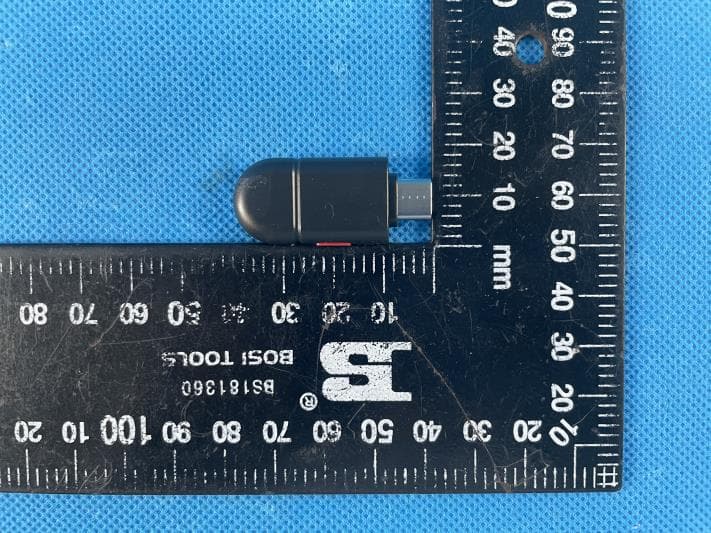
2ABTR-NTM-MCP05TC01
Apr 22, 2021Perception Neuron 3
Equipment Class
DTS - Digital Transmission System
2ABTR-E01-NYT-02
Mar 18, 2020Perception Neuron Studio
Equipment Class
DXX - Part 15 Low Power Communication Device Transmitter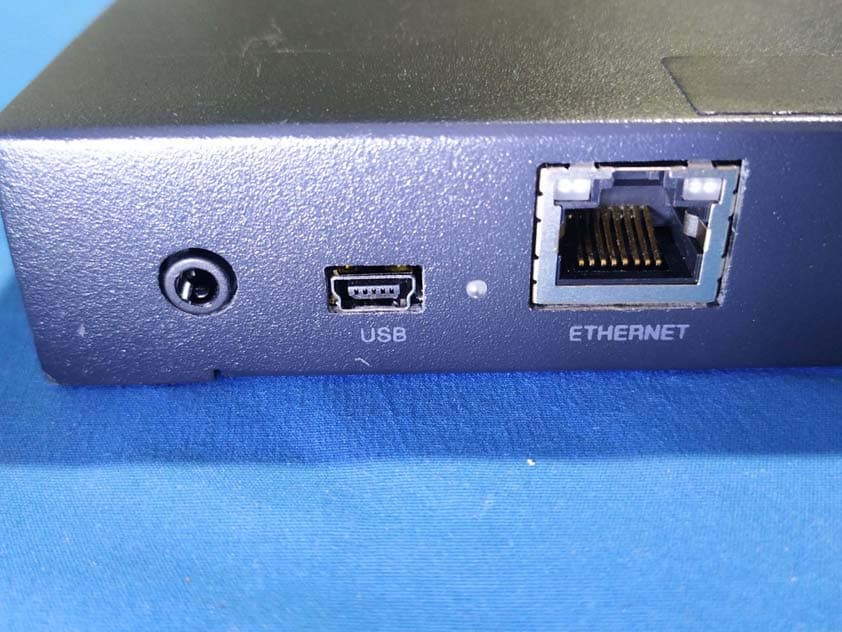
2ABTR-NTM-MCP04TC01
Jan 01, 2020Perception Neuron Studio
Equipment Class
DXX - Part 15 Low Power Communication Device Transmitter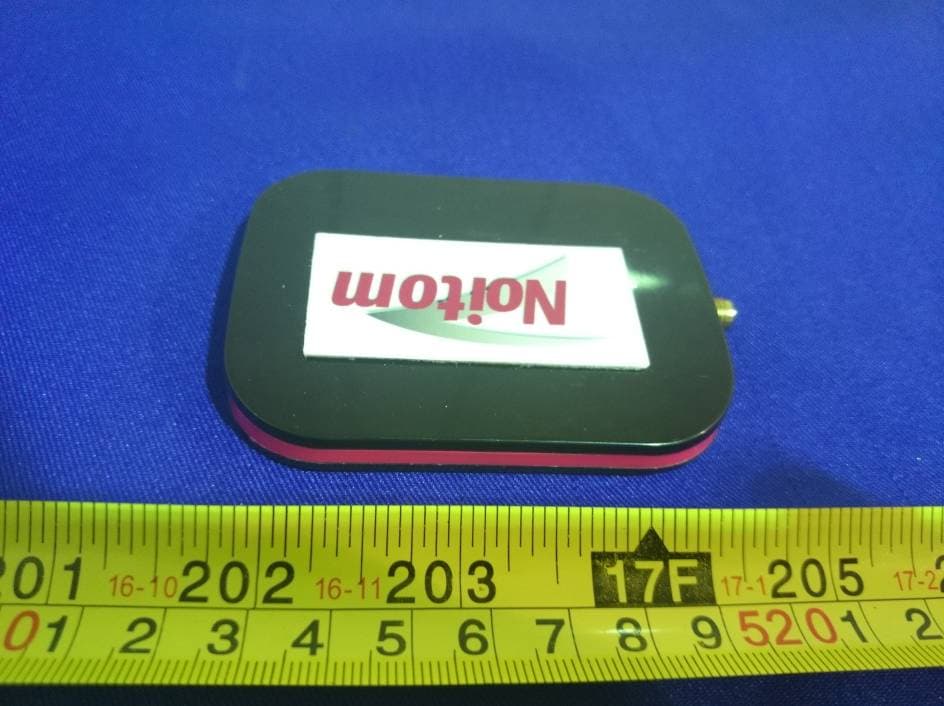
2ABTRRECEIVER
Oct 12, 2014PERCEPTION Receiver
Equipment Class
DXX - Part 15 Low Power Communication Device Transmitter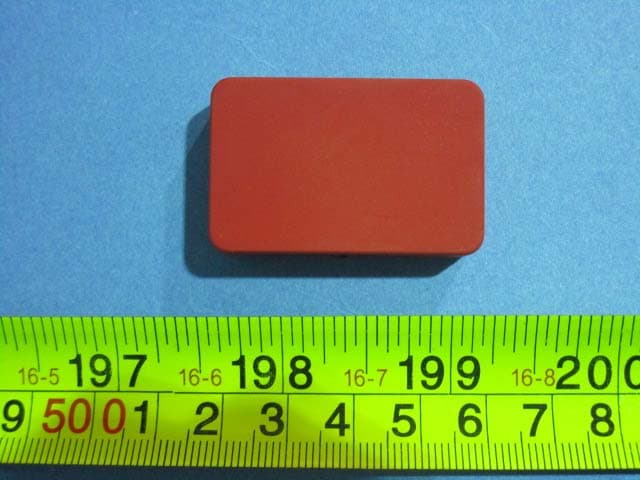
2ABTRTRACKER
Sep 22, 2014PERCEPTION Tracker
Equipment Class
DXX - Part 15 Low Power Communication Device Transmitter