2ABTTIBKS105Bluetooth Low Energy Advertising Device
Accent Advanced Systems SLU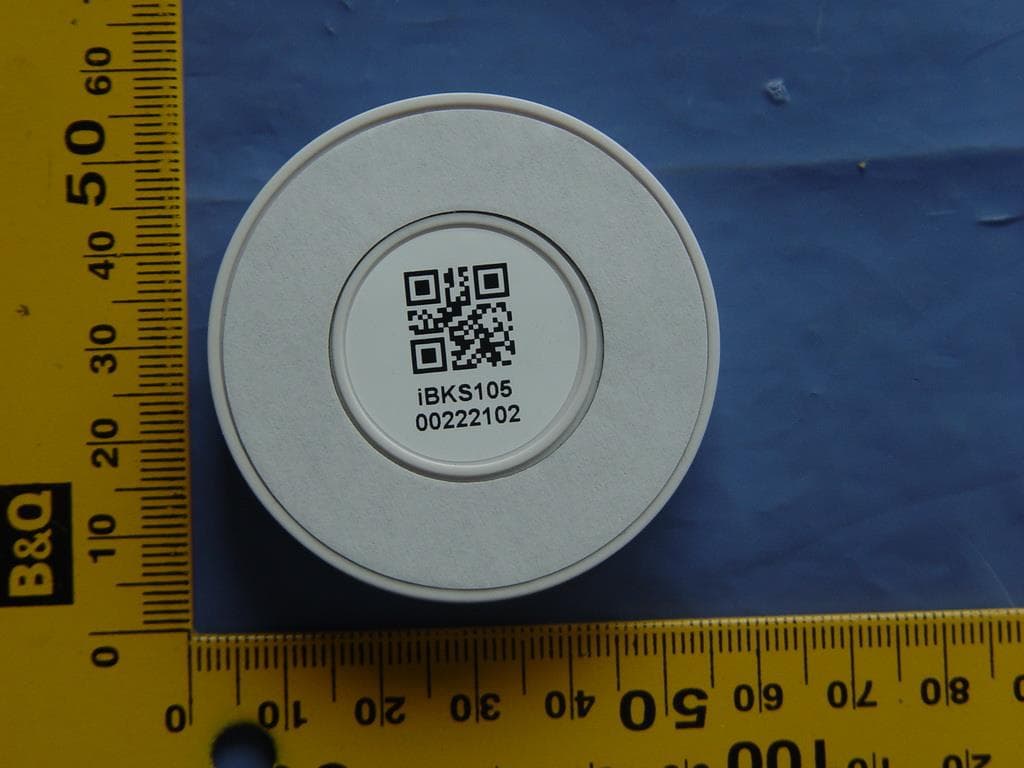
Click to zoom
Application Details
- Equipment Class
- DTS - Digital Transmission System
- Date of Grant
- Jul 12, 2015
- Application Purpose
- Original Equipment
- Date of Application
- Jul 12, 2015
- Equipment Note
- Bluetooth Low Energy Advertising Device
- Frequency Range
- 2402.00000000 - 2480.00000000
- Company
- Accent Advanced Systems SLU
- Country
- Spain
Documents & Files
Document Text
Text extracted from the exhibit documents filed with the FCC. Open a document above to read the original.
Users Manual
Configuring IBKS 105 and IBKS USB 3 Get the device in connectible mode. This is possible: During the first 30seconds after you powered the beacon. Or always if you have set your beacon in developer mode 1 Download one of our apps in your smartphone or tablet. Available on Android and iOS. Clic the icones to download it for your device 2 Open your app and scan for beacons. After some seconds the app will stops to scan, so make sure that you press the button again and the app is sanning while you activate your beacons. 4 Touch over the beacon you want to configure and wait. If connectable mode is available the app will connects with it authomatically. Otherwise you will look a message in your screen. 4 Once in configuration mode you can change any parameter. Read the meaning of each carachteristic in our “GATT” translator. You will see there what values you can introduce and how it’s going to a ect your device and its performance. 5 Very important: Press “Save & Disconnect”. Otherwise you will lose your changes after disconnect the beacon. 6 ENJOY YOUR IBKS EXPERIENCE! X IF YOU CAN’T CONNECT WITH YOUR DEVICE GO BACK TO THE POINT 3 OF THIS TUTORIAL THIS TUTORIAL IS VALID FOR V.2014.11.12.1 FW VERSION X YOU HAVE 30 SECONDS TO CONFIGURE YOUR IBKS. IF YOU NEED MORE TIME ACTIVATE THE ‘DEVELOPER MODE’ SCREENSHOTS FROM ANDROID DEVICE. APP CAN BE SLIGHLY DIFFERENT ON IOS DEVICES APP VERSION 2.2 FCC Caution: "Changes or modifications not expressly approved by the party responsible for compliance could void the user's authority to operate the equipment." FCC Statement: "This equipment has been tested and found to comply with the limits for a Class B digital device, pursuant to part 15 of the FCC Rules. These limits are designed to provide reasonable protection against harm- ful interference in a residential installation. This equipment generates, uses and can radiate radio frequency energy and, if not installed and used in accordance with the instructions, may cause harmful interfe- rence to radio communications. However, there is no guarantee that interference will not occur in a particular installation. If this equipment does cause harmful interference to radio or television reception, which can be determined by turning the equipment o and on, the user is encouraged to try to correct the interference by one or more of the following measures: —Reorient or relocate the receiving antenna. —Increase the separation between the equipment and receiver. —Connect the equipment into an outlet on a circuit di erent from that to which the receiver is connected. —Consult the dealer or an experienced radio/TV technician for help." " This device complies with part 15 of the FCC Rules. Operation is subject to the following two conditions: (1) This device may not cause harmful interference, and (2) this device must accept any interference received, including interference that may cause undesired operation."
Users Manual
Updating IBKS 105 3 Get the device in connectible mode. This is possible: During the first 30seconds after you powered the beacon. Or always if you have set your beacon in developer mode 1 Download nRF Master Control Panel, from Nordic instruments, for Android to update your IBKS105 and USB. 2 Open your app and scan for beacons. After some seconds the app will stops to scan, so make sure that you press the button again and the app is scanning while you activate your beacons. 4 Enter in configuration mode and write “FF” in ‘Config Byte’ Characteristic. Then press ‘Disconnect’ to save your changes. 5 Now the beacon is in ‘DFU’ (device firmware udpadte) mode. That means you can update the firmware clicking the icon 5 .1 6 ENJOY YOUR IBKS EXPERIENCE! X After complete previous steps you should see how the app updates automatically your device. When the process finishes, the beacon will disconnect to save the changes THIS TUTORIAL IS VALID FOR V.2014.11.12.1 FW VERSION SCREENSHOTS FROM ANDROID DEVICE. APP CAN BE SLIGHLY DIFFERENT ON IOS DEVICES V.2015.01.22.1FW VERSION Select fyle tipe: Application Init packet: NO Select the last firmware version from your files. APP VERSION 2.2 FCC Caution: "Changes or modifications not expressly approved by the party responsible for compliance could void the user's authority to operate the equipment." FCC Statement: "This equipment has been tested and found to comply with the limits for a Class B digital device, pursuant to part 15 of the FCC Rules. These limits are designed to provide reasonable protection against harm- ful interference in a residential installation. This equipment generates, uses and can radiate radio frequency energy and, if not installed and used in accordance with the instructions, may cause harmful interfe- rence to radio communications. However, there is no guarantee that interference will not occur in a particular installation. If this equipment does cause harmful interference to radio or television reception, which can be determined by turning the equipment o and on, the user is encouraged to try to correct the interference by one or more of the following measures: —Reorient or relocate the receiving antenna. —Increase the separation between the equipment and receiver. —Connect the equipment into an outlet on a circuit di erent from that to which the receiver is connected. —Consult the dealer or an experienced radio/TV technician for help." " This device complies with part 15 of the FCC Rules. Operation is subject to the following two conditions: (1) This device may not cause harmful interference, and (2) this device must accept any interference received, including interference that may cause undesired operation."
External Photos
Page 1 of 1 Type Designation: iBKS105 External Photos Report Number: 17050207 001
RF Exposure Info
Produkte Products Prüfbericht - Nr.: Test Report No. 17050207 001 Seite 51 von 54 Page 51 of 54 6. Safety Human exposure 6.1 Radio Frequency Exposure Compliance 6.1.1 Electromagnetic Fields RESULT: Pass Test standard : FCC KDB Publication 447498 v05r02 Since maximum radiated power of the transmitter is 0.85mW(-0.69dBm)<10mW, and the distance from EUT to human is 5mm, hence the EUT is exclueded from SAR evaluation according to FCC KDB publication 447498 D01 General RF Exposure Guidance v05r02.
Test Report
Produkte Products Prüfbericht - Nr.: Test Report No. 17050207 001 Seite 2 von 54 Page 2 of 54 TEST SUMMARY 5.1.1 ANTENNA REQUIREMENT RESULT: Pass 5.1.2 PEAK OUTPUT POWER RESULT: Pass 5.1.3 6DB BANDWIDTH AND 99% BANDWIDTH RESULT: Pass 5.1.4 CONDUCTED SPURIOUS EMISSIONS MEASURED IN 100KHZ BANDWIDTH RESULT: Pass 5.1.5 POWER SPECTRAL DENSITY RESULT: Pass 5.1.6 SPURIOUS EMISSION RESULT: Pass 6.1.1 ELECTROMAGNETIC FIELDS RESULT: Pass Produkte Products Prüfbericht - Nr.: Test Report No. 17050207 001 Seite 3 von 54 Page 3 of 54 Contents 1. GENERAL REMARKS ......................................................................................................... 4 1.1 COMPLEMENTARY MATERIALS .......................................................................................... 4 2. TEST SITES ...................................................................................................................... 4 2.1 TEST FACILITIES ............................................................................................................... 4 2.2 LIST OF TEST AND MEASUREMENT INSTRUMENTS ............................................................... 5 2.3 TRACEABILITY .................................................................................................................. 5 2.4 CALIBRATION ................................................................................................................... 5 2.5 MEASUREMENT UNCERTAINTY........................................................................................... 6 2.6 LOCATION OF ORIGINAL DATA ........................................................................................... 6 2.7 STATUS OF FACILITY USED FOR TESTING ........................................................................... 6 3. GENERAL PRODUCT INFORMATION .................................................................................... 7 3.1 PRODUCT FUNCTION AND INTENDED USE ........................................................................... 7 3.2 RATINGS AND SYSTEM DETAILS ........................................................................................ 7 3.3 INDEPENDENT OPERATION MODES .................................................................................... 8 3.4 NOISE GENERATING AND NOISE SUPPRESSING PARTS ....................................................... 8 3.5 SUBMITTED DOCUMENTS .................................................................................................. 8 4. TEST SET-UP AN D OPERATION MODES .............................................................................. 9 4.1 PRINCIPLE OF CONFIGURATION SELECTION ........................................................................ 9 4.2 TEST OPERATION AND TEST SOFTWARE ............................................................................ 9 4.3 SPECIAL ACCESSORIES AND AUXILIARY EQUIPMENT .......................................................... 9 4.4 COUNTERMEASURES TO ACHIEVE EMC COMPLIANCE ......................................................... 9 4.5 TEST SETUP DIAGRAM .................................................................................................... 10 5. TEST RESULTS ............................................................................................................... 11 5.1 TRANSMITTER REQUIREMENT & TEST SUITES .................................................................. 11 5.1.1 Antenna Requirement ................................................................................................................ 11 5.1.2 Peak Output Power .................................................................................................................... 12 5.1.3 6dB Bandwidth and 99% Bandwidth .......................................................................................... 13 5.1.4 Conducted Spurious Emissions measured in 100kHz Bandwidth ................................ ............. 14 5.1.5 Power spectral density ............................................................................................................... 18 5.1.6 Spurious Emission ..................................................................................................................... 19 6. SAFETY HUMAN EXPOSURE ............................................................................................. 51 6.1 RADIO FREQUENCY EXPOSURE COMPLIANCE ................................................................... 51 6.1.1 Electromagnetic Fields ............................................................................................................... 51 7. PHOTOGRAPHS OF THE TEST SET-UP .............................................................................. 52 8. LIST OF TABLES ............................................................................................................. 54 9. LIST OF PHOTOGRAPHS .................................................................................................. 54 Produkte Products Prüfbericht - Nr.: Test Report No. 17050207 001 Seite 4 von 54 Page 4 of 54 1. General Remarks 1.1 Complementary Materials None. 2. Test Sites 2.1 Test Facilities Accurate Technology Co., Ltd. (FCC Registration No.: 752051) F1, Bldg. A, Changyuan New Material Port Keyuan Rd., Science & Industry Park, Nanshan Shenzhen, P.R. China The tests at the test site have been conducted under the supervision of a TÜV engineer. Produkte Products Prüfbericht - Nr.: Test Report No. 17050207 001 Seite 5 von 54 Page 5 of 54 2.2 List of Test and Measurement Instruments Table 1: List of Test and Measurement Equipment Kind of Equipment Manufacturer Type S/N Calibrated until Transmitter spurious emissions & Receiver spurious emissions Spectrum Analyzer Rohde & Schwarz FSV40 101495 2016-01-09 Test Receiver Rohde & Schwarz ESCS30 100307 2016-01-09 Bilog Antenna Schwarzbeck VULB9163 9163-323 2016-01-14 Loop Antenna Schwarzbeck FMZB1516 1516131 2016-01-14 Horn Antenna Schwarzbeck BBHA912…
Text truncated - open the document above for the full version.
Test Setup Photos
Produkte Products Prüfbericht - Nr.: Test Report No. 17050207 001 Seite 52 von 54 Page 52 of 54 7. Photographs of the Test Set-Up Photograph 1: Set-up for Spurious Emissions for below 30MHz Photograph 2: Set-up for Spurious Emissions for 30 - 1000MHz Produkte Products Prüfbericht - Nr.: Test Report No. 17050207 001 Seite 53 von 54 Page 53 of 54 Photograph 3: Set-up for Spurious Emissions for 1 - 18GHz Photograph 4: Set-up for Spurious Emissions for 18 - 26.5GHz
Contact Information
Applicant
Jordi Casamada
Test Firm
Accurate Technology Co., Ltd.Sean Liu
Technical Specifications
| # | Rule Parts | Frequency Range | Power Output |
|---|---|---|---|
| 1 | 15C | 2.40 GHz - 2.48 GHz | 850.00 µW |
Other Applications from Accent Advanced Systems SLU
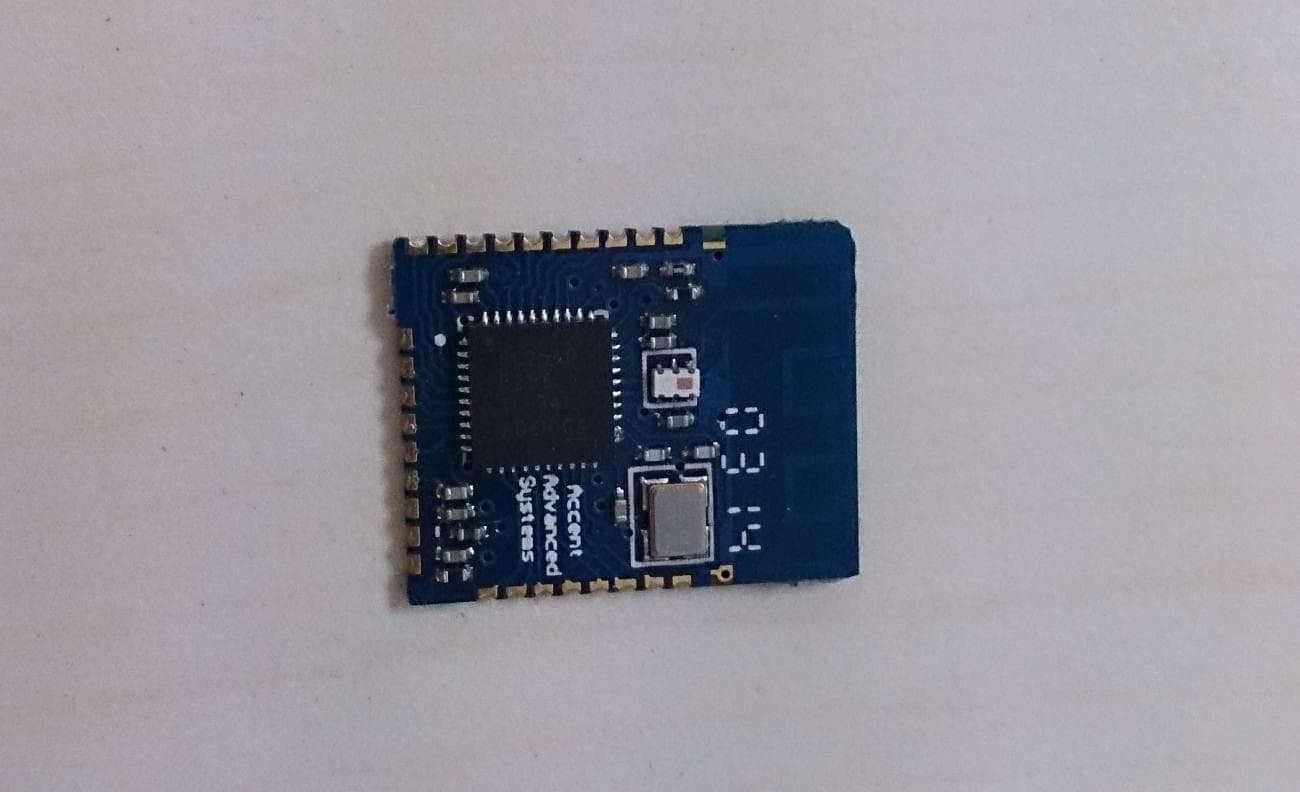
2ABTTUSMART10
Oct 16, 2014Bluetooth Low Engery Module
Equipment Class
DTS - Digital Transmission System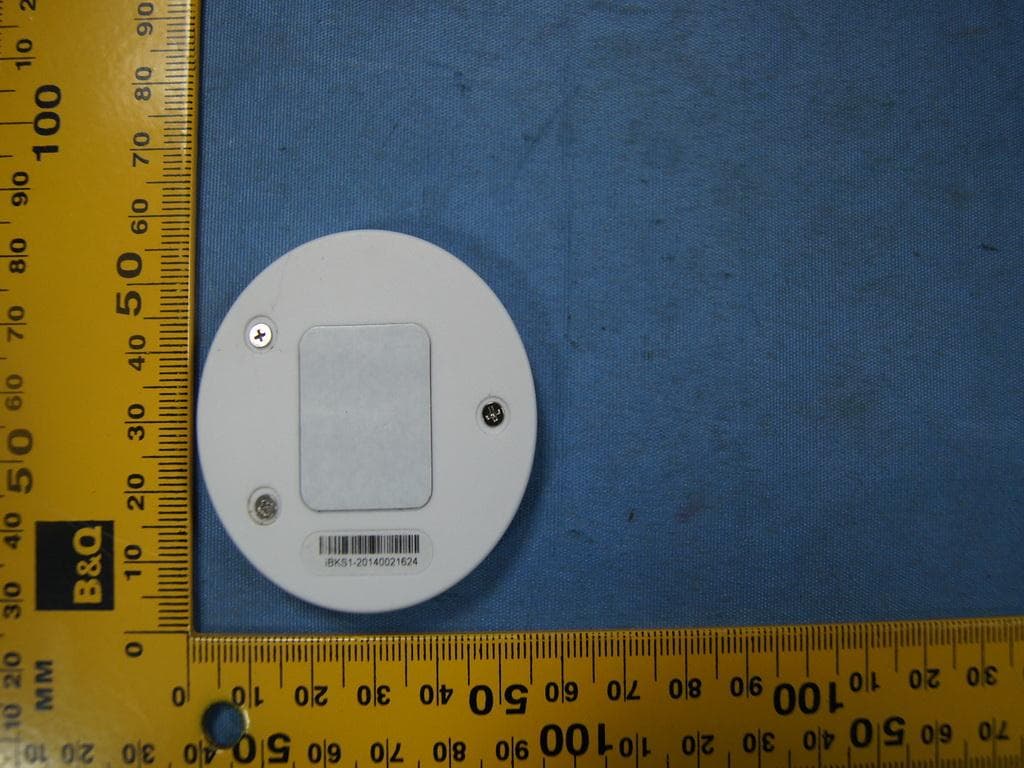
2ABTTIBK10
Oct 15, 2014Bluetooth Low Energy Advertising Device
Equipment Class
DTS - Digital Transmission System