2ACF3-SOUNDOTSOUNDOT
Blackloud Inc.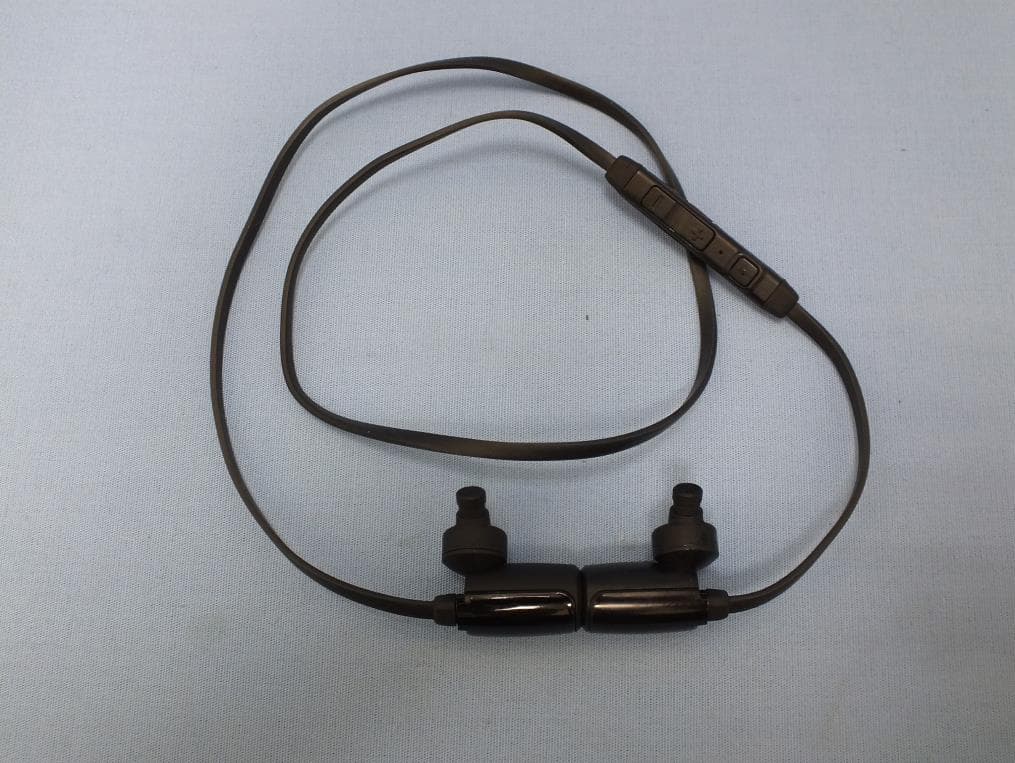
Click to zoom
Application Details
- Equipment Class
- DSS - Part 15 Spread Spectrum Transmitter
- Date of Grant
- Jun 26, 2014
- Application Purpose
- Original Equipment
- Date of Application
- Jun 25, 2014
- Equipment Note
- SOUNDOT
- Frequency Range
- 2402.00000000 - 2480.00000000
- Company
- Blackloud Inc.
- Country
- United States
Documents & Files
Document Text
Text extracted from the exhibit documents filed with the FCC. Open a document above to read the original.
Users Manual
Quick Guide - 2Safety Document - 2Safety Document - 3 Safety Document - 4 Safety Document Safety and Cautions Safety Categories X Prohibited actions ! Situations that need mandatory action ! Situations that need attention WARNINGS X NEVER operate a motor vehicle while listening to or wearing your earbuds. This is not only dangerous; it is illegal in many places. ! In order to prevent accidents, do not use the product in an environment that requires special attention (e.g. in traffic). ! Do not drop or hit this product. If this product is damaged immediately stop using the product. X Do not attempt to disassemble, modify or repair this product by yourself, as this may cause a fire, electric shock or product damage. X Do not connect or disconnect the earbud unit with a wet hand, modify the earbud unit or bend it forcibly, as this may cause a fire or electric shock. X In order to prevent an explosion, do not throw this product into fire or heat. ! In order to prevent injury to your auditory canals and ear drums, always insert and extract the earbuds very carefully and slowly. Do not insert the earbuds too deep into your ears. ! Keep the earbuds at least 1.2 inches (4cm) from cardiac pacemakers or implanted defibrillators. Failure to do so may cause interference with cardiac pacemakers or implanted defibilators. ! Keep the products out of reach of children. Children may put the earbuds and its accessories into their mouths or swallow the earbuds or accessories accidentally. ! In order to prevent hearing damage, turn down your earbuds’ volume to zero before you insert the earbuds and turn on the device. Once you have the earbuds in, gradually increase the volume to a comfortable, moderate volume. ! Clean your earbuds with an antiseptic wipe frequently to avoid wax buildup. This improves the acoustic quality of your earbuds. ! If an abnormality is found with this product (emission of heat, smoke, or abnormal smell from the product), immediately stop using the product. ! If you hear ringing or experience discomfort in your ears during or after using any in-ear audio products, that is a sign you are listening to the earbuds at too high a volume. When your ears are exposed to high volumes (in excess of 85dB) for over an hour, you may be permanently damaging your hearing. Safety Document - 5Safety Document - 6Safety Document - 7Safety Document - 8 CAUTIONS X Never leave this product in an area exposed to direct sunlight, in a car parked in direct sunlight, or any other very hot area (e.g. around a heater, etc.). Doing so creates a risk of heat emission, explosion, and fire. X Do not place this product in any of the following environments: • In a moist place or a place where condensation may occur • In an uneven place or a place exposed to vibration • In a place where a magnetic field is generated (near a magnet, etc.) • In a dusty place X This product does not have a water-proof structure. Use and store this product in a place where the product body will not be splashed with water or other liquid. Splashing the product with rain, water mist, juice, coffee, steam or sweat may cause product damage. Cautions for Wireless Equipment X This product is wireless equipment using the entire range of the 2.4 GHz band, and it is possible to avoid the band of mobile object identification systems. FH-SS is used for the radio wave method. The interference distance is 10 meters. The 2.4 GHz band is also used by medical equipment, Bluetooth, and wireless LAN equipment conforming to IEEE 802.11b/11G standard. • Before using this product check that there are no other “radio stations*” operating nearby. • If electromagnetic interference occurs between this product and other “radio stations”, move this product to another location or stop using this product. * Other “radio stations” refer to industrial, scientific and medical devices using the 2.4 GHz band like this product, other radio stations of this type, licensed radio station premises for mobile object identification system that is used in factory production lines, certain on-licensed low power radio stations, and amateur radio stations. ! Observe all signs and instructions that require an electrical device or RF radio product to be switched off in designated areas, such as gas/refueling stations, hospitals, blasting areas, potentially explosive atmospheres, or aircrafts. Federal Communication Commission Interference Statement This equipment has been tested and found to comply with the limits for a Class B digital device, pursuant to Part 15 of the FCC Rules. These limits are designed to provide reasonable protection against harmful interference in a residential installation. This equipment generates, uses and can radiate radio frequency energy and, if not installed and used in accordance with the instructions, may cause harmful interference to radio communications. However, there is no guarantee that interference will not occur in a particular installation. If this equipment does cause harmful interference to radio or television reception, which can be determined by turning the equipment off and on, the user is encouraged to try to correct the interference by one of the following measures: - Reorient or relocate the receiving antenna. - Increase the separation between the equipment and receiver. - Connect the equipment into an outlet on a circuit different from that to which the receiver is connected. - Consult the dealer or an experienced radio/TV technician for help. FCC Caution: Any changes or modifications not expressly approved by the party responsible for compliance could void the user’s authority to operate this equipment. This device complies with Part 15 of the FCC Rules. Operation is subject to the following two conditions: (1) This device may not cause harmful interference, and (2) this device must accept any interference received, including interference that may cause undesired operation. IMPORTANT NOTE: Radiation Exposure Statement: The product comp…
Text truncated - open the document above for the full version.
Users Manual
Quick Guide - 2Quick Guide - 3Quick Guide - 4Quick Guide - 5 Quick Guide - 6 Quick Guide Package ContentsYour SOUNDOT Earbuds Charging Your Earbuds SOUNDOT Earbuds (with Microphone and Control Module) Earbud Stabilizers (2 pairs in Medium and Large) Carrying Pouch Charging Cable (Micro-USB) Quick Guide and Safety Document Earbud Cushions (3 pairs in Small, Medium, and Large) 1 Earbud Cushions 2 Volume Down Button 3 Volume Up Button 4 Microphone 5 Power/Function Button 6 Status Indicator LED 7 Charging Port (Micro-USB) Although your SOUNDOT earbuds come with a partially charged battery, it is recommended that you fully charge your earbuds before first use. To charge your SOUNDOT earbuds: 1 Open the charging port cover on the right earbud. 2 Connect the charging cable to the right earbud and either a PC or a dedicated USB charger. 3 Once your SOUNDOT earbuds start charging the status indicator LED will light up a solid red color. When your SOUNDOT earbuds are fully charged the status indicator will turn a solid blue color. NOTE: On average your SOUNDOT earbuds takes about 2.5 hours for a full charge when connected to a PC, and about 1 hour when connected to a dedicated charger. Attachable Clip Quick Guide LeftRight Controller 7 6 2 1 345 Pairing Your SOUNDOT Earbuds Before you start using your SOUNDOT earbuds, you must first pair it with the Bluetooth®- enabled device you want to connect it to (such as a smartphone, PC, or digital music player). To pair your SOUNDOT earbuds with a device: 1 Enable Bluetooth on the device you want to pair your SOUNDOT earbuds to. NOTE: Consult your device’s user manual for instructions on enabling Bluetooth. 2 Press and hold the power/function button on your SOUNDOT earbuds for about 8 seconds until the status indicator LED flashes blue/red alternately and you hear the “Pairing” voice prompt from your earbuds. Your SOUNDOT earbuds are now in pairing mode. NOTE: If left inactive in pairing mode your SOUNDOT earbuds will automatically power off after 3 minutes. NOTE2: You must enter pairing mode from a powered-off state. Pressing and holding the power/function button for more than 4 seconds from a powered-on state will turn the earbuds off. Quick Guide - 8Quick Guide - 7Quick Guide - 9 Quick Guide - 10Quick Guide - 11 Quick Guide - 12 Powering OnPowering Off Listening to MusicMaking/Receiving Phone Calls More Information 3 Search for your SOUNDOT earbuds (“SOUNDOT v1.0”*) in the device’s list of available connections. Once you have found your SOUNDOT earbuds in the list of available connections select them and accept any confirmation messages. * The name for your SOUNDOT earbuds in the list of available connections may vary depending on the model purchased. 4 Once your SOUNDOT earbuds have been successfully paired with the device the status indicator will flash blue and you will hear a tone from your earbuds. The frequency of the flashes will depend on the type of Bluetooth connection your device utilizes, as seen in the table below: Type of DeviceFrequency of FlashesConnection Type iOSOnce every 8 secondsAAC Android™ and others Twice every 8 secondsSBC Samsung Galaxy S® 4 & S5 Three times every 8 seconds aptX NOTE: Your SOUNDOT earbuds can store pairing information for up to 8 devices. To pair additional devices to your SOUNDOT earbuds ensure that your SOUNDOT earbuds are not concurrently connected to any device, then repeat the steps outlined above. Once you have successfully paired your SOUNDOT earbuds to a Bluetooth-enabled device your SOUNDOT earbuds will automatically connect with that device once they are powered on. To power on your SOUNDOT earbuds: To power off your SOUNDOT earbuds: When you are listening to music you can control playback through the controller on your SOUNDOT earbuds. The following table describes your SOUNDOT controller’s various playback options: Playback OptionButtonAction Play/Resume Music*Power/Function button Press Pause MusicPower/Function button Press (during playback) Increase VolumeVolume Up buttonPress Decrease VolumeVolume Down buttonPress Forward to Next SongVolume Up buttonPress and hold for 2 sec. Rewind to Previous Song Volume Down buttonPress and hold for 2 sec. * When audio playback is initiated your SOUNDOT earbuds will open your Bluetooth device’s default music player. To set your device’s default music player, refer to the device’s user manual. When your SOUNDOT earbuds are connected to a Bluetooth-enabled smartphone you can make* and receive phone calls directly using your SOUNDOT earbuds. * Your smartphone must feature voice-dialing capabilities to make a call using your SOUNDOT earbuds. To confirm and configure the voice-dialing function for your smartphone, refer to your smartphone’s user manual. To make a phone call using your SOUNDOT earbuds: 1 Press and hold the power/function button for 2 seconds, then release the button. Your smartphone’s voice-dialer will activate. 2 Speak directly into the microphone to direct your smartphone’s voice-dialer to make a call. 3 To end the phone call, press the power/function button. To receive/reject a phone call using your SOUNDOT earbuds: 1 When you hear the ringtone in your earbuds indicating an incoming call, press the power/function button to answer the call. Press and hold the power/function button to reject the call. 2 To end the phone call, press the power/function button. For safety and warning information, please refer to the “Safety Document” included in the product’s package. For more information on your SOUNDOT earbuds and its various capabilities please check the user manual available on the company website: www.blackloud.com The Bluetooth® word mark and logos are registered trademarks owned by Bluetooth SIG, Inc. and any use of such marks by [licensee name] is under license. Other trademarks and trade names are those of their respective owners. Android is a trademark of Google Inc. iOS is a trademark or registered trademark of Cisco in the U.S. and other c…
Text truncated - open the document above for the full version.
External Photos
Project No.: EP452803 Page No. : 1 of 22 Photographs of EUT With NFC function Project No.: EP452803 Page No. : 2 of 22 Project No.: EP452803 Page No. : 3 of 22 Project No.: EP452803 Page No. : 4 of 22 W/O NFC function Project No.: EP452803 Page No. : 5 of 22 Project No.: EP452803 Page No. : 6 of 22
ID Label/Location Info
LuisChang 1:1 (mm) 2014.06.03 H 版 本 日 期 比 例 製作人 35mm 2.5mm
Internal Photos
Project No.: EP452803 Page No. : 7 of 22 With NFC function Project No.: EP452803 Page No. : 8 of 22 Project No.: EP452803 Page No. : 9 of 22 Project No.: EP452803 Page No. : 10 of 22 Project No.: EP452803 Page No. : 11 of 22 Project No.: EP452803 Page No. : 12 of 22 Project No.: EP452803 Page No. : 13 of 22 Project No.: EP452803 Page No. : 14 of 22 Project No.: EP452803 Page No. : 15 of 22 W/O NFC function Project No.: EP452803 Page No. : 16 of 22 Project No.: EP452803 Page No. : 17 of 22 Project No.: EP452803 Page No. : 18 of 22 Project No.: EP452803 Page No. : 19 of 22 Project No.: EP452803 Page No. : 20 of 22 Project No.: EP452803 Page No. : 21 of 22 Project No.: EP452803 Page No. : 22 of 22
RF Exposure Info
Report No.: FA452803 Page : 1 of 7 Report Version: Rev. 02 FCC RF Exposure Report FCC ID : 2ACF3-SOUNDOT Equipment : SOUNDOT Model No. : SOUNDOT v1.0, SOUNDOT v2.0 (please refer to section 1.1.1 for more details.) Brand Name : Blackloud Inc Applicant : Blackloud Inc. Address : 42 Corporate Park #250 Irvine, CA 92606 USA Standard : 47 CFR FCC Part 2.1093 Received Date : May 28, 2014 Tested Date : May 30 ~ Jun. 19, 2014 We, International Certification Corp., would like to declare that the tested sample has been evaluated and in compliance with the requirement of the above standards. The test results contained in this report refer exclusively to the product. It may be duplicated completely for legal use with the approval of the applicant. It shall not be reproduced except in full without the written approval of our laboratory. Approved & Reviewed by: Gary Chang / Manager Ty: XXX Report No.: FA452803 Page : 2 of 7 Report Version: Rev. 02 Table of Contents 1 GENERAL DESCRIPTION .................................................................................................................... 4 1.1 Information .............................................................................................................................................. 4 2 EXPOSURE EVALUATION OF PORTABLE OR MOBILE DEVICES .................................................. 5 2.1 SAR TEST EXCLUSION THRESHOLD FOR 100MHz to 6GHz and 50mm ................................... 5 2.2 EVALUATION RESULTS ....................................................................................................................... 6 3 TEST LABORATORY INFORMATION ................................................................................................. 7 Report No.: FA452803 Page : 3 of 7 Report Version: Rev. 02 Release Record Report No. Version Description Issued Date FA452803 Rev. 01 Initial issue Jun. 25, 2014 FA452803 Rev. 02 Additional model for Bluetooth with NFC Passive Tag function version (Page 1 & 4.) Jul. 01, 2014 Report No.: FA452803 Page : 4 of 7 Report Version: Rev. 02 1 General Description 1.1 Information 1.1.1 Product Details The following models are provided to this EUT. Brand Name Model Name Product Name Description Blackloud Inc SOUNDOT v1.0 SOUNDOT Bluetooth only SOUNDOT v2.0 Bluetooth with NFC Passive Tag function The above models, 2 design versions had been pretested and found that model SOUNDOT v2.0 was the worst case and was selected for final testing and only its data was recorded in this report Report No.: FA452803 Page : 5 of 7 Report Version: Rev. 02 2 EXPOSURE EVALUATION OF PORTABLE OR MOBILE DEVICES Human exposure to RF emissions from portable devices (47 CFR §2.1093), as defined by the FCC, must be evaluated with respect to the FCC-adopted limits for SAR. Evaluation of mobile devices, as defined by the FCC, may also be performed with respect to SAR limits, but in such cases it is usually simpler and more cost-effective to evaluate compliance with respect to field strength or power density limits. For certain devices that are designed to be used in both mobile and portable configurations similar to those described in 47 CFR §2.1091(d)(4), such as certain desktop phones and wireless modem modules, compliance for mobile configurations is also satisfied when the same device is evaluated for SAR compliance in portable configurations. 2.1 SAR TEST EXCLUSION THRESHOLD FOR 100MHz to 6GHz and 50mm Frequency (MHz) 5 10 15 20 25 Separation distance (mm) 150 39 77 116 155 194 SAR Test Exclusion Threshold (mW) 300 27 55 82 110 137 450 22 45 67 89 112 835 16 33 49 66 82 900 16 32 47 63 79 1500 12 24 37 49 61 1900 11 22 33 44 54 2450 10 19 29 38 48 3600 8 16 24 32 40 5200 7 13 20 26 33 5400 6 13 19 26 32 5800 6 12 19 25 31 The 1-g and 10-g SAR test exclusion thresholds for 100 MHz to 6 GHz at test separation distances ≤ 50 mm are determined by [(max. power of channel, including tune-up tolerance, mW)/(min. test separation distance, mm)] · [√f(GHz)] ≤ 3.0 for 1-g SAR and ≤ 7.5 for 10-g extremity SAR, where •f(GHz) is the RF channel transmit frequency in GHz • Power and distance are rounded to the nearest mW and mm before calculation • The result is rounded to one decimal place for comparison The test exclusions are applicable only when the minimum test separation distance is ≤ 50 mm and for transmission frequencies between 100 MHz and 6 GHz. When the minimum test separation distance is < 5 mm, a distance of 5 mm is applied to determine SAR test exclusion. Report No.: FA452803 Page : 6 of 7 Report Version: Rev. 02 2.2 EVALUATION RESULTS Frequency (MHz) Maximum Conducted Average Power (dBm) Maximum Conducted Average Power (mW) Antenna Gain (dBi) 2480 9.41 8.73 -0.13 [(max. power of channel, including tune-up tolerance, mW)/(min. test separation distance, mm)] * [√f(GHz)] =8.73 / 5 * √2.48 = 2.75 < 3.0 SAR Test Exclusion Thresholds is < 10mW and 3.0 for separation distance 5mm. Therefore, SAR test is not required. Report No.: FA452803 Page : 7 of 7 Report Version: Rev. 02 3 Test laboratory information Established in 2012, ICC provides foremost EMC & RF Testing and advisory consultation services by our skilled engineers and technicians. Our services employ a wide variety of advanced edge test equipment and one of the widest certification extents in the business. International Certification Corp, it is our definitive objective is to institute long term, trust-based associations with our clients. The expectation we set up with our clients is based on outstanding service, practical expertise and devotion to a certified value structure. Our passion is to grant our clients with best EMC / RF services by oriented knowledgeable and accommodating staff. Our Test sites are located at Linkou District and Kwei Shan Hsiang. Location map can be found on our website http://www.icertifi.com.tw. Linkou Kwei Shan Tel: 886-3-271-8666 Tel: 886-3-271-8666 No. 30-2, Ding Fwu Tsuen, Lin Kou District, New Taipei City, Taiwan, R.O.…
Text truncated - open the document above for the full version.
Test Report
Report No.: FR452803 Page : 1 of 46 Report Version: Rev. 02 FCC Test Report FCC ID : 2ACF3-SOUNDOT Equipment : SOUNDOT Model No. : SOUNDOT v1.0, SOUNDOT v2.0 (please refer to section 1.1.1 for more details.) Brand Name : Blackloud Inc Applicant : Blackloud Inc. Address : 42 Corporate Park #250 Irvine, CA 92606 USA Standard : 47 CFR FCC Part 15.247 Received Date : May 28, 2014 Tested Date : May 30 ~ Jun. 19, 2014 We, International Certification Corp., would like to declare that the tested sample has been evaluated and in compliance with the requirement of the above standards. The test results contained in this report refer exclusively to the product. It may be duplicated completely for legal use with the approval of the applicant. It shall not be reproduced except in full without the written approval of our laboratory. Approved & Reviewed by: Gary Chang / Manager Ty: XXX Report No.: FR452803 Page : 2 of 46 Report Version: Rev. 02 Table of Contents 1 GENERAL DESCRIPTION .................................................................................................................... 5 1.1 Information .............................................................................................................................................. 5 1.2 Local Support Equipment List ................................................................................................................ 7 1.3 Test Setup Chart .................................................................................................................................... 7 1.4 The Equipment List ................................................................................................................................ 8 1.5 Test Standards ....................................................................................................................................... 9 1.6 Measurement Uncertainty ...................................................................................................................... 9 2 TEST CONFIGURATION ..................................................................................................................... 10 2.1 Testing Condition ................................................................................................................................. 10 2.2 The Worst Test Modes and Channel Details ....................................................................................... 10 3 TRANSMITTER TEST RESULTS ........................................................................................................ 11 3.1 Conducted Emissions ........................................................................................................................... 11 3.2 Unwanted Emissions into Restricted Frequency Bands ...................................................................... 14 3.3 Unwanted Emissions into Non-Restricted Frequency Bands .............................................................. 30 3.4 Conducted Output Power ..................................................................................................................... 35 3.5 Number of Hopping Frequency ............................................................................................................ 37 3.6 20dB and Occupied Bandwidth ............................................................................................................ 39 3.7 Channel Separation .............................................................................................................................. 41 3.8 Number of Dwell Time .......................................................................................................................... 43 4 TEST LABORATORY INFORMATION ............................................................................................... 46 Report No.: FR452803 Page : 3 of 46 Report Version: Rev. 02 Release Record Report No. Version Description Issued Date FR452803 Rev. 01 Initial issue Jun. 25, 2014 FR452803 Rev. 02 Additional model for Bluetooth with NFC Passive Tag function version (Page 1 & 5.) Jul. 01, 2014 Report No.: FR452803 Page : 4 of 46 Report Version: Rev. 02 Summary of Test Results FCC Rules Test Items Measured Result 15.207 Conducted Emissions [dBuV]: 0.155MHz 45.50 (Margin 10.21dB) - AV Pass 15.247(d) 15.209 Radiated Emissions [dBuV/m at 3m]: 2483.50MHz 50.86 (Margin -3.14dB) - AV Pass 15.247(d) Band Edge Meet the requirement of limit Pass 15.247(b)(1) Conducted Output Power Power [dBm]: BR: 9.60 EDR: 9.56 Pass 15.247(a)(1)(iii) Number of Hopping Channels Meet the requirement of limit Pass 15.247(a)(1) Hopping Channel Separation Meet the requirement of limit Pass 15.247(a)(1)(iii) Dwell Time Meet the requirement of limit Pass 15.203 Antenna Requirement Meet the requirement of limit Pass Report No.: FR452803 Page : 5 of 46 Report Version: Rev. 02 1 General Description 1.1 Information 1.1.1 Product Details The following models are provided to this EUT. Brand Name Model Name Product Name Description Blackloud Inc SOUNDOT v1.0 SOUNDOT Bluetooth only SOUNDOT v2.0 Bluetooth with NFC Passive Tag function The above models, 2 design versions had been pretested and found that model SOUNDOT v2.0 was the worst case and was selected for final testing and only its data was recorded in this report 1.1.2 Specification of the Equipment under Test (EUT) RF General Information Frequency Range (MHz) Bluetooth Mode Ch. Frequency (MHz) Channel Number Data Rate 2400-2483.5 BR V2.1 2402-2480 0-78 [79] 1 Mbps 2400-2483.5 EDR V2.1 2402-2480 0-78 [79] 2 Mbps 2400-2483.5 EDR V2.1 2402-2480 0-78 [79] 3 Mbps Note 1: RF output power specifies that Maximum Peak Conducted Output Power. Note 2: Bluetooth BR uses a GFSK. Note 3: Bluetooth EDR uses a combination of π/4-DQPSK and 8DPSK. 1.1.3 Antenna Details Ant. No. Type Gain (dBi) Connector Remark 1 Monopole -0.13 --- --- 1.1.4 Power Supply Type of Equipment under Test (EUT) Power Supply Type 3.7Vd…
Text truncated - open the document above for the full version.
Test Setup Photos
Report No.: FR452803 Page: : 1 of 2 Report Version: Rev. 01 Photographs of the Test Configuration Conducted Emission Test Report No.: FR452803 Page: : 2 of 2 Report Version: Rev. 01 Radiated Emission Test
Contact Information
Applicant
Frank Chao(Project & Account Manager)
Technical Contact
International Certification Corp.Gary Chang
886-3-271-8628
Taiwan
Non-Technical Contact
International Certification Corp.Wendy Liao
886-3-271-8629
Test Firm
International Certification Corp.Fu-Cheng Chuang
Technical Specifications
| # | Rule Parts | Frequency Range | Power Output |
|---|---|---|---|
| 1 | 15C | 2.40 GHz - 2.48 GHz | 9.00 mW |
Other Applications from Blackloud Inc.
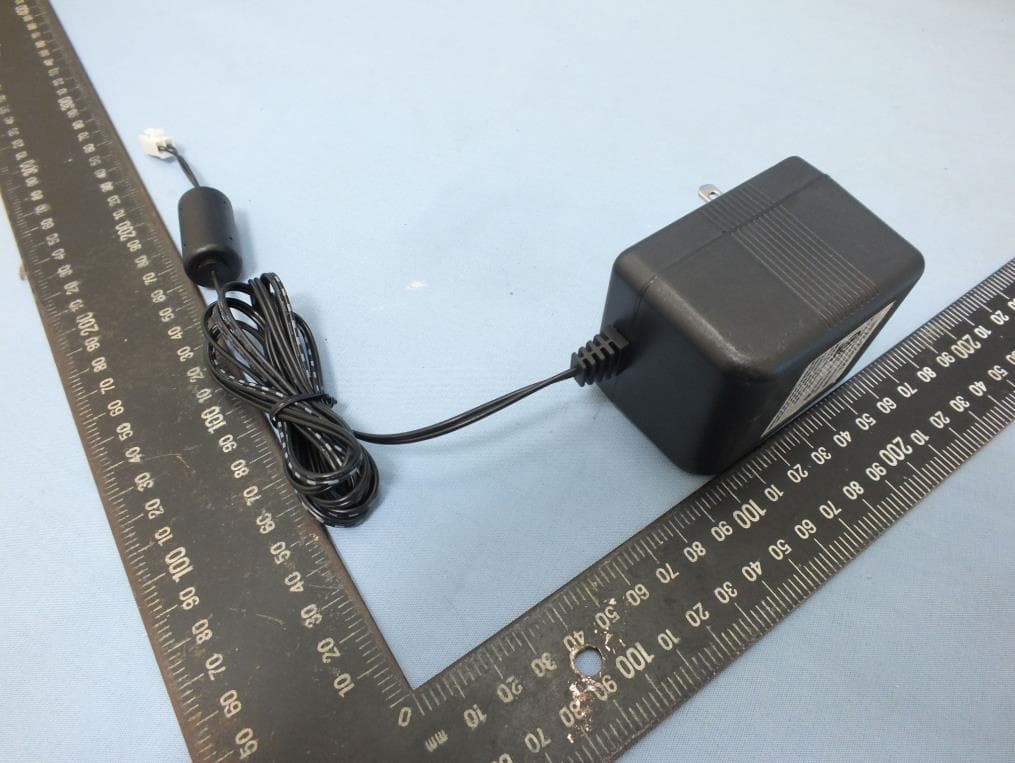
2ACF3BUZZISPRINKLER
Oct 22, 2015BUZZISPRINKLER
Equipment Class
DTS - Digital Transmission System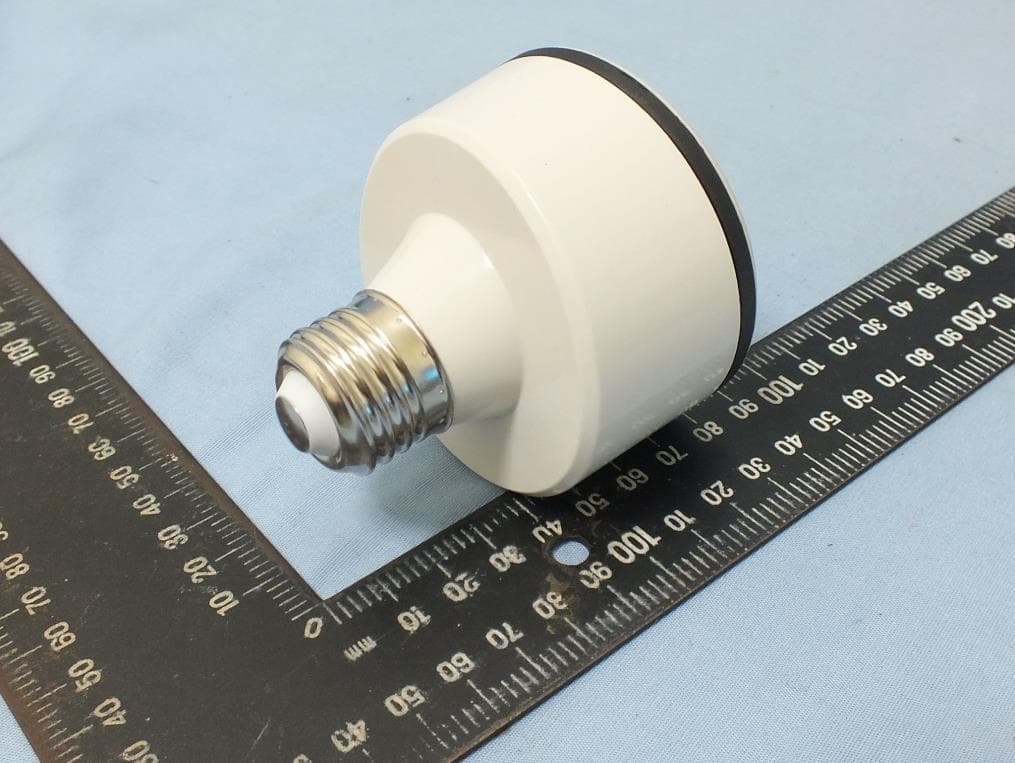
2ACF3BUZZILIGHT
Oct 22, 2015Buzzi Light
Equipment Class
DTS - Digital Transmission System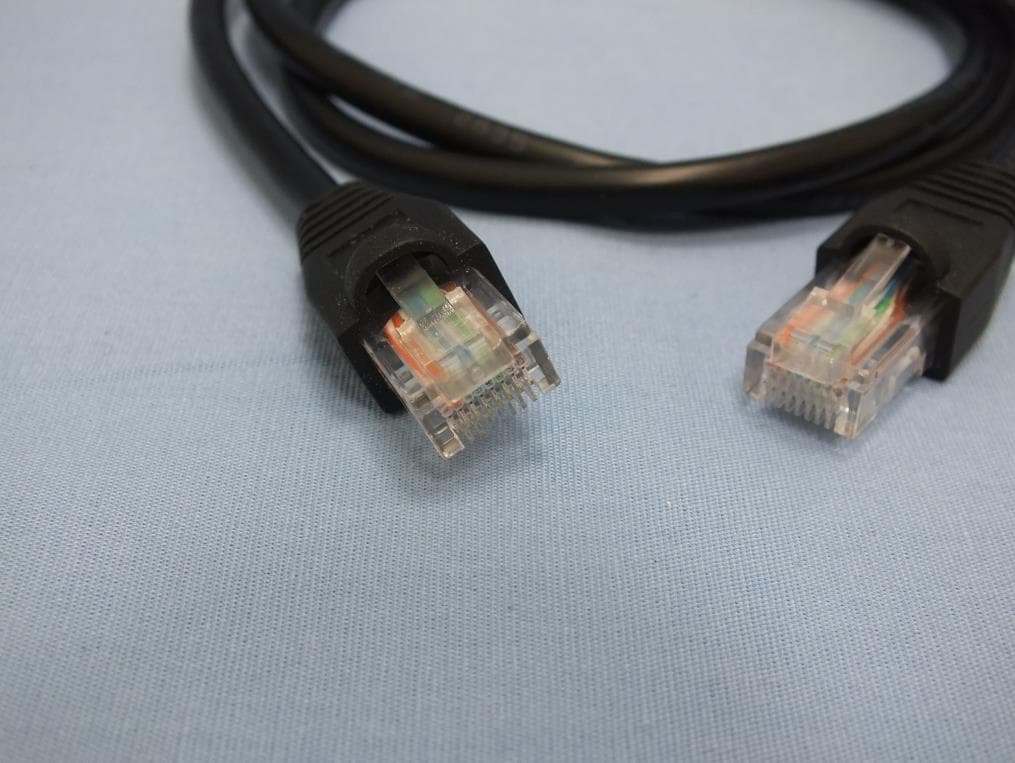
2ACF3NETTI
Sep 09, 2014Blackloud NETTI
Equipment Class
DTS - Digital Transmission System
2ACF3BUZZI
Aug 24, 2014BUZZI
Equipment Class
DTS - Digital Transmission System