2ACQM-AP0001digital network controller transceiver
SES-imagotag GmbH
Click to zoom
Application Details
- Equipment Class
- DXT - Part 15 Low Power Transceiver, Rx Verified
- Date of Grant
- Nov 24, 2014
- Application Purpose
- Original Equipment
- Date of Application
- Nov 24, 2014
- Equipment Note
- digital network controller transceiver
- Frequency Range
- 2404.00000000 - 2479.25000000
- Company
- SES-imagotag GmbH
- Country
- Austria
Documents & Files
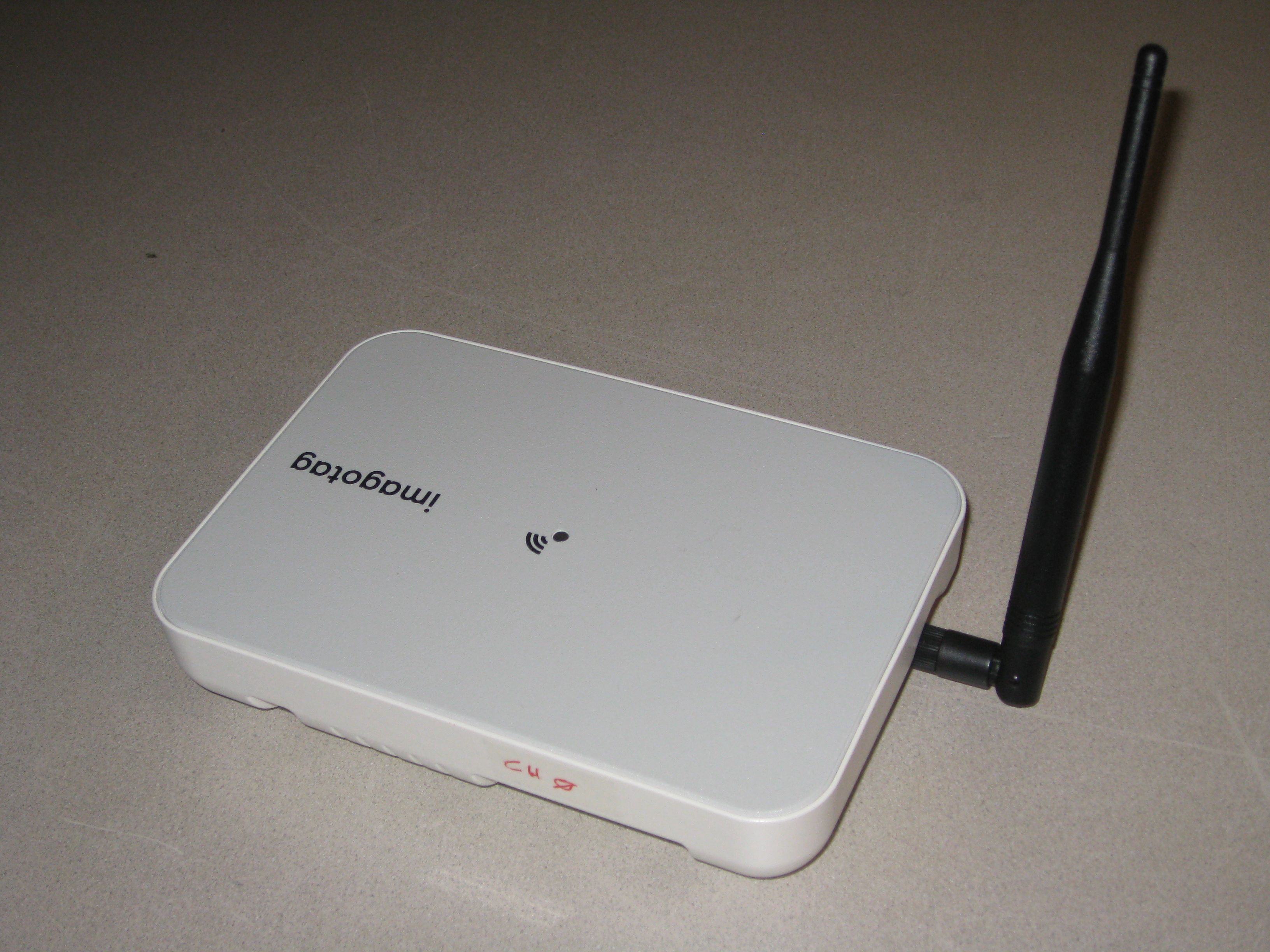
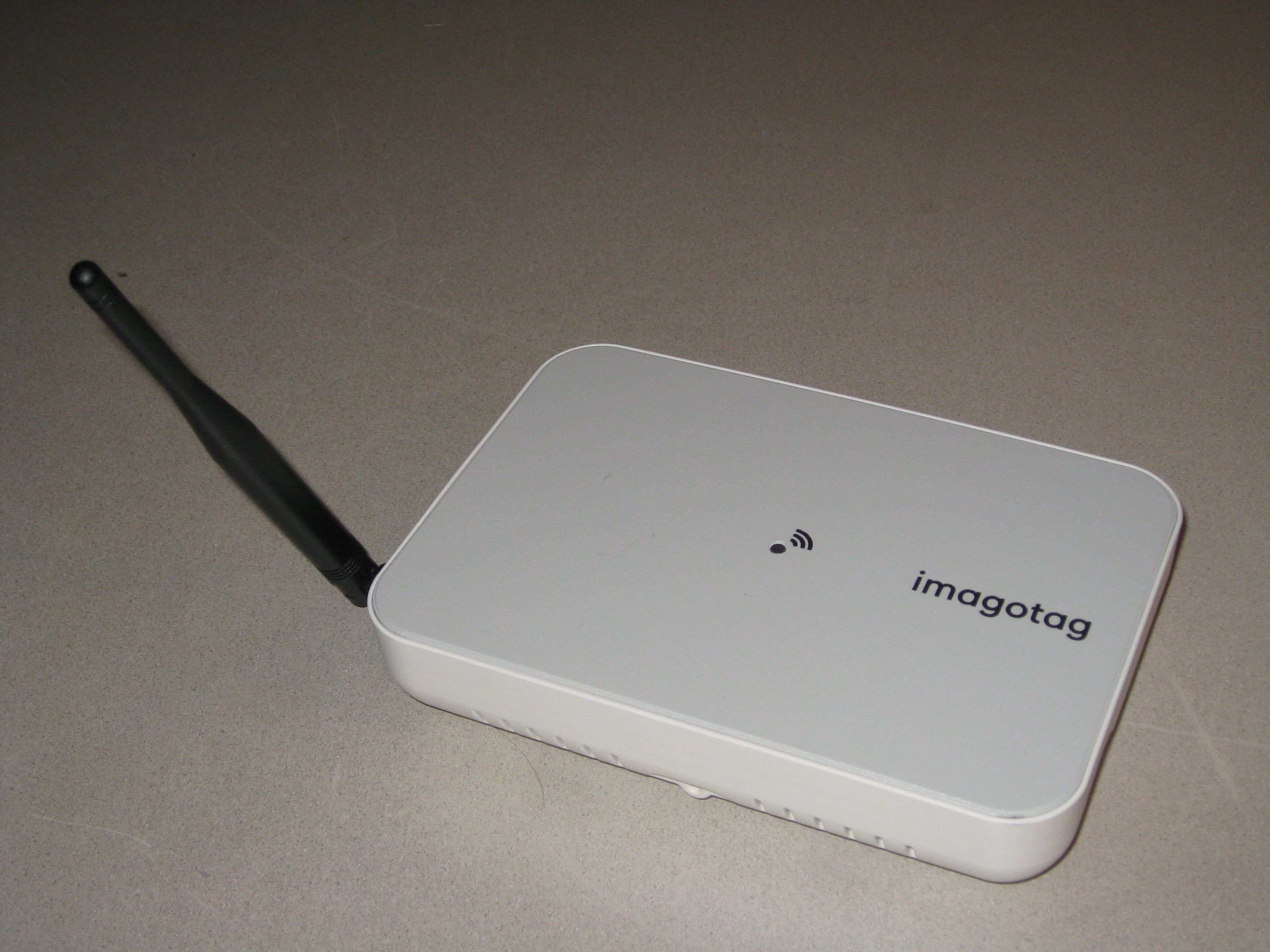
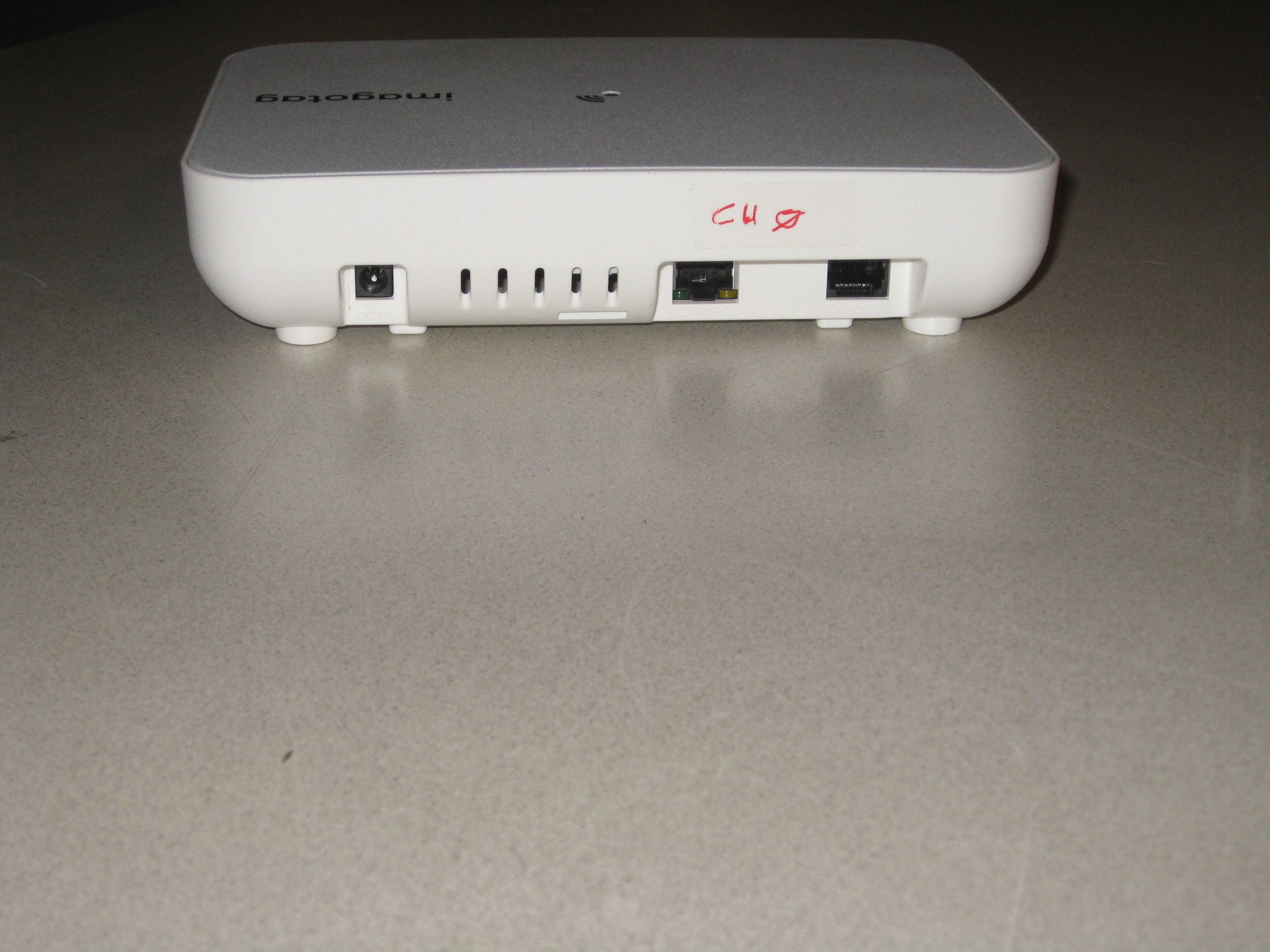
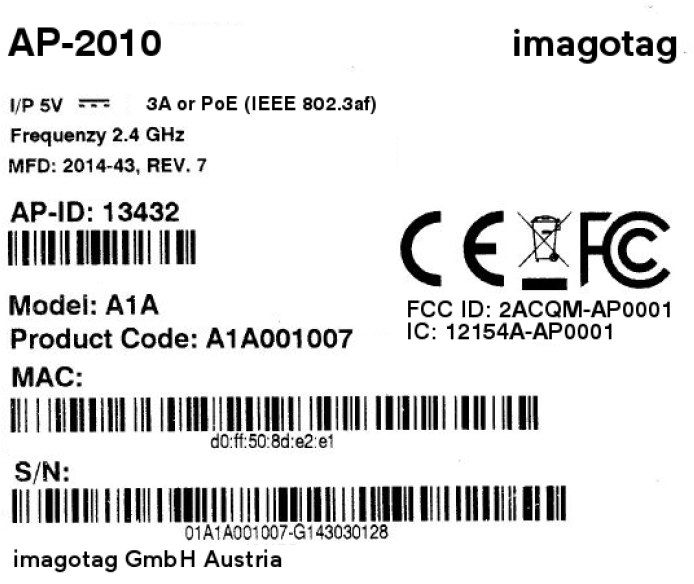
Document Text
Text extracted from the exhibit documents filed with the FCC. Open a document above to read the original.
Users Manual
1.1 System requirements ................................................................................................................................. 8 1.2 Installation process .................................................................................................................................... 8 2.1 Starting ESL Server ................................................................................................................................... 10 2.1.1 Example articles ....................................................................................................................................... 10 2.2 Starting ESL Client .................................................................................................................................... 11 2.2.1 ESL Client Login ........................................................................................................................................ 12 2.3 Starting Template Editor .......................................................................................................................... 12 3.1 Connect and configure ............................................................................................................................. 13 3.1.1 Discover the Access Point ........................................................................................................................ 13 3.2 Necessary configuration over the web-GUI ............................................................................................. 14 3.3 Necessary configuration at the ESL Client ................................................................................................ 15 3.4 Selecting channels .................................................................................................................................... 15 3.5 The Status LED .......................................................................................................................................... 16 4.1 General encryption features and how does it work ................................................................................ 17 4.2 Set the key ................................................................................................................................................ 18 5.1 General procedure ................................................................................................................................... 19 5.2 What's on the label? ................................................................................................................................ 19 5.2.1 Labels before and after registration ........................................................................................................ 20 5.3 Handheld terminals, USB barcode scanner and iOS-App ......................................................................... 21 5.4 Encryption status ...................................................................................................................................... 21 5.5 Unlocking labels ....................................................................................................................................... 22 6.1 What can I do now? ................................................................................................................................. 23 6.2 Sending pictures to labels ........................................................................................................................ 23 6.3 Article management ................................................................................................................................. 24 6.3.1 Import articles .......................................................................................................................................... 24 6.4 Matchings ................................................................................................................................................. 27 6.5 Templates ................................................................................................................................................. 29 6.5.1 General information about templates ..................................................................................................... 29 6.5.2 Template Editor ........................................................................................................................................ 29 6.6 Integration ................................................................................................................................................ 32 6.6.1 Webservice integration ............................................................................................................................ 32 6.6.2 CSV/XML import ....................................................................................................................................... 32 6.6.3 Custom integration .................................................................................................................................. 32 1.1 Running the ESL Server as a background service ..................................................................................... 34 1.2 Deleting the demo articles ....................................................................................................................... 34 1.3 Establish a network configuration when no DHCP is available – Step by step ........................................ 34 1.4 AP discovering with Bonjour Services ...................................................................................................... 35 1.5 What can I do if the Status LED of the AP-2010 access point doesn’t turn blue? ................................... 35 1.6 Labels don’t come online ......................................................................................................................... 35 1…
Text truncated - open the document above for the full version.
Users Manual
1.1 Key Features ................................................................................................................................................ 4 2.1 Front, Side and Top View ............................................................................................................................. 5 2.2 Upper Surface .............................................................................................................................................. 5 2.3 Side View...................................................................................................................................................... 6 2.4 Rear View ..................................................................................................................................................... 6 2.5 Status LED Colors ......................................................................................................................................... 7 2.6 Mechanical Dimensions ............................................................................................................................... 7 3.1 Used Channels ............................................................................................................................................. 8 3.2 Cabel Specifications ..................................................................................................................................... 8 3.3 Power Supply Specifications ........................................................................................................................ 9 3.4 Barcode Information .................................................................................................................................. 10 4.1 General Technical characteristics .............................................................................................................. 11 4.2 Power and Current Consumption .............................................................................................................. 11 4.3 General Specifications ............................................................................................................................... 11 5.1 Mounting Location Specifications ............................................................................................................. 12 5.2 Screw of the Antenna ................................................................................................................................ 12 5.3 Metal Bracket for Mounting on Wall, Ceiling or T-Mounting Rail ............................................................. 12 6.1 Humidity and Operating Conditions .......................................................................................................... 15 6.2 Storage Conditions ..................................................................................................................................... 15 6.3 Cleaning Instructions ................................................................................................................................. 15 7.1 Packing Dimensions ................................................................................................................................... 16 7.2 Illustrations ................................................................................................................................................ 16 7.3 Palletization ............................................................................................................................................... 17 7.4 Ordering Information ................................................................................................................................. 17 8.1 Applied Standards ...................................................................................................................................... 18 8.2 Declaration ................................................................................................................................................. 18 The Access Point AP-2010 by imagotag is a network device similar to WLAN access points that is required for communication with the imagotag electronic shelf labels (transmits price information to the labels). Up to 10 000 labels can be managed per access point and the self-organizing network allows automatic roaming of labels without manual handling. The high transmission rate of the 2.4 GHz wireless technology and the intelligent task scheduling enables fast and secure updates on imago G1 labels of all sizes. This document is the technical specification of the Access Point AP-2010. Manages up to 10 000 imago G1 labels of all sizes Covers up to 2 000 m² (depending on shop layout) Low power consumption – powered by PoE (Power over Ethernet) or with low power plug Easy configuration and monitoring Optimized scheduling of tasks and self-managed roaming of labels Front, side and top view of the AP-2010 Mounting plate fixation screw- hole Antenna socket LED Antenna Top view of the imagotag AP-2010 Connection for the Power Supply Reset LAN/PoE unused Console Side view of the imagotag AP-2010 Antenna Connector (unused) Snap Connector Housing Warranty Seal Rear view of the imagotag AP-2010 Mounting Tab Snap Connector Housing Mounting Rail Housing Screw Locking Tab Mounting Profile Label Color Description Note Red Boot process Error Can take about 2 minutes, if it takes much longer, the device is defective and there is a need for service. Blue Normal mode --- Yellow Operational, but not connected to any server --- Red (blinking) Running Firmware Update During this time there is no connection to the electronic label With antenna: Outline (mm): 226 x 135 x 45 Weight: 350 g Without antenna: Outline (mm): 196 x 135 x 45 Weight: 320 g Kanal Frequenz WLAN Kanal (802.11b/g) 0 2404 MHz WLAN 1 (2402 – 2422 MHz) 1 2010 MHz 2 2422 MHz 3 2425 MHz 4 2442 MHz WLAN 6 (2427 – 2447 MHz) …
Text truncated - open the document above for the full version.
Cover Letter(s)
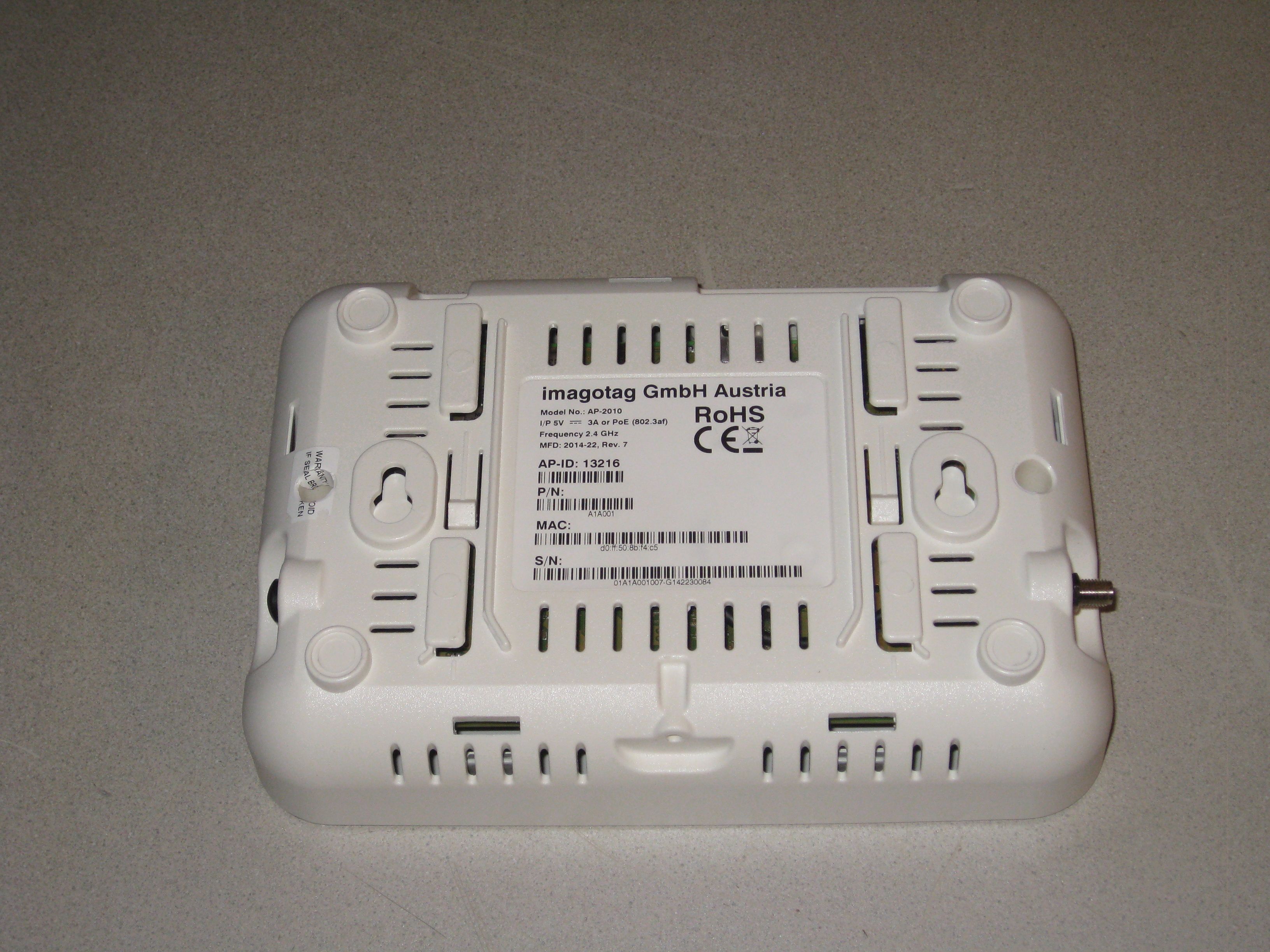
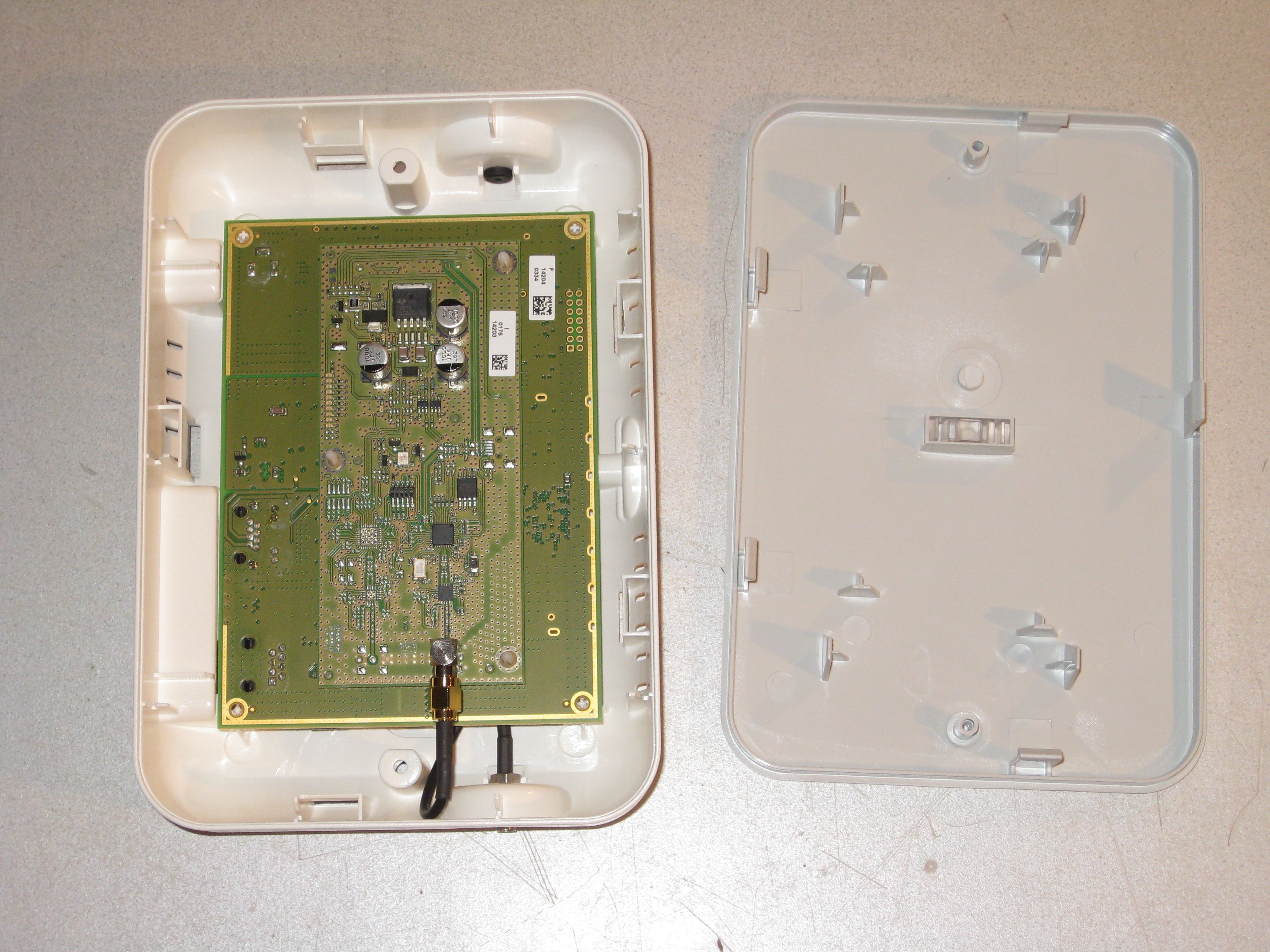
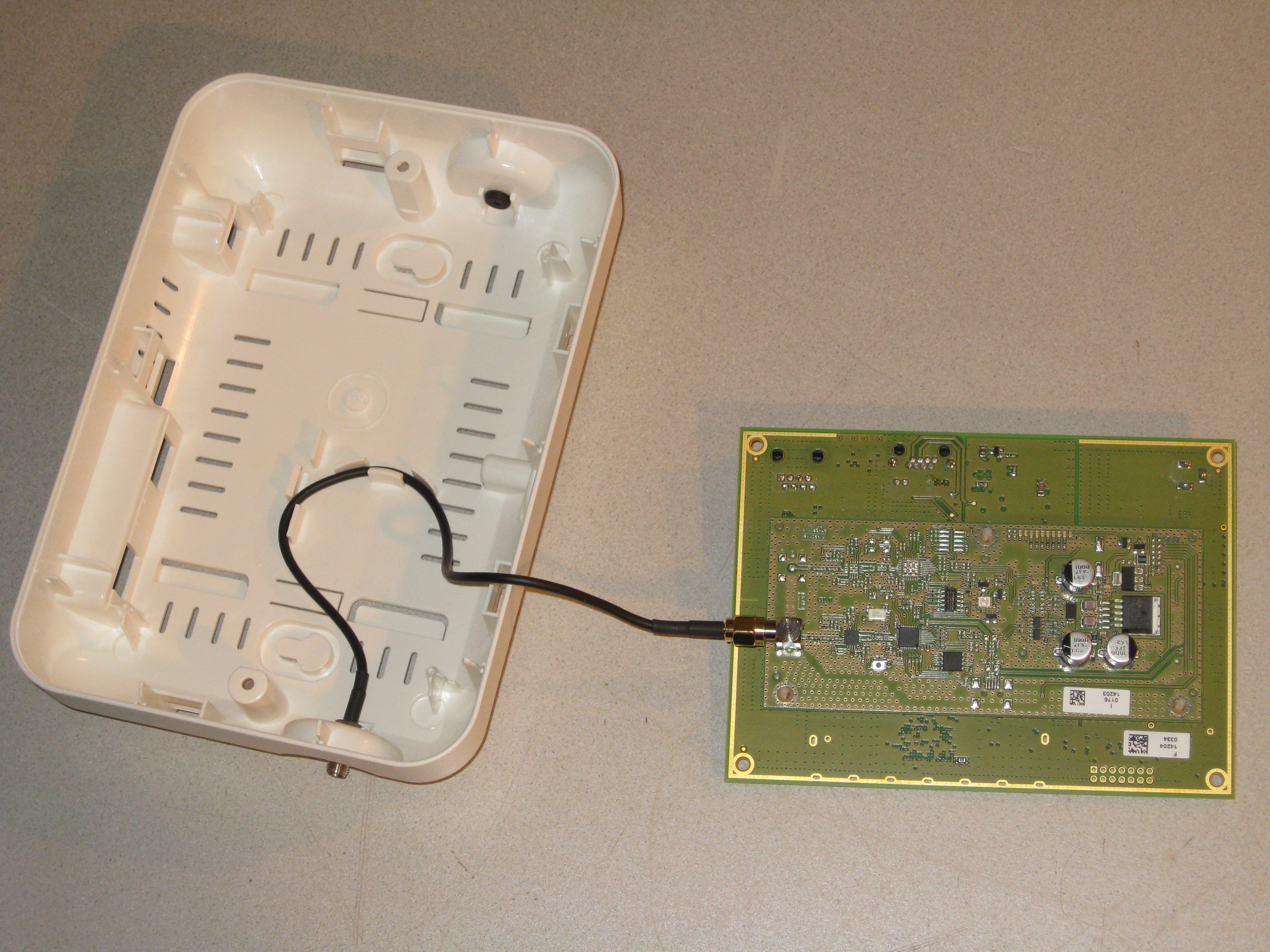
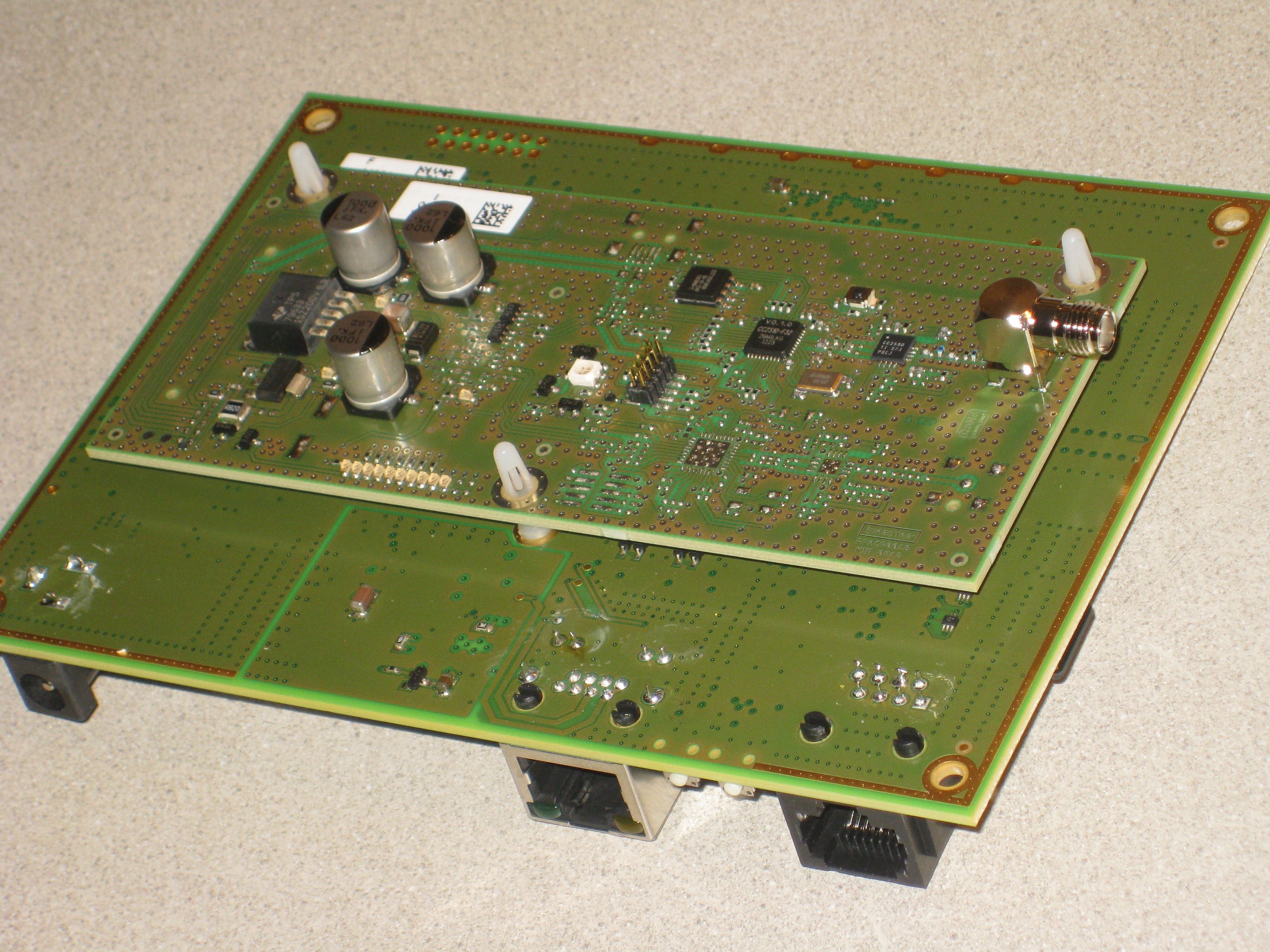
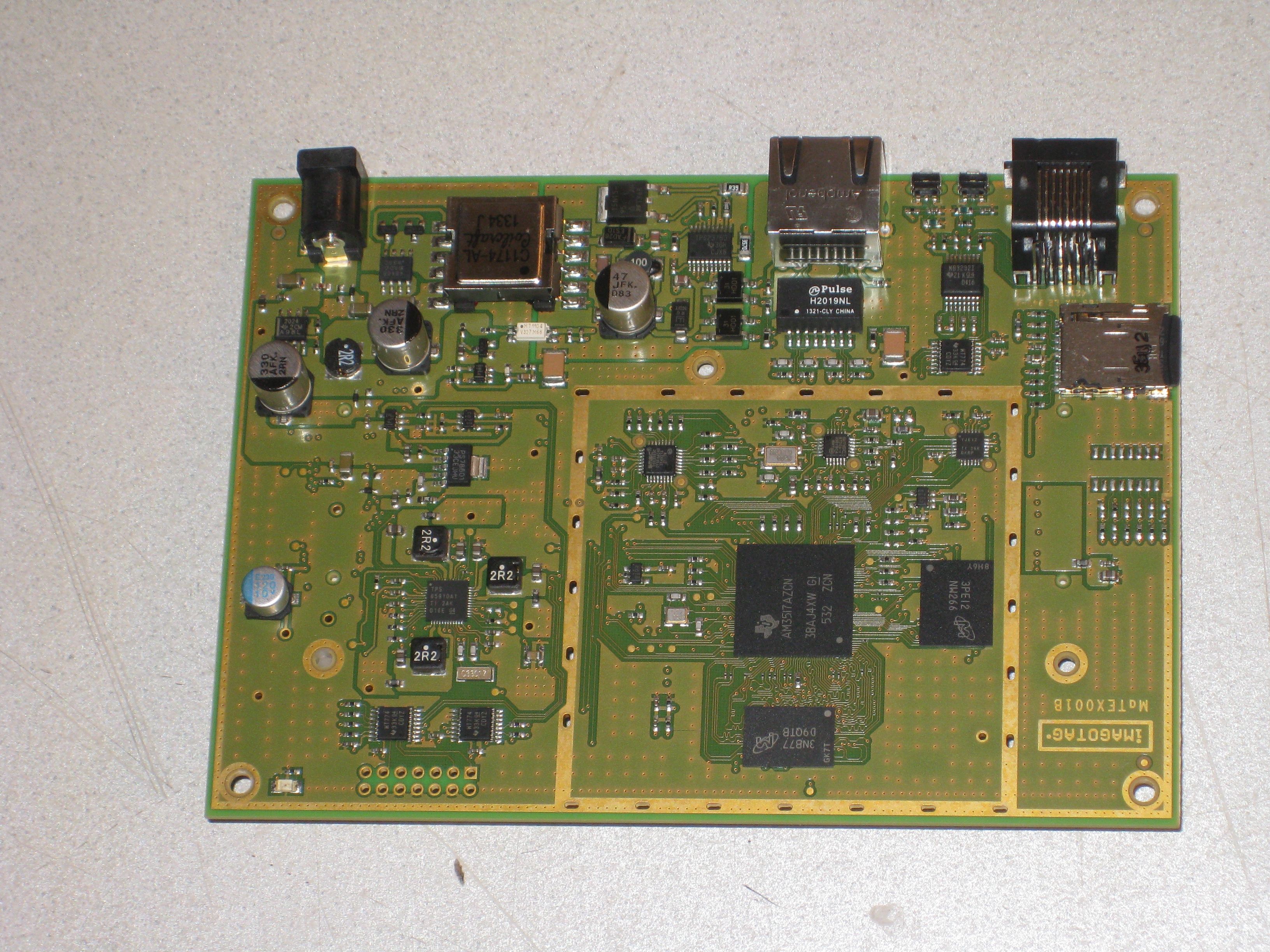
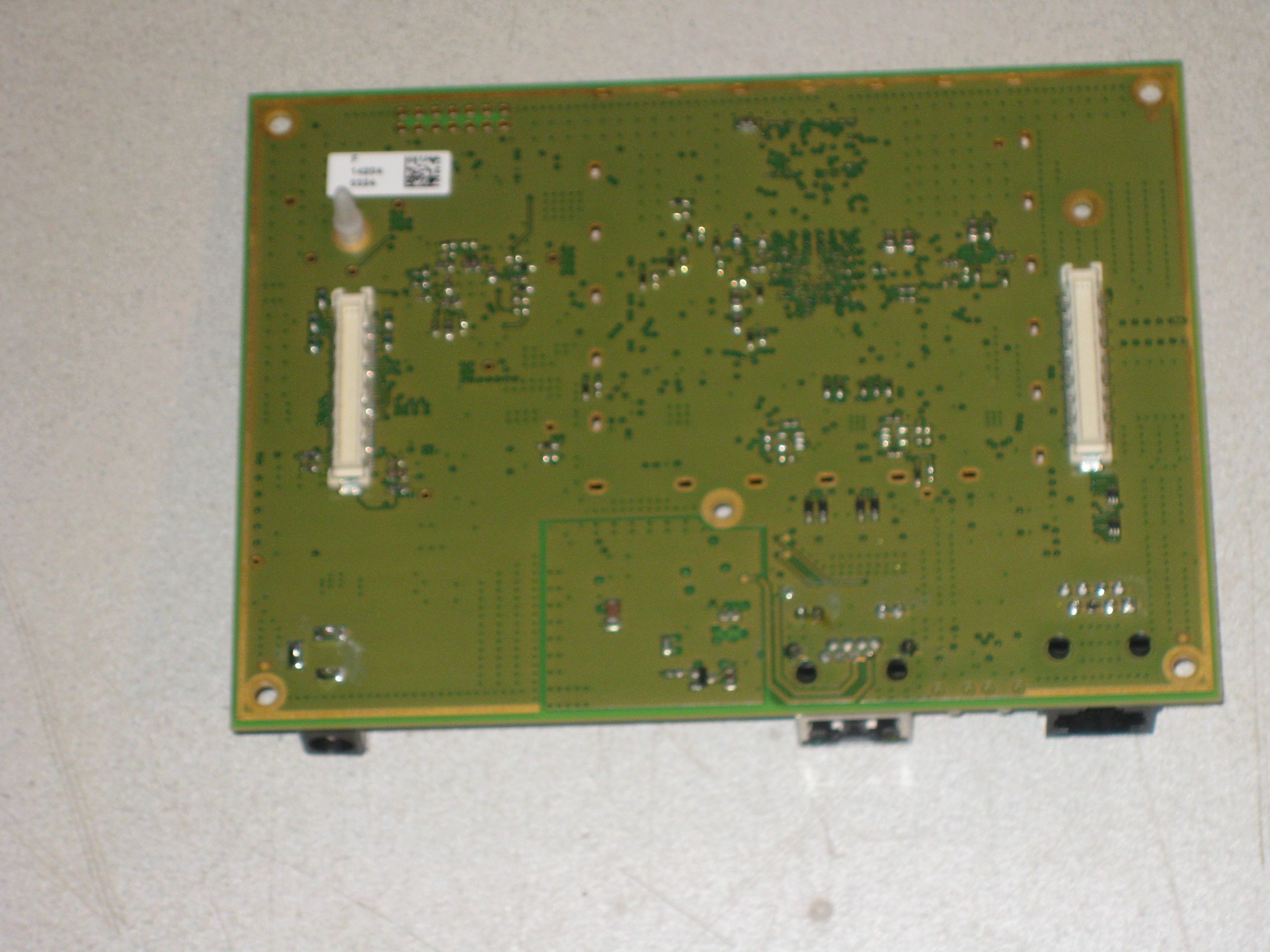
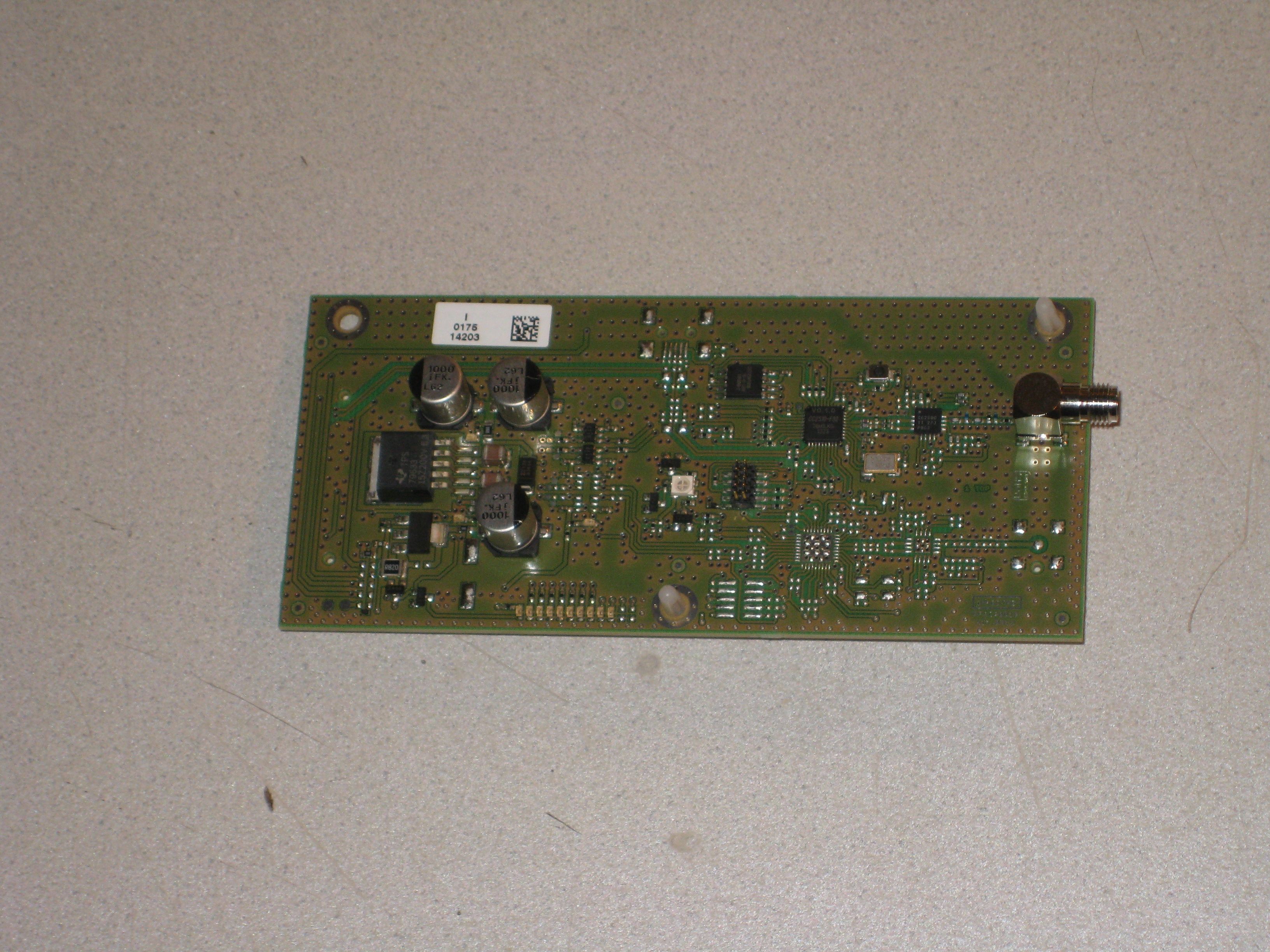
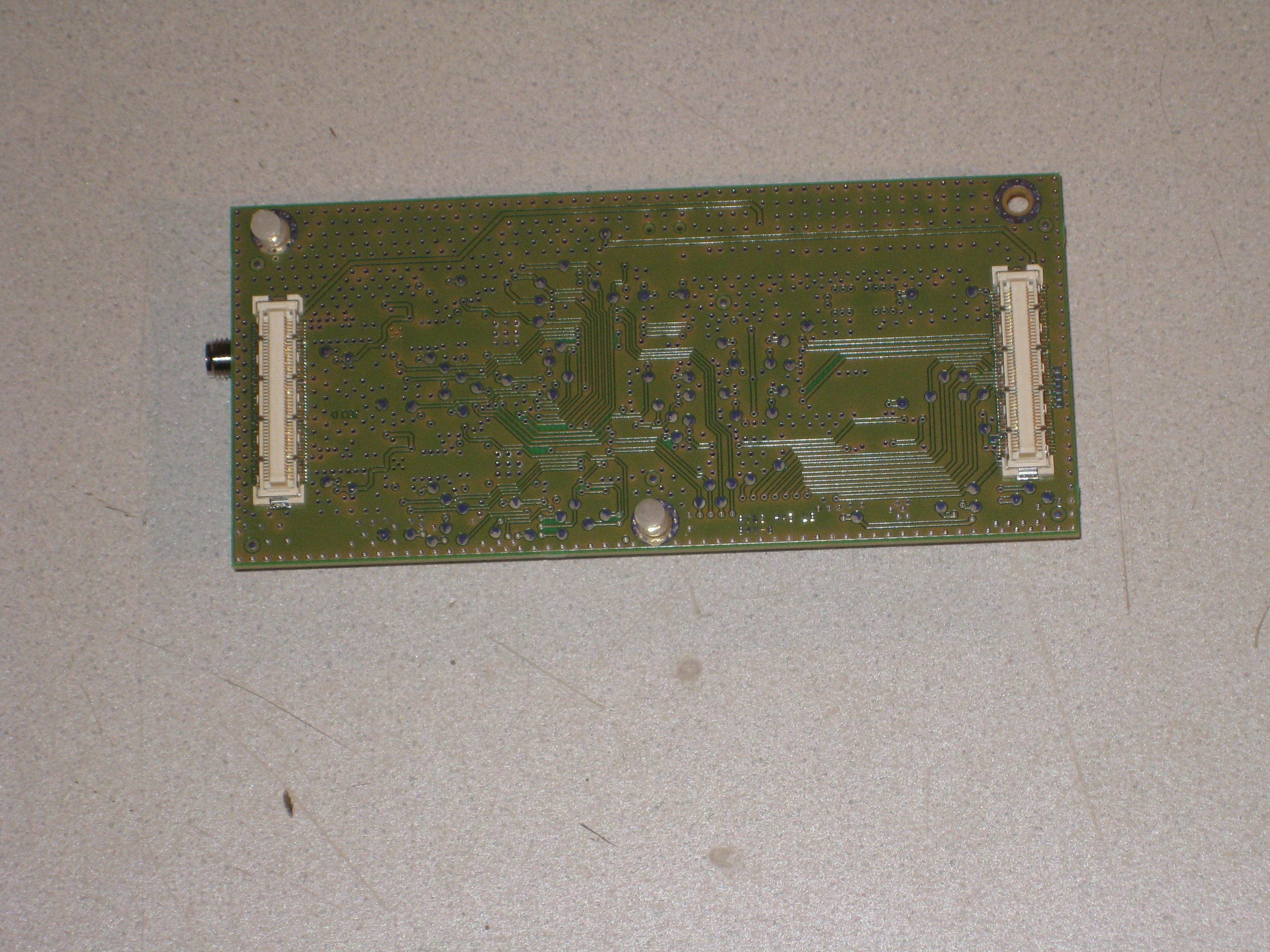
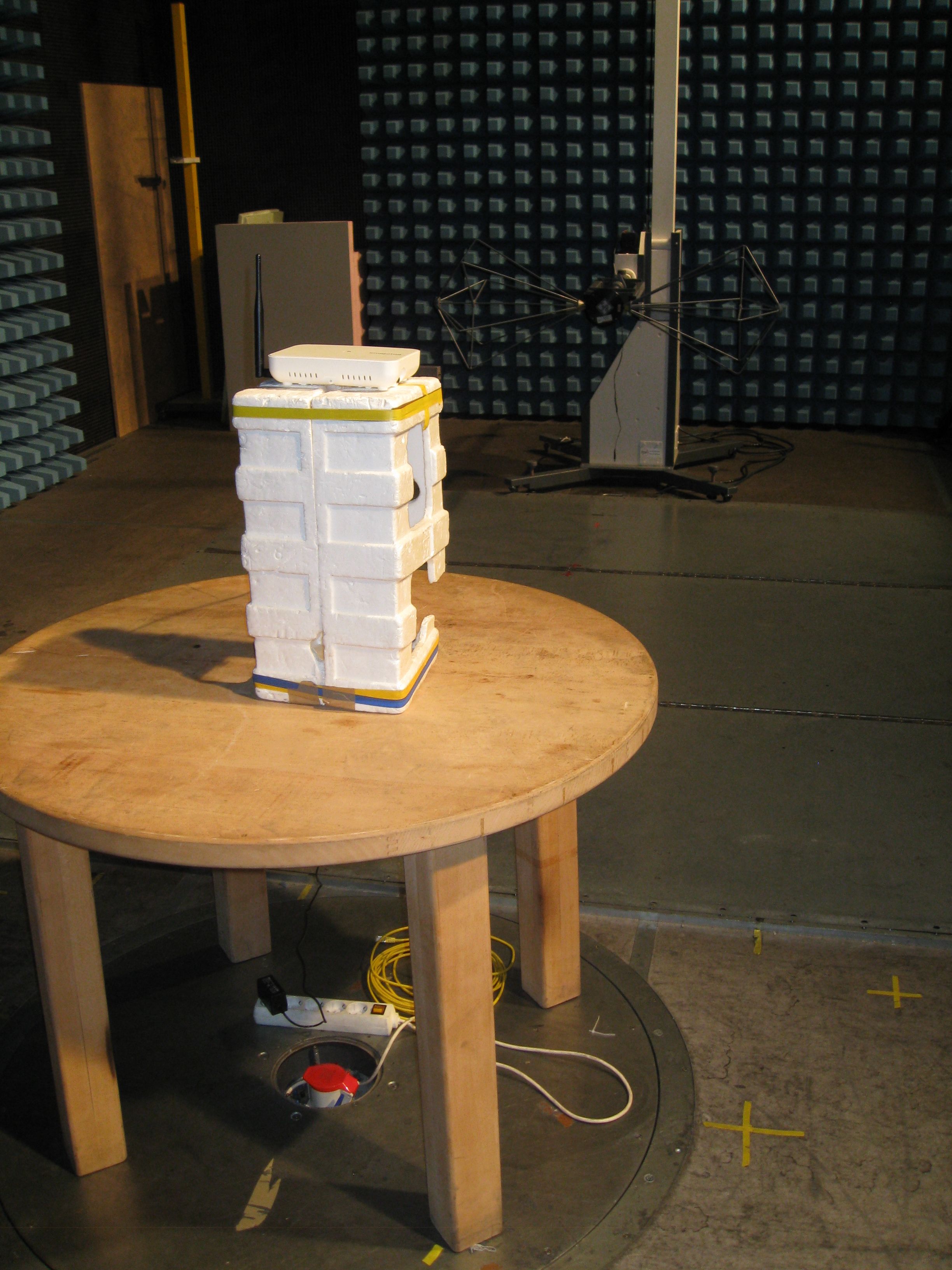
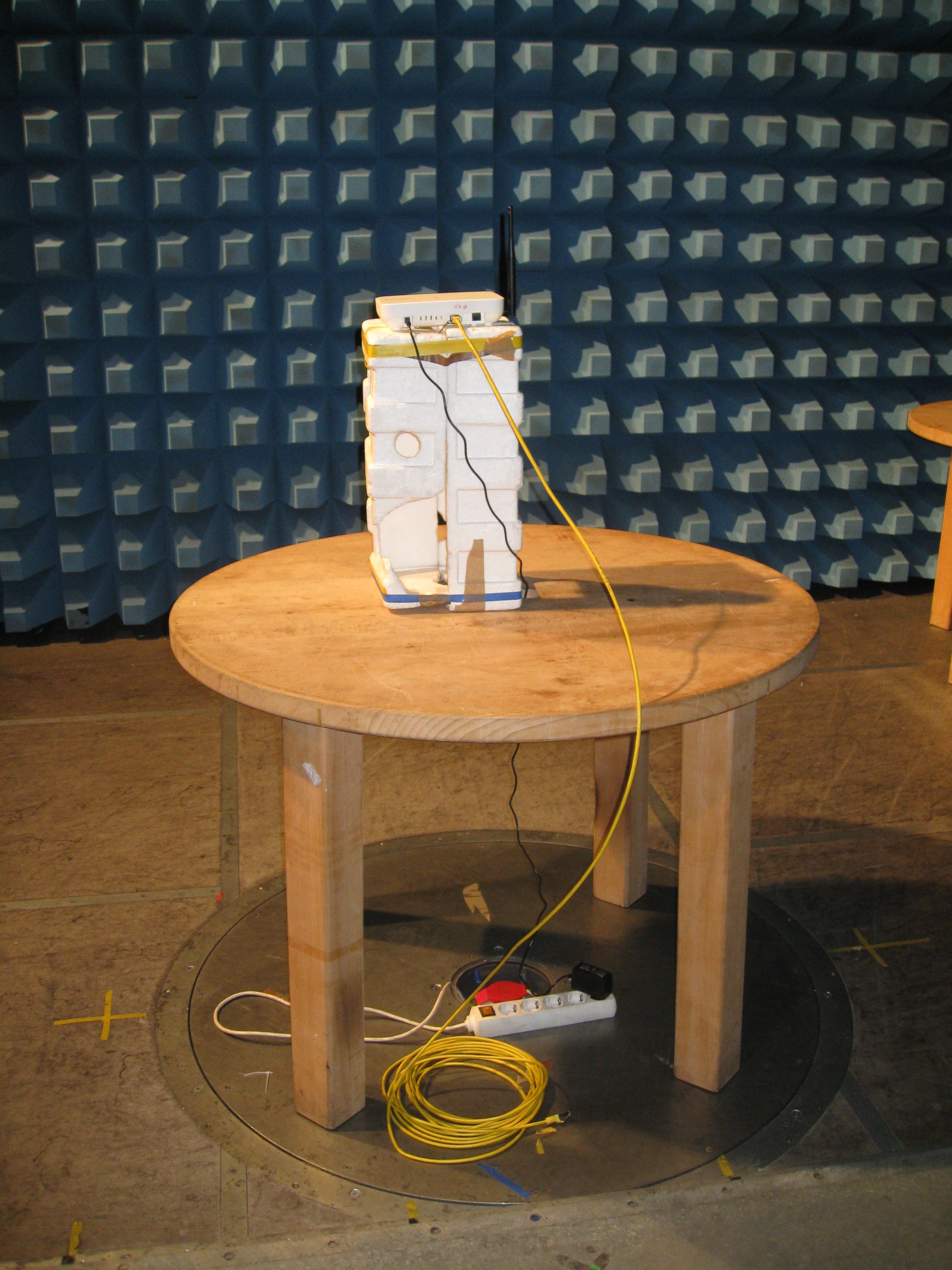
Coverletter: imagotag GmbH wants to get FCC-Certification for the following product: digital network controller A1A. The unit will get the following FCC-ID: 2ACQM-AP0001 List of documents: Exhibit Thema File Exhibit 01 Label and placement label.jpg IMG_5168.JPG Exhibit 02 Not needed -------------------- Exhibit 03 External Photos IMG_5164.JPG IMG_5165.JPG IMG_5166.JPG IMG_5167.JPG * Exhibit 04 Block Diagrams block.jpg * Exhibit 05 Schematic Diagrams MS_IM_AP_SCH_REVB.pdf RFACP001B00E_Schematics.pdf Exhibit 06 Testreport 14-159.pdf Exhibit 07 Test Set-up Photos IMG_5066.JPG IMG_5067.JPG Exhibit 08 User Manual Bedienungsanleitung.pdf it_product-specification_ap-2010_en_FCC Exhibit 09 Internal Photos IMG_5169.JPG IMG_5170.JPG IMG_5171.JPG IMG_5173.JPG IMG_5174.JPG IMG_5175.JPG IMG_5177.JPG * Exhibit 10 Informations RFACP001B00E_bom.pdf Exhibit 11 RF exposure -------------------- * Exhibit 12 Operational Description FCC Protocol Timing Specification_V2.pdf Imagotag Protocol Timing Specification_Rev2.pdf it_product-specification_ap- 2010_en_detailed_FCC.pdf Produktkatalog_imagotag.pdf Exhibit 13 Cover letter Request for confidentiality This file Confidentiality Request_FCC_signed.pdf For the Exhibits marked with ‘*’ imagotag GmbH requested Confidentiality according to 47 CFR 0.457 and 0.459 of the FCC rules because these are sensitive parts owned by this company and include much of Know-How or sensitive data, it will not be provided to the public. The labelling on some photos may be not the actual status. The correct labelling you can see on the label and placement photo in Exhibit 1.
Contact Information
Applicant
Philipp Jauck
Test Firm
TUV AUSTRIA GMBHWilhelm Seier
Technical Specifications
| # | Rule Parts | Frequency Range | Power Output |
|---|---|---|---|
| 1 | 15C | 2.40 GHz - 2.48 GHz | 4.39 mW |
Other Applications from SES-imagotag GmbH
2ACQM-TSR2-0120-A
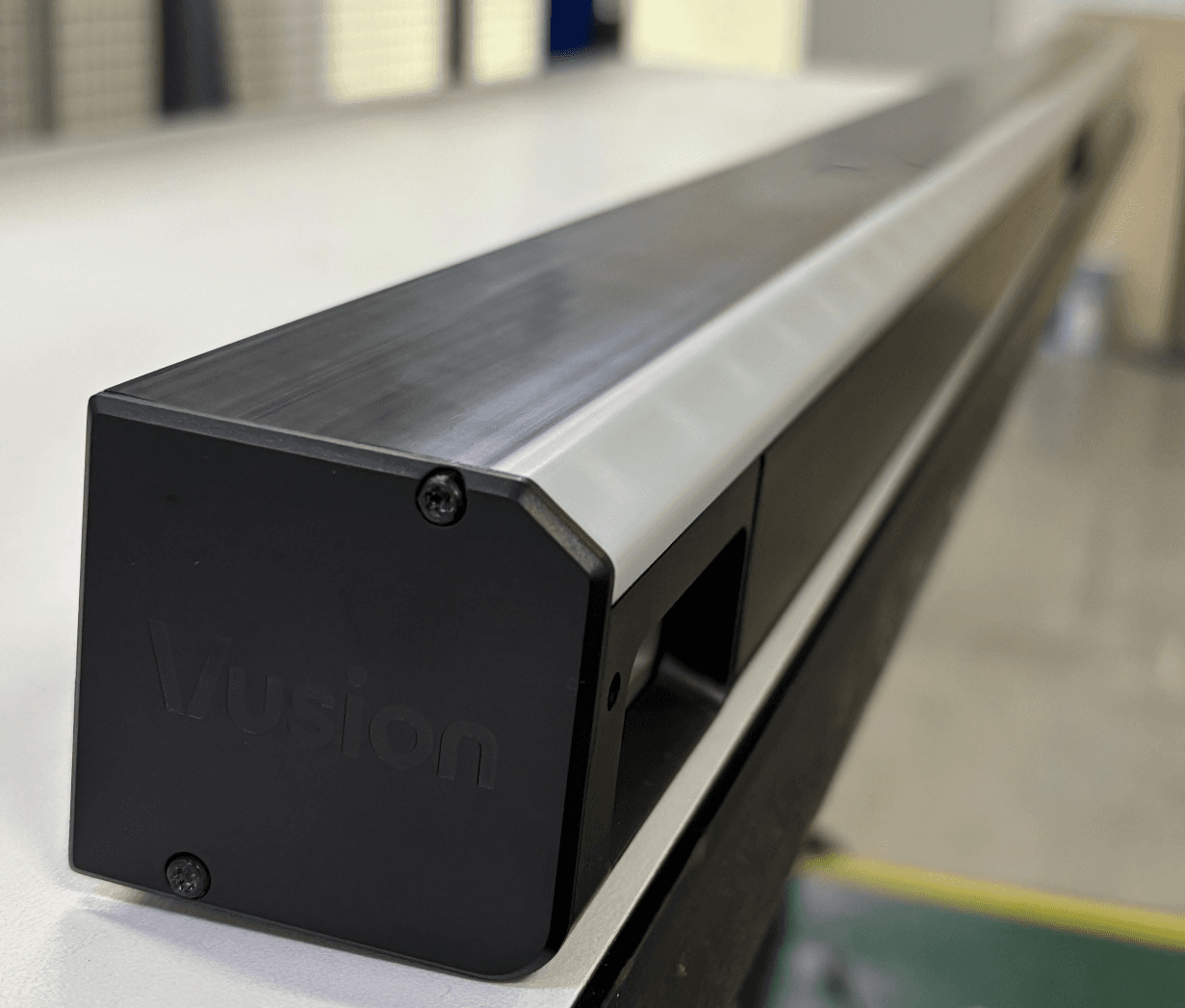
Jul 06, 2026Topstock Rail is an intelligent shelf-monitoring system designed to deliver real-time visibility into product availability across both shelves and overhead storage.
Equipment Class
DTS - Digital Transmission System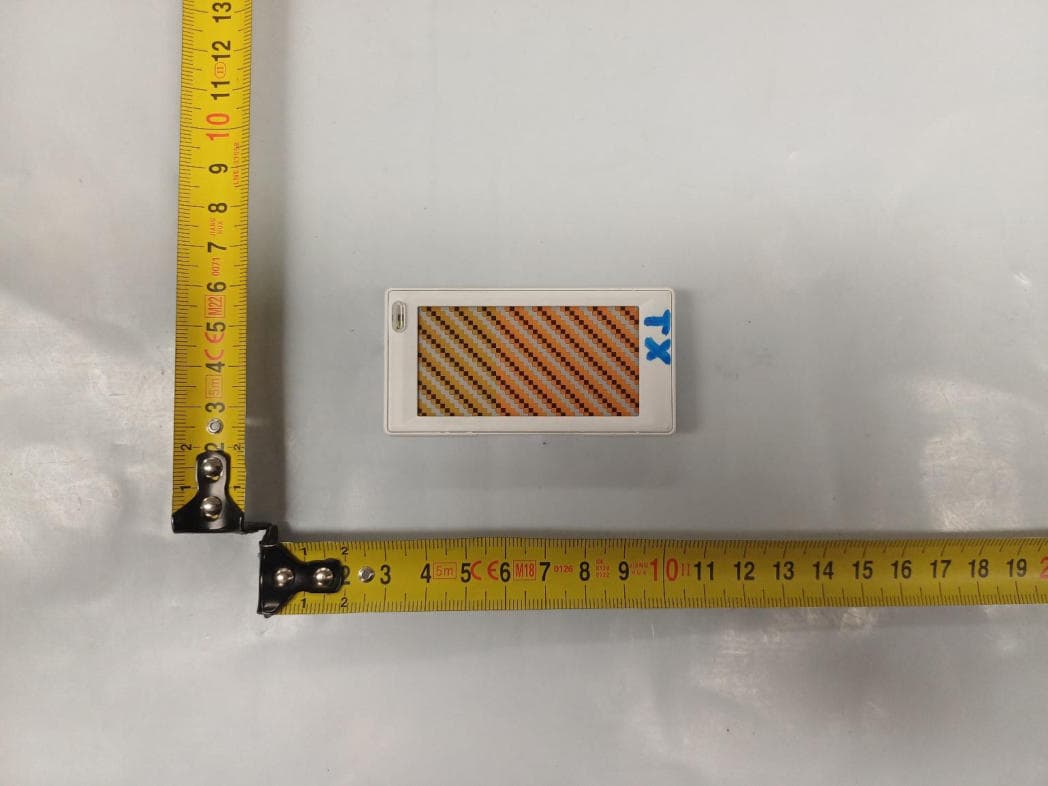
2ACQM-EDB2-0261-A
May 05, 2026Electronic Shelf Label (E300 2.6)
Equipment Class
DTS - Digital Transmission System2ACQM-EDG6-0260-B
Mar 19, 2026Electronic shelf label
Equipment Class
DXX - Part 15 Low Power Communication Device Transmitter2ACQM-EDG6-0150-A
Mar 13, 2026Electronic shelf label
Equipment Class
DXX - Part 15 Low Power Communication Device Transmitter2ACQM-EDG6-0210-A
Mar 13, 2026Electronic shelf label
Equipment Class
DXX - Part 15 Low Power Communication Device Transmitter