2ACQM-E00001digital network transceiver
SES-imagotag GmbH
Click to zoom
Application Details
- Equipment Class
- DXT - Part 15 Low Power Transceiver, Rx Verified
- Date of Grant
- Nov 24, 2014
- Application Purpose
- Original Equipment
- Date of Application
- Nov 24, 2014
- Equipment Note
- digital network transceiver
- Frequency Range
- 2404.00000000 - 2479.25000000
- Company
- SES-imagotag GmbH
- Country
- Austria
Documents & Files
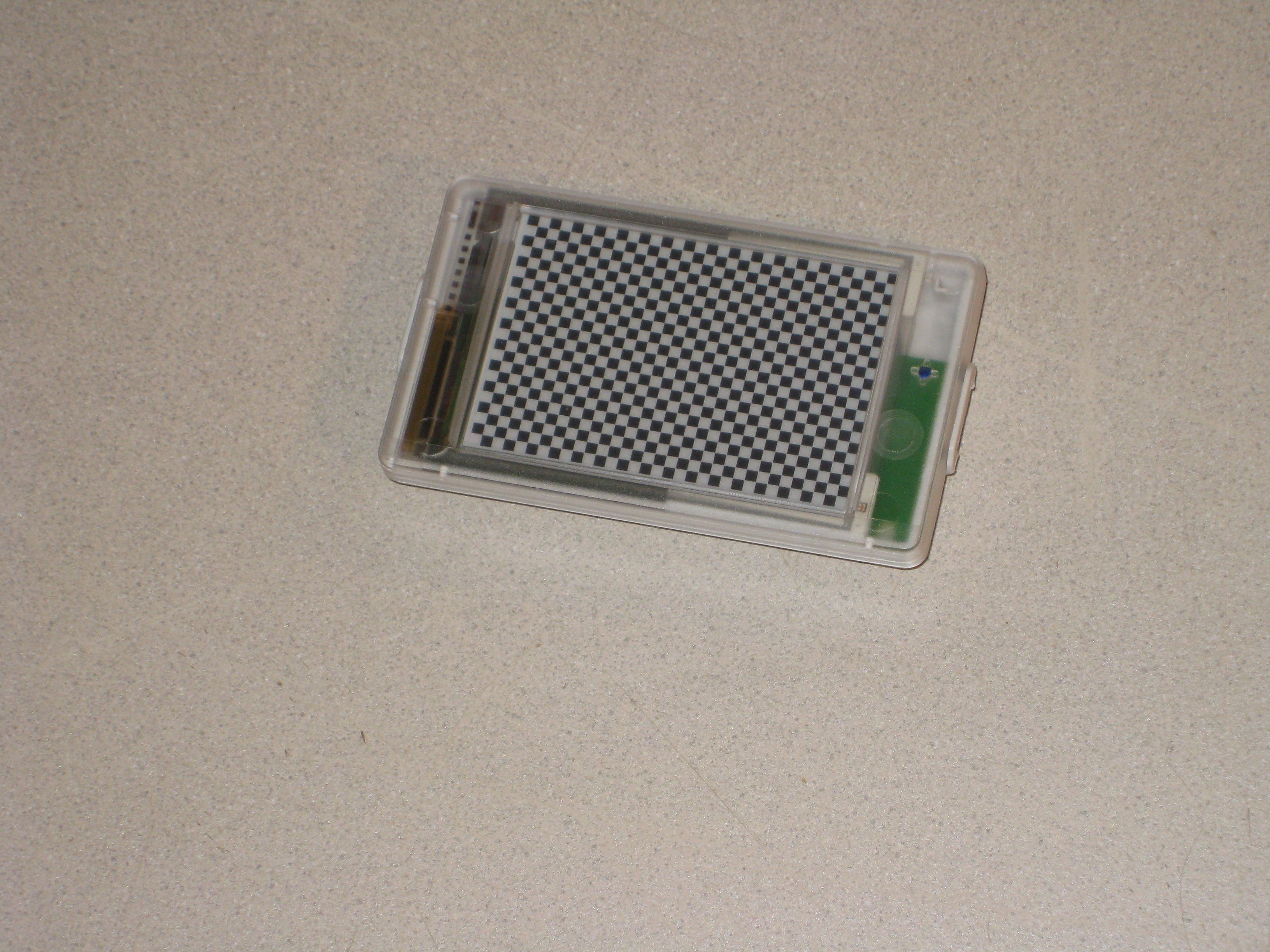
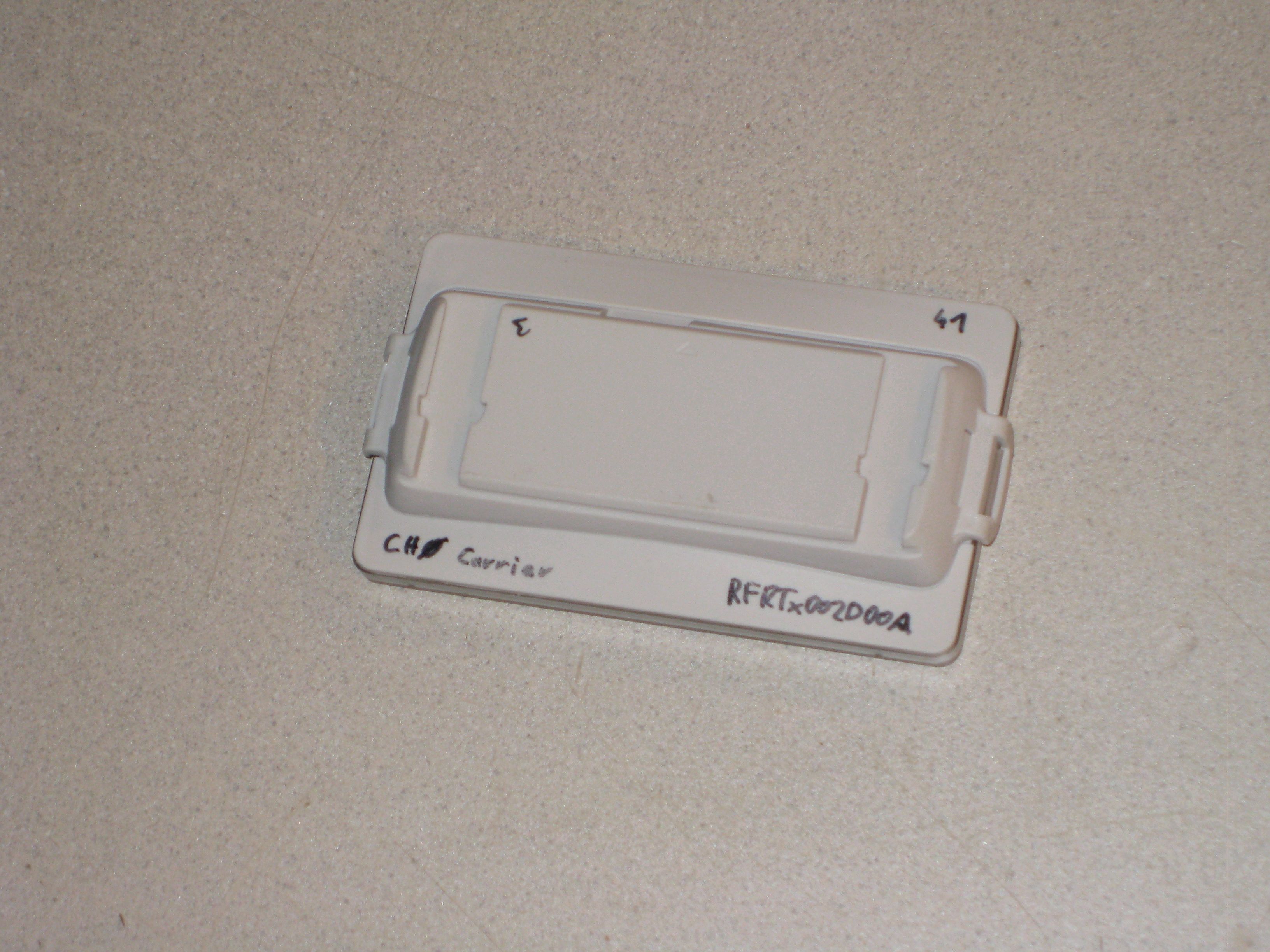
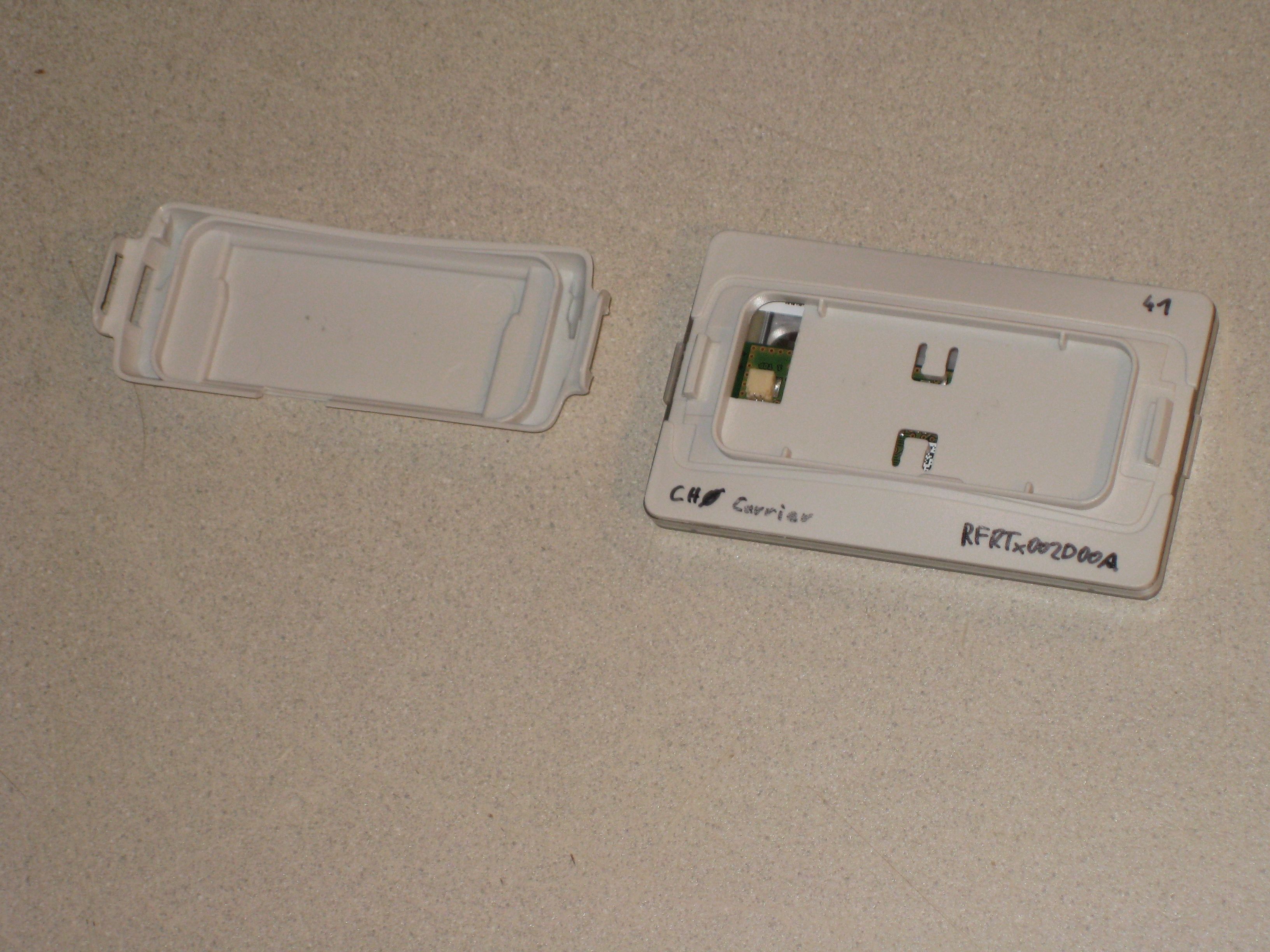
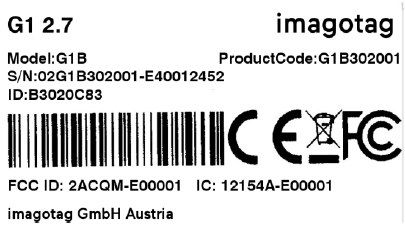
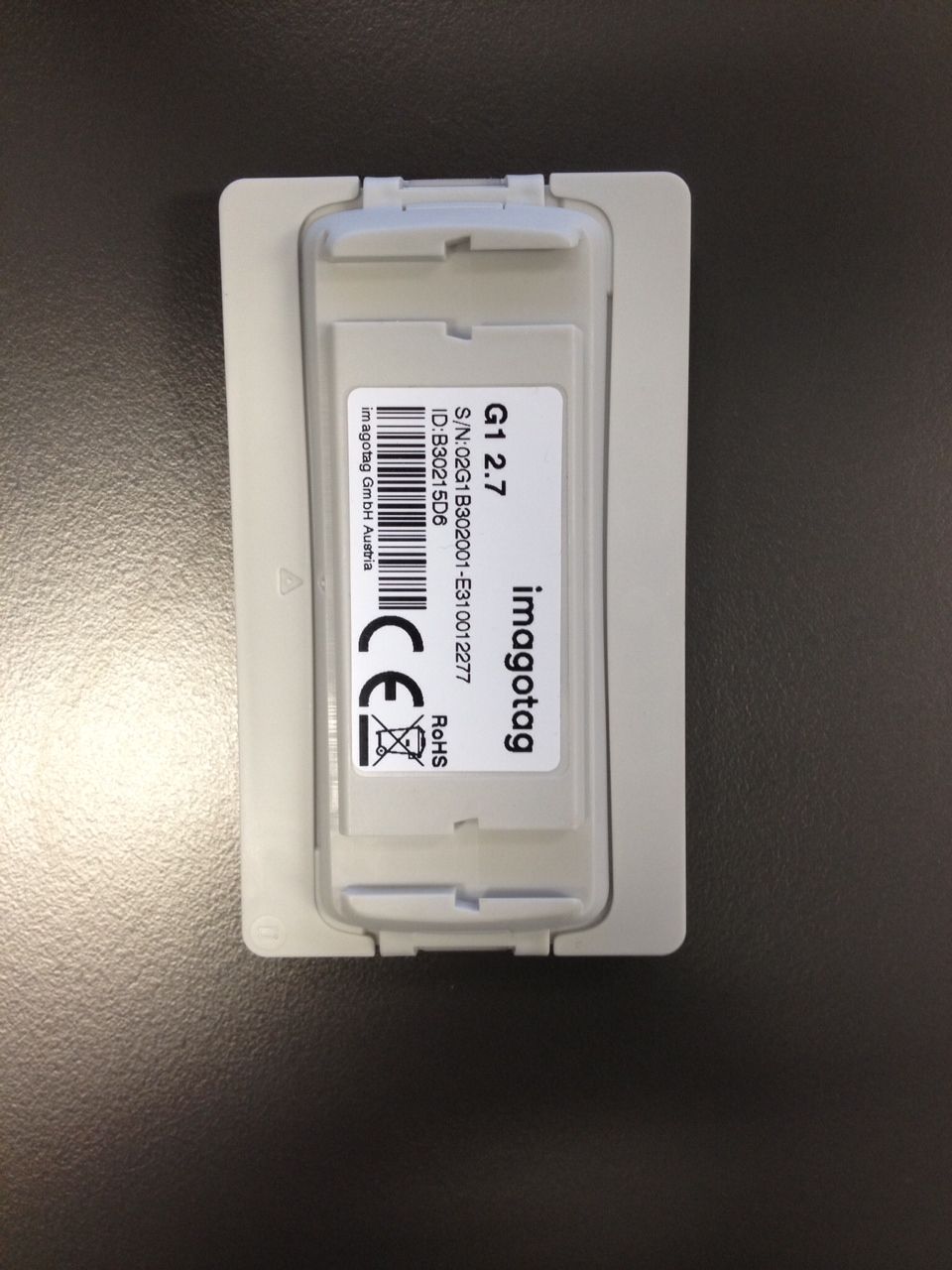
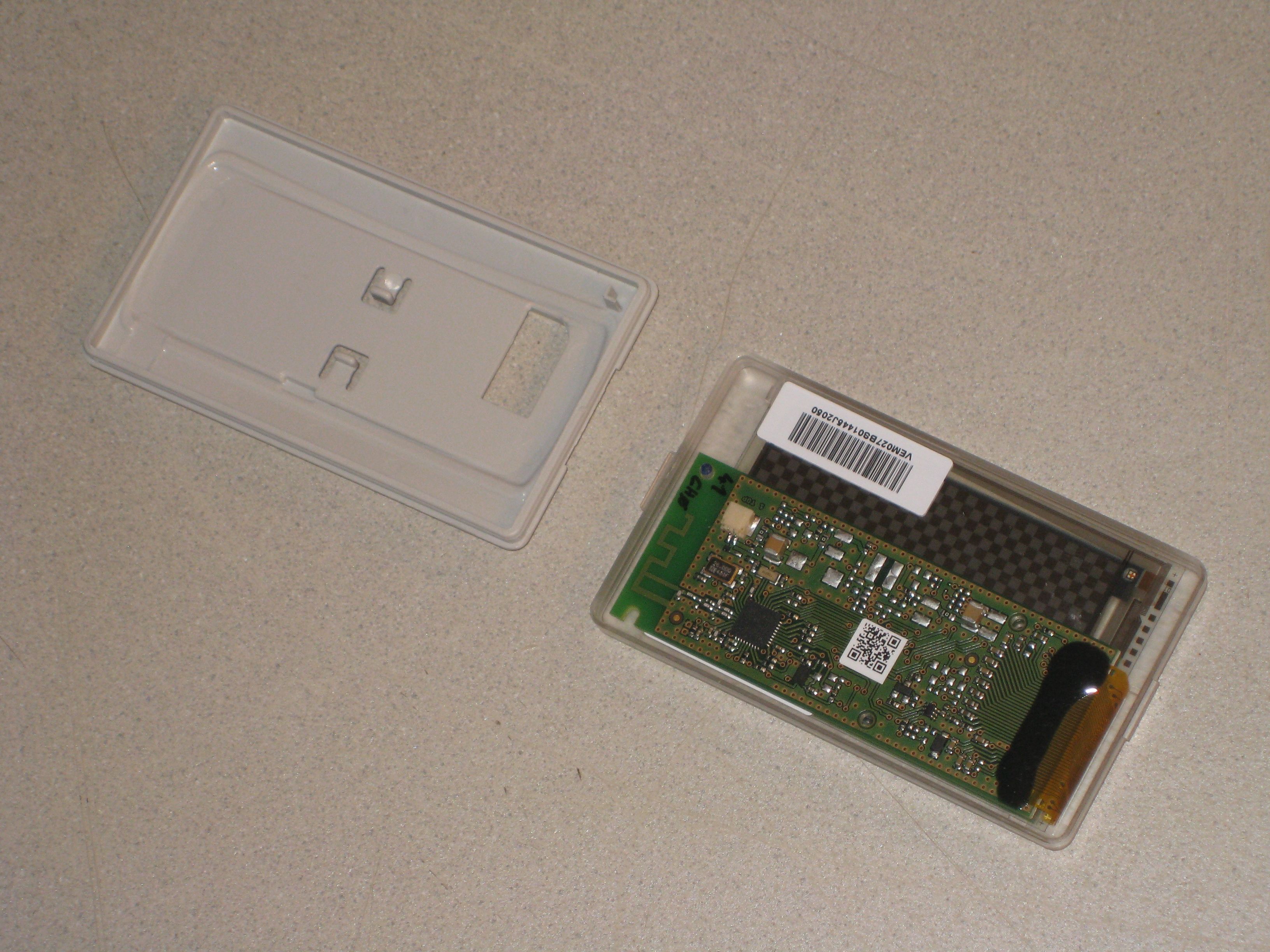
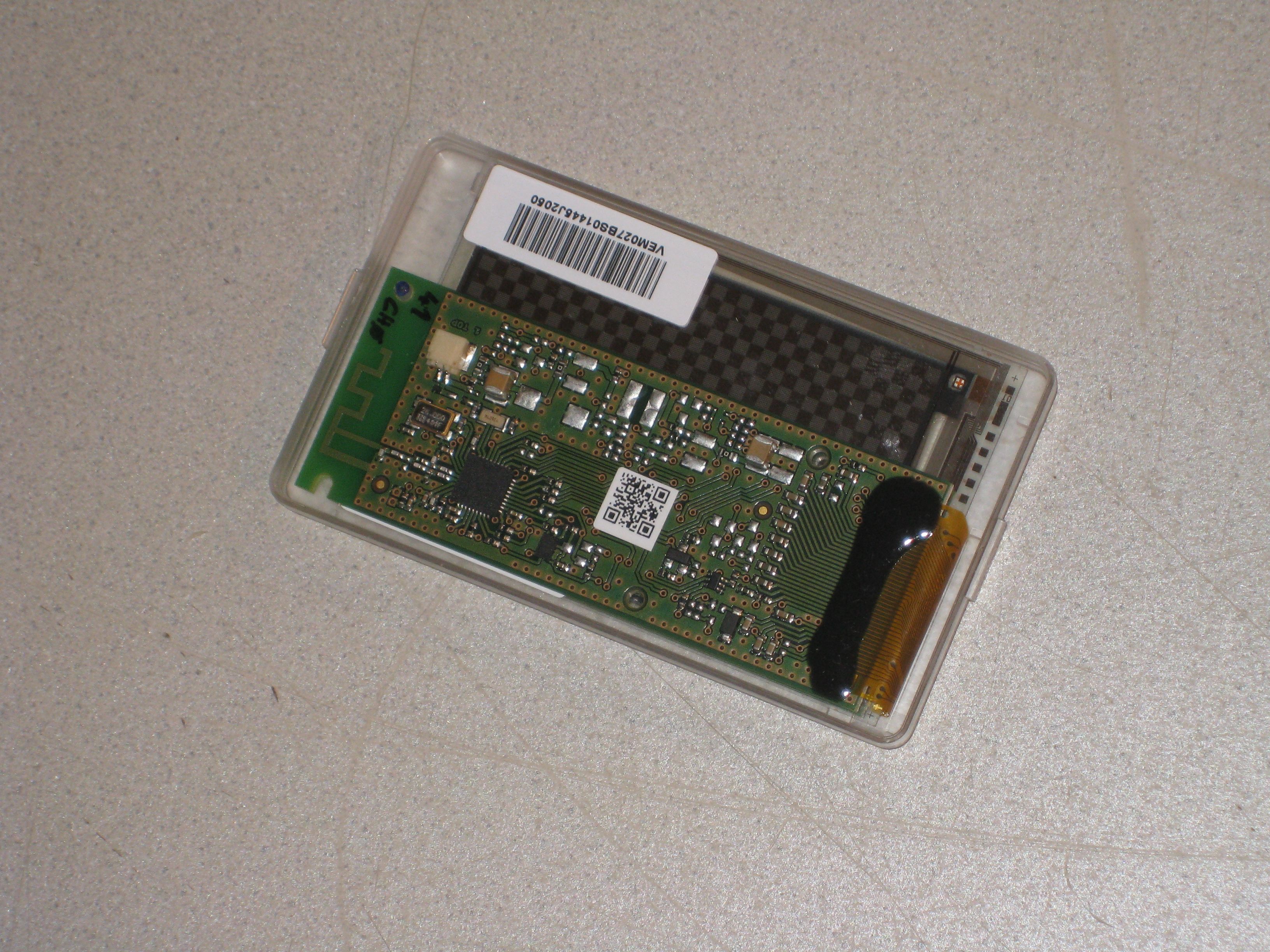
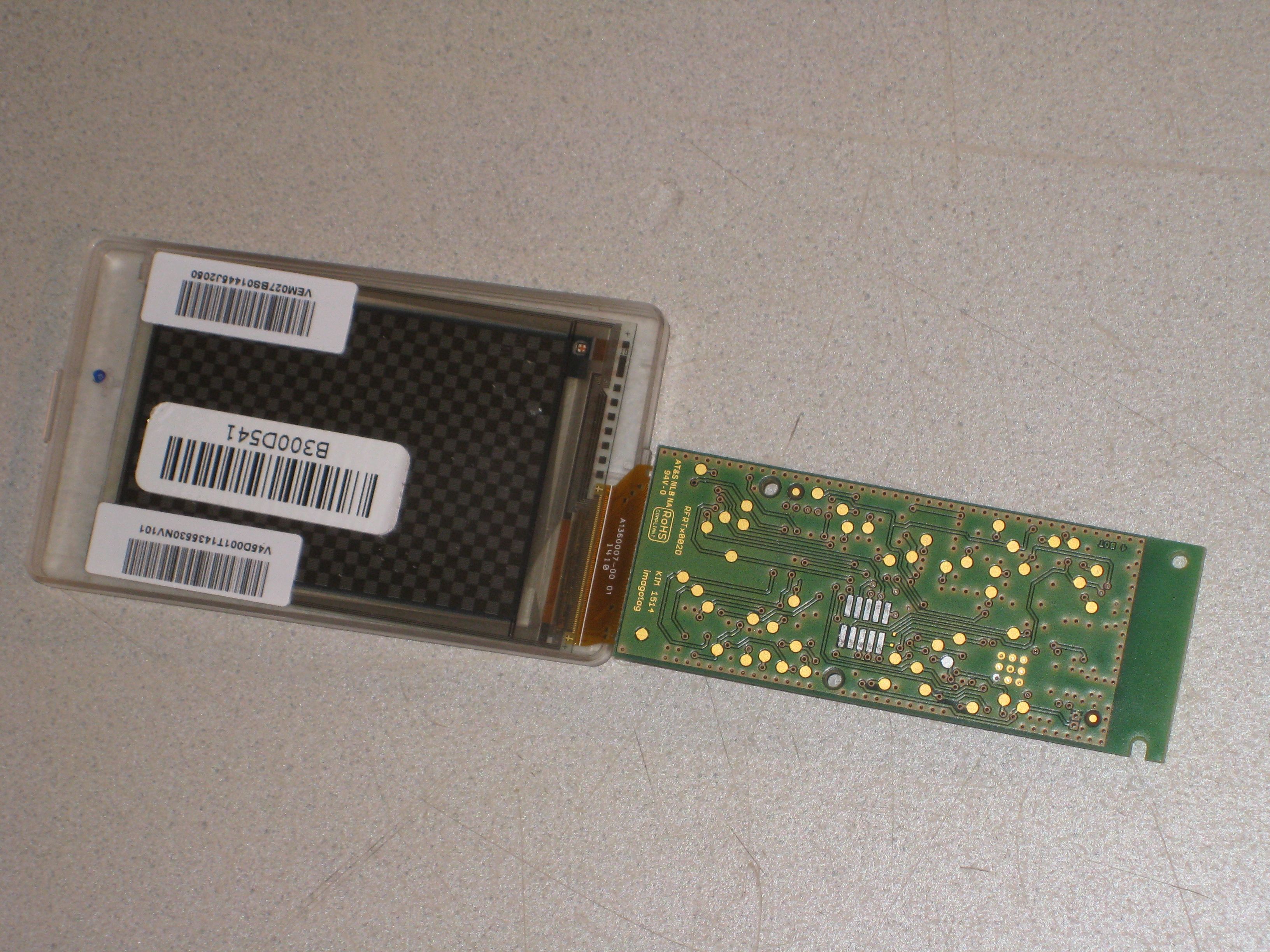
Document Text
Text extracted from the exhibit documents filed with the FCC. Open a document above to read the original.
Users Manual
1.1 System requirements ................................................................................................................................. 8 1.2 Installation process .................................................................................................................................... 8 2.1 Starting ESL Server ................................................................................................................................... 10 2.1.1 Example articles ....................................................................................................................................... 10 2.2 Starting ESL Client .................................................................................................................................... 11 2.2.1 ESL Client Login ........................................................................................................................................ 12 2.3 Starting Template Editor .......................................................................................................................... 12 3.1 Connect and configure ............................................................................................................................. 13 3.1.1 Discover the Access Point ........................................................................................................................ 13 3.2 Necessary configuration over the web-GUI ............................................................................................. 14 3.3 Necessary configuration at the ESL Client ................................................................................................ 15 3.4 Selecting channels .................................................................................................................................... 15 3.5 The Status LED .......................................................................................................................................... 16 4.1 General encryption features and how does it work ................................................................................ 17 4.2 Set the key ................................................................................................................................................ 18 5.1 General procedure ................................................................................................................................... 19 5.2 What's on the label? ................................................................................................................................ 19 5.2.1 Labels before and after registration ........................................................................................................ 20 5.3 Handheld terminals, USB barcode scanner and iOS-App ......................................................................... 21 5.4 Encryption status ...................................................................................................................................... 21 5.5 Unlocking labels ....................................................................................................................................... 22 6.1 What can I do now? ................................................................................................................................. 23 6.2 Sending pictures to labels ........................................................................................................................ 23 6.3 Article management ................................................................................................................................. 24 6.3.1 Import articles .......................................................................................................................................... 24 6.4 Matchings ................................................................................................................................................. 27 6.5 Templates ................................................................................................................................................. 29 6.5.1 General information about templates ..................................................................................................... 29 6.5.2 Template Editor ........................................................................................................................................ 29 6.6 Integration ................................................................................................................................................ 32 6.6.1 Webservice integration ............................................................................................................................ 32 6.6.2 CSV/XML import ....................................................................................................................................... 32 6.6.3 Custom integration .................................................................................................................................. 32 1.1 Running the ESL Server as a background service ..................................................................................... 34 1.2 Deleting the demo articles ....................................................................................................................... 34 1.3 Establish a network configuration when no DHCP is available – Step by step ........................................ 34 1.4 AP discovering with Bonjour Services ...................................................................................................... 35 1.5 What can I do if the Status LED of the AP-2010 access point doesn’t turn blue? ................................... 35 1.6 Labels don’t come online ......................................................................................................................... 35 1…
Text truncated - open the document above for the full version.
Users Manual
1.1 Key Features ................................................................................................................................................ 3 2.1 Technical characteristics .............................................................................................................................. 4 2.2 Mechanical Dimensions ............................................................................................................................... 5 2.3 Barcode Information .................................................................................................................................... 5 2.4 Serial Number .............................................................................................................................................. 6 3.1 Power and Current Consumption ................................................................................................................ 7 3.2 Transmission power ..................................................................................................................................... 7 4.1 Overview ...................................................................................................................................................... 8 5.1 Operating Conditions ................................................................................................................................... 9 5.2 Cleaning Instructions ................................................................................................................................... 9 5.3 Storage Conditions ....................................................................................................................................... 9 5.4 Humidity Conditions .................................................................................................................................... 9 6.1 Audience .................................................................................................................................................... 10 6.2 Instructions ................................................................................................................................................ 10 6.3 Steps .......................................................................................................................................................... 10 8.1 Packing Dimensions ................................................................................................................................... 12 8.2 Ordering Information ................................................................................................................................. 12 9.1 Applied Standards ...................................................................................................................................... 13 9.2 Declaration ................................................................................................................................................. 13 The G1 2.7 is a part of the imago G1 electronic shelf label family with 2.7 inch, 4.4 inch and 7.4 inch e-Ink displays. The main features of this product are: 264 x 176 px 57 x 38 mm active display area Up to 5000 label updates per hour 5-year battery lifetime with 4 updates per day This document is the technical specification of the G1 2.7 inch label 2.4 GHz bi-directional MSK proprietary radio Radio coverage: up to 25 meters Return Signal: yes 11 available communication channels Ultra-low power consumption – 5 years battery life with 4 updates / day Customer-replaceable battery Full graphical 2.7 inch e-Ink display with paper-like readability Changeable and customizable front covers Super wide viewing angle (nearly 180 degrees) Flexible mounting options available Supports 8 multiple pages with preloading and fast page switching May be used in landscape and portrait mode Fast response time (less than 15 seconds) water resistant 128-bit AES encryption with secure key exchange 5 000 label updates per hour and AP The imago G1 2.7 is made of several external parts: 1. Battery Cover including a. Label ID b. Label ID barcode c. S/N 2. Battery pack 3. Main Unit including a. Back Cover b. PCB c. Display d. Transparent Front Cover 4. Front Cover Frame a. Customizable in design and color b. Replaceable Outline (mm): 86.3 x 49.5 x 16.2 Weight: 50 g The labels come with a label ID (which is a unique identifier – just like a MAC address) and this label ID as a barcode on the display (and printed on the back of the label). The label ID consists of 8 hexadecimal digits (0-9 / A-F). The first 2 digits identify the different label types, shown on the following table: Caption Label-ID Display resolution DPIs Display colors Pages imago G1 2.0 A1xxxxxx 200 × 96 111 dpi Monochrom (1 bit) 9 imago G1 2.7 B3xxxxxx 264 × 176 117 dpi Monochrom (1 bit) 9 imago G1 4.4 C1xxxxxx 400 x 300 113 dpi Monochrom (1 bit) 13 imago G1 7.4 D1xxxxxx 480 x 800 126 dpi Monochrom (1 bit) 13 Part Description Format Example Comment Source A Production fab 2 alpha 01 Specified by imagotag once for each fab B Product family 2 alpha G1 Specified by imagotag in the product specification document C Type identifier 2 hex B3 D Product version 2 alpha 01 E Product revision 3 alpha 001 Incremented on every change of product specification - Separator “-“ - Fixed F Internal 1 alpha B Internal Calculated during production G Year 1 dec 4 H Week 2 dec 10 Calendar week in current year (01-53) I Weekday 1 dec 3 J Internal 5 dec 00060 Continuous Serial Number (Counter) Format: AABBCCDDEEE- FGHHIJJJJJ Example: 01G1B301001- B410300060 Note: Calendar week date is calculated according to ISO 8601 (see http://en.wikipedia.org/wiki/ISO_week_date) The power supply are 2x cell-button batteries, model CR2450. It delivers a 3V operating voltage and 1 100 mAh nominal capacity. Power consumption measurements indicate that the G1 2.7 has the following patterns: Standb…
Text truncated - open the document above for the full version.
Cover Letter(s)
Coverletter: imagotag GmbH wants to get FCC-Certification for the following product: digital network device G1B. The unit will get the following FCC-ID: 2ACQM-E00001 List of documents: Exhibit Thema File Exhibit 01 Label and placement label.jpg placementfoto.jpg Exhibit 02 Not needed -------------------- Exhibit 03 External Photos IMG_5183.JPG IMG_5184.JPG IMG_5185.JPG * Exhibit 04 Block Diagrams block.jpg * Exhibit 05 Schematic Diagrams RFRTx002D00A_Schematics.pdf Exhibit 06 Testreport 14-149.pdf Exhibit 07 Test Set-up Photos IMG_5068.JPG IMG_5069.JPG Exhibit 08 User Manual Bedienungsanleitung.pdf it_product-specification_g1-2 7_en.pdf Exhibit 09 Internal Photos IMG_5186.JPG IMG_5187.JPG IMG_5188.JPG Exhibit 10 Informations -------------------- Exhibit 11 RF exposure -------------------- * Exhibit 12 Operational Description FCC Protocol Timing Specification_V2.pdf Imagotag Protocol Timing Specification_Rev2.pdf it_product-specification_g1-2 7_en_detailed.pdf Produktkatalog_imagotag.pdf Exhibit 13 Cover letter Request for confidentiality This file Confidentiality Request_FCC_signed.pdf For the Exhibits marked with ‘*’ imagotag GmbH requested Confidentiality according to 47 CFR 0.457 and 0.459 of the FCC rules because these are sensitive parts owned by this company and include much of Know-How or sensitive data, it will not be provided to the public. The labelling on some photos may be not the actual status. The correct labelling you can see on the label and placement photo in Exhibit 1.
Contact Information
Applicant
Philipp Jauck
Test Firm
TUV AUSTRIA GMBHWilhelm Seier
Technical Specifications
| # | Rule Parts | Frequency Range | Power Output |
|---|---|---|---|
| 1 | 15C | 2.40 GHz - 2.48 GHz | 1.42 mW |
Other Applications from SES-imagotag GmbH
2ACQM-TSR2-0120-A
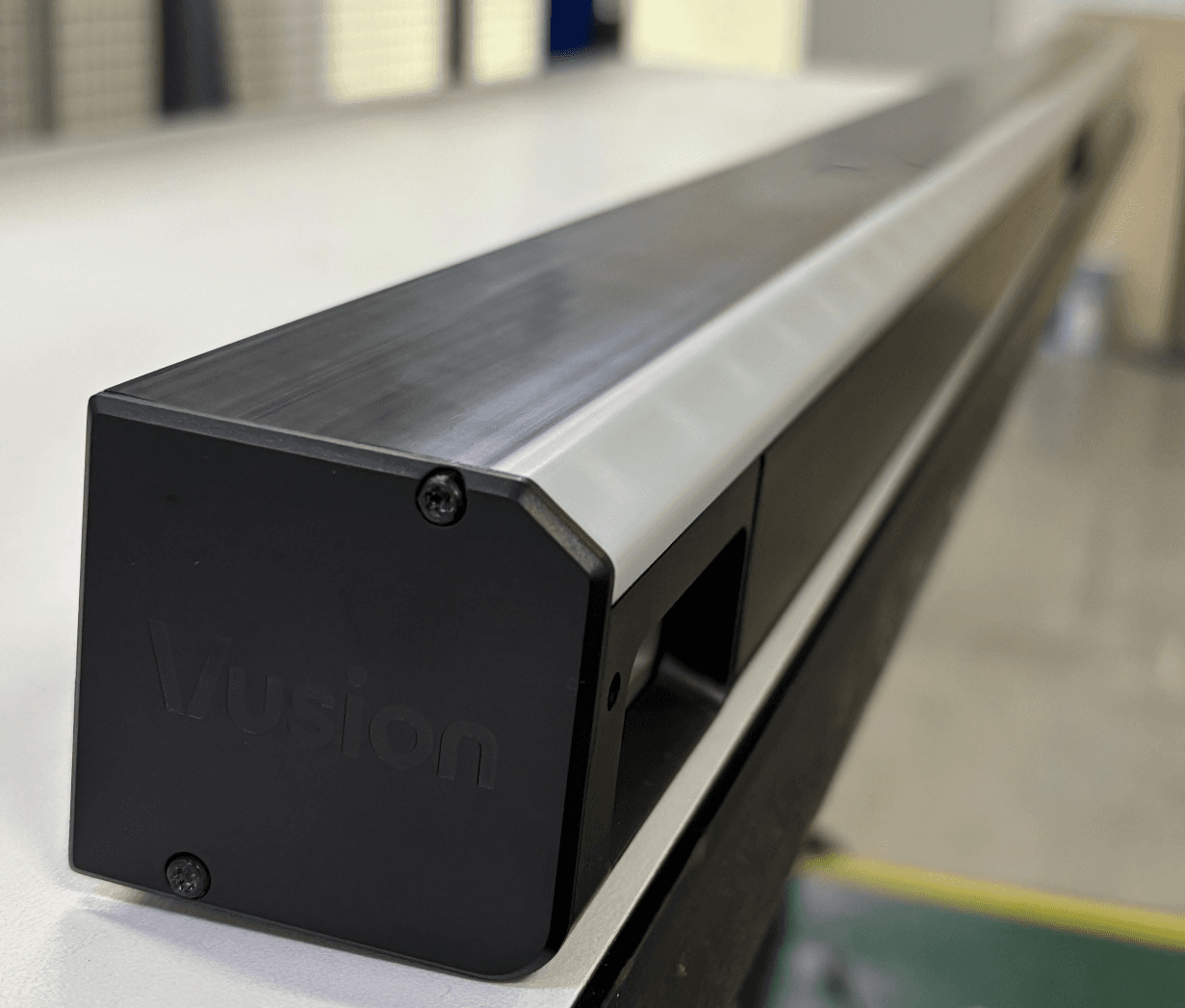
Jul 06, 2026Topstock Rail is an intelligent shelf-monitoring system designed to deliver real-time visibility into product availability across both shelves and overhead storage.
Equipment Class
DTS - Digital Transmission System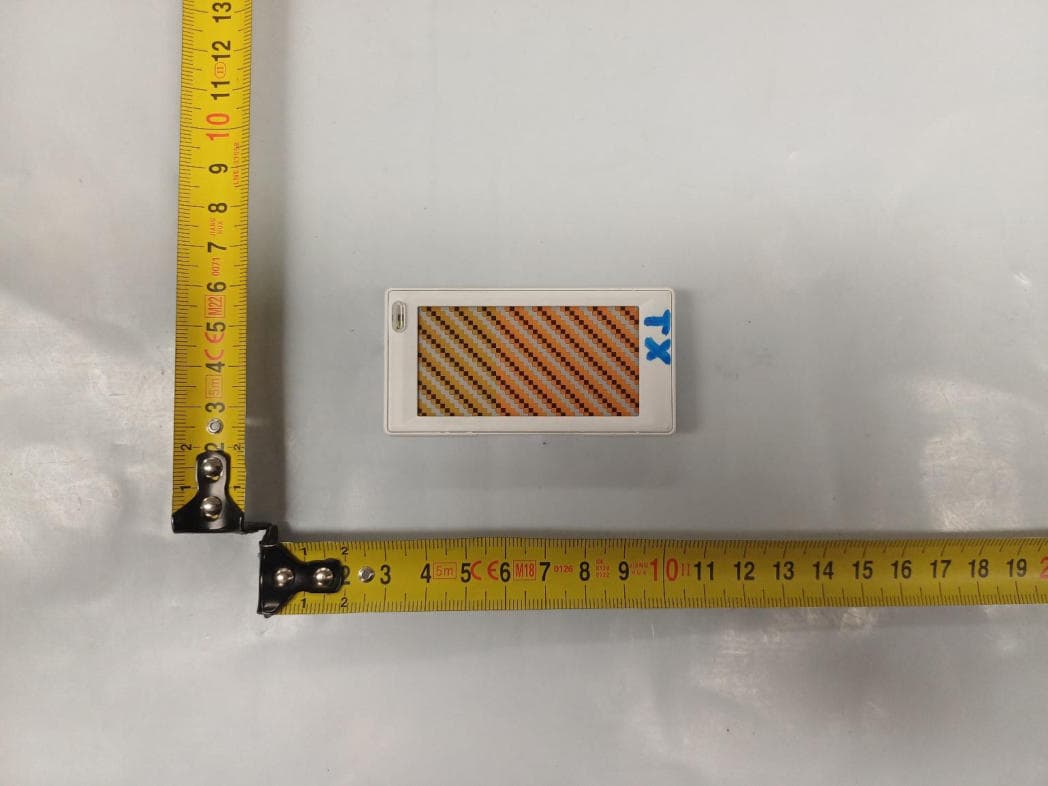
2ACQM-EDB2-0261-A
May 05, 2026Electronic Shelf Label (E300 2.6)
Equipment Class
DTS - Digital Transmission System2ACQM-EDG6-0260-B
Mar 19, 2026Electronic shelf label
Equipment Class
DXX - Part 15 Low Power Communication Device Transmitter2ACQM-EDG6-0150-A
Mar 13, 2026Electronic shelf label
Equipment Class
DXX - Part 15 Low Power Communication Device Transmitter2ACQM-EDG6-0210-A
Mar 13, 2026Electronic shelf label
Equipment Class
DXX - Part 15 Low Power Communication Device Transmitter