2AD37JUE304Wireless AC1200 Dual Band USB 3.0 Adapter
KAIJET TECHNOLOGY INTERNATIONAL CORPORATION
Click to zoom
Application Details
- Equipment Class
- NII - Unlicensed National Information Infrastructure TX
- Date of Grant
- Sep 08, 2015
- Application Purpose
- Original Equipment
- Date of Application
- Sep 08, 2015
- Equipment Note
- Wireless AC1200 Dual Band USB 3.0 Adapter
- Frequency Range
- 5745.00000000 - 5825.00000000
- Country
- Taiwan
Documents & Files
Document Text
Text extracted from the exhibit documents filed with the FCC. Open a document above to read the original.
Users Manual
Windows Driver Installation Connecting to a Wireless Network Step 1Step 2.3Step 4 Thank you for purchasing the j5create Wireless AC USB Adapter. The j5create Wireless AC USB Adapter can easily upgrade your desktop/laptop to receive a wireless Internet connection. Once connected, access your high-speed Internet connection while sharing photos, files, music, videos, printers and storage. Get a better Internet experience with a faster wireless connection so you can enjoy smoother digital phone calls, gaming, downloading and video streaming. ● Microsoft Windows 8.1 / 8 / 7 / Vista / XP (32-bit or 64-bit) ● Mac OSX v10.6~v10.10 ● Linux OS ● Available USB port Do Not plug in the j5create Wireless AC USB Adapter until the driver is completely installed on your computer. JUE303 / JUE304 JUE303 JUE304 Wireless AC USB Adapter Step 1Step 2 Step 3Step 4 STOP! If you have any problems with this product please contact our technical support team before returning it to the store. TECHNICAL SUPPORT Customer Service: 888-988-0488 Technical Support: 888-689-4088 Email: [email protected] Live Chat: www.j5create.com/livechat Support Ticket: tickets.j5create.com Introduction System Requirements 1 2015Feb-V1 Step 1 Insert the installation CD into your CDROM. The Windows 7/8 User Account Control dialog is shown. Click Yes to continue. Step 2 The Preparing Setup dialog is shown. Step 3 The wizard is ready to install the driver and the utility. Click Next to begin the installation. Step 4 Click Finish, then restart your computer to complete the installation process Step 1 Plug the Wireless AC USB Adapter into a USB port. Double-click the icon on your desktop to start the Wireless AC Network Utility or in the task bar. Step 2 Click the Available Network button to scan for available access points. Step 3 Double-click on the service set identifier (SSID) of the network that you are going to connect to. Enter the Network Key (password) and press OK. Step 4 Your wireless network is ready for use. Any Changes or modifications not expressly approved by the party responsible for compliance could void the user's authority to operate the equipment Operations in the 5.15-5.25GHz band are restricted to indoor usage only. Mac j5create offers a limited 1-year warranty. User’s wear & tear damage is not included.The user shall call or e-mail j5create's customer service with information regarding the defect(s) of the product and obtain a return authorization number. Users are responsible for one way return freight cost and we will take care of one way freight back. In order to obtain a return authorization number, users should have the following information handy when calling or emailing the service team: (i) a copy of the original purchase invoice to verify your warranty (ii) a product serial number (iii) a description of the problem (iv) customer’s name, address, and telephone number j5create does not warrant that the operation of the product will be uninterrupted or error-free. j5create is not responsible for damage arising from failure to follow instructions relating to the product’s use. This warranty does not apply to:(a) consumable parts, unless damage has occurred due to a defect in materials or workmanship; (b) cosmetic damage, including but not limited to scratches, dents , and broken plastic on ports; (c) damage caused by use with non-j5create products; (d) damage cause by natural disasters (flood, fire, earthquake, lighting strike, typhoon etc.,); (e) damage caused by human misuse (lost, accident, abuse, misuse or other external causes); (f) damage caused by operating the product outside the permitted or intended uses described by j5create; (g) damage caused by service (including upgrades and expansions) performed by anyone who is not a representative of j5create or a j5create Authorized Service Provider; (h) a product or part that has been modified to alter functionality or capability without the written permission of j5create; or (i) if any j5create serial number on the product has been removed or defaced. If such a situation occurs, j5create will calculate the cost of materials and repair for your reference. This warranty is given by j5create in lieu of any other warranties expressed or implied. Copyright© 2015 j5create. All rights reserved. All trade names are registered trademarks of their respective owners. Features and specifications are subject to change without notice. Product may not be exactly as shown in the diagrams. Connecting to a Wireless Network Driver Installation Step 1 Plug the Wireless AC USB Adapter into a USB port. The Wireless AC Network Utility should launch automatically. Step 2 Click the Available Network button to scan for available access points. Step 3 Double-click on the service set identifier (SSID) of the network that you are going to connect to. Enter the Network Key (password) and press OK. Step 4 Once the network is connected, click on Add to Profile to save the network and it will automatically connect next time. Now your wireless network is ready for use. Step 1 Save the installation file from the installation CD onto your MAC. Step 2 Open the dmg file and start the installation process. Click Continue to begin installation. Step 3 Once installation has finished, restart your Mac. Step 2Step 1Step 3 Limited Warranty FCC This device complies with Part 15 of the FCC Rules. Operation is subject to the following two conditions: 1. This device may not cause harmful interference. 2. This device must accept any interference received, including interference that may cause undesired operation. Note: This equipment has been tested and found to comply with the limits for a Class B digital device, pursuant to Part 15 of the FCC Rules. These limits are designed to provide reasonable protection against harmful interference in a residential installation. This equipment generates, uses and can radiate radio frequency energy and, if not installed and used in accordance with the instructions, ma…
Text truncated - open the document above for the full version.
Cover Letter(s)
SCS-F18: Project and Product Certification Representative Authorization Letter Page 1 of 2 Rev 5.0 775 Montague Expressway Milpitas, CA 95035 Tel: 408-526-1188 Fax: 408-526-1088 Email: [email protected] Project and Product Certification Representative Authorization Letter Reason for Amendment (current / obsolete) Revision History Approved Date From To Initial Release (obsolete) 1.0 1.0 Nov-14-2006 Revised wording (obsolete) 1.0 2.0 Sept–25-2007 Updated company template (obsolete) 2.0 3.0 Jan-31-2012 Updated letter information (obsolete) 3.0 4.0 May-23-2014 Added FCC ID field (current) 4.0 5.0 Sept 16 2014 SCS-F18: Project and Product Certification Representative Authorization Letter Page 2 of 2 Rev 5.0 KaiJet Technology International Limited (Current Date) 2015-8-16 To: SIEMIC, INC. 775 Montague Expressway, Milpitas, CA 95035 USA Dear Sir/Madam, Re: Product Certification Representative Authorization Letter We, KaiJet Technology International Limited hereby authorize SIEMIC, Inc. to act as a Certification Body for certifying for the following project(s): Product: Wireless AC1200 Dual Band USB 3.0 Adapter Model: JUE304 FCC ID: 2AD37JUE304 Sincerely, Client’s signature Client’s name / title : TAI YU-CHI /Manager Contact information / address 6F.,No113,Zhongcheng Rd.,Tucheng Dist.,New Taipei City 236,Taiwan
Cover Letter(s)
SCS-F19: Confidentiality Request Letter Page 1 of 2 Rev 4.0 775 Montague Expressway Milpitas, CA 95035 Tel: 408-526-1188 Fax: 408-526-1088 Email: [email protected] Confidentiality Request Letter Reason for Amendment (current / obsolete) Revision History Approved Date From To Initial Release (obsolete) 1.0 1.0 Nov-14-2006 Adding CFR 2.459 (obsolete) 1.0 2.0 August – 11 - 2008 Updated company template & Added text box (obsolete) 2.0 3.0 Jan-31-2012 Added IC confidentiality letter form (current) 3.0 4.0 March-26-2015 SCS-F19: Confidentiality Request Letter Page 2 of 2 Rev 4.0 KaiJet Technology International Limited 2015-8-16 To: Federal Communications Commission Authorization and Evaluation Division 7435 Oakland Mills Road Columbia, MD Subject: Permanent Confidentiality Request for FCC ID: 2AD37JUE304 We hereby request confidential treatment of information accompanying this application as outlined below: - Block Diagram - Schematics - Operational Description - SW SECURITY DESCRIPTION The above materials contain trade secrets and proprietary information not customarily released to the public. The public disclosure of these materials may be harmful to the applicant and provide unjustified benefits to its competitors. The applicant understands that pursuant to Section 0.457 & 0.459 of the Rules, disclosure of this application and all accompanying documentation will not be made before the date of the Grant for this application. Sincerely, Client’s signature : Client’s name & title : TAI YU-CHI /Manager Contact information / address: 6F.,No113,Zhongcheng Rd.,Tucheng Dist.,New Taipei City 236,Taiwan
External Photos
External Photo
Internal Photos
Internal Photo WLAN antenna B WLAN antenna A
RF Exposure Info
Report No. SET2015-10897 CCIC-SET/T-I (00) Page 1 of 187 FCC SAR TEST REPORT Report No.: SET2015-10897 Product: Wireless AC1200 Dual Band USB 3.0 Adapter Trade Name: J5 create Model No.: JUE304 FCC ID: 2AD37JUE304 Applicant: KaiJet Technology International Limited Address: 6F.,No113,Zhongcheng Rd.,Tucheng Dist.,New Taipei City 236,Taiwan(R.O.C.) Issued by: CCIC-SET Lab Location: Electronic Testing Building, Shahe Road,Xili, Nanshan District, Shenzhen, 518055, P. R. China Tel: 86 755 26627338 Fax:86 755 26627238 Mail: [email protected] Website:http://www.ccic-set.com This test report consists of 85 pages in total. It may be duplicated completely for legal use with the approval of the applicant. It should not be reproduced except in full, without the written approval of our laboratory. The client should not use it to claim product endorsement by CCIC-SET. The test results in the report only apply to the tested sample. The test report shall be invalid without all the signatures of testing engineers, reviewer and approver. Any objections must be raised to CCIC-SET within 15 days since the date when the report is received. It will not be taken into consideration beyond this limit. Report No. SET2015-10897 CCIC-SET/T-I (00) Page 2 of 187 Test Report Product. ...................: Wireless AC1200 Dual Band USB 3.0 Adapter Model No. .................: JUE304 Trade Name..............: J5 create FCC ID.......................: 2AD37JUE304 Applicant....................: KaiJet Technology International Limited Applicant Address.......: 6F.,No113,Zhongcheng Rd.,Tucheng Dist.,New Taipei City 236,Taiwan(R.O.C.) Manufacturer............: SHENZHEN MTN ELECTRONICS CO.,LTD. Manufacturer Address: No.5,9 South Futai Road,Pingxi Community ,Longgang District, Shenzhen City, China Test Standards..........: 47CFR §2.1093- Radiofrequency Radiation Exposure Evaluation: Portable Devices; ANSI C95.1–1992: Safety Levels with Respect to Human Exposure to Radio Frequency Electromagnetic Fields, 3 kHz – 300 GHz.( IEEE Std C95.1-1991) IEEE 1528–2013: IEEE Recommended Practice for Determining the Peak Spatial-Average Specific Absorption Rate (SAR) in the Human Body Due to Wireless Communications Devices: Experimental Techniques; Test Result...............: Pass Tested by ..............: 2015-08-21 Mei Chun, Test Engineer Reviewed by.............: 2015-08-21 Shuangwen Zhang,Senior Egineer Approved by...............: 2015-08-21 Wu Li’an , Manager Report No. SET2015-10897 CCIC-SET/T-I (00) Page 3 of 187 Contents 1. General Conditions----------------------------------------------------------------------------4 2. Administrative Data---------------------------------------------------------------------------5 3. Equipment Under Test (EUT)---------------------------------------------------------------6 4. SAR Summary ---------------------------------------------------------------------------------8 5. Specific Absorption Rate (SAR)-------------------------------------------------------------9 6. Operational Conditions During Test ------------------------------------------------------12 7. Applicable Measurement Standards ------------------------------------------------------21 8. Laboratory Environment --------------------------------------------------------------------21 9. Conducted RF Output Power --------------------------------------------------------------21 10. Test Results-------------------------------------------------------------------------------------27 11. Measurement Uncertainty-------------------------------------------------------------------33 12. Main Test Instruments------------------------------------------------------------------------36 This Test Report consists of the following Annexes: Annex A: System Performance Check Data and Highest SAR Plots Annex B: Calibration Certificate of Probe and Dipoles Annex C: Test Set Up Report No. SET2015-10897 CCIC-SET/T-I (00) Page 4 of 187 1.General Conditions 1.1 This report only refers to the item that has undergone the test. 1.2 This report standalone does not constitute or imply by its own an approval of the product by the certification Bodies or competent Authorities. 1.3 This document is only valid if complete; no partial reproduction can be made without written approval of CCIC-SET 1.4 This report cannot be used partially or in full for publicity and/or promotional purposes without previous written approval of CCIC-SET and the Accreditation Bodies, if it applies. Report No. SET2015-10897 CCIC-SET/T-I (00) Page 5 of 187 2. Administrative Date 2.1. Identification of the Responsible Testing Laboratory Company Name: CCIC-SET Department: EMC & RF Department Address: Electronic Testing Building, Shahe Road, Nanshan District, ShenZhen, P. R. China Telephone: +86-755-26629676 Fax: +86-755-26627238 Responsible Test Lab Managers: Mr. Wu Li’an 2.2. Identification of the Responsible Testing Location(s) Company Name: CCIC-SET Address: Electronic Testing Building, Shahe Road, Nanshan District, Shenzhen, P. R. China 2.3. Organization Item CCIC-SET Report No.: SET2015-10897 CCIC-SET Project Leader: Mr. Li Sixiong CCIC-SET Responsible for accreditation scope: Mr. Wu Li’an Start of Testing: 2015-08-06 End of Testing: 2015-08-07 2.4. Identification of Applicant Company Name: KaiJet Technology International Limited Address: 6F.,No113,Zhongcheng Rd.,Tucheng Dist.,New Taipei City 236,Taiwan(R.O.C.) 2.5. Identification of Manufacture Company Name: SHENZHEN MTN ELECTRONICS CO.,LTD. Address: No.5,9 South Futai Road,Pingxi Community ,Longgang District, Shenzhen City, China Notes: This data is based on the information by the applicant. Report No. SET2015-10897 CCIC-SET/T-I (00) Page 6 of 187 3. Equipment Under Test (EUT) 3.1. Identification of the Equipment under Test 4 SAR Summary The Highest Measured Standalone SAR Summary Exposure Position Frequency Band Scaled 1g-SAR(W/kg) Max. Reported 1g-SAR(W/kg) Body (5mm Gap) WIFI 2.4G 0.210 0.210 WIFI 5.2G 0.043 WIFI 5.8G 0.045 device type : po…
Text truncated - open the document above for the full version.
RF Exposure Info
Report No. SET2015-10897 CCIC-SET/T-I (00) Page 66 of 187 Report No. SET2015-10897 CCIC-SET/T-I (00) Page 67 of 187 Report No. SET2015-10897 CCIC-SET/T-I (00) Page 68 of 187 Report No. SET2015-10897 CCIC-SET/T-I (00) Page 69 of 187 Report No. SET2015-10897 CCIC-SET/T-I (00) Page 70 of 187 SID5G Dipole Calibration Ceriticate Report No. SET2015-10897 CCIC-SET/T-I (00) Page 71 of 187 Report No. SET2015-10897 CCIC-SET/T-I (00) Page 72 of 187 Report No. SET2015-10897 CCIC-SET/T-I (00) Page 73 of 187 Report No. SET2015-10897 CCIC-SET/T-I (00) Page 74 of 187 Report No. SET2015-10897 CCIC-SET/T-I (00) Page 75 of 187 Report No. SET2015-10897 CCIC-SET/T-I (00) Page 76 of 187 Report No. SET2015-10897 CCIC-SET/T-I (00) Page 77 of 187 Report No. SET2015-10897 CCIC-SET/T-I (00) Page 78 of 187 Report No. SET2015-10897 CCIC-SET/T-I (00) Page 79 of 187 Report No. SET2015-10897 CCIC-SET/T-I (00) Page 80 of 187 Report No. SET2015-10897 CCIC-SET/T-I (00) Page 81 of 187 Report No. SET2015-10897 CCIC-SET/T-I (00) Page 82 of 187 Report No. SET2015-10897 CCIC-SET/T-I (00) Page 83 of 187 ANNEX C of CCIC-SET CONFORMANCE TEST REPORT FOR HUMAN EXPOSURE TO ELECTROMAGNETIC FIELDS SET2015-10897 Wireless AC1200 Dual Band USB 3.0 Adapter Type Name: JUE304 Hardware Version: MT-WN838N-2.0 Software Version: \ TEST SET UP This Annex consists of 3 pages Date of Report: 2015-08-21 Report No. SET2015-10897 CCIC-SET/T-I (00) Page 84 of 187 Fig.1 COMO SAR Test System Fig.2 Edge A 5mm distance Fig.3 Edge B 5mm distance Report No. SET2015-10897 CCIC-SET/T-I (00) Page 85 of 187 Fig.4 Edge C 5mm distance Fig.5 Edge D 5mm distance Fig.6 Edge E 5mm distance
Test Report
Report No.: SET2015-11849 CCIC-SET/T(00) Page 1 of 115 RF TEST REPORT Report No.: SET2015-11849 Product Name: Wireless AC1200 Dual Band USB 3.0 Adapter FCC ID: 2AD37JUE304 Model No. : JUE304 Applicant: KaiJet Technology International Limited Address: 6F.,No113,Zhongcheng Rd.,Tucheng Dist.,New Taipei City 236,Taiwan(R.O.C.) Dates of Testing: 07/26/2015 — 08/05/2015 Issued by: CCIC-SET Lab Location: Electronic Testing Building, Shahe Road, Xili, Nanshan District, Shenzhen, 518055, P. R. China Tel: 86 755 26627338 Fax: 86 755 26627238 This test report consists of 115 pages in total. It may be duplicated completely for legal use with the approval of the applicant. It should not be reproduced except in full, without the written approval of our laboratory. The client should not use it to claim product endorsement by CCIC-SET. The test results in the report only apply to the tested sample. The test report shall be invalid without all the signatures of testing engineers, reviewer and approver. Any objections must be raised to CCIC-SET within 20 days since the date when the report is received. It will not be taken into consideration beyond this limit. Report No.: SET2015-11849 CCIC-SET/T(00) Page 2 of 115 Test Report Product Name ...................... : Wireless AC1200 Dual Band USB 3.0 Adapter Brand Name ......................... : N/A Trade Name .......................... : J5 create Applicant .............................. : KaiJet Technology International Limited Applicant Address ............... : 6F.,No113,Zhongcheng Rd.,Tucheng Dist.,New Taipei City 236,Taiwan(R.O.C.) Manufacturer ........................ : SHENZHEN MTN ELECTRONICS CO.,LTD. Manufacturer Address ........ : No.5,9 South Futai Road,Pingxi Community ,Longgang District, Shenzhen City, China Test Standards ..................... : 47 CFR Part 15 Subpart E §15.407 FCC KDB 789033 D02 General UNII Test Procedures New Rules v01 ANSI C63.10:2009 Test Result ........................... : PASS Tested by ............................ : 2015.08.05 Lu Lei, Test Engineer Reviewed by ......................... : 2015.08.05 Zhu Qi, Senior Egineer Approved by ........................ : 2015.08.05 Wu Li’an, Manager Report No.: SET2015-11849 CCIC-SET/T(00) Page 3 of 115 TABLE OF CONTENTS 1. GENERAL INFORMATION ................................................................................................. 4 1.1. EUT Description .................................................................................................................... 4 1.2. Test Standards and Results ..................................................................................................... 6 1.3. Test environment and mode ................................................................................................... 7 1.4. Table for Supporting Units ..................................................................................................... 8 1.5. Laboratory Facilities .............................................................................................................. 8 2. 47 CFR PART 15C REQUIREMENTS ................................................................................. 9 2.1. Antenna requirement .............................................................................................................. 9 2.2. Peak Output Power............................................................................................................... 10 2.3. Emission Bandwidth ............................................................................................................ 13 2.4. Power spectral density (PSD) .............................................................................................. 44 2.5. Radiated Band Edge and Spurious Emission ....................................................................... 77 2.6. Conducted Emission .......................................................................................................... 111 3. LIST OF MEASURING EQUIPMENT ............................................................................ 115 Change History Issue Date Reason for change 1.0 2015-08-05 First edition Report No.: SET2015-11849 Page 4 of 115 1. General Information 1.1. EUT Description EUT Type Wireless AC1200 Dual Band USB 3.0 Adapter Hardware Version MT-WN838N-2.0 Software Version N/A EUT supports Radios application WLAN2.4GHz 802.11b/g/n WLAN5.0GHz 802.11a/n/ac Frequency Range 5150 ~ 5250MHz / 5725 ~ 5850MHz Channel Number 5150 MHz ~ 5250MHz: 4 for 802.11a, 802.11n (HT20), 802.11ac (VHT20) 2 for 802.11n (HT40), 802.11ac (VHT40) 1 for 802.11ac (VHT80) 5725 MHz ~ 5850MHz: 5 for 802.11a, 802.11n (HT20), 802.11ac (VHT20) 2 for 802.11n (HT40), 802.11ac (VHT40) 1 for 802.11ac (VHT80) Bit Rate of Transmitter 802.11a: up to 54Mbps 802.11n up to 300 Mbps 802.11ac: up to 866.7Mbps Modulation Type BPSK / QPSK / 16QAM / 64QAM for OFDM 256QAM for OFDM in 11ac mode only Antenna Type PCB Antenna Antenna Gain Antenna(A):1.5dBi ; Antenna(B):1.5dBi Product Type Refer to note Output Power (Max.) 802.11a: 18.12dBm 802.11n(HT20): 20.64dBm 802.11n(HT40): 20.25dBm 802.11ac(VHT20): 19.48dBm 802.11ac(VHT40): 19.66dBm 802.11ac(VHT80): 20.12dBm Note:The EUT incorporates a MIMO function. Modulation Mode TX / RX Function 802.11a 1TX / 1RX(SISO) 802.11n (HT20) 1TX / 1RX or 2TX / 2RX(MIMO) 802.11n (HT40) 1TX / 1RX or 2TX / 2RX(MIMO) 802.11ac (VHT20) 1TX / 1RX or 2TX / 2RX(MIMO) 802.11ac (VHT40) 1TX / 1RX or 2TX / 2RX(MIMO) 802.11ac (VHT80) 1TX / 1RX or 2TX / 2RX(MIMO) Report No.: SET2015-11849 Page 5 of 115 Operated band in 5150 MHz ~ 5250MHz 4 channels are provided for 802.11a, 802.11n-HT20, and 802.11ac-VHT20 Channel Frequency Channel Frequency 36 5180 MHz 44 5220 MHz 40 5200 MHz 48 5240 MHz 2 channels are provided for 802.11n-HT40 and 802.11ac-VHT40 Channel Frequency Channel Frequency 38 5190 MHz 46 5230 MHz 1 channel are provided for 802.11ac-VHT80 Channel Frequency Channel Frequency 42 5210 MHz / / Operated band i…
Text truncated - open the document above for the full version.
Test Setup Photos
Setup Photo
Contact Information
Applicant
TAI YU-CHI(Project Manager)
Test Firm
CCIC-SETQi Zhu
Technical Specifications
| # | Rule Parts | Frequency Range | Power Output |
|---|---|---|---|
| 2 | 15E | 5.75 GHz - 5.83 GHz | 115.90 mW |
Other Applications from KAIJET TECHNOLOGY INTERNATIONAL CORPORATION
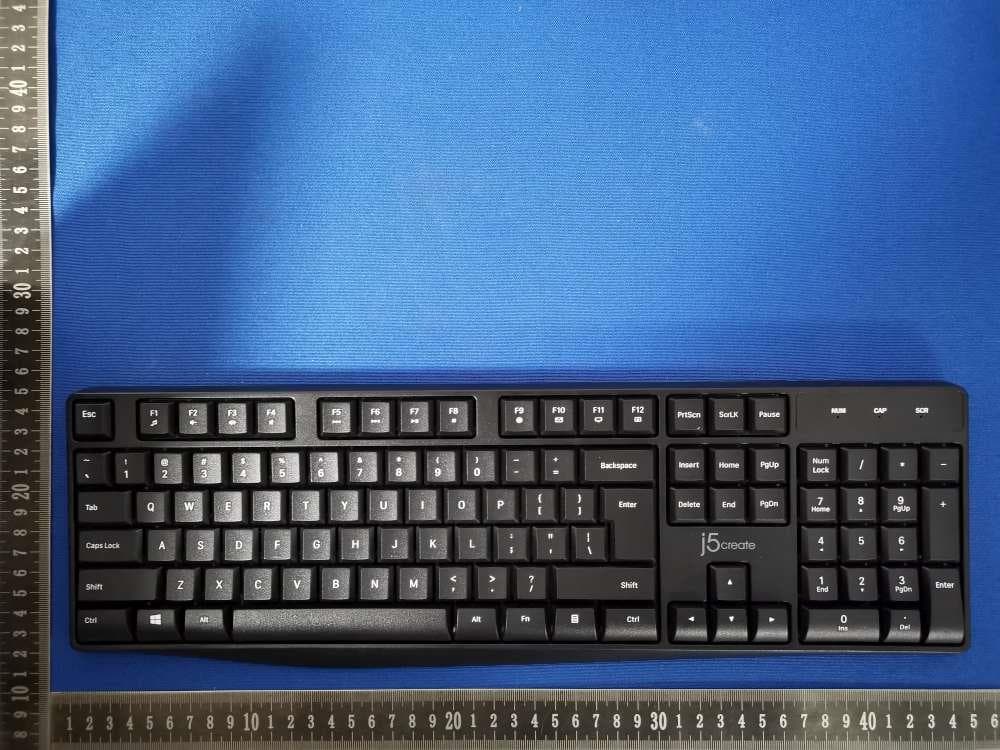
2AD37-JIKMW105
May 27, 2026Full-Size Wireless Keyboard
Equipment Class
DXX - Part 15 Low Power Communication Device Transmitter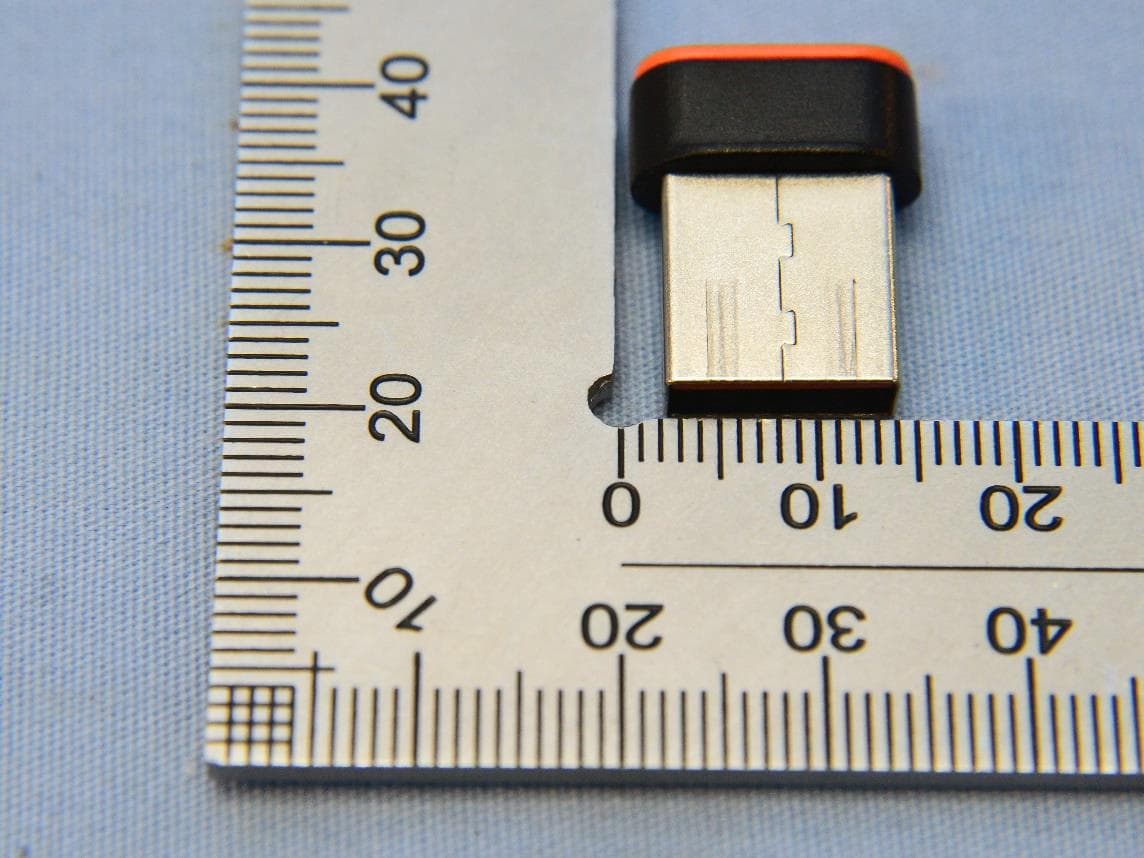
2AD37JUAW22
Dec 03, 2024CrossLink Wireless Dongle
Equipment Class
DTS - Digital Transmission System
2AD37JUPW2415
Sep 28, 2024Qi2 2-in-1 Magnetic Foldable Wireless Charging Station
Equipment Class
DCD - Part 15 Low Power Transmitter Below 1705 kHz
2AD37JUPW3415
Aug 28, 2024Qi2 3-in-1 Magnetic Foldable Wireless Charging Station
Equipment Class
DCD - Part 15 Low Power Transmitter Below 1705 kHz
2AD37JUPW3215
Aug 05, 2024Qi2 3-in-1 Magnetic Travel Wireless Charging Station
Equipment Class
DCD - Part 15 Low Power Transmitter Below 1705 kHz