2AD4M-P6000PSM6000
Speech Processing Solutions GmbH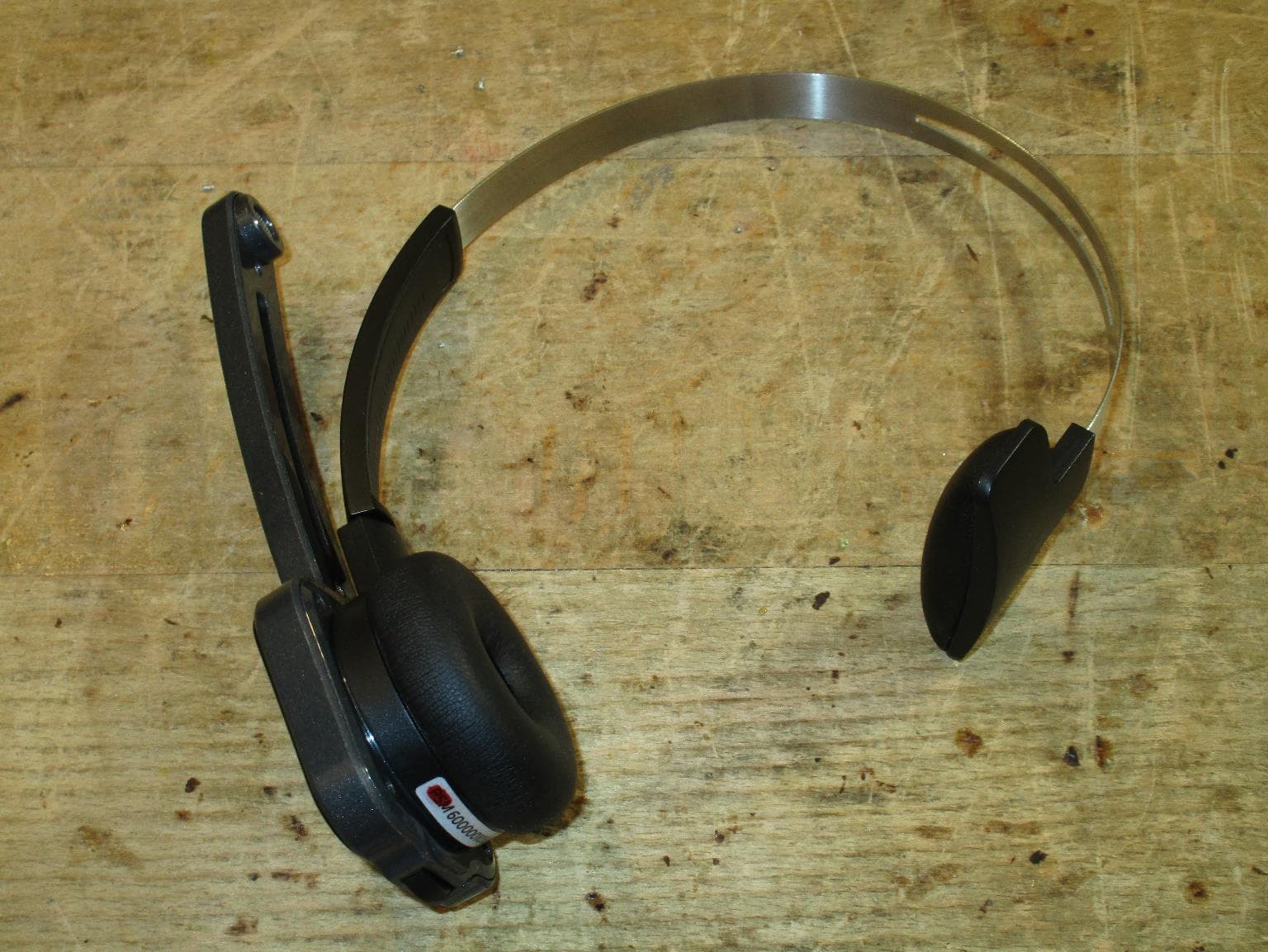
Click to zoom
Application Details
- Equipment Class
- DTS - Digital Transmission System
- Date of Grant
- Jul 22, 2021
- Application Purpose
- Original Equipment
- Date of Application
- Jul 22, 2021
- Equipment Note
- PSM6000
- Frequency Range
- 2406.10000000 - 2474.10000000
- Country
- Austria
Documents & Files
Document Text
Text extracted from the exhibit documents filed with the FCC. Open a document above to read the original.
Users Manual
User manual SpeechOne Table of Contents 1. Important ................................................................................................................................................... 3 Safety instructions ................................................................................................................................. 3 Cleaning and disinfection ....................................................................................................................... 4 Disposal of your old product ................................................................................................................... 4 About this user manual ........................................................................................................................... 4 2. Your SpeechOne ......................................................................................................................................... 6 Product highlights .................................................................................................................................. 6 What's in the box ................................................................................................................................... 7 Overview of your SpeechOne .................................................................................................................. 8 Overview of the docking station ............................................................................................................... 9 Overview of the remote control (PSM6500, PSM6800) ............................................................................. 10 3. Get started ................................................................................................................................................ 11 Charging the battery ............................................................................................................................. 11 Learn about the battery status ................................................................................................................ 12 Pairing ................................................................................................................................................. 12 Learn about wireless technology ............................................................................................................ 13 Idle mode and Power down mode .......................................................................................................... 13 Resetting the wireless connection ........................................................................................................... 13 4. Use your SpeechOne ................................................................................................................................. 15 Wearing styles ...................................................................................................................................... 15 Create a recording ................................................................................................................................ 17 Skype calls ........................................................................................................................................... 17 Control other applications ...................................................................................................................... 18 Status light ........................................................................................................................................... 18 Use the remote control (PSM6500, PSM6800) ......................................................................................... 19 Hands-free dictating with a Philips foot control ........................................................................................ 19 Upgrading the firmware ........................................................................................................................ 20 Power down your SpeechOne ............................................................................................................... 22 5. Button modes .......................................................................................................................................... 23 Switch between button modes on the docking station ............................................................................. 23 Switch between button modes on the remote control (PSM6500, PSM6800) ............................................. 24 Event mode ......................................................................................................................................... 25 Keyboard mode ................................................................................................................................... 26 Browser mode ..................................................................................................................................... 27 Windows speech recognition mode ....................................................................................................... 28 Dragon for Mac mode .......................................................................................................................... 29 Dragon for Windows mode ................................................................................................................... 30 6. Service and support ................................................................................................................................... 31 Contact our supporting Philips partners ................................................................................................... 31 Troubleshooting ................................................................................................................................... 31 LED colors and meanings ..........................…
Text truncated - open the document above for the full version.
Cover Letter(s)
Coverletter: Speech Processing Solutions wants to get FCC-Certification for the following product: PSM6000. The unit will get the following FCC-ID: 2AD4M-P6000 List of documents: Exhibit Thema File Exhibit 01 Label and placement PSM6000_label_and_placement.pdf Exhibit 02 Not needed -------------------- Exhibit 03 External Photos FG21-152_photos_external.pdf * Exhibit 04 Block Diagrams PSM6000-Blockdiagram.pdf * Exhibit 05 Schematic Diagrams PSM6000-Circuit-Diagram.pdf Exhibit 06 Testreport FG21-152_signed_2x.pdf Exhibit 07 Test Set-up Photos FG21-152_photos_setup.pdf Exhibit 08 User Manual psm6000_ifu-en.pdf Exhibit 09 Internal Photos FG21-152_photos_internal.pdf Exhibit 10 Informations -------------------- Exhibit 11 RF exposure 2AD4M-P6000 RF Exposure new (Mai 3rd).pdf * Exhibit 12 Operational Description PSM6000-Blockdiagram.pdf Exhibit 13 Cover letter Request for confidentiality This file FCC-Request_for _confidentiality.pdf For the Exhibits marked with ‘*’ Speech Processing Solutions requested Confidentiality according to 47 CFR 0.457 and 0.459 of the FCC rules because these are sensitive parts owned by this company and include much of Know-How or sensitive data, it will not be provided to the public. The labelling on some photos may be not the actual status. The correct labelling you can see on the label photo in Exhibit 1.
Cover Letter(s)
Speech Processing Solutions Protokoll DPM4 Meeting Author: G.Podhradsky www.philips.com/dictation Firmenbuchgericht: Handelsgericht Wien Sitz: Wien, Österreich Firmenbuchnummer: FN 379108 m Tel.: +43 1 60529-0 UID: ATU67186877 Firmenbuchgericht: Handelsgericht Wien Firmenbuchnummer: FN 379108 m UID: ATU67186877 Date: 23.09.2020 Page: 1of1 Federal Communications Commission 7435 Oakland Mills Road Columbia MD 21046 Subject: Request for Confidentiality FCC ID: 2AD4M-S4000 (PHILIPS SMP4000/00) FCC ID: 2AD4M-P6000 (PHILIPS PSM6300/00) FCC ID: 2AD4M-A4000 (PHILIPS ACC4000/00) FCC ID: 2AD4M-A4100 (PHILIPS ACC4100/00) FCC ID: 2AD4M-A6000 (PHILIPS ACC6000/00) To whom it may concern: Pursuant to the provisions of Sections 0.457 and 0.459 of the Commission’s rules (47 CFR §§ 0.457, 0.459), we are requesting the Commission to withhold the following attachments as confidential document from public disclosure indefinitely. - Schematics - Block diagram - Description Above mentioned document contains detailed system and equipment description are considered as proprietary information in operation of the equipment. The public disclosure of above documents might be harmful to our company and would give competitor an unfair advantage in the market. Sincerely, Gerhard Podhradsky Senior Director Research & Development Vienna, 24-08-2020
External Photos
ww w.tu v.at | [email protected] | TÜV ® DN- FM-INE-EMV-ALL-Anl2_en Rev00 Appendix 2 Photodocumentation Description: Total view Division: Industry & Energy Department: FG Test report reference: INE-AT/FG-21/152 Page: 1 of 9 Date: 06.07.2021 ww w.tu v.at | [email protected] | TÜV ® DN- FM-INE-EMV-ALL-Anl2_en Rev00 Appendix 2 Photodocumentation Description: Detail view #1 Division: Industry & Energy Department: FG Test report reference: INE-AT/FG-21/152 Page: 2 of 9 Date: 06.07.2021 ww w.tu v.at | [email protected] | TÜV ® DN- FM-INE-EMV-ALL-Anl2_en Rev00 Appendix 2 Photodocumentation Description: Detail view #2 Division: Industry & Energy Department: FG Test report reference: INE-AT/FG-21/152 Page: 3 of 9 Date: 06.07.2021
Internal Photos
ww w.tu v.at | [email protected] | TÜV ® DN- FM-INE-EMV-ALL-Anl2_en Rev00 Appendix 2 Photodocumentation Description: Case opened Division: Industry & Energy Department: FG Test report reference: INE-AT/FG-21/152 Page: 4 of 9 Date: 06.07.2021 ww w.tu v.at | [email protected] | TÜV ® DN- FM-INE-EMV-ALL-Anl2_en Rev00 Appendix 2 Photodocumentation Description: Electronics view #1 Division: Industry & Energy Department: FG Test report reference: INE-AT/FG-21/152 Page: 5 of 9 Date: 06.07.2021 ww w.tu v.at | [email protected] | TÜV ® DN- FM-INE-EMV-ALL-Anl2_en Rev00 Appendix 2 Photodocumentation Description: Electronics view #2 Division: Industry & Energy Department: FG Test report reference: INE-AT/FG-21/152 Page: 6 of 9 Date: 06.07.2021
RF Exposure Info
SAR-based exemption for FCC-ID: 2AD4M-P6000 Regarding the rule changes per FCC 19-126 Order Title 47 §15.247 (i) Radio frequency devices operating under the provisions of this part are subject to the radio frequency radiation exposure requirements specified in §§1.1307(b), 1.1310, 2.1091, and 2.1093 of this chapter, as appropriate. Applications for equipment authorization of mobile or portable devices operating under this section must contain a statement confirming compliance with these requirements. Technical information showing the basis for this statement must be submitted to the Commission upon request. Title 47 §1.1307(b)(3)(i): (3) Determination of exemption. (i) For single RF sources (i.e., any single fixed RF source, mobile device, or portable device, as defined in paragraph (b)(2) of this section): A single RF source is exempt if: (A) The available maximum time-averaged power is no more than 1 mW, regardless of separation distance. This exemption may not be used in conjunction with other exemption criteria other than those in paragraph (b)(3)(ii)(A) of this section. Medical implant devices may only use this exemption and that in paragraph (b)(3)(ii)(A); (B) Or the available maximum time-averaged power or effective radiated power (ERP), whichever is greater, is less than or equal to the threshold Pth (mW) described in the following formula. This method shall only be used at separation distances (cm) from 0.5 centimeters to 40 centimeters and at frequencies from 0.3 GHz to 6 GHz (inclusive). Pth is given by: Effective Radiated Power exemption calculation Frequency [MHz] Transmitter Power (EIRP) [mW] Effective Radiated Power (ERP) [mW] Pth [mW] 2406.1 5.62 3.43 11.38 2438.1 4.57 2.79 11.29 2474.1 2.63 1.60 11.18 ERP is below Pth. Declaration I hereby declare that the device with FCC-ID 2AD4M-P6000 was determined to be exempt from routine evaluation as per Title 47 §1.1307(b)(3)(i)(B). Dr. techn. Gerald Artner TÜV AUSTRIA Services GmbH Vienna, Austria, 21 st June 2021
Test Setup Photos
ww w.tu v.at | [email protected] | TÜV ® DN- FM-INE-EMV-ALL-Anl2_en Rev00 Appendix 2 Photodocumentation Description: Test setup below 30 MHz charging mode Division: Industry & Energy Department: FG Test report reference: INE-AT/FG-21/152 Page: 7 of 9 Date: 06.07.2021 ww w.tu v.at | [email protected] | TÜV ® DN- FM-INE-EMV-ALL-Anl2_en Rev00 Appendix 2 Photodocumentation Description: Test setup below 30 MHz not charging mode Division: Industry & Energy Department: FG Test report reference: INE-AT/FG-21/152 Page: 8 of 9 Date: 06.07.2021 ww w.tu v.at | [email protected] | TÜV ® DN- FM-INE-EMV-ALL-Anl2_en Rev00 Appendix 2 Photodocumentation Description: Test setup above 30 MHz Division: Industry & Energy Department: FG Test report reference: INE-AT/FG-21/152 Page: 9 of 9 Date: 06.07.2021 --- END OF TEST REPORT ---
Contact Information
Applicant
Wolfgang Spannlang(Head of Hardware Solutions)
Test Firm
TUV AUSTRIA GMBHWilhelm Seier
Technical Specifications
| # | Rule Parts | Frequency Range | Power Output | Emission |
|---|---|---|---|---|
| 1 | 15C | 2.41 GHz - 2.47 GHz | 5.62 mW | 2M06F1D |
Other Applications from Speech Processing Solutions GmbH
2AD4M-S4000
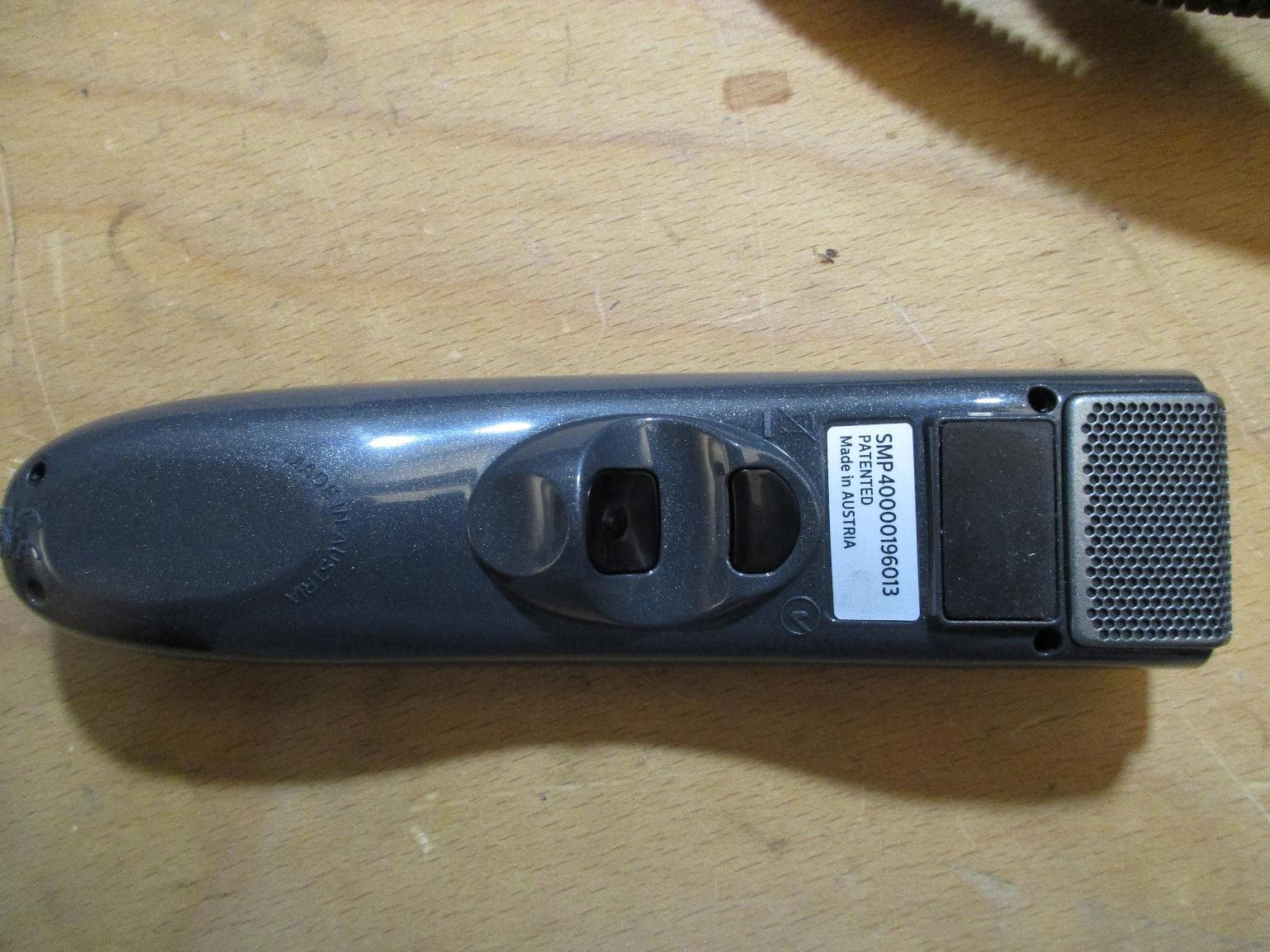
Jul 22, 2021SMP4000
Equipment Class
DTS - Digital Transmission System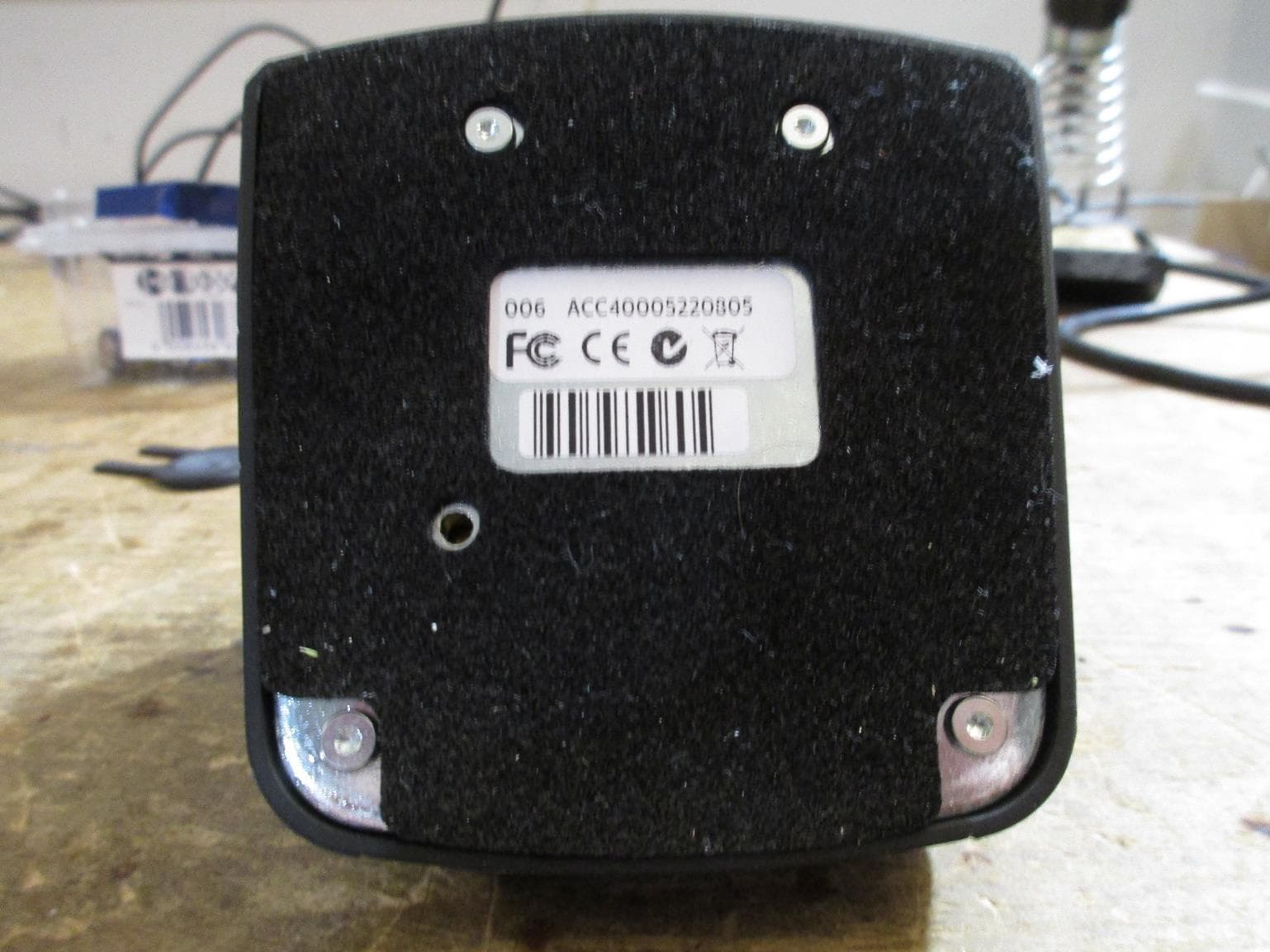
2AD4M-A4000
Jul 18, 2021ACC4000
Equipment Class
DTS - Digital Transmission System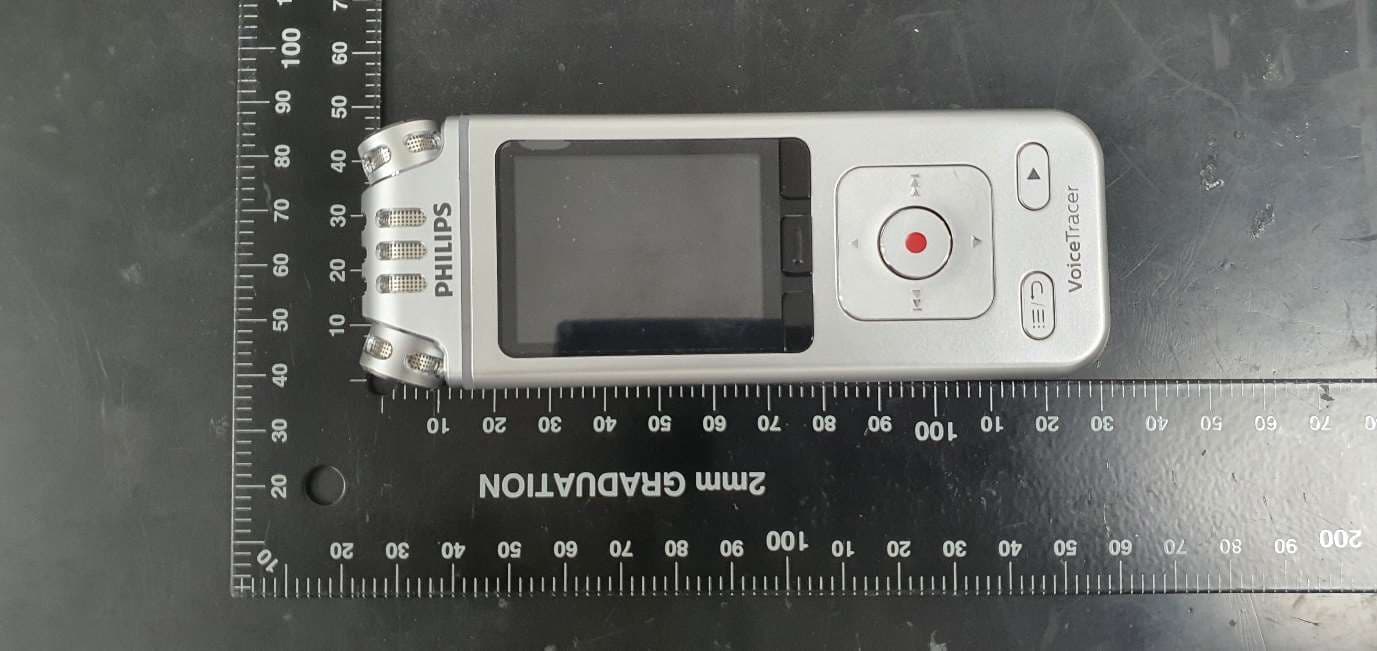
2AD4M-VTZ0119
May 27, 2021Digital Voice Recorder
Equipment Class
DTS - Digital Transmission System