2ADRG-BRY702Bluetooth Keyboard
BRYDGE GLOBAL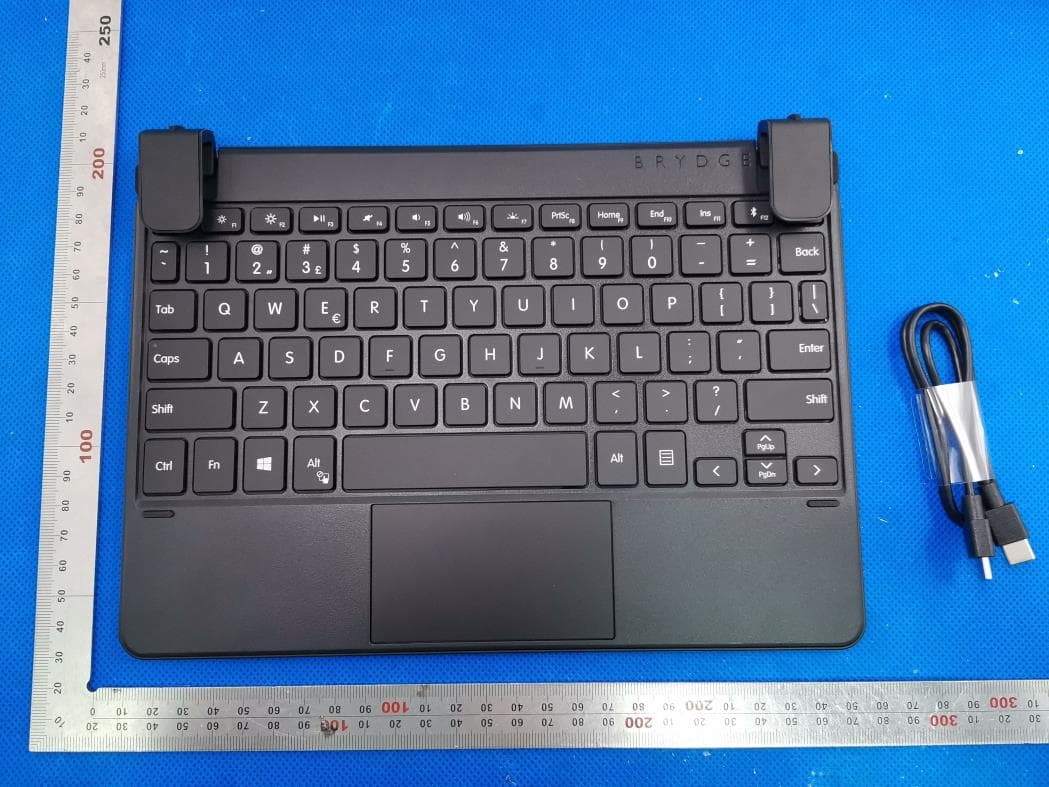
Click to zoom
Application Details
- Equipment Class
- DXX - Part 15 Low Power Communication Device Transmitter
- Date of Grant
- Aug 23, 2020
- Application Purpose
- Original Equipment
- Date of Application
- Aug 23, 2020
- Equipment Note
- Bluetooth Keyboard
- Frequency Range
- 2402.00000000 - 2480.00000000
- Company
- BRYDGE GLOBAL
- Country
- United States
Documents & Files
Document Text
Text extracted from the exhibit documents filed with the FCC. Open a document above to read the original.
Users Manual
Brydge 10.5 Go+ User Manual Mode d’emploi INSERT/REMOVE POWER PAIR CHARGE TO INSERT: Place your Brydge on a flat surface and set the hinges upright to 90 degrees. Insert your Surface Go into the hinges, one side at a time, with the Wake and Volume Buttons on top. TO REMOVE: Ensure your Brydge is on a flat surface. Place your hand towards the back of the keyboard and pull up on your Surface Go, one side at a time. To manually power on, press and hold Fn + Delete keys. The light will turn green for 2 seconds to indicate power. To manually power off, press and hold Fn + Delete keys for 2 seconds. The light will blink red momentarily to indicate it’s powered off. TO CHECK BATTERY LIFE: go to Windows > Settings > Devices > Bluetooth & other devices, and check the battery level on ‘Brydge 10.5 Go+’. NOTE: If battery life is below 15%, the backlit key functionality will be disabled to conserve remaining battery life and the light on the Delete key will blink red. TO CHARGE: Insert the charging cable into the keyboard and plug the other end into a power source. A solid red LED on the delete key indicates the Brydge is charging. When the keyboard is fully charged, the red LED will turn off. A full charge can take up to three hours. 1. Turn on your Brydge 10.5 Go+ (Fn+Del), then press and hold the Bluetooth key for three seconds. The Delete key light will flash blue confirming your Brydge is in pairing mode. 3. Type in the PIN on your Brydge 10.5 Go+ and hit Enter. 2. On your Surface Go, select: • Start • Settings • Devices • Bluetooth & other devices • Add Bluetooth or other device • Bluetooth • Brydge 10.5 Go+ NOTE: If pairing takes longer than three minutes, the blue light will stop flashing and you will need to press the Bluetooth button again. SLEEP/WAKE To conserve battery, your Brydge will enter sleep mode after 15 minutes of non-use. Press any key to wake it. When you close your devices together, your Brydge will put your Surface Go into sleep mode. When you open your devices, your Brydge will wake your Surface Go. NOTE: Your Brydge will not put your Surface Go to sleep or wake it after 15 minutes of non-use. PRECISION TOUCHPAD KEYBOARD SHORTCUTS Touchpad Disable/Enable Fn + Alt (Hold Fn & tap Alt to disable. Hold Fn & tap Alt again to enable.) Help Fn + F1 Copy Ctrl + C Cut Ctrl + X Paste Ctrl + V Underline Ctrl + U Italic Ctrl + I Undo Ctrl + Z Task View Alt + Tab Page Up Fn + Up Arrow Page Down Fn + Down Arrow Home Fn + Left Arrow End Fn + Right Arrow Thank you for purchasing a Brydge product. This product comes with a 1-year limited hardware warranty on the terms and conditions set out in this document and at www.brydge.com/warranty. All Brydge warranties are non- transferrable and are only available to the original end-user of the product. Warranties do not apply to products purchased from online vendors unauthorized to sell Brydge-branded product. If a defect arises during the warranty period, cease using the product and contact Brydge. To obtain warranty service, visit www.brydge.com/support or call +1 (435) 604-0481. Brydge, at its sole discretion and option, will (1) repair the product at no charge using new parts or parts that are equivalent to new in performance and reliability, or (2) replace or exchange the product with a product of equivalent functionality and value. Brydge offers free return shipping on any approved warranty claims. A shipping label will be provided to you if you are within the United States. If you are outside the United States, Brydge will reimburse your return shipping to a maximum of US$15.00 after providing a copy of the shipping receipt. Australia Only: Our goods come with guarantees that cannot be excluded under the Australian Consumer Law. You are entitled to a replacement or refund for a major failure and compensation for any other reasonably foreseeable loss or damage. You are also entitled to have the goods repaired or replaced if the goods fail to be of acceptable quality and the failure does not amount to a major failure. Brydge Technologies LLC | 1912 Sidewinder Dr., Suite 104, Park City, UT 84060 USA HAVE A QUESTION? Visit www.brydge.com/support WARRANTY The Brydge 10.5 Go+ touchpad pairs with your Windows device as a Precision Touchpad, and therefore utilizes all of the Windows touchpad gesture capabilities. To adjust the settings and gestures of your touchpad, select Start > Settings > Devices > Touchpad. The Touchpad can be turned on and off by pressing Fn + Alt. Language Switch Win + Spacebar (Use spacebar to toggle through available languages.) Scroll 2 finger swipe (up, down, left, right) Left Click | Click on left side of touchpad or 1 finger tap Right Click | Click on right side of touchpad or 2 finger tap Zoom Out 2 finger pinch Zoom In 2 finger stretch Open Action Center 4 finger tap Switch Virtual Desktop 4 finger swipe (left or right) Open Cortana 3 finger tap Show Desktop 3 finger swipe down See Open Windows 3 finger swipe up Task View 3 finger swipe (left or right) INSÉRER / RETIRER MISE EN MARCHE APPAIRER CHARGE INSÉRER : Placez votre Brydge sur une surface plane et réglez les charnières à 90 degrés. Insérez votre Surface Go dans les charnières, un côté à la fois, avec les boutons de Réveil et de Volume positionnés sur le dessus. RETIRER : Assurez-vous que votre Brydge est sur une surface plane. Placez votre main vers l’arrière du clavier et tirez sur votre Surface Go, un côté à la fois. Pour allumer manuellement, maintenez enfoncées les touches Fn + Supprimer Le voyant deviendra vert pendant 2 secondes pour indiquer la mise en marche. Pour éteindre manuellement, maintenez enfoncées les touches Fn + Supprimer pendant 2 secondes. Le voyant clignotera momentanément en rouge pour indiquer la mise hors tension. POUR VÉRIFIER LA DURÉE DE VIE DE LA BATTERIE : accédez à Windows > Paramètres > Appareils > Bluetooth et autres appareils, et vérifiez le niveau de la batterie sur « Brydge 10.5 Go+ ». REMARQUE : Si la durée de vie de la batt…
Text truncated - open the document above for the full version.
Cover Letter(s)
BRYDGE GLOBAL 1912 Sidewinder Dr#104, Park City, Utah United States 84060 Agent Authorization Company: BRYDGE GLOBAL Address: 1912 Sidewinder Dr#104, Park City, Utah United States 84060 Product Name: Brydge 10.5 Go + Model Number(s): BRY702 Product Description: Bluetooth Keyboard We authorize MiCOM Labs Inc., 575 Boulder Court, Pleasanton, California 94566, USA, to act on our behalf on all matters concerning the certification of above named equipment. We declare that MiCOM Labs Inc. is allowed to forward all information related to the approval and certification of equipment to the regulatory agencies as required and to discuss any issues concerning the approval application. Any and all acts carried out by MiCOM Labs on our behalf shall have the same effect as acts of our own. Signature: Date: Jul. 27, 2020 Name: Nicholas Smith Title: General Manager Company: BRYDGE GLOBAL
Cover Letter(s)
BRYDGE GLOBAL 1912 Sidewinder Dr#104, Park City, Utah United States 84060 Office of Engineering Technology Federal Communications Commission 7435 Oakland Mills Road Columbia, MD 21046 USA Date: Jul. 27, 2020 Subject; Request for Confidentiality FCC ID: 2ADRG-BRY702 To Whom It May Concern, Pursuant to the provisions of the Commission’s rules Title 47 Sections §0.457 and §0.459, we are requesting the Commission to withhold the following attachment(s) as confidential documents from public disclosure indefinitely. These documents contain detailed system and equipment descriptions and are considered as proprietary information in operation of the equipment. The public disclosure of these documents might be harmful to our company and would give competitors an unfair advantage in the market. Schematic Diagram Block Diagram Operational Description It is our understanding that all measurement test reports, FCC ID label format and correspondence during the certification review process cannot be granted as confidential documents and this information will be available for public review once the grant of equipment authorization is issued. Sincerely, Signature: Name: Nicholas Smith Title: General Manager
External Photos
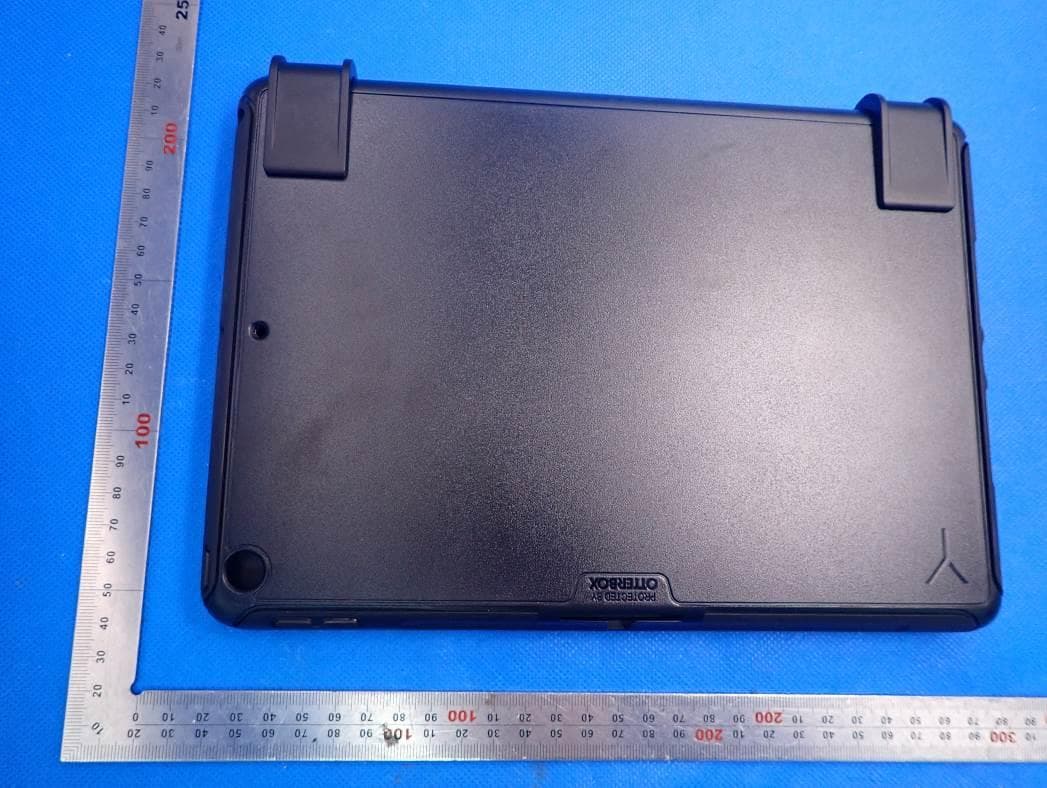
External Photos ALL VIEW OF EUT TOP VIEW OF EUT BOTTOM VIEW OF EUT FRONT VIEW OF EUT BACK VIEW OF EUT LEFT VIEW OF EUT RIGHT VIEW OF EUT VIEW OF EUT(PORT)
ID Label/Location Info
B A C D E 123 4 56 D C B A 765 4 321 7 TK0013(BRY7021)-Silver Brydge Technologies LLC. Designed in Park City, UT. Assembled in China. Model: BRY702, SKU: BRY7021, US Patent 9069527, Rated 5.0V 600mA max. FCC ID: 2ADRG-BRY702, IC: 24378-BRY702 XXX-XXXXXX 91.56mm62mm 245.12±0.15 174.72±0.15 This device complies with Part 15 of the FCC Rules. Operation is subject to the following two conditions: (1) this device may not cause harmful interference, and (2) this device must accept any interference received, including interference that may cause undesired operation.
Internal Photos
Internal Photos OPEN VIEW OF EUT VIEW OF BATTERY INTERNAL VIEW OF EUT-1 INTERNAL VIEW OF EUT-2 BT Antenna INTERNAL VIEW OF EUT-3 . INTERNAL VIEW OF EUT-4 . INTERNAL VIEW OF EUT-5 . INTERNAL VIEW OF EUT-6
Test Report
Page 1 of 46 FCC Test Report Report No.: AGC10658200702FE03 FCC ID : 2ADRG-BRY702 APPLICATION PURPOSE : Original Equipment PRODUCT DESIGNATION : Brydge 10.5 Go + BRAND NAME : BRYDGE MODEL NAME : BRY702 APPLICANT : BRYDGE GLOBAL DATE OF ISSUE : July 24, 2020 STANDARD(S) : FCC Part 15 Rules REPORT VERSION : V1.0 Attestation of Global Compliance (Shenzhen) Co., Ltd CAUTION: This report shall not be reproduced except in full without the written permission of the test laboratory and shall not be quoted out of context. Report No.: AGC10658200702FE03 Page 2 of 46 REPORT REVISE RECORD Report Version Revise Time Issued Date Valid Version Notes V1.0 / July 24, 2020 Valid Initial release Report No.: AGC10658200702FE03 Page 3 of 46 TABLE OF CONTENTS 1. VERIFICATION OF CONFORMITY .................................................................................................................. 5 2. GENERAL INFORMATION .............................................................................................................................. 6 2.1. PRODUCT DESCRIPTION ........................................................................................................................ 6 2.2. TABLE OF CARRIER FREQUENCY .......................................................................................................... 6 3. MEASUREMENT UNCERTAINTY ................................................................................................................... 7 4. DESCRIPTION OF TEST MODES ................................................................................................................... 8 5. SYSTEM TEST CONFIGURATION .................................................................................................................. 9 5.1. CONFIGURATION OF EUT SYSTEM ........................................................................................................ 9 5.2 EQUIPMENT USED IN TESTED SYSTEM ................................................................................................. 9 5.3. SUMMARY OF TEST RESULTS ................................................................................................................ 9 6. TEST FACILITY .............................................................................................................................................. 10 7. RADIATED EMISSION .................................................................................................................................... 11 7.1TEST LIMIT ................................................................................................................................................. 11 7.2. MEASUREMENT PROCEDURE ............................................................................................................. 12 7.3. TEST SETUP............................................................................................................................................ 14 7.4. TEST RESULT .......................................................................................................................................... 15 8. BAND EDGE EMISSION ................................................................................................................................ 22 8.1TEST LIMIT ................................................................................................................................................ 22 8.2. MEASUREMENT PROCEDURE ............................................................................................................. 22 8.3 TEST SETUP............................................................................................................................................. 22 8.4 TEST RESULT ........................................................................................................................................... 23 9. 20DB BANDWIDTH ........................................................................................................................................ 31 9.1. MEASUREMENT PROCEDURE ............................................................................................................. 31 9.2. TEST SET-UP (BLOCK DIAGRAM OF CONFIGURATION) .................................................................... 31 9.3. MEASUREMENT RESULTS .................................................................................................................... 32 10. FCC LINE CONDUCTED EMISSION TEST ................................................................................................ 36 10.1. LIMITS OF LINE CONDUCTED EMISSION TEST ................................................................................ 36 10.2. BLOCK DIAGRAM OF LINE CONDUCTED EMISSION TEST .............................................................. 36 10.3. PRELIMINARY PROCEDURE OF LINE CONDUCTED EMISSION TEST ........................................... 37 Report No.: AGC10658200702FE03 Page 4 of 46 10.4. FINAL PROCEDURE OF LINE CONDUCTED EMISSION TEST .......................................................... 37 10.5. TEST RESULT OF LINE CONDUCTED EMISSION TEST .................................................................... 37 APPENDIX A: PHOTOGRAPHS OF TEST SETUP .......................................................................................... 38 APPENDIX B: PHOTOGRAPHS OF THE EUT ................................................................................................. 39 Report No.: AGC10658200702FE03 Page 5 of 46 1. VERIFICATION OF CONFORMITY Applicant BRYDGE GLOBAL Address 1912 Sidewinder Dr#104, Park City, Utah United States 84060 Manufacturer BRYDGE TECHNOLOGIES LLC Address 1912 Sidewinder Dr#104, Park City, UT 84060 U.S.A Factory DONGGUAN MAE TAY ELECTRONIC CO., LTD. Address Beihuanlu Industrial Area, Changping Town, Dongguan, Guangdong, 523560, P.R.C. Product Designation Brydge 10.5 Go + Brand Name BRYDGE Test Model BRY702 Date of test July …
Text truncated - open the document above for the full version.
Test Setup Photos
Test Setup Photos RADIATED EMISSION TEST SETUP BELOW 1GHZ RADIATED EMISSION TEST SETUP ABOVE 1GHZ
Contact Information
Applicant
Nicholas Smith
Technical Contact
Test Firm
Attestation of Global Compliance (Shenzhen) Co., LDoris Li
[email protected]+86-755-25234088
Technical Specifications
| # | Rule Parts | Frequency Range | Power Output |
|---|---|---|---|
| 1 | 15C | 2.40 GHz - 2.48 GHz | - |
Other Applications from BRYDGE GLOBAL
2ADRG-BRY801K
Feb 28, 2021Bluetooth Wireless keyboard
Equipment Class
DXX - Part 15 Low Power Communication Device Transmitter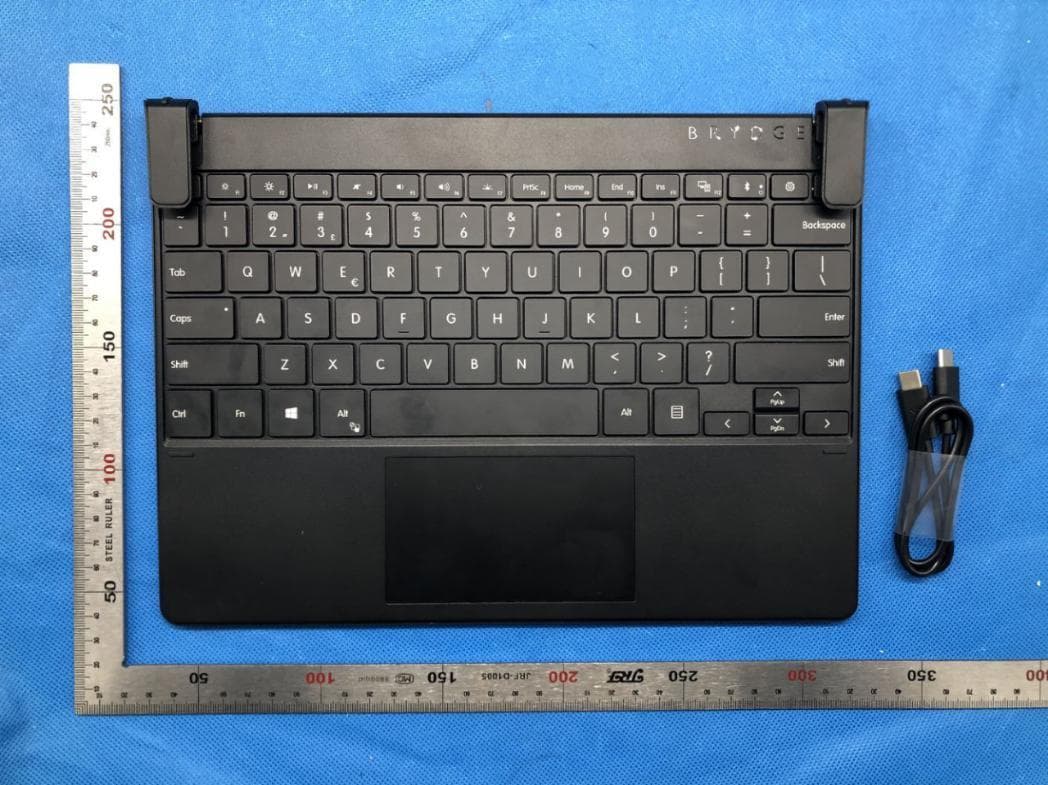
2ADRG-BRY703
Dec 29, 2020Bluetooth Keyboard
Equipment Class
DTS - Digital Transmission System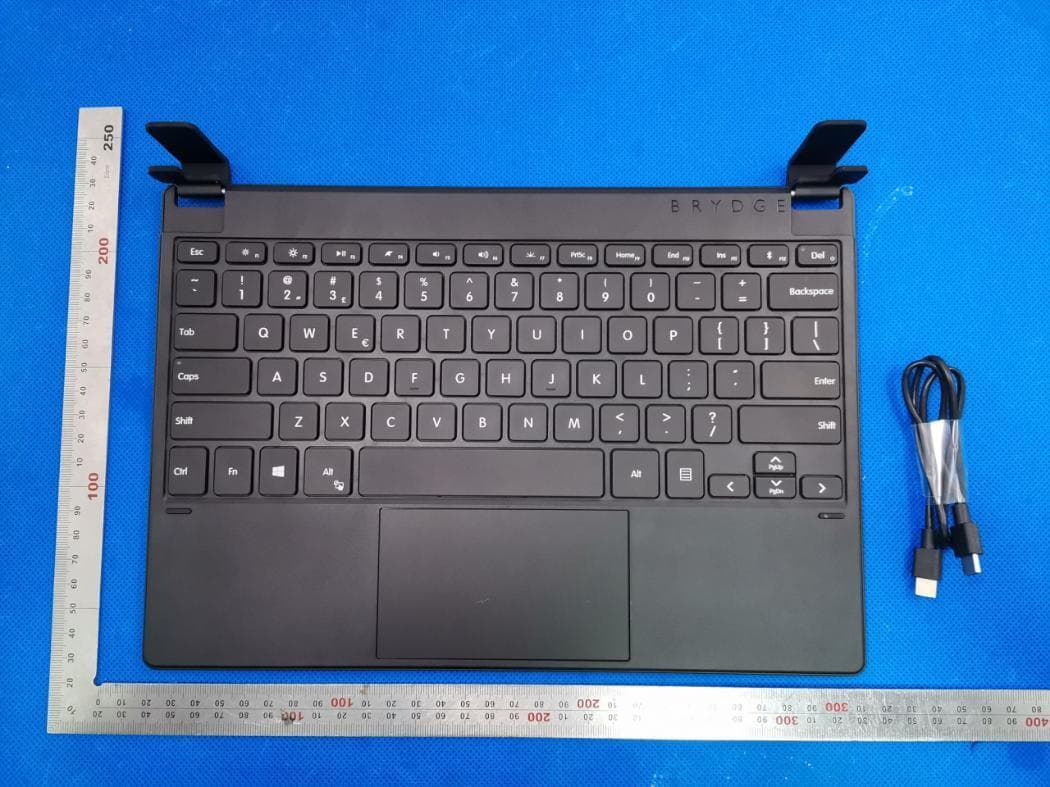
2ADRG-BRY7011
Aug 25, 2020Bluetooth Keyboard
Equipment Class
DXX - Part 15 Low Power Communication Device Transmitter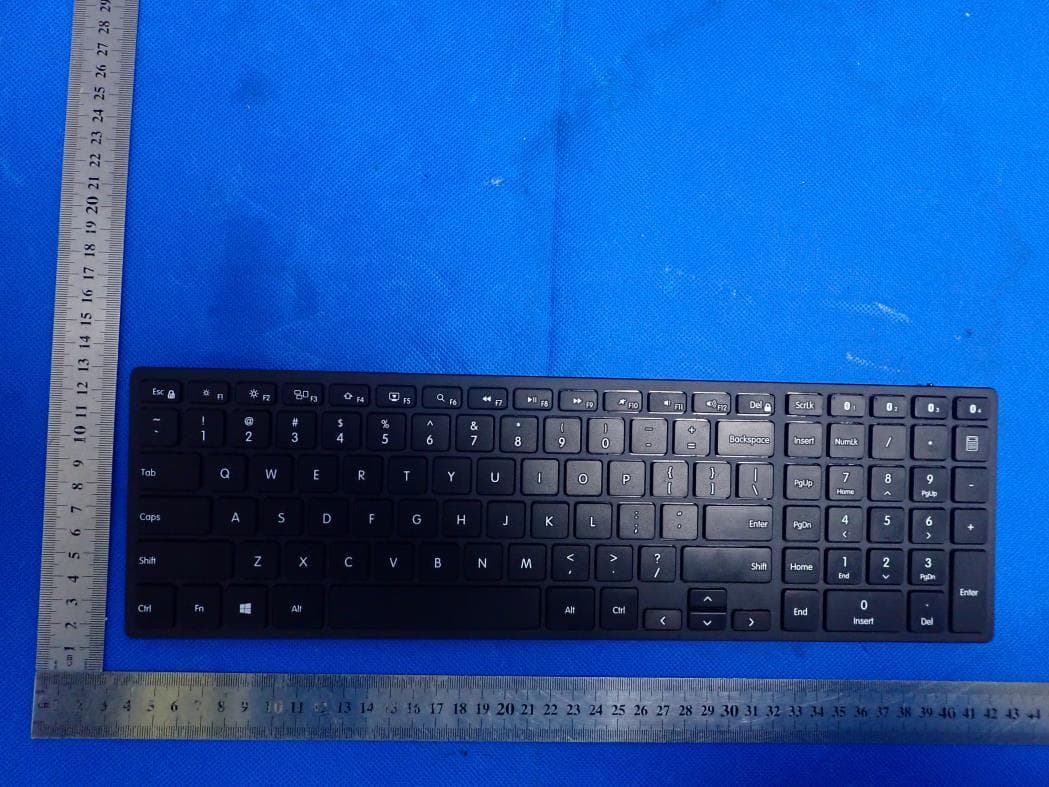
2ADRG-BRY7301
Aug 23, 2020Bluetooth keyboard
Equipment Class
DTS - Digital Transmission System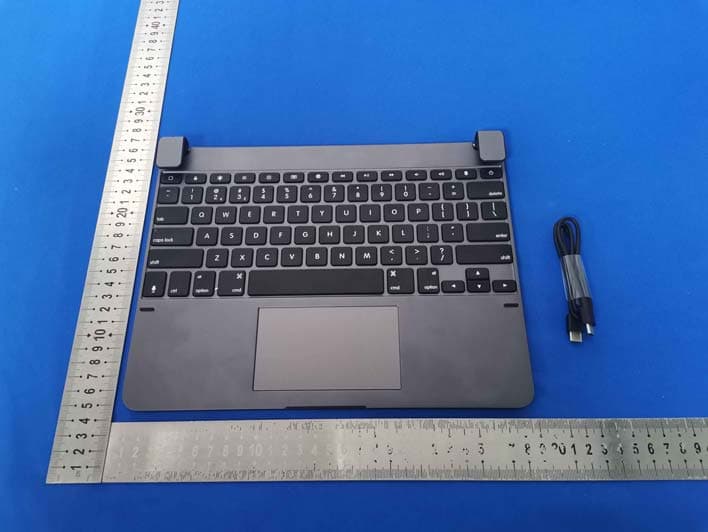
2ADRG-BRYTP602N
Jul 23, 2020Bluetooth Keyboard
Equipment Class
DTS - Digital Transmission System